
How to Dub a Video in Another Language for Free (2026 Guide)
Step-by-step: translate, dub, and lip-sync any video into 100+ languages without paying a cent — using AI tools creators actually use in 2026.
TL;DR: The fastest way to dub a video in another language for free in 2026 is to upload it to Braiv Dubbing, pick your target languages, and export. No voice actors, no manual sync, no monthly subscription on On Demand (use starter AI Credits; add a card for downloads & publishing). Skip to the 4-step workflow below.
Dubbing used to be gatekept. You needed a studio, voice actors per language, an audio engineer to match the lip flaps, and a budget somewhere between “that hurts” and “that’s a down payment.” In 2026, none of that is true anymore.
AI dubbing is good enough now that creators, podcasters, educators, and even indie filmmakers are localizing their entire back catalog into 10+ languages in an afternoon — for free. If you’ve been sitting on a library of English-only videos while 80% of the global audience scrolls past them, this guide is the nudge.
Below are the best free AI dubbing tools of 2026, what each one is actually good at, and a simple 4-step workflow to go from monolingual to multilingual without spending a cent.
1. Braiv - The Fastest Free Dubbing Workflow
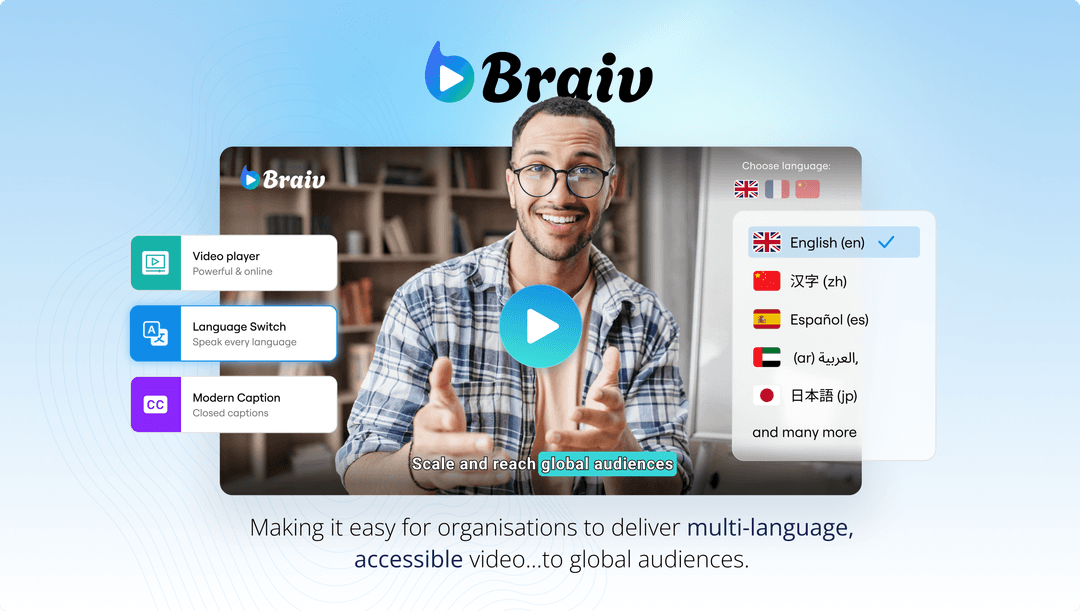
Braiv is the only platform on this list that handles translation, voice cloning, lip sync, and multi-channel publishing on On Demand. Upload a video, pick up to 100+ target languages, and export studio-grade dubbed files — or publish them directly to YouTube and your socials.
What makes Braiv the default pick for creators in 2026 is that Braiv Dubbing clones your actual voice across every language, so your German dub still sounds like you and not a generic AI reader. It also pairs with Braiv Connect to auto-generate SEO-optimized titles and descriptions in each target language, which is how you actually get discovered by the non-English audience you just unlocked.
Best for: creators and studios who want to dub once and ship everywhere without touching a timeline.
2. HeyGen - Avatar-First Dubbing
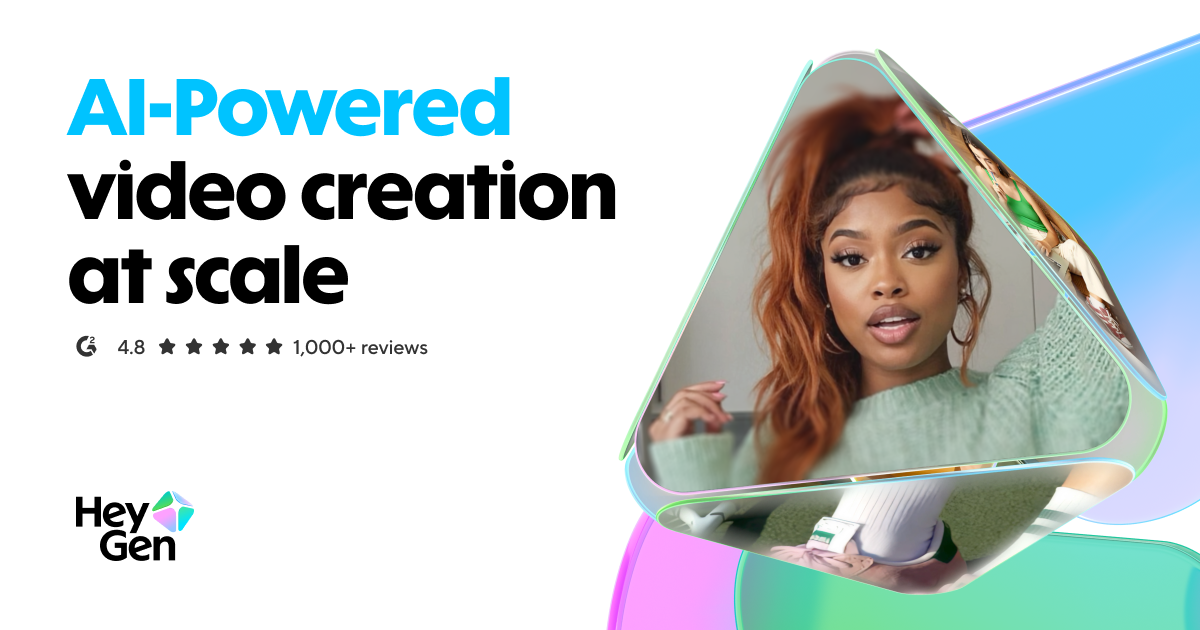
HeyGen’s free tier lets you translate a short clip and returns a lip-synced dub with reasonable voice quality. It leans heavily toward AI avatar content, so if your video is a talking-head explainer or a pitch, HeyGen’s lip-sync tends to look clean.
The downsides: the free tier is tightly capped on minutes and watermarks the output. You’ll also find the voice cloning less expressive than dedicated dubbing tools, and localization of surrounding metadata (titles, descriptions) isn’t part of the flow — you handle that yourself.
3. Rask AI - Translation Accuracy
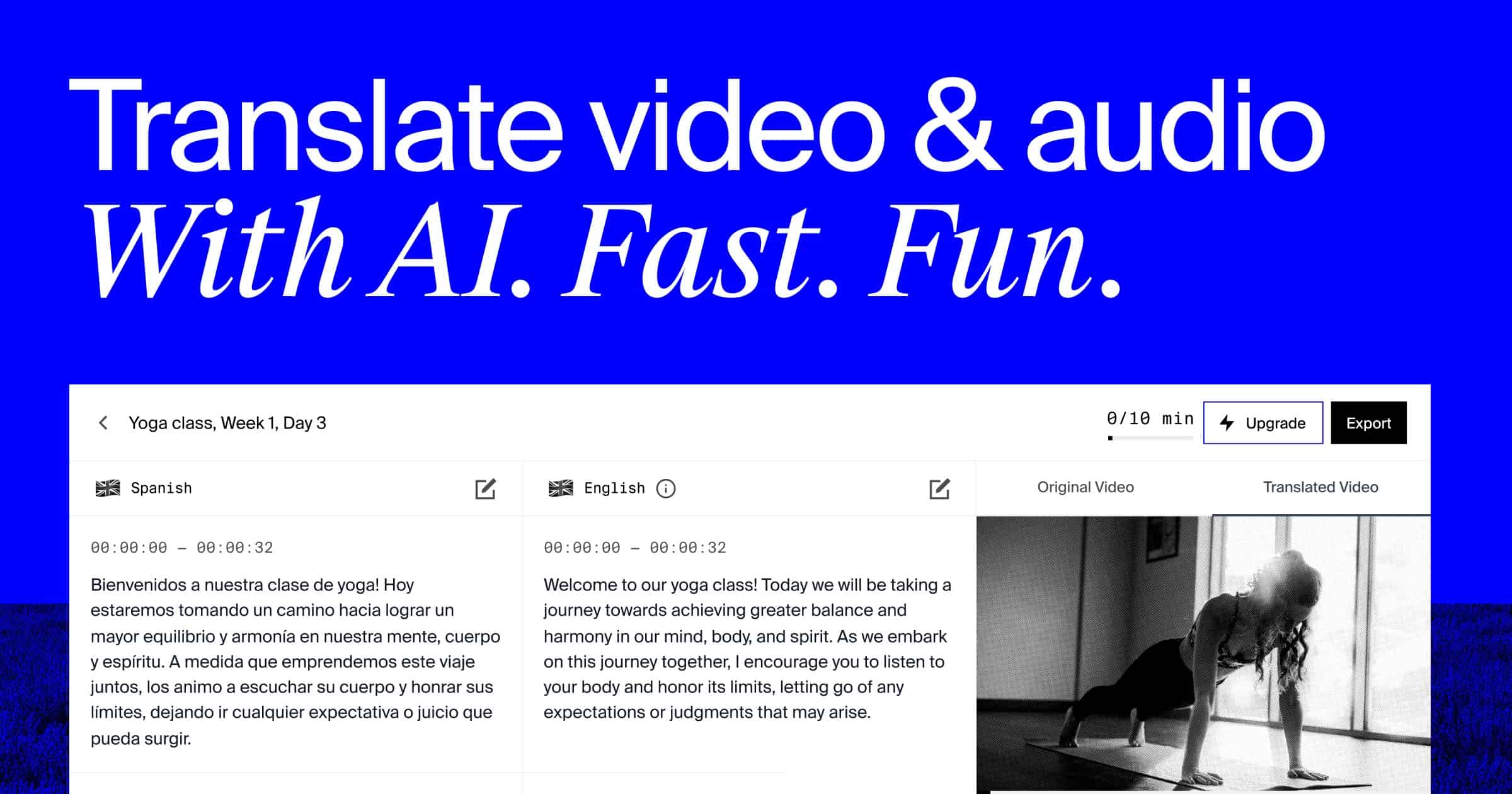
Rask is one of the more accurate translators in the AI dubbing space. It supports 130+ languages and has solid handling of technical vocabulary, which matters if you’re dubbing tutorials, course content, or anything with industry jargon.
The free trial lets you test a short video, but sustained free use isn’t really the product here — expect to upgrade if you want to dub anything longer than a minute. Lip sync is available but gated behind paid tiers.
4. CapCut - Mobile-Native Dubbing
If you edit on your phone, CapCut has baked AI translation and text-to-speech voiceovers directly into the mobile app. It’s free and surprisingly fast for short-form content, especially YouTube Shorts and TikToks where perfect lip sync matters less than speed.
The voice quality is synthetic rather than cloned — fine for captions-on viewers, noticeably robotic for long-form listeners. Best used as a quick stopgap for Shorts rather than your main dubbing pipeline.
5. ElevenLabs - Best-in-Class Voice Quality
ElevenLabs’ free tier gives you a limited credit pool for generating extremely realistic voiceovers in dozens of languages. The voice quality is genuinely unmatched — if a single line needs to sound human, this is the tool.
The catch is that ElevenLabs is a text-to-speech engine first, not a video dubbing platform. You’ll need to manually transcribe, translate, generate the audio clip-by-clip, and stitch it back into your video. Great for perfectionists with one hero video; painful if you have a catalog.
The 4-Step Free Dubbing Workflow
Here’s the exact process to dub a video in another language for free, using Braiv as the default (skip to step 3 if you’re cobbling together the tools above):
Step 1 — Upload your source video. Drop your MP4/MOV into Braiv. Keep the original as a master copy so you can re-export at any time.
Step 2 — Pick your target languages. Start with the three biggest audiences for your niche. Spanish, Portuguese (Brazilian), and Hindi alone cover over 1.3 billion potential viewers. You can always add more later.
Step 3 — Let the AI clone your voice and translate. Braiv transcribes the original, translates the script, clones your voice, and generates each dub automatically. Optional lip-sync is a one-click toggle.
Step 4 — Export and publish. Download the dubbed video files, or one-click publish to YouTube’s multi-language audio track feature so a single video serves every audience from one URL.
How to Pick the Right Free Tool
- Talking-head YouTube content with a back catalog → Braiv. Voice cloning + multi-language publishing makes it the highest-leverage choice.
- One polished hero video where voice acting matters → ElevenLabs for audio, then stitch in your editor.
- Avatar-style explainers or pitch videos → HeyGen.
- Vertical Shorts / TikToks → CapCut, mobile-first.
- Technical tutorials / course content → Rask for translation accuracy.
Final Thoughts
“Free” used to mean “good enough to demo, not good enough to ship.” In 2026 that’s flipped — the free tiers of modern AI dubbing tools are actually production-grade, especially if you pick the right one for your format. For most creators, the simplest and highest-quality path is to let Braiv handle the full stack: translation, realistic voice cloning, optional lip sync, and direct publishing. Dub once, reach the other 80% of the planet, and you’re done. 🎬🌍
Try Braiv Video Dubbing
Translate your content into 80+ languages with realistic AI voices.