
Best Auto Thumbnail Generator from Video: Say Goodbye to Canva
Learn how to instantly generate eye-catching, high-CTR thumbnails directly from your video frames on upload using AI.
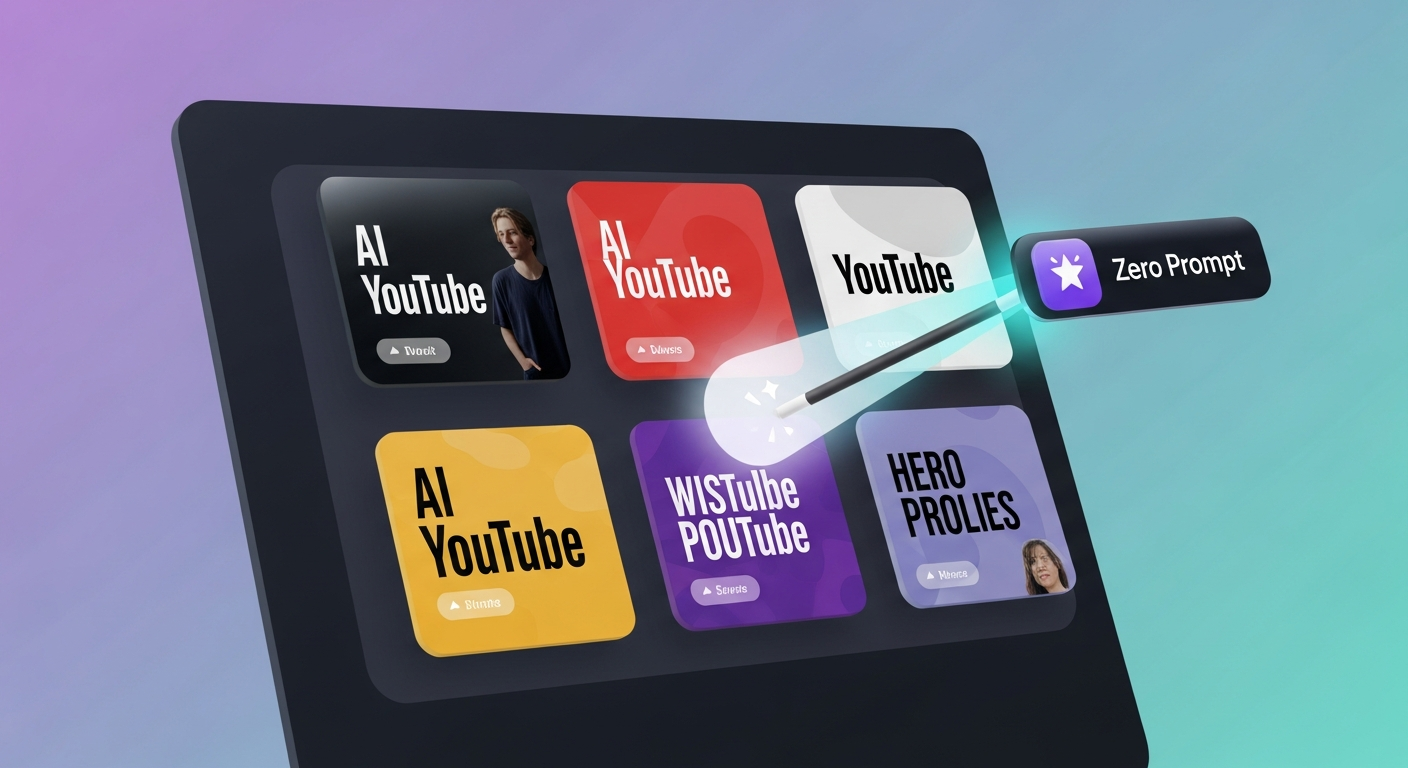
TL;DR: Designing custom thumbnails manually is a major bottleneck for modern creators. By utilizing an AI-powered auto thumbnail generator from video like Braiv Thumbnails, you can automatically extract high-potential video frames, overlay typography, and launch optimized visual assets on complete autopilot.
What is an auto thumbnail generator from video?
An auto thumbnail generator from video is an AI-powered tool that analyzes your video content, automatically extracts the most engaging and high-retention frames, and styles them with high-CTR elements (such as text overlays and brand colours) to create high-quality YouTube thumbnails without any graphic design skills or prompts.
The Creative Bottleneck: Graphic Design Grind
For digital creators, digital agencies, and social media managers, the video editing process is only half the battle. Once your video is finalized, you enter the tedious packaging stage: opening graphic design software like Canva or Photoshop, grabbing screenshots of your video, manually removing backgrounds, applying filters, and trying to design high-click-through-rate (CTR) thumbnails from scratch.
This graphic design bottleneck limits your velocity. When you are publishing daily or running multiple localized channels, spending 30 to 45 minutes crafting a single thumbnail is unsustainable. That is why the industry has shifted to automated, end-to-end video packaging pipelines.
What is an Auto Thumbnail Generator from Video?
An auto thumbnail generator from video is an AI-driven tool that eliminates the prompt-writing and design grind. Instead of asking you to type complex text prompts or manipulate layers, the AI directly analyzes the visual frames, composition, and emotional resonance of your uploaded video.
By combining computer vision with CTR prediction algorithms, modern platforms like Braiv do the heavy lifting automatically.
1. Zero-Prompt Visual Selection
The AI scans your entire video file to isolate frames with high engagement potential—looking for expressive human faces, action shots, and clean focal compositions. No manual screen-grabbing required.
2. Automated Brand Overlay
Once a high-potential frame is isolated, the AI automatically applies text overlays, viral highlights, and your saved brand templates to generate multiple ready-to-use options.
3. Integrated Dynamic A/B Testing
Instead of uploading one static thumbnail, advanced publishing networks use automated pipelines to queue multiple thumbnail variants, letting platforms dynamically display the highest-performing visual asset to different viewer cohorts.
Comparing the Top Design Workflows
To scale your publishing empire, you must choose the right tool for your design velocity.
1. Braiv Thumbnails
Braiv Thumbnails is the gold standard for zero-prompt visual packaging. As part of Braiv’s unified platform, it automatically generates localized high-CTR thumbnails directly from your video on upload. It perfectly integrates with Braiv Connect for multi-channel auto-publishing.
2. Canva
Canva is an exceptional graphic design suite with thousands of pre-made templates. However, Canva is a manual point-solution. It cannot analyze your video file automatically, extract natural frames, translate your text overlays dynamically, or auto-publish your packaged assets to YouTube.
3. Snappa

Snappa is a fast, web-based tool for creating online graphics. Like Canva, it remains a purely manual editor that requires you to upload your own screenshots, write your own text, and manually download files before uploading them to your social media channels.
Actionable Tips for Automating Your Packaging
- Leverage Video Frames Directly: Real video frames build higher authenticity and click-through trust than generic stock images.
- Setup Scored Brand Templates: Connect your brand colors and font presets so your automated thumbnails remain visually recognizable across all platform algorithms.
- Automate the Localized Versioning: Translate visual text overlays concurrently when localizing your video metadata to capture native-language search trends.
Generate AI Thumbnails
Create click-worthy YouTube thumbnails directly from your video.