
How to Translate a Podcast on Spotify (2026 Guide)
From Spotify's built-in auto-translated subtitles to true AI voice-cloned dubs — here is every working way to translate a Spotify podcast in 2026.
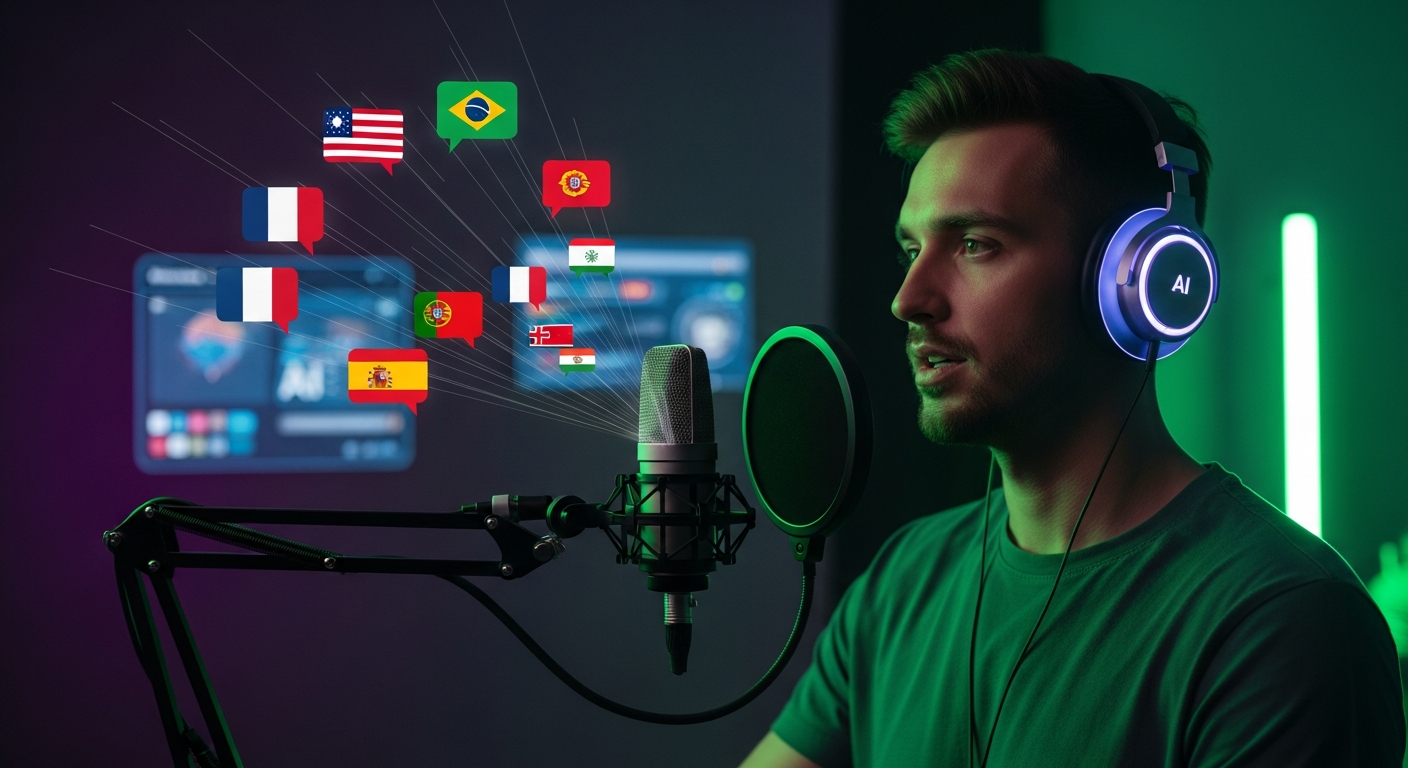
Spotify is where 600M+ listeners discover podcasts — and the vast majority of shows are still only published in one language. If you want to compound your growth in 2026, translating your podcast on Spotify is the single highest-leverage move you can make. Here is exactly how to do it, whether you want to use Spotify’s native tools or deploy a full AI voice-cloned dub.
1. What Spotify Actually Supports Natively
Before jumping to third-party tools, it’s worth knowing what Spotify does out of the box.

- Auto-generated transcripts: Spotify automatically creates word-level transcripts for most podcasts. Listeners can read along and translate the text using their phone’s browser or copy-paste it into a translator.
- Voice Translation (limited beta): In 2023 Spotify piloted an AI voice translation feature with select shows (Dax Shepard, Lex Fridman, etc.) that dubs episodes in Spanish, French, and German using the host’s cloned voice. It is not yet generally available to independent podcasters.
- Language metadata: You can specify a primary language per show in Spotify for Podcasters, which influences discovery.
The practical takeaway: Spotify can help listeners read your podcast in another language, but if you want them to hear it in their language, you need to do the dub yourself and upload it as its own show.
2. The Fastest Method: AI Voice Cloning with Braiv
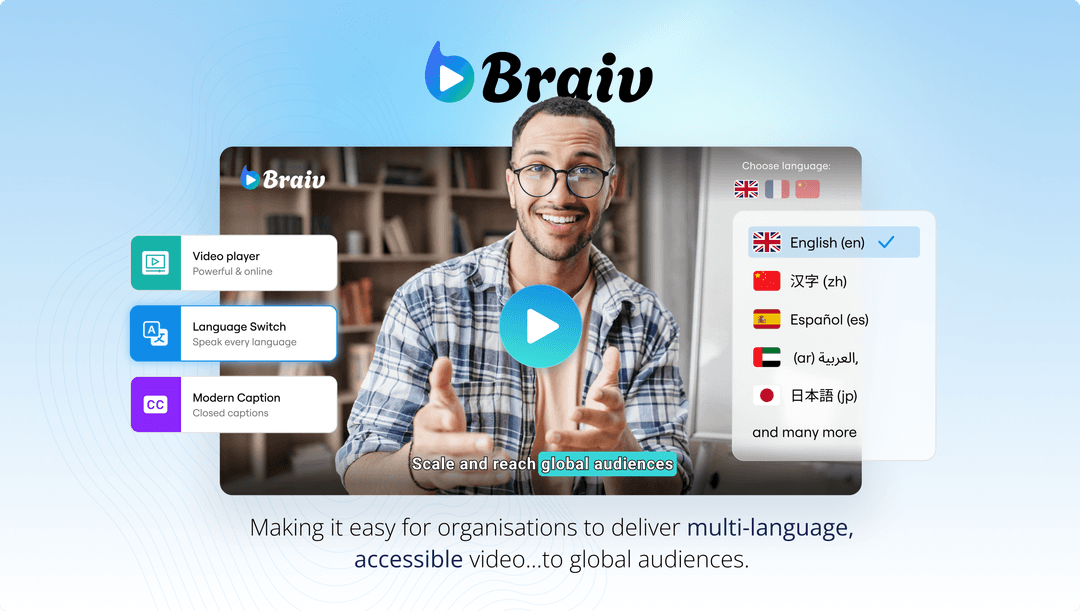
This is the workflow we recommend for 95% of podcasters. Braiv’s AI Dubbing clones your exact voice once, then re-renders every episode in 80+ languages while preserving your cadence, timing, and emotion.
The 4-step workflow:
- Upload your episode (MP3, WAV, MP4, or MOV) to Braiv.
- Clone your voice once using a 30-second sample — every future episode reuses the same voice profile.
- Select target languages — Spanish, Portuguese, Hindi, German, French, Japanese, and 45+ more.
- Download the translated audio and publish it to Spotify as a new localized show.
Because Braiv also auto-generates SEO-optimized titles and descriptions in the target language, the translated show ranks in local Spotify search from day one. Pair it with the Braiv Compressor to shrink the final master file by up to 75% before uploading to your host — critical if you’re publishing in 5+ languages.
3. Using Descript for Transcript-First Translation
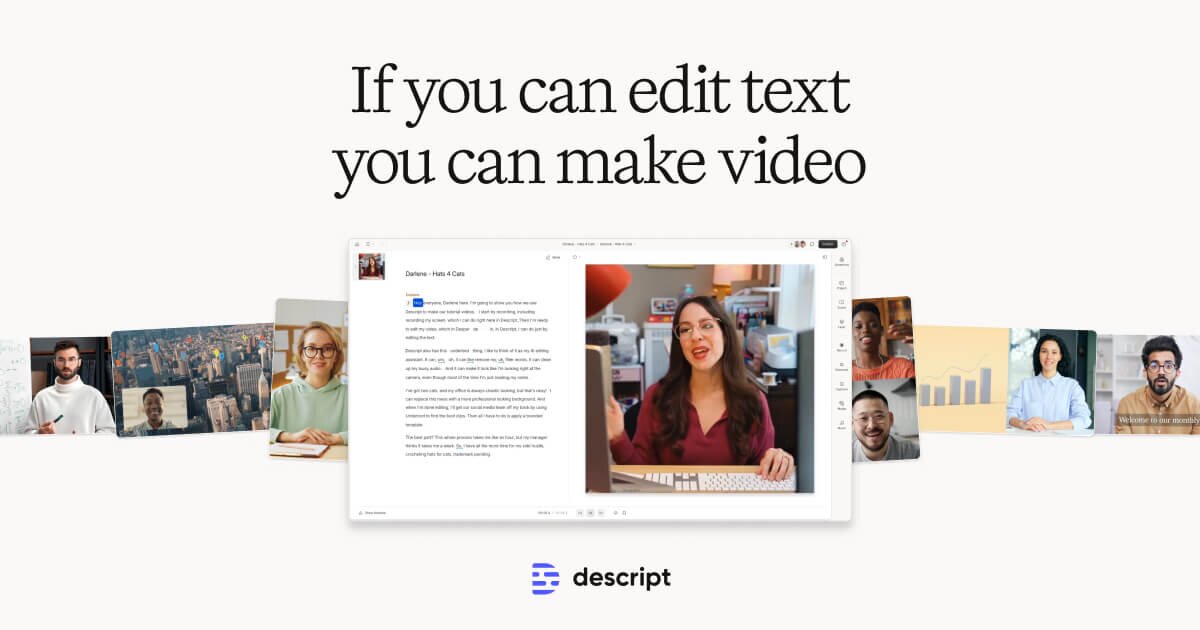
Descript is the industry-standard podcast editor and a solid option if you already edit in it. Its “Overdub” feature can clone your voice for corrections, and you can export transcripts that you feed into a translation service. The limitation: Descript doesn’t translate the full episode end-to-end — you’d still need to regenerate each translated line manually with Overdub, which is slow for full episodes. Best for podcasters who want editorial control over every sentence.
4. Using ElevenLabs Dubbing for Audio-Only Shows
ElevenLabs offers a powerful standalone dubbing product that works well for pure audio podcasts. Voice clones are excellent, but the workflow is more engineering-heavy: you upload a file, it returns a translated file, and you manage exports/uploads yourself. No built-in SEO metadata, no show-level dashboards, and no native connection to your video version if you publish a video podcast. Great as a raw API; less ideal as an end-to-end podcast localization workflow.
5. Using HeyGen for Video Podcasts
If you record a video podcast that you publish to both YouTube and Spotify, HeyGen offers AI lip-sync dubbing that re-animates the speaker’s mouth to match the translated audio. Excellent for the YouTube version, but for Spotify you only need the audio track — meaning you’re paying for a video-first feature you won’t use. Better to use Braiv, which covers both audio and video from one upload.
6. Using Rask for Quick Turnarounds
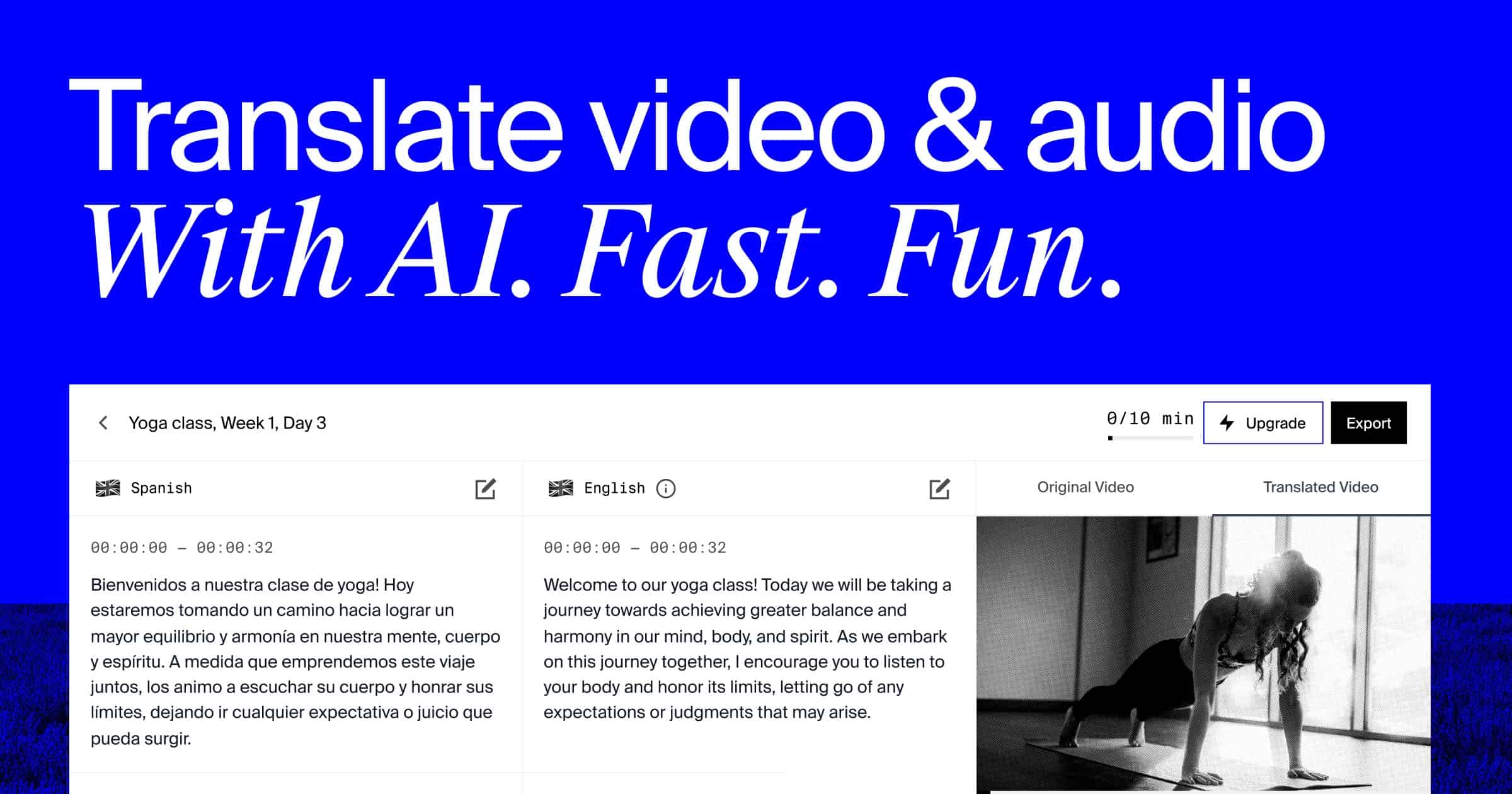
Rask is a solid translator-first tool with 130+ languages. Voice cloning works, but editing timing is less polished than Braiv or ElevenLabs, and there is no podcast-specific distribution help — so you still need to handle the Spotify upload, metadata translation, and artwork yourself.
7. How to Publish the Translated Episode on Spotify
Once you have the translated audio file, publishing it correctly on Spotify is its own SEO move.
Option A — Single show, multiple episodes: Upload each translated episode to the same show with the language in the title (e.g., [Español] Episodio 42 -...). Fastest to set up, but dilutes the feed.
Option B (recommended) — One localized show per language: Create a separate RSS feed per language using a host like Buzzsprout or Transistor. Submit each feed to Spotify for Podcasters with:
- A localized title (e.g., “My Podcast en Español”)
- A localized description with keywords in the target language
- The correct
<language>tag in the RSS feed (e.g.,es-ES,pt-BR) - Localized cover artwork
Option C — Spotify’s native “Voice Translation” when it rolls out: If you’re ever invited into Spotify’s beta, it will auto-generate a parallel language version within the same show. Until then, Option B gives you 95% of the same result and full control over distribution.
8. The SEO Layer: Don’t Forget Your Show Notes
Translated audio only captures half the discovery surface on Spotify. The other half is show-note SEO. For every translated episode:
- Re-translate your show description with the primary keywords for that language market.
- Include 3–5 long-tail keywords (e.g., cómo escuchar podcasts en español, podcast traducido al portugués).
- Mirror your episode chapters/timestamps in the target language.
- Use Spotify’s transcript view to your advantage — the transcript is indexable by search engines, so translated audio = translated transcript = translated keywords.
Conclusion
You don’t need Spotify to officially enable translation for you. The podcasters winning in 2026 are the ones treating every language as its own show: cloned voice, localized metadata, and a dedicated RSS feed per market. Start your first translated episode with Braiv — upload once, clone your voice once, and publish to every Spotify market on the same day.
Try Braiv Video Dubbing
Translate your content into 80+ languages with realistic AI voices.