早期アクセス Braiv キャプチャ のウェイティングリストがオープンしました。一度録画するだけで、あらゆる言語でサポート動画を公開できます。

Braiv Player vs YouTube

Braiv対YouTube:サイト上での ブランド表示付き多言語再生

YouTubeは世界中に配信します。 Braivはあなたのサイトで、ブランド表示付き、広告なし、多言語で配信します。

世界中の10万人以上のクリエイター、ポッドキャスター、企業に信頼されています
BraivをAI動画制作に信頼するクリエイターとチーム
domaine homes logo
puma logo
tesla logo
micd-up logo
antler logo
canva logo
thirdi logo
screenapp logo
anchored outdoors logo
domaine homes logo
puma logo
tesla logo
micd-up logo
antler logo
canva logo
thirdi logo
screenapp logo
anchored outdoors logo
徹底比較

Braiv Player and YouTube, row by row

Every row is something buyers ask before choosing. Where YouTube is genuinely stronger, the table says so — including distribution, which Braiv does not replace.

機能 Braiv Player YouTube
Public distribution & discovery 利用不可 Category-defining
SEO & social reach 利用不可 利用可能
Branded, customizable on-site player 利用可能 YouTube chrome
Ad-free playback on your domain 利用可能 Ads / recommendations common
AI caption translation (80+ languages) 利用可能 Community / manual tracks
Voice cloning for multilingual dubs 利用可能 利用不可
Live language switch in one embed 利用可能 Separate uploads / tracks
List pricing from $12 / $35 / $70 Free / YouTube pricing
結論

どちらを選ぶべき?

YouTube wins distribution. Braiv wins branded multilingual playback on your site.

Choose Braiv Player if

  • You need an ad-free, branded embed on your site or LMS
  • Viewers must switch languages without leaving your page
  • Localization and brand control matter more than public reach

Stick with YouTube if

  • Public discovery and distribution are the job
  • You need YouTube’s audience, SEO and social graph
Braivが優れている点

The three capabilities buyers switch for

Distribution is where YouTube is unmatched. These are the on-site playback capabilities Braiv is built for.

01

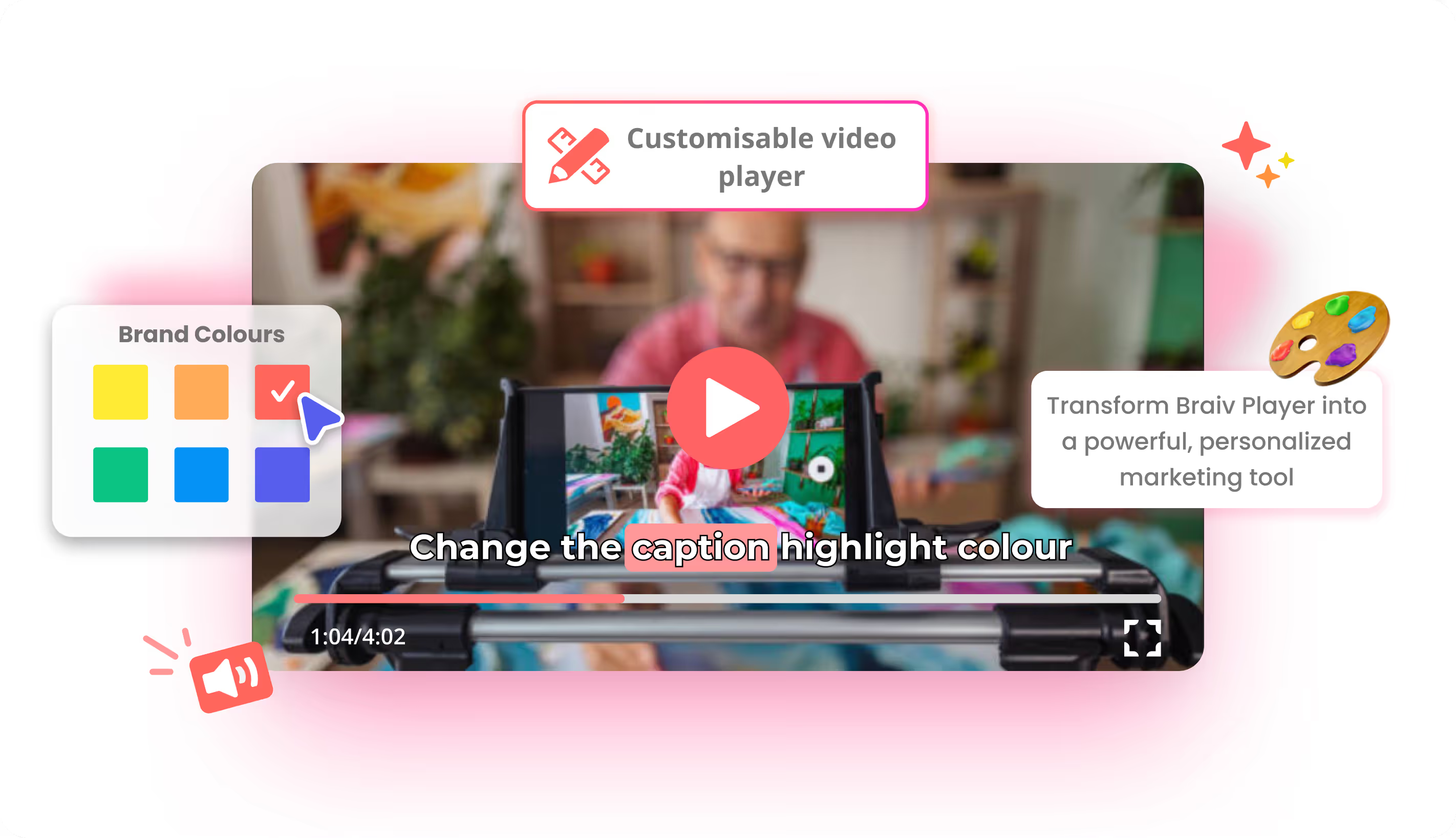
A branded, customizable player — not a YouTube embed

A YouTube embed brings YouTube’s chrome, recommendations and often ads. Braiv Player matches your brand colors and logo, stays ad-free, and keeps viewers on your page — the right control for product, training and marketing sites.

  • Your brand colors
  • Ad-free playback
  • Stays on your site
もっと詳しく
02

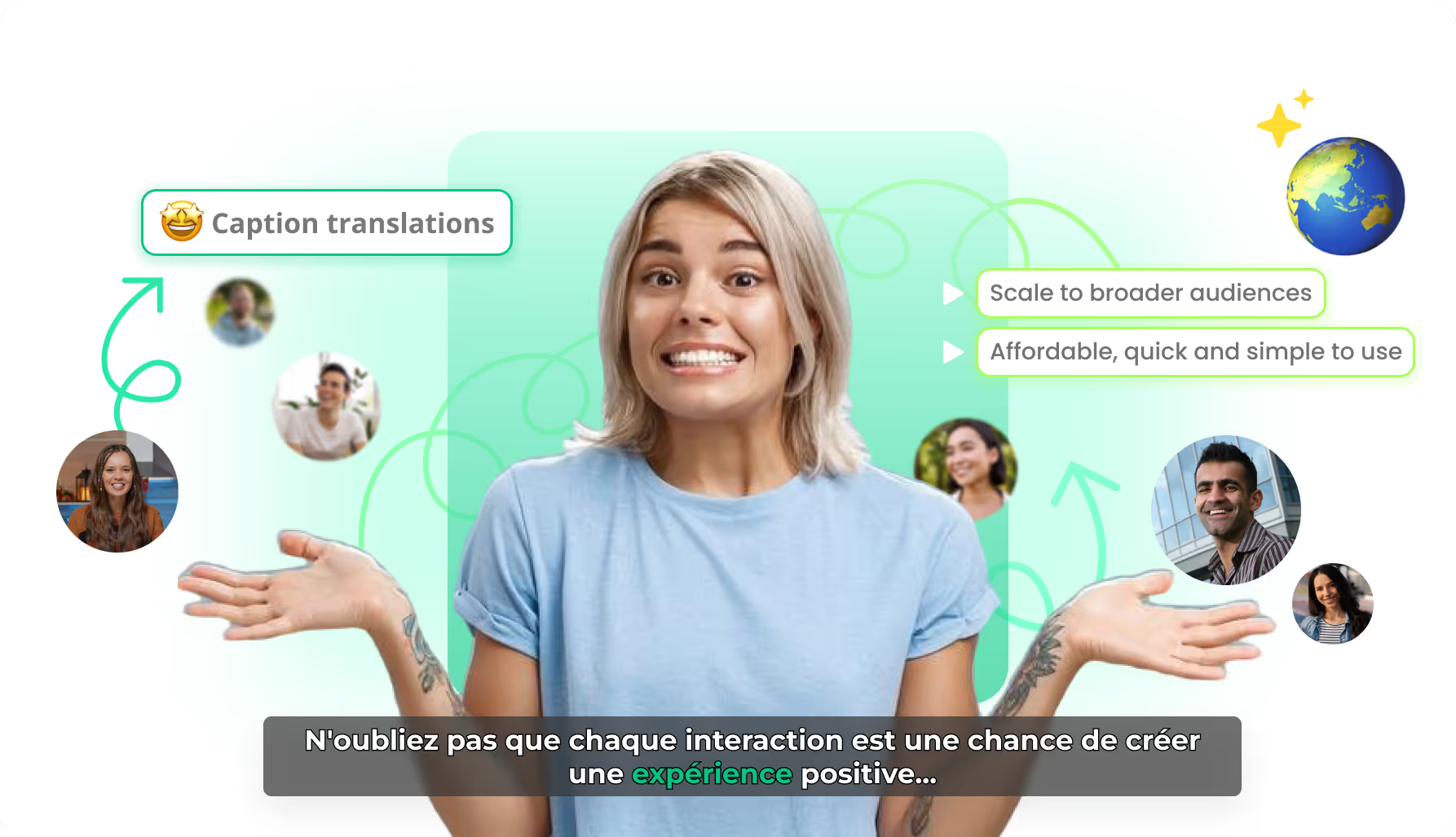
Caption translation for every market you embed into

YouTube can host many languages; Braiv localizes the caption layer for the videos you control on your own properties. Translate into 80+ languages while timing stays intact, so one embed package serves multilingual sites and LMS modules.

  • 80+ languages
  • Timing preserved
  • Site & LMS ready
もっと詳しく
03

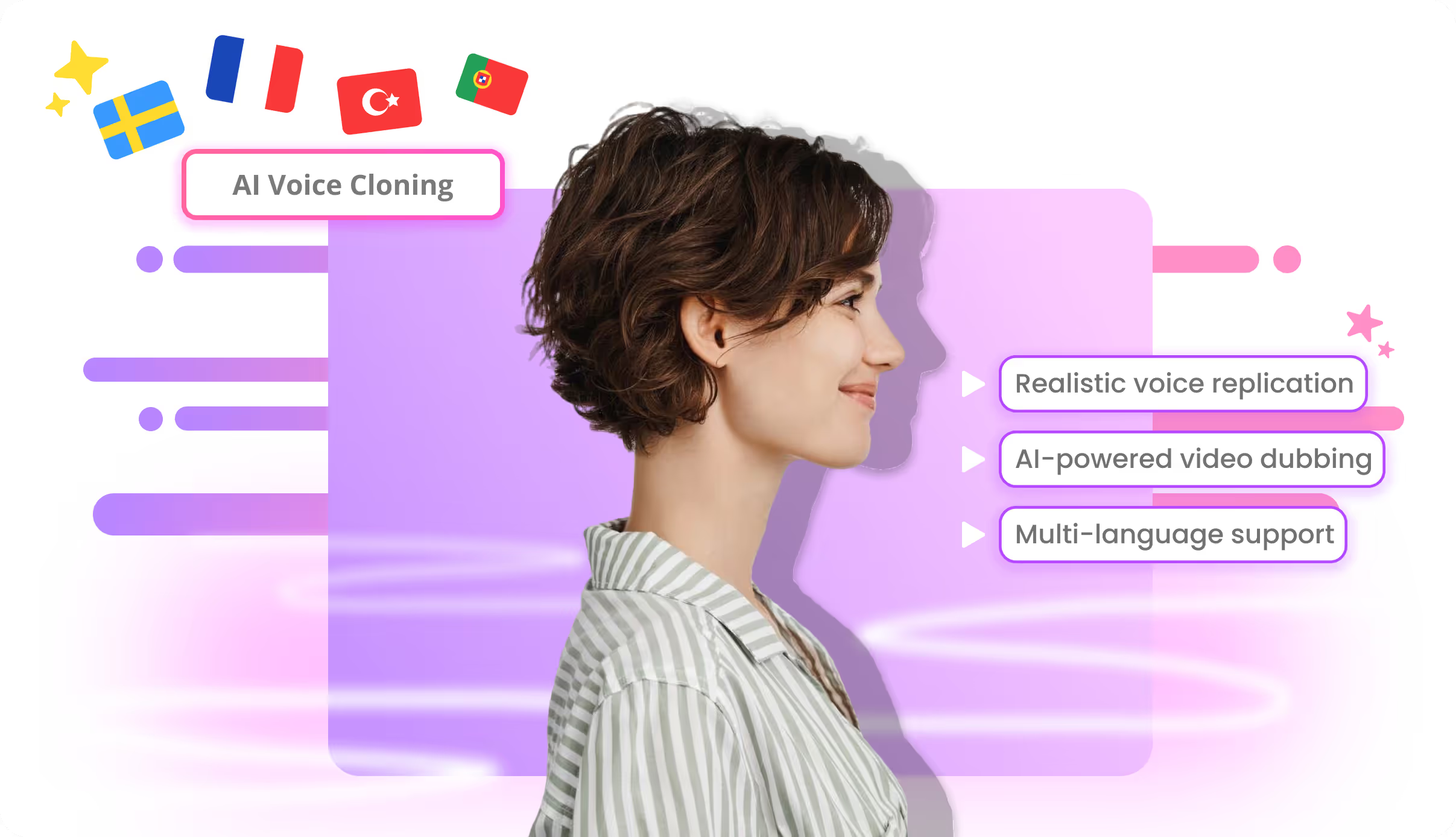
Voice cloning so dubbed tracks still sound like you

Public distribution is YouTube’s job. On your site, Braiv clones the speaker for multilingual dubbing so training and product video keep a consistent voice across languages — not a different stock narrator per market.

  • Speaker continuity
  • Multilingual dubs
  • Brand-consistent voice
もっと詳しく
詳細

さらに詳しく

2つの異なるジョブ – 混同しないでください

YouTubeは配信プラットフォームです。発見、SEO、ソーシャルグラフ、オープンウェブの視聴者 – あなたの質問が「この動画はどのように見つけられるのか」であれば、YouTubeが勝ちであり、Braivもそれに異議を唱えるものではありません。

Braiv Player は、あなたのウェブサイト、製品、またはLMSといった別のサーフェス向けです。ブランド化されたクローム、学習者を遠ざける広告なし、多言語でのキャプションとダビングされた音声、視聴者が1つの埋め込み内で言語を切り替えることができます。それはあなたがコントロールできる再生であり、YouTubeのリーチの代替ではありません。

あなたのサイトでのブランド化された再生

YouTubeの埋め込みは、YouTubeのプレイヤー、レコメンデーション、そしてしばしば広告をもたらします。トレーニングモジュール、製品ツアー、マーケティングページにとって、そのクロームは間違ったブランドです。

Braiv Playerは、あなたの色とロゴに一致し、広告なしで、埋め込んだコンテンツに注目を集め続けます。キャプション翻訳とボイスクローンされたダビングと組み合わせることで、1つのパッケージがドメイン内で提供するすべての言語に対応します。

市場ごとにファイルを用意することなくローカライズ

公開プラットフォームは多くのアップロードをホストできます。あなたのサイトでは、通常、言語ごとに別々のエクスペリエンスを維持するコストがかかります。Braivは、翻訳されたキャプションとクローンボイスのダビングを1つのプレイヤーパッケージに保持するため、グローバル配信がグローバルなファイルのスプロールを意味しません。

YouTubeとBraivを組み合わせて使用する

ほとんどの真剣なチームはそうすべきです。YouTubeは配信と発見のため。Braiv Playerは、所有するプロパティでのブランド化された多言語エクスペリエンスのため。どちらか一方を選択するのは、そのジョブが明確にどちらか一方である場合にのみ意味があります。

オンサイトの多言語再生がギャップである場合は、Braiv Playerから始めるか、まずプランと制限を比較してください。

よくある質問

よくある質問

Does Braiv replace YouTube as a distribution platform?
No. YouTube is the public distribution and discovery platform, and Braiv does not replace that role. Braiv Player is for branded, ad-free, multilingual playback on your website or LMS — a different job from reaching YouTube’s audience.
When should I use Braiv instead of a YouTube embed?
Use Braiv when you need brand control, no ads or suggested videos, and live language switching for learners or customers on your own domain. Keep YouTube when discovery, SEO and social distribution are the goal.
Can viewers switch languages in the player?
Yes. Braiv Player can hold translated captions and dubbed audio in one embed so viewers switch language without loading a different video or leaving your page.
What does Braiv cost?
Starter is $12/month, Pro is $35/month and Business is $70/month at list price, with regional pricing applied automatically. The same subscription covers the player, captions, translation and dubbing alongside other Braiv products.
Can I publish to YouTube and use Braiv Player?
Yes — and that is the honest stack for many teams. YouTube for public distribution; Braiv Player for the branded, multilingual experience on your site or LMS. They solve different problems.
Does Braiv remove YouTube ads from embeds?
Braiv Player is its own ad-free embed, not a wrapper that strips ads from YouTube. If you need no ads and no end-screen recommendations, host and embed through Braiv rather than embedding YouTube.

あなたのコンテンツをグローバルに展開する準備はできましたか?

Braivでリーチを拡大している10万人以上のクリエイターに参加しましょう。
本日サインアップすると、150 AIクレジットを獲得できます。