01
AIボイスオーバーのクリーンアップと再ダビング
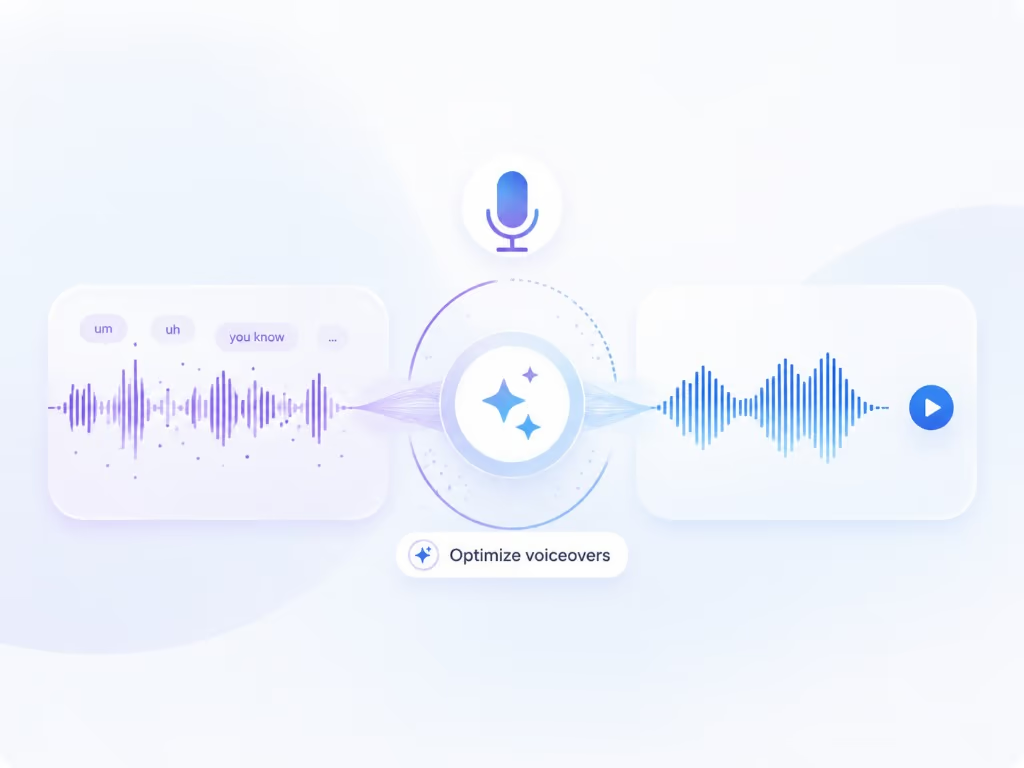
Braiv Captureは、画面録画から「えー」「あのー」、言い間違いなどを削除し、ナレーションをサポートドキュメントの言語に書き換え、Braiv Speechのナレーションボイスクローンで再ダビングします。これにより、一度のテイクでスクリプト作成済みのもののように公開できます。
もっと詳しく
Loomは、録画を素早く送信できるように作られています。Braiv Captureは、ナレーションのクリーニング、画面上のテキストの翻訳、ローカライズされた製品のスクリーンキャストといった、公開できるように作られています。










Competitor behaviour below reflects Loom’s public product pages as checked on 9 August 2026, including their transcript and caption language claim.
| 機能 | Braiv Capture | Loom |
|---|---|---|
| Available today | Early access waitlist | 利用可能 |
| Screen recording with voiceover | 利用可能 | 利用可能 |
| Instant share link for async messaging | 利用不可 | 利用可能 |
| Captions and transcripts in many languages | 利用可能 | 50+ languages |
| Spoken narration dubbed into other languages | 利用可能 | 利用不可 |
| Narration rewritten and revoiced in your cloned voice | 利用可能 | 利用不可 |
| On-screen text, titles and callouts translated | 利用可能 | 利用不可 |
| Demo re-recorded in your localized UI | 利用可能 | 利用不可 |
| Matching step-by-step article per language | 利用可能 | 利用不可 |
Loom is still the best way to send a recording to a colleague in the next five minutes. Braiv Capture is for the recordings you publish to customers, in every language they use.
Both tools record your screen while you talk. These are the three steps that decide whether the result is a message or a support asset.
Braiv Captureは、画面録画から「えー」「あのー」、言い間違いなどを削除し、ナレーションをサポートドキュメントの言語に書き換え、Braiv Speechのナレーションボイスクローンで再ダビングします。これにより、一度のテイクでスクリプト作成済みのもののように公開できます。
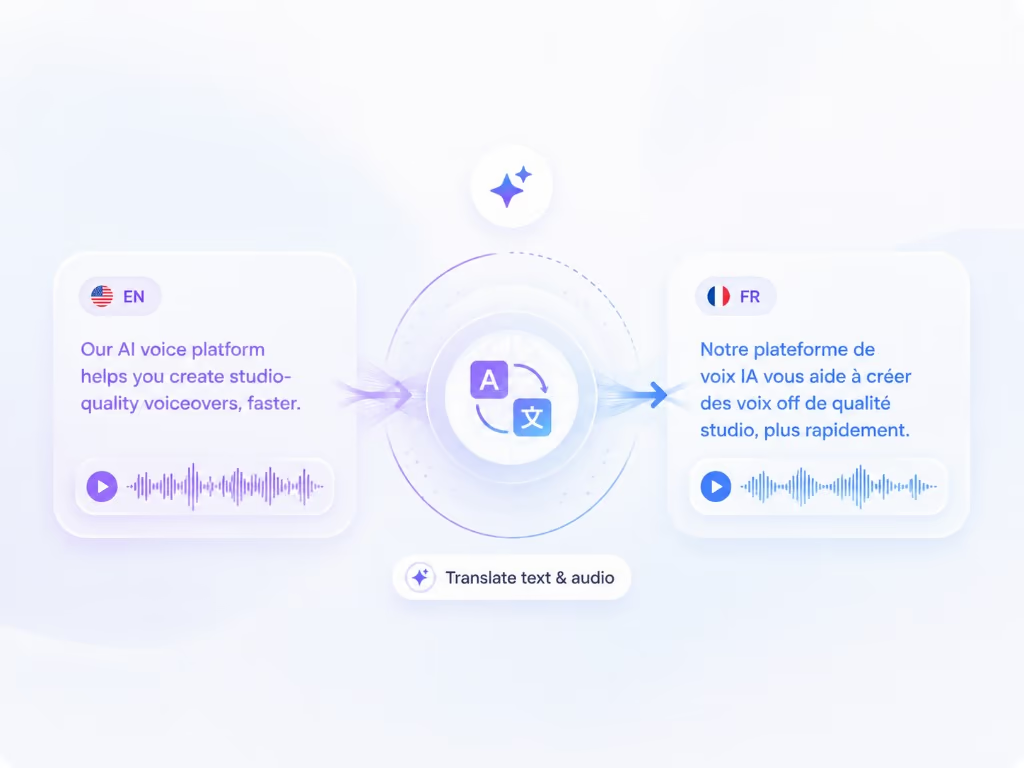
もっと詳しく画面録画を別の言語に吹き替え、画面上のテキストも同時に翻訳します — ナレーション、キャプション、コールアウト、テキストオーバーレイはすべて一度にローカライズされるため、ウォークスルーの途中で英語に戻ることがありません。
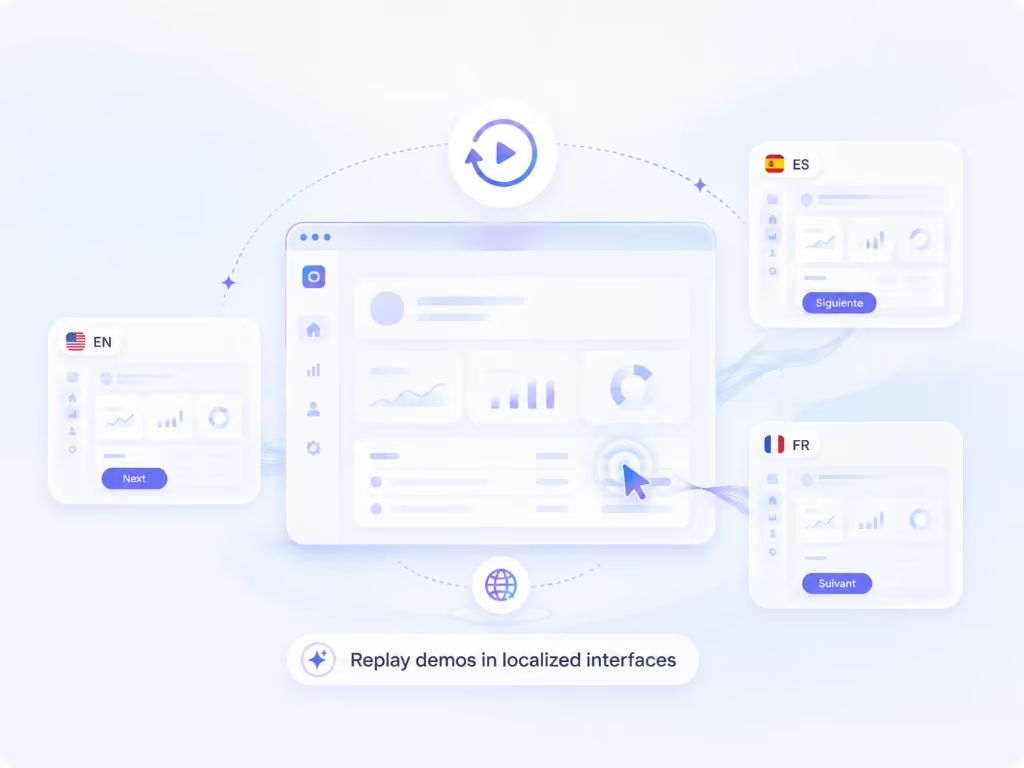
もっと詳しくレコーディング機能を使えば、ウォークスルーを再生可能なセッションとして保存できます。これにより、製品の同じ手順を別の言語で再レコーディングすることが可能になり、撮影し直すことなく、各市場に合わせたネイティブなスクリーンキャストを作成できます。
もっと詳しくLoom は、画面録画をメッセージ送信のように感じさせました。録画して、リンクを取得し、Slack に貼り付けて、次に進むだけです。内部コミュニケーションにおいてはほぼ完璧であり、このページではそれに異論を唱えるものではありません。宛先が同僚であれば、Loom を使用してください。
画面録画の Loom の代替品を探している人々は、通常、別の宛先を念頭に置いています。ヘルプセンター、オンボーディングフロー、アカデミー、ナレッジベースです。録画が公開アセットになった瞬間、非同期メッセージングでは必要なかった 2 つのことが重要になり始めます。ナレーションの洗練度と、あなたの言語を話さない顧客にとってそれが機能するかどうかです。
このページの競合他社の行動は、2026 年 8 月 9 日に確認された Loom の公開製品ページを反映しています。
2 分間のアップデートで「えー」があっても、誰も気にしません。何千人もの顧客が見るヘルプセンターの動画では、最初の 1 分間の冗長な話し方、間違った開始、そして「実際、それは無視してください」と言った部分は、すべてサポートの負担になります。
通常の解決策は、クリーンになるまで再録画することです。そのため、サポートライブラリは停滞します。Braiv Capture は逆のアプローチを取ります。意図的にひどく録画し、その後 Braiv が [フィラーワードを削除し、言葉遣いを引き締め、あなたの声の Braiv Speech クローンでナレーションを再生成](/ja/features/ai-voiceover-cleanup) します。最初のテイクが唯一のテイクです。
2026 年 8 月 9 日に確認されたとおり、Loom 自身のコピーは 50 以上の言語でトランスクリプトとキャプションを提供しています。それは真の価値であり、また特定の限定的なことです。動画の下部にあるテキストですが、音声とインターフェースはまだ英語のままです。
これを日本語の顧客として動画を見てみてください。ナレーターは英語を話します。メニューは英語です。説明されているツールチップは英語です。読めない画面にマッピングしようとしながら、字幕を読んでいます。
Capture は、実際に指示を伝えるレイヤーをローカライズします。
サポートコンテンツは、単なる動画であることはめったにありません。ボイスオーバーになるクリーニングされたスクリプトは、言語ごとに ステップバイステップの書き込みガイド も生成するため、記事と動画が製品の異なるバージョンを説明するようなことには決してなりません。
Capture はプレローンチです。ここにはサインアップボタンはありません。まだサインインするものがないからです。アクセスは招待制で、以下のウェイトリストが参加方法です。
メッセージには Loom を使い続けてください。ライブラリのためにウェイトリストに参加してください。
複数のツールを比較検討中ですか?ここでは、このツールと合わせて検討されることの多い代替製品をご紹介します。
Guidde はボイスオーバーを翻訳します。Braiv Capture は、ナレーション、画面上のテキスト、デモンストレーションされているインターフェース全体をローカライズします。
比較を読むScribe は、クリック操作をスクリーンショット付きのガイドに変換します。Braiv Capture は、1回の録画から、スクリーンショットを含むローカライズされた動画と対応する記事を作成します。
比較を読むCamtasiaでは、タイムラインが表示され、すべての言語を手作業で編集する必要があります。Braiv Captureは、ロケールごとに録画を再生し、画面上の内容を翻訳します。
比較を読む早期アクセスウェイティングリストにご登録ください。一度の録音で、あらゆる言語のサポートコンテンツを公開できるようになった際に、ご連絡いたします。
Braiv キャプチャ がもうすぐローンチします。ウェイティングリストにご登録いただき、お客様のワークスペースでローカライズされたサポートコンテンツが作成可能になり次第、ご招待いたします。
リストに登録されました
早期アクセス開始時にメールでご連絡いたします。サポートライブラリについてさらに情報がある場合は、そのメールにご返信ください。