01
AIボイスオーバーのクリーンアップと再ダビング
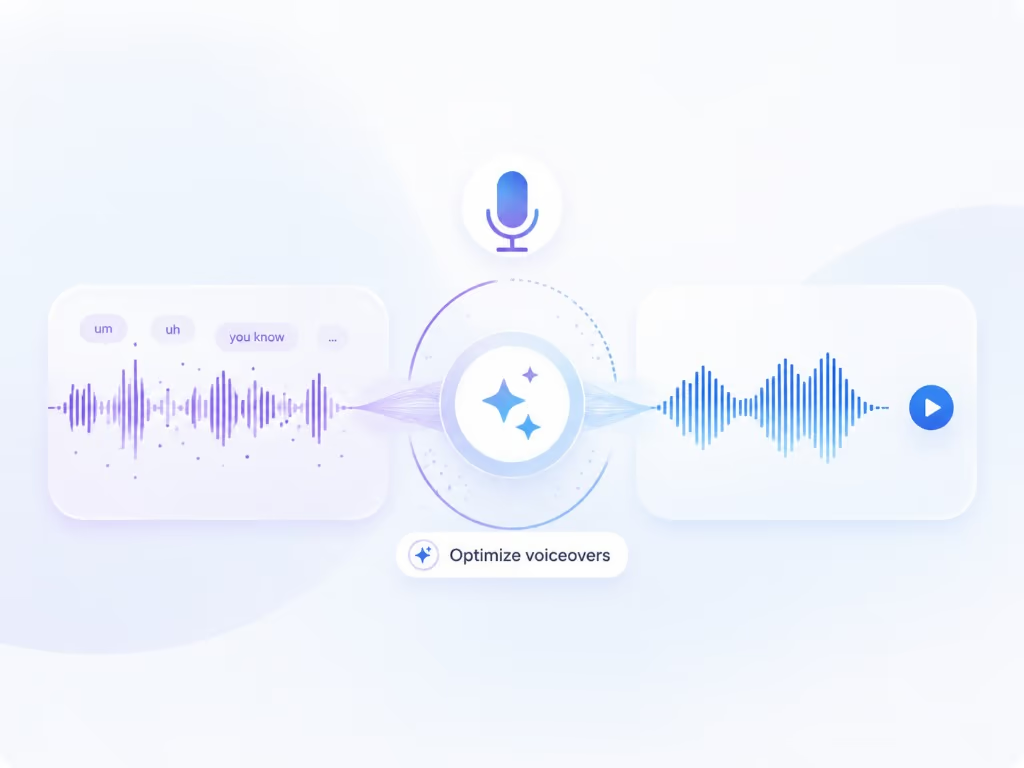
Braiv Captureは、画面録画から「えー」「あのー」、言い間違いなどを削除し、ナレーションをサポートドキュメントの言語に書き換え、Braiv Speechのナレーションボイスクローンで再ダビングします。これにより、一度のテイクでスクリプト作成済みのもののように公開できます。
もっと詳しく
Guidde はボイスオーバーを翻訳します。Braiv Capture は、ナレーション、画面上のテキスト、デモンストレーションされているインターフェース全体をローカライズします。










Competitor behaviour below reflects Guidde’s public product and pricing pages as checked on 9 August 2026. Where Guidde is genuinely ahead — including being available today — the table says so.
| 機能 | Braiv Capture | Guidde |
|---|---|---|
| Available today | Early access waitlist | 利用可能 |
| Screen recording with voiceover | 利用可能 | 利用可能 |
| Filler words stripped and narration rewritten | Rewritten, then revoiced | Cleaned, then read aloud |
| Narration in your own cloned voice | 利用可能 | Listed as a paid add-on |
| Translated narration | 利用可能 | Enterprise / add-on |
| On-screen text, captions and callouts translated | 利用可能 | 利用不可 |
| Demo re-recorded in your localized UI | 利用可能 | 利用不可 |
| Help article generated and localized with the video | 利用可能 | Guide text, translation gated |
| Contextual in-app delivery layer | 利用不可 | 利用可能 |
| Dubbing, captions and publishing in the same platform | 利用可能 | 利用不可 |
Guidde is the shipped choice for English video documentation. Braiv Capture is the one to wait for when those walkthroughs have to exist in several languages, screens included.
Recording a walkthrough is the part both tools do. These are the steps that decide whether a German customer watches a German video or an English one with German audio.
Braiv Captureは、画面録画から「えー」「あのー」、言い間違いなどを削除し、ナレーションをサポートドキュメントの言語に書き換え、Braiv Speechのナレーションボイスクローンで再ダビングします。これにより、一度のテイクでスクリプト作成済みのもののように公開できます。
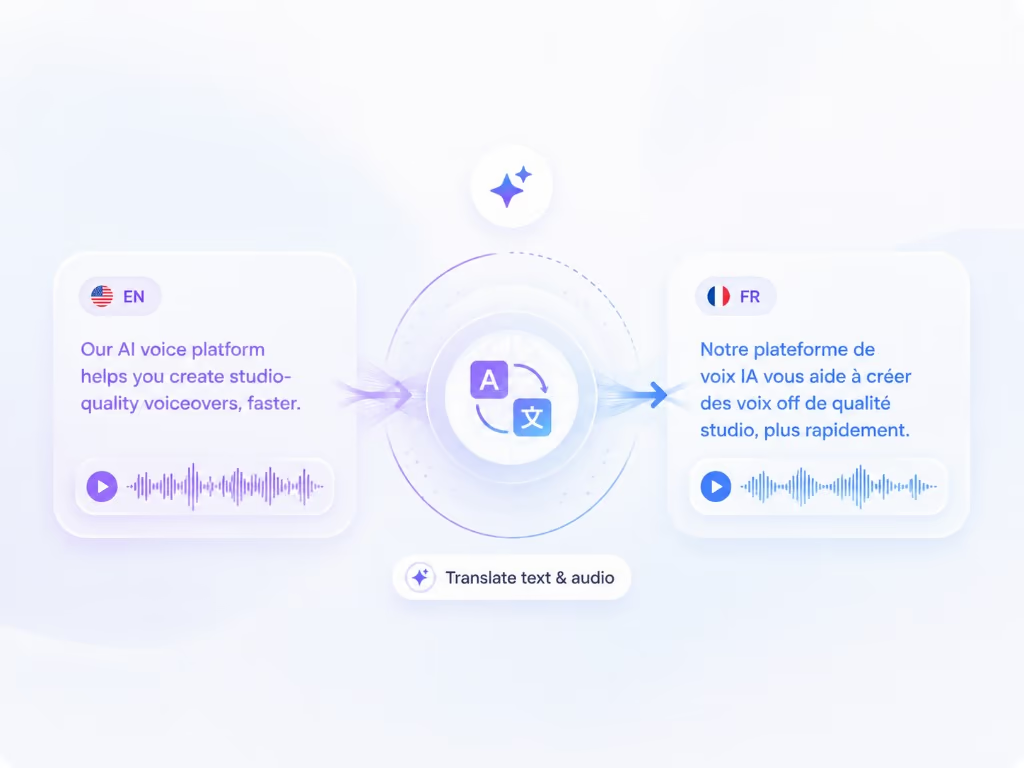
もっと詳しく画面録画を別の言語に吹き替え、画面上のテキストも同時に翻訳します — ナレーション、キャプション、コールアウト、テキストオーバーレイはすべて一度にローカライズされるため、ウォークスルーの途中で英語に戻ることがありません。
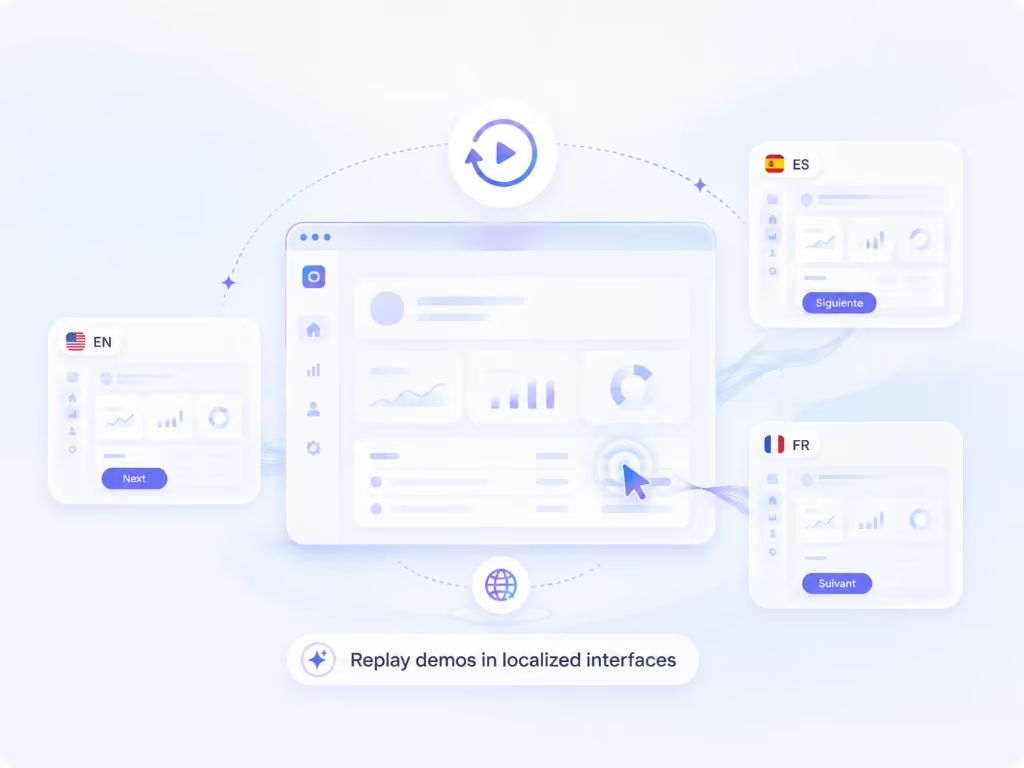
もっと詳しくレコーディング機能を使えば、ウォークスルーを再生可能なセッションとして保存できます。これにより、製品の同じ手順を別の言語で再レコーディングすることが可能になり、撮影し直すことなく、各市場に合わせたネイティブなスクリーンキャストを作成できます。
もっと詳しくGuiddeは、多くの人が「ビデオドキュメンテーション」と言う際に思い浮かべるカテゴリを築き上げました。ワークフローをキャプチャし、AIがそれに沿ったナレーション付きのステップバイステップビデオとテキストガイドを生成し、従業員がすでに使用しているツール内に配信します。これは本日リリースされ、Braivにはないアプリ内配信レイヤーを備えています。英語圏の社内向けであれば、これで十分な場合が多いでしょう。
したがって、このページはGuiddeの仕事ぶりが悪いという主張ではありません。それは、Guiddeが箇条書きとして扱っている「第二の仕事」、そして Braiv Capture が製品として扱っている「同じウォークスルーを顧客が使用するすべての言語で公開する」ことについての主張です。
このページの競合他社の行動は、2026年8月9日時点のGuiddeの公開製品および価格ページに基づいています。ベンダーは変動しますので、購入前に再確認してください。
このカテゴリのすべてのツールは「一度録画すれば50以上の言語で公開できる」と謳っています。ただし、その詳細を見ると、ほとんどの場合、「ボイスオーバー」のみが翻訳されることを意味します。
顧客が実際に何を見るかを想像してみてください。ナレーションはポルトガル語です。メニューは英語です。ナレーターがちょうど説明したツールチップは英語です。エディターで追加したコールアウトは英語です。視聴者は、もはや一致しない言語を聞きながら、頭の中で画面を翻訳することになります。これは、削除しようとしていた認知負荷の大部分です。
サポートビデオは音声トラックだけではありません。キャプション、タイトル、コールアウト、そしてインターフェース自体も含まれます。これらの4つのうち1つをローカライズしても、ビデオ全体をローカライズしたことにはなりません。
Captureは同じ場所から始まります — あなた自身の声でタスクを説明しながらの1回の画面録画 — そして、Guiddeが行わない3つのことを一緒に行います:
最後の点に関する正直な限界:あなたの製品はすでにローカライズされている必要があります。Braivは実際のインターフェースを録画するのであり、でっち上げるわけではありません。
これは「50以上の言語」が高価になる理由であり、虚偽ではない場所です。2026年8月9日現在、Guidde自身の機能表では、マルチ言語翻訳はエンタープライズプランにあり、自動言語翻訳と音声クローニングは有料アドオンとしてリストされ、オンデマンド翻訳は上限付きで提供されます。テキスト読み上げとデスクトップキャプチャはビジネスプランにあります。
多言語ドキュメンテーションが購入の唯一の理由である場合、月額料金を比較する前に、それを実際に提供するプランの価格を確認してください — そして、Guidde自身のプログラムによる比較ページでさえ、ライブ価格ページではもはや請求されない価格を引用していることに注意してください。これは、このページを含む第三者の表ではなく、ソースを確認する良い理由です。
1回のCaptureセッションから、各言語で以下が生成されることを想定しています:
これが、1つのパイプラインで実行する理由です。文言が変わると、記事とビデオは同時に変更されます。リリースで画面が変わると、セッションは6つの言語で再撮影するのではなく、再生されます。
Braiv Captureはローンチ前です。このページにはセルフサインアップはありません。なぜなら、まだサインアップできるものがないからです — アクセスは招待制であり、以下のウェイトリストが順番待ちの列です。
もしあなたが今月中にドキュメンテーションビデオを公開する必要があるなら、Guiddeを使用してください。もしあなたのロードマップで、来四半期までにヘルプセンターを8つの言語で公開する必要があるなら、ウェイトリストに登録し、英語のみのパイプラインにコミットする前に、ローカライズされたスクリーンキャストをお見せさせてください。
複数のツールを比較検討中ですか?ここでは、このツールと合わせて検討されることの多い代替製品をご紹介します。
Scribe は、クリック操作をスクリーンショット付きのガイドに変換します。Braiv Capture は、1回の録画から、スクリーンショットを含むローカライズされた動画と対応する記事を作成します。
比較を読むLoomは、録画を素早く送信できるように作られています。Braiv Captureは、ナレーションのクリーニング、画面上のテキストの翻訳、ローカライズされた製品のスクリーンキャストといった、公開できるように作られています。
比較を読むCamtasiaでは、タイムラインが表示され、すべての言語を手作業で編集する必要があります。Braiv Captureは、ロケールごとに録画を再生し、画面上の内容を翻訳します。
比較を読む早期アクセスウェイティングリストにご登録ください。一度の録音で、あらゆる言語のサポートコンテンツを公開できるようになった際に、ご連絡いたします。
Braiv キャプチャ がもうすぐローンチします。ウェイティングリストにご登録いただき、お客様のワークスペースでローカライズされたサポートコンテンツが作成可能になり次第、ご招待いたします。
リストに登録されました
早期アクセス開始時にメールでご連絡いたします。サポートライブラリについてさらに情報がある場合は、そのメールにご返信ください。