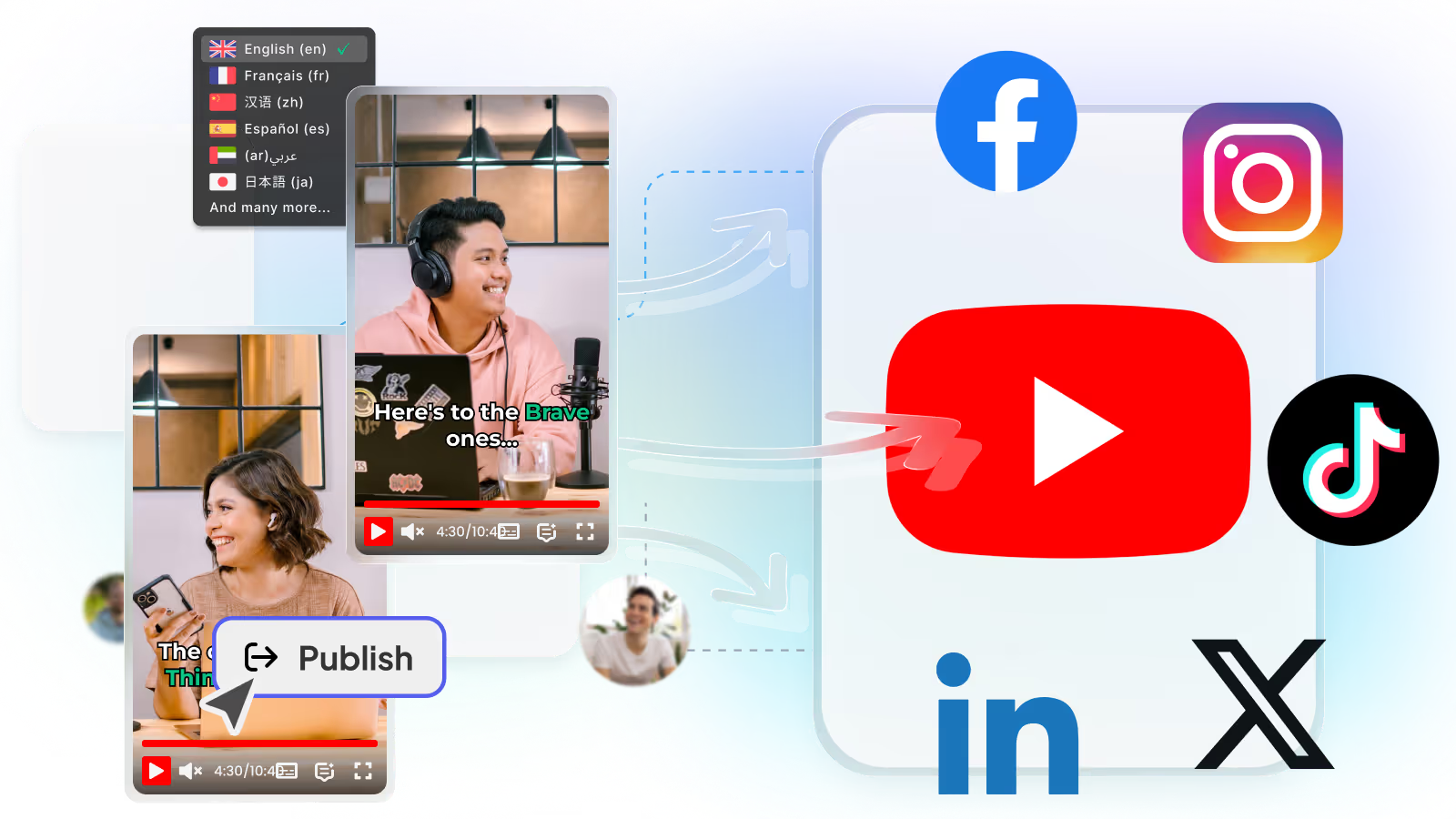
早期アクセス Braiv キャプチャ のウェイティングリストがオープンしました。一度録画するだけで、あらゆる言語でサポート動画を公開できます。

Braiv Connect vs Repurpose.io

投稿前に制作 する Repurpose.io の代替策

Repurpose.io は、すでにカット済みのものをスケジュールします。Braiv はそれを制作します。

世界中の10万人以上のクリエイター、ポッドキャスター、企業に信頼されています
BraivをAI動画制作に信頼するクリエイターとチーム
domaine homes logo
puma logo
tesla logo
micd-up logo
antler logo
canva logo
thirdi logo
screenapp logo
anchored outdoors logo
domaine homes logo
puma logo
tesla logo
micd-up logo
antler logo
canva logo
thirdi logo
screenapp logo
anchored outdoors logo
徹底比較

Braiv Connect and Repurpose.io, row by row

Every row is something buyers ask before switching. Where Repurpose.io is genuinely stronger, the table says so.

機能 Braiv Connect Repurpose.io
Multi-channel auto-publishing 利用可能 利用可能
Automated AI vertical clipping 利用可能 利用不可
Cross-lingual dubbing Up to 10 languages 利用不可
Karaoke caption generation 利用可能 Basic subtitles
Thumbnail generation & CTR scoring 利用可能 利用不可
YouTube packaging from transcript 利用可能 利用不可
Connected channels Unlimited on Business Plan-dependent
Unused credits roll over Up to 16,200 利用不可
結論

どちらを選ぶべき?

Repurpose.io schedules what you already cut. Braiv produces it first.

Choose Braiv Connect if

  • You still need to cut, caption and dub before you can schedule
  • You want production and publish in one tool
  • You publish across TikTok, Reels and Shorts from long video

Stick with Repurpose.io if

  • Your clips are already finished and you only need redistribution
  • Scheduling across existing assets is the whole job
Braivが優れている点

The three capabilities buyers switch for

Distribution is where Repurpose.io is strong. These are the production steps that come before it.

01

Auto-post Reels, TikTok and Shorts from one pipeline

Repurpose.io moves finished verticals between platforms. Braiv Connect produces those verticals from your long video, then publishes them natively to TikTok, Instagram Reels and YouTube Shorts — so the schedule is fed by production, not a folder of exports.

  • Native auto-publish
  • TikTok, Reels & Shorts
  • One pipeline
もっと詳しく
02

Podcast and long video turned into vertical shorts

Cross-posting only works after someone has cut the clip. Braiv finds the moments worth posting, converts them to vertical, burns in captions, and hands the finished short to the publisher — the step Repurpose.io assumes you already did.

  • Long video → shorts
  • Styled captions
  • No manual cut first
もっと詳しく
03

YouTube packaging that ships with the post

Scheduling a blank upload still leaves titles, descriptions and tags as a separate job. Braiv Connect generates SEO-ready packaging from the transcript and publishes it with the video, so the distribution step is not half-finished.

  • Titles from transcript
  • Descriptions & tags
  • Publish-ready packaging
もっと詳しく
詳細

さらに詳しく

実際に2つのツールがどのように機能するか

Repurpose.io は、完成したコンテンツをプラットフォーム間で移動させるのに優れています。ショート動画がすでに編集され、キャプションが付けられ、すぐに配信できる状態であれば、そのファイルを各プラットフォームにスケジュール設定します。そして、再配信がボトルネックとなっているチームにとっては、その作業は非常に重要です。

しかし、それ以降の難しい部分は完了したとみなされます。

タイムラインを開いて縦型動画を編集し、キャプションにスタイルを適用し、他の市場向けにダビングし、メタデータを記述する必要があるクリエイターにとって、スケジューラは決して稼働しません。配信は安価ですが、制作がボトルネックなのです。

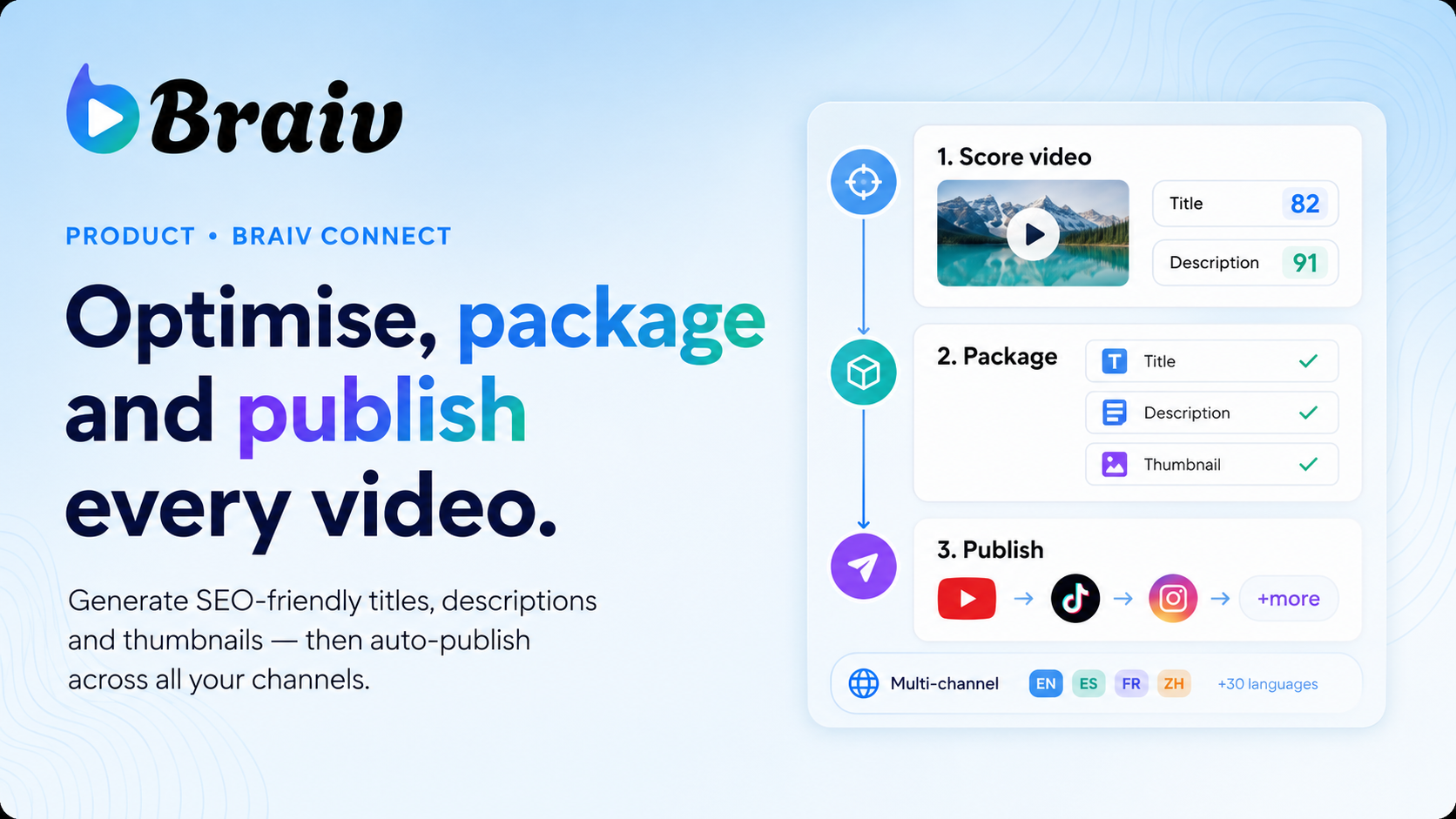
Braiv Connect は、まず制作の半分をカバーします。長尺動画をショート動画、TikTok、Reelsにクリップし、キャプションを追加し、必要に応じて他の言語にダビングし、YouTubeのメタデータをパッケージ化し、接続したチャネルにネイティブで公開します。

1ヶ月の出力イメージ

ビジネスプラン(月額$70)の場合:

  • AIクレジット5,400件(クリッピング、パッケージング、関連生成に使用)
  • ショート動画生成540件サムネイル生成180件
  • 管理動画100時間ダビング300分
  • 無制限のチャネル接続
  • 16,200クレジットまで繰り越し可能(未使用分は無駄にならない)

プロプラン(月額$35)とスタータープラン(月額$12)は、より小規模なボリュームと少ないチャネルを対象としています。詳細は料金をご覧ください。

公開だけでなく、制作を優先

ソーシャルオートメーションツールの有用性は、カレンダーではなく、完全なパイプラインにあります。Braiv Connect は、完成した長尺動画から、キャプション付きの縦型クリップ、必要に応じたダビング音声、スコアリングされたサムネイル、SEO対応のタイトルと説明文など、その後のすべてのものを制作し、それらのアセットをネイティブで公開します。

これが、Repurpose.io と Braiv を比較した際にユーザーが感じる違いです。一方はすでに作成したもの再配信し、もう一方は再配信するために必要なものを作成します。

両方使うのも賢い選択

多くのオペレーターは、Braiv がカバーしていないプラットフォームのために再配信ツールを維持し、Braiv Connect をクリッピング、ダビング、パッケージング、およびネイティブで公開するプラットフォームのために利用しています。これは合理的な組み合わせになり得ます。

どちらか一方を選択する場合、ボトルネックが完成したクリップの移動にあるのか、それとも何かをスケジュールする前にクリップ、キャプション、パッケージングを制作することにあるのか、という問いに答える必要があります。もし制作がボトルネックであれば、Braiv Connect から始めましょう

よくある質問

よくある質問

Does Braiv replace Repurpose.io for scheduling?
For many channels, yes — Braiv Connect clips, captions, packages and auto-publishes natively to TikTok, Reels and Shorts. Repurpose.io remains the better fit if your verticals are already finished elsewhere and you only need redistribution across a wide set of destinations Braiv does not cover.
What does Braiv do that Repurpose.io does not?
Braiv produces the assets first: vertical clips from long video or podcasts, karaoke-style captions, multi-language dubbing, scored thumbnails and YouTube packaging. Repurpose.io is built to move finished content between platforms; it does not extract or localize those assets for you.
How many channels can I connect?
Business allows unlimited channel connections on one subscription. Pro connects 10 and Starter connects 3. Agencies and multi-channel operators typically run everything from a single Business workspace.
What does it cost?
Starter is $12/month, Pro is $35/month and Business is $70/month at list price, with regional pricing applied automatically. The same subscription also covers dubbing, translation, shorts generation and publishing.
Can I run both tools together?
Some teams keep Repurpose.io for destinations Braiv does not reach and use Braiv for production — and that can be a reasonable stack. The question becomes either/or when production and publish already live in Braiv and two schedulers are competing for the same budget.
Does Braiv dub shorts into other languages before posting?
Yes. On Business you can dub into up to 10 languages with voice matching, then publish the localized shorts to connected channels. That localization step is outside what a pure redistribution tool covers.

あなたのコンテンツをグローバルに展開する準備はできましたか?

Braivでリーチを拡大している10万人以上のクリエイターに参加しましょう。
本日サインアップすると、150 AIクレジットを獲得できます。