01
AIボイスオーバーのクリーンアップと再ダビング
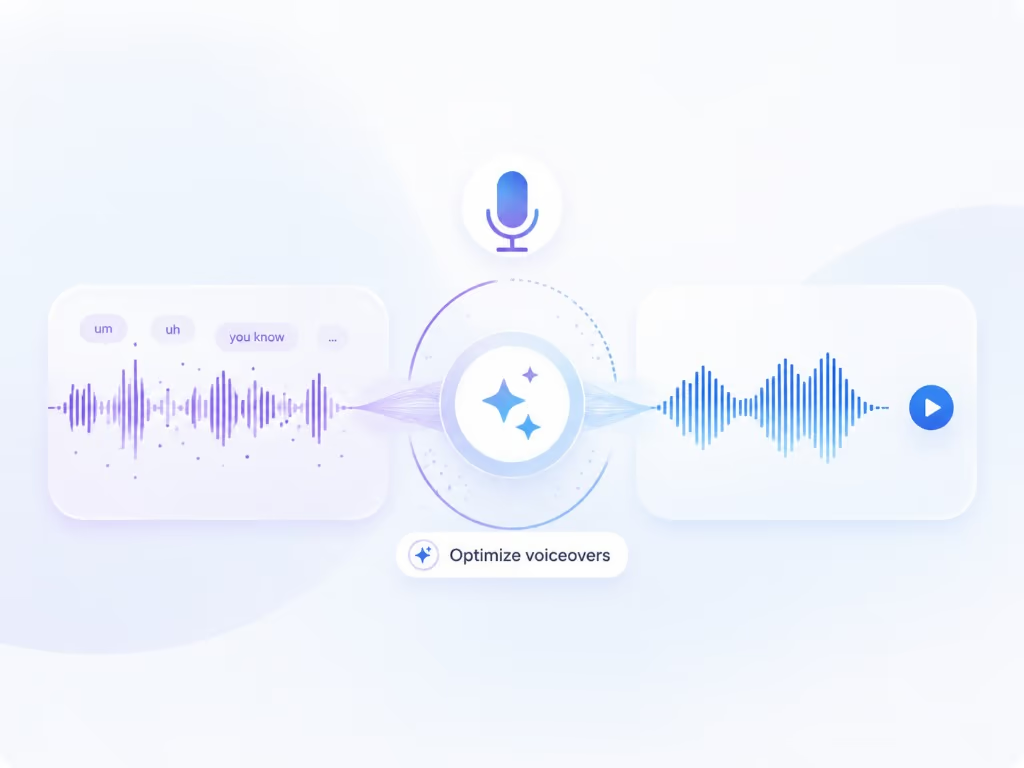
Braiv Captureは、画面録画から「えー」「あのー」、言い間違いなどを削除し、ナレーションをサポートドキュメントの言語に書き換え、Braiv Speechのナレーションボイスクローンで再ダビングします。これにより、一度のテイクでスクリプト作成済みのもののように公開できます。
もっと詳しく
Camtasiaでは、タイムラインが表示され、すべての言語を手作業で編集する必要があります。Braiv Captureは、ロケールごとに録画を再生し、画面上の内容を翻訳します。










Competitor behaviour below reflects TechSmith’s public Camtasia pages as checked on 9 August 2026, including their stated translation coverage.
| 機能 | Braiv Capture | Camtasia |
|---|---|---|
| Available today | Early access waitlist | 利用可能 |
| Desktop timeline editing and effects | 利用不可 | 利用可能 |
| Filler words removed automatically | 利用可能 | 利用可能 |
| Narration rewritten, not just trimmed | 利用可能 | 利用不可 |
| AI voiceover in your own cloned voice | 利用可能 | AI voices and avatars |
| Audio and transcript translation | 80+ languages via Braiv Dubbing | 7 languages, 9 dialects |
| On-screen text and callouts localized automatically | 利用可能 | Edit per language |
| Demo re-recorded in your localized UI | 利用可能 | 利用不可 |
| Matching step-by-step article per language | 利用可能 | 利用不可 |
Camtasia is the stronger editor and the right tool when a video needs hand-crafting. Braiv Capture is the stronger pipeline when the same walkthrough has to exist in eight languages and be refreshed every release.
Cleaning up narration, translating a video and re-recording a demo are all possible in an editor. The question is how much of it you redo for the ninth language.
Braiv Captureは、画面録画から「えー」「あのー」、言い間違いなどを削除し、ナレーションをサポートドキュメントの言語に書き換え、Braiv Speechのナレーションボイスクローンで再ダビングします。これにより、一度のテイクでスクリプト作成済みのもののように公開できます。
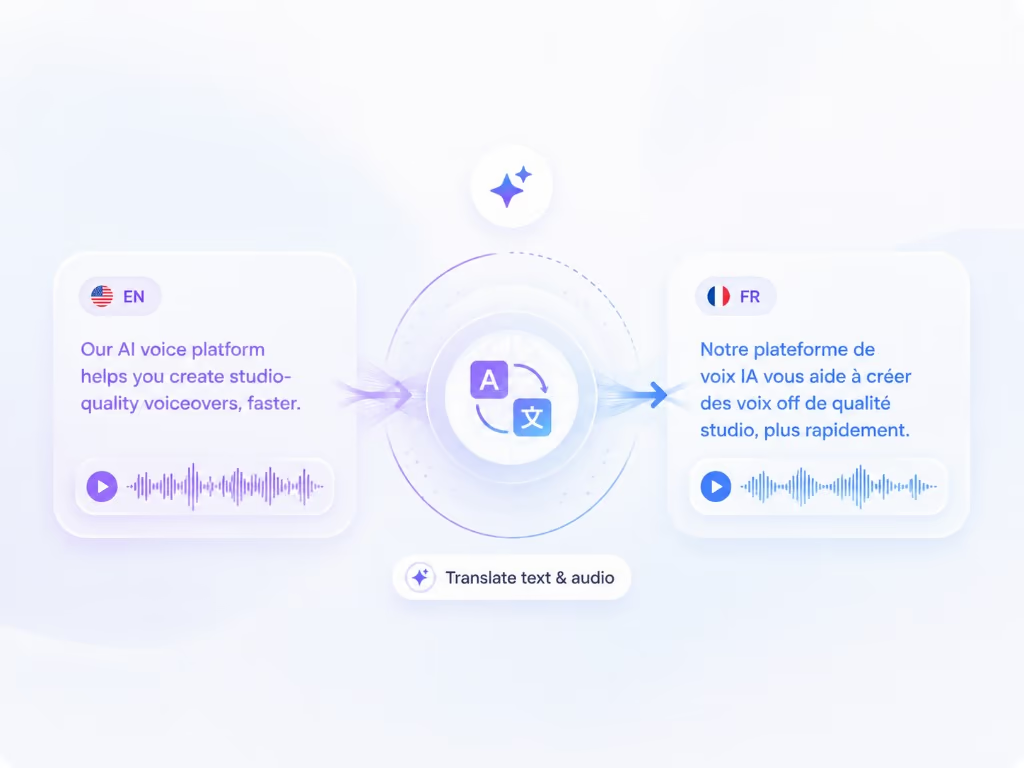
もっと詳しく画面録画を別の言語に吹き替え、画面上のテキストも同時に翻訳します — ナレーション、キャプション、コールアウト、テキストオーバーレイはすべて一度にローカライズされるため、ウォークスルーの途中で英語に戻ることがありません。
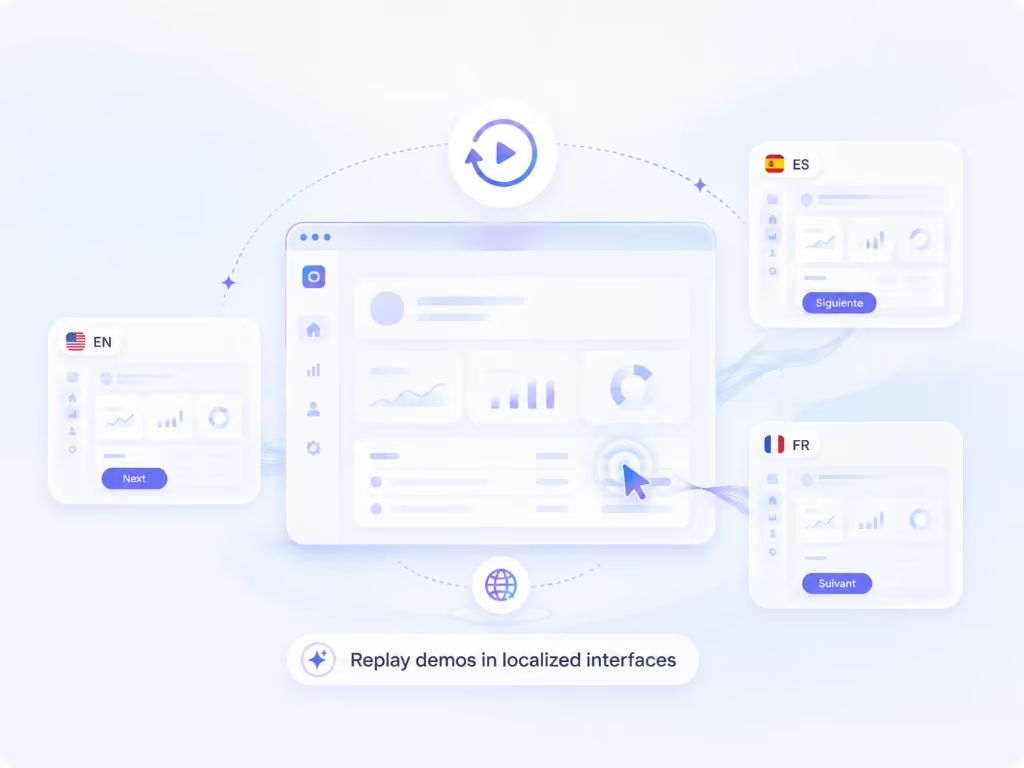
もっと詳しくレコーディング機能を使えば、ウォークスルーを再生可能なセッションとして保存できます。これにより、製品の同じ手順を別の言語で再レコーディングすることが可能になり、撮影し直すことなく、各市場に合わせたネイティブなスクリーンキャストを作成できます。
もっと詳しくTechSmith は、チュートリアル、トレーニング、ソフトウェアデモで最もよく知られている画面録画エディターに20年間を費やしてきました。現在のバージョンも進化を続けています。AI ボイスオーバー、AI アバター、自動フィラーワード除去、テキスト編集によるビデオ編集、そして7つの言語と9つのアクセントへの音声とトランスクリプトの翻訳が可能です。
そのため、この比較の正直な位置づけは「Camtasia は古い」ということではありません。Camtasia は制作ツールであり、Braiv Capture はパイプラインです。年間10本のビデオを作成し、それぞれに注意を払う必要がある場合、タイムラインが適切なソリューションです。8つの市場で100件のウォークスルーを維持し、リリースごとに画面が変更される場合、タイムラインはチームの1ヶ月を費やす場所になります。
このページの競合他社の行動は、2026年8月9日に確認された TechSmith の公開 Camtasia ページを反映しています。
エディターでチュートリアルをローカライズするのは、言語ごとの作業です。音声トラックを切り替え、新しいナレーションが20%長くなるためコールアウトのタイミングを調整し、注釈を再入力し、再レンダリングし、再アップロードします。その後、リリースでメニューの名前が変更され、すべての言語バージョンが同時に微妙に間違った状態になります。
Braiv Capture は、その作業をチェーンの上流に移動させます。録画はフラットなエクスポートではなく、再生可能なセッションとして保存されるため、ドイツ語版を作成することは、ドイツ語版のタイムラインを編集するのではなく、ドイツ語インターフェースに対して手順を再現することを意味します。10番目の言語のコストは、2番目の言語のコストとほぼ同じです。
Camtasia の翻訳は、7つの言語と9つのアクセントへの音声とトランスクリプトをカバーすると、彼らは述べています。それは本当に役立ちますが、それは音声レイヤーにすぎません。
ソフトウェアチュートリアルは、画像を通して指示します。メニューラベル、フィールド名、ボタンを指すために追加したコールアウト、下部に焼き付けられたキャプション — ナレーションを翻訳し、それらをそのままにしておくと、視聴者はポルトガル語を聞きながら英語を読み続けることになります。Capture は、ナレーション、キャプション、タイトル、コールアウト、画面上のテキストを1回の翻訳パスとして扱います。そして、製品がすでにローカライズされている画面を再録画します。
どちらのツールも「えー」を削除します。文を書き換えるのは1つだけです。
自動フィラーワード除去は、フレーズをそのまま残します — 間違った開始、「すみません、戻ります」、さまよった文。Capture は、録画を最終的なテイクではなくソース素材として扱います。トランスクリプトは、指示的な言語に書き換えられ、クローンされた音声で再生成されます。そのため、主題の専門家は会議の合間に録画しても、リハーサルされたように聞こえるものを公開できます。
Capture はプレリリースです — 招待制アクセス、以下にウェイトリスト、まだセルフサービスサインアップはありません。
エディターに値するビデオには Camtasia を使い続けてください。来四半期までにすべての言語で存在するライブラリのウェイトリストに登録してください。
複数のツールを比較検討中ですか?ここでは、このツールと合わせて検討されることの多い代替製品をご紹介します。
Guidde はボイスオーバーを翻訳します。Braiv Capture は、ナレーション、画面上のテキスト、デモンストレーションされているインターフェース全体をローカライズします。
比較を読むLoomは、録画を素早く送信できるように作られています。Braiv Captureは、ナレーションのクリーニング、画面上のテキストの翻訳、ローカライズされた製品のスクリーンキャストといった、公開できるように作られています。
比較を読むScribe は、クリック操作をスクリーンショット付きのガイドに変換します。Braiv Capture は、1回の録画から、スクリーンショットを含むローカライズされた動画と対応する記事を作成します。
比較を読む早期アクセスウェイティングリストにご登録ください。一度の録音で、あらゆる言語のサポートコンテンツを公開できるようになった際に、ご連絡いたします。
Braiv キャプチャ がもうすぐローンチします。ウェイティングリストにご登録いただき、お客様のワークスペースでローカライズされたサポートコンテンツが作成可能になり次第、ご招待いたします。
リストに登録されました
早期アクセス開始時にメールでご連絡いたします。サポートライブラリについてさらに情報がある場合は、そのメールにご返信ください。