早期アクセス Braiv キャプチャ のウェイティングリストがオープンしました。一度録画するだけで、あらゆる言語でサポート動画を公開できます。

Braiv Shorts vs Opus Pro

ショート動画の公開のために作られた Opus Pro の代替品

Opus Pro は瞬間を切り取り、Braiv がポストを仕上げます。

世界中の10万人以上のクリエイター、ポッドキャスター、企業に信頼されています
BraivをAI動画制作に信頼するクリエイターとチーム
domaine homes logo
puma logo
tesla logo
micd-up logo
antler logo
canva logo
thirdi logo
screenapp logo
anchored outdoors logo
domaine homes logo
puma logo
tesla logo
micd-up logo
antler logo
canva logo
thirdi logo
screenapp logo
anchored outdoors logo
徹底比較

Braiv Shorts and Opus Pro, row by row

Every row is something buyers ask before switching. Where Opus Pro is genuinely stronger, the table says so.

機能 Braiv Shorts Opus Pro
AI viral clip extraction 利用可能 利用可能
Karaoke-style animated captions 利用可能 利用可能
Export without watermarks (paid) 利用可能 Plan-dependent
Included monthly shorts volume 540/mo on Business Credit-based
Multi-language dubbing built-in 利用可能 利用不可
One-click auto-publish to channels 利用可能 利用不可
Connected channels Unlimited on Business n/a
Thumbnails & dubbing in the same plan 利用可能 利用不可
結論

どちらを選ぶべき?

Opus Pro clips the moment. Braiv finishes the post — and publishes it.

Choose Braiv Shorts if

  • You need clip → caption → publish without a second stack
  • You publish across several channels
  • You want dubbing on the same plan as clipping

Stick with Opus Pro if

  • Dedicated clipping UI is all you need
  • Publishing already lives in another tool
Braivが優れている点

The three capabilities buyers switch for

Clipping is where Opus Pro is strong. These are the steps that come after it.

01

Viral moments pulled from long-form, ready to ship

Opus Pro finds the highlight. Braiv does that too — then reframes for 9:16, scores the clip, and keeps the cut in a workflow that ends at publish, not a download folder.

  • Long-form to Shorts
  • Virality scoring
  • 9:16 reframing
もっと詳しく
02

Karaoke-style captions that stay on brand

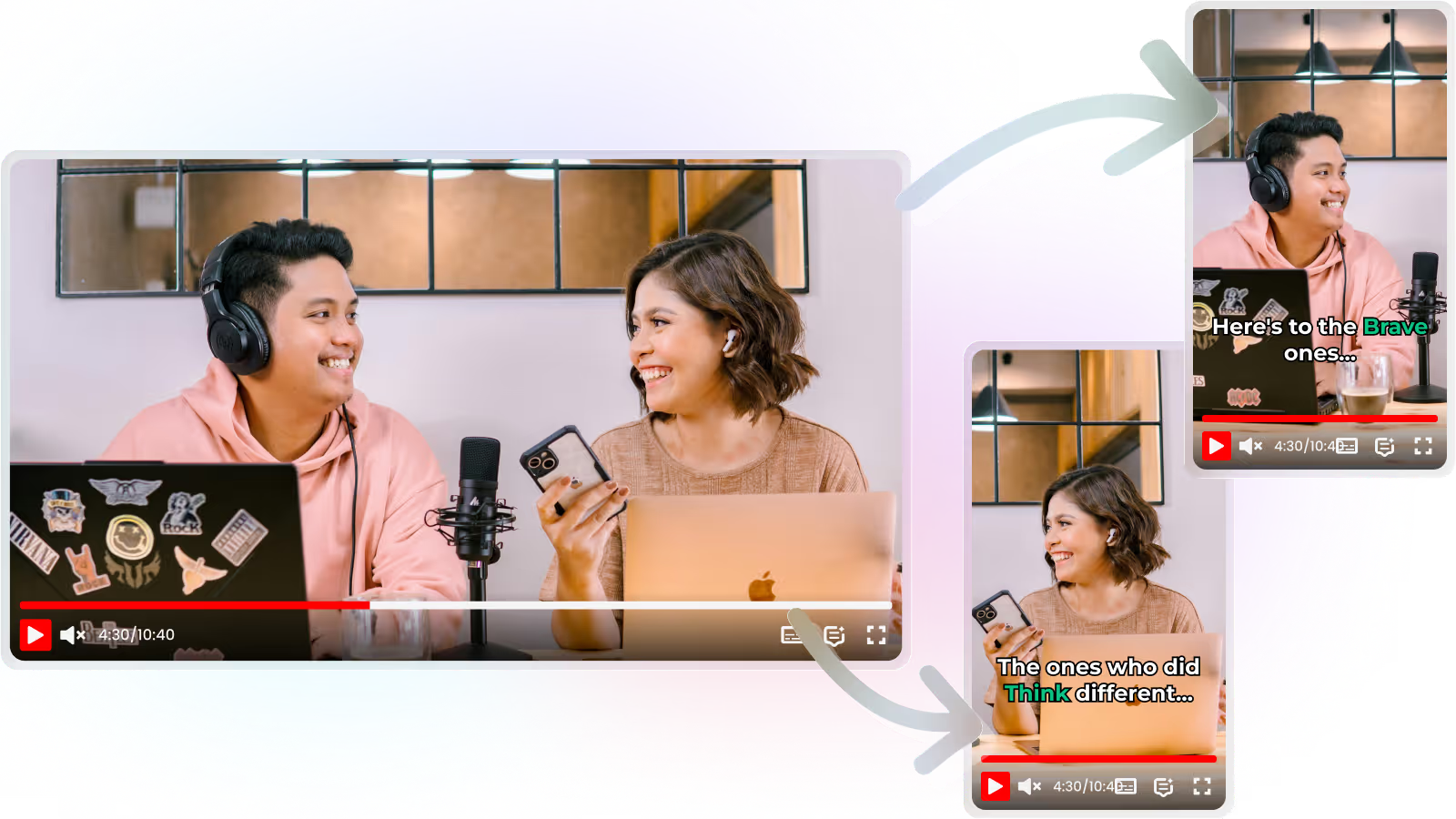
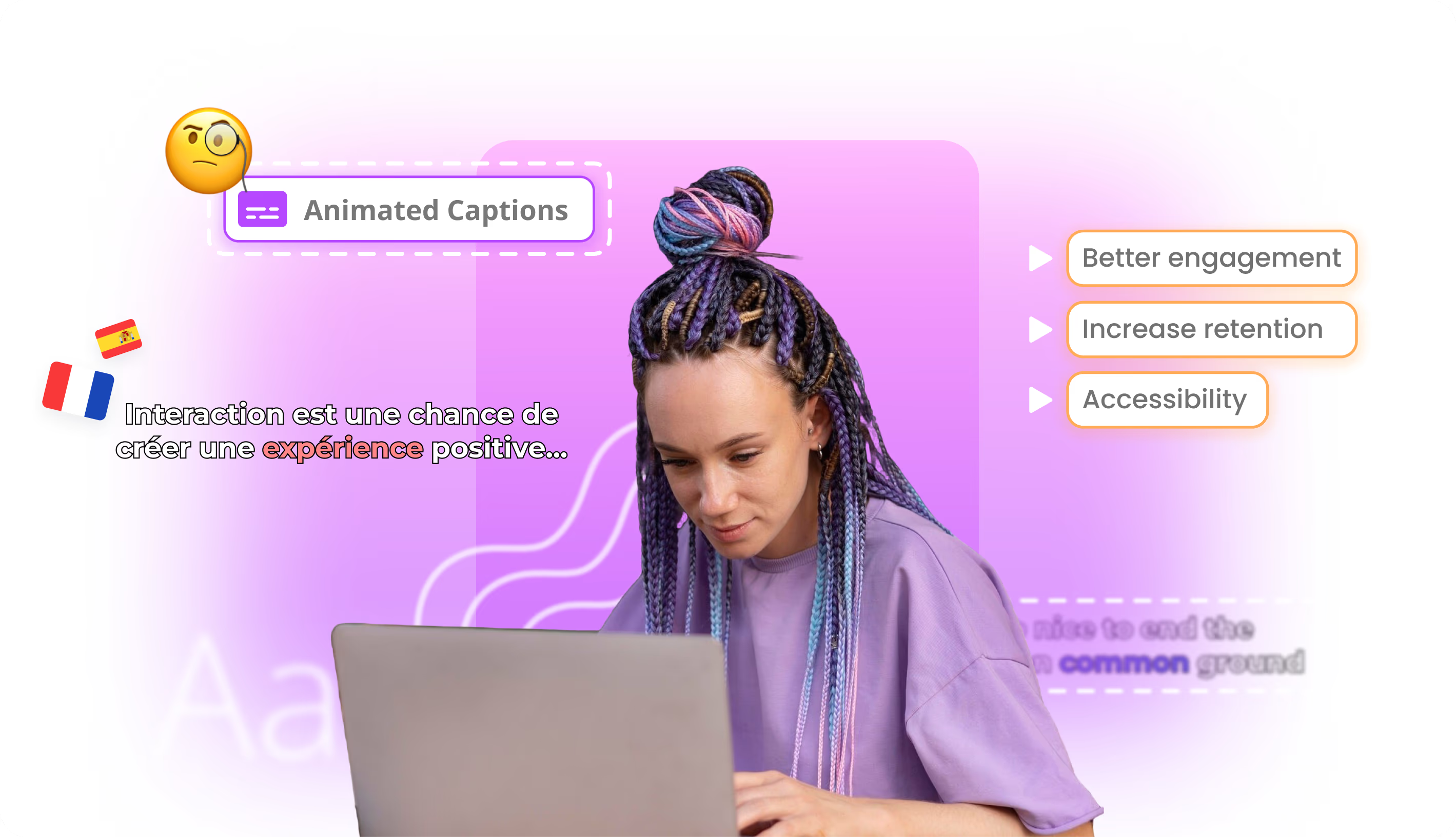
A clip without captions underperforms on mute autoplay. Braiv burns karaoke-style animated captions into the export so the short is watchable in-feed without a second editing pass.

  • Animated captions
  • Burned-in export
  • Mute-friendly
もっと詳しく
03

Publish to every connected channel without re-uploading

Downloading and re-uploading is the slow part of clipping tools. Braiv connects YouTube, TikTok, and Instagram so the finished short goes live from the same workspace that cut it.

  • Multi-channel publish
  • No re-upload
  • Schedule from one place
もっと詳しく
詳細

さらに詳しく

2つのツールの実際の役割

Opus Pro(Opus Clipとしてもよく検索される)は、長尺動画を短尺動画に変換する人気のツールです。エネルギーの高い部分を見つけ、縦型カットを素早くエクスポートします。

残りは、キャプション、言語バージョン、スケジュール設定、各アカウントへの投稿などを、引き続きあなたが行います。

少量であれば、その受け渡しで問題ありません。しかし、毎日複数のチャネルに配信する場合、それは全体のボトルネックとなります。クリップ自体は簡単な部分で、それを仕上げて配布するのはそうではありません。

Braiv Shorts は、その後半部分のために構築されました。同じようにバズる抽出機能に加え、カラオケスタイルのキャプション、同じプランでリップシンク付きのオプションのダビング、そして接続されたYouTube、TikTok、Instagramアカウントへのネイティブ公開機能を提供します。

1ヶ月の出力イメージ

月額70ドルのBusinessプランの場合:

  • 月間540本のショート動画生成
  • 5,400 AIクレジット(16,200まで繰り越し可能)
  • 無制限のチャネル接続
  • 許容量を超えた場合の超過料金は60クレジットあたり0.60ドル
  • さらに、同じプランで100時間のマネージド動画、10言語へのダビング、180個のサムネイル生成

月額35ドルのProプランは270本のショート動画と10チャネルをカバーします。月額12ドルのStarterプランは60本のショート動画と3チャネルをカバーします。クリップの品質を確認するには、無料トライアルから始めてください。詳細な料金については料金をご覧ください。

単一言語からマルチマーケットへ

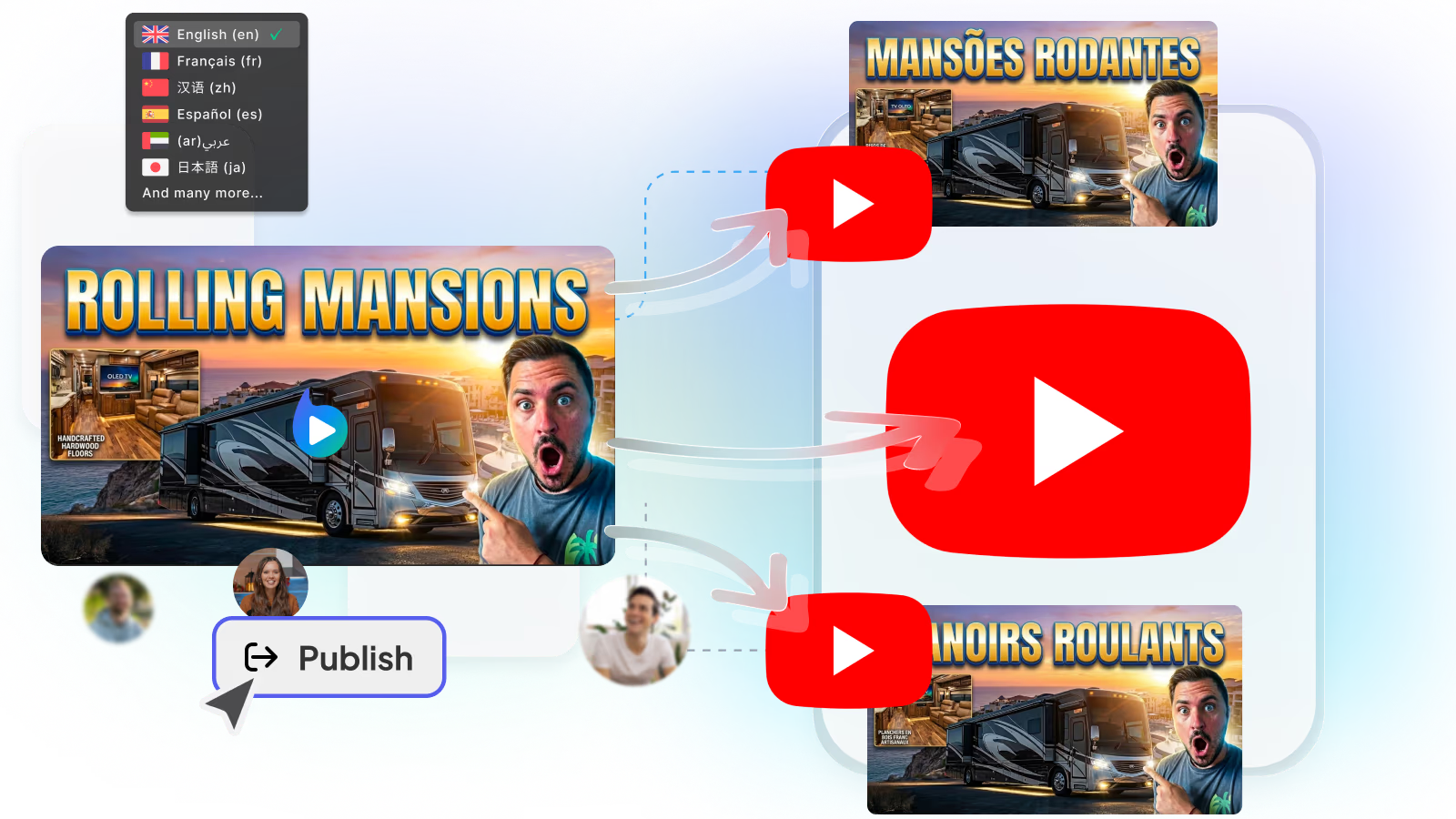
Opus Proは通常、ソース言語のクリップを残します。Braivは同じワークスペース内でダビングを継続します。ボイスクローン、リップシンク、そしてローカライズされたショート動画を必要なチャネルに公開します。これらは、個別のTTSやアバター製品を経由することなく行われます。

同じ長尺コンテンツが、同じ週に複数の市場でショート動画として配信されるべき場合に、これは重要です。

マルチチャネルのケース

1つのアカウントに10本のクリップであれば、ダウンロードとアップロードのループで管理可能です。しかし、4つのブランドに30本のクリップとなると、そうはいきません。Braivは、クリップ、キャプション、ダブ、そして公開を一連のパイプラインとして扱い、ツールのクレジット上限を超えたエージェンシーのためにBusinessプランでは無制限のチャネル接続を提供します。

両方を使う、正直に言うと

クリップ作成のためにOpus Proを使い、配布のためにBraivを使うという組み合わせは有効です。もし統合を検討しているのであれば、問題は「瞬間を見つけること」なのか、「完成した投稿を送信すること」なのかを問うてください。

もし「送信すること」が問題であれば、Braiv Shortsから始めましょう

よくある質問

よくある質問

Is Opus Pro the same as Opus Clip?
Buyers often use the names interchangeably for the same Opus clipping product line. This page compares that clipping workflow with Braiv Shorts — viral extraction plus captions, dubbing, and auto-publish. If you search for either name, the decision is the same: clip-only tool versus clip-to-publish stack.
How many shorts does a plan include?
The Business plan includes 540 shorts generations a month plus 5,400 AI credits, with unused credits rolling over to a maximum of 16,200. Generation beyond the allowance is billed at $0.60 per 60 credits rather than blocked mid-campaign.
Can I use it across several channels?
Yes. Business allows unlimited channel connections, Pro connects 10 and Starter connects 3. Agencies and multi-channel operators typically run everything from a single Business workspace.
What does it cost?
Starter is $12/month, Pro is $35/month and Business is $70/month at list price, with regional pricing applied automatically. A free trial lets you test clip quality before you subscribe. The same subscription also covers dubbing, translation, thumbnails and publishing.
Are exports watermark-free?
Paid plans export Shorts, Reels, and TikToks without trial watermarks so you can publish directly. Capacity — not branding — is the real limit: Business covers 540 shorts a month with overage instead of a hard stop.
Can I run both tools together?
Some teams keep Opus Pro for discovery cuts and Braiv for captions, dubbing, and publish. That is reasonable until the two budgets compete. When the bottleneck is shipping volume across channels, consolidating into Braiv Shorts is usually the cleaner stack.

あなたのコンテンツをグローバルに展開する準備はできましたか?

Braivでリーチを拡大している10万人以上のクリエイターに参加しましょう。
本日サインアップすると、150 AIクレジットを獲得できます。