早期アクセス Braiv キャプチャ のウェイティングリストがオープンしました。一度録画するだけで、あらゆる言語でサポート動画を公開できます。

世界中の10万人以上のクリエイター、ポッドキャスター、企業に信頼されています
BraivをAI動画制作に信頼するクリエイターとチーム
Braiv Capture Coming soon

製品を一度記録すれば、あらゆる言語をサポート

Braiv Capture は、1つの画面録画とボイスオーバーを、あらゆる言語のクリーンなサポートビデオ、ソフトウェアチュートリアル、ヘルプ記事に変換します。フィラーワードは削除され、ナレーションは Braiv Speech クローンで再音声化され、オーディオと画面上のテキストは一緒にローカライズされ、デモはローカライズされたインターフェイ内で再録画されます。

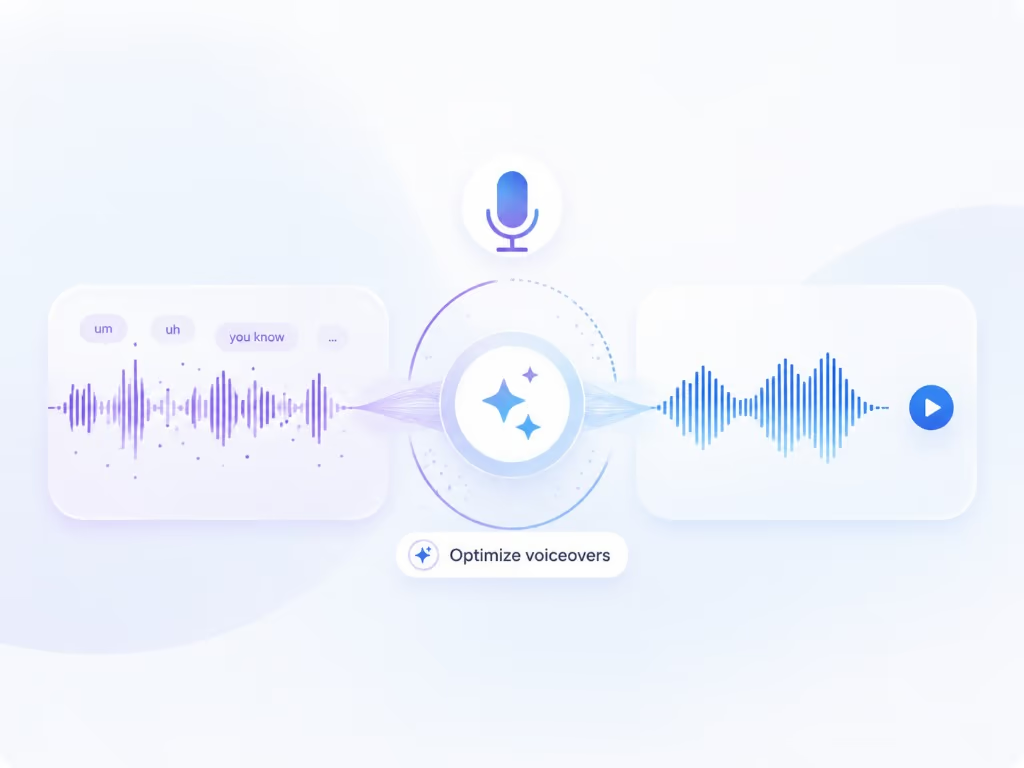
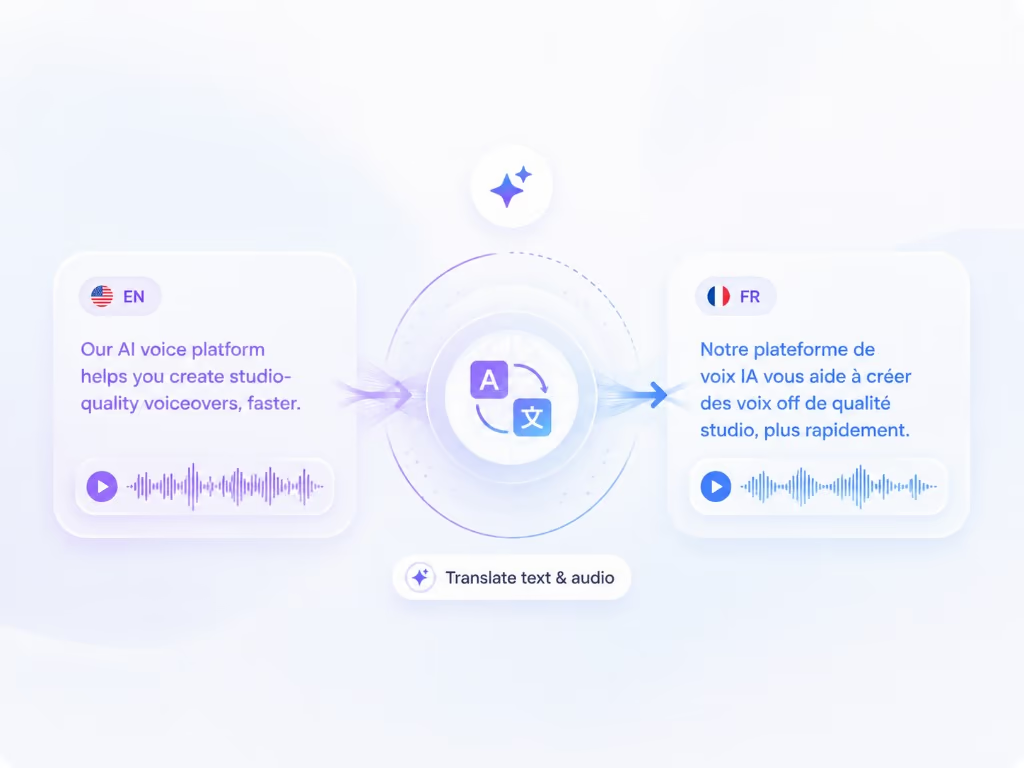
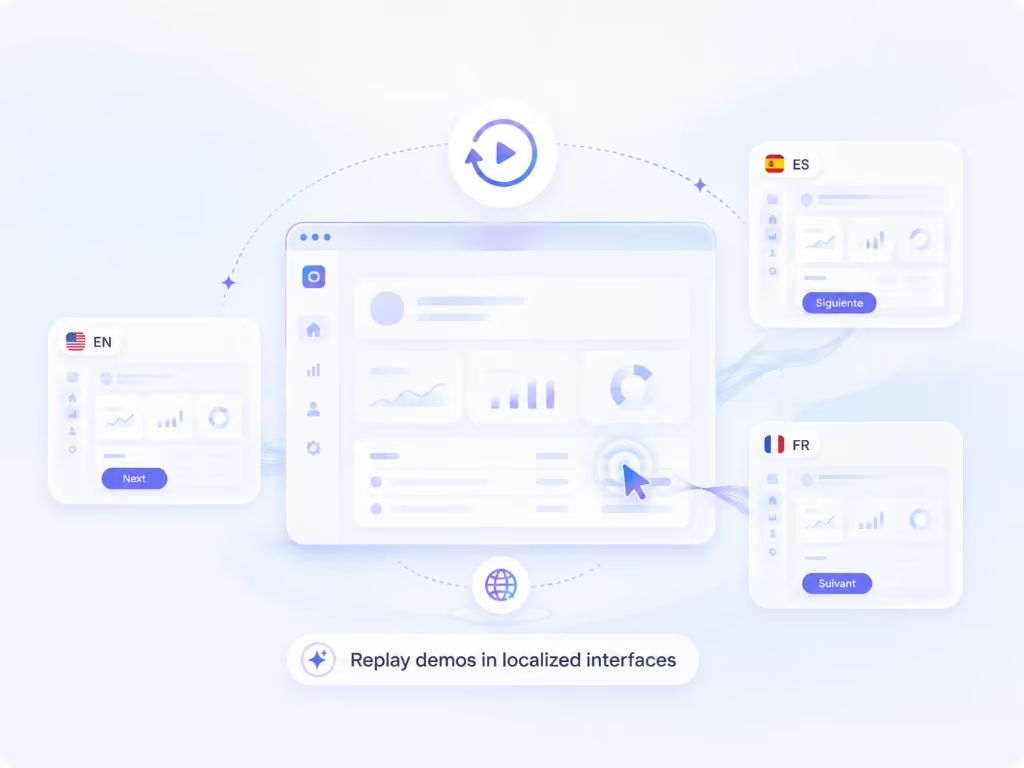
Braiv Capture recording a software demo, cleaning the voiceover, and translating narration plus on-screen text
概要
One
Recording per workflow Every language version starts from the same take
Zero
Filler words in the dub Rewritten and revoiced with a Braiv Speech clone
Audio + text
Translated together Voiceover, captions, and on-screen overlays in one pass
Replayable
Capture sessions Re-run the same walkthrough against a localized UI
domaine homes logo
puma logo
tesla logo
micd-up logo
antler logo
canva logo
thirdi logo
screenapp logo
anchored outdoors logo
domaine homes logo
puma logo
tesla logo
micd-up logo
antler logo
canva logo
thirdi logo
screenapp logo
anchored outdoors logo
Braivワークフローの一部
機能

Built for support libraries that have to exist in every language

Three capabilities carry the job: cleaning up the narration you actually recorded and revoicing it with a Braiv Speech clone, localizing every layer of the finished video through Braiv Dubbing, and replaying the capture so the demo itself is re-recorded inside your localized product.

01

AIボイスオーバーのクリーンアップと再ダビング

ナレーションのクリーニングは、フィラーワードを削除し、画面録画からのナレーションを書き換えてから、ナレーション用に調整されたBraiv Speechのボイスクローンで再合成するため、サポートビデオが撮り直しなしでリハーサルされたかのように聞こえます。

  • Ums and ahs removed
  • サポートドキュメントリライト
  • Braiv Speech ナレーションクローン
もっと詳しく
02

ビデオ翻訳、音声、画面上のテキストをサポート

画面録画を完全に翻訳:Braiv Dubbing は、選択した音声からクローンされた音声、翻訳されたキャプション、タイトル、コールアウト、画面上のテキスト、および対応するヘルプ記事。

  • 画面上のテキスト翻訳
  • Braiv ダビングで吹き替え
  • 記事は同期したまま
もっと詳しく
03

ローカライズされたUIでの自動再録音

自動化されたローカライズされた画面録画は、キャプチャしたウォークスルーをターゲット言語の製品に対して再生し、英語のメニューに翻訳されたオーディオを重ねるのではなく、ローカライズされたインターフェイスのスクリーンキャストを生成します。

  • リプレイ可能なキャプチャセッション
  • ローカライズされたUI(画面上)
  • 手動での撮り直しなし
もっと詳しく
使い方

アップロードから公開まで

  1. 01

    Record the walkthrough once

    Capture your screen and talk through the task the way you normally would — pauses, restarts, and filler words included. Braiv keeps the recording plus the interaction timeline behind it.

  2. 02

    Let Braiv clean and script it

    Braiv transcribes the session, rewrites the narration into tight support-doc language, and redubs it with your Braiv Speech voice clone — tuned for narration, so the published version sounds rehearsed without a second take.

  3. 03

    Translate every element

    Braiv Dubbing localizes the audio from whichever voice you prefer — the original recording or the cleaned voiceover — while captions, callouts, and on-screen text are translated in the same pass.

  4. 04

    Replay the demo in a localized UI

    Re-run the recorded capture against your product set to another language, so the screen a German customer watches is the German interface — then publish the video and the matching help article.

深掘り

{product} に関するすべて Braiv Capture

英語のみのサポートコンテンツがあなたに課すコスト

請求書は静かに、3つの場所で届きます。

  • 1つの言語以外はすべて最新ではないヘルプセンター。 英語の記事はリリース後に更新されました。他の6つの記事は更新されていないため、最もよく文書化されている市場は、最も売上が少ない市場です。
  • ビデオが合わなかったために存在するチケット。 セルフサービスのヘルプが読めないと、顧客は人に尋ねます。そして、市場ごとに週に20の同じ質問が届きます。
  • ロードマップとともに増加する再撮影の請求書。 週に1回リリースすると、画面の変更ごとにチュートリアルライブラリが無効になります。再録画は1つの言語では困難であり、10言語では不可能になります。

これらはどれも翻訳予算の問題ではありません。これは制作の問題です。アセットは、すべての言語とすべてのリリースが新しいプロジェクトになるような方法で構築されています。

英語の画面に翻訳された音声は役に立たない

ボイスオーバーのダビングは簡単な半分であり、ほとんどのツールが出荷する半分です。「50以上の言語で公開」の細かい文字を読むと、それはほぼ常にオーディオトラックを意味します。

サポートビデオには、キャプション、コールアウト、タイトル、そしてインターフェイス自体も含まれます。ポルトガル語で話すが、すべてのメニューが英語のままのウォークスルーは、視聴者に頭の中で画面を翻訳させることになります。これは、あなたが取り除こうとしていた労力のほとんどです。

Captureはアセット全体をローカライズします。クリーンなナレーションダビングされたオーディオ、キャプション、画面上のテキスト、そしてローカライズされた製品で再再生される画面録画です。

ダビングは Braiv Dubbing で実行され、元の録画の音声、またはクリーンなBraiv Speechボイスオーバーのいずれかをクローンするかを決定します。ライブラリ全体での一貫性は通常、後者を主張します。配信が重要な創設者のウォークスルーは、しばしば前者を主張します。

最初のテイクが唯一のテイク

ほとんどの画面録画ツールは、あなたに実行するように求めてきます。Captureは、あなたがつまずき、繰り返し、独り言を言うことを想定しています。そしてそれを生の入力として扱います。トランスクリプトは、ヘルプセンターが必要とする、タイトで指示的な言語に書き直され、ナレーションはBraiv Speechの音声クローンで再生成されます。一度設定されたあなたの声が、会話ではなくボイスオーバーのために最適化されます。

実質的な効果として、主題の専門家は、録画セッションを予約する代わりに、会議の合間にサポートコンテンツを録画できるようになります。

プロジェクトなしで指示ビデオを作成する方法

同じパイプラインが、製品チームが実演する必要があるほとんどすべてをカバーします。ソフトウェアチュートリアル、指示ビデオ、従業員トレーニングビデオ、オンボーディングウォークスルー、ヘルプセンターライブラリ。ボイスオーバー付きの画面録画を入力すると、ローカライズされたビデオと記事の公開可能なセットが出力されます。

AIで指示ビデオを作成する方法を調べてみたことがあるなら、おそらくコンテンツを生成するツールを見つけたでしょう。それは、使用したことのないモデルが書いた、使用したことのないモデルが書いたスクリプトで、ストック映像にストックボイスで読み上げられます。Captureはそれを反転させます。指示は、あなたが実際のインターフェイスで実際のタスクを実行することです。AIがクリーンアップ、翻訳、再録画を行います。

これは、これらのアセットが通常、異なるツールで異なるチームによって構築され(CanvaまたはPowerPointでトレーニングビデオ、画面録画ツールでサポートクリップ、ヘルプセンターで記事)、そしてそれらのどれもローカライズされないため重要です。Captureは、後で資金調達する必要のあるプロジェクトではなく、ローカライズされたバージョンをデフォルトの出力にします。

デモ、あなたのために再撮影

Captureはウォークスルーをフラットエクスポートではなく再生可能なセッションとして保持するため、同じ手順を別の言語の製品に対して再度実行できます。これは、翻訳されたビデオとネイティブビデオの違いです。フランスの顧客は、同じペースで、同じナレーションスクリプトで、フランスのインターフェイスが使用されているのを見ます。

6つの言語で製品をリリースするチームにとって、これはローカリゼーションの、誰も時間がない部分、つまり画面の再撮影をなくします。

ビデオと記事、同期

すべてのウォークスルーは、同じクリーンなスクリプトから2つの出力、つまりサポートビデオと書かれたヘルプ記事を生成します。単語が変わると、両方とも変わります。言語が追加されると、両方とも追加されます。

Captureはサイロではありません。ナレーションクローンにはBraiv Speechを、ローカリゼーションにはBraiv Dubbingを基盤とし、Braiv Playerと連携しているため、1つの埋め込みでヘルプセンターのすべての言語に対応できます。


よくある質問

よくある質問

What is Braiv Capture?
Braiv Capture is a support-content tool. You record a product walkthrough once, and Braiv turns it into publishable support videos and help articles in any language — cleaning up the spoken narration, translating dubbing and on-screen text, and replaying the capture so the demo can be re-recorded inside your localized interface.
How is this different from Braiv Dubbing?
Capture uses Braiv Dubbing rather than replacing it. Dubbing localizes a finished video — translation, cloned audio, optional lip sync — and works on any footage you already have. Capture wraps that in a support-content workflow: it rewrites messy narration and revoices it through Braiv Speech, translates on-screen text, writes the matching help article, and can re-record the screencast against your product in the target language instead of leaving English menus under translated audio.
Can I use Capture to make software training videos, not just support articles?
Yes. Anything you would demonstrate on screen fits the same workflow: software tutorials, instructional videos, employee training videos, onboarding walkthroughs, and product demos. The advantage shows up when those videos have to exist in more than one language — see multilingual onboarding and training videos.
Can you do a voiceover while screen recording?
Yes, and that is the intended way to use it. Talk through the task while you record and Capture treats that voiceover as source material rather than the final audio — it rewrites the wording and revoices it with your Braiv Speech clone. You can also record silently and let Capture generate narration from a script instead.
How do you make instructional videos with AI?
The short version: perform the task on screen while you narrate it, then let AI do the editing rather than the teaching. Capture transcribes the walkthrough, rewrites the narration into instructional language, revoices it with your Braiv Speech clone, and produces the localized versions and the written guide from the same script. The instruction comes from you doing the work; AI removes the production job around it.
How do you make training videos with AI without them sounding generic?
By starting from a real recording rather than a generated one. The screen is your actual product, the steps are the ones you performed, and the narration is a clone of your voice — AI handles the cleanup, translation, and re-recording rather than inventing the content. Nothing about the interface is synthesized.
Does it remove ums, ahs, and mistakes from my narration?
Yes. Capture treats your recording as source material rather than a final take. Filler words, false starts, and rambling explanations are stripped, the wording is tightened into support-doc language, and the result is revoiced with your Braiv Speech clone — including in the original language.
Which voice clone does Capture use?
Two, doing different jobs. The clean redub uses a Braiv Speech clone — an expressive clone set up once and optimized for voiceover narration. Localization then runs through Braiv Dubbing, which clones whichever voice you prefer as the source: your original recording, or that cleaned Braiv Speech voiceover.
Will the published video still sound like me?
Yes. The narration voice is a clone of you built in Braiv Speech, and voice cloning in Braiv Dubbing carries that identity into every language — so no market gets a stock narrator.
What happens to the text inside my video?
On-screen text is localized alongside the audio. Captions, titles, callouts, and overlays are translated in the same pass so a viewer never sees English annotations over a localized walkthrough.
How does the re-recording in another language work?
Capture stores the walkthrough as a replayable session, not just a flat video. When your product is switched to another language, the same session can be replayed against that interface — producing a screencast of the localized UI without you manually re-shooting every language.
Do I need a separate tool for written help articles?
No. The same cleaned transcript that produces the voiceover also produces the written walkthrough, so the video and the help article stay in sync in every language you publish.
When can I use Braiv Capture?
Capture is launching soon and early access is invite-based. Join the waitlist on this page and we will reach out as soon as your workspace can create localized support content.
Will Capture be part of my existing Braiv plan?
Capture is designed to sit inside the same subscription and AI Credit balance as the rest of Braiv, so support content is not a separate invoice. Final plan detail lands with launch — see pricing for current allowances.

サポートライブラリのローカライズをいち早く

早期アクセスウェイティングリストにご登録ください。一度の録音で、あらゆる言語のサポートコンテンツを公開できるようになった際に、ご連絡いたします。