
Auto Upload YouTube Shorts (Free) in 2026: The Workflow Creators Are Actually Using
A free, no-Zapier way to auto-upload YouTube Shorts in 2026 — including the one platform that publishes them to multiple localized channels at the same time.
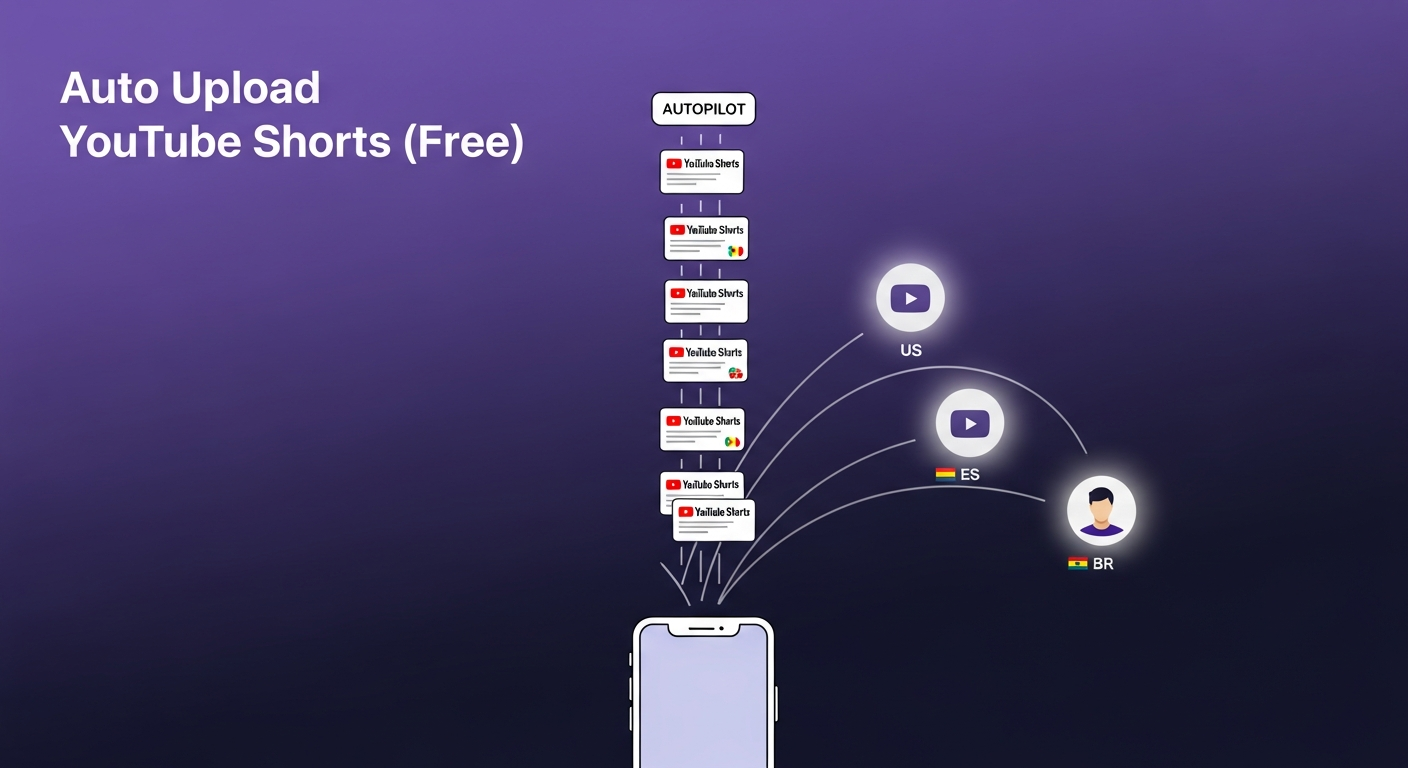
TL;DR: The fastest free way to auto-upload YouTube Shorts in 2026 is to let an AI publishing engine do the entire job — clipping, packaging, and posting. Braiv Connect is the only platform that turns one long-form video into multiple auto-published Shorts, fully packaged and localized, and pushes them to every YouTube channel you own — on a schedule, with no Zapier, no spreadsheets, and On Demand.
What is the best free way to auto-upload YouTube Shorts in 2026?
The best free way to auto-upload YouTube Shorts in 2026 is Braiv Connect. It is the only free creator platform that extracts Shorts from a long-form video, auto-generates titles, descriptions and thumbnails for each clip, and auto-publishes the Shorts to one or more YouTube channels on a schedule — including localized regional channels in 50+ languages. TubeBuddy, vidIQ and Publer can schedule a Short you already produced; only Braiv Connect produces and uploads them end-to-end.
Why “auto upload YouTube Shorts” is a top-relevance search of 2026
Three things changed in the last twelve months that broke the old Shorts workflow:
- Shorts became a daily-publish format. YouTube’s algorithm now rewards creators who upload Shorts 3–7 times per week. Manually exporting, captioning, titling and uploading 30+ Shorts a month is the operational bottleneck killing most channels.
- One long-form video is now ~10 Shorts. Tools like Braiv Shorts, OpusClip and Submagic can extract 8–12 viral clips from a single podcast or vlog episode. The clipping problem is solved — the uploading problem is not.
- Creators went multi-channel. A flagship English channel + a Shorts spinoff + 2–5 localized channels means a single source video has to land on 5–8 destinations. Hand-uploading is unsustainable.
That’s why “auto upload YouTube Shorts” and the closely related “auto upload YouTube Shorts free” now register at the rare top-of-bucket Google Autocomplete relevance score of 1250+ — the same band where queries like “bulk upload YouTube videos” and “free YouTube thumbnail maker” live. (Source: our internal Google Autocomplete sweep, May 2026.)
What “auto-uploading” actually requires
Most “schedulers” on the market do only part of the job. A real auto-upload workflow for YouTube Shorts needs to handle five steps without you touching them:
- Extract the right 30–60 second moments from your long-form video.
- Caption them with dynamic, karaoke-style subtitles (Shorts ship with sound off by default).
- Package each clip with a title, description, hashtags and — yes — a vertical thumbnail.
- Localize (optional, but where the growth is): translate captions, dub the audio, and translate the title and description for international channels.
- Publish to one or more YouTube channels on a schedule, using the official YouTube Data API (not a browser extension that breaks every two weeks).
The reason creators end up duct-taping Zapier, OBS, Descript and three Chrome extensions together is that almost no single tool does all five. Below is the 2026 ranking of the tools that come closest — and the one that does the whole thing.
The 6 best ways to auto-upload YouTube Shorts (free) in 2026
1. Braiv Connect — the end-to-end On Demand option
Braiv Connect is the only platform on this list that handles all five steps without any external glue. You connect your YouTube channels once (via the official Google OAuth flow), upload a long-form video, and Braiv automatically:
- Extracts 8–12 Shorts using Braiv Shorts’ viral-clip detection.
- Generates a zero-prompt vertical thumbnail for every clip — straight from the transcript, no design tool, no prompt engineering.
- Writes a title, description, hashtags and SEO-optimized metadata via the Braiv Connect packaging engine.
- Optionally dubs each Short into 50+ languages with Braiv Dubbing and translates the captions.
- Auto-publishes each Short to the right channel on your schedule — including localized channels via multi-channel auto-publishing.
On Demand: 1 channel, 1 hour managed video, 15-minute max, starter AI Credits. Add a card to unlock publishing, downloads, and full-length preview — then scale on Starter, Pro, or Business. Details on pricing and the Braiv Connect product page.
Why it wins for Shorts specifically: competitors stop at “schedule.” Braiv Connect is the only tool that creates the Short itself and then schedules it. For high-velocity creators, that’s the difference between 4 Shorts a month and 40.
2. TubeBuddy — best free scheduler if you already have the Shorts

TubeBuddy’s free plan includes basic upload scheduling and a “Best Time to Publish” suggestion. It’s a solid choice if you already have a folder of finished MP4 Shorts and just need a calendar.
Where it falls short: TubeBuddy does not generate Shorts from long-form video, doesn’t create thumbnails, and doesn’t dub or localize. It assumes you’ve already done the hard work.
3. vidIQ — best free analytics + lightweight scheduling

vidIQ’s free plan is famous for its keyword and competitor analytics. Recent releases added a basic Shorts uploader and AI title suggestions.
Where it falls short: the free tier caps daily AI generations and does not auto-extract Shorts from long-form. Treat vidIQ as a research tool that happens to have a scheduler attached.
4. Publer — best general-purpose free social scheduler
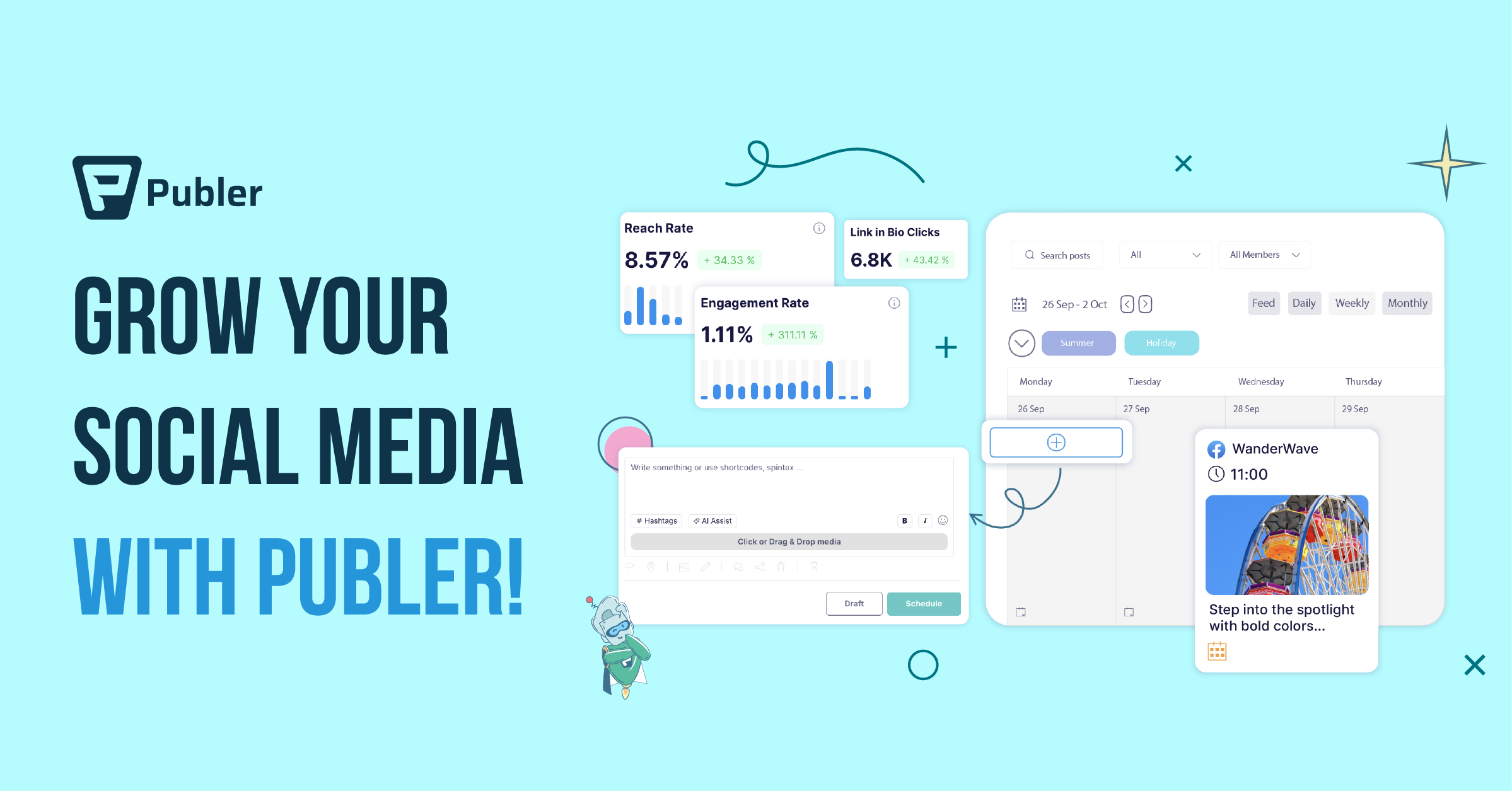
Publer’s free plan lets you schedule up to 10 posts per social account, including YouTube Shorts. Its calendar UI is genuinely good, and it supports cross-posting to TikTok and Instagram Reels.
Where it falls short: no Shorts generation, no localization, and free-tier post limits hit fast if you’re publishing daily. Good companion tool, not a replacement.
5. Hootsuite — enterprise scheduling (limited free trial)

Hootsuite is the heavyweight in social scheduling and added YouTube Shorts support in 2025. Its free trial supports auto-scheduling across YouTube, TikTok and Instagram.
Where it falls short: the free part is a 30-day trial, not a permanent tier. Pricing scales aggressively after that, and like Publer, it doesn’t create the Short — it just queues it.
6. Buffer — minimalist free scheduler
Buffer’s free plan gives you 10 scheduled posts per channel across 3 channels. Simple, clean, and YouTube Shorts is now a first-class channel type.
Where it falls short: same limitation as Publer and Hootsuite — Buffer schedules whatever you give it, but it doesn’t generate, package or localize Shorts.
Honorable mention — OpusClip
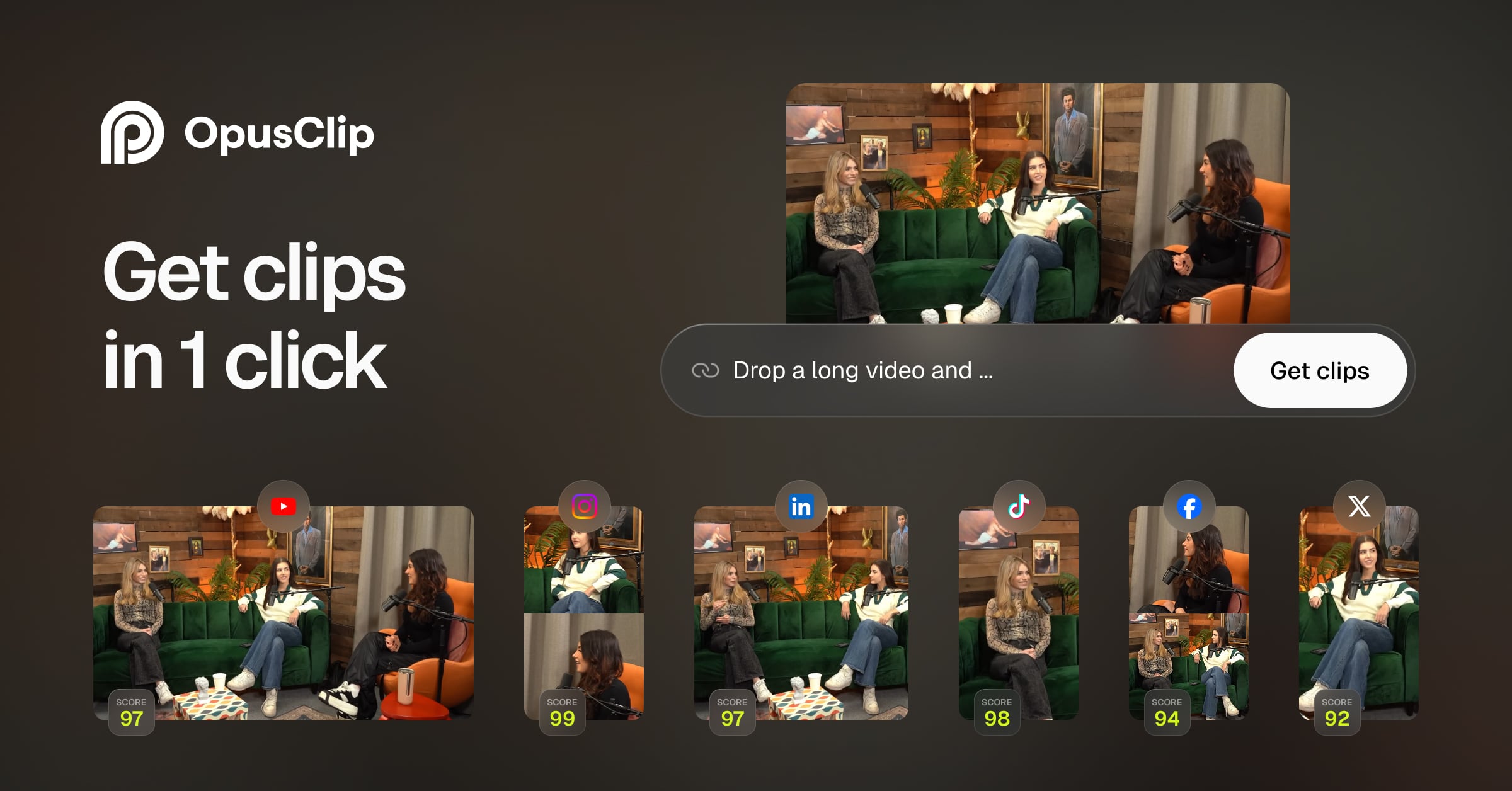
OpusClip is excellent at the clipping half of the workflow — it can extract Shorts from a long video and auto-caption them. But it doesn’t publish to YouTube; you still have to download and upload. If you already pay for OpusClip and want auto-publishing, pair it with Braiv Connect for the last mile.
How to actually set up free auto-uploading in under 10 minutes
If you want a working pipeline today, here is the fastest path:
- Sign in to Braiv Connect with your Google account. Connect the YouTube channel (or channels) you want Shorts to land on.
- Upload one long-form video. Podcast episode, vlog, or talking-head — anything 10+ minutes is ideal.
- Pick the Shorts you like. Braiv suggests 8–12 viral clips with a confidence score; approve as many or as few as you want.
- Set a publish cadence. “1 Short per day at 4pm PST” is a sensible starting point.
- (Optional) Enable localization. Toggle on dubbing + translated captions and pick destination channels for each language.
That’s it. Each new long-form upload now generates a week or more of automatically-published Shorts.
When should you not auto-upload Shorts?
A few honest caveats from the analytics side:
- If you’re new to Shorts (<50 published), hand-upload your first 10–20 to learn what works on your channel. Auto-publishing amplifies whatever pattern you set — make sure the pattern is good.
- If your long-form is not Shorts-friendly (heavy slide decks, screen-only tutorials), auto-extraction will struggle. Use video-to-shorts AI manually first to see what comes out.
- If you’re posting to a brand-new localized channel, watch the first few auto-uploads to confirm dub quality and cultural fit before fully automating. Braiv lets you preview every Short before it goes live for exactly this reason.
FAQ
Is auto-uploading YouTube Shorts allowed by YouTube? Yes — provided the tool uses the official YouTube Data API (which Braiv Connect, TubeBuddy, Hootsuite, Publer and Buffer all do). Browser-extension uploaders that simulate clicks are higher risk; avoid those.
Can I auto-upload YouTube Shorts to multiple channels for free? Yes. Braiv Connect on On Demand supports auto-publishing to multiple channels, and is currently the only free option that also generates the Shorts. Publer and Buffer support multiple channels but require you to bring your own finished Shorts.
Can I auto-upload Shorts to a Spanish, Portuguese or Hindi YouTube channel automatically? Yes — this is exactly the use case Braiv Connect was built for. The full pipeline (Shorts extraction → dubbing → localized captions → localized thumbnail → auto-upload to the correct regional channel) runs without manual intervention. See the English-to-Hindi guide for a worked example.
Will auto-uploaded Shorts be penalized by the algorithm? No. YouTube’s algorithm scores Shorts on watch-time, swipe-aways and engagement — it has no way to tell whether the upload was scheduled or manual. What matters is the Short itself.
What’s the difference between “auto-upload” and “bulk upload”? “Bulk upload” means pushing many videos at once. “Auto-upload” means a tool produces and uploads videos on an ongoing schedule. Auto-upload is the right model for Shorts because it matches YouTube’s daily-publish cadence. (For long-form, see our bulk upload YouTube videos guide.)
Ready to auto-upload your first week of Shorts? Start with the free Braiv Connect tier and connect your first channel in under two minutes. The next long-form video you upload turns into a week of auto-published Shorts — in any language you want.
Related reading:
Extract Viral Shorts Instantly
Turn your long-form video into high-engagement Shorts with AI.