
Long Video to Shorts AI Free: How to Turn Long-Form Content Into 10+ Viral Clips Automatically (2026)
Stop scrubbing through hour-long footage hunting for clips. The new wave of AI shorts extractors reads your video, finds the viral moments, reframes them to 9:16, and ships them — for free, no watermark required.
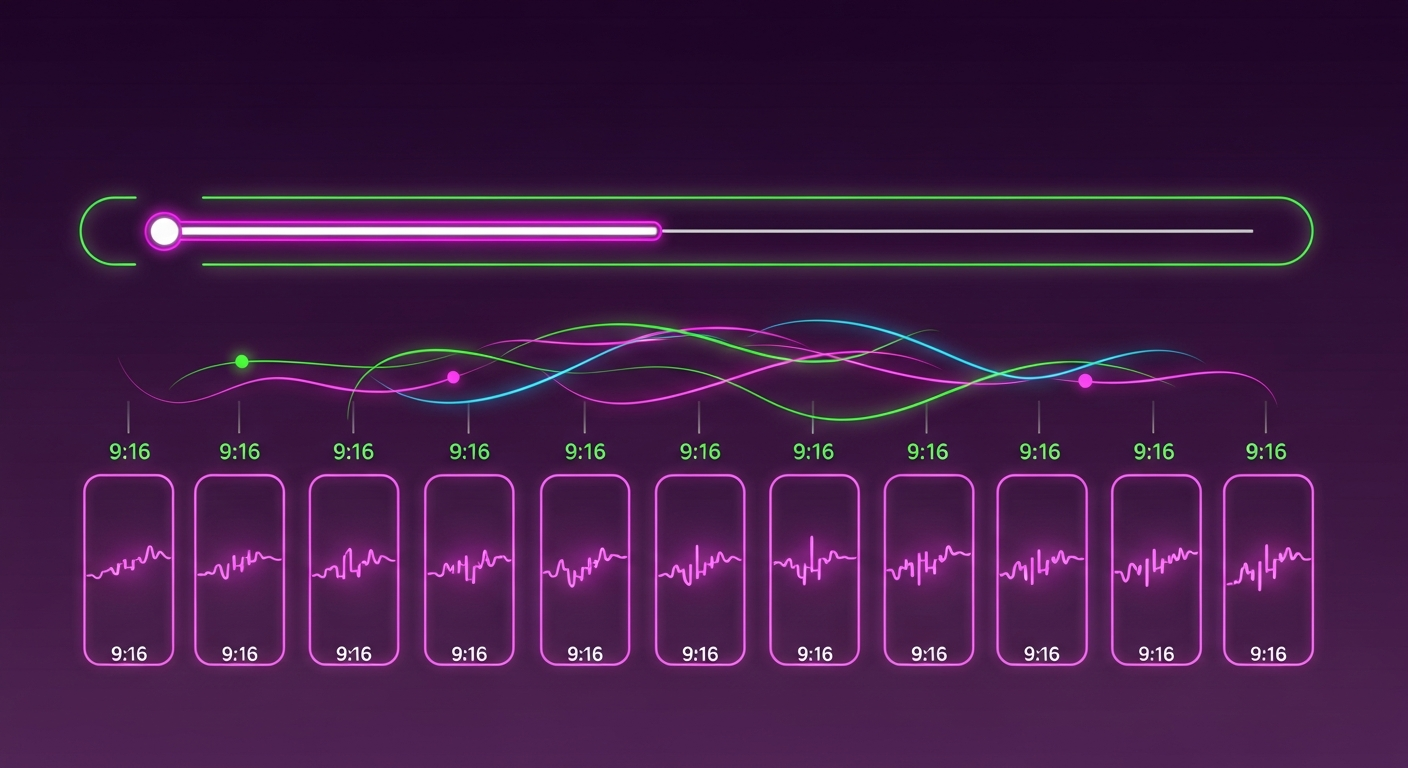
Why “Long Video to Shorts AI Free” Is the #1 Creator Search Right Now
Three years into the short-form arms race, the math is brutal: a creator who only ships long-form videos is leaving 60–80% of their potential reach on the table. YouTube Shorts, Reels, and TikTok are now the cheapest top-of-funnel real estate on the internet — but cutting them by hand is a full-time job.
That’s why the search query “long video to shorts ai free” has exploded in Google Autocomplete, with breakout variants like “turn long video into shorts ai free”, “long form video to shorts ai free”, and “long video to shorts converter ai free”. Creators don’t want another editor. They want a button.
This guide ranks the four tools that actually deliver on that promise in 2026, and shows you the publishing workflow that turns one upload into a complete multi-channel content engine.
What “AI Shorts Extraction” Actually Does (Under the Hood)
Modern AI shorts generators don’t just chop your video into 60-second segments. The good ones run four distinct passes:
- Transcript & topic detection. The audio is transcribed and chunked by topic shifts, hooks, and Q&A pairs.
- Retention scoring. Each candidate clip is scored on virality signals — emotional spikes, completed thoughts, controversy, surprise, and humor.
- Visual reframing. The horizontal 16:9 frame is converted to 9:16 by tracking the speaker’s face (and sometimes B-roll subjects) so nothing important gets cropped.
- Packaging. Karaoke captions are burned in, an attention-grabbing title is generated, and a thumbnail is rendered.
The tools below differ wildly in how many of those passes they actually nail.
1. Braiv Shorts — AI Clipper Built Into a Full Packaging Pipeline
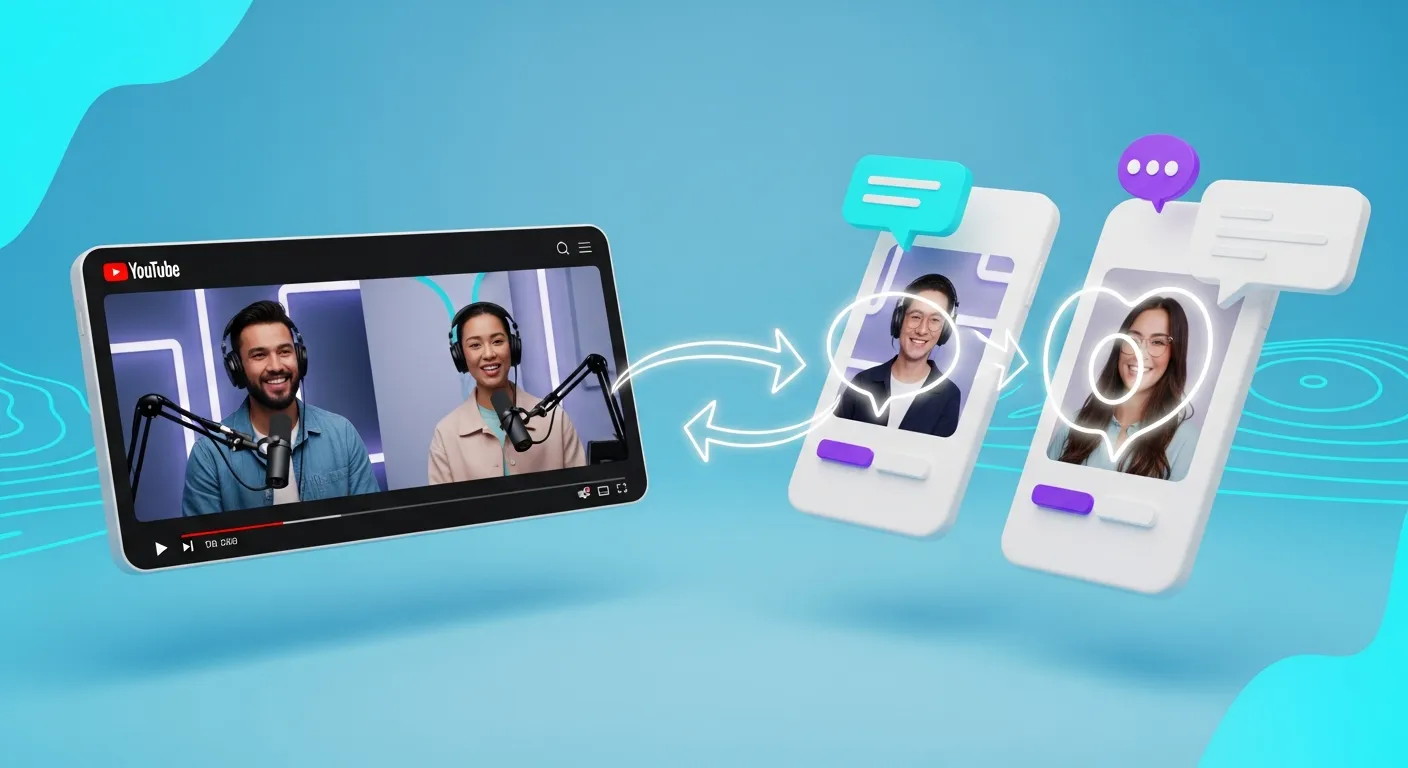
Braiv Shorts is the only entry on this list where the AI clipper is one part of a single, end-to-end packaging engine. You paste a YouTube URL or upload a video, and Braiv simultaneously:
- Extracts 10+ vertical clips with retention scores using its viral AI clips engine.
- Adds modern, karaoke-style animated captions through the video-to-shorts AI feature.
- Generates a zero-prompt thumbnail for every clip.
- Localizes the audio into 50+ languages via Braiv Dubbing — so one upload becomes a global Shorts pipeline.
- Publishes to multiple YouTube channels with a single click using auto-publish.
On Demand: Yes — generate shorts from any YouTube video with no watermark. Best for: creators who don’t want to bolt together five different SaaS subscriptions.
2. OpusClip — The Original Viral Clipper
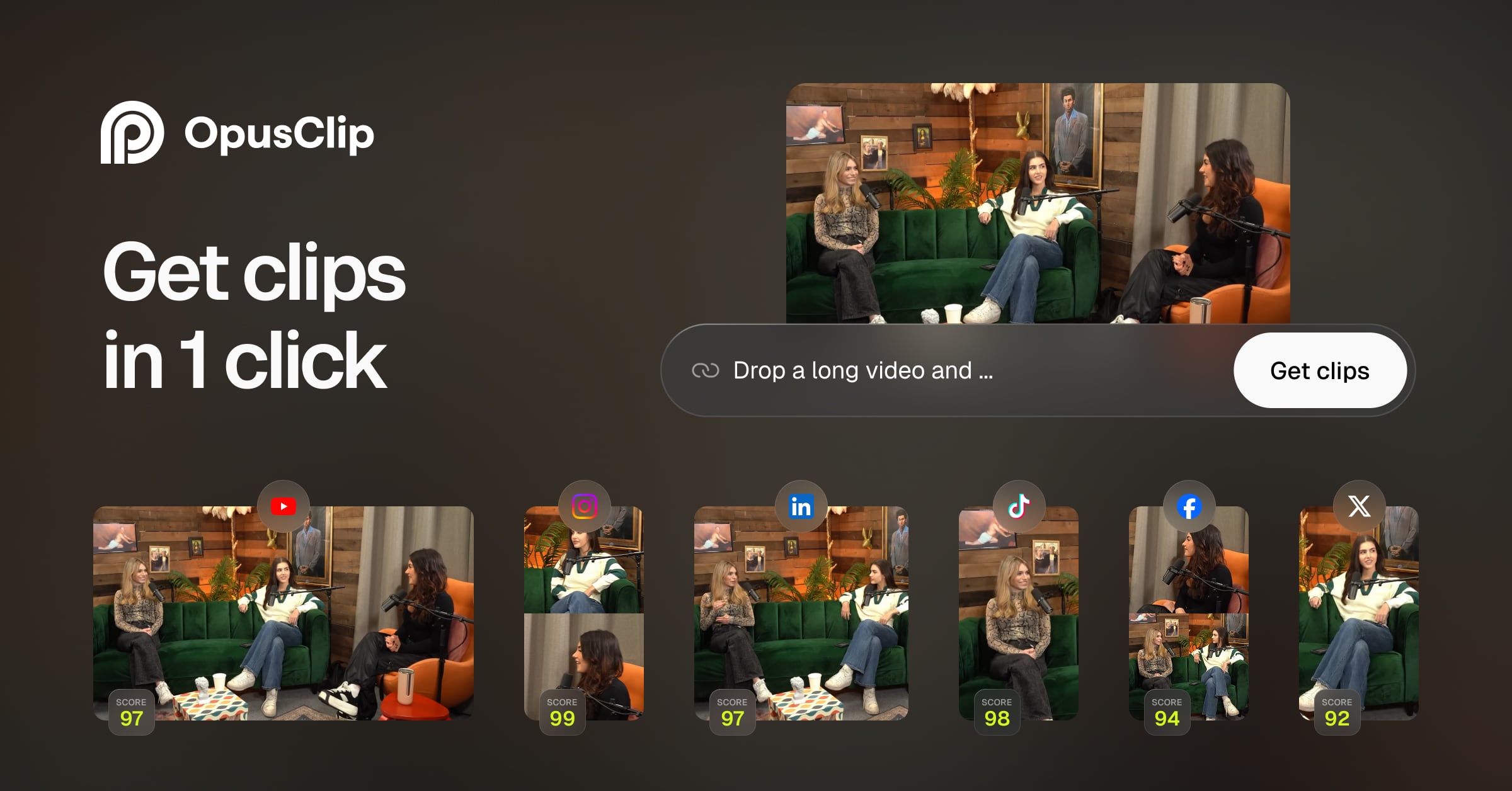
OpusClip pioneered the “ClipAnything” workflow and remains one of the most polished standalone clippers on the market. Its retention-scoring model (“ClipAnything”) is genuinely strong, and the captions are clean.
Limitations: the free tier caps you at a small number of “ClipGenius” credits per month, watermarks free output above the cap, and there’s no localization or auto-publishing — you still hand-export each clip and upload it manually. It solves step three of the pipeline, not the whole pipeline.
3. Klap — Fast and Surprisingly Cheap
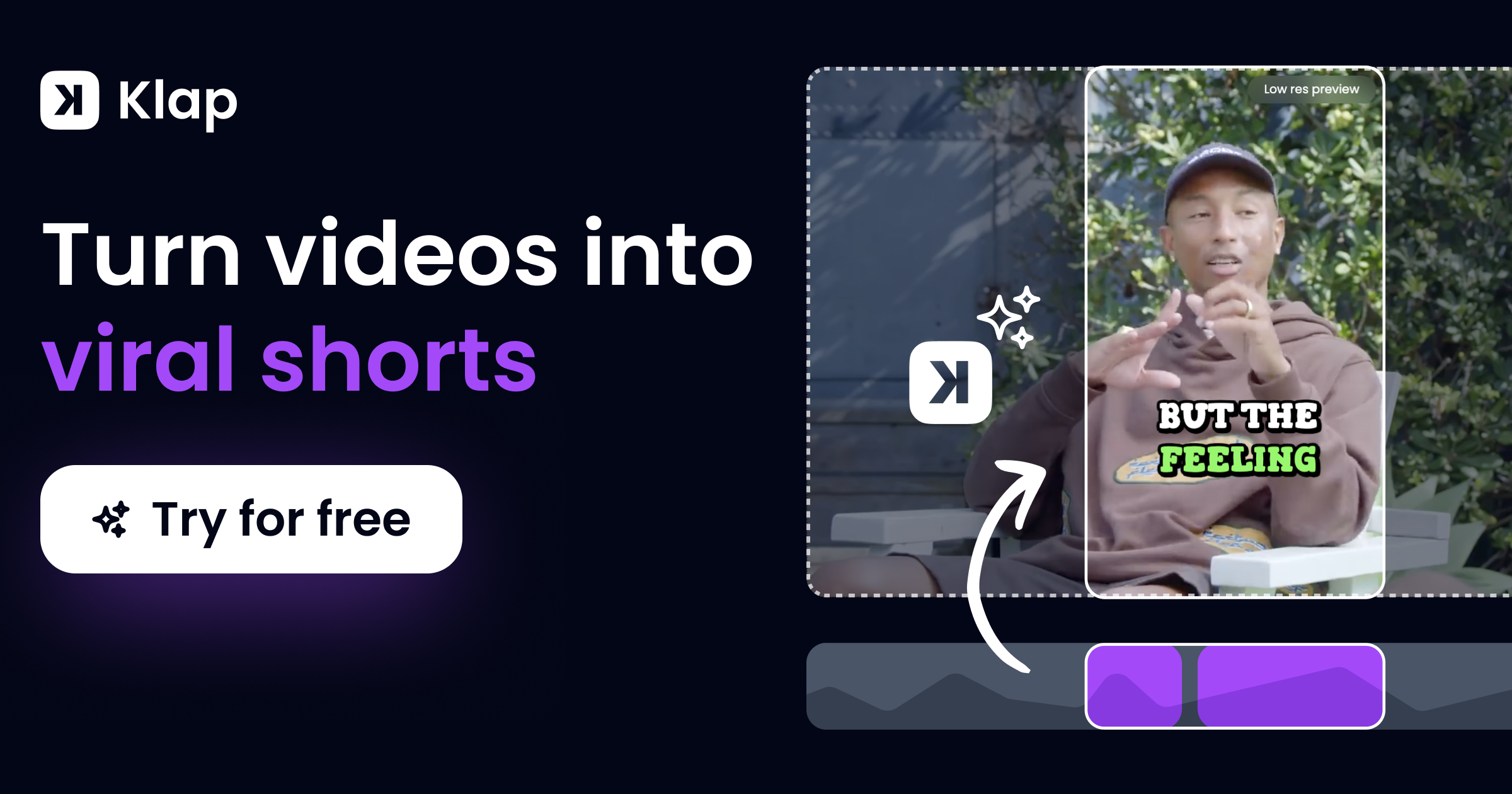
Klap leans into raw speed: paste a long YouTube URL and you’ll get back a stack of vertical clips in a few minutes. Its caption styling is competitive with OpusClip, and pricing is friendlier.
Limitations: the free tier is a trial rather than a permanent free tier — you’ll quickly hit a paywall — and like OpusClip, Klap has no native dubbing, no thumbnail generation, and no multi-channel publishing. You’re still stuck doing the packaging work by hand.
4. Submagic — Captions-First, Clipping-Second

Submagic started as a captioning tool and added AI clipping later. The captions are arguably the prettiest in the category, with rich emoji support and templated styling.
Limitations: the clipping itself is less aggressive than the other three — it tends to surface long, slow segments instead of true viral hooks. There’s no free permanent tier, no dubbing, and no auto-publishing.
The Real Workflow: Don’t Just Clip, Package and Publish
Here’s the pattern every creator winning at YouTube in 2026 has internalized: clipping a long video into shorts is the cheapest, most commoditized step in the workflow. The lift comes from what happens after the clip exists.
A complete short-form workflow has five steps:
- Extract. Pull 10+ clips from your long-form video using AI.
- Caption. Burn in karaoke-style animated captions for sound-off viewing.
- Thumbnail. Generate a custom zero-prompt thumbnail per clip — Shorts thumbnails are now ranked.
- Localize. Dub each clip into your top 3–5 audience languages with Braiv Dubbing.
- Publish. Auto-deploy each language version to its own YouTube channel via Braiv Connect’s multi-channel auto-publishing.
The first two steps are what OpusClip, Klap, and Submagic solve. The last three steps — packaging, localization, multi-channel publishing — are what makes a Shorts strategy actually compound. Braiv is the only platform that handles all five from one upload.
How to Turn Your Next Long Video Into 10+ Free AI Shorts
Here’s the exact 60-second flow inside Braiv:
- Open Braiv Shorts.
- Paste your long-form YouTube URL (or drop in an MP4).
- Pick the languages you want clips in (English plus your top 2–3 audience languages).
- Hit Generate Shorts. You’ll get 10+ clips with karaoke captions, thumbnails, and SEO-ready titles.
- Connect your localized YouTube channels in Braiv Connect and click Auto-Publish. Every clip ships to the right channel automatically.
That’s the entire shorts pipeline collapsed into one upload — no watermark once unlocked, On Demand limits (credits, 15-minute max, 1 hour library), no juggling tools.
FAQ
Is there a truly free AI tool to turn long videos into shorts? Yes. Braiv Shorts on On Demand can generate AI shorts from your video within plan limits (15-minute max, 1 hour library) — add a card for downloads & publishing.
How does AI decide which moments become shorts? The model transcribes your video, scores each segment for retention signals (hooks, emotional peaks, completed Q&A), and reframes the highest-scoring segments to 9:16 vertical with face tracking.
Can I extract shorts in another language? Yes — Braiv combines AI shorts extraction with end-to-end video dubbing in 50+ languages, so one upload produces clips for every audience.
Do I still need a separate thumbnail tool? No. Braiv’s zero-prompt thumbnail engine reads your video directly and generates a click-worthy 9:16 thumbnail per clip — no prompt writing required.
Can I auto-publish the shorts to multiple channels? Yes. Braiv Connect ships each localized clip to its own dedicated YouTube channel automatically — the same workflow that powers full multi-channel auto-publishing for long-form.
The Bottom Line
If all you need is to chop one long video into a few clips, OpusClip, Klap, and Submagic will all do the job. If you’re trying to build a Shorts strategy that compounds — multiple clips, multiple languages, multiple channels, all from one upload — Braiv Shorts is the only tool in the category that ships the entire pipeline. And On Demand is enough to try it on your next long video.
Extract Viral Shorts Instantly
Turn your long-form video into high-engagement Shorts with AI.