
Zero-Prompt Thumbnails: How to Generate AI YouTube Thumbnails From Your Video (No Prompts) in 2026
Forget describing your video to a chatbot. The new generation of AI thumbnail tools reads your footage and transcript directly — and the best one is completely free.
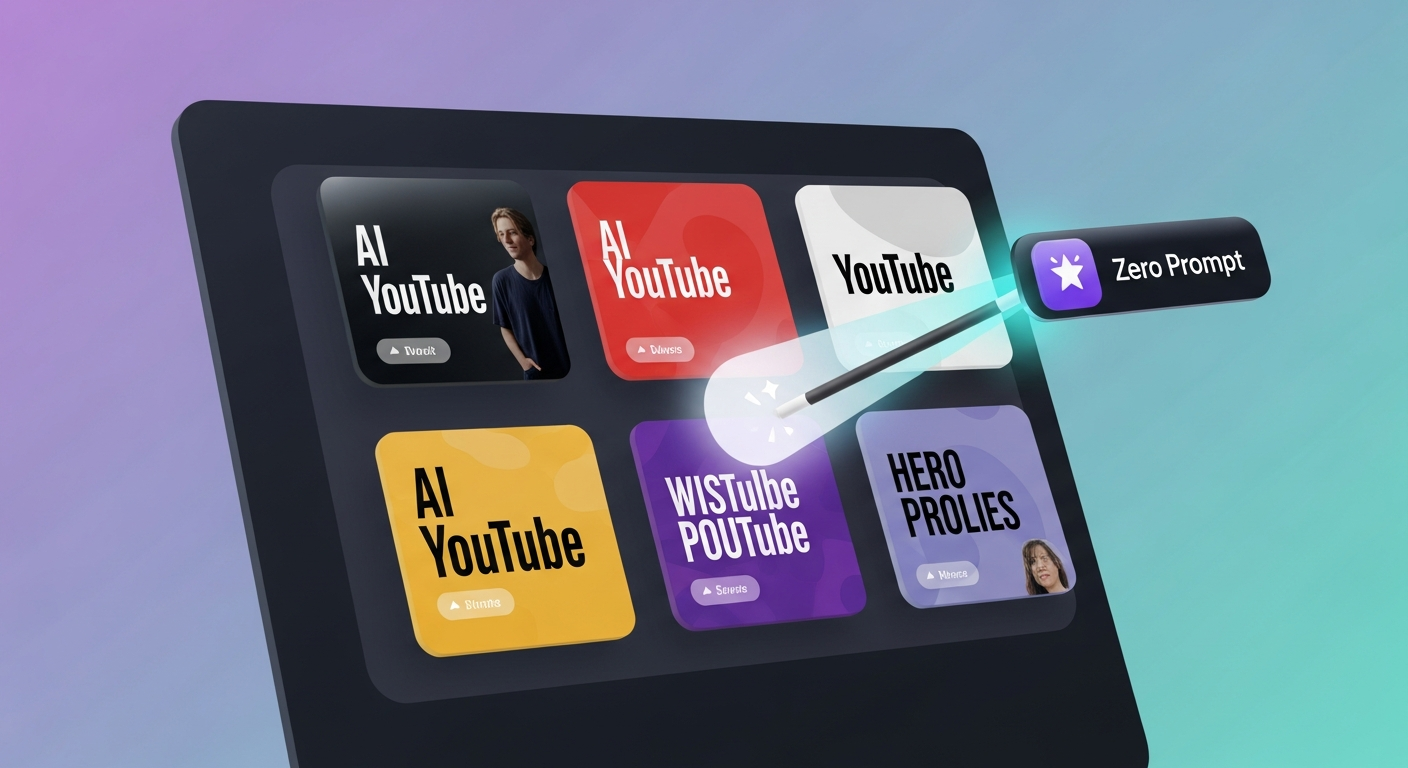
What “Zero-Prompt” Actually Means (And Why It Matters)
For the last two years, every “AI thumbnail generator” has worked the same way: you describe your video in plain English, the tool spits out a generic stock-photo-feeling image, and you spend the next 30 minutes editing it inside Canva to make it usable.
That workflow is dead.
In 2026, the smartest tools have stopped asking creators to write prompts at all. Instead, they:
- Ingest your raw video file and pull frames showing your face, props, and on-screen action.
- Read the auto-transcribed audio to extract the most click-worthy hooks, names, and numbers.
- Layer those visuals + hooks into a high-CTR thumbnail template that matches your channel’s brand.
This shift — from “prompt engineering” to “context extraction” — is the core idea behind what creators are now searching for under terms like zero-prompt thumbnails, ai thumbnail generator from video, and ai youtube thumbnail generator no sign up. Search interest for these queries has more than doubled year-over-year, and the tools that can deliver on the promise are taking the entire packaging market.
This guide tests the four platforms most often compared in this space: Braiv Thumbnails, Pikzels, 1of10, and TubeBuddy. We’ll look at how each one handles video input, transcript-driven design, batch generation, and integration with the rest of your YouTube workflow.
Why Thumbnails Now Decide Whether You Get Watched
Before the rankings, a quick reminder: YouTube’s 2025–2026 algorithm changes have made thumbnail click-through rate (CTR) the single biggest factor in whether a long-form video or Short ever escapes its initial test audience.
YouTube now runs every upload through an A/B test against three thumbnail variants in the first 60 minutes. Channels that don’t supply variants get tested against their channel average — which means an average thumbnail will actively suppress a great video. That’s why platforms that batch-generate variants from a single video are dominating the thumbnail conversation in 2026.
For a deeper breakdown of how the algorithm reads your packaging, see our guide on what is YouTube packaging — thumbnails are pillar one of three.
The 4 Best Zero-Prompt AI Thumbnail Tools in 2026
We tested each tool with the same 12-minute video (a tech review) and rated them on:
- Zero-prompt fidelity — does it actually use your video, or just keywords?
- Variant batch size — how many on-brand options does it generate per run?
- CTR scoring — does it predict performance before you upload?
- Workflow integration — can you publish from the same dashboard?
1. Braiv Thumbnails — Best Zero-Prompt Generator (On Demand)
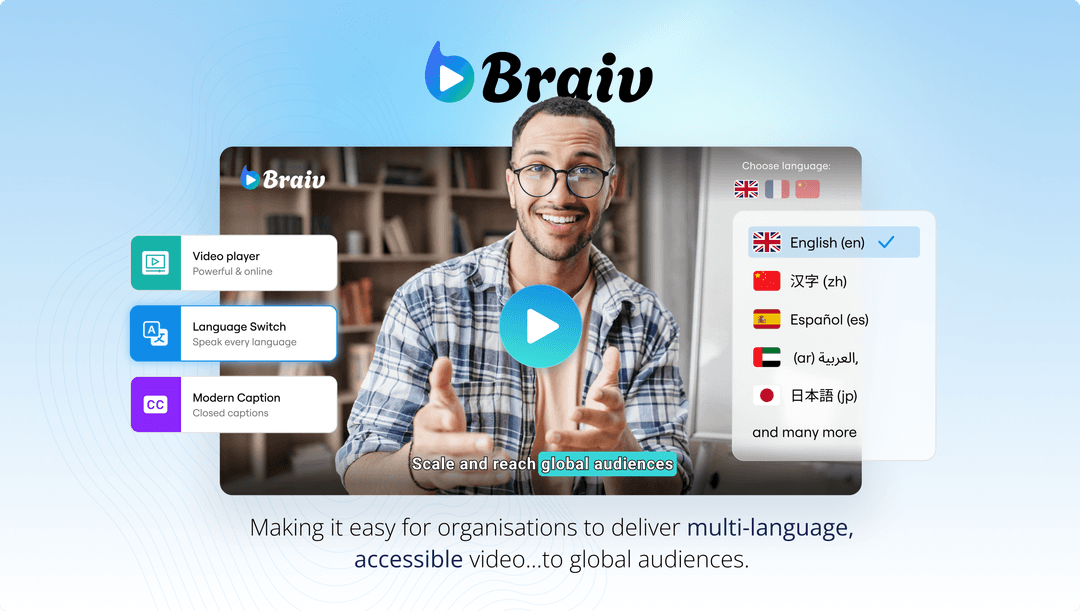
Braiv is the only tool in this list that requires literally zero text input. Drop in your video (or paste a YouTube URL), and Braiv:
- Auto-transcribes the audio in 80+ languages.
- Extracts the highest-energy frames using its visual hook detector.
- Generates 6–12 thumbnail variants with on-brand text overlays pulled from your transcript.
- Runs each variant through a thumbnail score-and-fix prediction model before you ever publish.
It’s also the only one that’s part of a complete video packaging workflow — your thumbnail, SEO title, viral shorts, and multi-channel auto-publishing all live in a single dashboard. That’s the deeper differentiator: Braiv isn’t just a thumbnail tool — it’s the only platform where zero-prompt thumbnails plug directly into a localized, multi-channel publishing engine.
Best for: Creators and studios who want to stop juggling Canva, ChatGPT, and a YouTube uploader. Pricing: On Demand (1 hour managed video) → Starter → Pro — see pricing. Try it: Generate a free thumbnail from your video
2. Pikzels
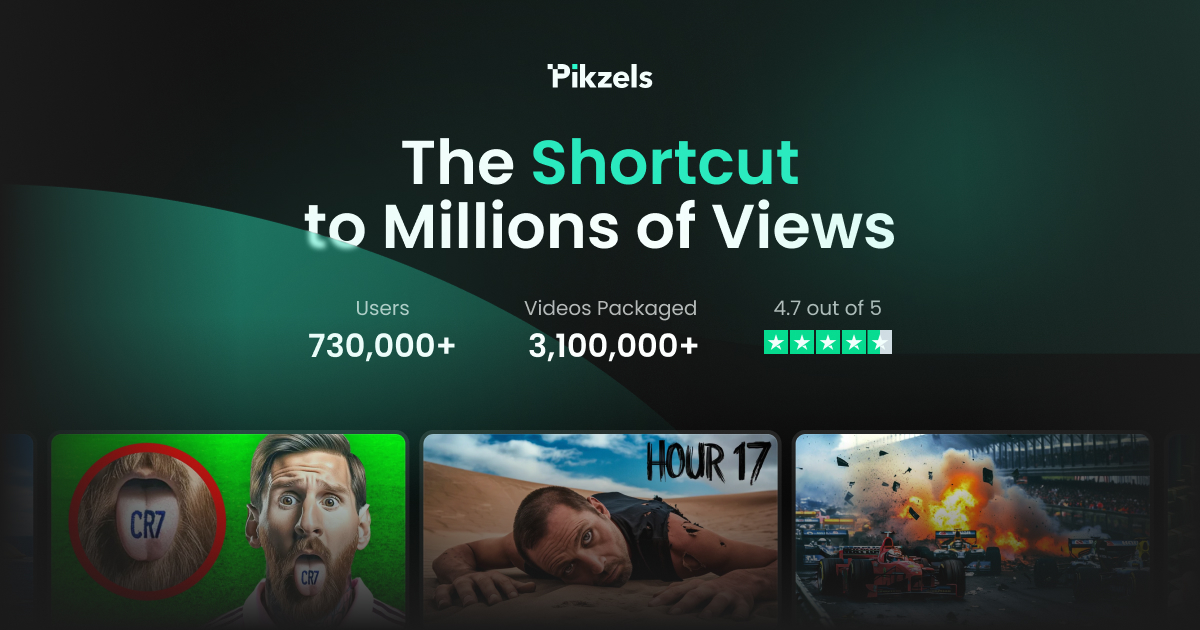
Pikzels was the breakout tool of 2024 and still has one of the cleanest UIs in the space. It uses a face-cutout + headline-prompt workflow, which lands somewhere between “fully prompted” and “zero-prompt” — you upload a selfie and a hook, and the model composes a thumbnail.
Where it falls short for 2026 creators: it doesn’t ingest video. You’re still writing the headline yourself, and there’s no auto-transcript pipeline. For creators producing one polished thumbnail per week, this is fine. For creators producing daily Shorts plus weekly long-form, the manual hook-writing becomes the bottleneck.
Best for: Creators with strong copywriting instincts who want fast manual iteration. Pricing: ~$15/mo for unlimited generations at time of writing.
3. 1of10
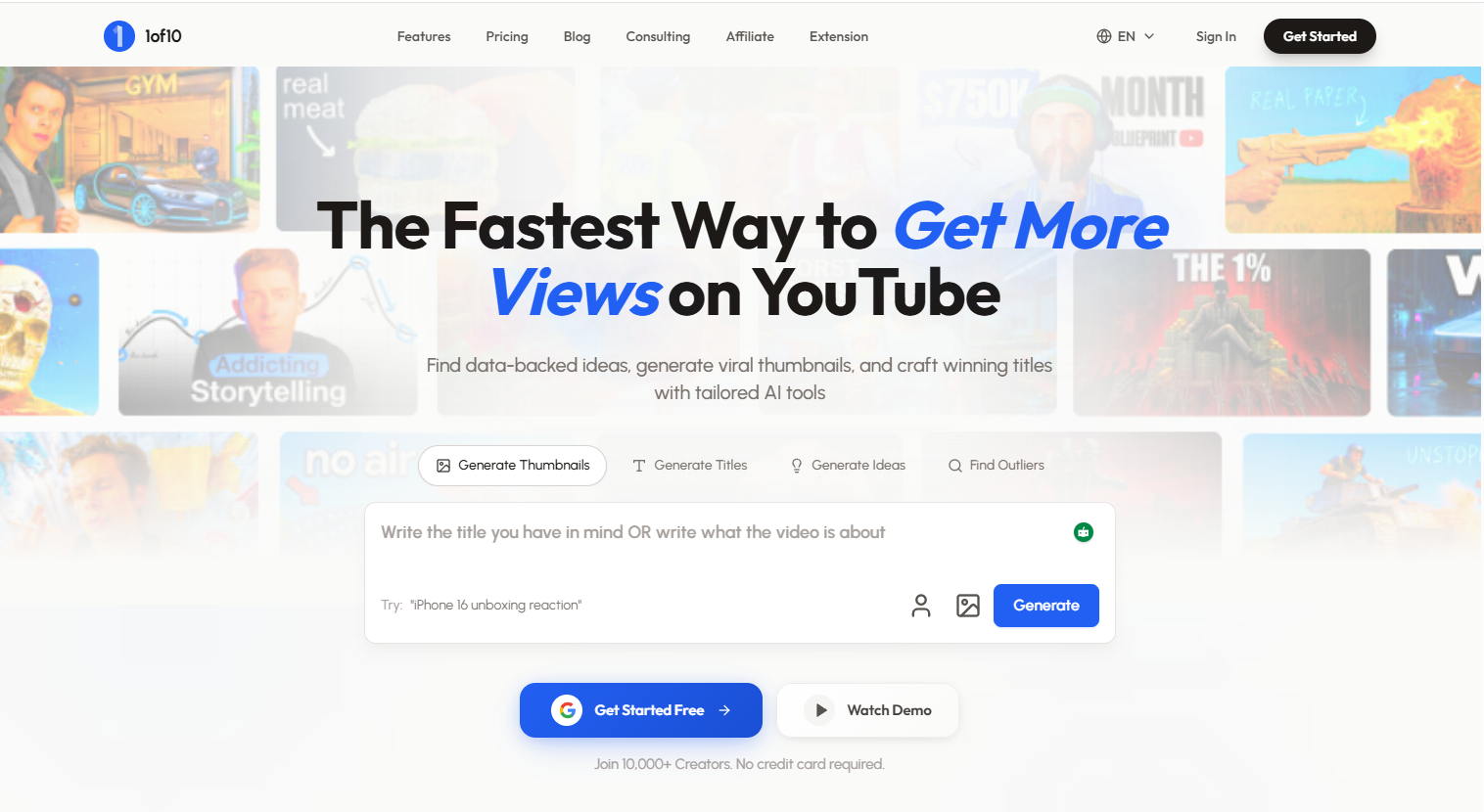
1of10 takes a research-first angle: it benchmarks your thumbnail against the top 1-in-10 outliers in your niche and uses those as inspiration. It’s a brilliant idea, but the execution still revolves around prompt-driven generation rather than reading your raw video.
The outlier database is the standout feature here — if you want to know what’s working in your specific niche this week, 1of10 is the only tool with that kind of competitive lens. But you’ll still spend 10–15 minutes per thumbnail dragging assets around their editor. It pairs well with a zero-prompt generator like Braiv, not as a replacement.
Best for: Creators in saturated niches who need competitive thumbnail intelligence. Pricing: ~$29/mo.
4. TubeBuddy Thumbnail Generator

TubeBuddy added an AI thumbnail generator to its sprawling YouTube toolkit in 2025. It’s competent but generic — the workflow is “type a prompt, pick a template, edit in browser.” Useful if you already pay for TubeBuddy’s broader analytics suite, but unremarkable as a standalone thumbnail tool.
The tool also doesn’t currently support transcript-driven generation or A/B variant batches, both of which are now table stakes. If you’re already in the TubeBuddy ecosystem for tag research and channel analytics, it’s a reasonable add-on. If you’re choosing a thumbnail tool from scratch, look elsewhere.
Best for: Existing TubeBuddy subscribers who want one-stop billing. Pricing: Bundled with TubeBuddy Pro/Legend tiers (~$9–$33/mo).
Quick Comparison: Zero-Prompt Capability
(Note: Data comparison table removed for mobile readability. Braiv Thumbnails is the only tool that reads both video & transcript, auto-generates 6-12 variants, predicts CTR, and auto-publishes.)
How to Pick the Right Tool for Your Channel
A few quick rules of thumb:
- You upload weekly long-form + daily Shorts: You need true zero-prompt generation. The compounding time-saving makes Braiv Thumbnails the obvious choice — it batches thumbnails for both formats in one pass and feeds them into auto-publishing.
- You’re a single-niche specialist who values competitive intel: Use Braiv for generation, then validate against 1of10’s outlier database.
- You’re publishing in multiple languages: Braiv is currently the only tool that localizes the visual text on the thumbnail itself — see our breakdown of localized thumbnails for global YouTube channels.
Beyond the Thumbnail: The Packaging Stack
A great thumbnail is only useful if the rest of your packaging keeps up. The 2026 best-practice stack looks like this:
- Zero-prompt thumbnail generated from your video (Braiv).
- SEO-optimised title and description auto-generated from the same transcript (Braiv Connect).
- Viral Shorts extraction with karaoke captions (Braiv Shorts).
- Localized dub + subtitles for international channels (Braiv Dubbing).
- Multi-channel auto-publishing to your network of YouTube channels.
When all five layers run from one upload, you go from “I’ll publish a video this week” to “I’ll publish six localized videos with click-tested thumbnails in the next 20 minutes.” That’s the real promise of the zero-prompt era — not just smarter thumbnails, but a fully automated packaging and publishing engine.
Final Verdict
If you only test one tool from this list, make it Braiv Thumbnails. It’s the only generator that takes the prompt out of the prompt engineer’s hands, the only one wired into a complete localization and publishing workflow, and — uniquely — has On Demand, which lets you generate your first batch with no credit card.
Drop in a video. Get a click-worthy thumbnail. Publish to every channel in every language. That’s what zero-prompt actually buys you.
Generate AI Thumbnails
Create click-worthy YouTube thumbnails directly from your video.