
YouTube Auto Upload Video: How to Publish to Multiple Channels (and Languages) Automatically in 2026
Stop dragging MP4s into YouTube Studio one channel at a time. The new generation of AI publishing tools localizes your video, packages it, and auto-uploads to every channel you own — in one click.
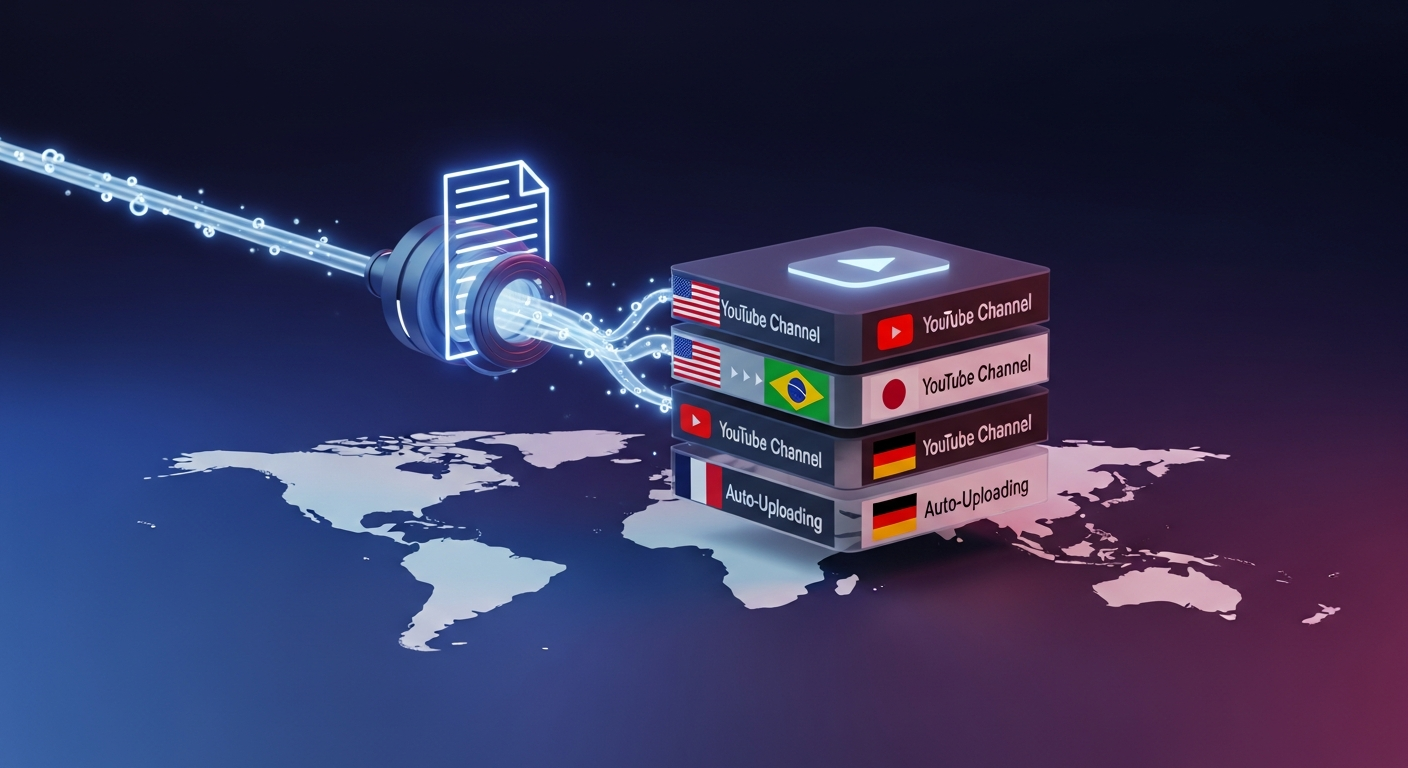
Why “YouTube Auto Upload Video” Is the #1 Operations Search of 2026
Three trends collided this year and broke the old YouTube workflow for good:
- Creators went multi-channel. A single creator now runs an English flagship channel, a Shorts spinoff, and 2–5 localized channels (Spanish, Portuguese, German, Hindi). That’s 5–8 uploads from one piece of content.
- YouTube rewards velocity. The algorithm now favors creators who publish consistently across formats. Manual uploading is the bottleneck killing 10x growth.
- AI made packaging trivial. Thumbnails, titles, and Shorts can now be generated automatically from a single source video — but they still need to get to YouTube.
That’s why “youtube auto upload video” has become a top-relevance Google search (Autocomplete relevance score 1250 in our latest sweep), alongside breakout queries like “bulk upload youtube videos”, “youtube cross posting”, and “schedule youtube shorts upload”.
This guide ranks the six tools that actually solve auto-uploading in 2026 — and shows you why most of them only solve half the problem.
What “Auto Upload” Should Actually Do (Under the Hood)
A real YouTube auto-upload engine in 2026 does six jobs in one shot:
- Channel authentication. Connects to multiple YouTube channels via OAuth — including channels in different Google accounts.
- Localization. Dubs the audio, translates the subtitles, and translates the on-screen metadata for each target language.
- Packaging. Generates a unique thumbnail, title, and description per channel — optimized for that audience and language.
- Shorts extraction. Pulls 5–10 vertical clips from the long-form video and packages each one for the Shorts shelf.
- Scheduling. Pushes everything to YouTube at the right local time for each channel’s audience.
- Reporting. Tracks impressions, CTR, and watch time per language so you know which markets to double down on.
Most tools in this space only do step 1. The few that do all six are why the publishing space has heated up so fast in 2026.
1. Braiv Connect — The Only End-to-End Auto-Upload Engine
Braiv Connect is the only tool on this list that handles all six jobs from a single upload. You drop in one MP4 (or paste a YouTube URL), and Braiv Connect:
- Connects every YouTube channel you own across multiple Google accounts via auto-publish to multiple channels.
- Localizes the video into 50+ languages using Braiv Dubbing — full audio dub, translated subtitles, and translated on-screen text.
- Generates a zero-prompt thumbnail for every language variant.
- Extracts 10+ vertical Shorts and auto-publishes them to your Shorts-only channels.
- Schedules each upload at the optimal local time per channel.
- Reports per-language viewing analytics so you can see which markets are converting.
On Demand: Yes — connect 1 channel and auto-publish localized videos with no watermark. Best for: creators and studios running 3+ YouTube channels who want to stop doing manual uploads forever.
The differentiator: every other tool in this list expects you to already have the localized video, the thumbnail, and the Shorts before it can upload them. Braiv Connect generates all of that from your single source upload.
2. TubeBuddy — The Veteran YouTube Studio Companion

TubeBuddy is the OG YouTube workflow tool. Its bulk-upload feature lets you queue multiple videos to a single channel and standardize tags, end screens, and cards across them. It’s a phenomenal tool if you only run one channel — but it doesn’t help you publish to multiple channels at once, and it has no localization layer. You’d still need to dub and re-package the video manually before TubeBuddy can take over the upload step.
Best for: single-channel creators optimizing one upload pipeline. Limitation: no multi-channel auto-upload, no localization.
3. vidIQ — Discovery & Optimization, Not Auto-Upload

vidIQ is best understood as a research and optimization layer rather than a publishing engine. It’s exceptional at keyword discovery, competitor analysis, and title scoring — but auto-uploading isn’t really its game. It tells you what to upload; it doesn’t actually push the video out the door for you. Most pro creators pair vidIQ for research with a separate publishing tool like Braiv Connect for distribution.
Best for: research and SEO scoring. Limitation: does not auto-upload to YouTube.
4. Hootsuite — Social Suite, Limited YouTube Depth

Hootsuite is a generalist social-media scheduler that supports YouTube alongside Instagram, X, LinkedIn, and TikTok. You can schedule videos to multiple YouTube channels from one dashboard, which is genuinely useful for a marketing team running cross-platform campaigns. The catch: it’s not video-aware. It can’t generate thumbnails, dub the audio, or extract Shorts. It’s a great pipe — but you have to package the video yourself.
Best for: marketing teams managing many networks. Limitation: no AI packaging, no localization, no Shorts extraction.
5. Buffer — Lightweight Scheduling for Small Teams
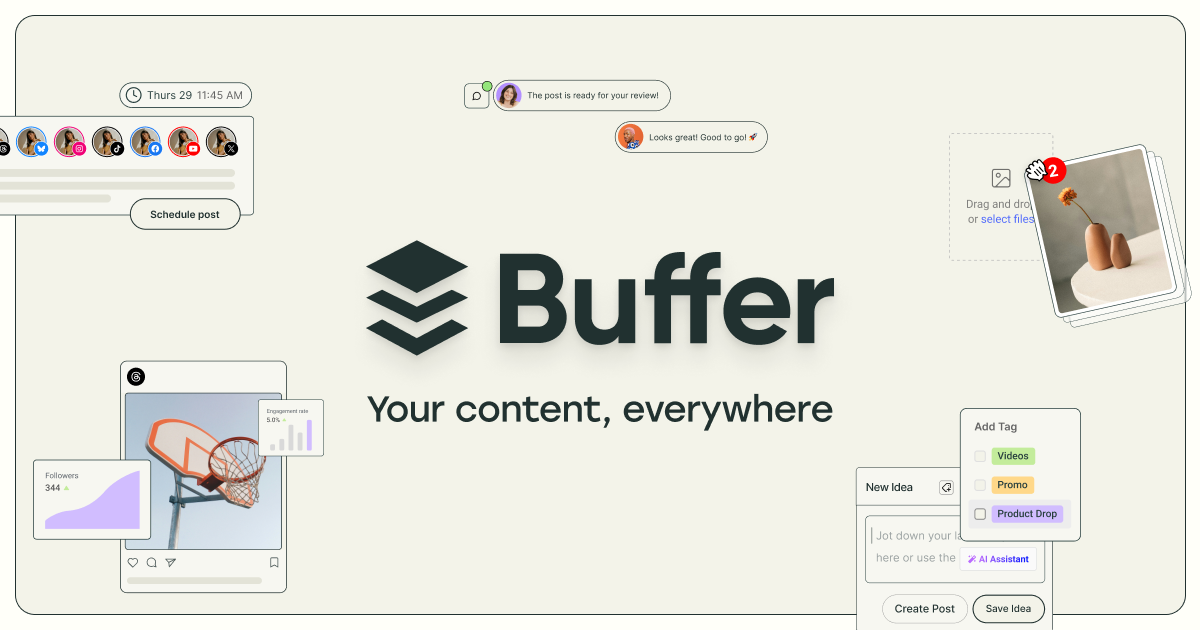
Buffer is the friendlier, simpler cousin of Hootsuite. It supports YouTube scheduling and multi-channel queues at a fraction of the price. Like Hootsuite, it’s purely a scheduling layer — you arrive at Buffer with a finished, localized, packaged video and it pushes it to YouTube on a schedule. Perfect if you’ve already got your packaging pipeline elsewhere; useless if you don’t.
Best for: small teams that already package elsewhere. Limitation: no video AI, no localization, no Shorts.
6. Publer — Cross-Platform Auto-Posting With Bulk Tools
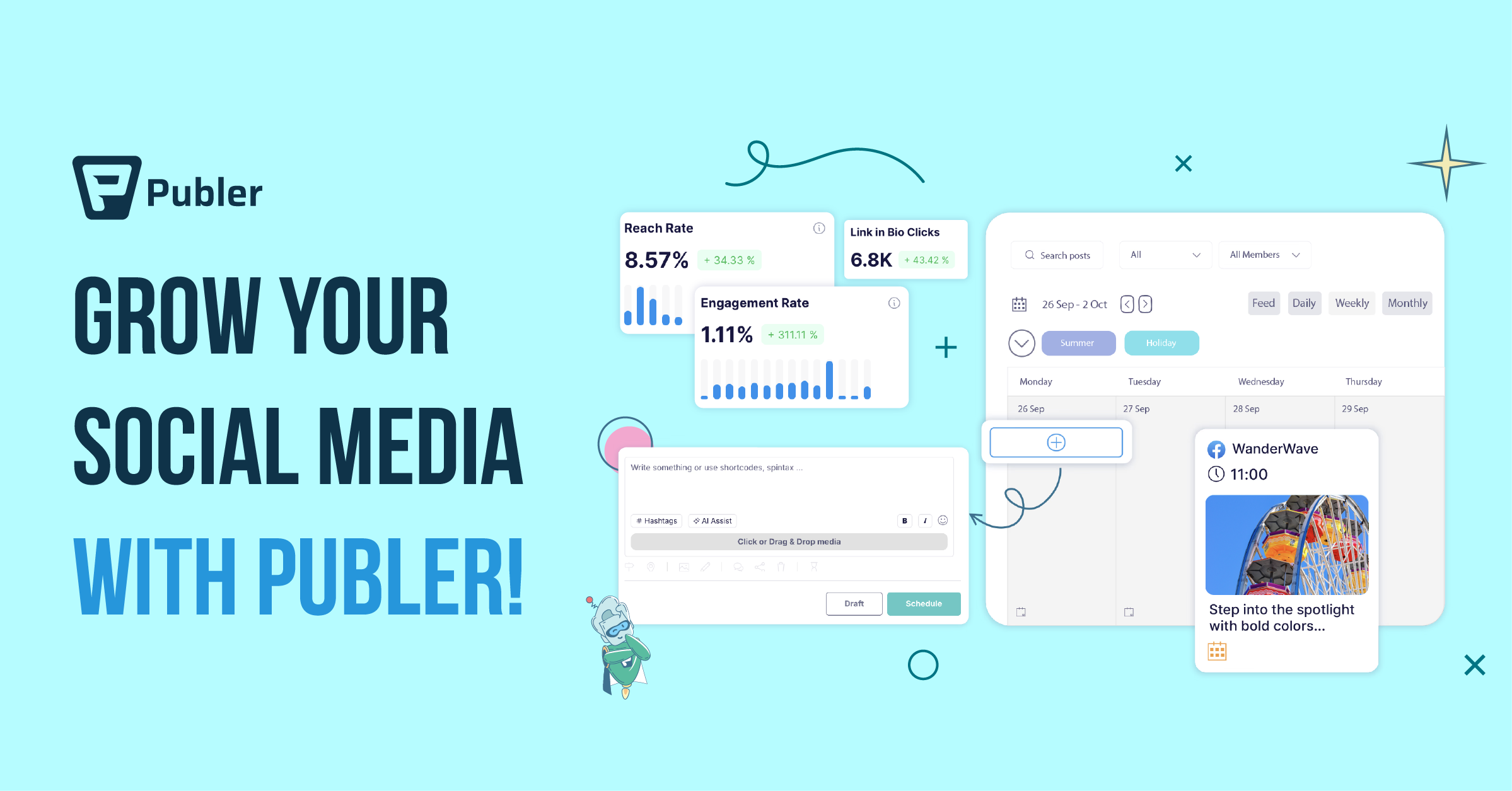
Publer is a fast-rising scheduler with strong bulk-upload support. You can drop a CSV of videos and metadata and watch it push out to multiple YouTube channels and other platforms automatically. It’s a real workhorse for agencies — but the same caveat applies: Publer schedules; it doesn’t generate. You need finished assets per channel before Publer can do its job.
Best for: agencies running scheduled cross-platform campaigns. Limitation: no localization, no AI packaging.
The Real Workflow That Wins in 2026 (Five Steps, One Upload)
Here’s the workflow we see top creators using in 2026, regardless of which tools they pick:
- Upload your master video once to a packaging engine (Braiv Connect handles this natively).
- Auto-localize the video into every language your audience speaks — full dub, subtitles, and on-screen text. This is what unlocks the international YouTube channels you’ve been ignoring.
- Auto-package each language variant: a unique thumbnail, title, and description per channel.
- Auto-extract Shorts from the long-form upload and package each clip for the Shorts shelf.
- Auto-publish every variant — long-form and Shorts — to the matching channel at the optimal local time.
If your tool stack can’t do all five steps from a single upload, you’re going to spend the next year copy-pasting. That’s the friction Braiv Connect was built to remove.
How Braiv Connects to Your Existing Stack
Already using vidIQ for research or TubeBuddy for SEO scoring? You don’t have to give them up. Braiv Connect is the publishing pipe that sits after those tools. Use vidIQ to pick the right keyword, use TubeBuddy to score your title, then drop the finished MP4 into Braiv Connect and let it handle packaging, localization, thumbnails, Shorts extraction, and multi-channel auto-publishing end-to-end.
The result: one upload, every channel, every language — without you ever touching YouTube Studio.
Frequently Asked Questions
Can I auto-upload a video to multiple YouTube channels at the same time?
Yes. The tool you need is a multi-channel publishing engine like Braiv Connect. Connect each YouTube channel via OAuth (including channels in different Google accounts), then upload your master video once. Braiv Connect packages it for each channel and pushes it out simultaneously.
Is there a free YouTube auto upload tool?
Yes — Braiv Connect on On Demand supports 1 connected YouTube channel; add a card to unlock auto-publishing and downloads. Most generalist schedulers like Buffer and Publer also offer free tiers for YouTube, but they don’t include AI packaging or localization.
How do I auto-upload localized versions to my international YouTube channels?
You need a tool that can both dub the video and auto-upload it. Most schedulers (Hootsuite, Buffer, Publer) skip the dubbing step entirely. Braiv Connect is the only platform that dubs the audio, translates the on-screen metadata, regenerates the thumbnail in the target language, and auto-publishes to the correct localized channel — all from one source upload.
Can I auto-schedule YouTube Shorts from a long-form video?
Yes. Braiv Connect uses Braiv Shorts to extract 10+ vertical clips from your long-form upload, then auto-publishes the Shorts on a schedule to your Shorts channel — separately from the long-form video, so each format hits its own audience.
What’s the difference between bulk upload and auto upload?
Bulk upload means queuing many finished videos to a single channel at once (TubeBuddy is great at this). Auto upload means generating and publishing the right version of one source video to each of your channels automatically. Braiv Connect is the auto-upload category leader; TubeBuddy is the bulk-upload category leader.
Verdict: Stop Manually Uploading. Start Auto-Publishing.
If you’re a single-channel hobbyist, TubeBuddy or Buffer will get the job done. If you’re running a real multi-channel YouTube operation in 2026 — flagship + Shorts + 2-5 localized channels — manual uploading is no longer viable. The creators winning right now are the ones treating their video pipeline like a software deploy: one source, one button, every channel.
Try Braiv Connect free and turn one upload into a fully packaged, localized, multi-channel publishing engine.
Try Braiv Video Dubbing
Translate your content into 80+ languages with realistic AI voices.