
Bulk Upload YouTube Videos in 2026: The 6 Tools That Actually Save You Hours (and One That Localizes Them Too)
Stop dragging files into YouTube Studio one at a time. Here is the modern way to bulk upload videos — with thumbnails, titles, and Shorts pre-packaged for every channel.
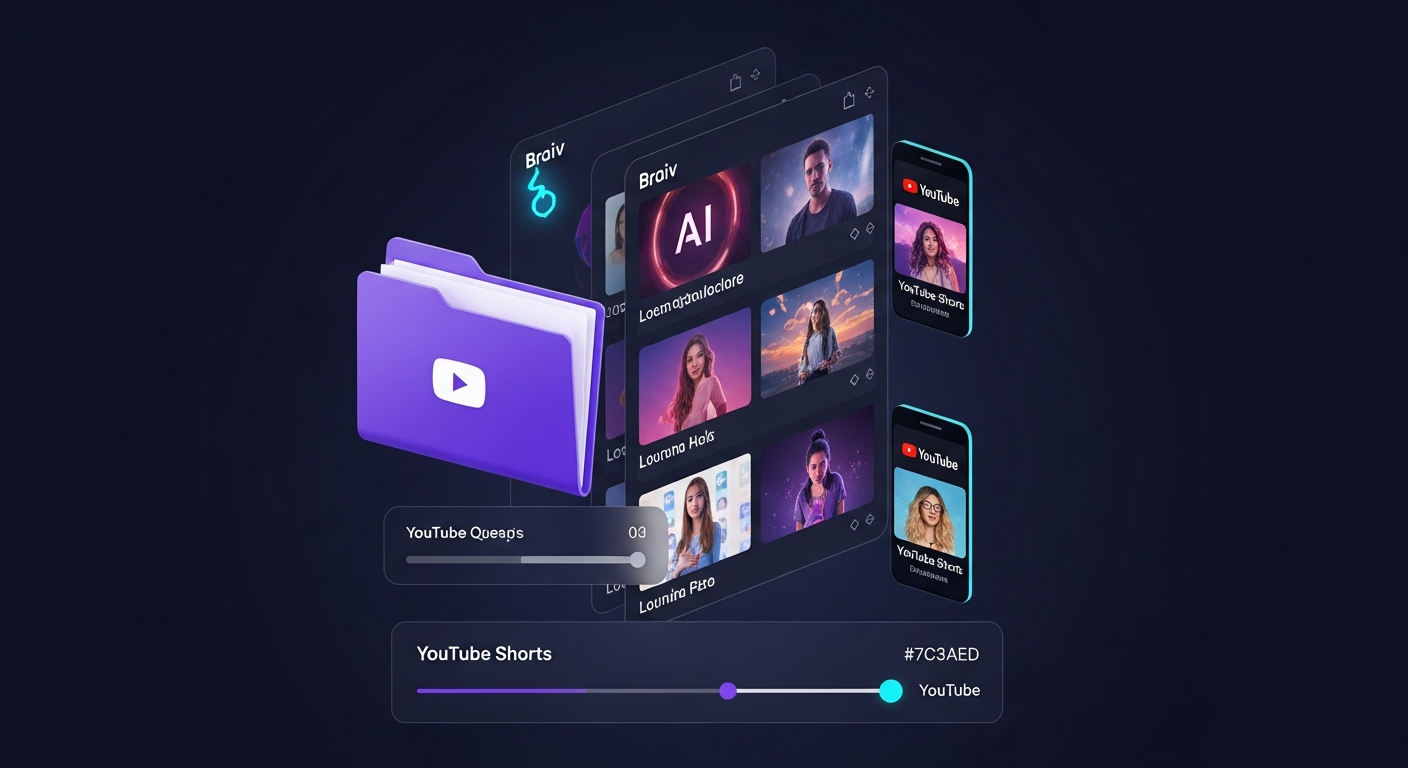
Why “Bulk Upload YouTube Videos” Is the #1 Productivity Search of 2026
Three things changed in the last 12 months that turned bulk uploading into a top-tier creator workflow problem:
- Backlogs exploded. Creators who experimented with AI tools in 2024–2025 are now sitting on dozens — sometimes hundreds — of unpublished videos. Manual uploading is the reason most of that content never goes live.
- YouTube rewards consistency. The 2026 algorithm now favours channels with predictable publishing cadence over channels with sporadic bursts. A bulk-upload pipeline is the only sane way to feed it.
- AI made packaging trivial. Thumbnails, titles, descriptions, and Shorts can now be generated automatically. The bottleneck has officially shifted from making the assets to getting them on YouTube.
That’s why “bulk upload youtube videos” has become a top-relevance Google query (Google Autocomplete relevance score 1250 in our latest sweep — the same top bucket as “youtube auto upload video”). Searches for “youtube bulk uploader”, “upload multiple videos to youtube”, and “schedule bulk youtube videos” are all climbing.
This guide ranks the six tools that actually solve bulk uploading in 2026 — and shows you why most of them only solve half the problem.
What “Bulk Upload” Should Actually Do (Under the Hood)
A real bulk-upload engine in 2026 does six jobs in one pass:
- Batch ingest. Accept a folder of MP4s or a CSV of source URLs without size or count limits.
- Packaging. Generate a unique zero-prompt thumbnail, title, and description per video — automatically, no manual prompting.
- Shorts extraction. Pull 5–10 vertical clips from each long-form video for the Shorts shelf.
- Scheduling. Stagger the queue across days/weeks at the optimal upload time per channel.
- Multi-channel routing. Push different videos (or different language variants) to different YouTube channels in the same batch.
- Reporting. Track which videos in the batch are converting once they land.
YouTube Studio’s own bulk-edit feature only covers the upload step. The tools below extend the pipeline upward (packaging) and outward (multiple channels, multiple languages).
1. Braiv Connect — The Only End-to-End Bulk-Upload Engine
Braiv Connect is the only tool on this list that handles all six jobs from a single drag-and-drop. You upload a folder of raw videos, and Braiv Connect:
- Auto-generates a zero-prompt thumbnail for every video, pulled directly from the strongest visual moments in the footage.
- Writes SEO-optimized titles and descriptions per video using the Braiv Connect metadata engine.
- Extracts 5–10 vertical Shorts per long-form video, so a 20-video batch becomes 100+ Shorts in the same pass.
- Optionally localizes the entire batch into any of 50+ languages — full audio dub, translated subtitles, translated thumbnail text.
- Routes each video to the right YouTube channel at the right time, including separate Shorts-only channels via auto-publish for Shorts.
- Reports per-video and per-language analytics once the batch goes live.
On Demand: Yes — connect 1 channel, bulk-upload with packaging and basic scheduling. Best for: any creator or studio sitting on a backlog of 10+ unpublished videos who wants the entire pipeline (packaging + uploading + Shorts) handled in a single batch.
The differentiator: every other tool in this list expects you to already have the thumbnail, the metadata, and the Shorts before it can bulk-upload them. Braiv Connect generates all of that as part of the same bulk operation. That’s the difference between “uploading a queue” and “publishing a content engine.”
If you also need to publish the same batch to localized channels (Spanish flagship, Portuguese flagship, etc.), see our auto-upload to multiple channels guide — Braiv Connect is the only platform on the market that combines bulk + localization + multi-channel publishing in one upload.
2. TubeBuddy — The Veteran Bulk-Edit Champion

TubeBuddy is the OG when it comes to YouTube Studio power-ups. Its bulk-edit and bulk-tag features let you queue many finished videos to a single channel and standardize tags, end screens, cards, and category settings across them. If you already have polished, packaged videos and you just want to push them up to one channel efficiently, TubeBuddy is genuinely excellent.
The catch: TubeBuddy assumes the assets are finished. It doesn’t generate thumbnails, doesn’t write descriptions, doesn’t extract Shorts, and doesn’t dub the audio. It’s a fantastic last-mile tool, but the first 80% of the work still falls on you.
Best for: single-channel creators who already package every video manually. Limitation: no AI packaging, no Shorts extraction, no localization.
3. vidIQ — Research First, Upload Second

vidIQ is best understood as a research and optimization layer rather than a bulk-upload engine. It is exceptional at keyword discovery, competitor analysis, and title scoring — and its 2026 AI assistant will suggest titles and thumbnails for a batch of videos. But the actual uploading still happens manually, video by video, inside YouTube Studio.
Most pro creators pair vidIQ for ideation with a separate bulk publisher (Braiv Connect or TubeBuddy) for distribution. Think of vidIQ as the strategist; you still need an operator.
Best for: keyword research and competitive analysis. Limitation: does not bulk-upload to YouTube.
4. Hootsuite — Cross-Platform Scheduler With Bulk CSV

Hootsuite supports bulk scheduling for YouTube via CSV imports — drop in a spreadsheet with video URLs, titles, descriptions, and publish times, and Hootsuite will queue the batch across multiple YouTube channels alongside Instagram, X, LinkedIn, and TikTok.
This is genuinely useful for marketing teams running cross-platform campaigns. The catch: Hootsuite is not video-aware. It can’t generate thumbnails, can’t dub the audio, and can’t extract Shorts. You arrive at Hootsuite with finished MP4s and finished metadata; it’s a pipe, not a packaging factory.
Best for: agencies and marketing teams running multi-network campaigns. Limitation: no AI packaging, no localization, no Shorts.
5. Buffer — Lightweight Bulk Scheduling for Small Teams
Buffer is the friendlier, simpler cousin of Hootsuite. It supports bulk YouTube scheduling at a much lower price, with a clean queue UI that small teams find easier than Hootsuite’s spreadsheet model. Like Hootsuite, it is purely a scheduling layer — you arrive with finished, packaged videos and Buffer pushes them to YouTube on a schedule.
If your packaging pipeline lives elsewhere and you just need a friendly queue, Buffer is a great fit. If you need the packaging itself, Buffer can’t help.
Best for: small teams that already package elsewhere. Limitation: no video AI, no localization, no Shorts.
6. Publer — Strong Bulk CSV With Cross-Platform Auto-Posting
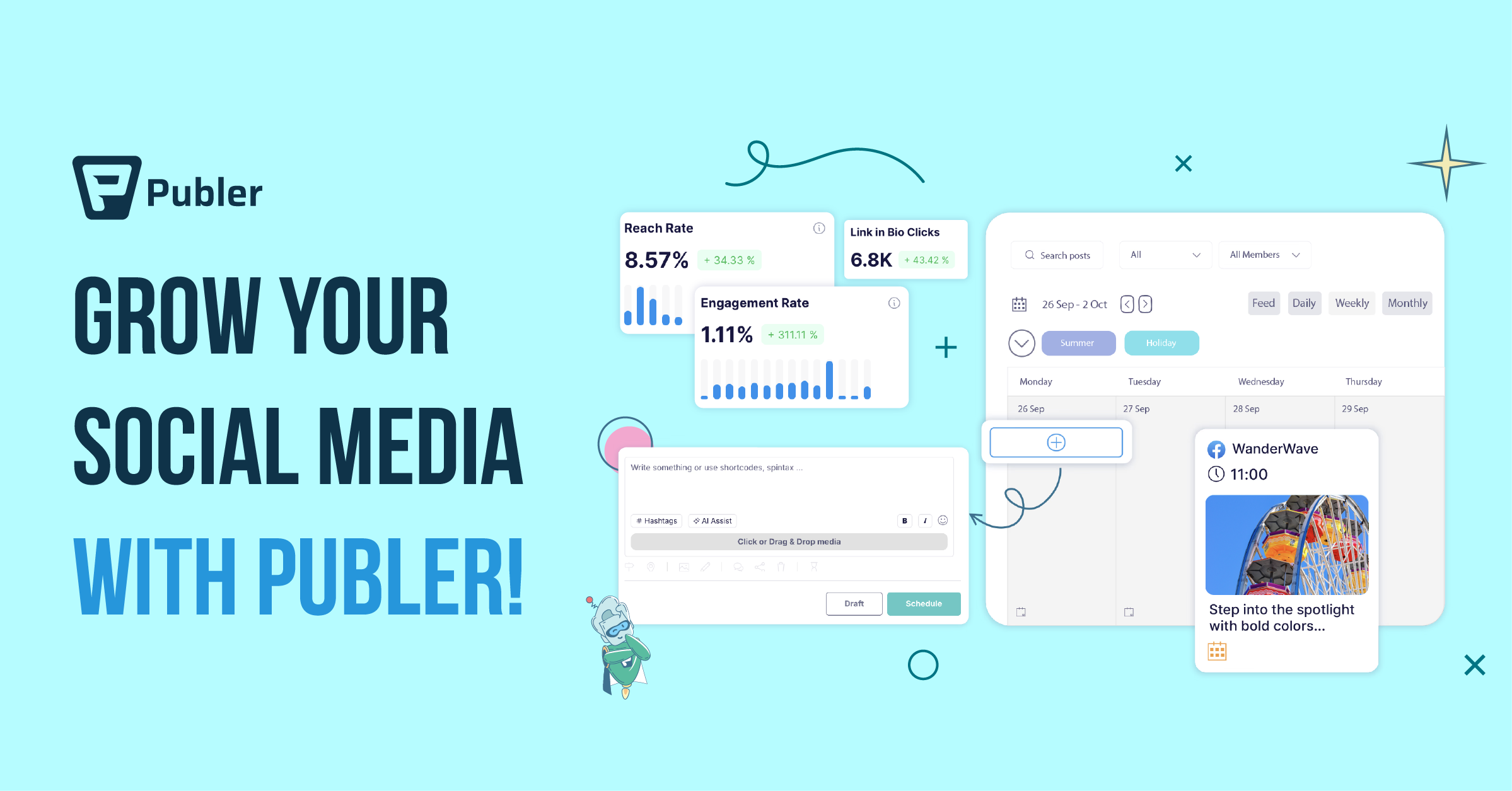
Publer is the rising challenger in the bulk-scheduling space. Its bulk CSV import is one of the cleanest in the category — you can drop in a spreadsheet of dozens of videos with metadata and watch it push out to multiple YouTube channels and other platforms automatically.
Publer is a real workhorse for agencies. The same caveat applies as Hootsuite and Buffer: Publer schedules; it doesn’t generate. You need finished assets per video before Publer’s bulk pipeline can execute.
Best for: agencies running scheduled cross-platform bulk campaigns. Limitation: no localization, no AI packaging, no Shorts extraction.
The Real Bulk-Upload Workflow That Wins in 2026
Here’s the workflow we see top creators using in 2026, regardless of which tools they pick:
- Drop your raw video folder into a packaging engine — Braiv Connect handles this natively.
- Auto-package every video in the batch. A unique thumbnail, title, and description per video — generated, not prompted.
- Auto-extract Shorts from every long-form video. A 20-video batch becomes 100+ Shorts ready to schedule.
- (Optional) Auto-localize the batch into your audience’s languages. This is what unlocks the international YouTube channels you’ve been ignoring.
- Auto-schedule and bulk-publish. Stagger across days, weeks, or channels at the right local time per audience.
If your tool stack can’t do steps 2–4 from a single bulk operation, you’re going to spend the next month copy-pasting. That’s the friction Braiv Connect was built to remove.
How Braiv Connects to Your Existing Stack
Already using vidIQ for research or TubeBuddy for last-mile bulk edits? You don’t have to give them up. Braiv Connect is the bulk-publishing pipe that sits after those tools. Use vidIQ to pick the right keywords for the batch, score each title, then drop the folder into Braiv Connect and let it handle packaging, thumbnails, Shorts extraction, localization, and multi-channel bulk publishing end-to-end.
The result: one drag-and-drop, every video packaged and uploaded — without you ever touching YouTube Studio.
Frequently Asked Questions
Can I bulk upload videos to YouTube directly through YouTube Studio?
Yes — but with limits. YouTube Studio supports drag-and-drop of multiple videos at once, but you still have to fill in titles, descriptions, thumbnails, and tags one video at a time. There is no built-in AI packaging and no Shorts extraction. For more than 5 videos at a time, a tool like Braiv Connect becomes dramatically faster because it generates the metadata and thumbnails as part of the bulk operation.
Is there a free tool to bulk upload YouTube videos?
Yes. Braiv Connect on On Demand supports bulk packaging on 1 connected YouTube channel; add a card to unlock publishing, downloads, and full-length preview. Most generalist schedulers like Buffer and Publer also offer free YouTube tiers, but they don’t include AI packaging — you still have to bring finished thumbnails and metadata to the queue.
How do I bulk upload videos to multiple YouTube channels at once?
You need a multi-channel publishing engine, not just a scheduler. Braiv Connect connects every YouTube channel you own (including channels in different Google accounts) and lets you route different videos in the same batch to different channels. For the full multi-channel + multi-language workflow, see our YouTube auto upload guide.
Can I bulk extract Shorts from a batch of long-form videos?
Yes. Braiv Connect runs Braiv Shorts over the entire batch and pulls 5–10 vertical clips from each long-form video automatically. A 20-video batch becomes 100+ ready-to-publish Shorts in a single operation, then auto-publishes the Shorts to your dedicated Shorts channel.
What’s the difference between “bulk upload” and “auto upload”?
Bulk upload means pushing many finished videos to (usually) one channel in a single operation — TubeBuddy and Publer are great at this. Auto upload means generating and publishing the right version of one source video to each of your channels automatically — Braiv Connect is the category leader. Most modern creators end up wanting both, which is why Braiv Connect bundles bulk + auto + localization in a single upload pipeline.
How long does a typical bulk upload take?
For a 20-video batch using Braiv Connect: about 10 minutes of human time (drag, choose channels, hit go) and 30–60 minutes of automated processing in the cloud. Compare that to roughly 6–8 hours of manual uploading + thumbnail design + description writing in YouTube Studio. The pure scheduler tools (Buffer, Publer, Hootsuite) save you the upload time but not the packaging time, so they end up at 4–5 hours total per 20-video batch.
Verdict: Stop Manually Uploading. Start Bulk-Publishing.
If you have fewer than 5 finished videos and one channel, YouTube Studio will get the job done. If you have 10+ videos waiting in a Dropbox folder, a multi-channel operation, or a backlog you’ve been “meaning to publish,” manual uploading is no longer viable in 2026. The creators winning right now are the ones treating their backlog like a software deploy: one folder, one batch, every channel and language, packaged on the way out.
Try Braiv Connect free and turn your video folder into a fully packaged, scheduled, multi-channel publishing batch — without ever opening YouTube Studio.
Extract Viral Shorts Instantly
Turn your long-form video into high-engagement Shorts with AI.