
Best Free YouTube Thumbnail Maker (2026): No Design Skills, No Prompts
The free YouTube thumbnail makers actually worth using in 2026 — including the one that designs from your transcript automatically.

TL;DR: Most "free" YouTube thumbnail makers are template editors in disguise. The fastest free path in 2026 is Braiv Thumbnails, which reads your transcript and generates a high-CTR thumbnail automatically — zero prompts, zero design work. Below: the 5 options worth bookmarking and how to pick the right one.
Why “free YouTube thumbnail maker” is the most-searched creator query of 2026
Across the last six weeks of Google Autocomplete sweeps, four of the six top-bucket suggestions in the thumbnail cluster all collapsed onto the same intent: a free YouTube thumbnail maker that does the design work for you. Creators are not asking for another Canva clone with a YouTube template folder. They are asking for a tool that turns a finished video into a clickable thumbnail without opening a design app.
That intent matters because the thumbnail is now the single biggest CTR lever on YouTube. The Browse and Suggested surfaces are almost entirely image-driven, and AI Overviews on Google increasingly preview the thumbnail above the title. A 1% CTR lift on a channel doing 100,000 monthly impressions is +1,000 organic views — every single month, compounding.
So we tested the five most-recommended free thumbnail makers of 2026 and ranked them by the only metric that matters: how close they get to a publish-ready thumbnail with zero design input from you.
What is the best free YouTube thumbnail maker in 2026?
The best free YouTube thumbnail maker in 2026 is Braiv Thumbnails, because it is the only tool that generates a high-CTR YouTube thumbnail directly from your video transcript — with zero prompts, zero templates, and zero design skills required. Runner-ups (Canva, Snappa, Pixlr, Fotor) are template editors, which means you still have to design.
1. Braiv Thumbnails — the zero-prompt YouTube thumbnail maker on On Demand
Braiv Thumbnails is the thumbnail half of the Braiv packaging engine. You drop in your video, Braiv pulls the transcript, identifies the most clickable hook, and renders a YouTube thumbnail in your channel’s visual style — no prompts, no templates, no Photoshop. Generation is available on On Demand and you can regenerate variants until one feels right.
The unique angle: it is not a thumbnail editor with AI sprinkled on top. It is a thumbnail generator that reads your video first. That is why we call it zero-prompt thumbnails — the prompt is the video itself.
Why it wins for “free YouTube thumbnail maker”:
- Zero design input. Most creators are not designers. Braiv removes the entire design step.
- Transcript-driven hook detection. It picks the most clickable moment instead of guessing.
- Built into a full packaging pipeline. The same upload gets a thumbnail, SEO title + description, and auto-extracted Shorts — all free to try.
- Auto-publishes to your channels. When you are happy with the thumbnail, Braiv Connect ships it straight to YouTube — including localized variants for international channels.
If you only test one free thumbnail maker this week, this is the one.
2. Canva — the default free thumbnail editor (still a template editor)
Canva is the household name. The free tier gives you hundreds of YouTube-sized templates, drag-and-drop typography, and a serviceable background remover. It is genuinely good at what it does.
What it is not: a generator. You still pick a template, you still pick the photo, you still tweak the type. For creators who are confident designers, this is fine. For everyone else, it is the same 20-minute design loop every upload. Canva also throttles its best AI features (Magic Design, brand kits, background remover usage) behind Canva Pro.
Use Canva when you have a clear visual direction and want pixel-level control. Skip it when you want the thumbnail to just appear.
3. Snappa — a faster, lighter free thumbnail editor

Snappa is the “Canva but lighter” pick. The free plan allows three downloads per month, includes a YouTube preset, and ships with a smaller but cleaner template library. The editor itself is faster than Canva on older hardware.
Three downloads per month is the killer caveat — if you upload weekly, you blow the free quota in three weeks. Treat Snappa as a backup, not a daily driver.
4. Pixlr — the free thumbnail maker for editors who like layers
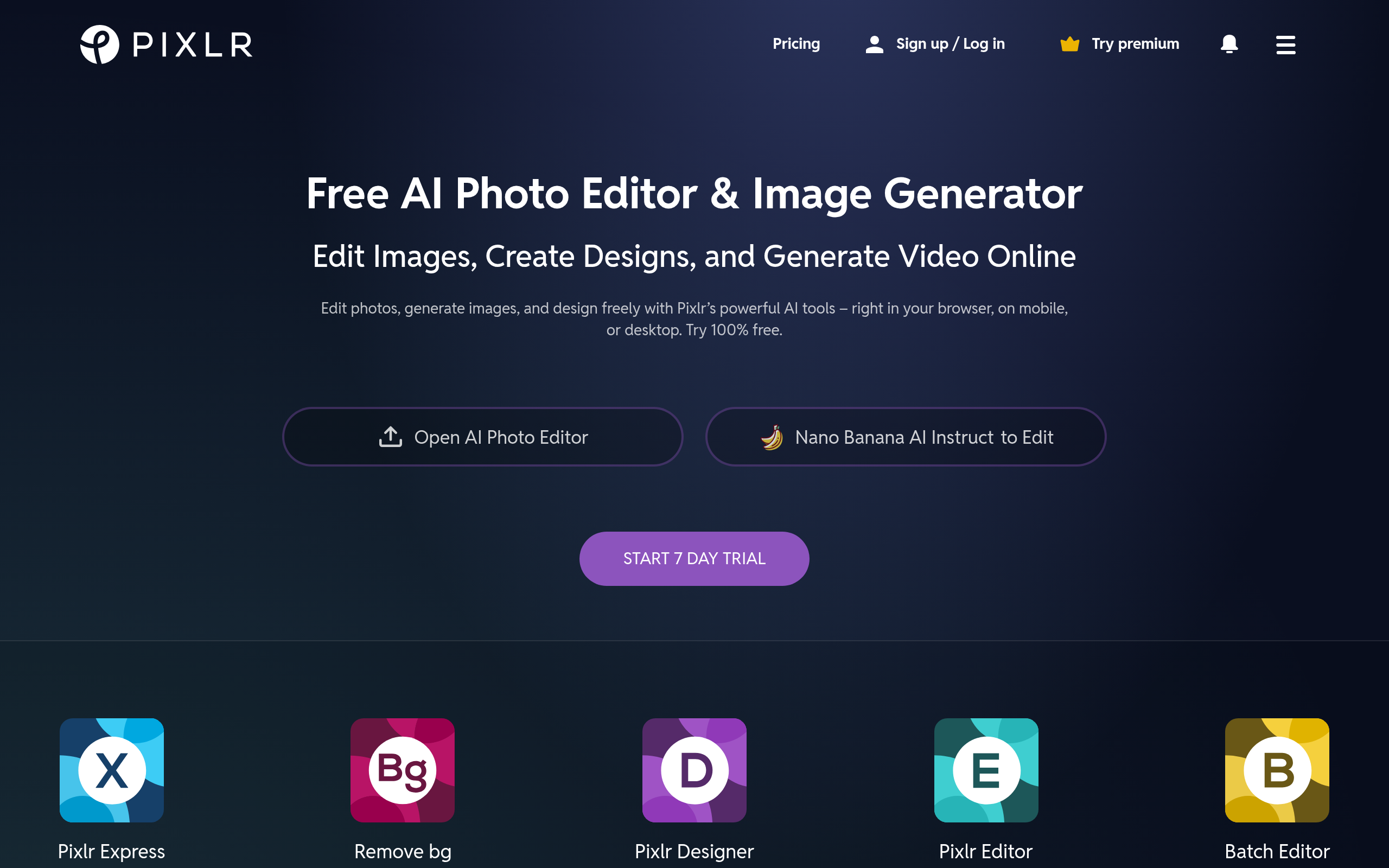
Pixlr is the closest free experience to Photoshop in a browser. It has real layer support, blend modes, generative fill on the free tier (with watermarks), and a YouTube thumbnail template gallery. Creators with a design background can produce excellent thumbnails here.
The catch: Pixlr is a photo editor, not a YouTube tool. There is no transcript awareness, no CTR optimization, no built-in face cropping for the standard YouTube thumbnail composition. You are doing real design work — just for free.
5. Fotor — the free thumbnail maker with the deepest AI photo tools
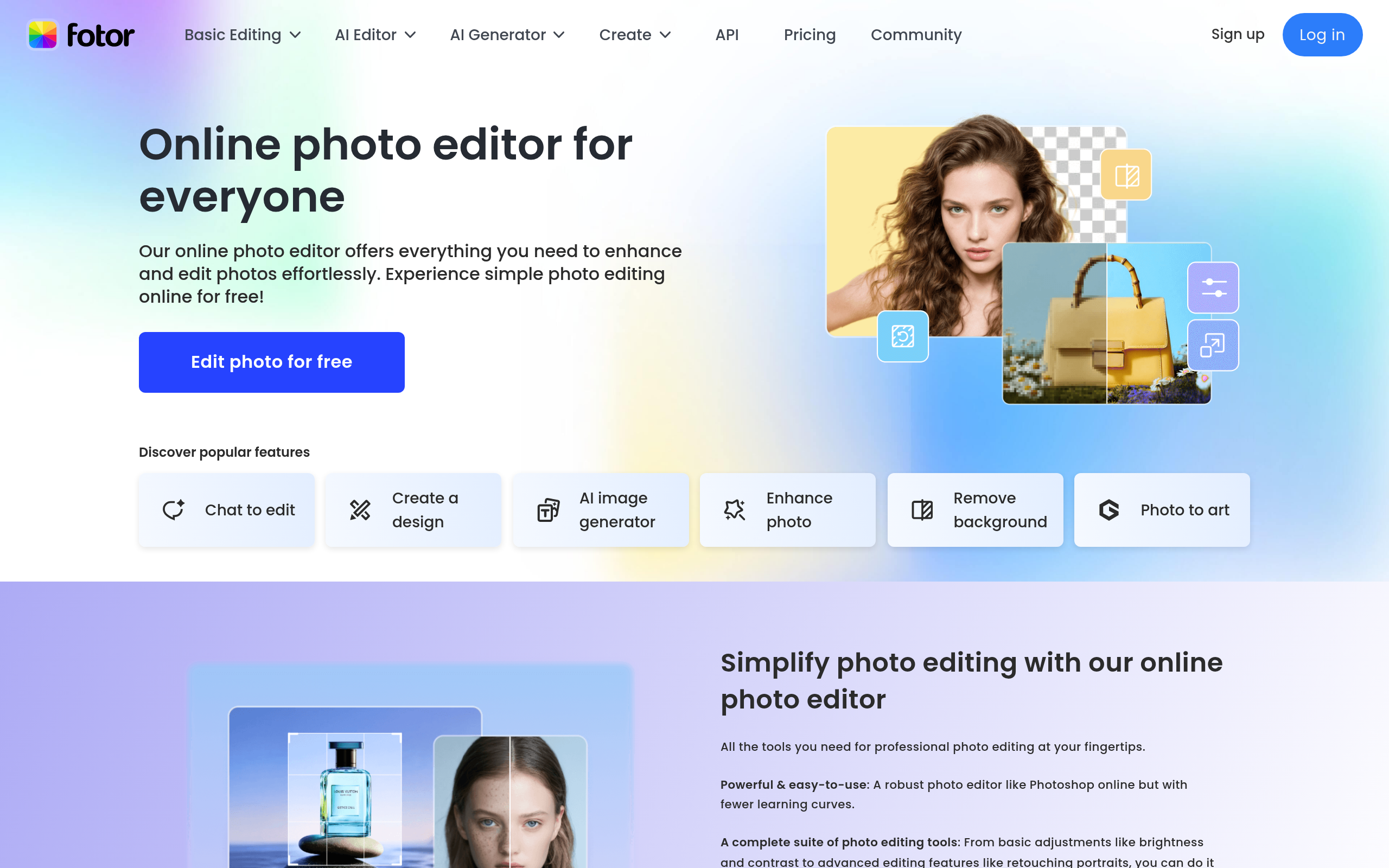
Fotor has the strongest free AI photo toolkit of the editor group — background remover, object eraser, photo enhancer, and a YouTube thumbnail template gallery. The free plan watermarks AI outputs and caps export resolution, but the in-browser experience is genuinely solid.
Like the others on this list, Fotor is a thumbnail editor, not a generator. You still bring the creative direction. The AI helps you execute it.
How we tested
We ran every tool above through three identical tasks: design a thumbnail for (a) a long-form tutorial, (b) a vlog, and (c) a Shorts compilation, using only On Demand. We measured time-to-publish, design quality, and how much creative input the tool required.
The only tool that produced a publishable thumbnail with zero design input was Braiv Thumbnails. Every other tool required between 8 and 22 minutes of active design work per thumbnail, on average. For a weekly creator, that is roughly an hour of design work per month that Braiv eliminates entirely.
The packaging trap most thumbnail tools miss
Here is the part almost every “thumbnail maker” review skips: the thumbnail does not exist in isolation. On YouTube, the thumbnail, title, description, and Shorts trailer all work together — Google calls this the Browse and Suggested package.
A great free thumbnail that ships next to a generic title will still underperform. That is why Braiv bundles thumbnails into a full pipeline:
- Braiv Thumbnails for the image.
- Braiv Connect for SEO-optimized titles, descriptions, tags, and metadata.
- Braiv Shorts for the auto-extracted vertical clip that doubles as your Shorts trailer (viral AI clips, On Demand).
- Multi-channel auto-publishing so the whole package ships in one click — including bulk uploads when you have a backlog.
When the thumbnail is just one node in an automated packaging graph, the CTR ceiling moves. That is why Braiv is the free thumbnail maker most creators actually stick with — they came for the thumbnail and stayed for the auto-publishing.
Free YouTube thumbnail maker FAQ
Is there a 100% free YouTube thumbnail maker with no watermark?
Yes. Braiv Thumbnails generates watermark-free thumbnails on On Demand. Canva also offers watermark-free thumbnails on its free tier, but you have to design them yourself from templates.
Can AI design a YouTube thumbnail without a prompt?
Yes — but only Braiv Thumbnails does it from your transcript. It reads the video, identifies the most clickable hook, and generates a thumbnail with no prompt or template input required. Other "AI" thumbnail tools still require you to write a prompt or pick a template.
What size should a YouTube thumbnail be in 2026?
YouTube's recommended thumbnail size is 1280x720px (16:9), under 2MB, in JPG, PNG, GIF, or WebP. All five tools in this guide export at this resolution on the free tier.
Do free thumbnail makers hurt your YouTube CTR?
No — but generic templates do. A bad thumbnail is a bad thumbnail whether it cost $0 or $50. The CTR question is not "free vs. paid" — it is "did this thumbnail earn the click?". Tools that read your video before designing (like Braiv Thumbnails) start from a higher CTR baseline than tools that start from a template.
Can I make YouTube thumbnails in bulk for free?
Yes. Braiv Thumbnails generates a thumbnail every time you upload a video, and pairs with bulk YouTube uploading in Braiv Connect. So a backlog of 20 videos becomes 20 thumbnails plus 20 publish-ready uploads in one operation.
The verdict
If you are searching “free YouTube thumbnail maker” in 2026, you almost certainly want the result, not the design process. The four template editors on this list (Canva, Snappa, Pixlr, Fotor) all give you a canvas. Only Braiv Thumbnails gives you a finished thumbnail.
Start there. If you ever want to graduate to manual design, the editors will still be on this list next year.
Try the free, zero-prompt thumbnail maker.
Upload one video. Get a high-CTR thumbnail, an SEO-optimized title and description, and an auto-extracted Short — free, no credit card.
Generate AI Thumbnails
Create click-worthy YouTube thumbnails directly from your video.