早期アクセス Braiv キャプチャ のウェイティングリストがオープンしました。一度録画するだけで、あらゆる言語でサポート動画を公開できます。

世界中の10万人以上のクリエイター、ポッドキャスター、企業に信頼されています
BraivをAI動画制作に信頼するクリエイターとチーム

オンボードとトレーニングを各ユーザーの母国語で

市場ごとに一度だけソフトウェアトレーニングビデオとオンボーディングウォークスルーを作成・公開 — ローカライズされたナレーション、ローカライズされた画面上のテキスト、そして視聴者が実際に目にするインターフェースのスクリーンキャスト。

この機能の立ち位置

Braiv Capture

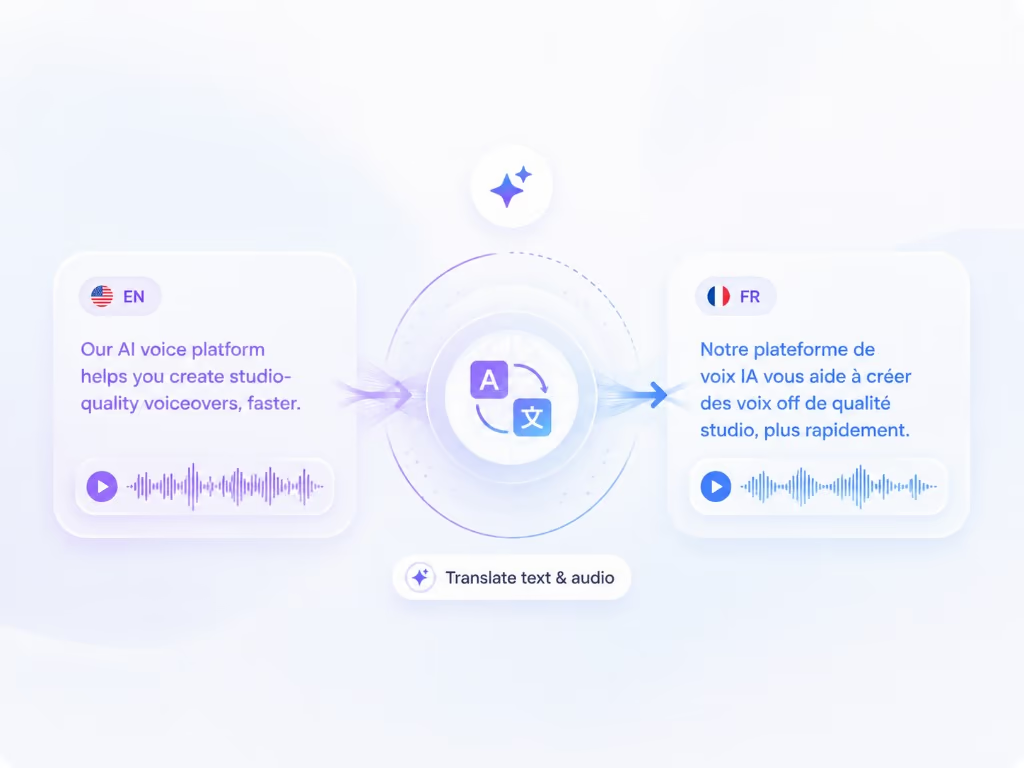
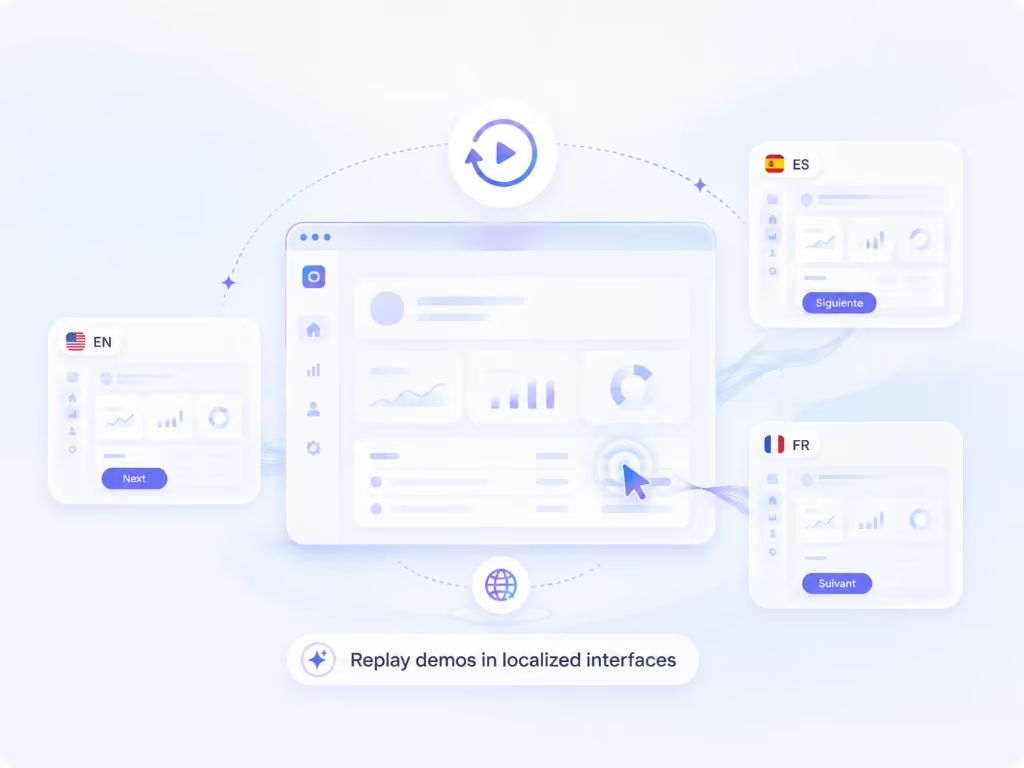
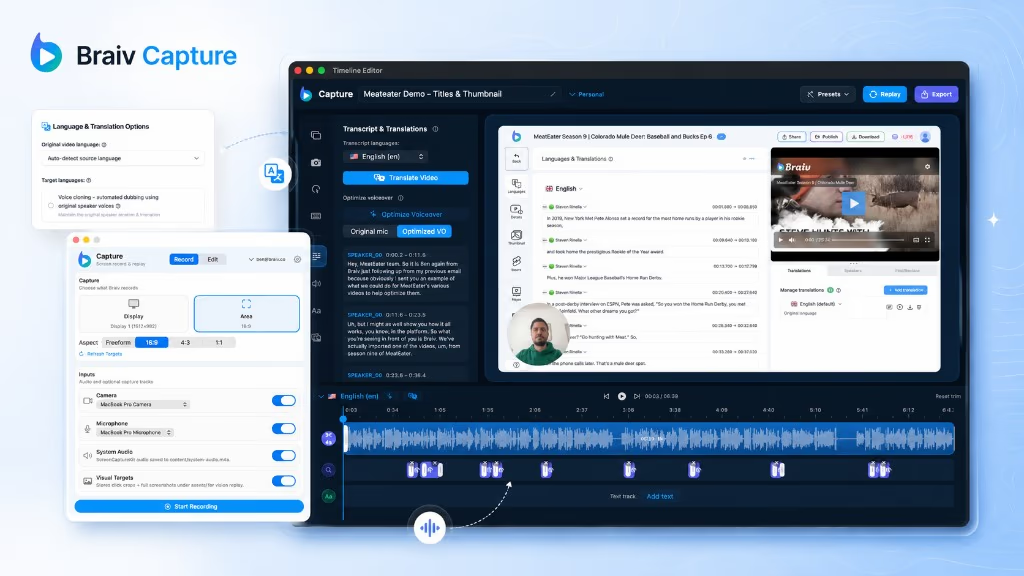
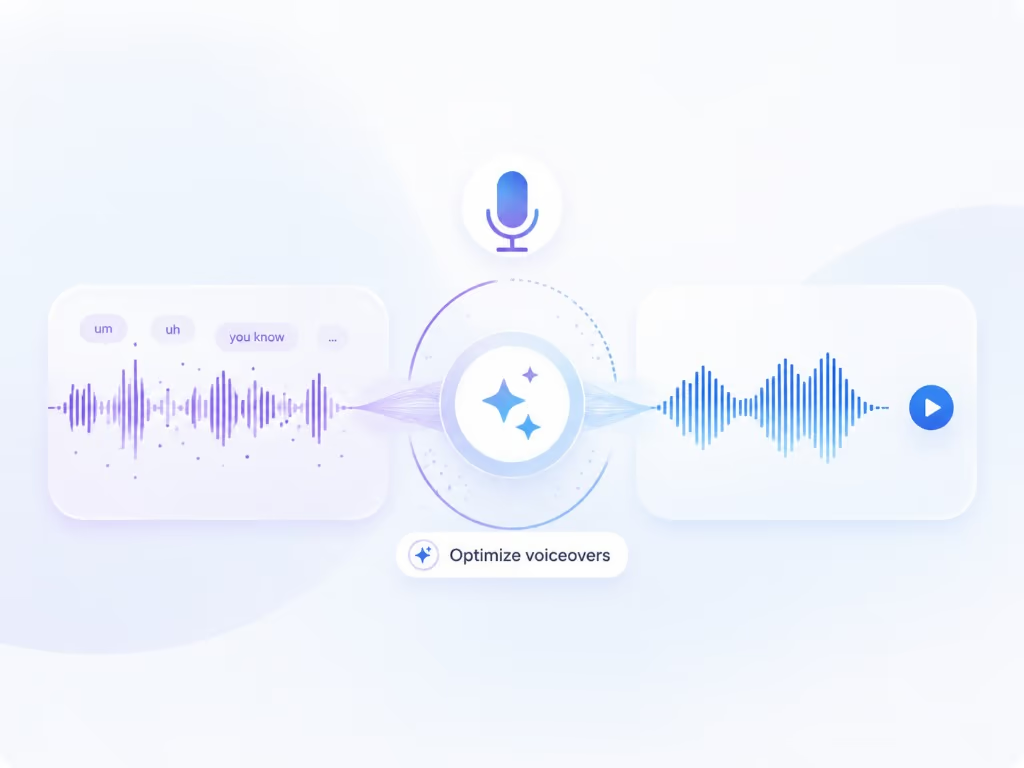
Braiv Capture は、1つの画面録画とボイスオーバーを、あらゆる言語のクリーンなサポートビデオ、ソフトウェアチュートリアル、ヘルプ記事に変換します。フィラーワードは削除され、ナレーションは Braiv Speech クローンで再音声化され、オーディオと画面上のテキストは一緒にローカライズされ、デモはローカライズされたインターフェイ内で再録画されます。

Braiv Captureを詳しく見る
この機能でできること

What localized onboarding changes

1回の録画から、多言語対応のソフトウェアトレーニングビデオ、従業員トレーニングビデオ、製品オンボーディングウォークスルーを作成できます。Braiv Capture は、各市場に合わせてナレーション、画面上のテキスト、録画されたインターフェースをローカライズします。

  • Fewer tickets in every market

    Customers can follow a walkthrough that matches their interface instead of guessing at translated menu names.

  • Launch a locale without a recording plan

    A new market inherits the existing library rather than waiting for someone to re-record it.

  • Consistent onboarding and training everywhere

    Every language follows the same captured steps, so customers and internal teams learn one flow rather than a regional variation of it.

さらに深く

{product}について知っておくべきすべて 多言語オンボーディングとソフトウェアトレーニングビデオ

ローカライゼーションが最も早く成果を出すオンボーディング

マーケティングビデオは注目を集め、オンボーディングビデオは顧客が成功するかどうかを決定します。ライブラリがカバーしていない言語でセットアップの途中にある場合、サポートチケットへのフォールバックとなります。

1つのライブラリ、多くの市場

Braiv Capture は各ウォークスルーを再生可能なセッションとして扱うため、オンボーディングライブラリは、再作成する録画のセットではなく、ローカライズするアセットになります。市場を追加することは、既存のものを実行することです。

ソフトウェアトレーニングビデオも同じ問題を抱えています

社内トレーニングでも同様の問題が発生します。分散したチームが英語のインターフェイスをナレーションするのを見てプロセスをトレーニングしますが、最も必要としている地域が最も恩恵を受けられません。作業単位が言語ごとの録画ではなく1つの録画であるため、トレーニングライブラリはチームが実際に作業するすべての言語をカバーできます。これには、同じスクリプトから生成された書面の手順も含まれます。

従業員向けのトレーニングビデオを実際に作成する方法

トレーニングライブラリが空のままである理由は、誰も仕事用のトレーニングビデオの作成方法を知らないからではありません。それは、プロセスを知っている人がビデオプロデューサーになることに興味がなく、作成されたバージョンが2つのリリース以内に古くなってしまうからです。

実行可能なパターン:

  1. 専門家に、下手でも録画させる。 1つのビデオにつき1つのタスク。新しい同僚に話すように、そのまま話します。スクリプトなし、2回撮りなし。
  2. 後から修正する。 Cleanup は、フィラー(つなぎ言葉)を削除し、言葉遣いを書き直すため、録画は準備されていなくても、公開版は準備が整ったように聞こえます。
  3. 市場ごとではなく、言語ごとに公開する。 同じセッションが ローカライズされたインターフェイスに対して再生 され、ナレーションがダビングされるため、市場ごとにバイリンガルな専門家を見つける必要はありません。
  4. 撮り直しではなく、更新する。 UIが変更されたら、バックログを再オープンするのではなく、セッションを再実行します。

また、トレーニングビデオをより魅力的にするための回答のほとんどがこれです。短く、視聴者の言語で、彼らが使用する実際のシステムを表示します。トレーニングビデオでのエンゲージメントは、ほとんどの場合、関連性とペースに関するものであり、制作予算に関するものではありません。

成功とサポートを一致させる

すべての言語バージョンは同じキャプチャされたパスに従うため、顧客が見るフローは、市場ごとに別々のスクリプトなしで、地域全体でチームが説明するフローと一致します。

Braiv Capture における位置づけ

これは Braiv Capture のユースケースページで、ボイスオーバークリーンアップBraiv Speech のナレーションクローン、Braiv Dubbing による サポートビデオ翻訳、および ローカライズされた画面再録画 を組み合わせています。
より大きな全体像

一つの機能、より長いワークフローのステップ

Braiv Captureは撮影の段階をカバーします。Braivは同じ録画で残りのシーケンスを実行するため、ここで作成したものはプラットフォームを離れることなくパッケージ化、ローカライズ、公開されます。

ワークフロー全体を見る
  1. 01 撮影 一度録画すれば、ローカライズ可能
  2. 02 再利用 1本の動画から、数十個のアセット
  3. 03 パッケージ化 パフォーマンスのためにパッケージ化
  4. 04 ローカライズ 80以上の言語で流暢に
  5. 05 公開&追跡 配信され、計測される
よくある質問

よくある質問

Who is this for?
SaaS support, customer success, and product education teams who already publish onboarding videos in one language and need them in several — especially where the product UI is already localized.
Do I record each language separately?
No. You record once, then Capture replays the session against your localized interface and localizes narration and on-screen text for each market.
How do you make training videos for employees?
Have the person who already does the task record themselves doing it, then let Braiv handle the production. Training videos for employees have the same failure mode as customer onboarding: a distributed team watching a walkthrough of an interface in a language half of them do not read. Record the process once and each region gets the version that matches their own screen — with the written procedure generated from the same script.
How do you make training videos more engaging?
Three things move the needle far more than production value. Show the real system rather than slides, so what people watch matches what they will click. Keep the narration tight — rewriting rambling narration cuts a nine-minute video to four without losing a step. And put it in the viewer’s language, including the interface: attention collapses when someone has to translate the screen while listening. Engagement problems in training video are usually pacing and relevance problems wearing a production-quality costume.
How much do training videos cost?
Traditionally the cost is people-time, not software: a scriptwriter, a recording session, an editor, then the same again per language and again after every release — which is why agency quotes for corporate training video are usually per finished minute. The point of Capture is to remove the repeat cost: one recording, replayed and localized per market. Capture is designed to sit inside your existing Braiv subscription and credit balance rather than being priced per video, and final plan detail lands with launch — see pricing for current allowances.
How do I make software training videos without a recording day?
Demonstrate the task while narrating it, however roughly. Voiceover cleanup fixes the delivery afterwards, so the person who knows the process does not need a script, a studio, or a second attempt — which is usually what stops training libraries from being made at all.
Can these be embedded in-app or in a help centre?
Yes. Embed with Braiv Player so a single embed serves every language, with audio and subtitle switching rather than one page per locale.
What about the written version?
The matching article is generated from the same script — see step-by-step guides from a screen recording.
How is this different from dubbing my existing videos?
Braiv Dubbing localizes finished footage and leaves the picture as shot — and Capture uses it for exactly that step. What Capture adds is support-specific: narration cleaned up and revoiced with your Braiv Speech clone, on-screen text translated, and the interface in the frame localized too.

サポートライブラリのローカライズをいち早く

早期アクセスウェイティングリストにご登録ください。一度の録音で、あらゆる言語のサポートコンテンツを公開できるようになった際に、ご連絡いたします。