
Dub Video to English Free: The 2026 AI Guide for Creators
How to dub any video into English for free in 2026 — including non-English YouTube clips, podcasts, interviews, and foreign-language reels — without losing voice quality or lip sync.
TL;DR: The fastest way to dub a video to English for free in 2026 is to upload it to Braiv Dubbing, select English as the output language, and export. Voice cloning and lip sync are included on On Demand (starter AI Credits; add a card for downloads & publishing). Jump to the 4-step workflow below.
English is still the single biggest audio market on the internet — roughly 1.5 billion speakers and the default language of YouTube discovery, podcast charts, and AI search. If you have great content in Spanish, Portuguese, Hindi, Japanese, or any other language and you’re not dubbing it into English, you’re leaving the largest audience on the table.
The good news: in 2026, you don’t need a studio, a translator, or a budget to do it. AI dubbing tools can take a foreign-language video, translate the script, clone the original speaker’s voice, and deliver a lip-synced English version — all for free. Here’s how to pick the right tool and run the workflow end-to-end.
1. Braiv - The Fastest Free English Dubbing Workflow
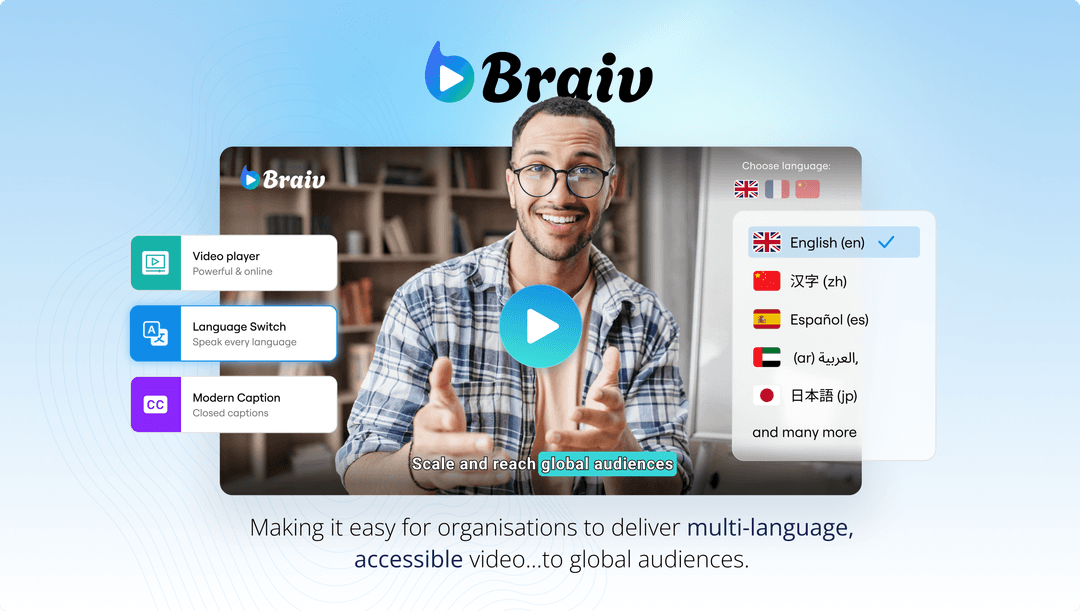
Braiv on On Demand is the only platform that rolls translation, voice cloning, lip sync, and publishing into a single workflow. Drop in any video — Spanish YouTube clip, Portuguese interview, Hindi tutorial — pick English as the target, and you get back a dubbed file that sounds like the original speaker, now in English.
Braiv Dubbing is what makes this work on On Demand: it clones the source voice so the English output still sounds like the original person, not a generic AI narrator. Pair it with Braiv Connect and the same clip auto-publishes to YouTube with an English title, description, and tags tuned for search — which is how you actually get discovered in the new language, not just translated.
Best for: creators, podcasters, and educators with a non-English back catalog who want to unlock the English audience without touching a timeline.
2. HeyGen - Avatar-Style English Dubs
HeyGen’s free tier lets you upload a short clip and get it back dubbed into English with lip sync. It’s most polished on talking-head content — explainers, pitches, course intros — where the AI-driven lip flap hides any tiny timing drift.
The trade-offs: the free tier is capped tight on video minutes and watermarks the output. Voice cloning is less expressive than a dedicated dubbing engine, and you’ll handle metadata (English title, description, thumbnail text) yourself afterwards.
3. Rask AI - Accurate English Translation
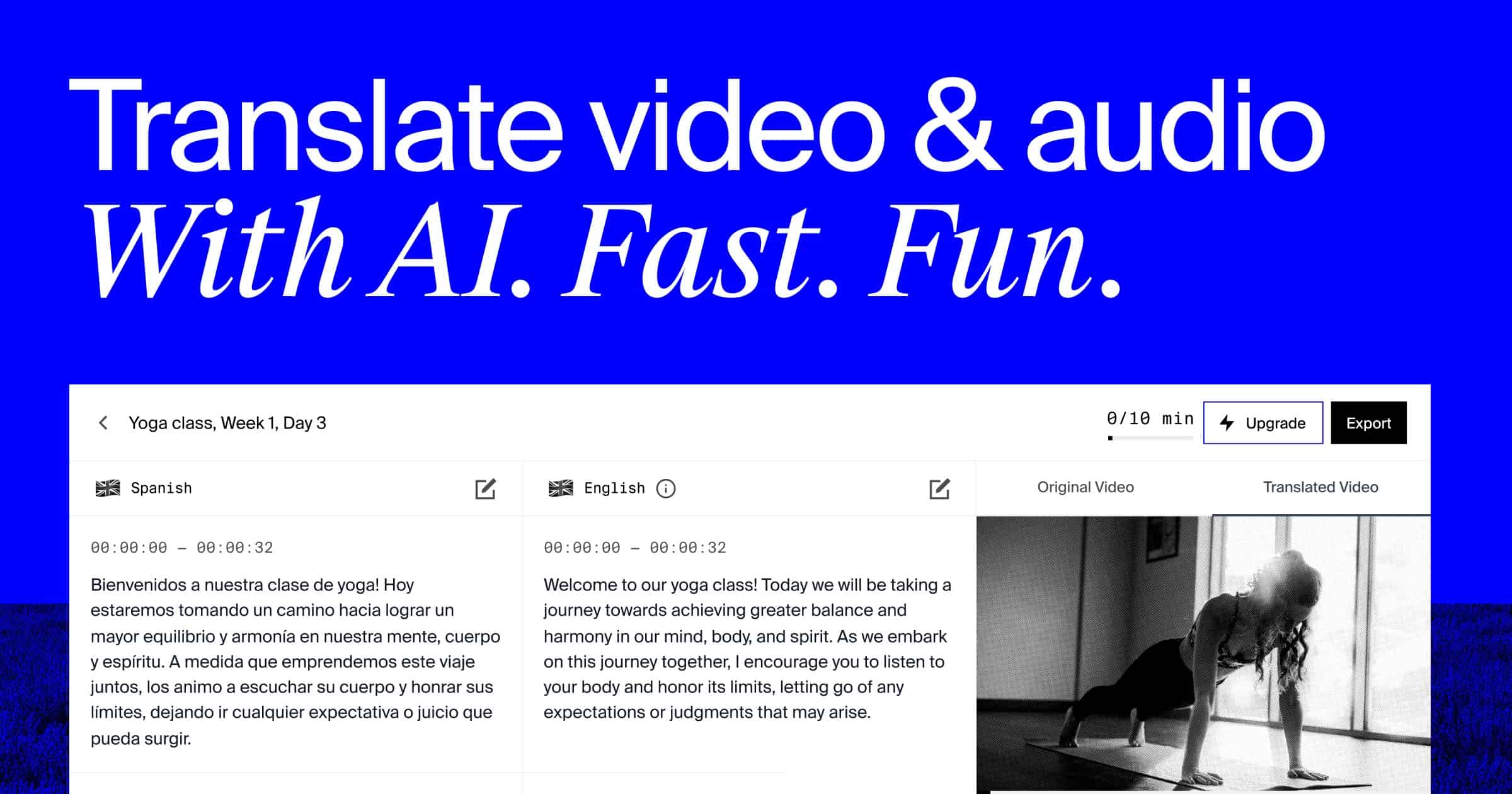
Rask is one of the more reliable translators in the AI dubbing space. It handles technical vocabulary well, which matters if your source video is a coding tutorial, a medical explainer, or anything with jargon that bad translators butcher.
The free trial covers a minute or so of video; beyond that, you’re paying. English lip sync is available but gated behind the paid plan.
4. CapCut - Mobile English Voiceover
CapCut bakes AI translation and English text-to-speech directly into the mobile editor. It’s free, fast, and fine for Shorts or TikToks where captions carry most of the message and voice quality matters less.
The voice is synthetic — obviously not the original speaker — so it works for subtitle-on short-form but sounds robotic on long-form content a listener will actually sit with.
5. ElevenLabs - Best English Voice Quality
ElevenLabs’ free credit pool lets you generate extremely realistic English voiceovers. For a single hero line or a short monologue that has to sound like a human actor, nothing beats it.
The catch: ElevenLabs is a text-to-speech engine, not a video dubbing platform. You transcribe, translate, generate each English audio clip, and re-sync it to the video manually. Great for a single flagship piece; impractical for a catalog.
The 4-Step Free Video-to-English Dubbing Workflow
Using Braiv on On Demand, the whole process takes about five minutes per video:
Step 1 — Upload the source. Drop your MP4/MOV into Braiv, regardless of the original language. Keep the original on your drive as the master.
Step 2 — Choose English as the target. Pick English (US) or English (UK) depending on your audience. You can add additional target languages in the same run if you also want Spanish or Hindi versions.
Step 3 — Let the AI do the heavy lifting. Braiv transcribes the source audio, translates the transcript into English, clones the original speaker’s voice, and re-renders the video with lip sync. Toggle lip sync on for talking-head content, off for b-roll-heavy edits.
Step 4 — Export and publish. Download the English-dubbed MP4, or push it straight to YouTube’s multi-language audio track feature so the same URL serves both your original-language and English audience.
How to Pick the Right Free Tool
- Non-English YouTube back catalog you want in English → Braiv. Voice cloning + Connect auto-metadata is the single-click unlock for the English audience.
- One hero video where every English syllable matters → ElevenLabs for the audio, stitch in your editor.
- Talking-head explainer, short format → HeyGen’s avatar lip-sync.
- Vertical Shorts / TikToks with captions on → CapCut on mobile.
- Tutorial or course content with technical vocab → Rask for translation accuracy.
Why Dubbing to English Is Worth It in 2026
English dubbing isn’t just about reaching more viewers — it’s about reaching the algorithms that rank them. YouTube, TikTok, Spotify, and Google all surface English-language transcripts more aggressively in their global feeds, which means an English dub of a Spanish or Hindi video often out-reaches the original within weeks. The ROI on a single free dub is usually higher than a week of paid promotion.
And because tools like Braiv Dubbing preserve the original voice rather than replacing it with a robotic narrator, the English version still feels like you — which is the entire reason audiences subscribed to the original in the first place.
Final Thoughts
“Dub to English” used to be a budget line item. In 2026, it’s a free checkbox. If your content works in any language, it works in English too — you just need the right tool to translate, clone, and sync it. Start with Braiv for the full free stack, and you’ll have your first English-dubbed video live in the time it takes to make a coffee. ☕🎬
Try Braiv Video Dubbing
Translate your content into 80+ languages with realistic AI voices.