
How to Add AI Lip Sync to Your Dubbed Video: Step-by-Step Guide + Best Tools in 2026
Struggling with mismatched lips after dubbing your video? Discover the simple, one-click solution to apply professional AI lip-sync and keep your content perfectly natural.

TL;DR: Video dubbing is only half the battle. If mouth movements don't match the new language, viewers bounce instantly. By using an end-to-end platform like Braiv Dubbing, you can translate, clone your voice, and apply hyper-realistic AI lip-sync in one seamless workflow to maximize global retention.
What is the easiest way to add AI lip sync to a translated video?
The most efficient way is to use Braiv Dubbing. Unlike traditional workflows that force you to dub in one tool and lip-sync in another, Braiv lets you upload your raw video, auto-translate the audio into 80+ languages, clone the speaker's voice, and apply professional AI lip-sync with a single click in under 10 minutes.
The Multi-Language Engagement Bottleneck: Uncanny Valley
In 2026, localized content is the fastest-growing traffic source on YouTube, TikTok, and corporate learning platforms. Translating your video’s audio into Spanish or Portuguese opens your channel to hundreds of millions of new viewers.
But there’s a catch: the uncanny valley.
When a viewer lands on a video and hears high-quality Spanish dubbing, but sees the speaker’s mouth clearly making English vocal shapes, their brain flags it as “unnatural” within 3 seconds. This cognitive dissonance directly kills retention. According to YouTube audience retention logs, dubbed videos without lip-syncing experience up to a 40% higher drop-off rate in the first 30 seconds compared to videos with synchronized mouth movements.
Step-by-Step: How to Add AI Lip-Sync to Your Video in Braiv
Braiv has simplified this complex generative process into a frictionless, guided workflow. Here is exactly how to do it inside your dashboard.
Step 1: Select Your Video
Log in to your Braiv Studio dashboard and navigate to your video library. Select the video you want to apply the lip-sync feature to.
Step 2: Set Up Translation and Voices
Once inside, you will land on the Languages and Translations screen. Here you can choose your target language.
- AI Voice Dubbing: If you’re using standard AI voices, manually select a predetermined voice that matches your project requirements.
- Voice Cloning: For maximum authenticity, select Braiv Dubbing (Voice Cloning). This technology clones the original speaker’s voice directly across 80+ languages, completely eliminating the need for manual voice assignment.
Note: The Lip-Sync feature requires that your video has already been dubbed in Braiv and is less than 10 minutes long.
Step 3: Access Lip-Sync
With your target language dubbed, the Lip-Sync button on the left menu will unlock and highlight in purple. Click it to open the setup screen.
Step 4: Configure and Generate
A settings pop-up will appear where you can:
- Select Target Language: Defaults to your newly dubbed language (e.g., French or Spanish).
- Choose Quality: Select between Standard and Premium lip-sync configurations depending on your credit allocation.
Critical Warning: Make sure you are 100% satisfied with your audio translation before generating, as the final lip-synced video output represents a fully rendered visual layer that cannot be edited afterwards.
Click the Generate Lipsync button. The system will report “Lipsync initiated successfully” and direct you back to the translation page, where you’ll see a “Processing” status.
Step 5: Verify and Publish
Once processing is complete, a blue check mark will appear. You can play back the final synchronized video using the preview player in the right-hand corner. Toggle the language flag in the player controls to watch the speaker’s lips perfectly match the translated dialogue!
Comparing the Top AI Lip Sync Tools in 2026
If you are evaluating the broader market, several platforms offer lip-syncing capabilities. Here is how they stack up against Braiv’s integrated pipeline:
1. Braiv Dubbing — Best for End-to-End Localization
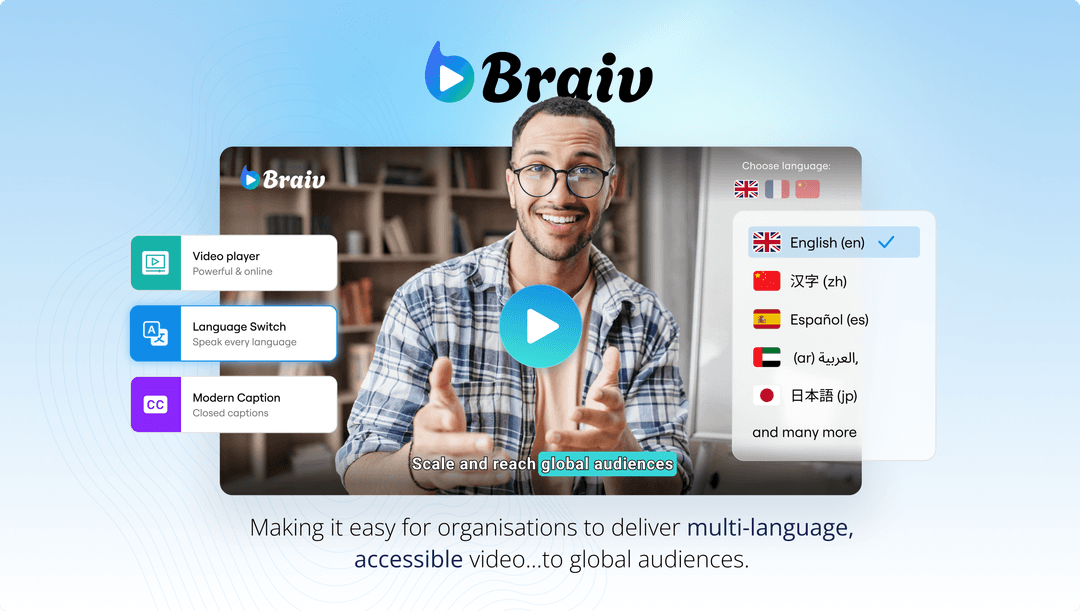
Braiv excels because it treats lip-sync as a native step inside a larger video packaging and publishing workflow. You don’t have to export, import, or align audio tracks. Everything from transcription, translation, voice cloning, and lip-syncing to AI shorts extraction and zero-prompt thumbnails happens in one place.
- Pros: Native integration, voice cloning, localized metadata, automatic multi-channel publishing.
- Best for: Creators and studios scaling multi-language empires.
2. HeyGen
HeyGen is a major player in AI video generation and has a highly competent translation and lip-sync tool. Its visual quality is clean, and its translation engine supports many core languages.
- Where it falls short: HeyGen is fundamentally an avatar generator. Its tools are priced and designed around corporate training avatars rather than organic content creator workflows. It lacks multi-channel auto-publishing, thumbnail generation, or YouTube optimization tools, making it an expensive point solution for active video publishers.
3. Rask AI
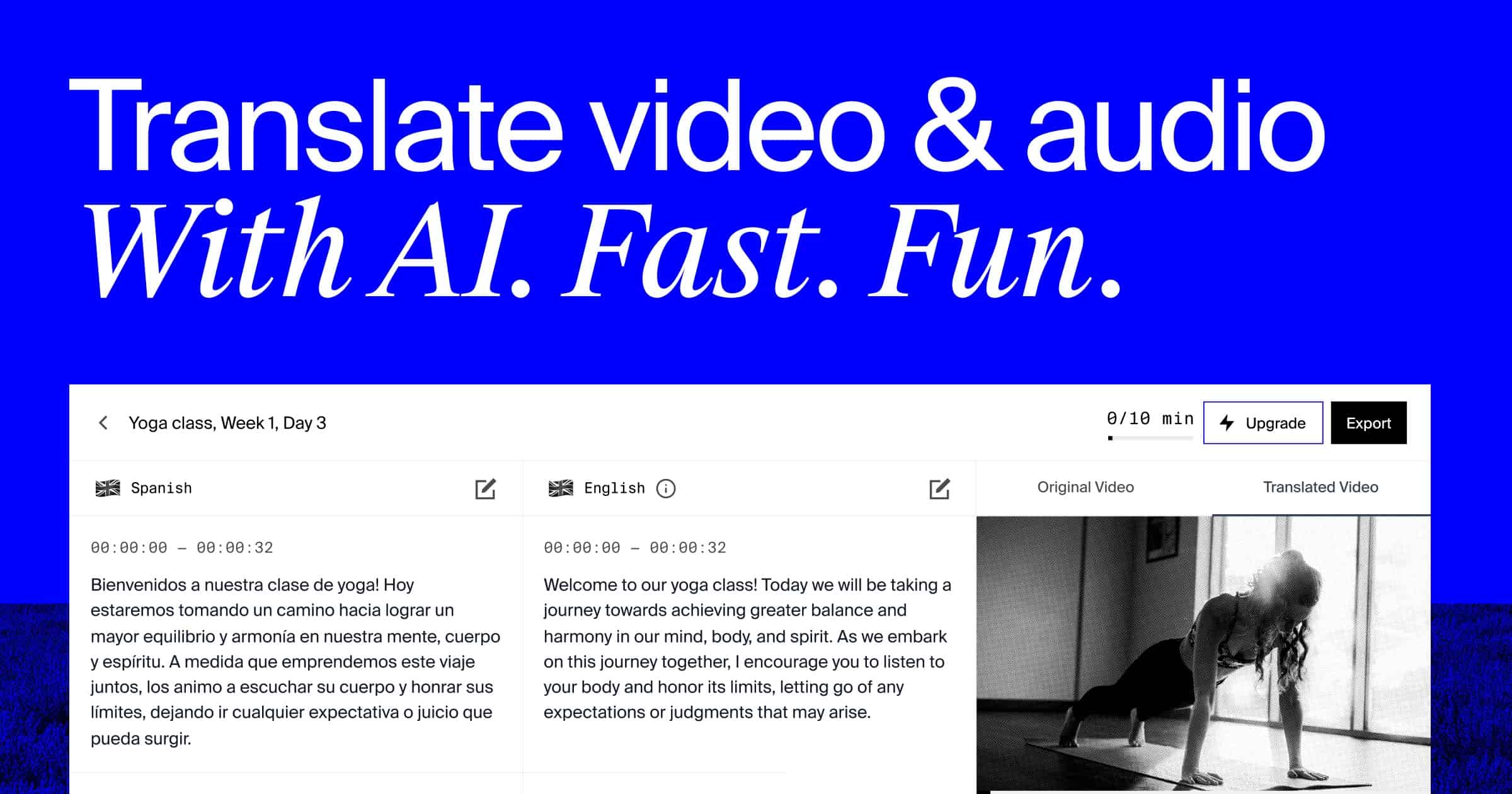
Rask AI focuses specifically on video localization and dubbing. It was one of the early platforms to launch lip-sync, and its generative model handles single-speaker videos quite well.
- Where it falls short: Rask does not offer native integration with social platforms. You are forced to download the finished files and manually handle scheduling, title optimization, and thumbnail design. It also lacks a robust interactive player for embedding multilingual content directly on your own website.
4. ElevenLabs Dubbing
ElevenLabs is the gold standard for pure synthetic voice generation and has recently expanded into video dubbing with lip-sync options. Its voice cloning fidelity is outstanding.
- Where it falls short: The platform is built for audio engineers and developers. While the audio dub is pristine, the visual lip-sync tool is an add-on layer with high rendering times. Just like Rask, it doesn’t offer packaging features (like automated shorts or thumbnails) or publishing pipelines.
Scaling Your Global Video Strategy with AI Lip-Sync
Adding lip-sync to your workflow isn’t just about technical polish; it’s a strategic growth driver. When launching a localized channel, keep these three best practices in mind:
- Maintain Voice Continuity: Always use Voice Cloning alongside lip-sync. Having your actual voice speak fluent Spanish with perfect mouth movements is the ultimate trust builder for international audiences.
- Keep it Under 10 Minutes: For high-retention formats like Tutorials, Product Demos, and Vlogs, keep your edits tight. Not only does this stay within the optimal limit for premium lip-sync rendering, but it also maximizes your completion rates.
- Localize Your Visual Assets: A lip-synced video still feels foreign if the thumbnail is in English. Use a tool like Braiv Thumbnails to auto-generate and localize text overlays on your visual graphics.
By combining hyper-realistic dubbing, perfect lip synchronization, on-brand thumbnails, and optimized multi-channel scheduling, you can run a global video empire with a team of one.
Try Braiv Video Dubbing
Translate your content into 80+ languages with realistic AI voices.