
How to Auto-Translate YouTube Title and Description for Global Views
Unlock massive international traffic by automatically localizing your video metadata, descriptions, and hashtags using AI.
TL;DR: Manually translating video metadata for multiple languages is slow and error-prone. By utilizing Braiv Connect, you can auto-translate your YouTube titles, descriptions, and hashtags into over 50 languages with a single click, allowing your video to rank in global search feeds instantly.
How do you auto-translate YouTube titles and descriptions?
The fastest way to auto-translate YouTube titles and descriptions is by using Braiv Connect. Once you upload your video, the AI analyzes your transcript, automatically drafts your title and description, and translates them into your target languages in seconds. After translating, you can save and auto-publish the localized versions directly to your connected YouTube channels from one centralized dashboard.
The Power of Localized Video SEO on YouTube
For creators looking to build a sustainable global audience, localized SEO is the ultimate cheat code. Over 80% of YouTube’s active user base resides outside of English-speaking countries. When you upload a video only in English, you are ignoring the vast majority of the world’s potential viewers.
However, translating video audio is only half the battle. If international viewers cannot discover your video in their native language search feeds, they will never click it. This is why auto-translating your video metadata—specifically your Video Title and Description—is a non-negotiable step in global content distribution.
By combining end-to-end audio dubbing with localized text metadata, you build a fully localized content engine. Rather than managing fragmented point solutions, creators can use Braiv to streamline this entire translation pipeline.
Step-by-Step: How to Automatically Translate Video Titles & Descriptions
Translating your video metadata in the Braiv Studio dashboard takes only a few seconds. Follow this exact workflow to localize your titles and descriptions:
1. Select Your Video
Open your Braiv Studio Dashboard and navigate to your video Library. Select the specific video file you wish to translate.
2. Open the Details Screen
Click on the “Details” tab on the upper-left side of the interface. This will bring up your primary video metadata edit fields.
3. Ensure a Base Description Exists
Critical Operational Note: Your video must have a generated description in your base language (e.g., English) before you can translate it. If your description is currently blank, navigate to our Generate Video Description workspace workflow first to auto-draft a base description. The translation engine requires a source text to operate effectively.
4. Select Your Target Language
Open the language dropdown menu. The available languages in this list correspond to the specific languages into which you have already translated the video’s audio.
5. Run the AI Translation
Click the ‘Translate’ button at the bottom of the details pane. Within seconds, the AI translation engine will rewrite your title, description, and hashtags into your target language.
6. Verify and Save Your Changes
Review the generated translation to ensure local brand terms and hashtags align with your goals, then click the ‘Save’ button to lock in the changes.
Comparing the Top Translation Tools for Creators
When localizing your channel, it is crucial to use tools that understand context and search intent rather than literal translations.
1. Braiv Studio Translation Engine
Braiv Connect is the gold standard because it links your video transcript, audio dubs, and metadata translation into a single connected workflow. When you translate your video details, the hashtags and keywords are localized using real search volume data to ensure maximum reach.
2. Publer
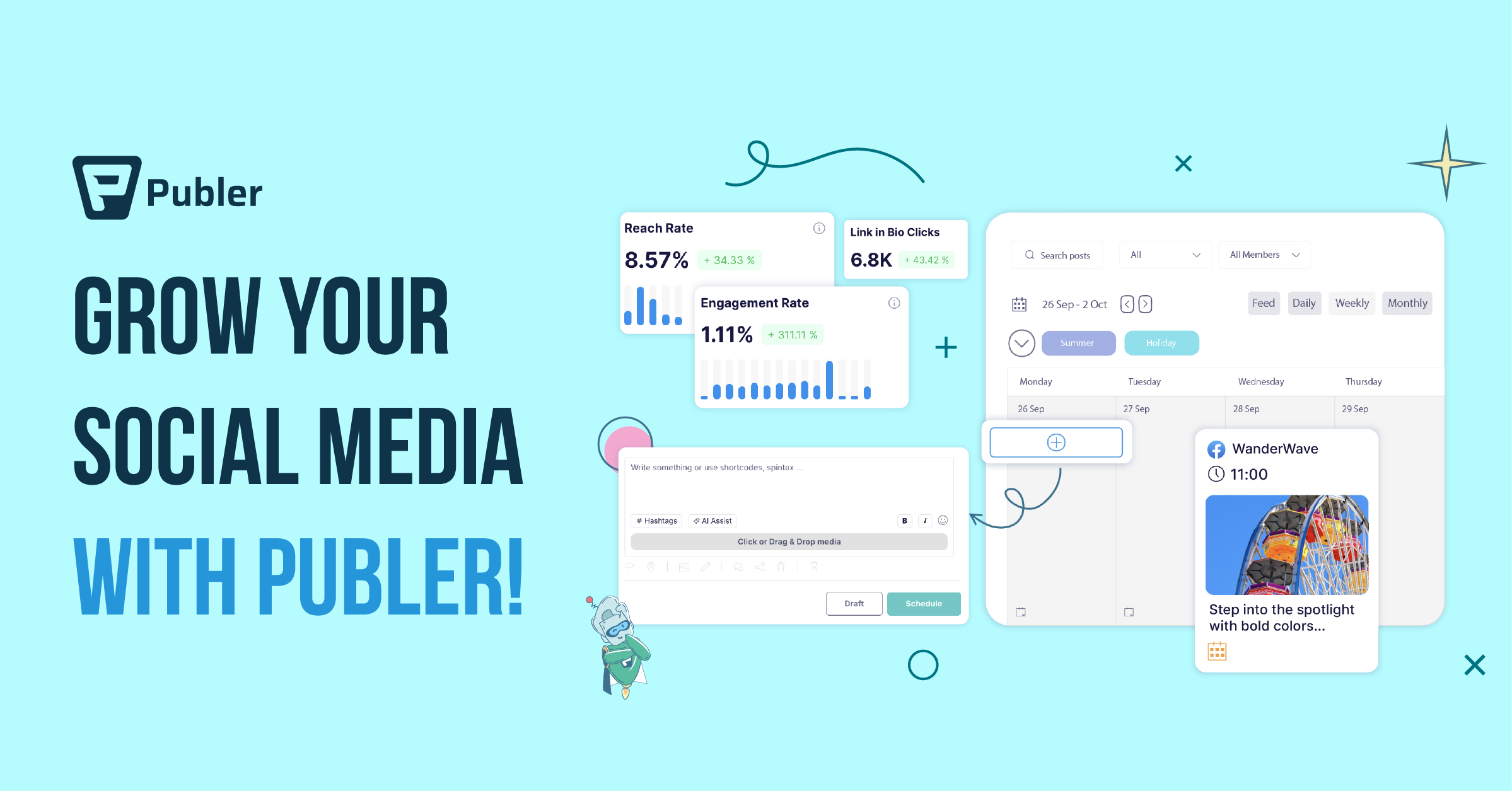
While Publer allows you to schedule social posts across multiple channels, it lacks built-in video-level transcription, audio localization, or metadata translation engines. You must translate details elsewhere and paste them manually.
3. Buffer
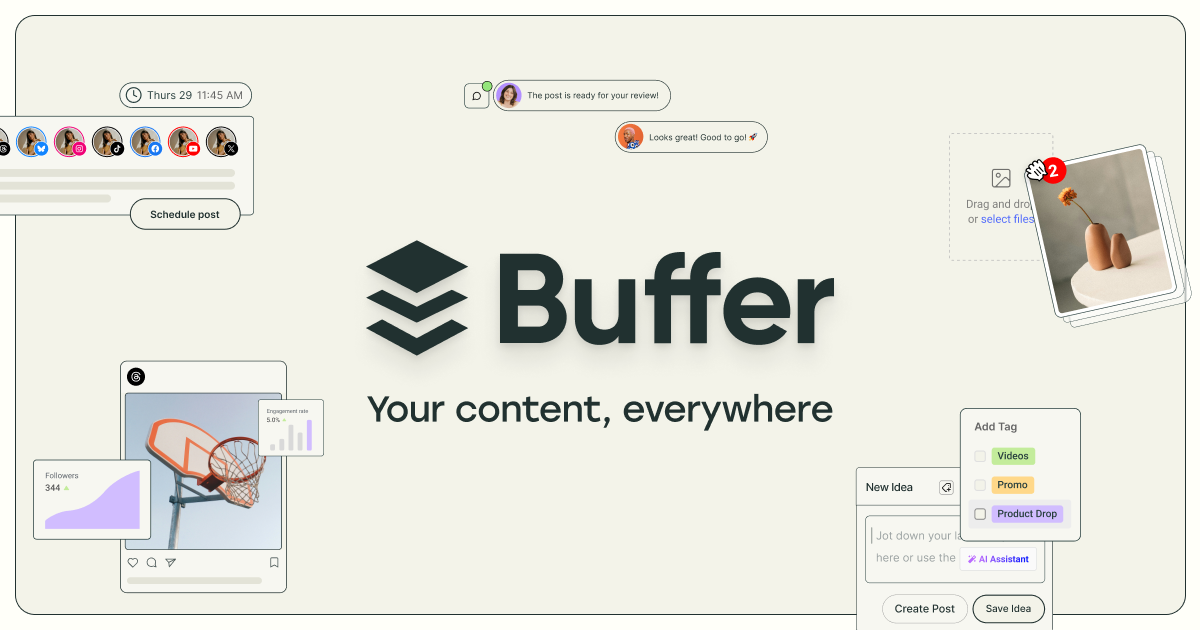
Buffer excels at standard text post scheduling, but offers no native support for multi-language video metadata synchronization or localized caption embedding.
Strategic Localization: Beyond Literal Translation
To convert international search impressions into loyal subscribers, avoid these common translation pitfalls:
- Do Not Rely on Direct Translation: Literal translations often miss regional slang, idioms, or localized keyword patterns. Always use an SEO-aware engine like Braiv that localizes intent.
- Synchronize Your Hashtags: Localizing your hashtags is just as important as your description. Ensure tags like
#vlogare translated to regional equivalents like#bitacoraor#diariodeviajewhere appropriate. - Establish Translation Prereqs: Always generate your primary language metadata first. Trying to translate a blank description will result in a translation failure.
With Braiv’s automated pipeline, translating your video details is as simple as clicking a button, allowing you to capture global search traffic with zero extra overhead.
Try Braiv Video Dubbing
Translate your content into 80+ languages with realistic AI voices.