
Integrating Braiv Player with Kajabi
Bring multi-language video to Kajabi with Braiv Player integration.
How to embed Braiv Player into Kajabi in 3 easy steps
Step 1
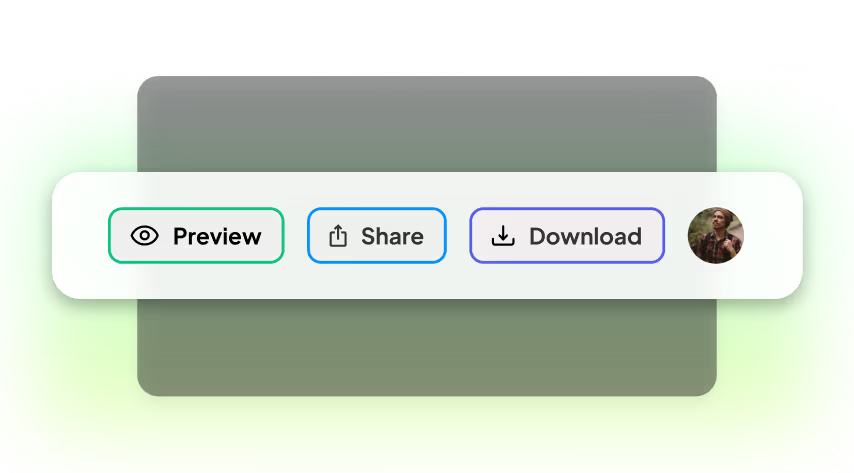
Locate and press the "Share" button
There are a few places within Braiv to share individual videos:
1. In the Edit interface, the Share button is at the top right.
2. In the Library interface, use the Share icon on any video thumbnail.
Click this to open the Share Sheet.
1. In the Edit interface, the Share button is at the top right.
2. In the Library interface, use the Share icon on any video thumbnail.
Click this to open the Share Sheet.
Step 2
Copy the embed code
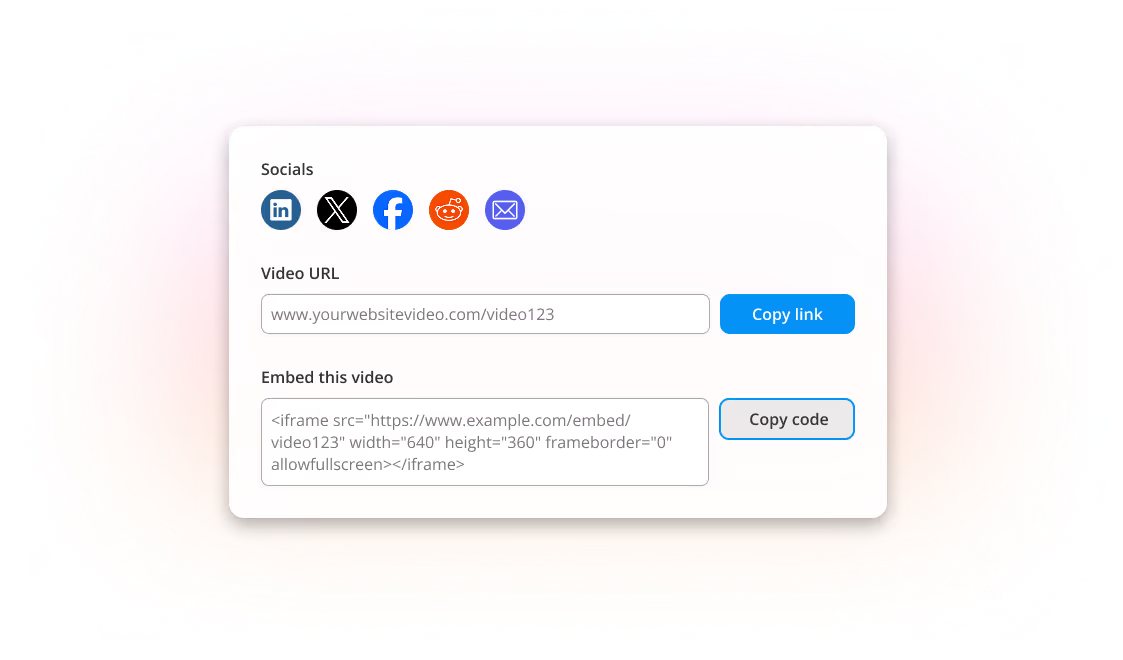
In the Share Sheet you will see multiple options, including Embed code.
Use Copy code to copy the Braiv Player embed code to your clipboard.
Use Copy code to copy the Braiv Player embed code to your clipboard.
Step 3
Paste the embed code into Kajabi
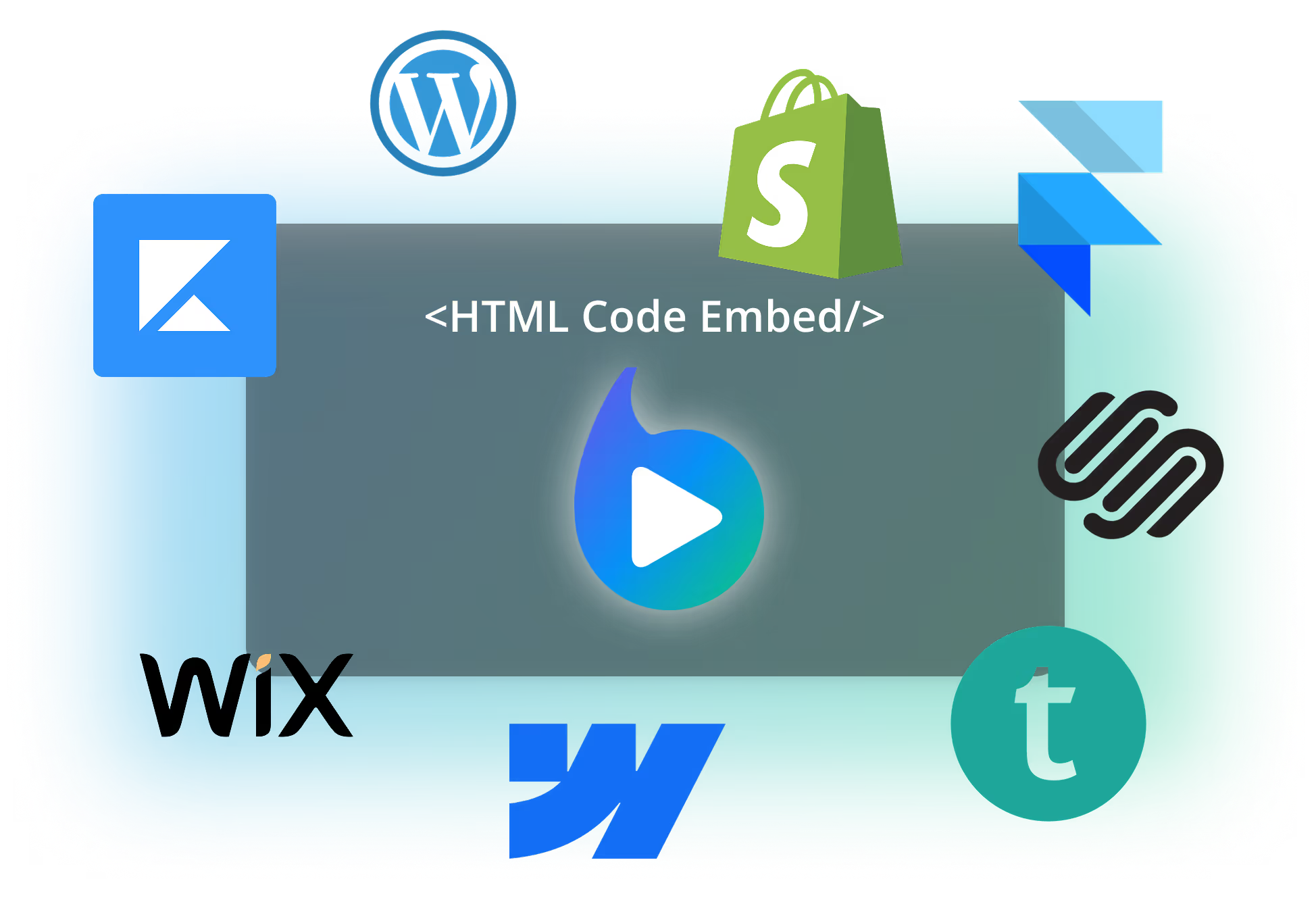
Within your CMS or LMS you can add Braiv Player via HTML custom code.
Paste the embed code where your lesson, page, or content block supports custom embed HTML and your multi-language videos will be available to viewers and learners.
Paste the embed code where your lesson, page, or content block supports custom embed HTML and your multi-language videos will be available to viewers and learners.
Key Features
Features Built for Global Impact
Discover how Braiv simplifies video localization and unlocks global accessibility to save time, reduce costs, and expand reach.
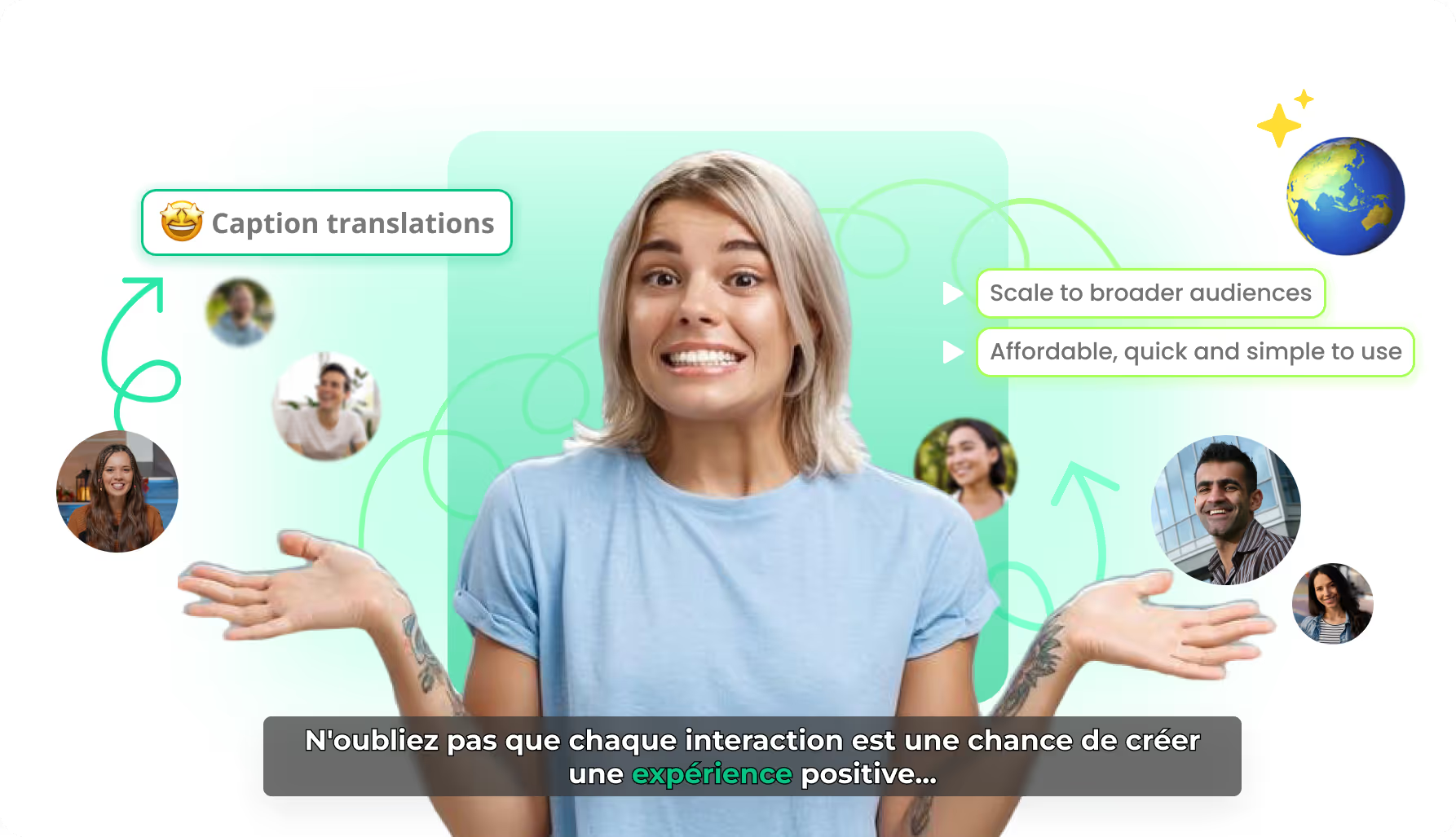
AI caption translation
Localize caption text while preserving timing and karaoke motion — so every market gets a native-feeling burn-in, not a rebuilt edit.
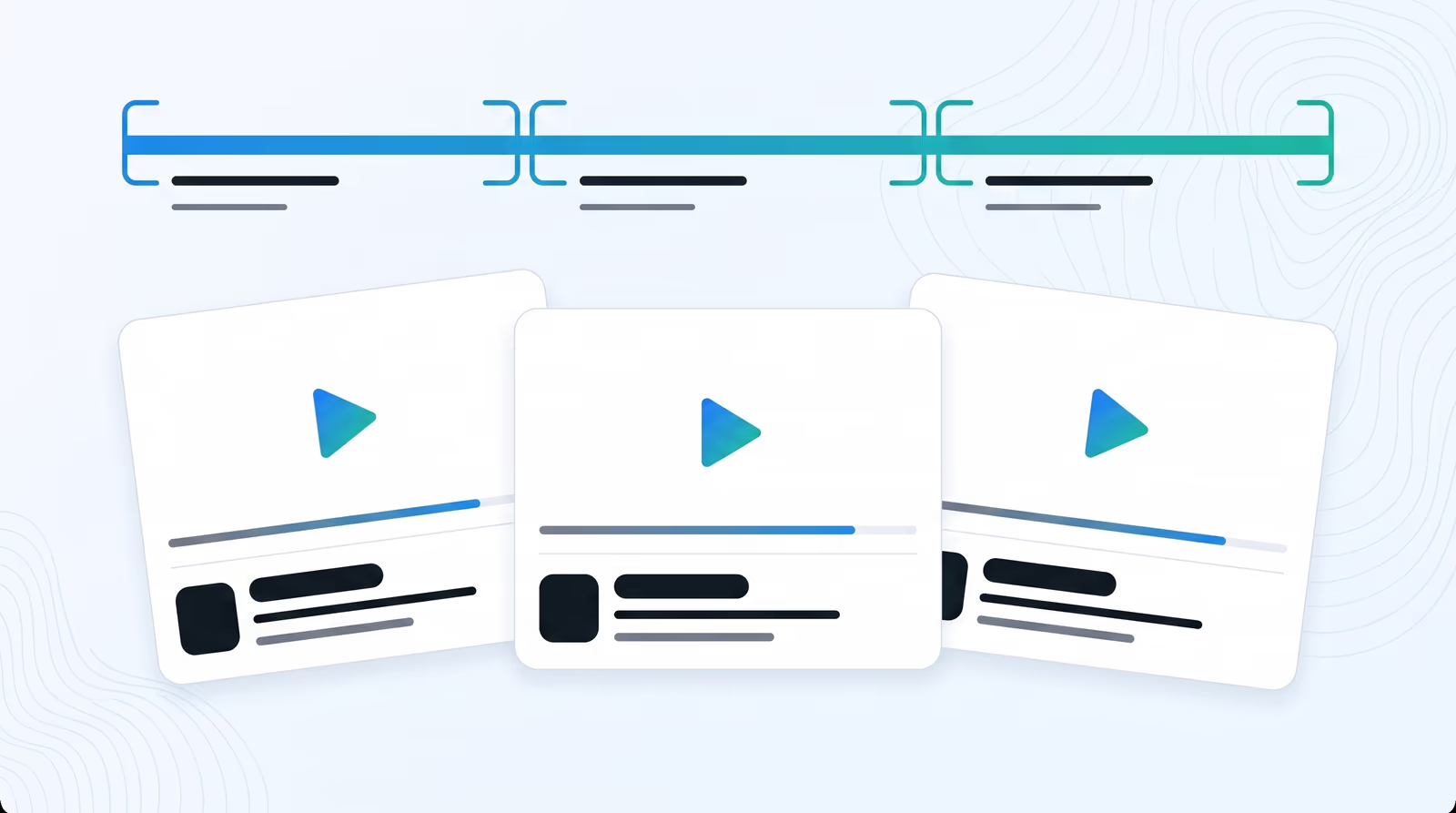
Standalone AI video clips
Braiv finds narrative boundaries in webinars and podcasts, then exports self-contained clips with a clear beginning, middle, and end — each ready to publish as its own video.
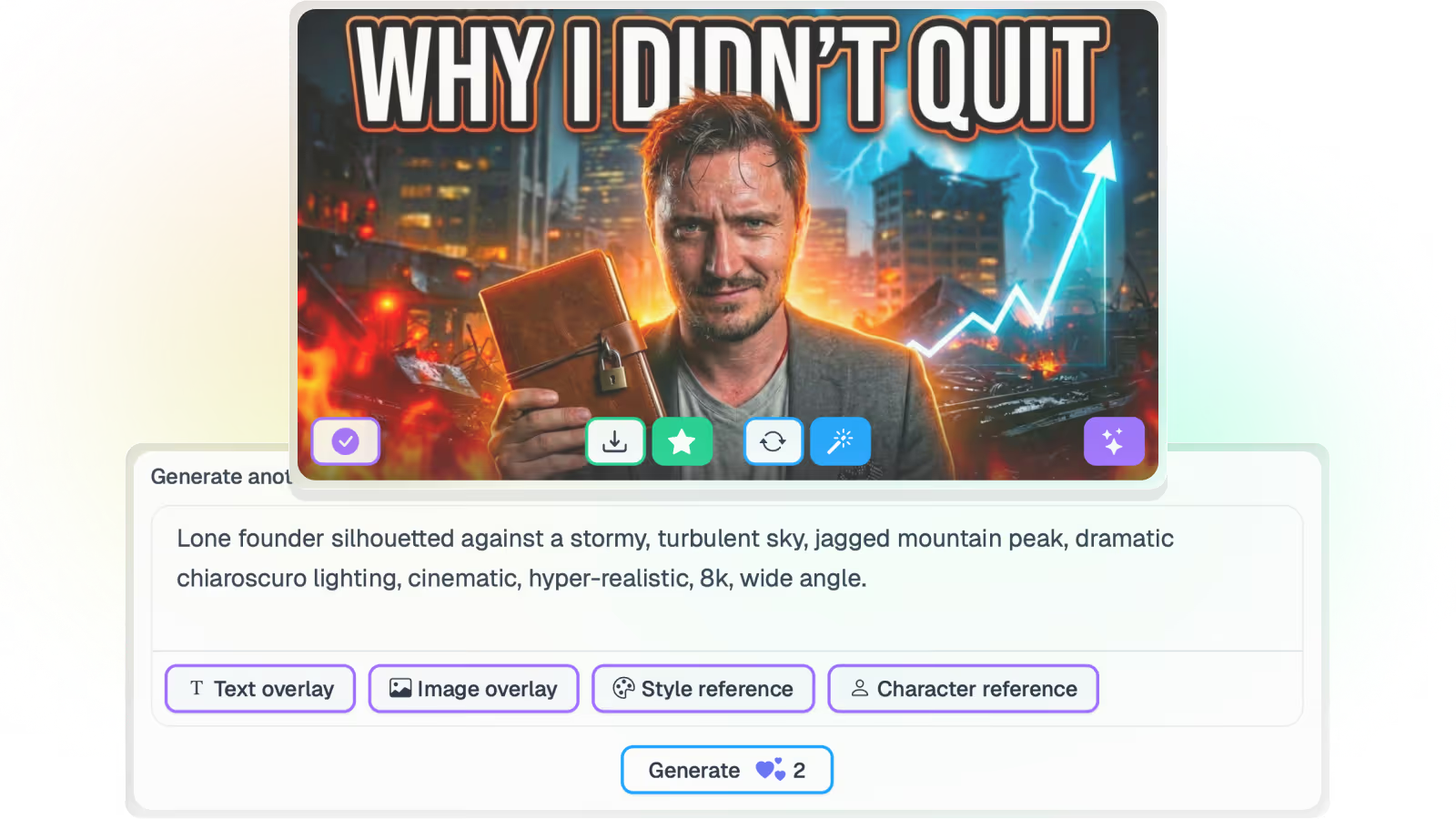
AI Thumbnail Generator for YouTube
Braiv reads the transcript and frames, then proposes on-brand thumbnail concepts — no prompts, no Photoshop, and no rewatching the archive to describe it.
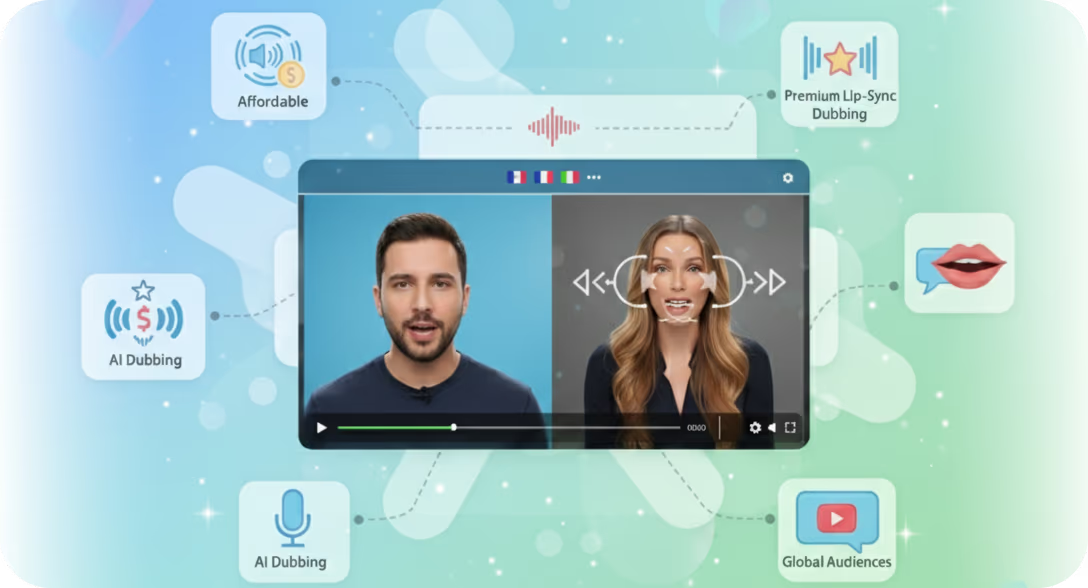
AI lip sync for dubbed video
Optional AI lip sync reshapes on-screen mouth movement to the new audio track — so localized talking-head video feels filmed in the target language, not overdubbed.
Take your online videos from local to a global reach
Let Braiv revolutionize your approach to video content delivery, ensuring maximum reach, accessibility, and engagement.
Frequently asked questions
Can I embed Braiv Player in any CMS or LMS?
Braiv Player can be embedded in most platforms that support custom HTML or embed blocks, including popular CMS and LMS tools.
Do embedded players keep multilingual options enabled?
Yes. Your embedded Braiv Player retains multilingual playback, captions, and viewer controls configured in Braiv.
Can I update a video without changing embed code?
Yes. In most cases, once the embed code is placed, updates in Braiv are reflected automatically without replacing code on your site.
Is there a performance impact when embedding Braiv Player?
Braiv Player is optimized for web embedding and streaming delivery. Final performance also depends on your site setup and user network conditions.