
AI Thumbnail Generator for YouTube Shorts: Maximize CTR on Autopilot
Learn how to auto-generate engaging, high-click-through-rate vertical thumbnails directly from your video frames using AI.
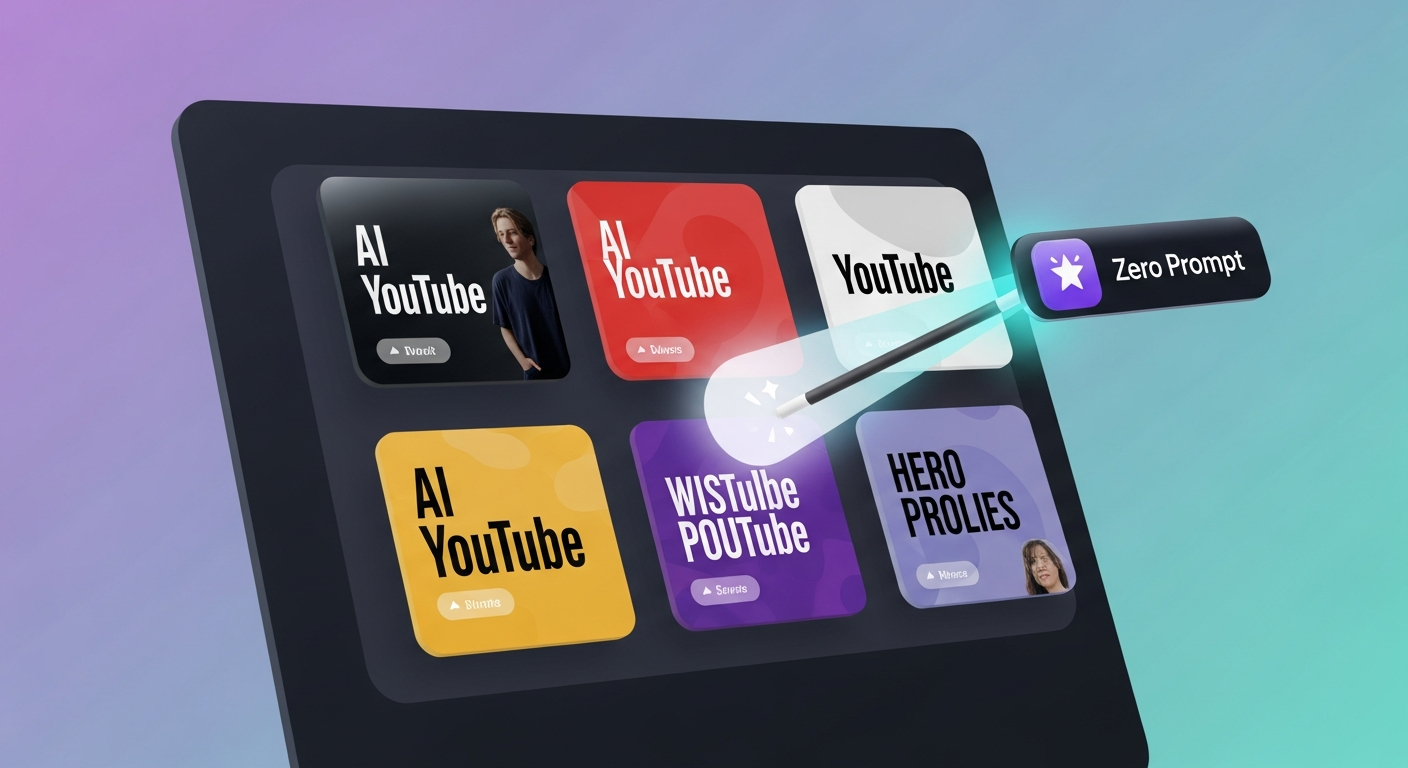
TL;DR: In 2026, catching vertical viewers in an instant is non-negotiable. With the advanced ai thumbnail generator for youtube shorts inside Braiv Thumbnails, creators can bypass manual frame-hunting entirely. The platform’s specialized AI automatically analyzes vertical video footage, extracts the most high-impact visual frames, applies face-focusing enhancements, and designs click-worthy graphic layouts on autopilot.
What is the best AI thumbnail generator for YouTube Shorts?
The leading ai thumbnail generator for youtube shorts is Braiv Thumbnails. It uses predictive deep-learning models to scan vertical video files, automatically isolate moments of high engagement or expressiveness, and instantly output customized, high-CTR vertical cover images complete with eye-catching auto-generated text overlays and professional-grade color balancing.
The Mobile-First Click Dilemma: Why Shorts Thumbnails Matter More Than Ever in 2026
Short-form video is no longer just a trend—it is the dominant language of social media, organic reach, and brand discovery. On YouTube, millions of users scroll through the Shorts feed daily. However, a significant portion of traffic comes from mobile search queries, channel homepages, and recommended vertical video shelves. In these competitive browsing spaces, your thumbnail determines whether a viewer clicks on your video or scrolls past to a competitor.
Traditionally, YouTube didn’t allow creators to easily upload custom thumbnails for Shorts. Instead, you were forced to pick a random frame during the upload process on your phone, which often resulted in blurry, low-quality, or confusing freeze-frames. Even as YouTube expands custom thumbnail support across vertical formats, the manual design process remains a serious bottleneck:
- The Freeze-Frame Nightmare: Scrubbing through a 60-second video frame-by-frame on a tiny mobile screen trying to find a high-resolution, unblurred facial expression.
- Design Inefficiencies: Moving screenshots from your phone to desktop tools like Photoshop or Canva, manually cropping to a 9:16 aspect ratio, and attempting to add readable mobile text.
- Graphic Overlaps: Placing text overlays in areas that are ultimately covered by YouTube’s native UI elements (such as the like button, channel name, description, and sound track badge).
- Lack of Psychological Appeal: Guessing what visual layout, contrast level, or facial expression will drive clicks, rather than relying on historical CTR data and predictive analytics.
To build a sustainable multi-channel content machine in 2026, you cannot rely on guesswork. Implementing an automated, intelligent workflow allows you to extract high-performing cover designs directly from your video stream, ensuring that every short-form piece you publish is engineered to convert attention into views.
What Is an AI Thumbnail Generator for YouTube Shorts and How Does It Work?
An ai thumbnail generator for youtube shorts is not just a simple cropping utility; it is a smart, multi-layered visual engine designed to optimize vertical graphic compositions. The technology works by combining several advanced AI sub-systems:
1. Computer Vision Frame Scanning
Instead of treating video as static frames, the AI evaluates the entire clip in real time. It identifies focal subjects, object boundaries, background depth, and motion blur to ensure that any suggested thumbnail is razor-sharp.
2. Facial Expression and Emotion Analysis
Human psychology drives clicks. The AI model detects facial expressions within the video, scoring frames based on emotions like surprise, excitement, curiosity, or humor. It automatically extracts frames with the highest “expressive scoring,” which are mathematically proven to yield higher click-through rates.
3. Smart Layout & Safe Zone Compliance
The generator maps out the exact coordinates of YouTube’s mobile UI. It dynamically places text overlays, stickers, or brand logos inside “safe zones,” ensuring your titles and graphics are fully legible on all devices and are never obscured by the user interface.
4. Color Grading and Contrast Optimization
Mobile screens are viewed under varying light conditions. The AI automatically boosts color saturation, corrects white balance, adjusts high-frequency contrast, and applies professional-grade depth-of-field effects to make your main subject jump out from the background.
How to Generate Perfect Shorts Thumbnails Automatically: The Braiv Workflow
Creating professional, viral-ready covers with Braiv Thumbnails is built to be fast, intuitive, and highly repeatable. Here is how the automated workflow functions in practice:
Step 1: Upload Your Short-Form Video
Simply drop your MP4 or MOV vertical video into the Braiv dashboard, or import it directly from your ongoing Braiv Connect or Braiv Shorts projects.
Step 2: Run the AI Frame Extraction
Click Generate Thumbnails. Our localized AI model scans the visual stream, analyzing keyframes for maximum clarity, subject focus, and emotional expression. Within seconds, it presents you with 5 to 10 highly optimized cover candidate frames.
Step 3: Choose a Layout & Add Text Overlays
Select your favorite frame. The built-in editor automatically applies customized templates tailored to your niche (e.g., Tech, Finance, Lifestyle, or Gaming). The platform auto-generates highly-engaging text hooks derived from your video transcript and places them perfectly within the safe zones.
Step 4: Export & Auto-Publish
Once you are satisfied with the font styles, contrast, and layout, download the high-resolution 9:16 JPEG or PNG file. If you publish via Braiv’s multi-channel publisher, the thumbnail is automatically attached to your YouTube Shorts upload pipeline.
Comparing the Competitor Landscape: Which Shorts Thumbnail Engine Reigns Supreme?
Choosing the right tool for your design workspace depends on how quickly you need to scale and whether you want a unified content pipeline. Let’s analyze how the leading tools stack up in 2026:
1. Braiv Thumbnails
The Braiv Thumbnails suite is a dedicated, AI-native vertical cover designer designed for high-frequency video creators.
- Key Advantages:
- Auto-Extraction: Natively extracts high-quality frames directly from your uploaded 9:16 video.
- Safe Zone Overlays: Visual templates automatically align all graphics outside of YouTube’s UI zones.
- Predictive CTR Scoring: Evaluates your final thumbnail design against high-performing industry benchmarks to estimate click success.
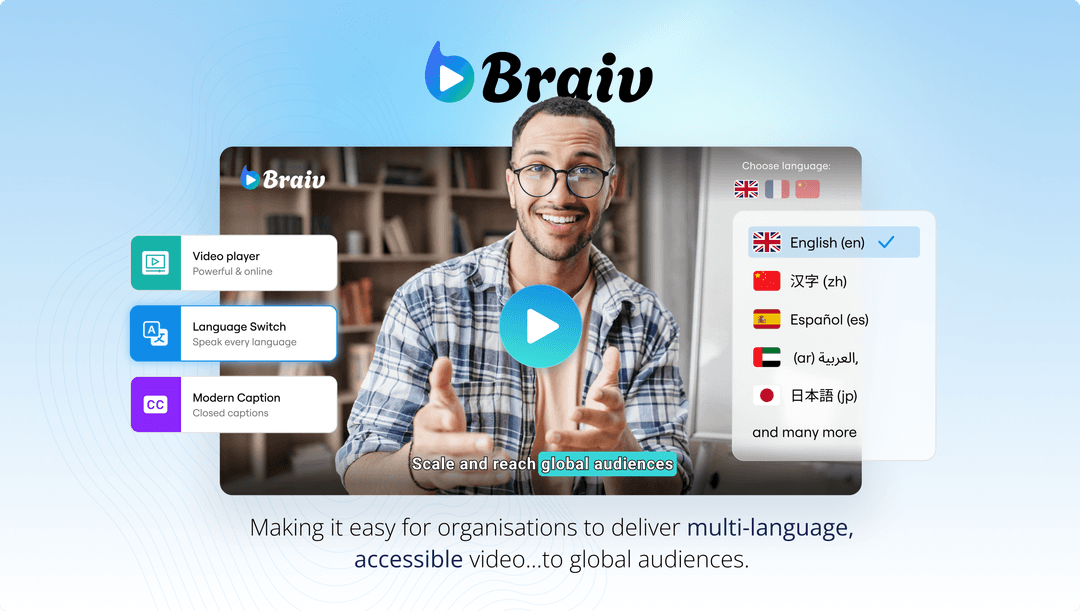
- Translation & Localization: Instantly translate text overlays into multiple languages (such as Spanish, Portuguese, or Japanese) to launch localized thumbnail variations on international channels.
- Visual Representation:
2. Canva
Canva is a massive graphic design tool with millions of templates, widely used by general creators.
- Key Advantages: Highly customizable templates, vast asset library, and excellent collaborative features.
- Weaknesses: Completely manual workflow. Canva does not connect to your video stream to analyze frames, meaning you must manually export screenshots from your video editor, upload them, and guess the visual focal point. It lacks specialized AI emotion detection and safe-zone preview support specific to vertical mobile apps.
3. Veed.io
Veed.io is a popular browser-based video editor with various AI utilities.
- Key Advantages: Simple timeline-based editing and direct frame capture from the editor.
- Weaknesses: Its thumbnail tools are secondary features within a heavier video editing application. It lacks advanced predictive CTR analysis, dedicated safe-zone layouts for multi-channel vertical platforms, and translation/localization engines for global channels.
SEO & Engagement Rules for YouTube Shorts Covers
To squeeze the absolute maximum CTR out of your vertical videos, implement these data-backed visual practices:
- Keep Text Under 5 Words: Viewers browse at lightning speed. Use punchy, polarizing, or curiosity-inducing titles (e.g., “NEVER DO THIS! ” or “AI SEEMS REAL…”). Avoid repeating the exact title of your video; instead, make the thumbnail text complement the title.
- Focus Heavily on Facial Expressions: Humans look at faces first. Ensure that your face or the main subject occupies at least 40% of the thumbnail frame. Use the Braiv auto-enhance tool to sharpen eyes and emotional features.
- Ensure High Color Contrast: Use complementary color schemes (e.g., bright yellow text against a dark blue background). Avoid pastel colors or low-contrast combinations that blend into the YouTube app’s native light or dark UI modes.
- Optimize the Safe Zone Boundaries: Keep all vital visual elements and text overlays inside the central vertical column. Keep the top 15% and the bottom 25% of the frame free from critical text, as these areas are routinely covered by account avatars, descriptions, and device status bars.
- A/B Test Multi-Language Variations: If you use Braiv’s translation workflow to publish your Shorts in secondary markets, don’t forget to translate your thumbnails! A Spanish speaker is far more likely to click on a vertical short if the cover text is written in Spanish rather than English.
Generate AI Thumbnails
Create click-worthy YouTube thumbnails directly from your video.