
AI Thumbnail Generator Free Without Watermark: Launch High-CTR Visuals Instantly
Tired of ugly watermark overlays? Discover how to generate high-CTR video thumbnails from your video on autopilot.
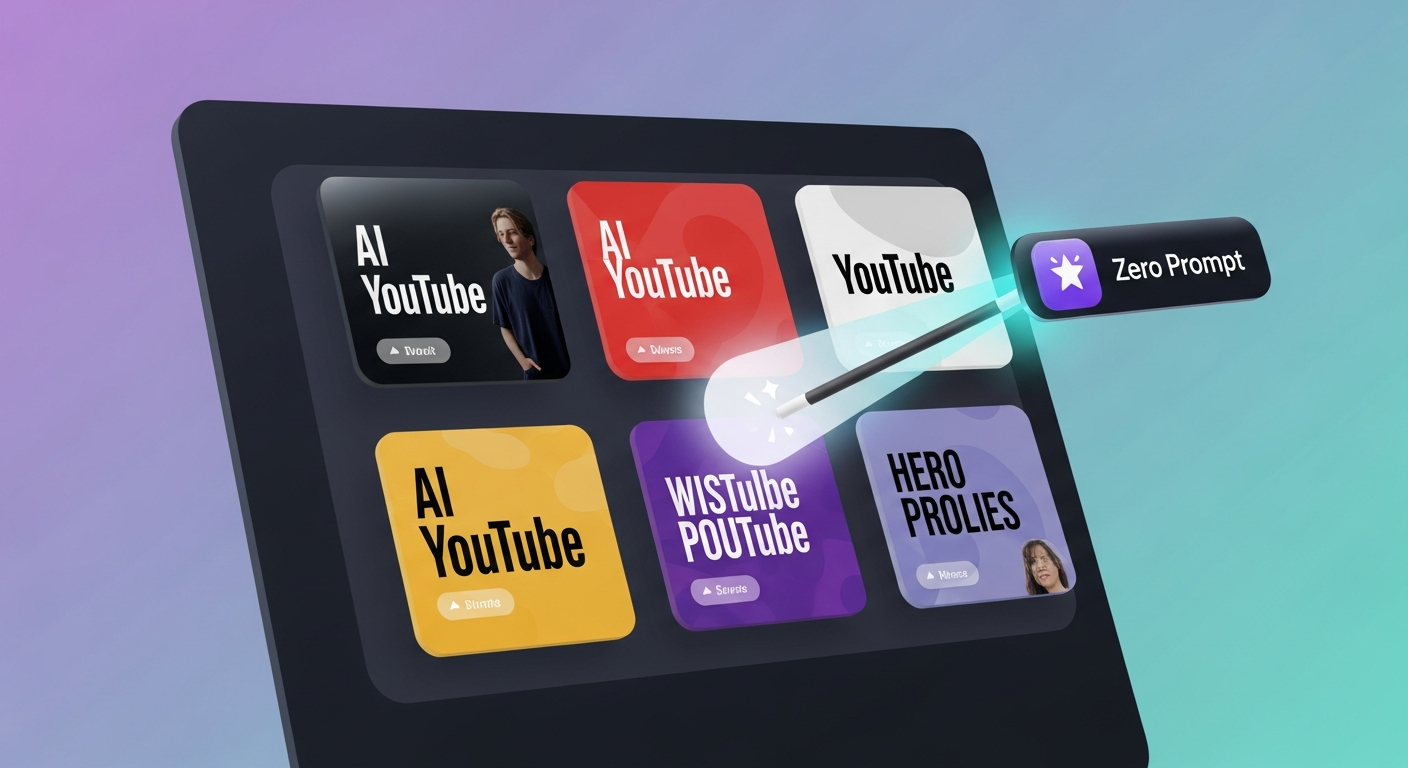
TL;DR: Many thumbnail tools promise "free" design but slap an ugly watermark across your main face or title unless you pay. With the ai thumbnail generator free without watermark workflow inside Braiv Thumbnails, creators can autonomously extract hyper-converting, clean faces and high-CTR layout variations directly from their video stream, ready to publish with zero watermark barriers.
How can I generate high-quality AI thumbnails from my video for free without watermarks?
You can generate clean, professional thumbnails without watermarks by using Braiv Thumbnails. Unlike point solutions that force premium upgrades to remove watermark stamps, Braiv allows creators to upload their video, automatically extract high-intent faces and expressive frames, overlay clean localized titles, and download pristine, high-resolution PNGs with absolutely zero watermarks, 100% ready for distribution.
The Watermark Trap: Why Generic “Free” Design Tools Limit Your CTR
When starting out, creators naturally look for free design utilities to package their video content. However, most generic thumbnail tools employ a deceptive freemium model:
- The Obstructive Logo Stamp: They allow you to design a graphic but place a massive, translucent logo right in the middle of your image, completely ruining your Click-Through Rate (CTR).
- Low-Resolution Restrictions: Free exports are frequently limited to grainy, compressed resolutions (like 480p), which look highly unprofessional on YouTube’s dynamic feed.
- Manual Designing Bottlenecks: Traditional templates force you to spend hours cropping backgrounds, matching fonts, and arranging elements from scratch, stalling your publication speed.
To scale successfully, creators need an automated, clean, and high-CTR thumbnail pipeline. Instead of starting from scratch or fighting branding stamps, modern publishers use AI to autonomously package their visual assets, analyze conversion potentials, and translate title overlays for global audiences simultaneously.
The Zero-Prompt Breakthrough: Packaging Visuals Instantly
True automation means eliminating the design desk. Instead of describing what you want to see, AI should analyze your actual video timeline to extract the most emotionally compelling moments.
Auto-Extract Emotion & Faces
High-CTR thumbnails almost always feature expressive human faces. Braiv’s engine scans your video, identifies the peaks of excitement, surprise, or curiosity, and extracts those exact frames as high-definition face assets.
AI Click-Prediction Scoring
Don’t guess what your audience wants to see. Before pushing a thumbnail live, run it through predictive visual models that score and analyze your layout against the top-performing videos in your specific niche.
Seamless Multilingual Overlays
If you are localizing your video content for global channels, your visual assets must follow. Translate text overlays on your thumbnails into Spanish, Portuguese, or French in a single click, keeping your font, styling, and composition perfectly aligned.
Comparing the Top Thumbnail Design Engines
To find the right workflow for your multi-channel network, let’s look at how the top industry design tools handle thumbnail generation.
1. Braiv Thumbnails
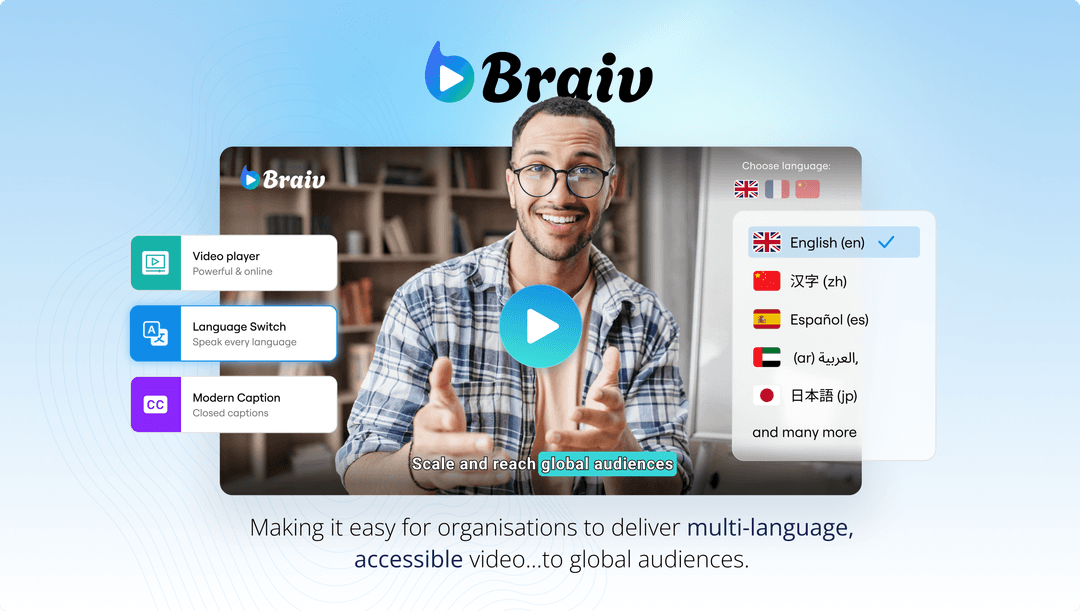
Braiv Connect connects the dots between video extraction and zero-prompt design. Instead of being a plain canvas, Braiv’s visual engine works directly with your video, packaging clean, watermark-free thumbnails alongside your vertical clips, subtitles, and metadata.
- Key Advantage: Full native video stream integration; automated face cropping; zero watermarks on standard exports; click-prediction metrics built-in.
- Visual Reference:
2. Canva
Canva is a versatile and widely popular graphic design platform. It features thousands of beautiful pre-made YouTube thumbnail templates.
- Strengths: Massive asset library, highly intuitive drag-and-drop editor, and beautiful typography presets.
- Weaknesses: Canva operates in isolation from your video. You must manually take screenshots, upload them, crop backgrounds, and design from scratch. Furthermore, many high-converting templates and graphics are locked behind Canva Pro paywalls.
3. Snappa

Snappa is a fast, easy graphic design tool built specifically for social media creators and digital marketers.
- Strengths: Simple interfaces, lightweight editor, and quick dimensions resizing for different channels.
- Weaknesses: Extremely limited free plan (only a few downloads per month). It has no AI face extraction or predictive scoring, meaning you still rely on manual graphic design steps to finalize your layout.
Designing Your Clean, High-CTR Thumbnail Strategy
To maximize your organic reach across channels, build your packaging workflow around these rules:
- Emphasize Emotion over Text: Your background frame should do 80% of the heavy lifting. Avoid cluttering the canvas with long phrases; use 2-3 words max.
- Eliminate Background Distractions: Cleanly separate your main face or object from the background using a subtle contrast boost or soft blur.
- Automate the Localization: If you use Braiv Connect to translate your video audio, always duplicate and localize your thumbnail text overlays to ensure foreign audiences experience a fully native click-to-play journey.
Generate AI Thumbnails
Create click-worthy YouTube thumbnails directly from your video.