
The Best AI Thumbnail Generator From YouTube Link: Direct Video-to-CTR Solutions
Tired of manual designs? Discover how to generate high-performing, zero-prompt YouTube thumbnails directly from any YouTube link or video file on autopilot.
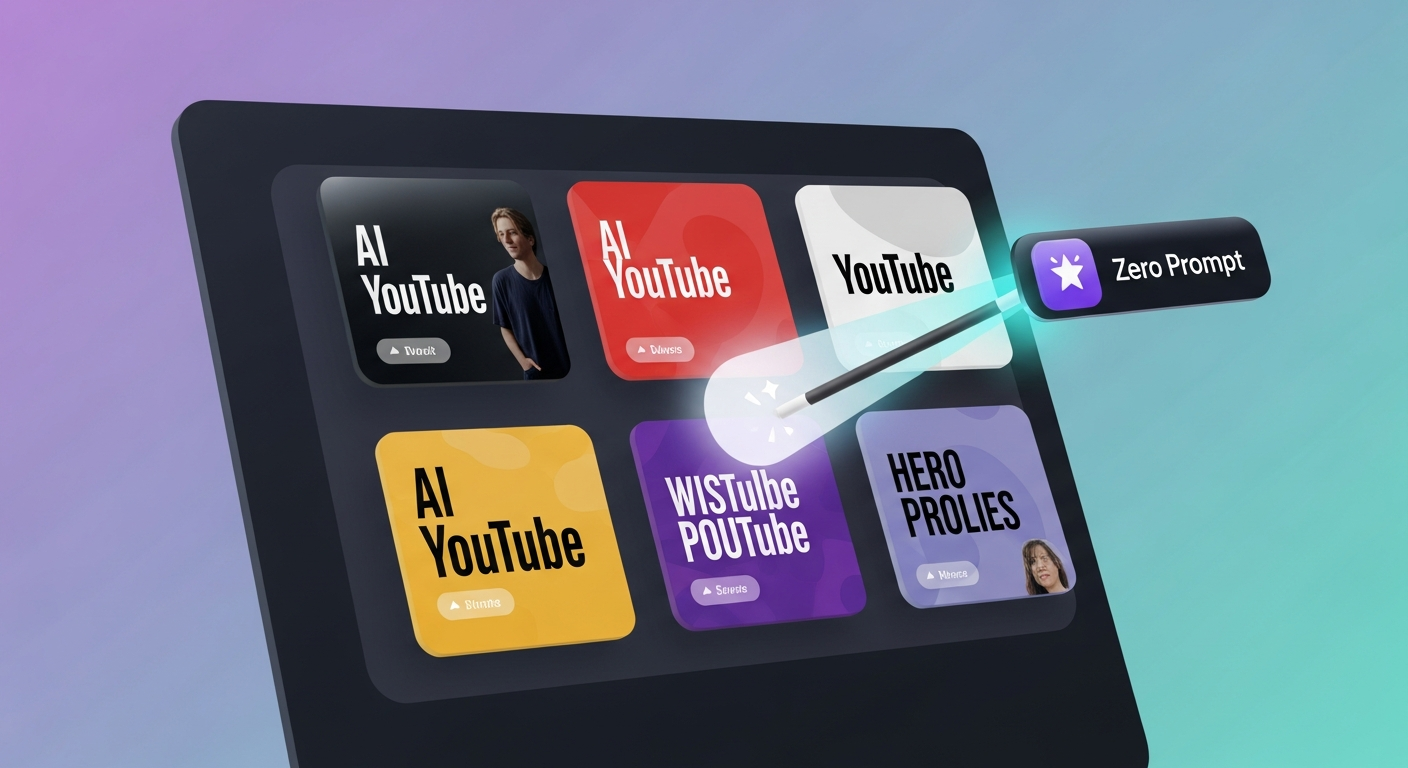
What is the easiest way to generate a YouTube thumbnail from a link?
The fastest and most efficient way is to use a zero-prompt tool like Braiv Thumbnails. Instead of typing complex prompts or starting from a blank design canvas, you simply insert your video link or upload your raw file. The AI analyzes your video's visual hooks, transcripts, and speaker expressions to generate multiple high-converting thumbnail variations ready for A/B testing.
Shifting From Design Grinds to Instant Extraction
For years, the standard creator playbook for designing a custom YouTube thumbnail looked like this: finish editing your video, open Photoshop or Canva, search for screenshot frames, crop your face, remove the background, apply drop shadows, and find a dramatic font.
If you were outsourcing, it was even worse. You had to send raw video timelines or screenshots to a freelance designer, write a brief, wait 24 to 48 hours, and pay $50 to $100 per asset. By the time you received the design, the viral window for your topic might have already closed.
In 2026, high-velocity creators are shifting away from these static manual grinds. Instead, they are turning to smart, context-aware automated packaging. Using an AI thumbnail generator from YouTube link lets you turn existing published content or draft links into fresh, optimized thumbnail visual variants in seconds.
How AI Visual Context Extraction Works
Early AI image creators were built on simple text-to-image prompting. You would type “man pointing at computer screen with an excited expression” and hope the output looked realistic. Usually, it didn’t—producing cartoonish, plastic-looking assets with weird hands.
Modern context-extraction engines like Braiv Thumbnails work differently. They don’t generate synthetic visuals from scratch; they extract them from your actual footage. Here is how the zero-prompt pipeline operates:
- Footage Scanning: The AI analyzes the video stream from your YouTube link, detecting high-contrast frames, expressive facial structures, and graphic elements.
- Transcript Mapping: It correlates visual scenes with your spoken audio transcript to understand the emotional climax of each chapter.
- Template Composition: It extracts the subject’s face, removes backgrounds, and auto-lays them onto tested, high-CTR templates with translated text overlays.
- Predictive Scoring: It scores each layout variation against YouTube’s visual guidelines to predict CTR performance before you publish.
Comparing the Top Thumbnail Solutions in 2026
To understand why automated packaging is winning the YouTube CTR battle, let’s compare the leading design platforms.
1. Braiv Thumbnails
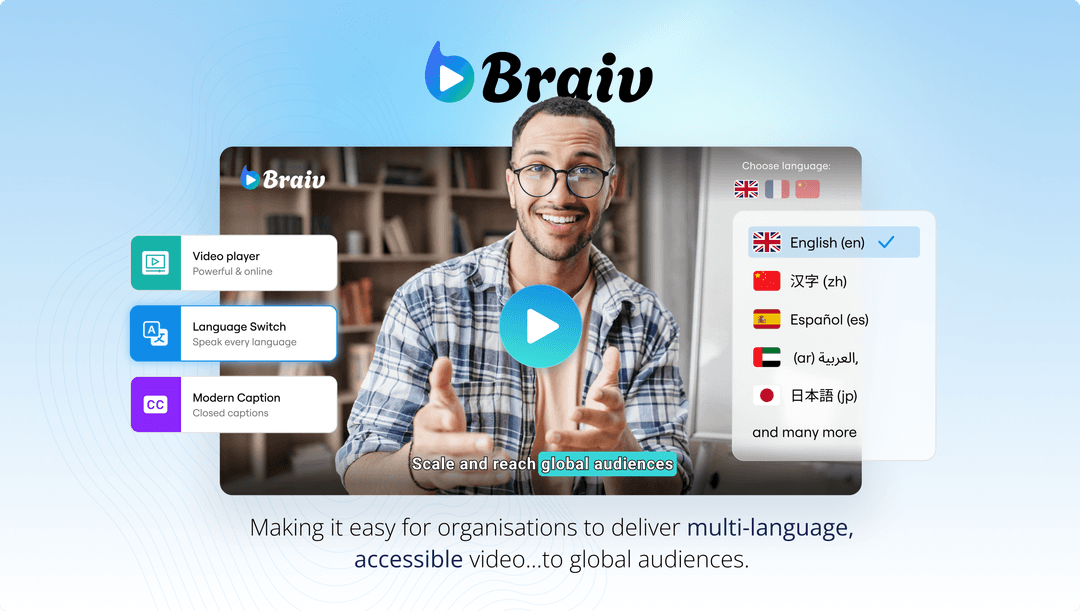
Braiv is the only complete creator growth ecosystem that combines packaging, translation, and auto-distribution. With Braiv, you don’t just generate a single thumbnail; you can paste a link, auto-extract viral Shorts, translate your video into 50+ languages, and auto-publish the localized files to dedicated international channels.
2. Canva
Canva is an incredible manual graphic design tool with great templates, but it has no native video context. You cannot paste a YouTube link to automatically extract your face, sync it with your transcript, or predict click-through rates. It remains a manual editor that requires considerable design time.
3. TubeBuddy

TubeBuddy is a classic YouTube optimization plugin that offers A/B testing and basic thumbnail generation. While it has great channel management tools, its thumbnail creator relies on basic screenshot captures and manual text overlays rather than modern zero-prompt visual extraction.
Designing a Multi-Channel Publishing Engine
Having beautiful thumbnails is only step one. The creators driving the most organic traffic in 2026 are using these visuals as part of a global, multi-channel growth system.
By leveraging an Automated Multi-Channel Localized Workflow, you can:
- Localize On-Image Copy: Translate your thumbnail’s text overlay dynamically so Spanish channels get Spanish visual text and Portuguese channels get Portuguese text.
- Extract and Repurpose: Automatically turn a single long-form video link into ten vertical, captioned Shorts with high-converting cover frames.
- Publish on Autopilot: Schedule and auto-upload packaged, multilingual videos directly to regional YouTube accounts without manual file transfers.
Stop letting manual design and localized publishing hold your channel back. Try a unified pipeline today and reach a global audience without the extra grind.
Generate AI Thumbnails
Create click-worthy YouTube thumbnails directly from your video.