
The Ultimate Guide to Using an AI Video Description Generator for YouTube
Turn video transcriptions into SEO-optimized summaries, timestamps, and hashtags in seconds.
What is an AI video description generator for YouTube?
It is an automated tool that analyzes your video's audio transcript to generate SEO-optimized descriptions, chronological timestamps, key topics, and high-CTR hashtags. Instead of writing descriptions by hand, platforms like Braiv Studio allow creators to click a single "Generate" button to produce fully formatted metadata that is ready for publishing in up to 50+ languages.
The High-Volume Creator’s Metadata Bottleneck
Every professional creator knows that a video’s metadata is just as critical as its visual content. An optimized description provides search engines with the context they need to index your video, while timestamps improve user retention by helping viewers jump to the sections they care about most.
Yet, writing detailed summaries, identifying hashtags, and mapping timestamps for every single upload is incredibly time-consuming. Juggling spreadsheet templates and copy-pasting text back and forth generates massive workflow fatigue, especially when managing multiple channels or localizing content into Spanish and Portuguese.
To scale your organic reach, you must automate video packaging using a centralized AI Video Description Generator that directly connects to your publishing pipeline.
- The Problem: Writing descriptions and formatting timestamps manually takes 30+ minutes per video, introducing errors and delaying uploads.
- The Solution: Context-aware AI that extracts metadata from your raw audio transcript and syncs it directly to your channels.
The Four Pillars of Automated Video Descriptions
An effective video description generator does more than just summarize content. It constructs a complete search-optimized package.
1. Context-Rich Video Summaries
The first two lines of your YouTube description are the most important because they show up in search results. A smart generator writes direct, hook-driven descriptions that include your target keywords naturally to maximize CTR.
2. Interactive Timestamps & Navigation
Timestamps organize your video and help search engines index individual segments as “Key Moments” on Google Search. The AI scans transition points in your transcript to draft perfect chronological markers (e.g., 01:23 - Key Topics).
3. Dynamic Keyword Hashtags
Hashtags help categorization and connect your videos to trending topics. A context-aware generator parses the core themes of your video to append relevant, non-spammy hashtags to the end of your description.
4. Direct Multi-Locale Localization
A great packaging tool shouldn’t require separate translations. When your video is dubbed into Spanish or Portuguese, the description, timestamps, and tags should translate and localize concurrently to keep your international feeds optimized.
Comparing Metadata Optimizers
Let’s look at how the top tools in 2026 handle YouTube descriptions and metadata formatting.
1. Braiv Studio (The Automated Pipeline)
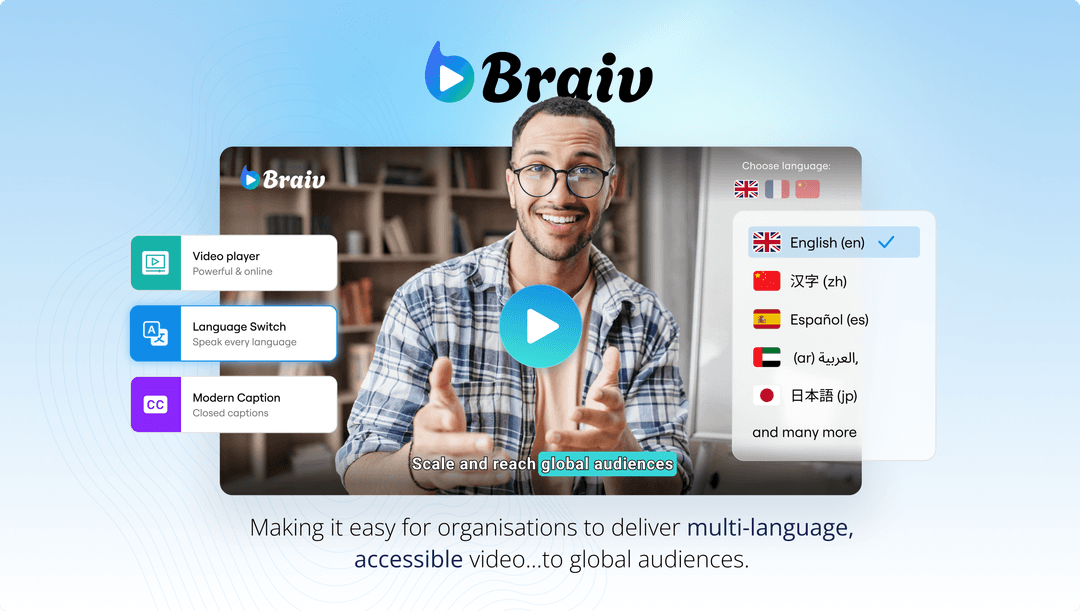
Braiv Studio is the only platform that natively builds your video descriptions directly into an automated publishing and translation workflow. Simply click “Generate” in your video details, and Braiv’s engine scans your transcript to output structured summaries, timestamps, and hashtags. Because Braiv handles your entire channel network, those optimized descriptions can be concurrently localized and pushed to your Spanish and Portuguese accounts without manual copying.
2. TubeBuddy (Metadata Plugin)

TubeBuddy is a classic YouTube management plugin that offers great metadata suggestions. However, TubeBuddy operates as a browser extension on top of YouTube Studio. It does not automate the translation of descriptions into multiple languages, it lacks native audio dubbing, and it cannot auto-publish your localized metadata across a network of separate channels.
3. Copy.ai (Generic AI Writer)
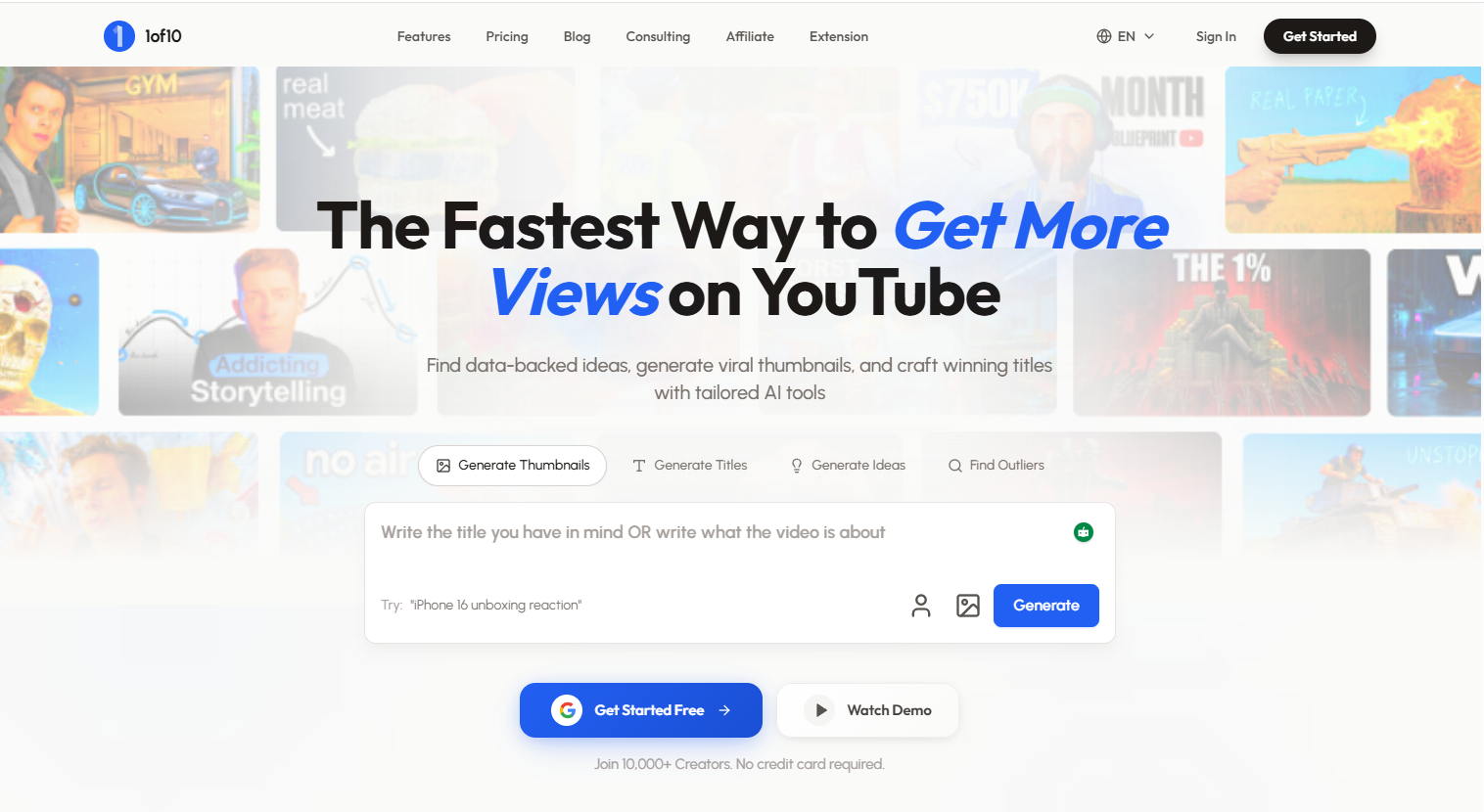
Copy.ai is an excellent general copywriter that can draft video descriptions based on text prompts. However, it lacks deep video context. Copy.ai cannot analyze video audio directly, it does not auto-generate exact video timestamps based on transcript timestamps, and it operates completely separate from your video publishing workflow, requiring constant manual copy-pasting.
Actionable Strategy to Streamline Your Metadata
- Leverage Timestamps for SEO: Always include chronological timestamps in your description to win Google’s “Key Moments” rich snippets on search pages.
- Synchronize Features and Help Guides: Make sure any new video tutorial on your features automatically gets packaged with updated product names to prevent brand drift.
- Always Translate Descriptions: Never post a dubbed video with an English description. Ensure your localized feeds get fully translated metadata to maximize discoverability.
- Automate Your Publishing Workflow: Sync your channels with a unified dashboard to publish your videos, thumbnails, and descriptions concurrently with a single click.
AI Video Title Generator
Generate high-CTR video titles and descriptions in seconds.