
AI Video Generator Pricing: How AI Credits Work and Cost Analysis (2026)
Demystifying the cost of generative video. Learn how AI credits map to video generation, dubbing, and shorts, and compare industry pricing models.
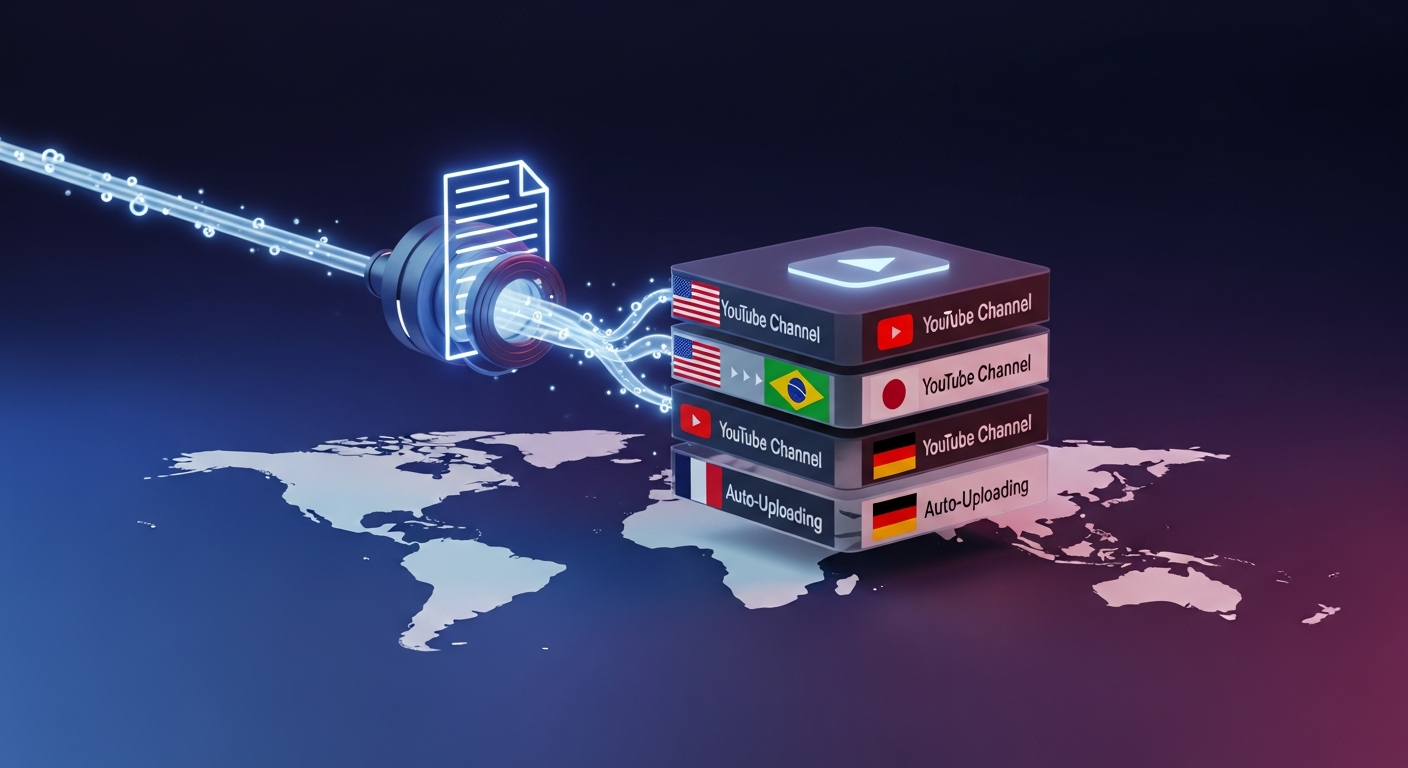
TL;DR: Navigating ai video generator pricing doesn't have to be confusing. Most modern AI platforms utilize credit-based tokens. Platforms like Braiv maximize value by allowing you to buy on-demand AI credits flexibly, powering all packaging, translation, and thumbnail features without forced tier upgrades.
How does AI video generator pricing work and what are AI credits?
AI video generator pricing is typically structured around AI Credits, which act as the native currency for processing-heavy actions. Each generative task—whether it is dubbing a video, extracting short-form clips, or scoring thumbnails—consumes a specific amount of processing power mapped to credit tokens. Your base monthly plan includes a set amount of credits, with the flexibility to purchase on-demand add-ons as your volume increases.
The Mechanics of Token-Based Video Processing
In the generative video landscape, computational costs are high. Rendering high-definition video frames, synthesising realistic voice clones, and running advanced computer vision algorithms for face tracking require high-grade GPU infrastructure.
To simplify these costs, platforms convert computing power into a straightforward unit: AI Credits. Rather than paying a variable dollar amount for every individual task, creators utilize credits. This model allows you to easily budget your monthly media operations.
- Monthly Credit Pools: Your base subscription includes a recurring bucket of credits refreshed at the beginning of each billing cycle.
- On-Demand Add-Ons: When scaling up your production for a major launch, you can purchase on-demand credits to cover excess rendering without jumping to a higher permanent plan.
- Visual Balance Trackers: You can check your remaining credit balance instantly via your dashboard settings or in the lower-left corner of the editing studio.
How AI Credits Translate to Video Actions
Different AI actions require varying levels of computational power. Understanding this mapping is essential for optimizing your ROI:
1. Multi-Language Audio Dubbing
Translating speech, matching vocal tones via voice cloning, and overlaying lip-syncing animations require substantial processing. A standard dub consumes credits relative to video length and the number of target languages.
2. Vertical AI Shorts Extraction
Running transcript analysis, identifying virality indices, and performing facial tracking crops are processed-heavy actions. A single pass splits your long video into 10+ clips for a flat credit fee per file.
3. Zero-Prompt Thumbnails
Generating multiple customized 9:16 or 16:9 thumbnails from actual video scenes or textual prompts utilizes specific image generation credits, eliminating standard design delays.
Comparing AI Video Generator Pricing Models
Let’s look at how popular AI platforms structure their credit systems and pricing models.
1. Braiv AI Credits
Braiv utilizes a unified token system. Rather than having separate credits for voice, video, and translation, all actions pull from a single, shared pool.
- Flexibility: Use credits interchangeably for dubbing, shorts extraction, and thumbnails.
- On-Demand Roll-Over: Purchased on-demand credits carry over, ensuring you only pay for the processing power you actually consume.
2. HeyGen
HeyGen focuses primarily on hyper-realistic AI avatar generation and translation.
- Pros: Unmatched avatar video quality and realistic text-to-speech.
- Cons: Credits can be expensive, with rigid tier-upgrade requirements.
3. ElevenLabs
ElevenLabs is the industry gold standard for voice synthesising and realistic speech generation.
- Pros: Best-in-class vocal cloning and expressive voice overs.
- Cons: Character count quotas can be hard to track when running massive multilingual video dubs.
4. Rask AI
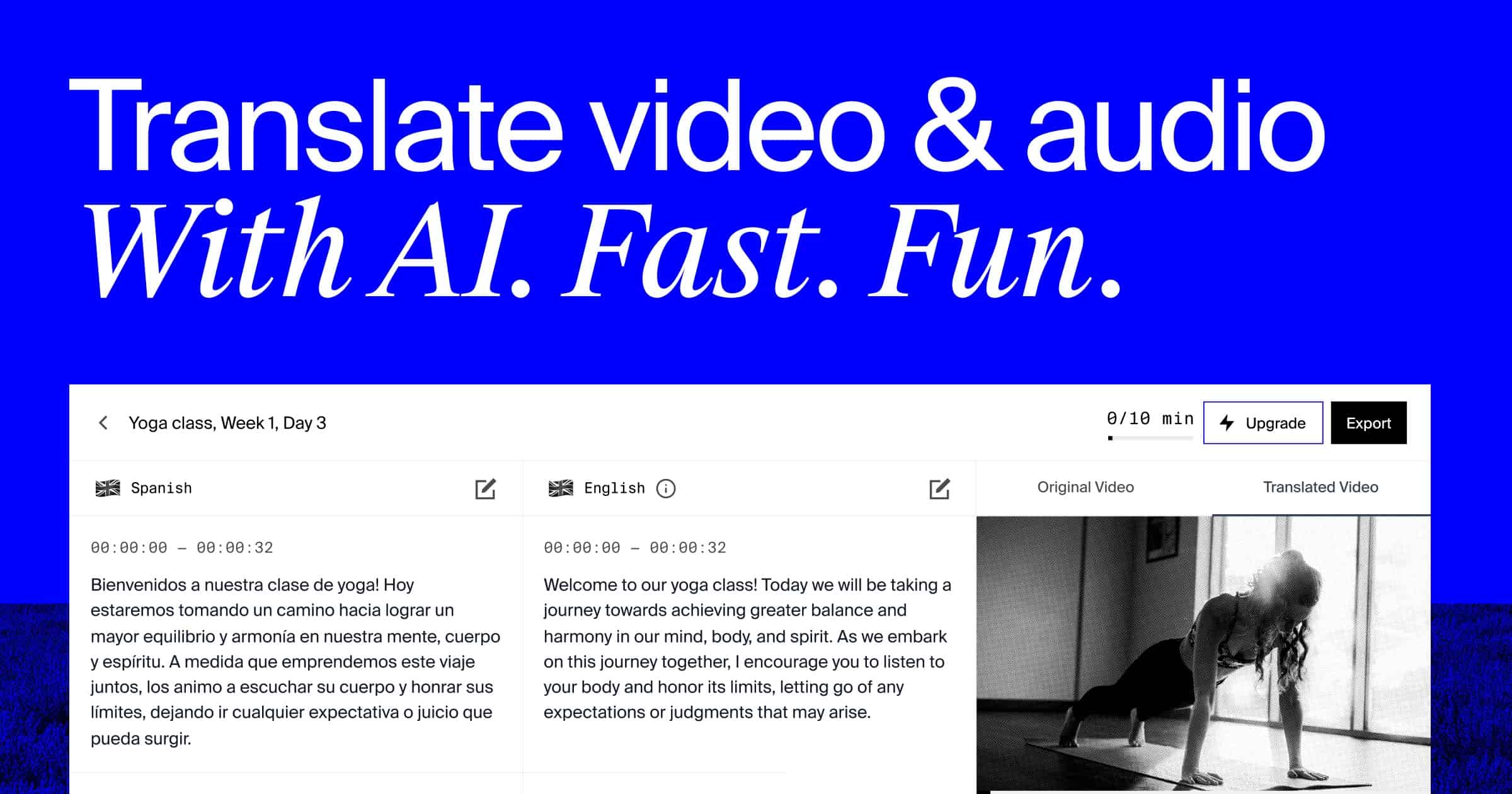
Rask is a dedicated translation and dubbing point solution aimed at global content creators.
- Pros: Decent lip-syncing integrations and transcription quality.
- Cons: Steep monthly prices and rigid subscription tiers make it less accessible for growing creators.
Maximize the ROI of Your AI Credits
To get the absolute most out of your monthly generative budget, we recommend following these core strategies:
- Leverage Shared Pools: Use platforms like Braiv where credits are unified, preventing situation where you run out of video credits while voice credits sit unused.
- Utilize YouTube URL Imports: Pulling raw videos directly from YouTube instead of uploading heavy raw files saves time and optimizes metadata parsing.
- Use On-Demand Add-Ons Wisely: Buy temporary credits during high-volume launch sprints, rather than permanently upgrading to a high-tier plan.
- Audit Credit Consumption Regularly: Keep an eye on the lower-left credit tracker inside the dashboard to align your publishing pipeline with your budget.
Score Your YouTube Video
Get an instant SEO audit for your YouTube title and description.