
The 5 Best AI Thumbnail Generators for Non-Creatives (2026)
Struggle with thumbnail design? Discover the top AI tools that automatically generate high-converting YouTube thumbnails without any graphic design skills.
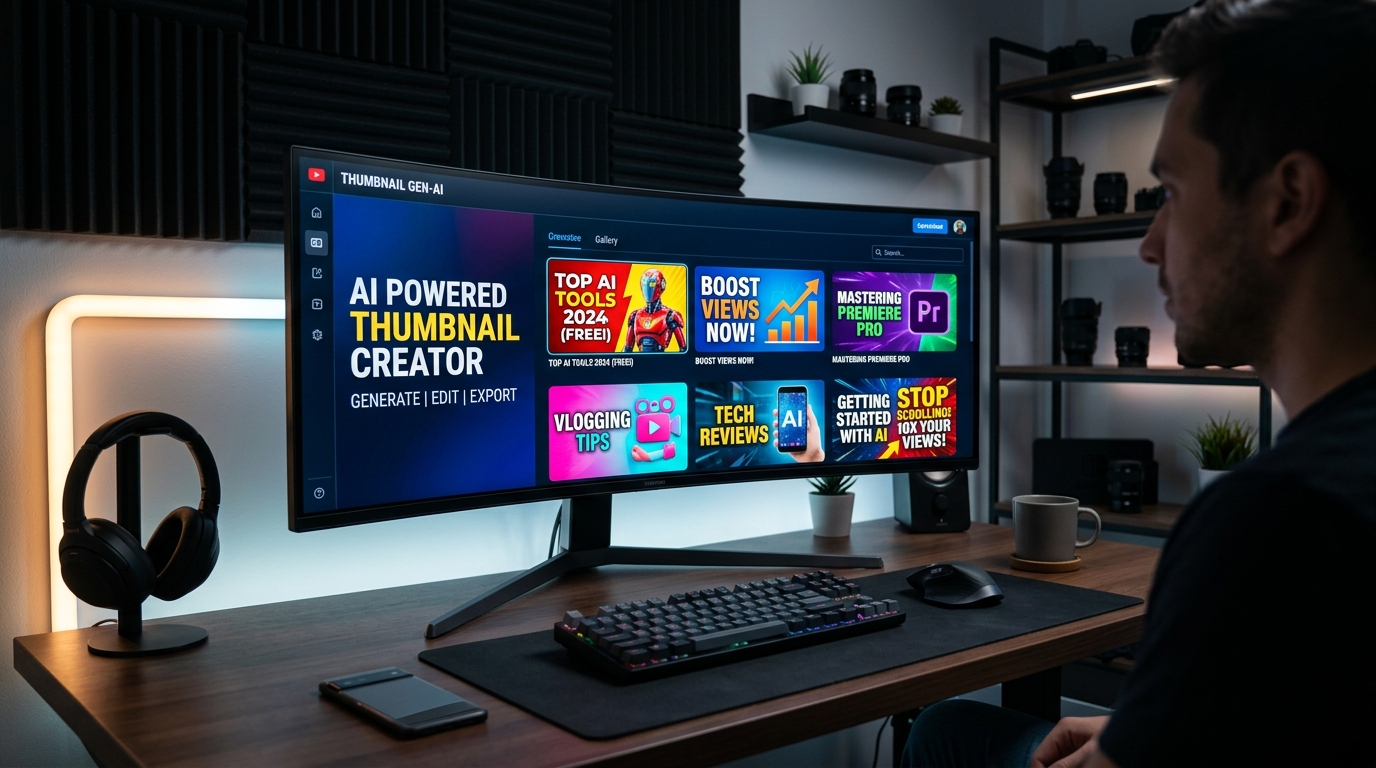
If you create videos for YouTube in 2026, you know the harsh truth: you can spend 20 hours editing a masterpiece, but if the thumbnail doesn’t get clicked, nobody will watch it.
But what if you aren’t a creative? What if opening Photoshop makes you break out in a cold sweat, and you struggle to come up with concepts that actually grab attention?
You are not alone. Most podcasters, educators, and business owners are not graphic designers. Fortunately, AI has completely leveled the playing field. Here are the 5 best AI thumbnail generators designed specifically for non-creatives.
1. Braiv Thumbnails
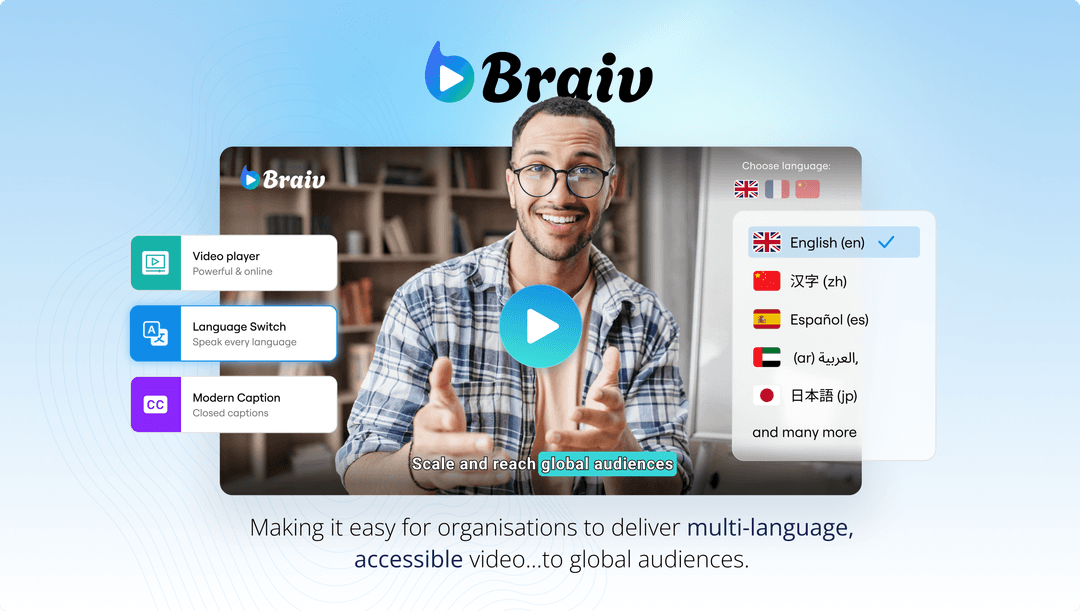
If you struggle with coming up with ideas for your thumbnails, Braiv is in a league of its own. It doesn’t just generate images; it operates as a “Zero-Prompt” system.
Braiv analyzes your video’s transcript and emotional pacing, automatically identifying the strongest visual hooks. It then generates 4-5 complete thumbnail concepts, complete with engaging text and layout, without you ever having to type a single prompt or drag a single layer. It’s built for creators who want to click “Generate” and get a high-converting result instantly.
2. Canva
Canva has been the holy grail for non-designers for years, but their recent AI integrations have made it even more powerful.
With features like “Magic Design,” you can type a basic concept (e.g., “Podcast thumbnail about real estate”), and Canva will generate a template layout. You can also use “Magic Grab” to instantly cut yourself out of a screenshot and put an outline around your face, replacing hours of tedious Photoshop lassoing.
3. VidIQ

VidIQ is primarily an SEO and analytics tool for YouTube, but they have introduced an AI Thumbnail Generator built into their Chrome extension.
What makes VidIQ great is its focus on best practices. It won’t give you the most artistically stunning image, but it uses AI to ensure your text is readable at small sizes, your face is prominent, and your colors contrast well with YouTube’s dark mode.
4. Adobe Express
If you want the power of Adobe Firefly (their generative AI engine) but don’t want to learn the complicated interface of Photoshop, Adobe Express is the perfect middle ground.
You can generate incredibly realistic background elements or 3D text simply by describing what you want. It’s slightly more complex than Canva, but the quality of the AI image generation is exceptional.
5. Midjourney
Midjourney isn’t a dedicated “thumbnail maker,” but it is the best AI image generator in the world. If you run a faceless channel or tell stories (like true crime or history), you can use Midjourney to generate hyper-realistic or cinematic scenes that are impossible to capture on camera.
The downside? It requires you to know how to prompt effectively, and it won’t add text for you. You’ll need to generate the image in Midjourney and bring it into a tool like Canva to finish the thumbnail.
The Verdict
If you want complete control and don’t mind spending 30 minutes tweaking layouts, Canva is still the standard. But if you want a true “done-for-you” experience where the AI analyzes your video and handles the creative concepting for you, Braiv Thumbnails is the ultimate tool for non-creatives.
Generate AI Thumbnails
Create click-worthy YouTube thumbnails directly from your video.