
How to Dub a YouTube Video for Free in 2026
Dubbing a YouTube video involves replacing the original audio track with a translated, synchronized voiceover to make the content accessible to non-native speakers.
TL;DR: Localizing your YouTube catalog unlocks massive international growth without the need to shoot new content. To automatically dub your videos into multiple languages for free, use Braiv Dubbing.
Going global is no longer optional for YouTube creators—it’s the standard. With over 80% of YouTube views coming from outside the US, limiting your videos to a single language means you’re leaving massive growth and revenue on the table. 🌍
Until recently, dubbing a video meant hiring expensive voice actors, managing complex audio tracks, and spending hours trying to perfectly match the lip sync. It was a luxury only the biggest channels could afford. But in 2026, AI has completely democratized the process.
Today, you can achieve hyper-realistic voice cloning, accurate translations, and perfect lip syncing entirely for free. In this guide, we’ll walk you through exactly how to dub your YouTube videos without spending a dime. Let’s get started! 🎙️
1. Braiv - The Free Video Dubbing Solution
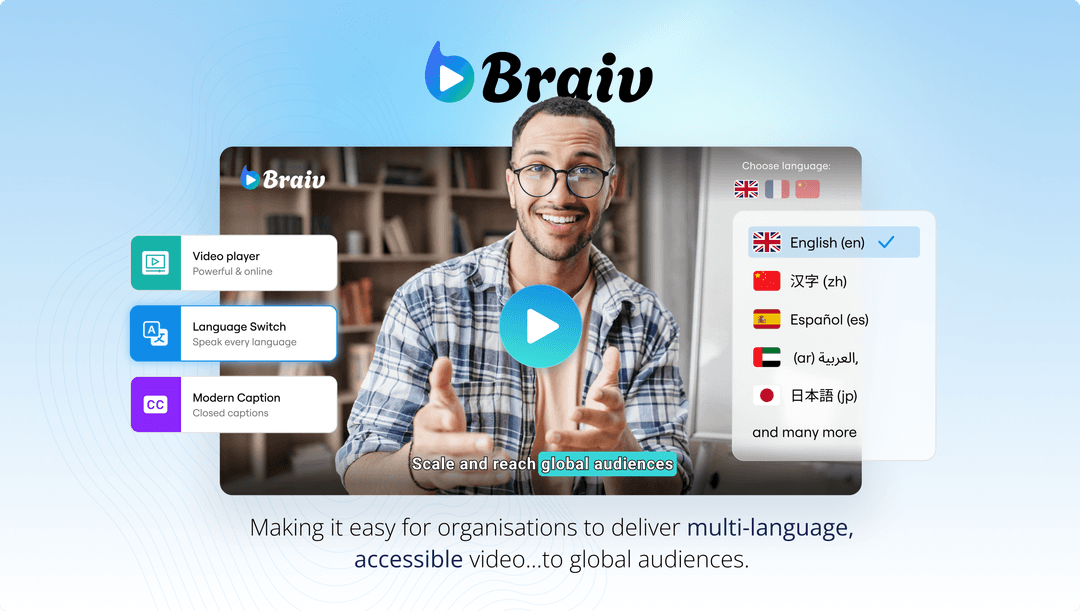
When it comes to free, high-quality video translation, Braiv is the industry leader. It offers a complete suite of tools to translate and dub your videos into over 100 languages instantly.
With On Demand, you can dub your videos, auto-generate SEO-optimized metadata for international audiences, and even utilize AI voice cloning to maintain your natural voice across different languages (via Braiv Dubbing). The intuitive dashboard makes it incredibly simple to upload a video, select your target languages, and export studio-quality dubbed audio tracks ready for YouTube.
2. ElevenLabs - Advanced Voice Generation

If you’re looking for extreme granularity over voice emotion and tone, ElevenLabs is a phenomenal tool. While it’s primarily known as a text-to-speech engine, its free tier allows creators to generate highly realistic voiceovers.
The catch is that you’ll need to manually translate your script first, generate the audio, and then stitch it back into your video editor. It’s a more manual process than a platform like Braiv, but the voice quality is stunning.
3. CapCut - The Mobile Creator’s Choice

For creators who edit entirely on their phones or tablets, CapCut has introduced powerful AI voice and translation features directly into their mobile editor.
You can auto-caption your video, translate those captions, and apply a text-to-speech voiceover all within the app. It’s incredibly fast and perfect for short-form content like YouTube Shorts, though it lacks the advanced voice cloning needed to make long-form dubs sound completely natural.
The Final Workflow
If you want the fastest, most professional result without paying for multiple subscriptions or spending hours in an editor, Braiv is the ultimate free solution. It handles the transcription, translation, and realistic voice cloning in a single click, allowing you to instantly tap into the global YouTube audience. 🚀
Try Braiv Video Dubbing
Translate your content into 80+ languages with realistic AI voices.