
How to Extract Shorts From a Video: The Automated 2026 Guide
Tired of tedious timeline cutting? Discover how to extract viral shorts from your long-form videos on autopilot.
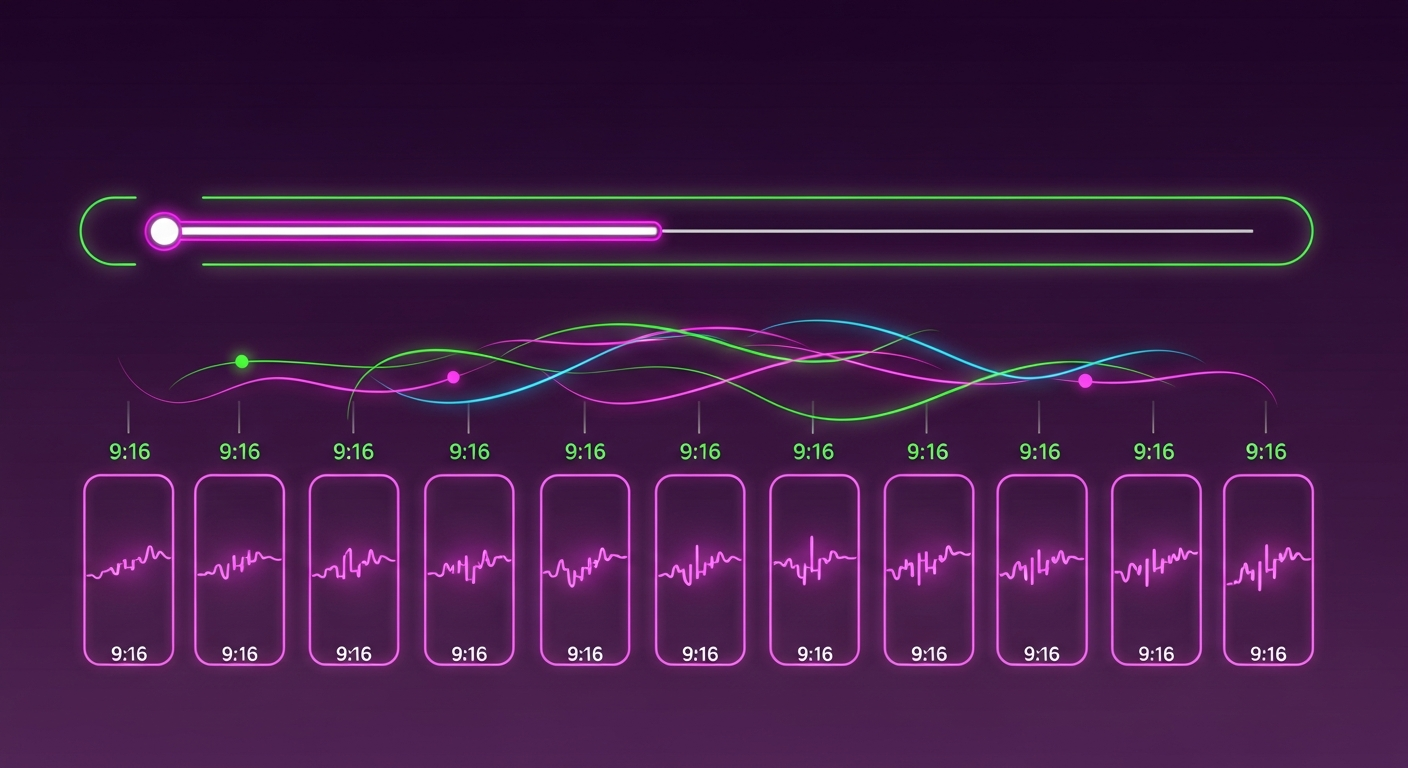
TL;DR: Manually searching through hours of video to find the perfect clip is a massive bottleneck. With the how to extract shorts from a video AI-driven workflow inside Braiv Shorts, creators can instantly isolate viral hooks, apply active speaker face-tracking, and auto-generate highly engaging vertical shorts with custom-styled dynamic captions in under five minutes.
How can you automatically extract short-form vertical clips from a long-form video?
You can automatically extract high-converting short-form clips by using Braiv Shorts. Instead of manually cutting timelines, simply upload your long-form MP4 or YouTube link. Braiv’s contextual AI detects key hooks, crops the horizontal video into a 9:16 vertical layout using smart face-tracking, generates dynamic, synchronized subtitles, and provides instantly downloadable high-CTR shorts tailored for YouTube, TikTok, and Instagram Reels.
The Content Repurposing Bottle Neck: Why Manual Editing Stalls Your Channel Growth
In 2026, short-form content is the single most powerful driver for organic discovery, subscriber acquisition, and funnel growth. Whether you host a podcast, produce detailed software tutorials, or upload webinars, your long-form content is a goldmine. However, turning a one-hour video into ten engaging vertical clips is traditionally an administrative nightmare:
- The Timeline Hunt: Spending hours scrub-scrolling through audio tracks and waveforms trying to pinpoint exact moments when you or your guest said something punchy.
- The Aspect Ratio Fight: Cropping a widescreen (16:9) video into a vertical (9:16) format often cuts out the active speaker. Manually keyframing positions to keep characters centered takes forever.
- Dynamic Captions Fatigue: Transcribing the audio, syncing timestamps word-by-word, and manually styling them to jump off the screen is an incredibly repetitive design chore.
- Platform Fragmentation: Modifying the same short-form clip to match the trending behaviors and formatting of TikTok, YouTube Shorts, and Instagram Reels requires separate edits.
To scale a modern multi-channel presence without burning out, you must convert your publishing workflow. Moving from manual timeline chopping to automated, AI-assisted extraction lets you focus on creating, while intelligent software packages your distribution assets on autopilot.
How to Extract Shorts From a Video Automatically: The Braiv Shorts Workflow
Creating a library of viral shorts no longer requires professional video editing expertise or complex desktop suites. Using Braiv Shorts, the process is streamlined into four intuitive steps:
1. Upload Your Source Video
Simply upload your video file (MP4, MOV, WebM) directly to your Braiv dashboard, or paste a link from YouTube, Vimeo, or your cloud storage.
2. Run Contextual AI Hook Detection
Our AI models analyze both the visual cues and the spoken transcript. Instead of looking purely at silences, the engine identifies high-impact statements, natural thematic shifts, and audience retention peaks to isolate the segments with the highest potential of going viral.
3. Apply Active Speaker Tracking & Dynamic Subtitles
The platform automatically reformats your widescreen horizontal video into a flawless 9:16 vertical frame. Our built-in active speaker tracking reads facial movements and dynamically centers the speaker in the shot—even if they are moving or sitting off-center. Simultaneously, Braiv adds high-visibility kinetic captions that sync perfectly with the voice.
4. Review, Style, and Export
Review the generated clips side-by-side in your browser. Swap font themes, modify subtitle colors, adjust cropping if necessary, and export high-resolution, watermark-free vertical videos with a single click.
Comparing the Top Video-to-Shorts Engines
Choosing the right tool to extract shorts from your long-form videos depends heavily on your production scale, automation goals, and global ambitions. Let’s look at how the top industry engines compare.
1. Braiv Shorts
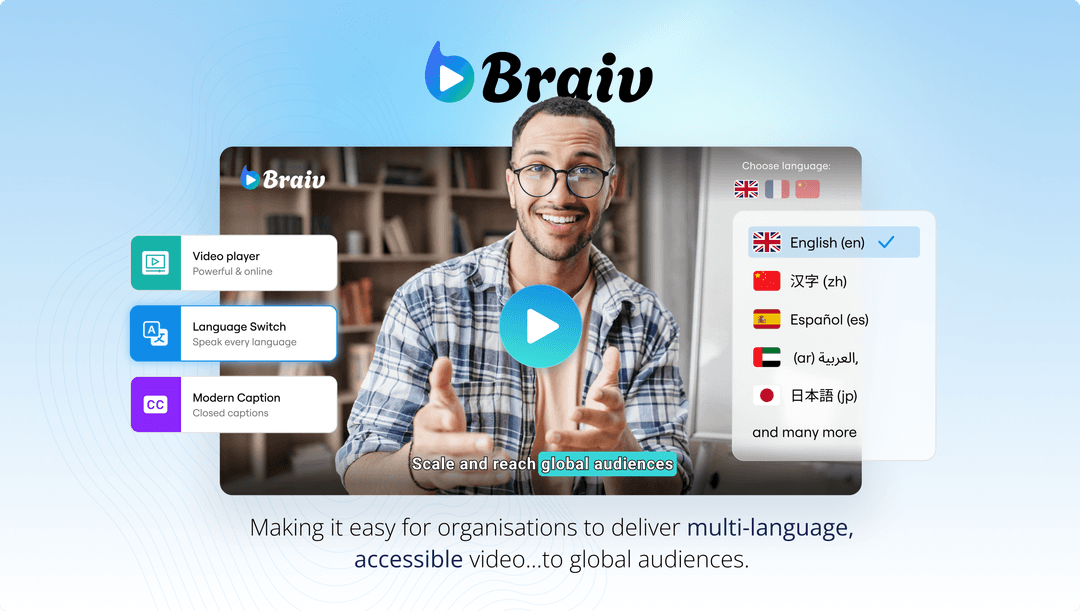
The Braiv Shorts platform connects advanced video AI with seamless translation and localization. Because it is natively integrated into the wider Braiv ecosystem, you don’t just extract clips; you instantly open them up to global distribution.
- Key Advantage: Full multi-language transcription and voice-cloned dubbing integrated; zero-effort active speaker auto-framing; predictive hook-scoring metrics; 100% watermark-free exports; and direct integration with your central video workspace.
- Visual Reference:
2. Opus Clip
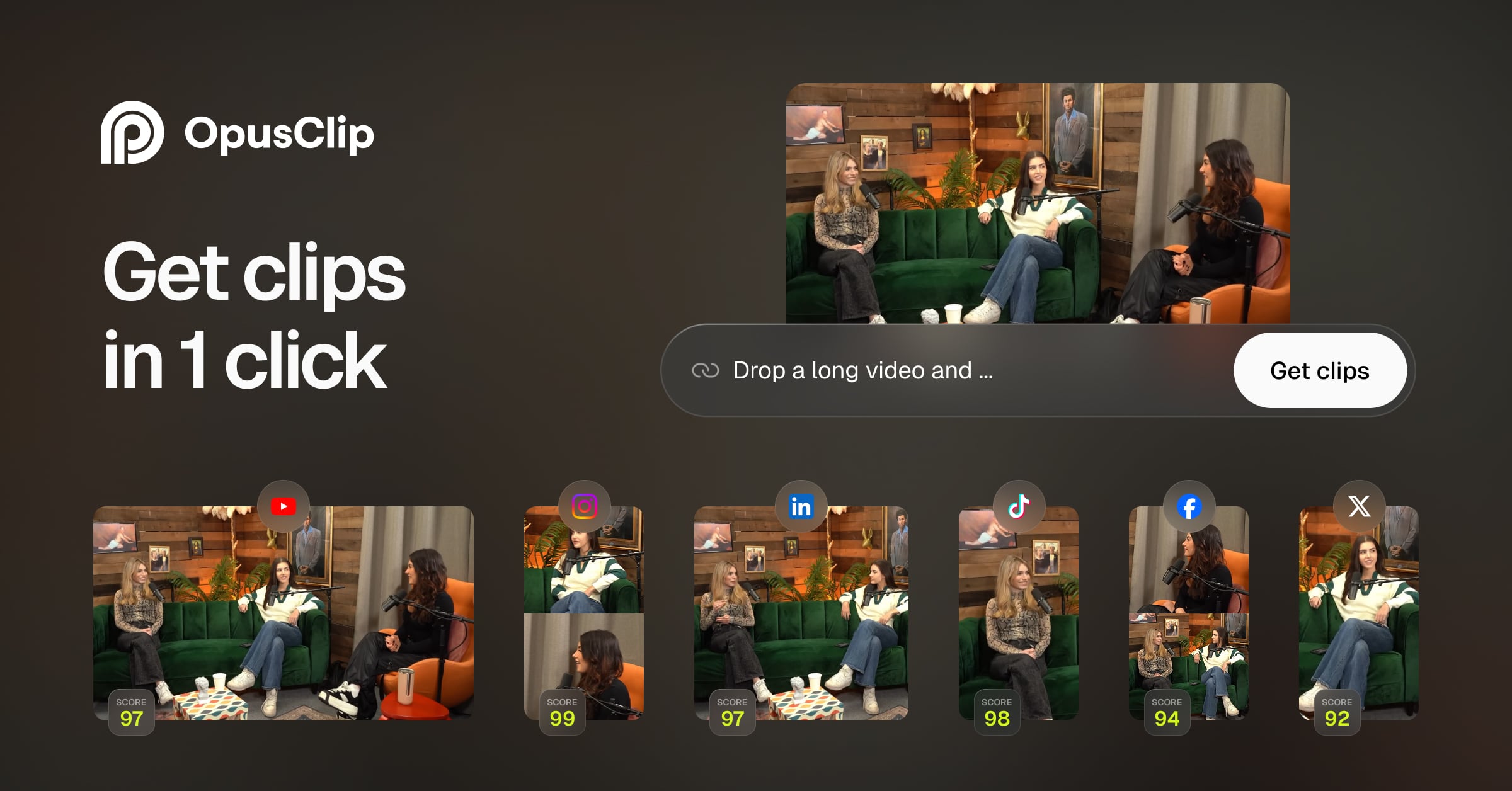
Opus Clip is an established AI-powered video repurposing tool designed to extract high-quality vertical shorts from long-form podcasts and talking-head videos.
- Strengths: Excellent hook detection algorithms, accurate virality scoring system, and simple text-based clip editing.
- Weaknesses: Opus Clip works primarily as an isolated clip-generator. It lacks the deep localization features (such as professional AI dubbing and multi-channel voice cloning) needed to translate and localize your extracted clips for international markets. Furthermore, heavy watermarks are applied on the free tier, forcing users to buy into rigid credit packages.
Best Practices for Maximizing Engagement on Your Extracted Shorts
Simply extracting a vertical clip is only half the battle. To stand out on busy algorithmic feeds, optimize your shorts using these proven retention strategies:
- Lead with the Hook: Social media users decide whether to stay or swipe in under 1.5 seconds. Make sure your video starts with a high-impact, curiosity-inducing visual frame or statement. Remove long intros or pauses immediately.
- Optimize Visual Hierarchy: Keep the active speaker at the vertical center of the frame (around the 50-60% height mark). Place your dynamic subtitles just below the center (around the 30-40% mark) to prevent platform UI elements (like the description and icons on TikTok/YouTube) from obstructing the text.
- Use Dynamic, High-Contrast Typography: Use bold, clean fonts (like Montserrat, Impact, or Arial Black) with dark drop shadows or thick outlines. Kinetic captions that light up active words as they are spoken increase accessibility and capture passive scrollers.
- Localize Your Global Output: Don’t limit your discoverability to a single language region. If you use Braiv’s translation suite, always duplicate your successful short-form hooks, translate the audio and captions into Spanish, Portuguese, or German, and publish them to localized secondary channels to capture untapped global traffic.
Extract Viral Shorts Instantly
Turn your long-form video into high-engagement Shorts with AI.