
How to Use AI to Generate YouTube Thumbnails (Free in 2026)
Creating YouTube thumbnails used to take hours in Photoshop. AI thumbnail generators now do it in seconds. Here is exactly how to use them in 2026.
TL;DR: The fastest way to generate YouTube thumbnails with AI in 2026 is Braiv Thumbnails — it reads your video transcript and auto-generates high-CTR thumbnails with zero prompts. No Photoshop, no design skills, no guesswork.
Every YouTube creator knows the feeling: you have spent hours editing the perfect video, and now you have to build a thumbnail from scratch. Open Photoshop (or Canva). Find a background. Pick fonts. Drag things around until it looks decent. Check if it matches your brand. Repeat.
In 2026, AI thumbnail generators have replaced most of that workflow. The best ones can generate a high-CTR, on-brand thumbnail from your video in seconds.
Here is exactly how to use AI to generate YouTube thumbnails — and which tools are worth your time.
What Makes a High-CTR YouTube Thumbnail?
Before jumping into the tools, it is worth understanding what AI is actually optimizing for. A high-performing YouTube thumbnail typically has:
- A clear focal point — one face, one object, one scene. Not a collage.
- Strong contrast — your subject stands out from the background.
- Readable text — 3 words or fewer, bold, large enough to read on a mobile screen.
- Emotional expression — faces with visible emotion consistently outperform neutral ones.
- Brand consistency — your channel should be recognizable at a glance.
AI thumbnail generators use these principles to score and generate designs automatically.
The Best AI Thumbnail Generators in 2026
1. Braiv Thumbnails — Best for Zero-Prompt Generation
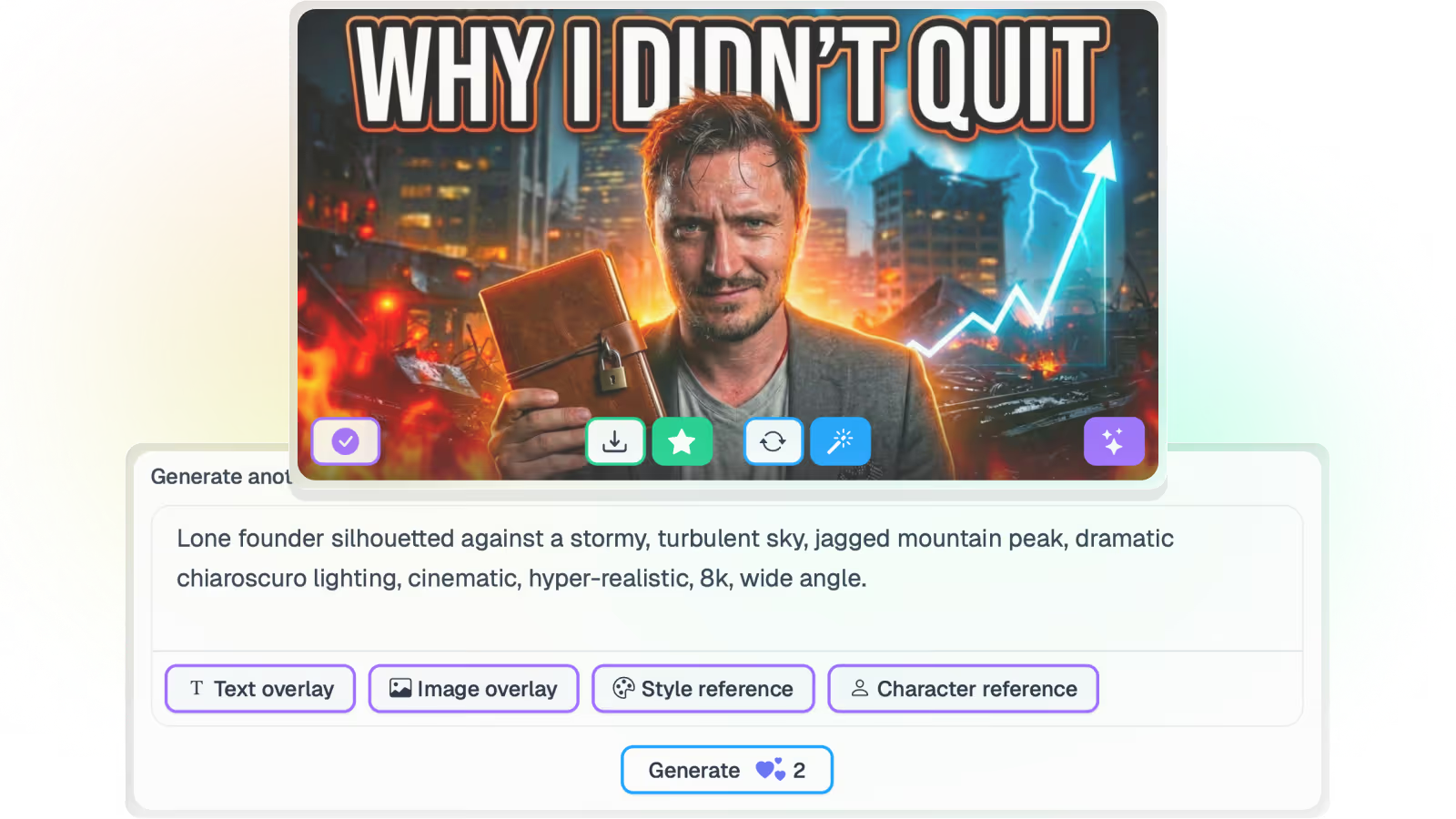
Braiv Thumbnails is the only AI thumbnail generator that reads your video transcript to understand your content — and then generates the thumbnail automatically, with no prompting required.
How it works:
- Upload your video to Braiv.
- Braiv transcribes it and analyses the key moments.
- The AI thumbnail generator produces multiple on-brand, high-CTR thumbnail options.
- Use the score and fix tool to see a predicted CTR score for each option before you publish.
- Optimize in one click if any design needs improvement.
Best for: Any creator who wants the fastest possible path from video to a thumbnail that actually gets clicked. Price: Competitor On Demand available — Braiv plans on pricing.
2. Pikzels — Best for Rapid A/B Testing
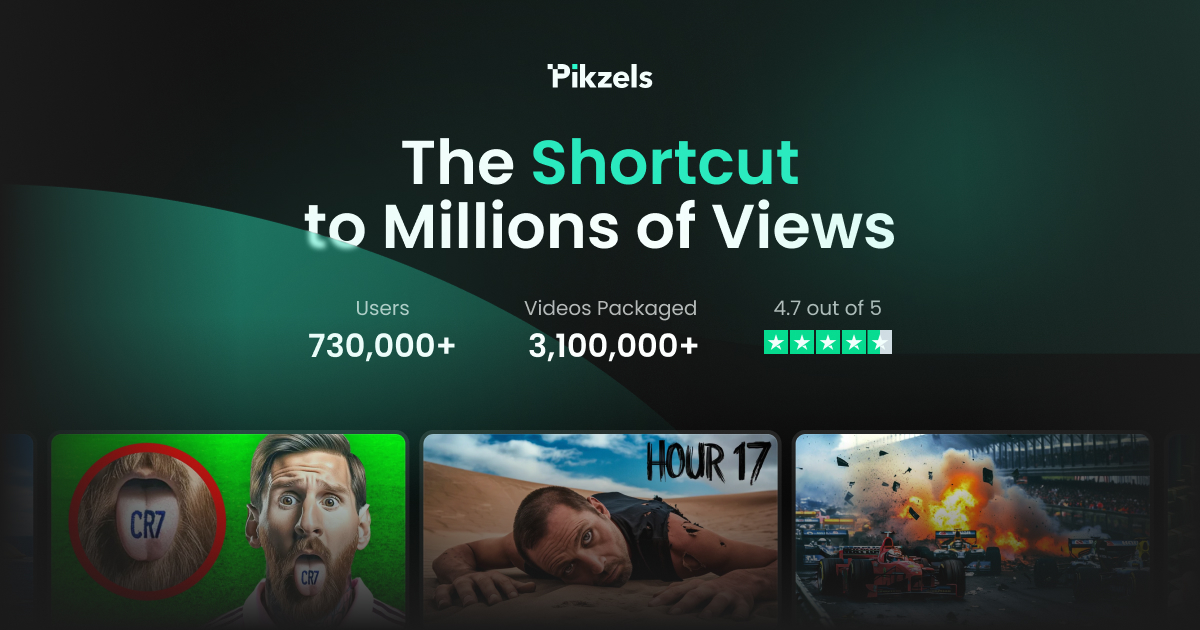
Pikzels is a YouTube-native thumbnail platform built for rapid iteration. It generates AI thumbnail concepts and lets you test multiple variants to find the highest-performing design.
How it works: Enter your video topic and keywords, pick a style, and generate variations. Strong for creators who want to manually test and iterate.
Best for: Data-obsessed creators who want to A/B test multiple thumbnail concepts. Price: From ~$15/mo.
3. 1of10 — Best for Viral Thumbnail Research
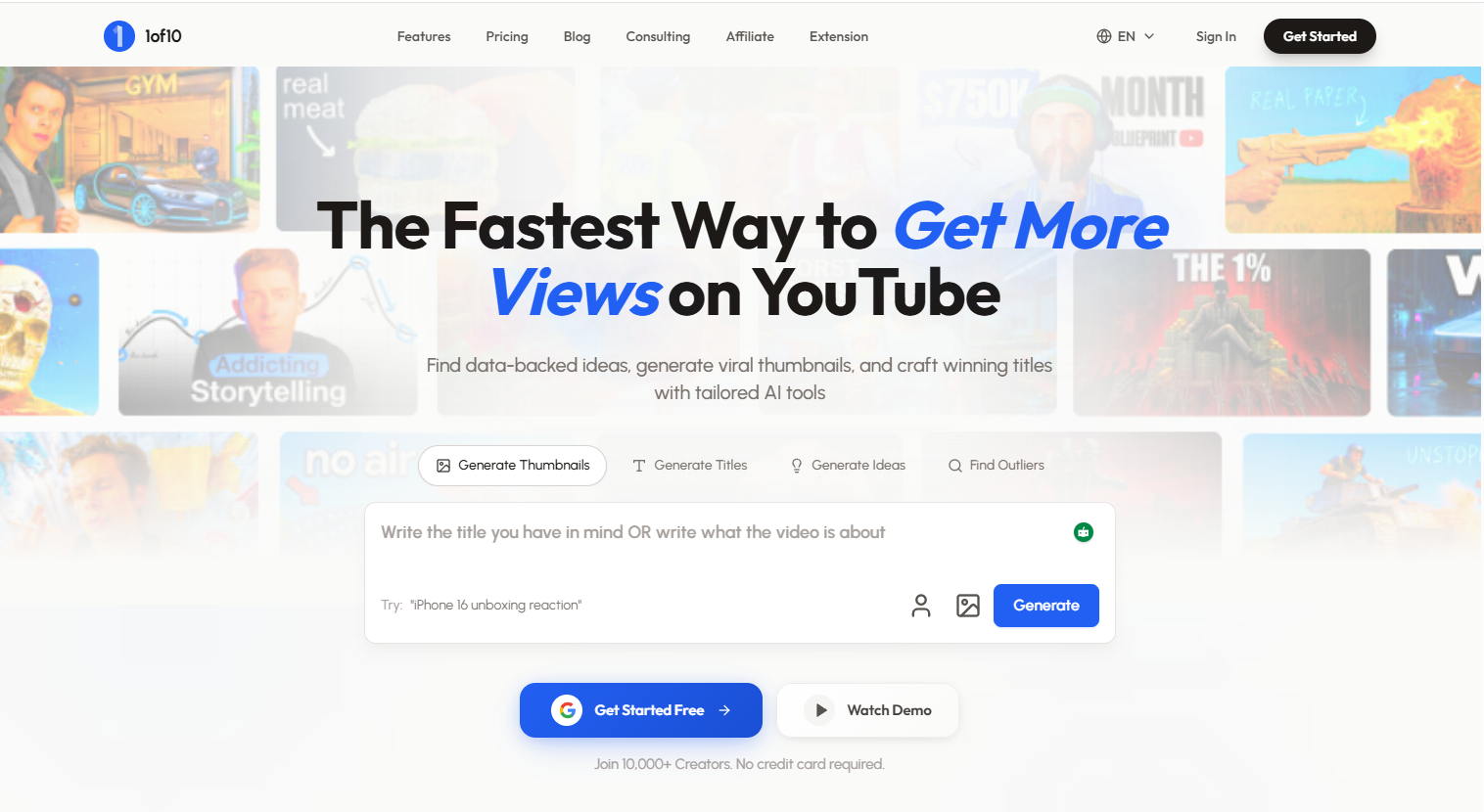
1of10 focuses on thumbnail research rather than generation. It analyses the top-performing thumbnails in your niche so you can see what’s working before designing your own.
How it works: Search your niche topic, browse a database of high-CTR thumbnails, and use the visual patterns to inspire your own design.
Best for: Creators who want data-backed inspiration before creating a thumbnail. Price: From $24/mo.
4. Canva AI — Best Free Option for Manual Editing
Canva’s Magic Design feature now includes AI-assisted thumbnail creation. It is free, widely used, and has thousands of templates. However, you still need to manually edit, reposition elements, and add your own face/branding.
How it works: Choose a YouTube thumbnail template, let AI suggest designs, then manually customise in Canva’s editor.
Best for: Beginners who are comfortable designing manually and want free access to templates. Price: Free. Pro at $12.99/mo.
Step-by-Step: How to Generate a YouTube Thumbnail with AI Using Braiv
Here is the fastest workflow to go from video to a published thumbnail using Braiv Thumbnails:
Step 1 — Upload your video. Braiv supports MP4, MOV, and MKV files. If you have already uploaded to YouTube, you can import directly via Braiv Connect.
Step 2 — Let Braiv transcribe. The AI reads your video and identifies the key topics, talking points, and visual moments.
Step 3 — Review auto-generated thumbnails. Braiv produces several thumbnail concepts, already sized correctly for YouTube (1280×720px) and aligned with your channel branding.
Step 4 — Score your options. The score and fix feature gives each thumbnail a predicted CTR score based on contrast, text readability, and emotional impact.
Step 5 — Pick the winner and publish. Via Braiv Connect, you can publish your video and thumbnail directly to YouTube with one click.
Total time: under 2 minutes.
Start Generating Better Thumbnails Today
Your thumbnail is the first — and often only — chance to get a viewer to click. Do not leave it to chance.
Try Braiv Thumbnails on On Demand and generate your first AI thumbnail in under 60 seconds.
Generate AI Thumbnails
Create click-worthy YouTube thumbnails directly from your video.