
Mastering Zero-Prompt Thumbnails: How to Use AI YouTube Thumbnail Generators From Video in 2026
Stop fighting with prompts. Learn how to generate high-CTR YouTube thumbnails directly from your video transcript and frames using the latest zero-prompt AI tools.
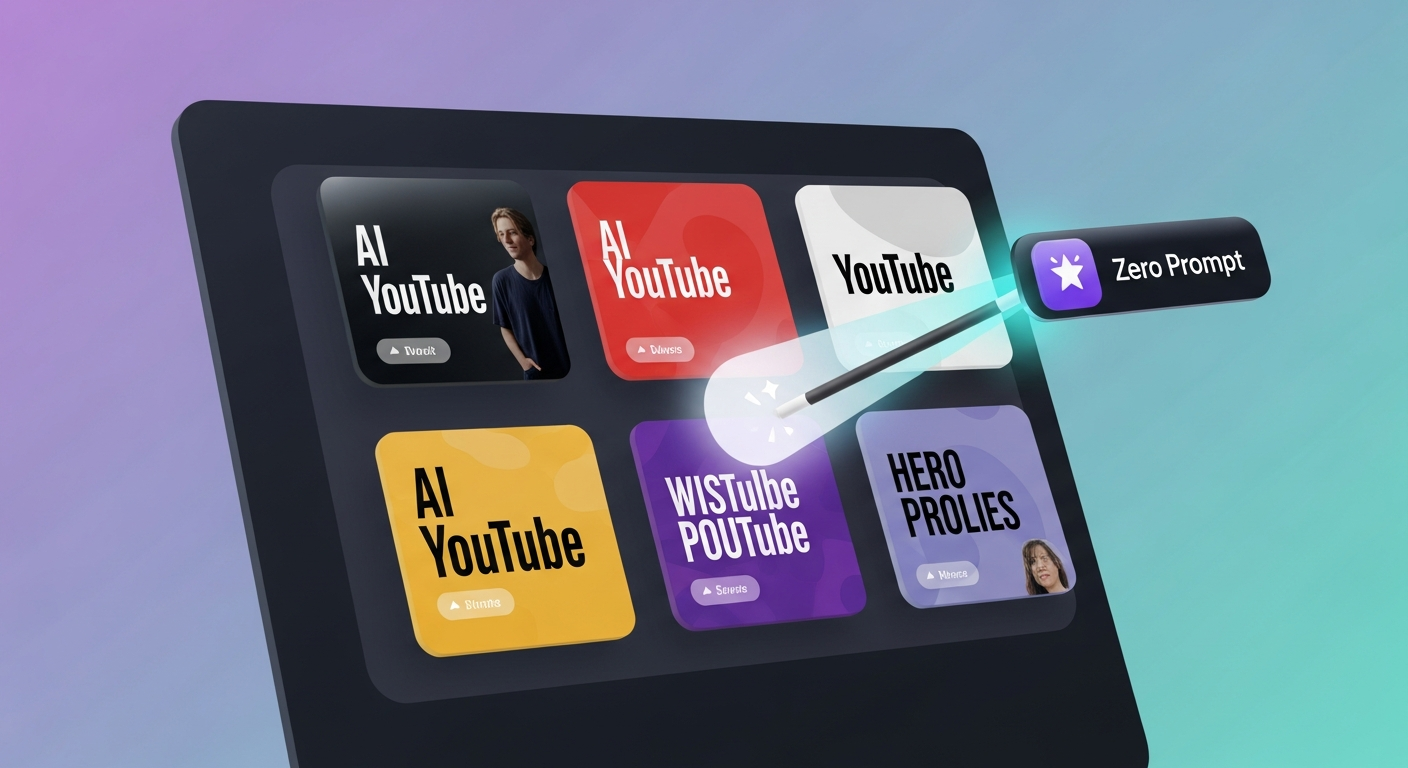
YouTube is no longer just a video platform; it is a competition of click-through rates (CTR). In 2026, the algorithm tests your packaging in the first 60 minutes. If your thumbnail doesn’t hit, your video dies in the cradle. This is why the search for terms like ai youtube thumbnail generator from video and youtube thumbnail maker ai free has exploded. Creators are tired of spending hours in Canva or fighting with Midjourney to get something usable.
The Evolution of ‘Zero-Prompt’ Content
First, we had manual design. Then we had AI generators where you had to describe what you wanted (Prompting). Now, we have Context Extraction. A zero-prompt tool doesn’t ask ‘What should the image look like?’; it asks ‘What is this video about?’ and answers it itself by reading your data.
- Frame Extraction: The AI scans your footage for high-energy expressions, props, and clear backgrounds.
- Hook Extraction: By reading the transcript, the AI identifies the ‘Payoff’ of the video and places it as text on the thumbnail.
- Template Matching: It automatically layers these elements into proven layouts that are known to convert in your specific niche.
Why Prompt Engineering is the New Bottleneck
If you are a high-volume creator—someone publishing daily Shorts, weekly long-form, and localized versions for global audiences—you don’t have time to write 30 different prompts a day. Zero-prompt isn’t just a ‘cool feature’; it’s an operational necessity.
The Problem with Keyword-Only AI
Generic AI thumbnail makers often use stock photos. If your video is a review of a specific camera, but the AI generates a ‘generic camera’ stock photo, your audience feels the disconnect immediately. Zero-prompt uses your camera from your video.
The Speed of Multi-Channel Publishing
When you use a platform like Braiv Connect, you can push your video to five different channels. Generating five localized thumbnails with manual prompts would take an hour. With zero-prompt, it takes 30 seconds.
Avoiding the ‘Click-Bait Trap’
Thumbnails that are too far removed from the content lead to high bounce rates. Context-driven AI ensures that the promise made on the thumbnail is exactly what is delivered in the first 10 seconds of the video.
Top 4 AI Thumbnail Generators Compared
We tested the leading tools using a tech-review video as the baseline. Here is how they stack up in the zero-prompt era.
1. Braiv Thumbnails
 — The Only True Zero-Prompt Workflow
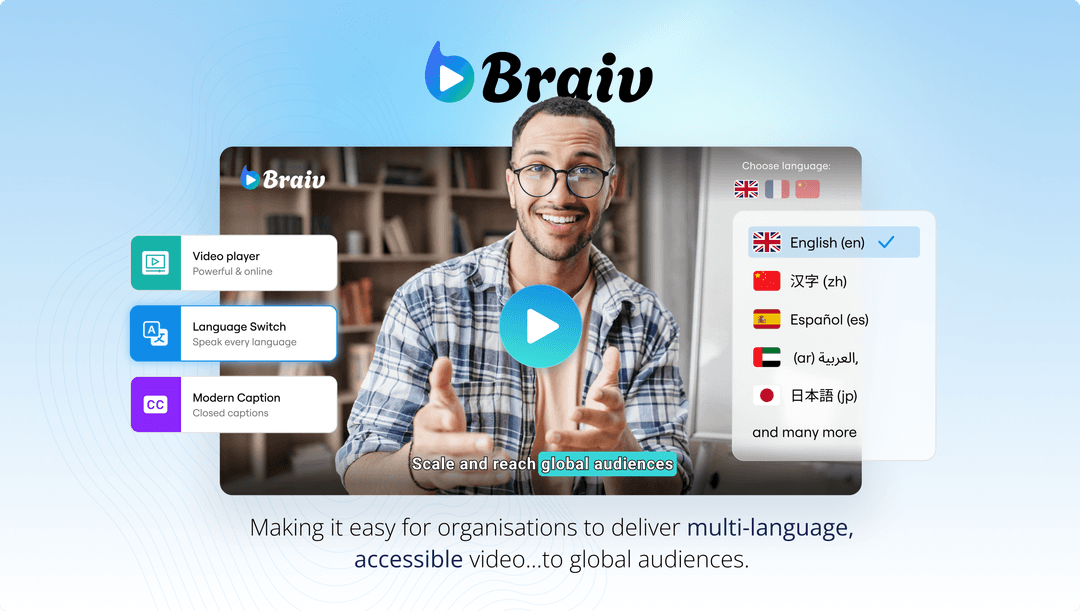
Braiv is the gold standard for 2026. It is the only tool that reads the video, reads the transcript, localizes the text for 80+ languages, and predicts the CTR score before you upload. It’s built for creators who value their time and want to scale globally.
— The Only True Zero-Prompt Workflow
Braiv is the gold standard for 2026. It is the only tool that reads the video, reads the transcript, localizes the text for 80+ languages, and predicts the CTR score before you upload. It’s built for creators who value their time and want to scale globally.
2. Pikzels
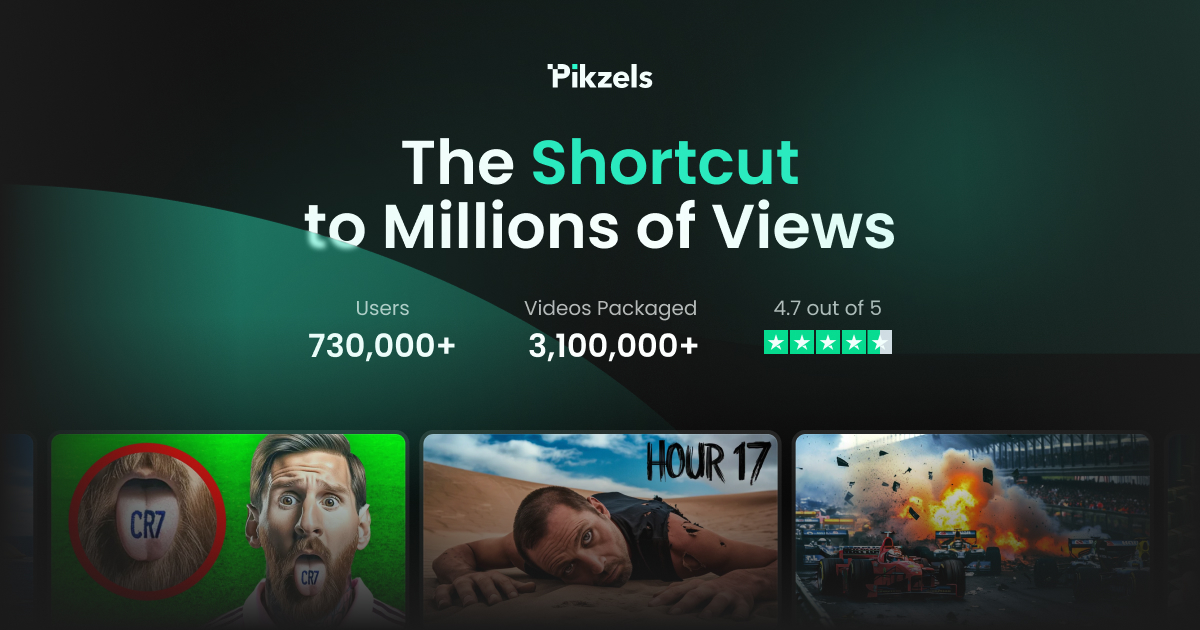 A great middle-ground tool. Pikzels allows for quick ‘cutout’ creation where you upload a face and it builds a background. It still requires some manual text input (Prompts), making it less than truly zero-prompt, but it is faster than Canva.
3. 1of10
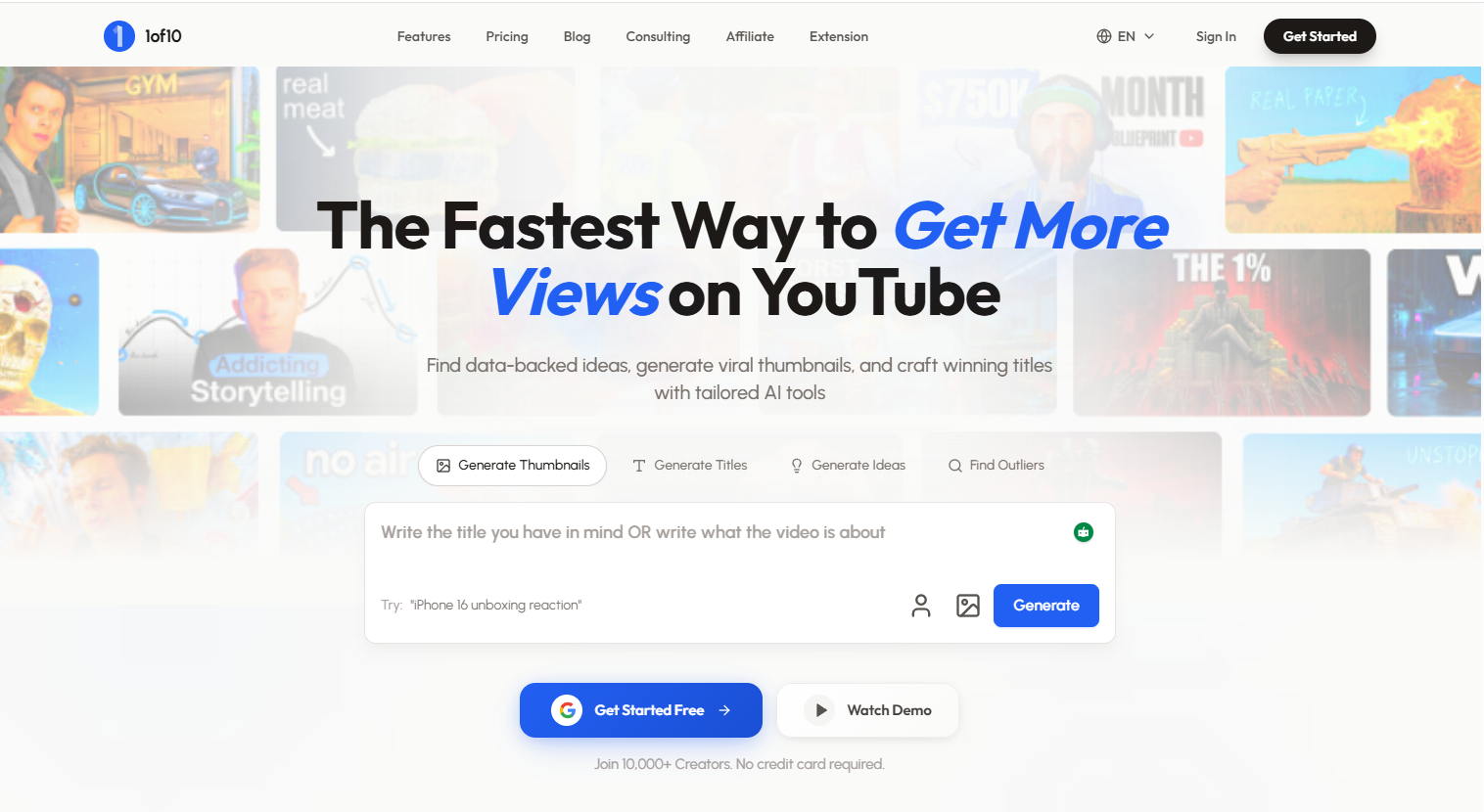 Focuses heavily on research. 1of10 tells you what kind of thumbnail is working in your niche by analyzing top-performing outliers. It pairs well with Braiv—use 1of10 to find the trend, and Braiv to generate the asset.
4. TubeBuddy
 A classic tool that added AI features. It’s template-heavy and requires quite a bit of manual tweaking. Good for beginners who are already in the TubeBuddy ecosystem but lacks the transcript-reading power of newer competitors.
Step-by-Step: Mastering the Braiv Zero-Prompt Workflow
If you want to move to a 20-minute publishing cycle, follow this workflow:
- Upload or Link: Drop your raw MP4 or paste a YouTube URL. Braiv will start the transcription and frame-analysis immediately.
- Select Your Hook: Review the ‘Auto-Hooks’ suggested by the AI based on your transcript. Pick the one that sounds most clickable.
- Batch Generate: Generate 6-12 variants in one click. The AI will swap backgrounds, text colors, and frame expressions.
- Localized & Publish: If you are targeting a global audience, hit ‘Localize’ to translate the thumbnail text and push to your international channels.
Conclusion: The Future is Hands-Free
In the next year, the difference between ‘good’ and ‘great’ creators will be determined by who can scale their quality the fastest. Zero-prompt thumbnails are the biggest leverage point in that race.
Frequently asked questions
What is an AI YouTube thumbnail generator from video?
It is a tool that analyzes your raw video file or transcript to automatically extract visual hooks and copy, generating a thumbnail without requiring you to write a text prompt.
Are there any AI youtube thumbnail generators with no sign up?
Most professional tools like Braiv require an account to manage your brand assets, but many offer a 'Free to Try' mode where you can see the AI's results before committing.
How do zero-prompt thumbnails improve CTR?
By using your actual video content, they ensure the thumbnail is perfectly aligned with the video's message, which prevents 'click-bait disappointment' and keeps viewers watching longer.
Can I make YouTube thumbnails with AI for free?
Yes. Braiv Thumbnails on On Demand lets you generate a batch of thumbnails from your first hour of managed video (15-minute max). Add a card for downloads and full preview — see pricing.
What is the best AI thumbnail maker in 2026?
Braiv is currently ranked as the best overall due to its zero-prompt workflow, multi-language localization, and integration with the wider publishing stack.
Generate AI Thumbnails
Create click-worthy YouTube thumbnails directly from your video.