
Top 5 AI Thumbnail Generators for YouTube [Tested & Ranked 2026]
We tested the 5 best AI thumbnail generator platforms of 2026 to help you find the perfect tool for boosting your YouTube CTR.
![Top 5 AI Thumbnail Generators for YouTube [Tested & Ranked 2026]](/images/cms/braiv-thumbnails-hero-v1.webp)
TL;DR: Pick on monthly output, channel limits and cost per thumbnail rather than on who produces the prettiest single mock. Braiv Thumbnails is built for that volume shape; Canva, 1of10 and TubeBuddy still win specific jobs this list does not pretend Braiv owns.
Most thumbnail round-ups are written for a creator shipping one video a week. Teams running several channels face a different question: does the tool still make sense when you need dozens of covers a month across multiple brands, without a designer in every seat?
That changes what matters. A tool priced per design or per seat is fine for one hero image and expensive as a production line.
How we ranked these tools
- Monthly output — how many thumbnails you can ship without buying a second product
- Channel limits — whether adding a client or brand changes the bill
- Cost at volume — what a cover costs past occasional use
- Workflow fit — design canvas, research library, live YouTube testing, or generation from the video itself
Competitor pricing moves often, so each product’s model is described qualitatively rather than with dollar figures that go stale.
1. Braiv Thumbnails — best for multi-channel volume
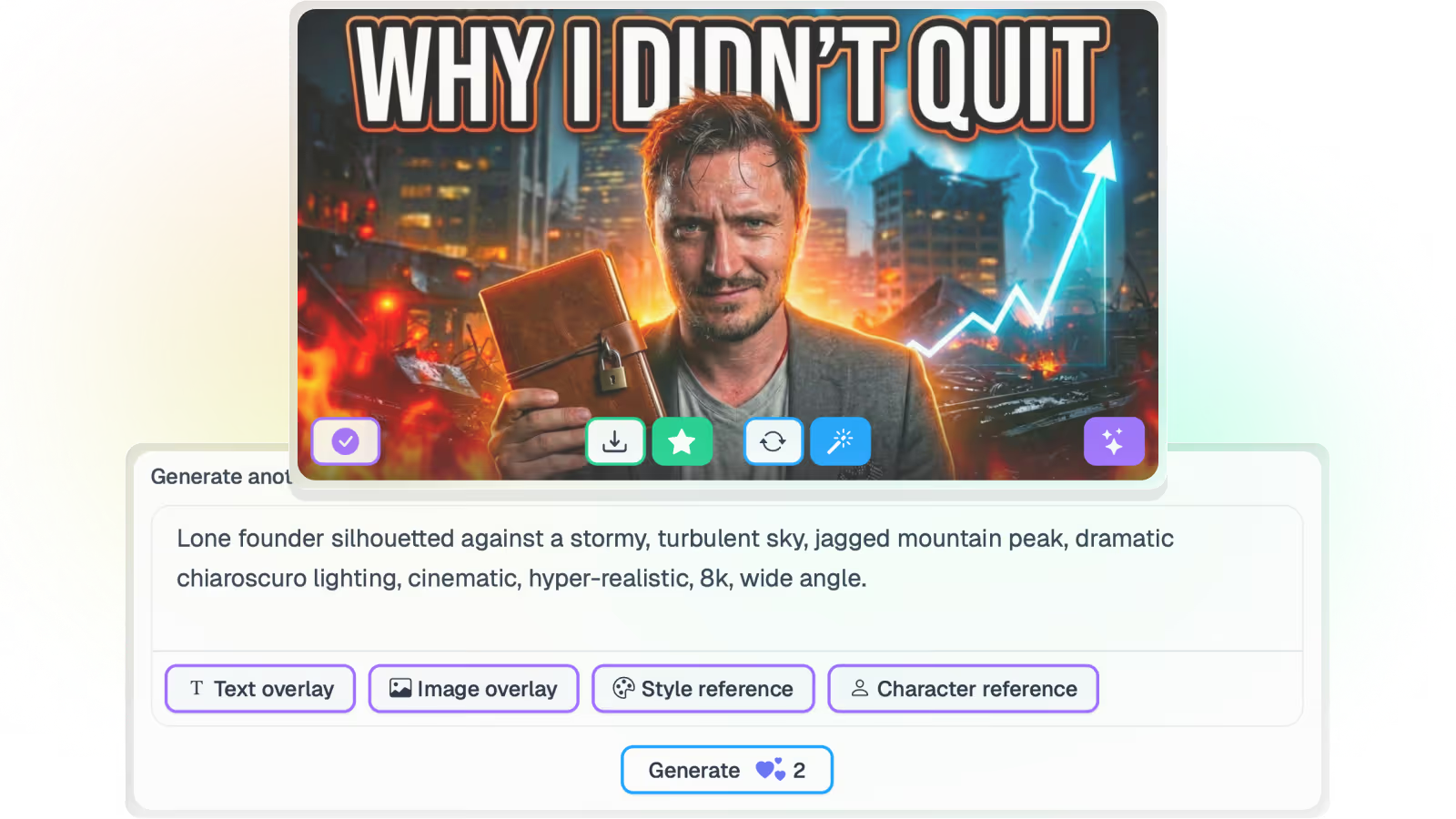
Best for: Agencies, networks and operators who need scored covers generated from the video itself, across many channels, on a single subscription.
Braiv Thumbnails generates from the video’s own frames and transcript — no prompt writing — then scores composition, contrast, text legibility at feed size, and how well the image matches the title. Overlay text can be translated for other markets, so a dubbed upload does not go out with an English cover on top of it.
Volume shape at list price:
- Business — 5,400 credits covering 270 generations, unlimited connected channels, rollover to 16,200, overage at $0.01 / credit
- Pro — 135 generations, 10 channels, rollover to 8,100
- Starter — 30 generations, 3 channels, rollover to 1,800
Unlimited channel connections is the line that matters for agencies: adding a twelfth client costs whatever it processes, not another seat. On Demand includes 10 generations if you want to judge output first. Full detail on pricing, and the batch workflow on bulk multi-channel generation.
Where Braiv is weaker: it is not a freeform design canvas, and it does not run live rotating A/B experiments on YouTube. It scores candidates before you publish and replaces weak covers on the back catalogue. For the other two jobs, keep Canva or TubeBuddy.
2. Canva — best full design canvas
Best for: Teams that still need brand kits, templates and hands-on art direction on individual covers.
Canva remains the strongest general design surface on this list. Its template library and brand kit keep client colours and type consistent, and a non-designer can reach a decent layout quickly. The model is a per-seat design subscription rather than a channel-capacity plan — sensible for craft, expensive as a pure thumbnail factory once every editor needs a seat.
Honest win: campaign art and brand systems. Honest gap: no video-native generation from frames and transcript, and no click-through scoring. See the Canva alternative comparison.
3. Pikzels — best single-image iteration
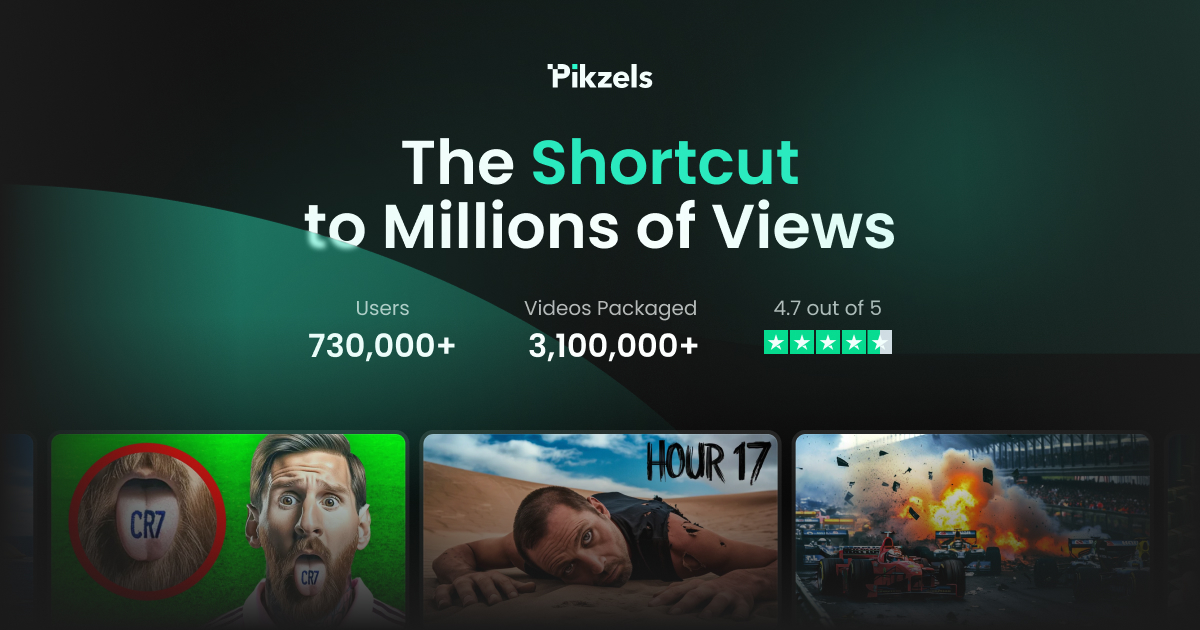
Best for: Creators who want a YouTube-focused designer to iterate on one hero thumbnail at a time.
Pikzels is a purpose-built YouTube toolkit with a strong single-image iteration loop, and it gives you more direct control over one canvas than Braiv does. Pricing typically follows per-design credit packs rather than channel capacity — sensible when you polish one cover carefully, a poor fit at 100+ generations a month across a roster.
Honest win: art-directing a single thumbnail. Honest gap: batching a back catalogue across many channels. See the Pikzels alternative comparison.
4. 1of10 — best competitor research
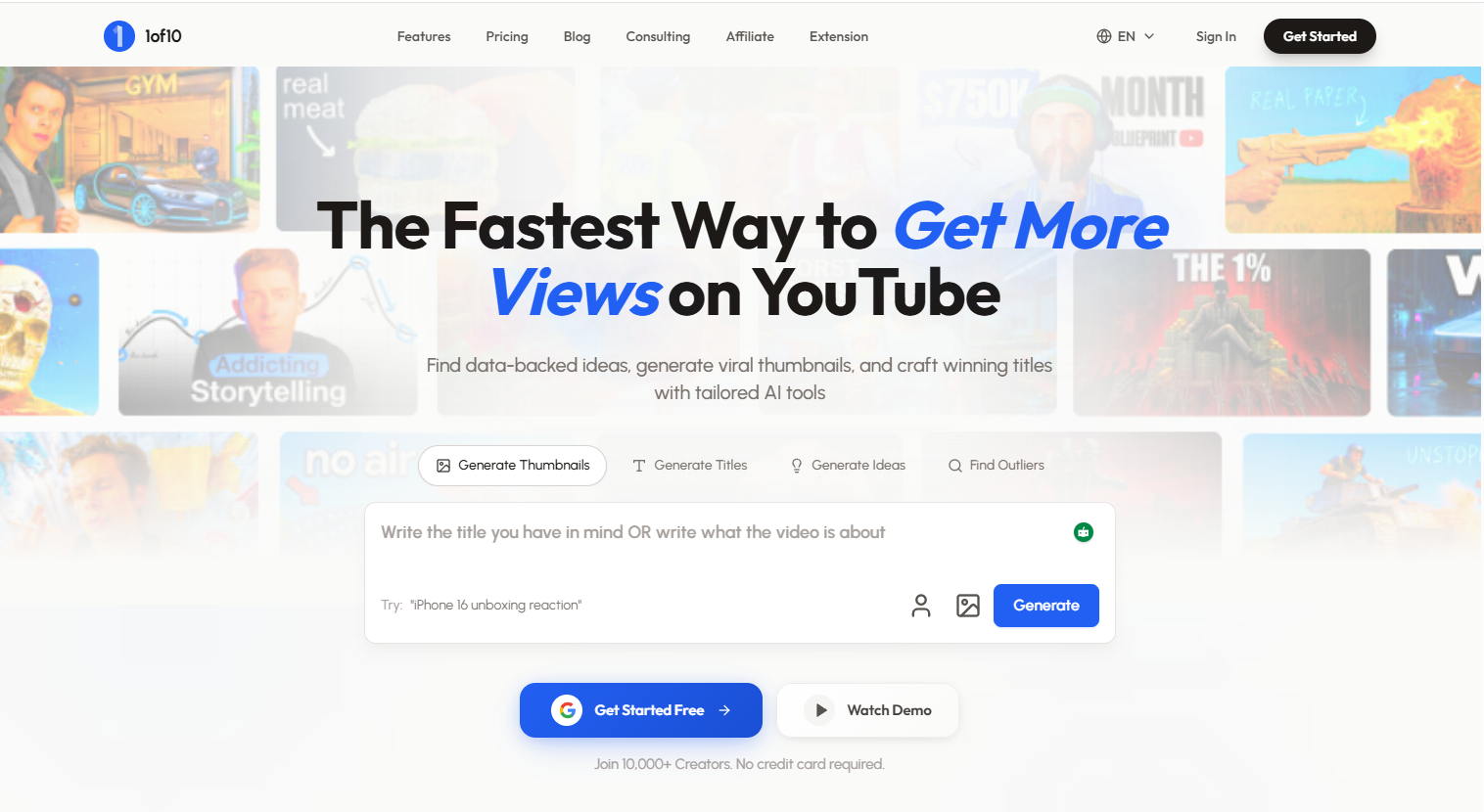
Best for: Strategists who want to study what already worked in a niche before designing anything.
1of10 is primarily a research library of high-performing thumbnails, and its searchable database of what has worked on other channels is deeper than Braiv’s scoring of your own candidates. What it does not do is produce the finished cover from your video or publish it — it hands you a reference and you go and open a design tool.
Honest win: niche research. Honest gap: production. Plenty of teams run 1of10 for research and something else for output. See the 1of10 alternative comparison.
5. TubeBuddy — best live YouTube A/B testing

Best for: Channel managers who need bulk YouTube tooling and live title and thumbnail split-tests inside YouTube itself.
TubeBuddy’s browser extension and A/B testing are the right answer when the job is experimenting on videos already live on the platform — genuinely something Braiv does not do. Thumbnail generation exists inside the suite but is rarely the reason teams pay for it, and channel capacity is typically priced per channel as you add brands.
Honest win: live YouTube optimisation and A/B testing. Honest gap: multi-platform production. Many operators keep TubeBuddy for testing and use a generator for output. See the TubeBuddy alternative comparison.
Verdict: which one fits which job
| Job | Stronger pick |
|---|---|
| 270 scored covers a month across unlimited channels | Braiv |
| Full brand canvas and template library | Canva |
| Niche research before you design | 1of10 |
| Live YouTube thumbnail A/B tests | TubeBuddy |
| Single-image YouTube iteration | Pikzels |
There is no single winner here, because these tools are not doing the same job. If your constraint is craft, research or live experiments on YouTube, the specialist is the better buy and you should keep it.
If your constraint is monthly output and channel count — dozens of covers across several brands, without a designer in every seat — that is the shape Braiv Thumbnails is built for. Compare the plans and limits before you decide.
Frequently asked questions
What should a multi-channel team compare when choosing a thumbnail generator?
Monthly output, how channels are priced or capped, whether unused capacity rolls over, and what each generation costs once you are past a handful of covers a week. Design polish matters, but volume economics decide whether the tool survives contact with a client roster.
How many thumbnails does Braiv include per month?
Business includes 5,400 AI credits a month covering 270 thumbnail generations, with rollover to 16,200 and unlimited connected channels. Pro covers 135 generations and 10 channels; Starter covers 30 and 3. On Demand includes 10 thumbnail generations. Regional pricing is applied automatically.
Which tool is best for live YouTube thumbnail A/B tests?
TubeBuddy is the stronger product for live split-tests that rotate titles and thumbnails on YouTube itself. Braiv scores candidates before publish and replaces underperformers on the back catalogue; it does not run rotating live experiments.
When should a team keep Canva alongside a thumbnail generator?
Keep Canva when someone still needs a full design canvas for brand kits, custom campaign art or one-off hero images. Use a video-native generator when the bottleneck is producing dozens of on-brand covers a month from footage, not perfecting a single canvas.
Generate AI Thumbnails
Create click-worthy YouTube thumbnails directly from your video.