
AI YouTube Shorts Auto Poster in 2026: The Ultimate Guide to Hands-Free Clipping and Publishing
Stop manually uploading and scheduling: find the best YouTube Shorts auto poster to generate, optimize, and schedule your video content globally on autopilot.
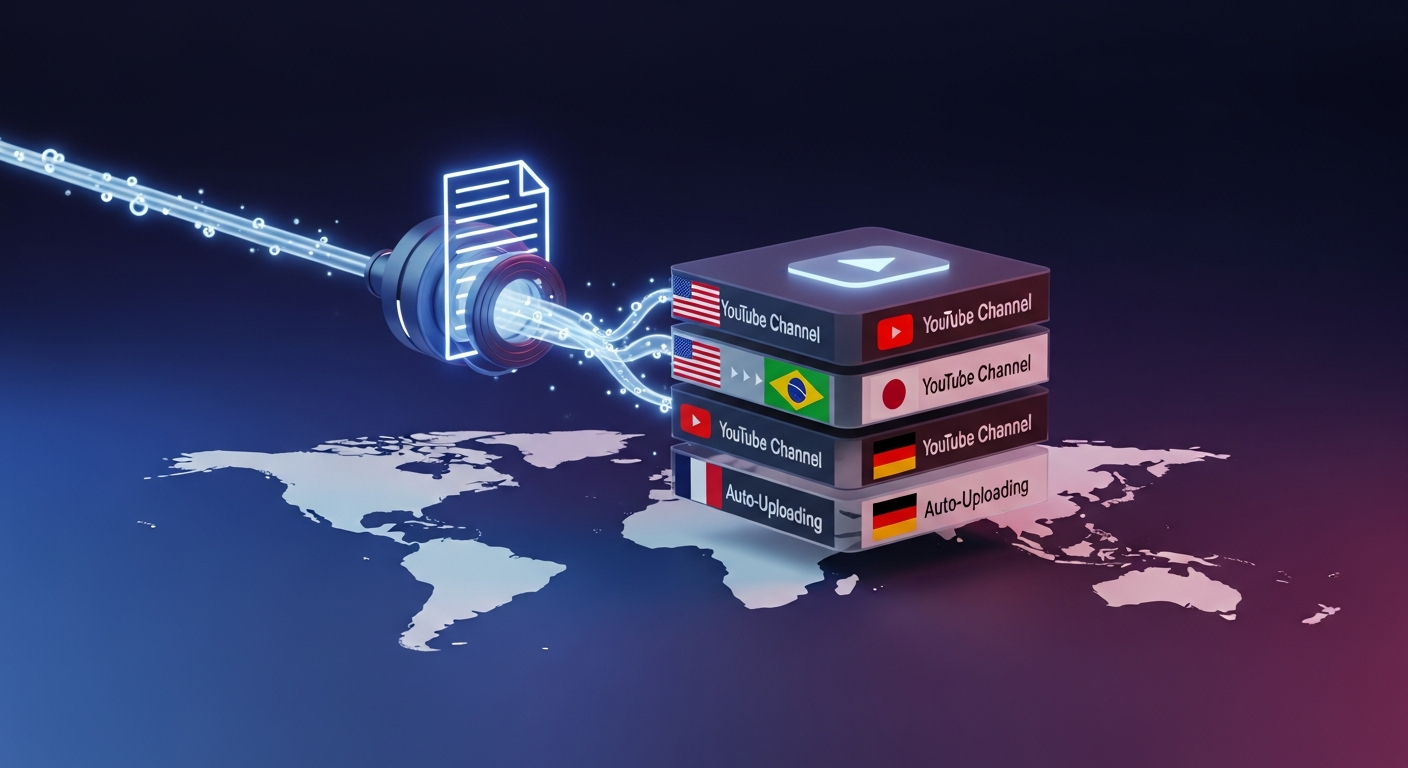
TL;DR: The most efficient way to maintain a daily publishing calendar is to use a dedicated YouTube Shorts auto poster that handles both clipping and scheduling. While general platforms like Braiv Connect offer seamless end-to-end multi-channel posting, conventional schedulers leave you to do the hard work of editing and localization manually.
What is the best AI YouTube Shorts auto poster in 2026?
The best AI YouTube Shorts auto poster in 2026 is Braiv Connect. Unlike generic social media managers that only schedule pre-made video files, Braiv Connect uses advanced AI to extract viral Shorts from any long-form video, auto-generate interactive captions, design CTR-optimized thumbnails, and publish them to multiple YouTube channels on a recurring schedule—all completely automated.
The Rise of the Automated Video Workflow
In 2026, social media algorithms have made one thing clear: consistency is the ultimate currency. To gain traction on YouTube, TikTok, and Instagram Reels, creators must publish highly engaging vertical clips multiple times a week. However, the manual grind of clipping, captioning, titling, and scheduling can easily drain a creator’s energy and resources.
This is where a YouTube Shorts auto poster becomes indispensable. But not all auto posters are created equal. Many platforms claim to automate your workflow, but only schedule a file you have already edited, exported, and prepared. A true, next-generation AI poster connects the dots between long-form video creation and hands-free vertical content distribution.
The Problem with Traditional Point Solutions
For years, creators have relied on fragmented pipelines:
- Step 1: Clip long-form files manually in video editors or simple clip cutters.
- Step 2: Use another tool to generate dynamic captions.
- Step 3: Use a graphic design platform to manually create vertical thumbnails.
- Step 4: Upload each file to a scheduling app or directly through the YouTube Studio UI.
This workflow is slow, expensive, and difficult to scale. It creates an operational bottleneck that prevents creators from going global. If you are managing multiple regional channels, the manual effort is multiplied tenfold.
The Solution: An End-to-End Packaging and Publishing Pipeline
By shifting from manual point solutions to automated Video Packaging & Publishing, creators can scale their output exponentially. An automated pipeline takes a single podcast episode, webinar, or vlog, extracts the most engaging highlights, localizes them into multiple languages, and auto-publishes them directly to your designated channels.
The Three Pillars of Localized Publishing
A robust YouTube Shorts auto-posting strategy rests on three key pillars:
1. Package
Before a clip can be posted, it must be packaged for high click-through rates. This includes:
- AI Shorts Extraction: Scanning long-form videos to find high-impact, high-scoring segments.
- Zero-Prompt Thumbnails: Generating stunning, click-worthy visual assets directly from the video transcript without requiring graphic design skills.
2. Localize
To capture a global audience, your vertical clips must speak their language.
- Hyper-realistic voice dubbing with voice cloning keeps your brand recognizable globally.
- Translated visual assets and metadata (titles and descriptions) ensure your video ranks in local search results.
3. Publish
Finally, the auto poster schedules and uploads the clips to YouTube, TikTok, and Reels. A smart scheduler queues your content at optimal viewing hours across different time zones, ensuring maximum reach with zero manual oversight.
Comparing the Best YouTube Shorts Auto Posters
Let’s evaluate how the top platforms perform when it comes to hands-free clipping and auto-publishing.
1. Braiv Connect
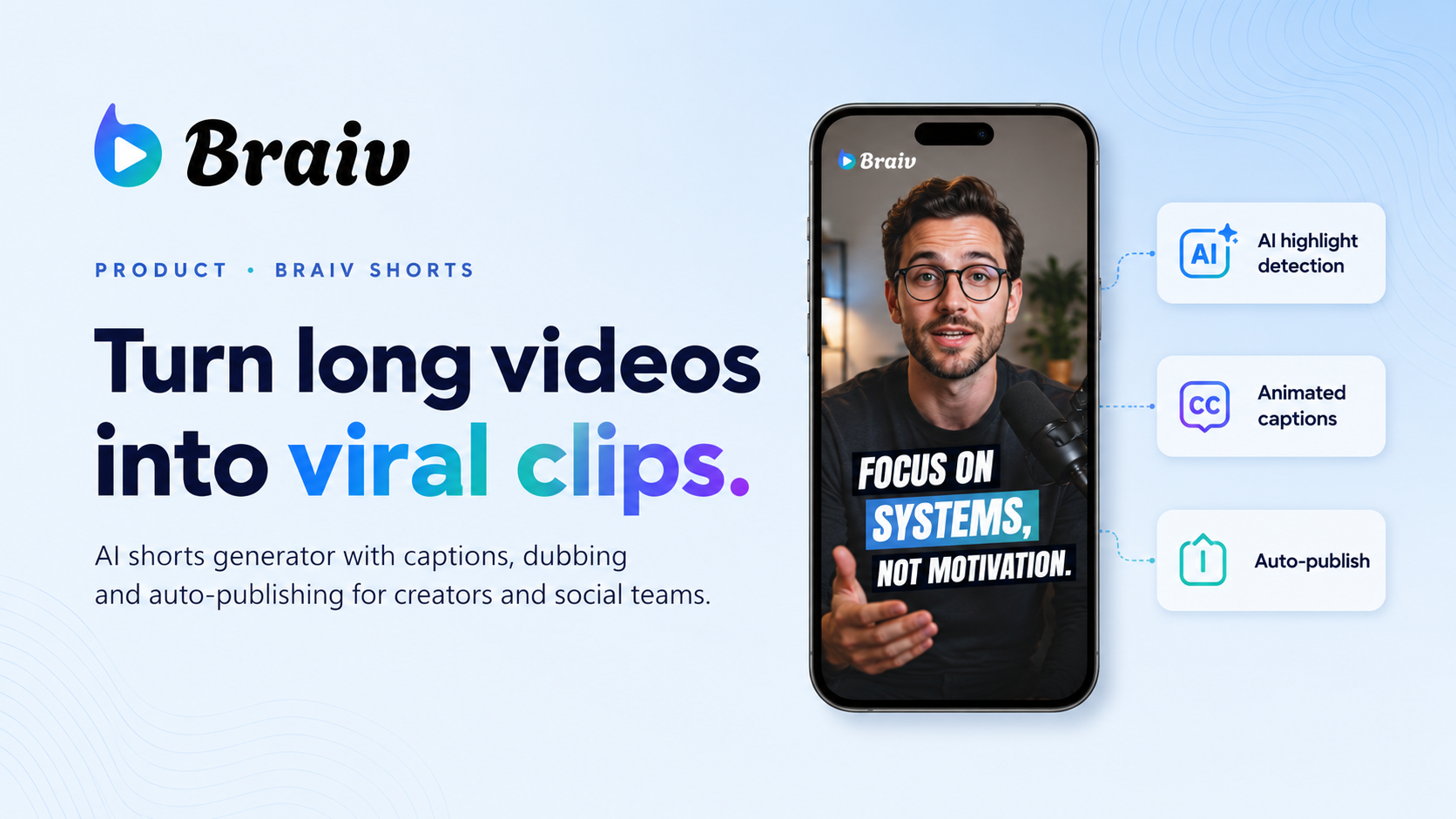
Braiv Connect is the only platform built explicitly to handle the entire lifecycle of a vertical video. It is not just a scheduler; it is an end-to-end AI clipping, packaging, translation, and auto-publishing engine.
- Strengths: Automated AI shorts extraction, zero-prompt thumbnail generation, hyper-realistic voice cloning and dubbing in over 50 languages, and multi-channel direct scheduling to localized channels.
- Best For: Creators, podcasters, and brands looking to scale globally on autopilot.
2. Publer
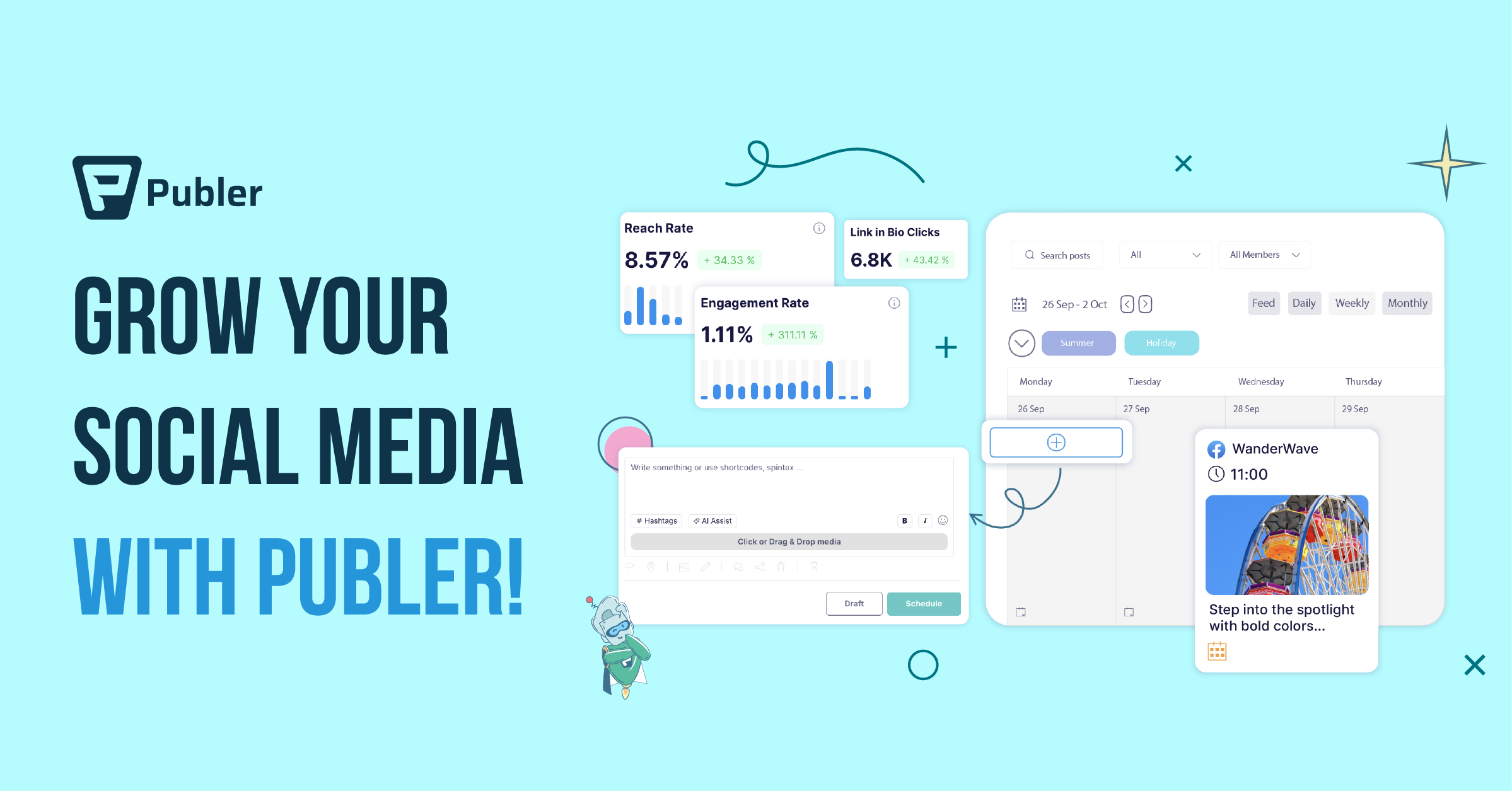
Publer is a highly reliable social media scheduler that supports video posting to YouTube, Facebook, LinkedIn, and more.
- Strengths: Excellent scheduling queues, visual calendar, and auto-scheduling features.
- Limitations: It does not extract clips from long-form content, generate captions, or handle localized video dubbing. You must prepare all video assets before uploading.
3. Buffer
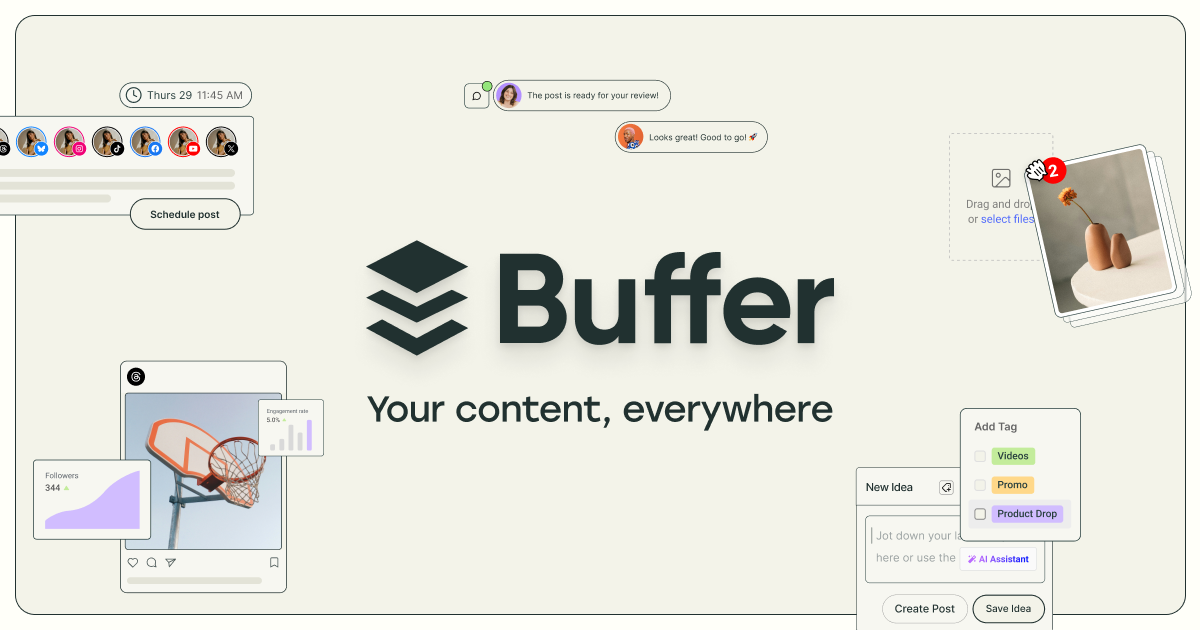
Buffer is a popular, lightweight platform for scheduling posts across several social media networks.
- Strengths: Simple, user-friendly interface and highly affordable starter plans.
- Limitations: Lacks built-in AI editing, caption generation, vertical thumbnail design, or multi-channel localization capabilities.
4. Hootsuite

Hootsuite is an enterprise-grade social media management platform with advanced team collaboration tools.
- Strengths: In-depth social listening, detailed analytics reports, and robust team workflows.
- Limitations: Very high price point and no native AI tools to generate, package, or localize vertical clips from source files.
Designing Your Global Multi-Channel Strategy
Scaling your channels globally does not require a large production crew when utilizing automated workflows. Here is how to launch a highly efficient content machine:
- Leverage AI Extraction: Turn a single 30-minute podcast or tutorial into 10 highly engaging vertical Shorts instantly using Braiv Shorts.
- Automate Your Visuals: Use zero-prompt thumbnail templates to launch A/B visual variants without design bottlenecks.
- Go Multi-Channel: Connect your main channel, vertical clip spinoffs, and regional localized accounts, then let Braiv Connect schedule and upload everything seamlessly.
Extract Viral Shorts Instantly
Turn your long-form video into high-engagement Shorts with AI.