
Zero-Prompt Thumbnails vs. Traditional Graphic Design: Why AI is Winning YouTube CTR in 2026
Is traditional graphic design dead for YouTube? Discover why zero-prompt AI thumbnail generators that extract visual hooks directly from your video are outperforming manual design on click-through rates.
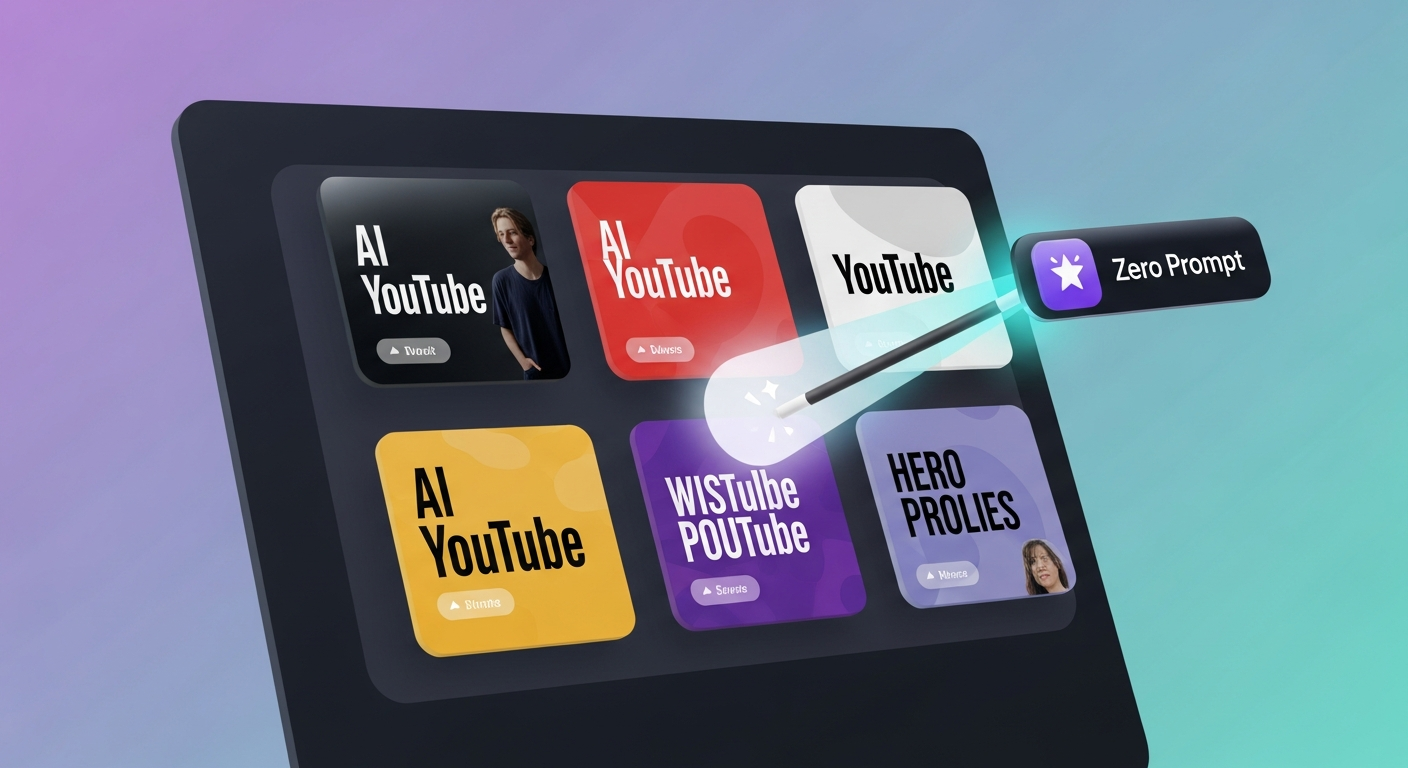
The Death of the Graphic Design Bottleneck on YouTube
For years, the gold standard for high-CTR YouTube thumbnails was hiring a dedicated graphic designer. You would send over a video brief, a couple of selfies, and a hope that they captured the essence of your video. Two days and a series of back-and-forth Slack messages later, you would receive a single, polished thumbnail.
But in 2026, that workflow has become a massive bottleneck. The YouTube algorithm now rewards speed, consistency, and multi-format velocity. If you are uploading weekly long-form videos alongside daily Shorts, waiting forty-eight hours for a single image file is simply not viable.
More importantly, traditional graphic design is visually static. A designer designs for aesthetic appeal, but they do not design with real-time performance data or transcript-level context. This is where zero-prompt thumbnails are completely redefining the packaging workspace.
Shifting From Prompt Engineering to Context Extraction
Early “AI thumbnail tools” were just wrappers for basic text-to-image models. You would type a description of your video into a chatbot, and it would output a weird, plastic-looking stock photo. You then had to spend hours editing it in Canva, cutting out your face, and pasting a text overlay.
Zero-prompt generation eliminates the prompt entirely. Instead of asking you what your video is about, the AI analyzes:
- Raw Video Footage: It scans your video file to detect high-energy frames, facial expressions, props, and on-screen graphics.
- Audio Transcript: It reads the spoken audio to identify viral hooks, key names, and high-CTR phrases.
- Visual Templates: It layers your extracted assets into optimized layouts that match your channel’s unique branding guidelines.
This is the shift that makes modern platforms feel like “vidIQ with localization built-in.” We sell the ultimate destination: “Get more views faster, easier…and in any language.”
Why Zero-Prompt AI Wins on Click-Through Rate (CTR)
The key to winning the CTR game in 2026 is A/B variant testing. YouTube now tests every new upload against three different thumbnail variants in the first hour of publication. If your tool stack cannot generate these variants automatically, you are leaving views on the table.
| Metric / Workflow | Traditional Graphic Design | Zero-Prompt AI (Braiv) |
|---|---|---|
| Turnaround Time | 24 - 48 Hours | Less than 60 Seconds |
| Cost Per Asset | $50 - $150 per image | Included in subscription / On Demand |
| A/B Variant Batches | Manual design of extra files | 6–12 variations auto-generated |
| Localization Support | Manual translation and redesign | Automatic multi-language overlays |
| CTR Score Prediction | Subjective guess | AI performance scored before upload |
By automating the packaging stage, creators can focus entirely on producing outstanding video content.
Automated Multi-Channel Localized Workflows
This is where standalone point-solutions fall short. If you use a tool that only creates thumbnails, you still have to manually translate your video, dub the audio, generate localized titles/descriptions, and log into multiple regional YouTube Studio channels to upload them.
Braiv is designed as an Automated Multi-Channel Localized Workflow. It connects the three core pillars of modern creator growth:
- Package: Automatically extract and design zero-prompt thumbnails, optimize titles, and generate vertical Shorts.
- Localize: Completely translate your video (including hyper-realistic voice dubbing, translated subtitles, and localized thumbnail visual text) into over 50 languages.
- Publish: Auto-publish your packaged, localized videos directly to your international YouTube channels on autopilot.
Instead of running a fragmented, expensive operation, you manage your entire global content engine from a single centralized dashboard.
Frequently Asked Questions
Do zero-prompt thumbnails use actual video frames?
Yes. Unlike older AI generators that create random synthetic images, zero-prompt tools like Braiv Thumbnails scan your uploaded video file to extract authentic high-energy frames, faces, and scenes, preserving your real brand.
How does multi-language thumbnail localization work?
Braiv reads your video’s localized transcript and automatically translates the text overlay on the thumbnail image itself. It places the localized copy on your on-brand template, so your Spanish channel gets Spanish text and your Portuguese channel gets Portuguese text.
Can I try zero-prompt thumbnail generation for free?
Yes. Braiv On Demand includes 1 connected channel and starter AI Credits for zero-prompt thumbnails — add a card for downloads and publishing. See pricing for paid plans with more channels.
Generate AI Thumbnails
Create click-worthy YouTube thumbnails directly from your video.