AI video dubbing with On Demand pricing
Searchers looking for AI video dubbing online usually want to hear quality before they commit. Braiv matches that: create an account, use your starter credits on a real clip, then keep going on On Demand (pay as you go) or move to Starter / Pro / Business when a monthly allowance makes sense.
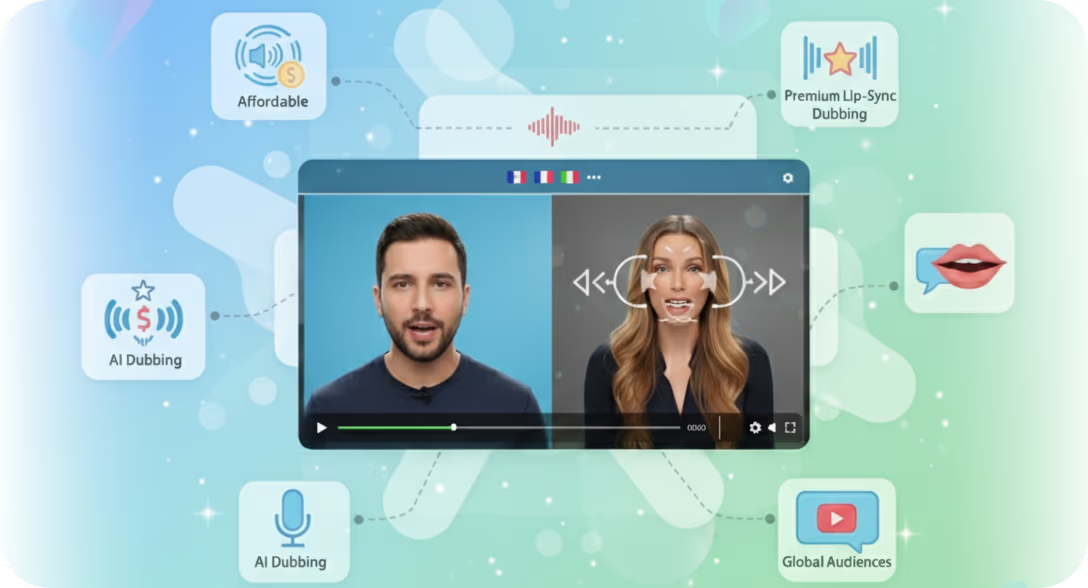
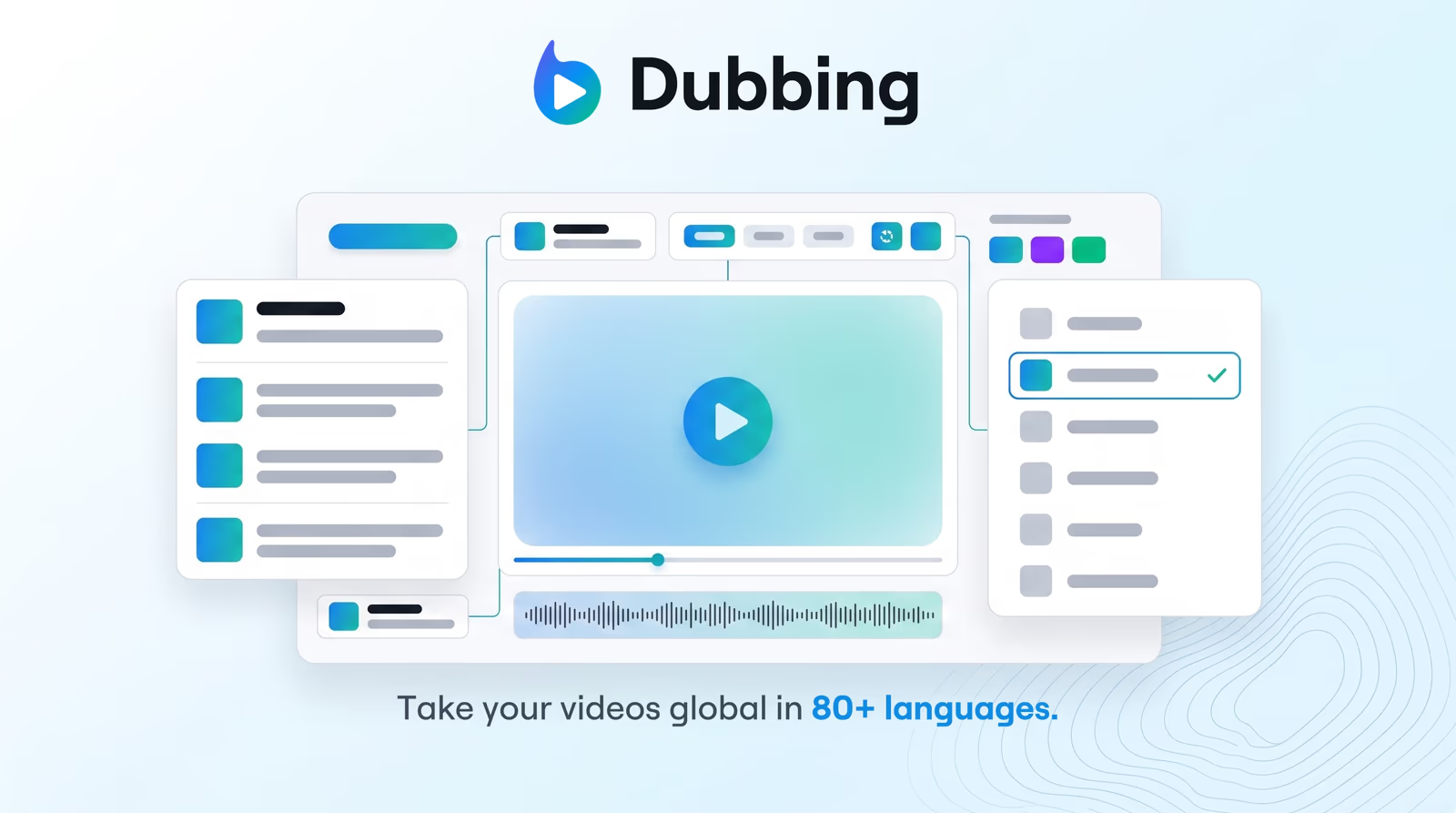
Upload a file or paste a YouTube URL, pick a target language, and generate a dubbed cut with cloned voice, editable transcript, and optional lip-sync. On Demand has no maximum video length and 1 hour of managed video; you pay with credits for the dubbing work you run. Credits purchased on On Demand do not expire.
How On Demand and plans compare
| Path | How you pay |
|---|---|
| Starter credits | Included when you create an account — enough to explore dubbing quality |
| On Demand | No subscription. Top up from $1 USD at $0.02 / credit. Pay only when you run jobs |
| Starter / Pro / Business | Monthly AI Credit allowance (600 / 2,700 / 5,400) plus cheaper usage-based rates if you go over |
Full limits (managed hours, languages, channels, Shorts, thumbnails) are on pricing. Regional pricing applies automatically.
Why teams use Braiv for online dubbing
Traditional localization means agencies, talent, and weeks of turnaround. Lightweight “free dubbing” tools often mean robotic voices or caps that block a real export. Braiv sits in the middle: professional voice cloning and an editor, with On Demand for one-off projects and subscriptions for ongoing catalogues.
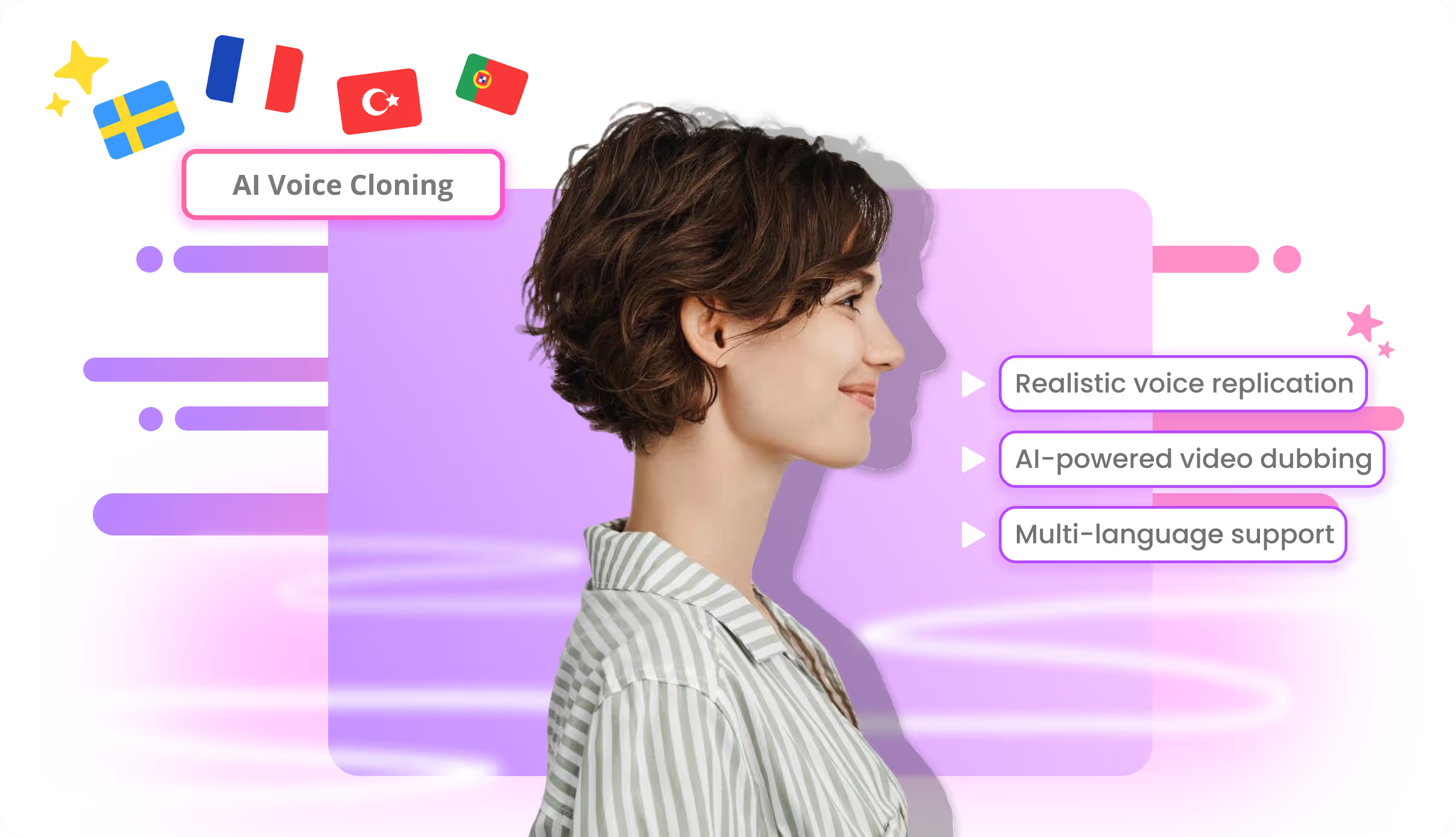
Voice cloning and editable transcripts
Speech synthesis keeps pitch, style, and pacing closer to the original speaker. Fix terminology in the transcript before you render so brand language stays consistent across markets.
Built to scale when you need it
When On Demand top-ups become routine, the same workspace supports multi-language catalogues, channel publishing, and higher plan limits — without migrating tools.
How to dub a video online (3 steps)
- Create your account — claim your starter credits and upload an MP4, MOV, WebM, or public YouTube link.
- Select target languages — choose a language and enable AI voice cloning.
- Refine, then top up or subscribe — edit timing or wording, export or publish; add On Demand credits or upgrade when you want more capacity.
Ready to hear a clip in your language? Create your account or compare On Demand vs plans on pricing.