
Integrar Braiv Player com Wordpress
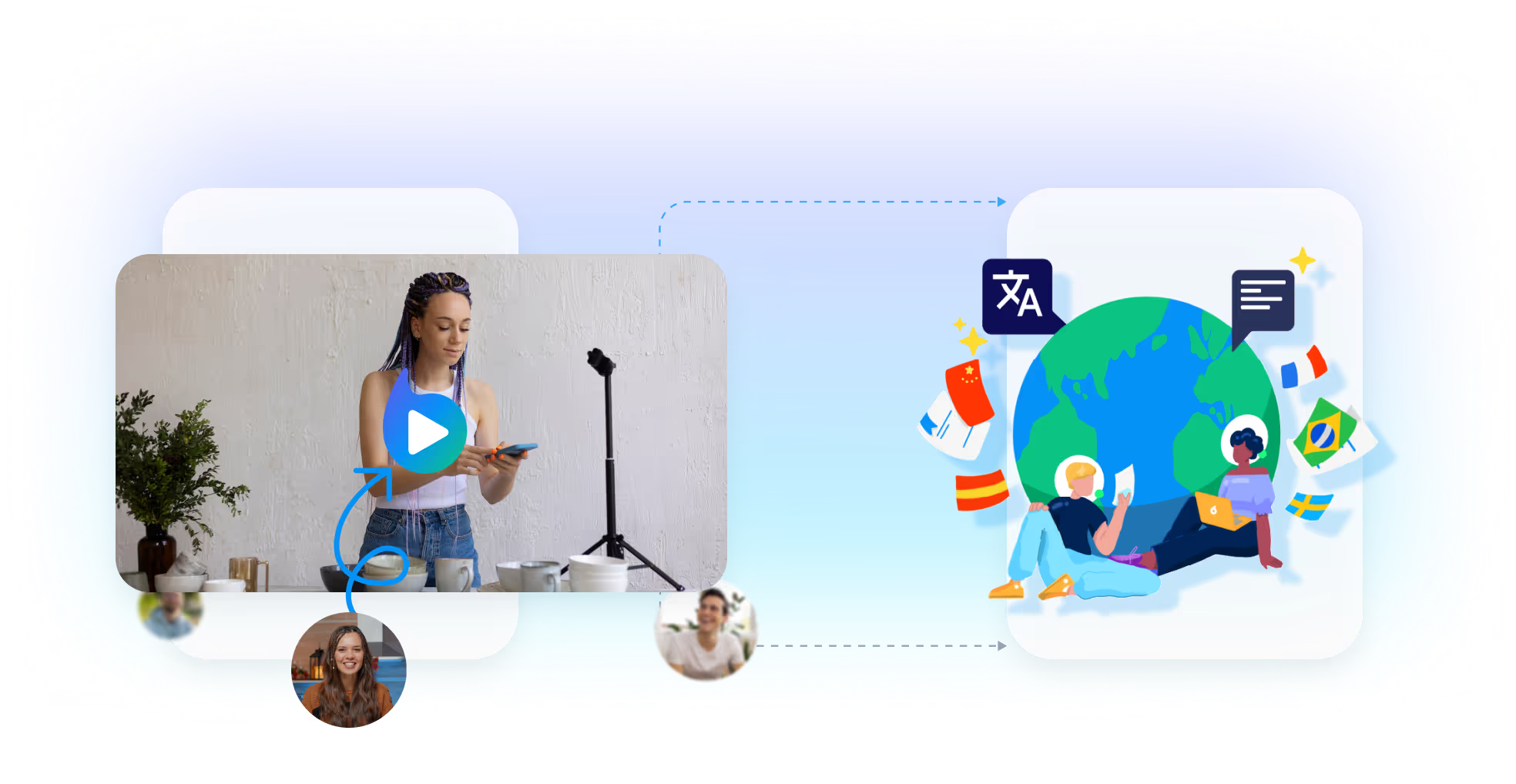
Leve vídeo multilíngue ao Wordpress com a integração do Braiv Player.
Como incorporar o Braiv Player no Wordpress em 3 passos
Step 1
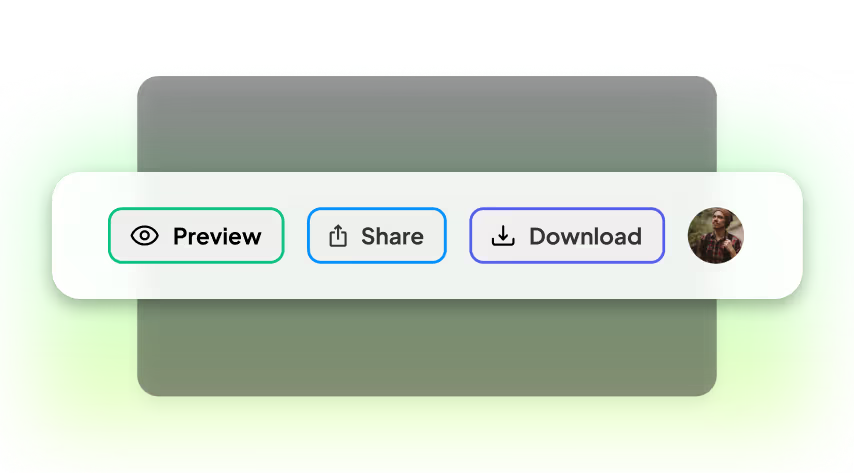
Locate and press the "Share" button
There are a few places within Braiv to share individual videos:
1. In the Edit interface, the Share button is at the top right.
2. In the Library interface, use the Share icon on any video thumbnail.
Click this to open the Share Sheet.
1. In the Edit interface, the Share button is at the top right.
2. In the Library interface, use the Share icon on any video thumbnail.
Click this to open the Share Sheet.
Step 2
Copy the embed code
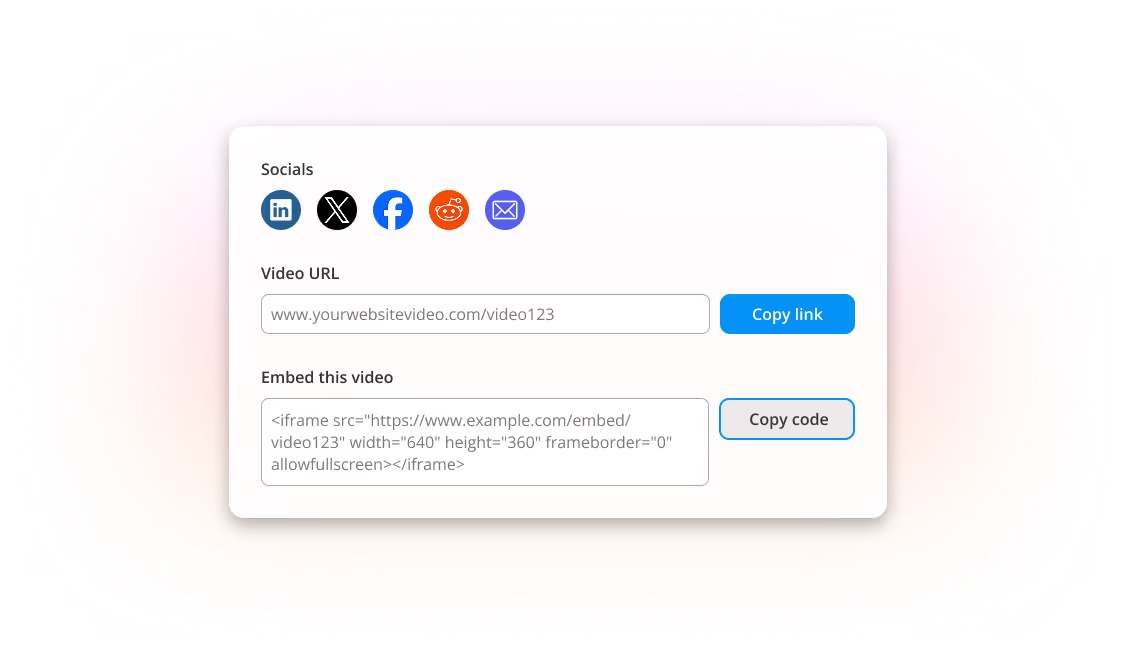
In the Share Sheet you will see multiple options, including Embed code.
Use Copy code to copy the Braiv Player embed code to your clipboard.
Use Copy code to copy the Braiv Player embed code to your clipboard.
Step 3
Paste the embed code into Wordpress
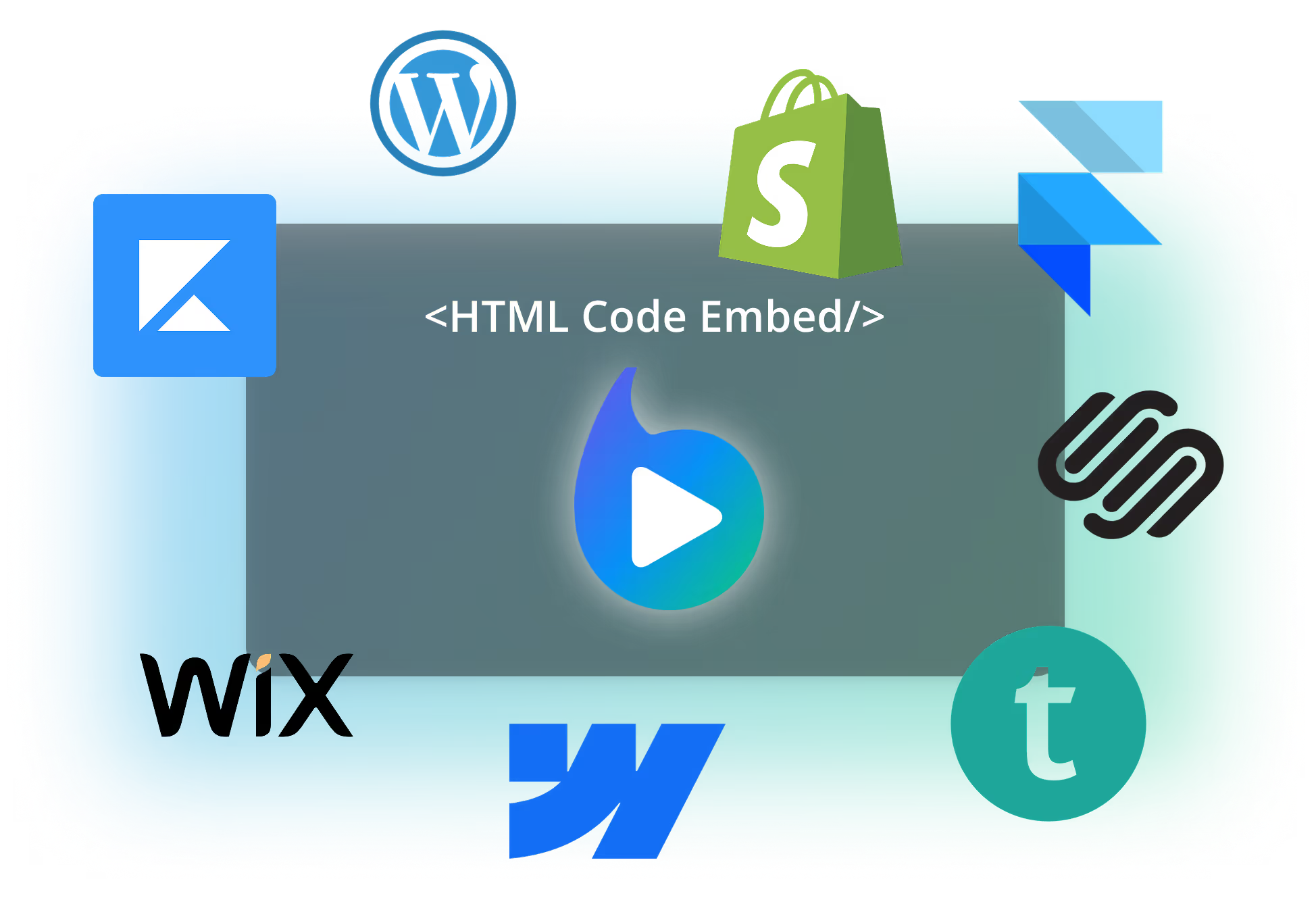
Within your CMS or LMS you can add Braiv Player via HTML custom code.
Paste the embed code where your lesson, page, or content block supports custom embed HTML and your multi-language videos will be available to viewers and learners.
Paste the embed code where your lesson, page, or content block supports custom embed HTML and your multi-language videos will be available to viewers and learners.
Recursos principais
Recursos criados para Impacto Global
integrationsPage.keyFeaturesDescription
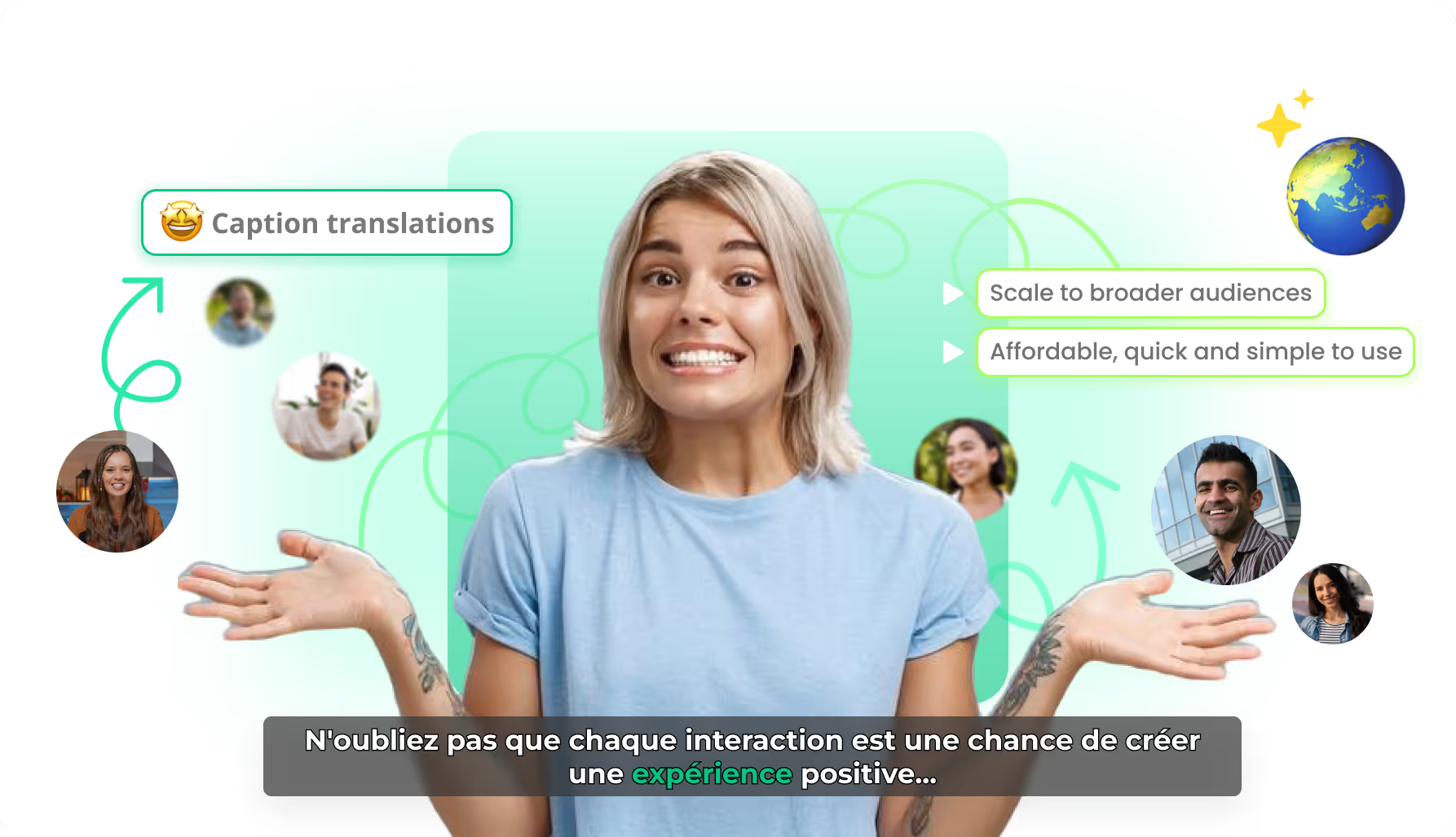
Tradução de legendas com IA
Localize o texto das legendas preservando timing e movimento karaokê — para que cada mercado receba legendas gravadas com cara nativa, não uma edição reconstruída.
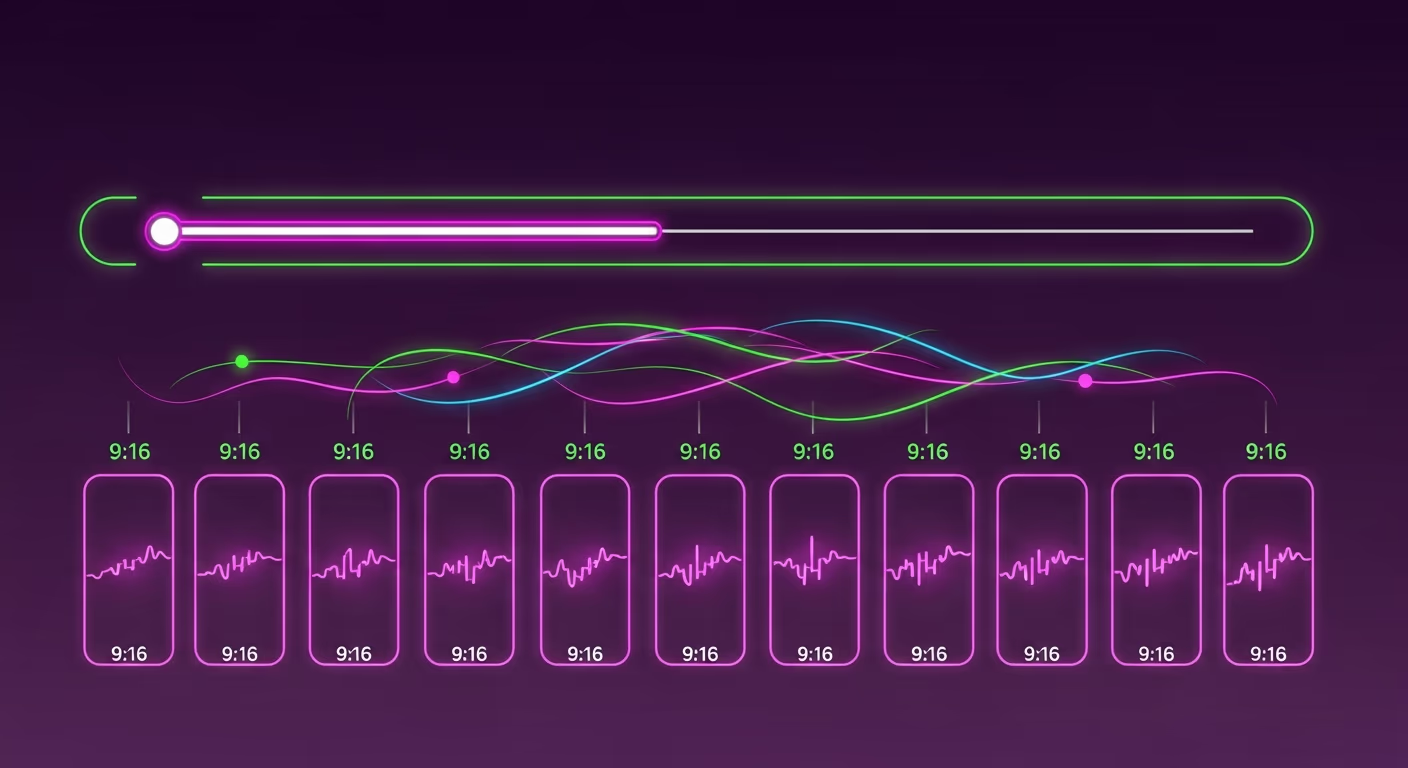
Clipes de vídeo independentes com IA
A Braiv encontra limites narrativos em webinars e podcasts e exporta clipes autossuficientes com início, meio e fim claros — cada um pronto para publicar como um vídeo próprio.
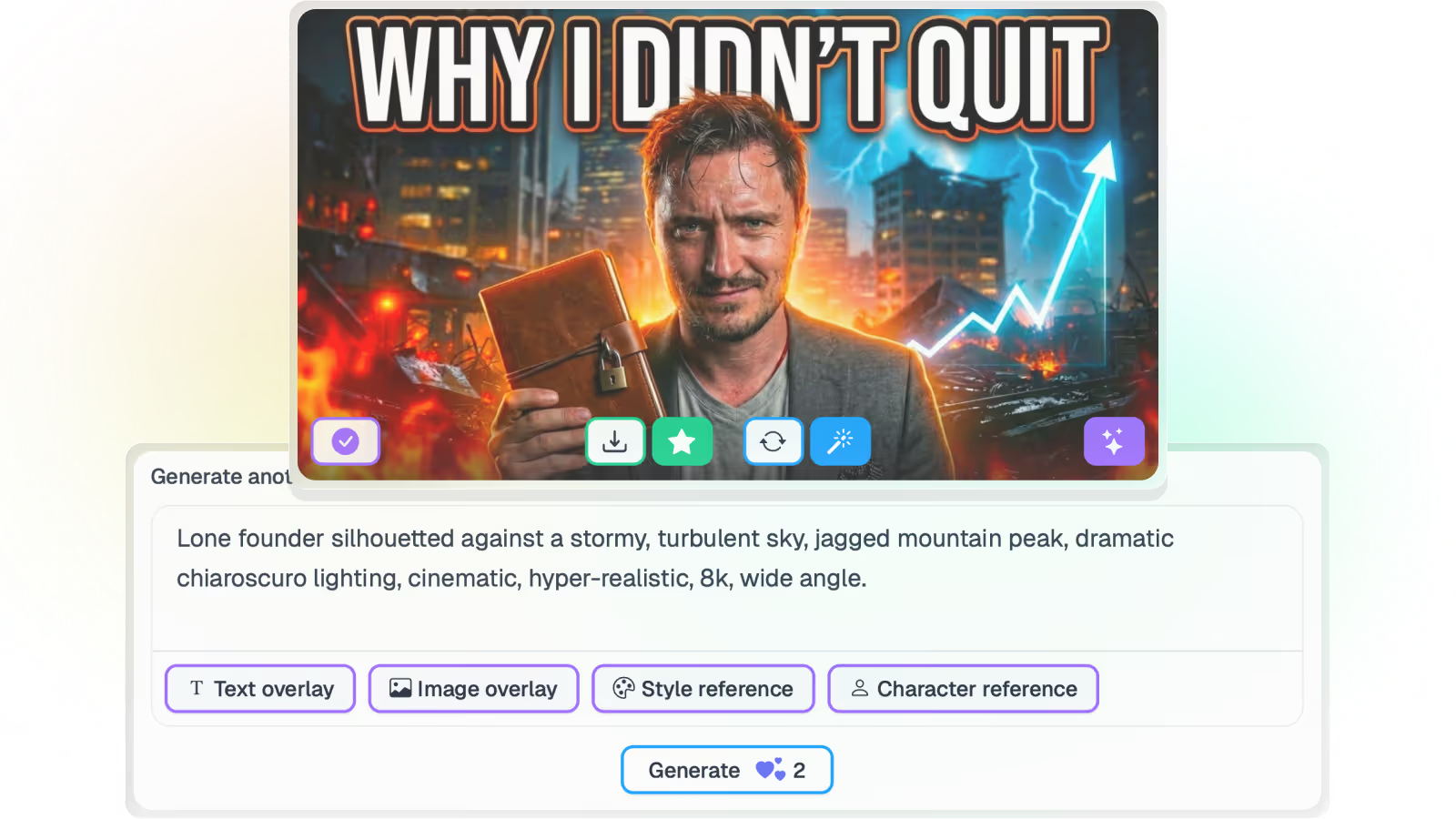
Gerador de miniaturas com IA para YouTube
A Braiv lê a transcrição e os frames e propõe conceitos de miniatura alinhados à marca — sem prompts, sem Photoshop e sem reassistir o arquivo para descrevê-lo.
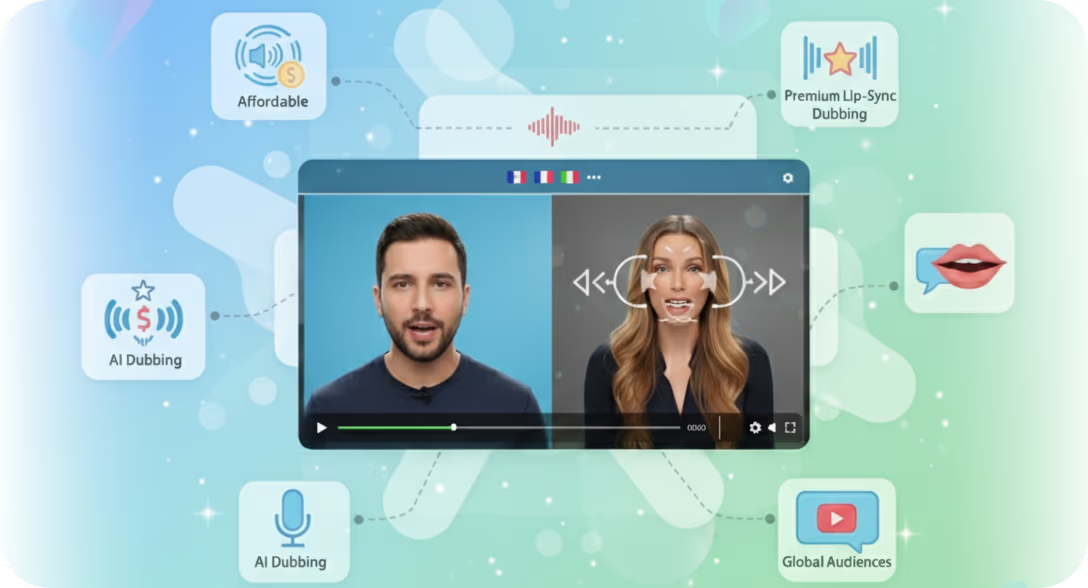
Sincronia labial com IA para vídeo dublado
A sincronia labial com IA opcional remodela o movimento da boca na tela à nova faixa de áudio — para que vídeo falando para a câmera localizado pareça filmado no idioma de destino, não dublado por cima.
Pronto para empacotar e publicar seu próximo vídeo?
Junte-se a mais de 100.000 criadores ampliando seu alcance com a Braiv.
Ganhe 150 créditos de IA ao se inscrever hoje.
Frequently asked questions
Can I embed Braiv Player in any CMS or LMS?
Braiv Player can be embedded in most platforms that support custom HTML or embed blocks, including popular CMS and LMS tools.
Do embedded players keep multilingual options enabled?
Yes. Your embedded Braiv Player retains multilingual playback, captions, and viewer controls configured in Braiv.
Can I update a video without changing embed code?
Yes. In most cases, once the embed code is placed, updates in Braiv are reflected automatically without replacing code on your site.
Is there a performance impact when embedding Braiv Player?
Braiv Player is optimized for web embedding and streaming delivery. Final performance also depends on your site setup and user network conditions.