
Translate Video English to Hindi
An AI English to Hindi video translator automatically converts and dubs spoken audio into Hindi while preserving the original speaker's voice.
How to translate your English video to Hindi
Step 1
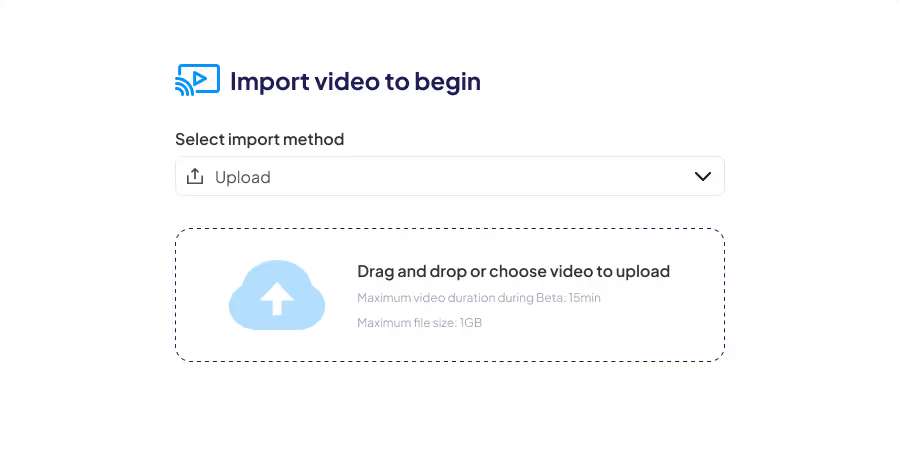
Upload or import a video to Braiv
Simply click New Video to begin the import process. You can currently import via computer upload, YouTube, or Dropbox.
Step 2
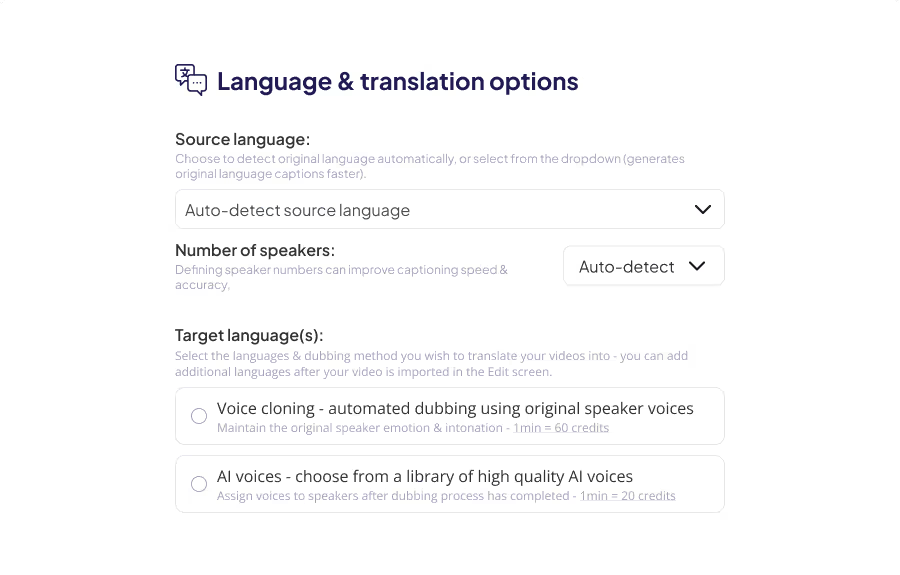
Choose the target languages for translation
Set source language, speakers, dubbing options, and choose the translation destination language.
Set the source language to
English
Set the target language to
Hindi
Step 3
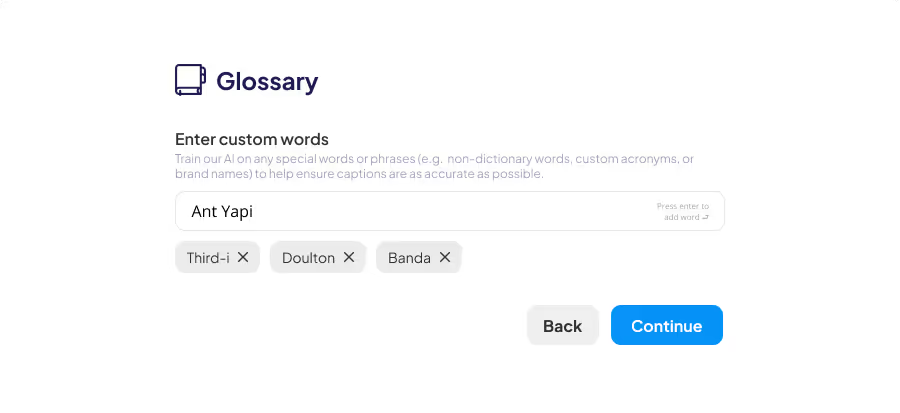
Set custom words
Add custom words (acronyms, company names, product terms) to improve transcription and translation accuracy.
Reaching the massive Hindi-speaking audience has never been easier. With Braiv’s AI-powered video translation, you can convert your English content into Hindi in just minutes.
Our advanced voice cloning technology ensures your original tone and emotion are preserved, while our lip sync feature matches the on-screen speaker perfectly to the new Hindi audio.
Why Translate Video English to Hindi?
- Massive Audience: India has hundreds of millions of Hindi speakers actively consuming video content.
- High Engagement: Localized content consistently outperforms subtitled-only content in retention and click-through rates.
- Perfect Sync: Edit your Hindi transcripts manually for perfect accuracy, then apply AI lip sync for a flawless viewer experience.
Explore Braiv Lipsync to see how we make dubbed videos look completely natural.
Key Features
Features Built for Global Impact
Discover how Braiv simplifies video localization and unlocks global accessibility to save time, reduce costs, and expand reach.
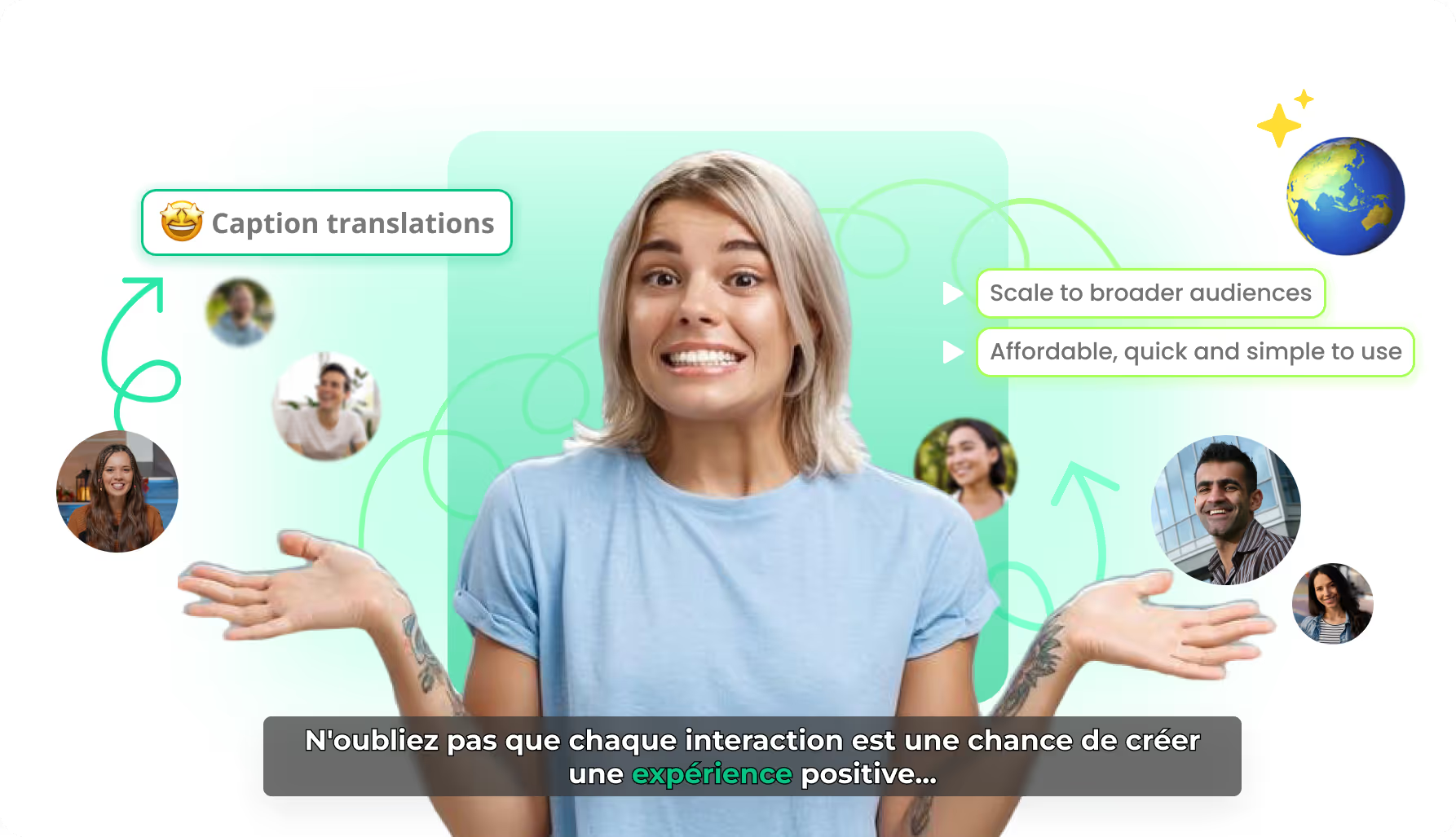
AI caption translation
Localize caption text while preserving timing and karaoke motion — so every market gets a native-feeling burn-in, not a rebuilt edit.
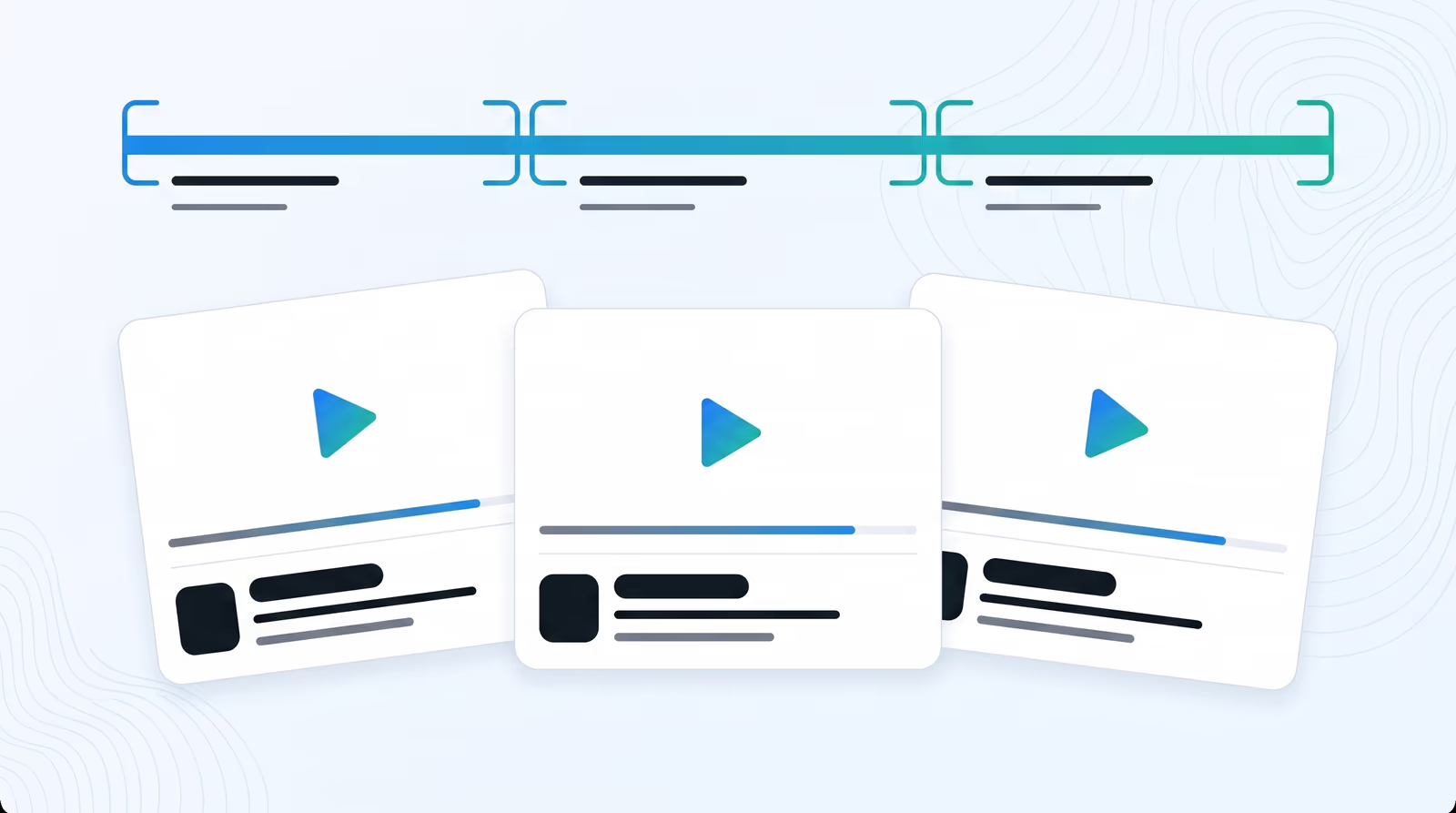
Standalone AI video clips
Braiv finds narrative boundaries in webinars and podcasts, then exports self-contained clips with a clear beginning, middle, and end — each ready to publish as its own video.
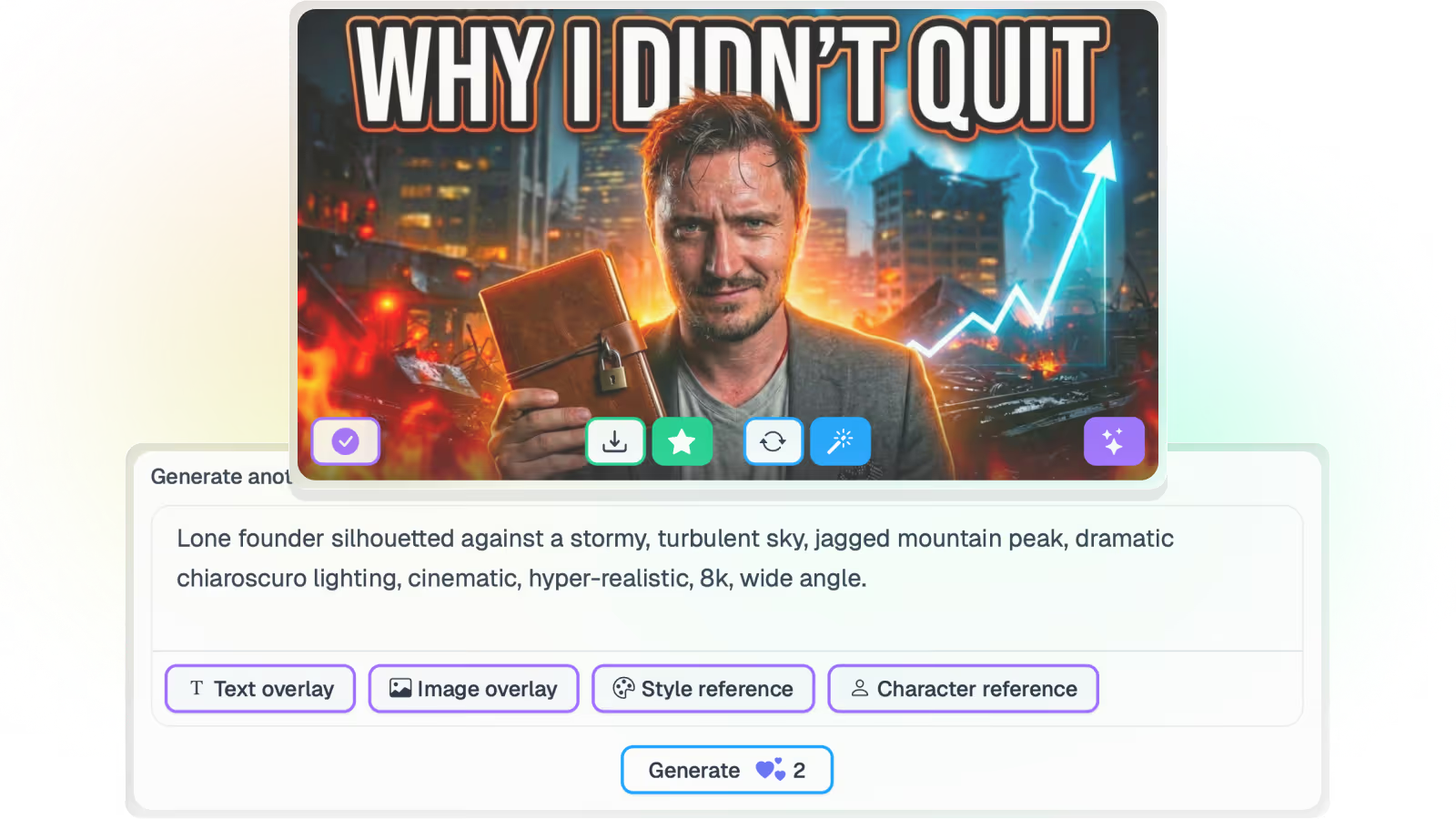
AI Thumbnail Generator for YouTube
Braiv reads the transcript and frames, then proposes on-brand thumbnail concepts — no prompts, no Photoshop, and no rewatching the archive to describe it.
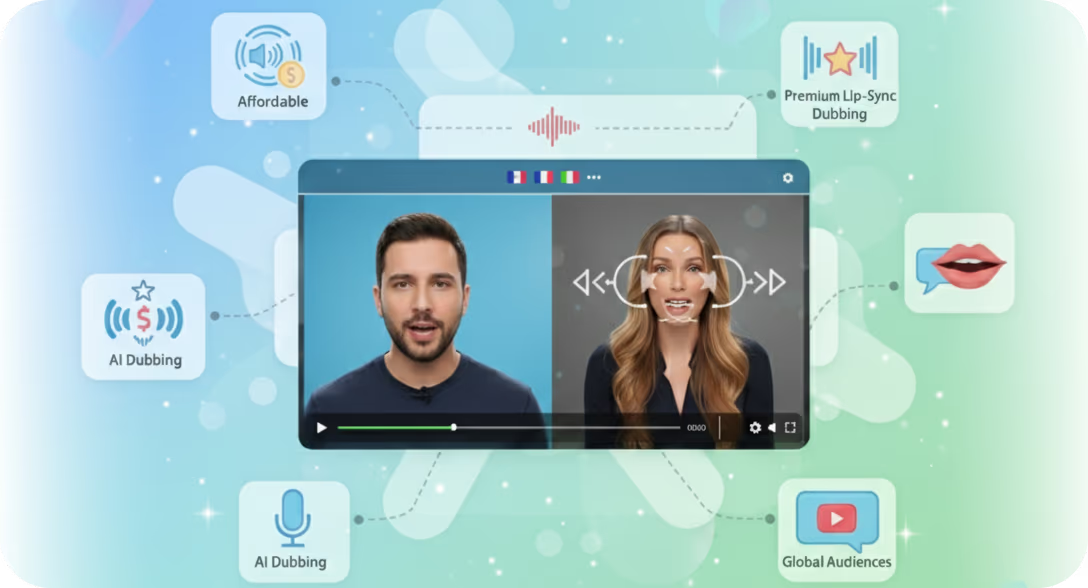
AI lip sync for dubbed video
Optional AI lip sync reshapes on-screen mouth movement to the new audio track — so localized talking-head video feels filmed in the target language, not overdubbed.
Take your online videos from local to a global reach
Let Braiv revolutionize your approach to video content delivery, ensuring maximum reach, accessibility, and engagement.
Frequently asked questions
How long does video translation take?
Most short-form videos are translated and dubbed in minutes. Processing time depends on video length, source quality, and number of target languages.
Can I edit transcripts and translated captions?
Yes. You can review and edit source transcripts and translated captions before publishing to ensure your final video matches your preferred wording and tone.
Can I preserve my brand voice across languages?
Absolutely. Braiv supports AI voices and voice cloning workflows so you can keep your content tone consistent across multiple languages.
How many languages can I translate into?
Braiv supports 80+ languages and continues to expand. You can translate one video into multiple target languages in a single workflow.