
Spanish to English Video Translation
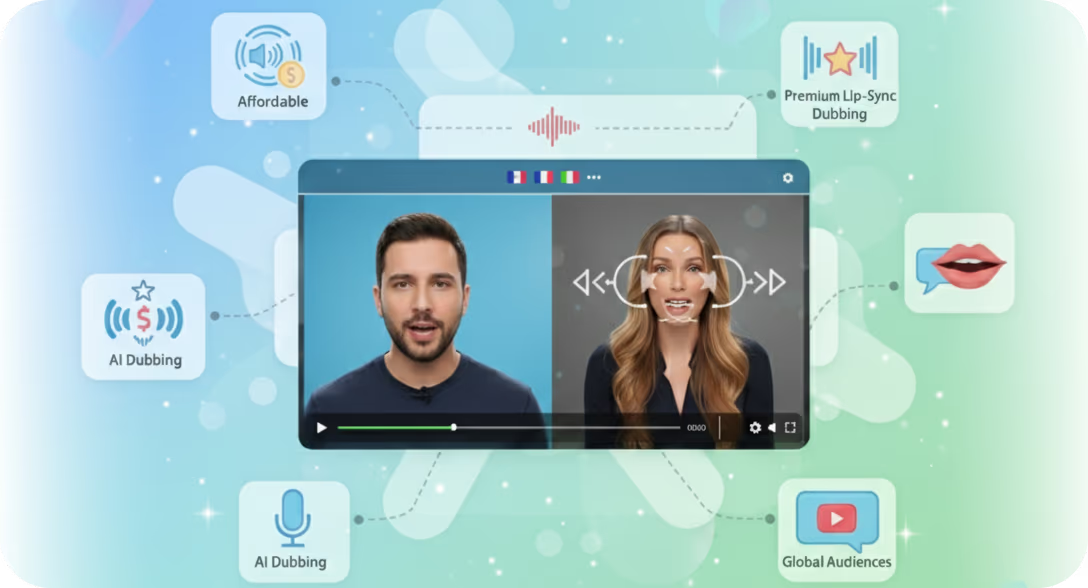
The most effective way to translate Spanish video to English is by using an AI-powered dubbing and voice cloning platform like Braiv. Instead of relying on manual translation agencies or hard-to-read subtitles, AI preserves the original speaker's emotional tone, pacing, and nuances, seamlessly dubbing the Spanish audio track into fluent English to immediately engage global audiences.
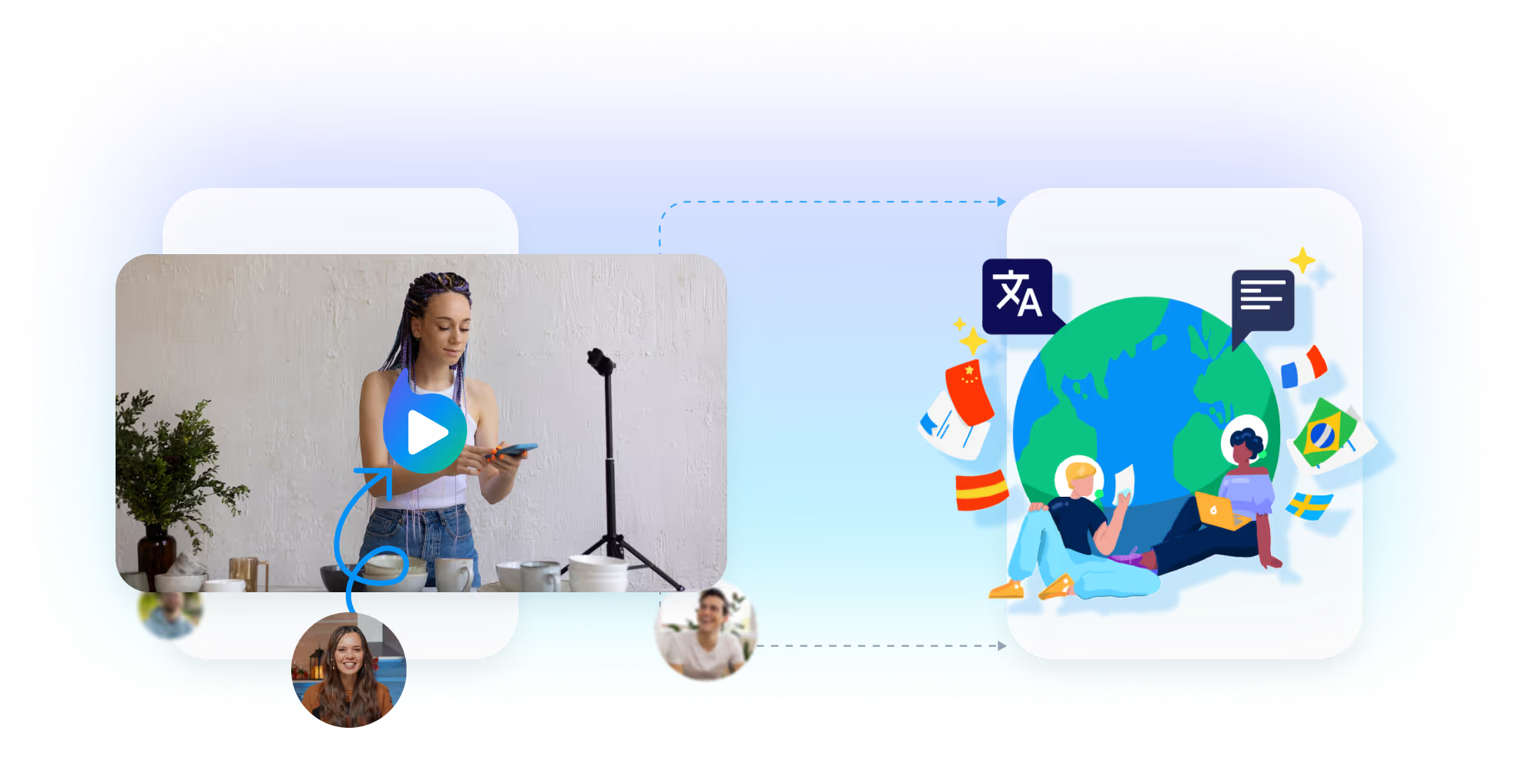
How to translate Spanish to English in 3 steps
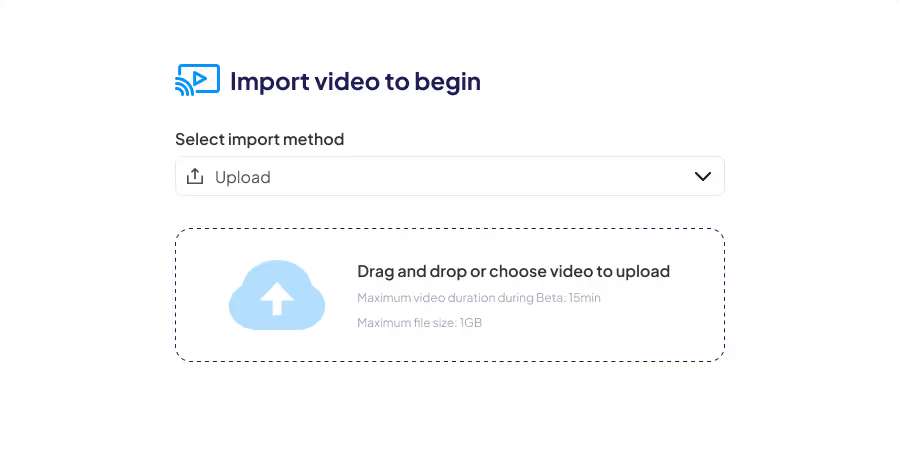
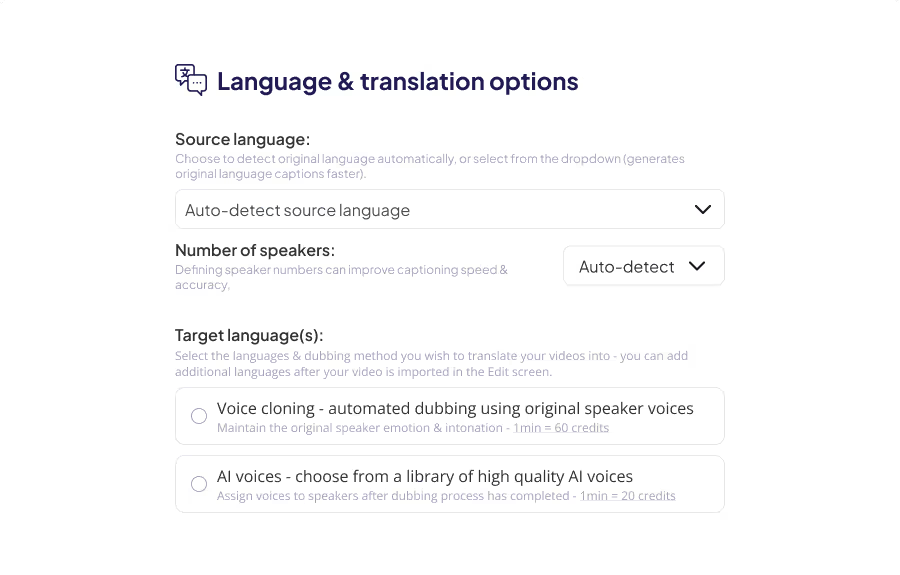
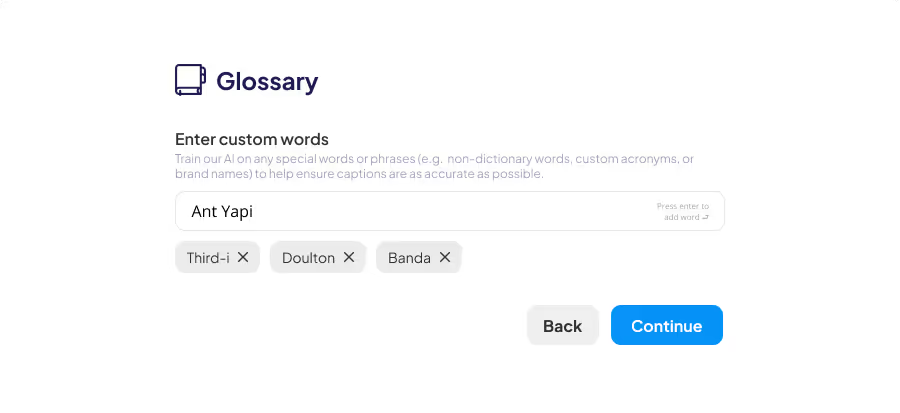
Break the Language Barrier with AI
Historically, localizing Spanish media into English required massive budgets for voiceover studios or settling for disjointed subtitles that hurt viewer retention. With Braiv's generative AI dubbing, you provide a fully immersive, native-sounding experience.
Voice Cloning
Our AI captures your unique vocal identity, maintaining your brand's true voice and authenticity across global markets.
Emotion Preservation
Pacing and tone are matched perfectly. If you sound enthusiastic in Spanish, you will sound equally passionate in English.
No More Subtitles
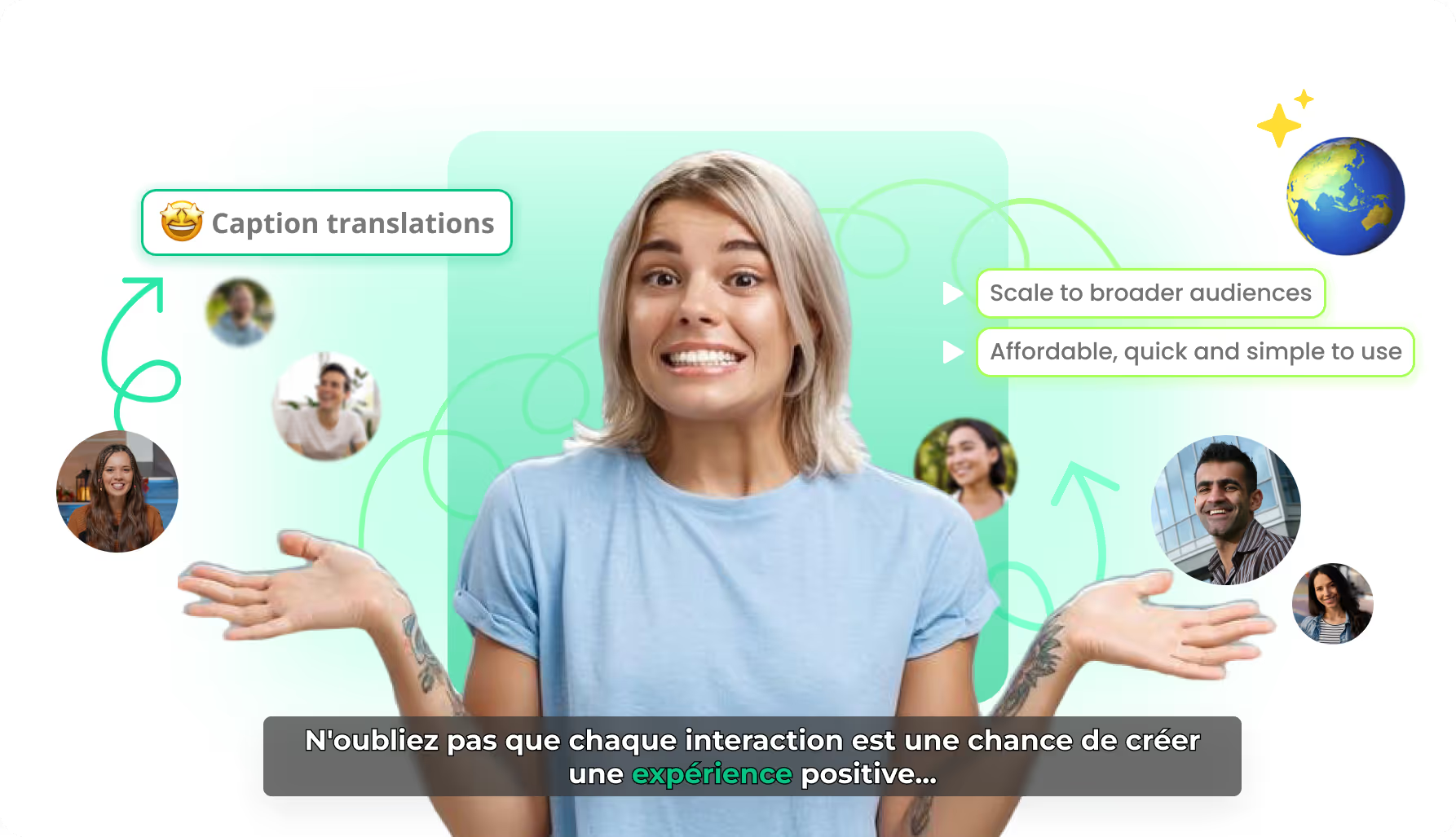
Stop relying on overlaid text that distracts viewers from your visual content and ultimately hurts overall audience retention.
Strategic Benefits of Localizing
Tap into the largest digital market in the world. English-speaking viewers dominate global consumption metrics on platforms like YouTube, TikTok, and corporate learning management systems.
Accelerated Speed to Market
Turn around high-fidelity English versions of your Spanish videos in minutes rather than weeks. This drastically reduces production bottlenecks and allows your team to publish concurrently across all major language channels without delay.
SEO & Organic Discoverability
Expand your organic footprint across global search engines. By serving native audio tracks, you increase viewer watch time and engagement signals—the primary metrics algorithms use to rank content.
Full-Stack Global Optimization
In 2026, dropping an English audio track on an Spanish video isn't enough. True localization requires full-stack optimization.
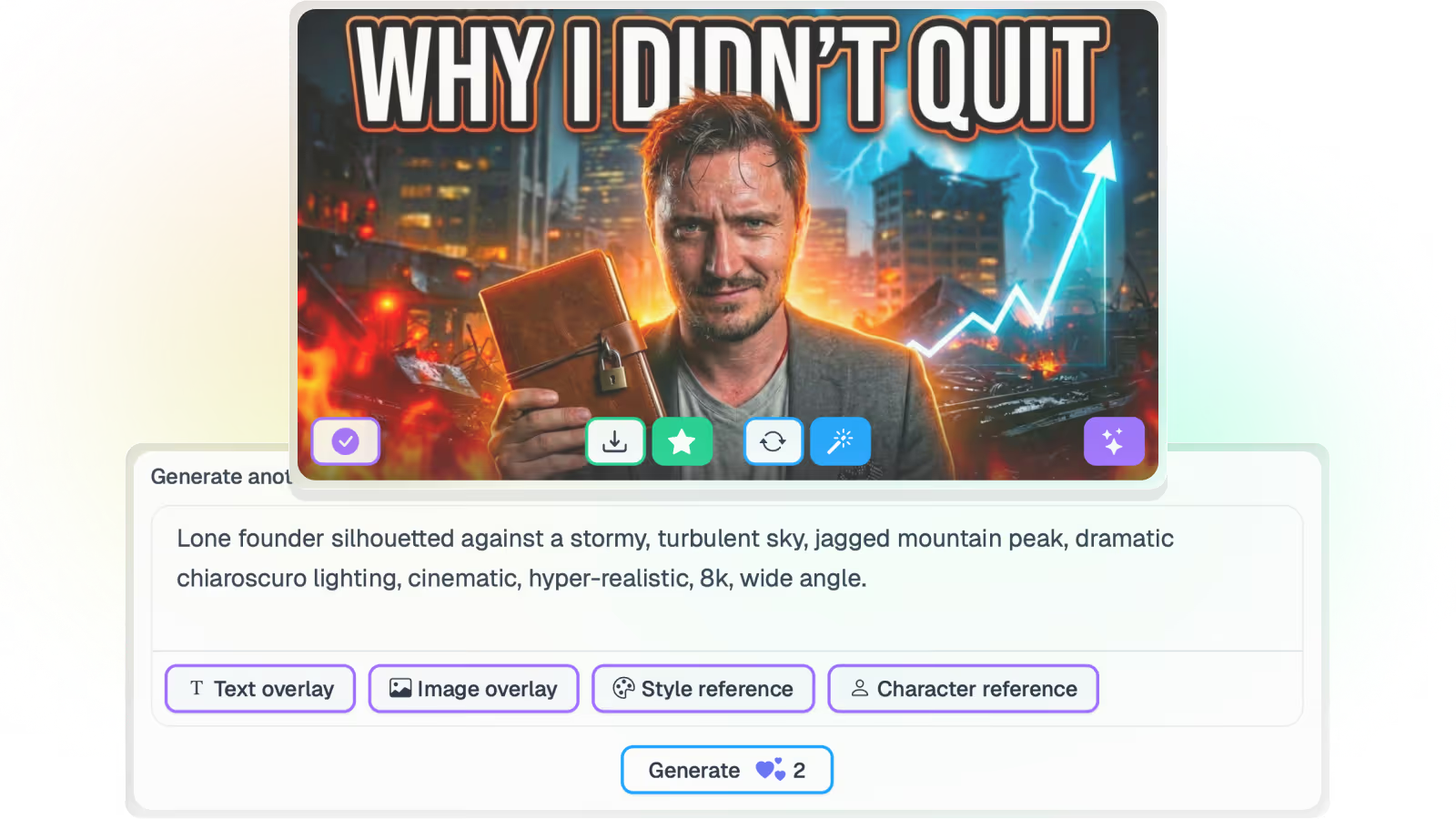
Braiv automatically translates your titles, descriptions, and on-screen metadata alongside your audio, generating complete SEO-optimized packages designed to conquer the YouTube and Google algorithms in English-speaking regions.
Features Built for Global Impact
Take your online videos from local to a global reach
Let Braiv revolutionize your approach to video content delivery, ensuring maximum reach, accessibility, and engagement.