Why brand on the player matters
A generic player tells the viewer they left your product. For courses, corporate training, and premium creator content, that break is expensive: attention drifts to suggested videos, ads interrupt the lesson, and the chrome reminds everyone the video lives somewhere else.
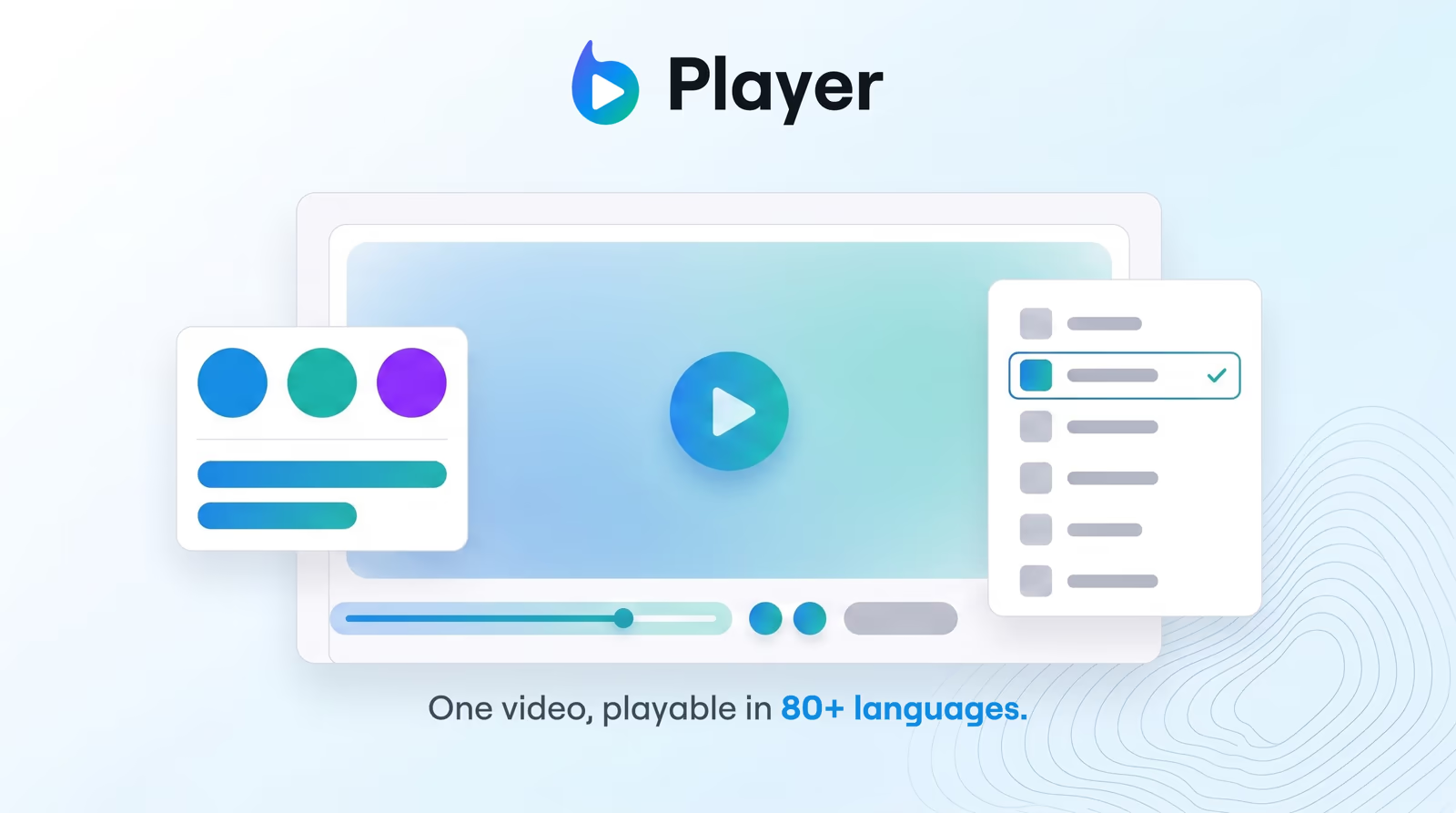
Braiv Player is the opposite job. The embed should feel native — same logo, same colors, same focus — so the video is part of the page, not a rented window into another platform.
Ad-free by design
Free hosting platforms monetize the viewer. Pre-rolls, mid-rolls, and end-screen recommendations are the product. That model fights training completion and product demos.
Braiv Player delivers your content without third-party ads or suggested-video distractions. Learners finish the module. Customers stay on the tour. You keep the session.
Embed once, match the surface
Drop in a lightweight iframe. The same branded player works on marketing sites, docs, and LMS libraries. You are not rebuilding a player per platform — you brand once and embed where the content already lives.
For global libraries, pair branding with multilingual hosting so one package carries dubbed audio and captions without shipping ten separate files.
Language without losing the brand
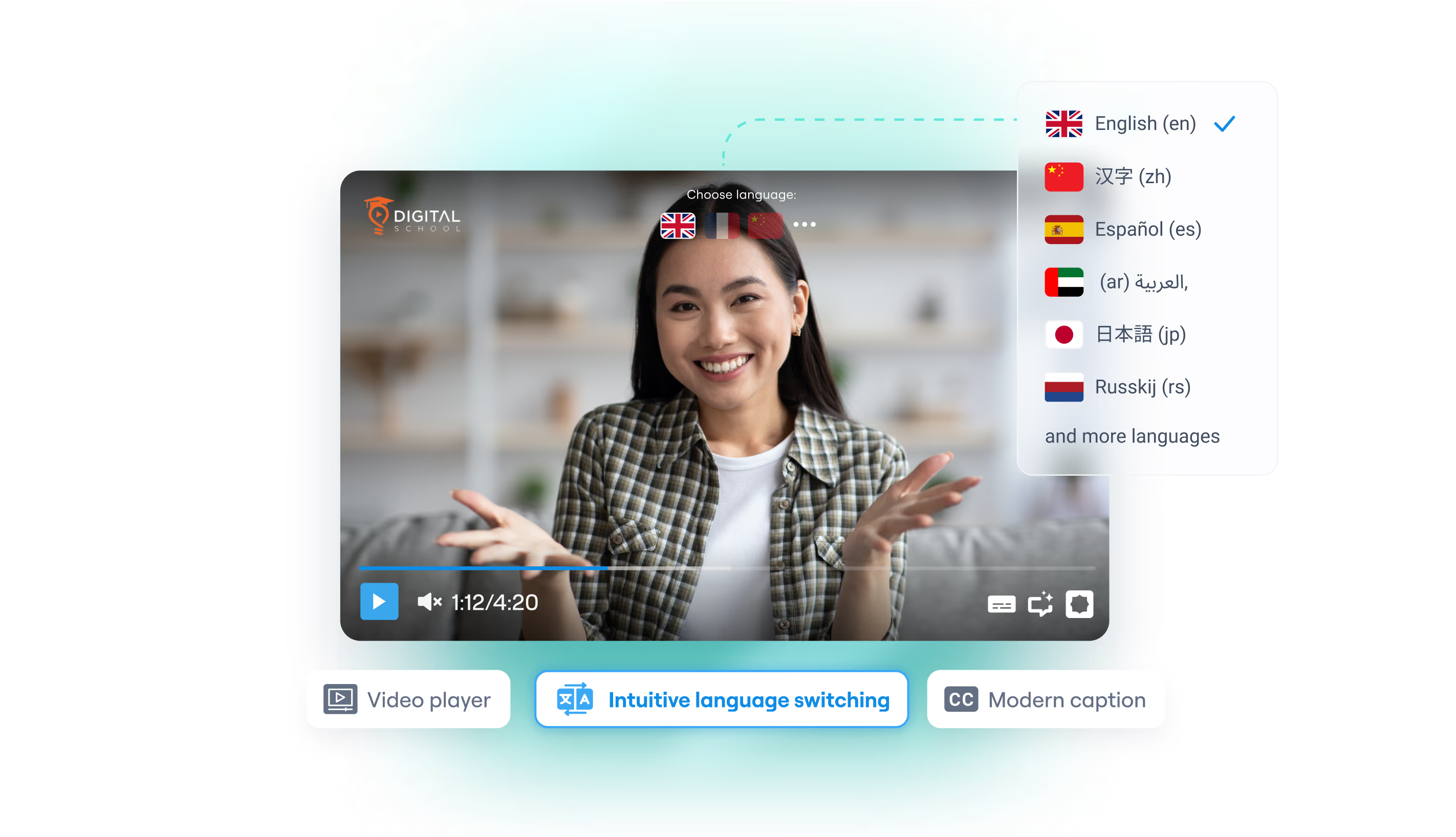
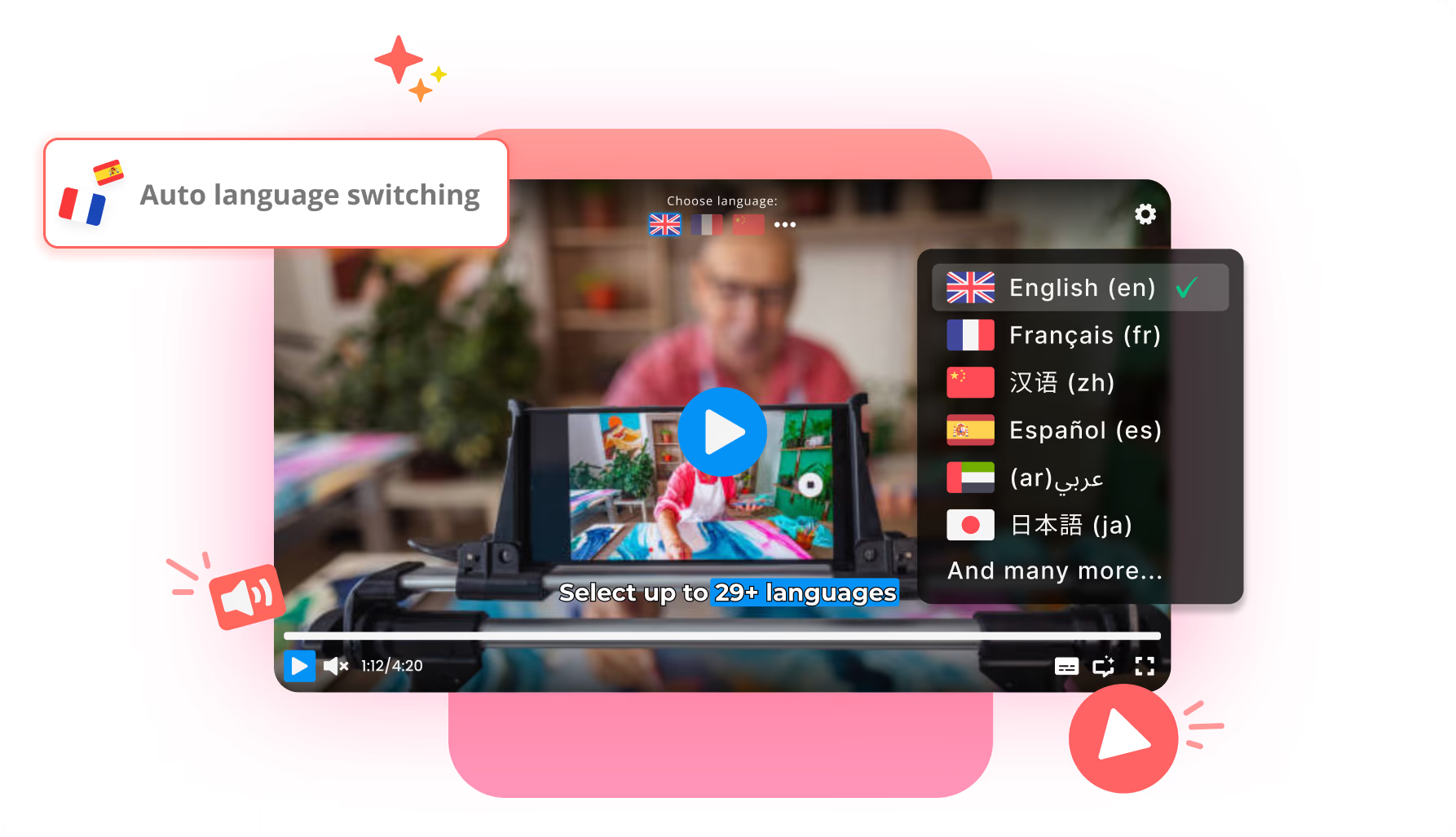
Customization does not stop multilingual delivery. Viewers can still switch dubbed audio and subtitles live, or inherit a default from automatic language switching. The brand chrome stays; only the language experience changes.
Tracks usually come from Braiv Dubbing and captions on the same subscription.
Where this sits in Braiv Player
This is the branding attribute inside Braiv Player. The same product also covers multilingual video hosting and automated language switching. Plan and credit detail on pricing.