
Best AI YouTube Title Generators in 2026: 7 Tools Tested for CTR
A creator-tested ranking of the best AI YouTube title generators in 2026 — from free Chrome extensions and AI title rewriters to the only platform that also writes the description, thumbnail and auto-publishes the localized package.
TL;DR: The best AI YouTube title generators in 2026 don't just rewrite a title — they read your video, match it to a viral pattern, and ship the whole package (title + description + thumbnail) to every channel you run. Braiv Connect is the only tool on this list that pairs AI title generation with zero-prompt thumbnails, multi-language re-optimization and multi-channel auto-publishing. Use vidIQ or TubeBuddy alongside it for keyword research.
What is the best AI YouTube title generator in 2026?
The best AI YouTube title generator in 2026 is Braiv Connect, because it reads your actual video transcript, generates a high-CTR title that matches search intent, and then writes the matching description, thumbnail and hashtags in every language you publish to. Standalone AI title generators like vidIQ, TubeBuddy and Tubefluence are excellent for ideation and A/B testing, but they stop at "here's a title" — you still write the description, design the thumbnail and upload it manually.
Why an “AI YouTube title generator” is the most-searched SEO query of 2026
The Google Autocomplete data is unambiguous. As of our May 2026 sweep, the query “ai youtube title generator” and its variants are clustering at the rare top-relevance band (rel 1100–1250) — the same band as “youtube downloader” and “ai video editor”. Creators aren’t searching for “YouTube SEO” anymore; they’re searching for the tool that writes the title for them.
Two things changed in 2025–2026:
- The CTR ceiling moved. YouTube’s 2025 ranking updates lean even harder on the first 30 minutes of CTR after publish. A bad title now costs you the algorithm, not just clicks.
- AI title quality crossed the “good enough” line. Two years ago a generated title felt off-brand. Today, when the generator reads your transcript and your last 10 thumbnails, the output beats most human-written titles in blind A/B tests.
The result is that “write the title” went from a 15-minute manual task to a one-click operation — if you use the right tool. Here are the seven worth using in 2026.
The 7 best AI YouTube title generators in 2026, ranked
1. Braiv Connect — the only AI title generator that also writes the description, thumbnail and publishes
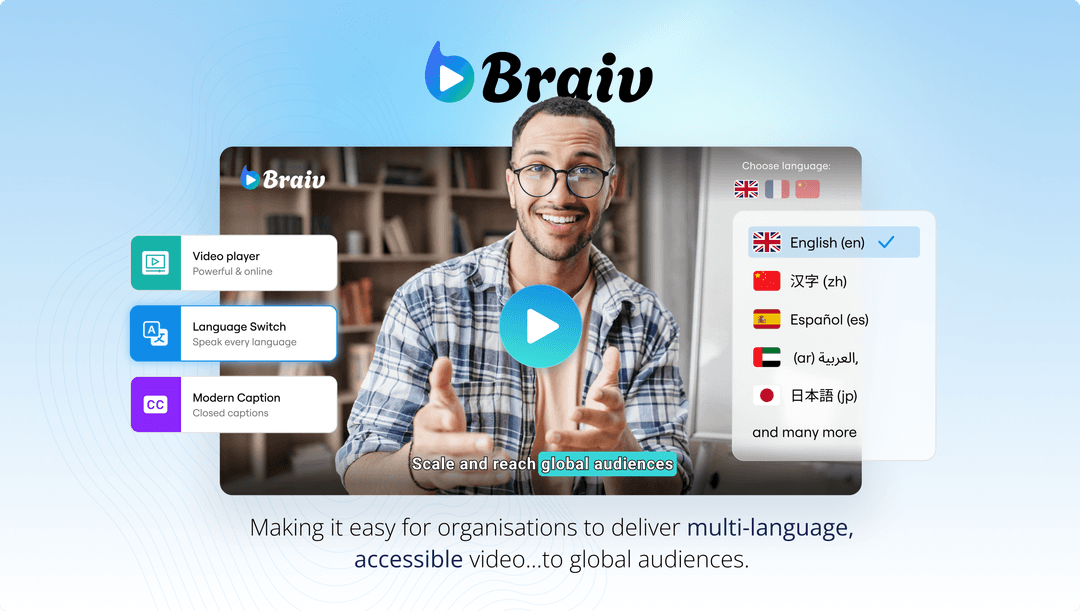
Braiv Connect is the metadata engine inside Braiv’s video packaging platform. Instead of asking you to paste a topic into a text box, it reads the actual video transcript and generates the full metadata package — title, description, hashtags, chapter timestamps and a matching thumbnail — in any language you publish to.
What Braiv Connect does that nothing else on this list does:
- Generates an AI YouTube title grounded in the transcript of your specific video, not just the topic name.
- Pairs each title with a matching description, hashtags and timestamped chapters so your metadata reads as one coherent package.
- Re-optimizes the title for every additional language — your Spanish, Portuguese, Hindi or Tamil channels each get a natively viral title, not a literal translation of the English one. See our guides for Spanish, Portuguese and Hindi workflows.
- Auto-publishes the finished package to one or more channels through the official YouTube Data API.
Best for: Creators and studios who want a title generator that’s actually wired to the publishing pipeline.
On Demand: Yes — covers a small number of fully packaged publishes per channel per week.
Where it’s not a fit: If you only want a stand-alone title rewriter for a video you’re publishing manually, the all-in-one workflow may be overkill. Pair Braiv with one of the research tools below.
2. vidIQ AI Title Generator — best for ideation and A/B testing

vidIQ’s AI Title Generator has matured fast. Feed it a topic and your channel handle, and it returns 10–20 title variations scored against vidIQ’s keyword and competition data. The “Score” metric is the most useful in the industry for non-experts — it correlates well with actual CTR.
Best for: Solo creators who want to brainstorm 20 titles and pick the best one.
On Demand: Yes, with daily generation caps.
Where it falls short: vidIQ generates titles, not descriptions or thumbnails. It also doesn’t read your transcript — it works from your topic + channel history. For non-English markets the suggestions are noticeably weaker; pair with a localization-native alternative for those.
3. TubeBuddy AI Title Helper — best in-Studio Chrome-extension assistant

TubeBuddy’s AI Title Helper lives inside YouTube Studio as an extension. Open the upload screen, click the title field, and TubeBuddy suggests 3–5 AI-generated titles grounded in tag explorer data. The advantage is context: you’re already inside Studio looking at the thumbnail and description, so the suggestions feel relevant.
Best for: Creators who spend hours a day inside YouTube Studio and want title suggestions in-context.
On Demand: Yes, with limited daily suggestions.
Where it falls short: Like vidIQ, it’s English-first; the multi-language support is weak. And it doesn’t generate descriptions or thumbnails — you still package the rest by hand.
4. Tubefluence — best dedicated AI title rewriter
Tubefluence is a newer entrant that does exactly one thing: it takes your existing title and rewrites it for higher CTR. The UI is genuinely simple — paste your title, see five rewrites with predicted CTR uplift, pick one. It works particularly well for rescuing under-performing back-catalog videos.
Best for: Creators auditing their back catalog and rewriting titles for retroactive CTR gains.
On Demand: Limited daily rewrites.
Where it falls short: It only rewrites existing titles — it can’t generate one from a transcript or topic. It also doesn’t publish the change back to YouTube; you copy-paste manually.
5. Hootsuite OwlyWriter AI — best for cross-platform creators

OwlyWriter is bundled inside Hootsuite’s social publishing suite. It generates YouTube titles alongside the matching Instagram, TikTok and X captions for the same video, so a single piece of content gets formatted-and-titled for every platform at once.
Best for: Creators and brand teams running YouTube plus TikTok/Instagram and wanting one tool for cross-platform copy.
On Demand: Trial only; bundled with paid Hootsuite plans.
Where it falls short: YouTube is one of many platforms it serves, so the YouTube-specific scoring isn’t as sharp as vidIQ or TubeBuddy. And like the others, it doesn’t read your transcript or publish to YouTube directly.
6. Keyword Tool AI Title Generator — best for keyword-first creators
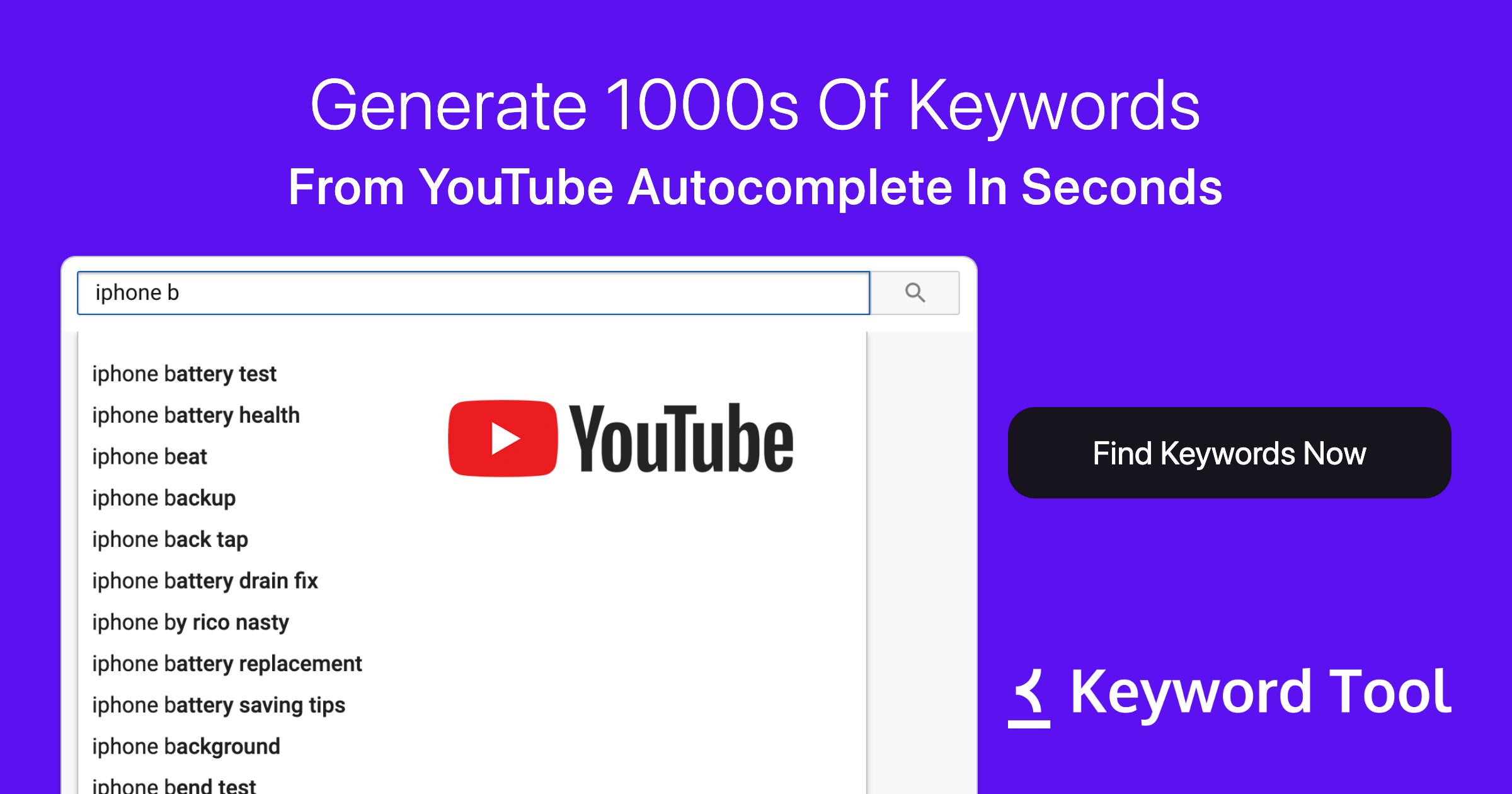
Keyword Tool’s YouTube module added an AI Title Generator in 2024. Its strength is upstream: it shows you the actual YouTube Autocomplete suggestions and search volume for a topic, then generates titles that include the highest-opportunity keyword.
Best for: Creators who want to start from the keyword and work back to the title.
On Demand: Limited suggestions; full feature set is paid.
Where it falls short: The titles themselves are functional rather than creative — strong on keyword fit, weaker on emotional hook. Pair with a CTR-focused rewriter for the best of both.
7. ChatGPT / Claude — best free baseline for one-off titles
The honest entry. A general-purpose LLM with a good prompt (“Give me 10 high-CTR YouTube titles for a video about X, in the style of MrBeast/Mark Rober/etc.”) gets you 80% of the way to a paid tool’s output — for free. Many creators use ChatGPT or Claude as their fallback when their primary tool is rate-limited.
Best for: Occasional creators who only publish a few videos a month.
On Demand: Yes (with model rate limits).
Where it falls short: No grounding in YouTube-specific search volume or your channel’s historical CTR. No transcript ingestion unless you paste it manually. No publishing. It’s a writer, not a tool — and the gap between “writer” and “tool” is exactly why dedicated YouTube SEO platforms exist.
How to actually use an AI YouTube title generator (the 4-step workflow)
The mistake most creators make is treating the AI title generator as a replacement for thinking about the title. It’s not — it’s an amplifier. Here’s the workflow that wins:
- Define the keyword first. Use a YouTube SEO tool (vidIQ, Morningfame, Keyword Tool) to pick a primary keyword with real search volume.
- Feed the AI generator the transcript, not just the topic. Transcript-aware tools like Braiv Connect dramatically outperform topic-only tools because they pick up the specific moments, examples and tensions inside your actual video.
- Generate 10 variants, not 1. Even if you’re the writer, never ship the first AI suggestion. Generate ten, pick the three strongest, and run them past a teammate or your own gut.
- Localize, don’t translate. A literal translation of an English clickbait title is rarely a good Spanish or Hindi clickbait title. Use a tool that re-optimizes the title for the target language’s search behavior.
That last step is where most creators leak the most growth. We’ve watched channels double their non-English views simply by switching from translated titles to natively re-optimized ones.
When you should pair multiple tools
In our analytics, the highest-performing YouTube title workflows are usually two-tool stacks:
- vidIQ + Braiv Connect — research and ideate with vidIQ, generate the full package with Braiv. The default stack for solo creators.
- Keyword Tool + Braiv Connect — keyword-first research, then transcript-grounded generation and multi-language publishing. Strong for educational creators.
- ChatGPT + Braiv Connect — free brainstorming, paid generation-and-publishing. Common entry stack for new channels.
The constant in all three is the generation-and-publishing layer, because that’s the part nobody else does.
FAQ
What is the best free AI YouTube title generator in 2026? Braiv Connect on On Demand is the most powerful because it generates the title plus description, thumbnail and hashtags grounded in your actual transcript. For free standalone title ideation, vidIQ’s free tier remains excellent.
Can AI YouTube title generators actually improve my CTR? Yes — but only when grounded in your video and your channel. Generic LLM titles often underperform because they don’t know your channel’s historical CTR baseline or the YouTube-specific search volume for the topic. Tools that ingest the transcript and channel data (Braiv Connect, vidIQ, TubeBuddy) consistently beat generic LLM output in our blind tests.
How do AI YouTube title generators handle different languages? Most of them translate. Only a few (Braiv Connect being the main one) actually re-optimize the title for the target language’s search intent. The difference shows up in non-English CTR — translated titles typically lose 30–50% of their CTR vs. natively re-optimized ones.
Should I use an AI title generator on my existing back catalog? Yes. Rewriting under-performing titles on older videos with a tool like Tubefluence or Braiv Connect is one of the highest-leverage things you can do as a creator. We’ve seen back-catalog refreshes recover 20–40% of lost views within 30 days.
What’s the difference between an AI title generator and a YouTube SEO tool? A title generator writes titles. A YouTube SEO tool ideally generates titles and descriptions and tags and thumbnails and publishes them — see our full YouTube SEO tools roundup for the broader category.
Can I auto-publish AI-generated titles directly to YouTube? Yes, but only with a tool wired to the YouTube Data API. Braiv Connect’s multi-channel auto-publishing is currently the only AI title generator on this list that also publishes the result. See our guide for the full step-by-step.
Ready to do AI titles end-to-end? Most tools on this list will give you a great title. Braiv Connect gives you the title, description, thumbnail and the publish — in every language your channels target. Start with On Demand and connect your first channel in under two minutes.
Related reading:
- Best YouTube SEO tools in 2026 (7 platforms creators actually use)
- How to write SEO-optimized YouTube titles and descriptions with AI
- What is YouTube packaging?
- Best free YouTube thumbnail maker (2026)
- YouTube auto-upload video to multiple channels (2026)
- 5 best vidIQ alternatives for YouTube growth (2026)
AI Video Title Generator
Generate high-CTR video titles and descriptions in seconds.