

Early access Braiv Capture waitlist is open — record once, publish support videos in every language.

Trusted by 100,000+ creators, podcasters & businesses globally
Creators and teams who trust Braiv for AI video packaging and distribution

Keep the same voice across every dubbed language

Clone the presenter once inside Braiv Dubbing and carry their identity into 80+ languages — so a localized catalog still sounds like your brand, not a stock narrator.

Where this fits

Braiv Dubbing

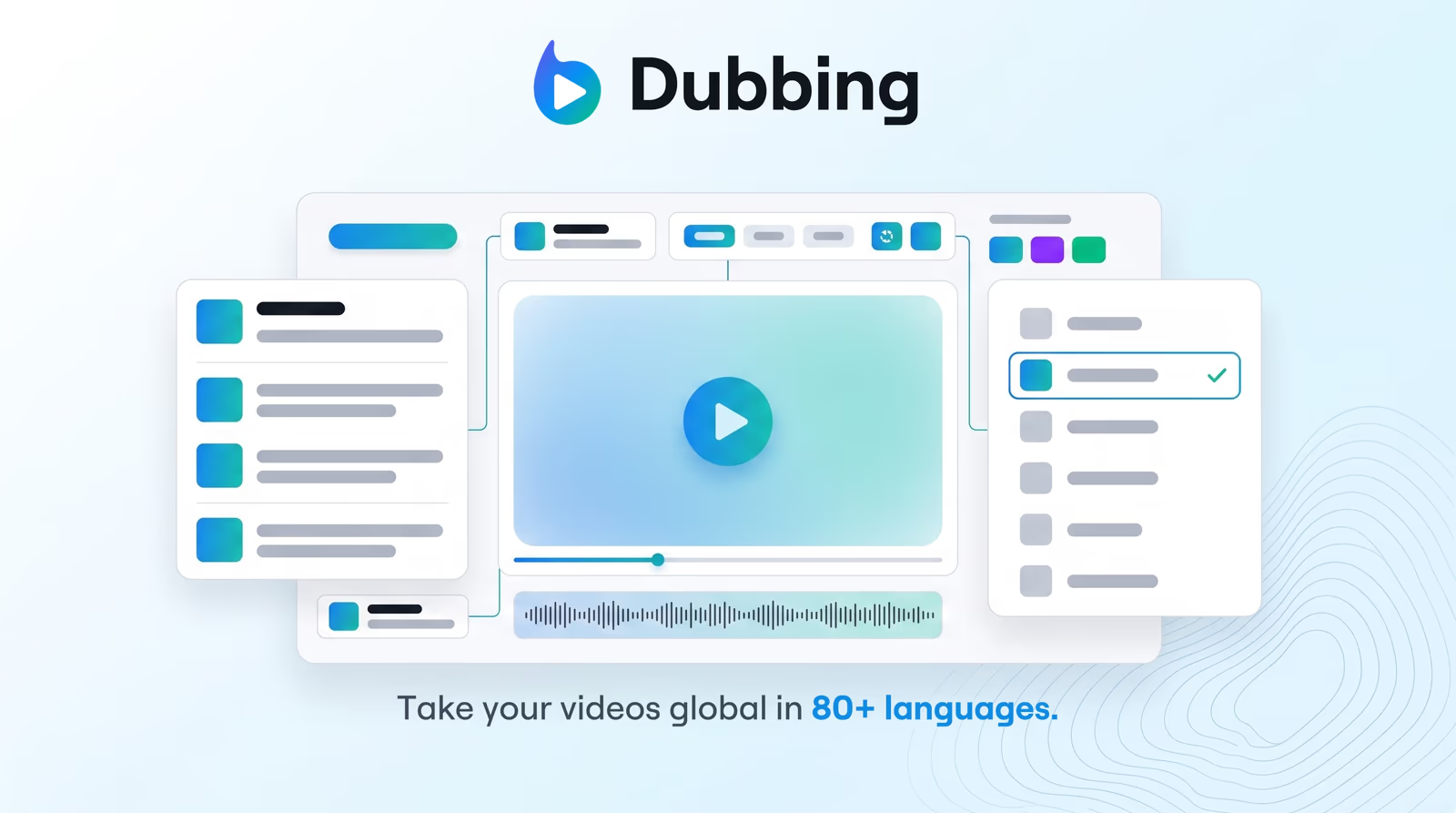
AI video dubbing with voice cloning and editable transcripts — so training, marketing, and creator content reaches every market without agencies or re-records.

Explore Braiv Dubbing

Capability 2 of 3

What this does

What cloning unlocks in dubbing

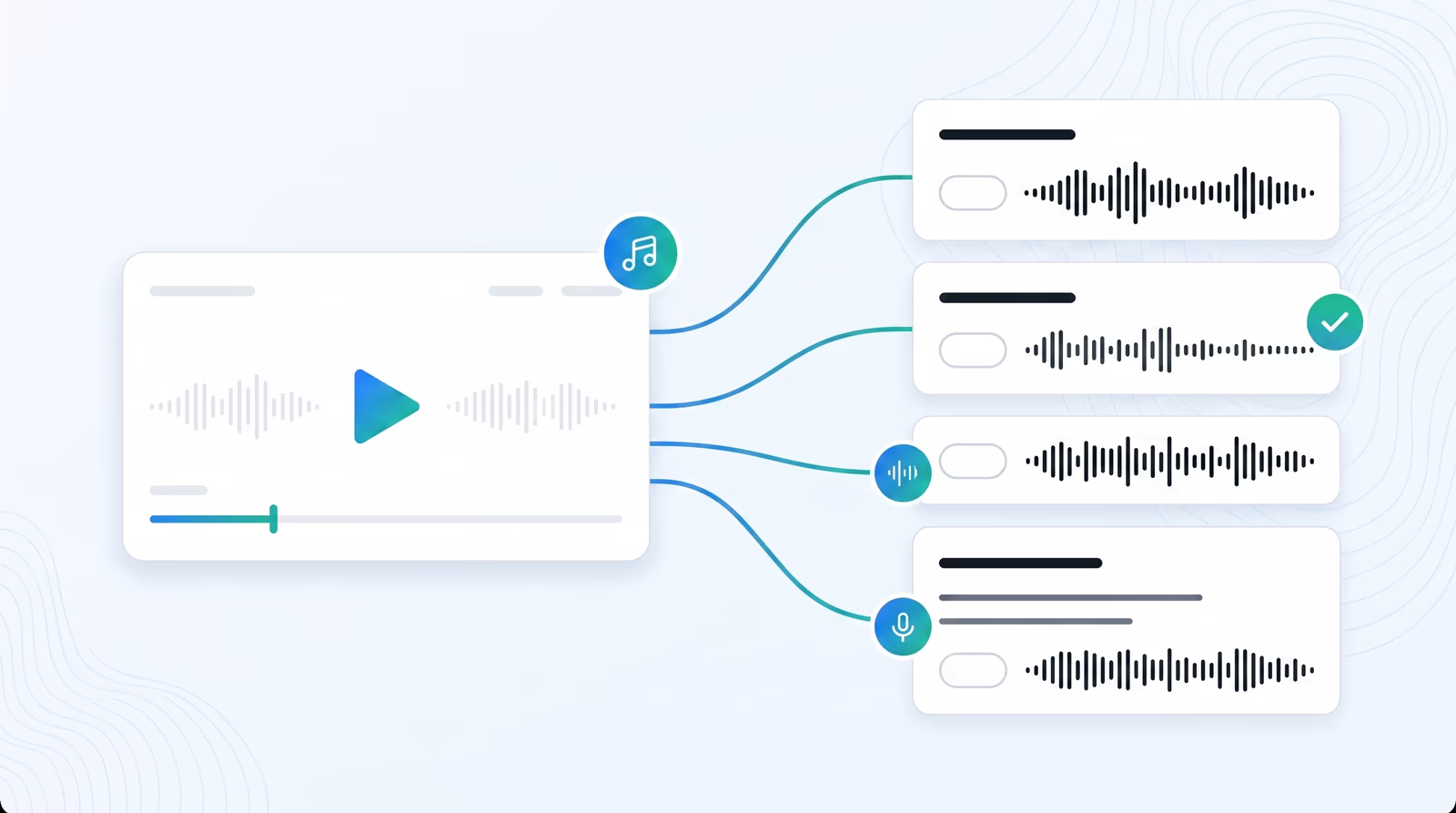
Voice cloning for video localization matches tone and speaking style across markets, so Spanish, Hindi, or Japanese dubs still read as the original speaker.

  • Speaker identity that travels

    Tone and style hold when the language changes — viewers still hear the person on camera.

  • One clone, many markets

    Reuse the same digital voice across 80+ languages without hiring talent per locale.

  • Brand continuity at catalog scale

    Training series and creator libraries stay recognisable even when every title ships multilingual.

Deep dive

Everything you need to know about AI voice cloning for video dubbing

The real risk of “translated” video

A perfectly accurate translation still fails if the voice sounds like a stranger. Viewers notice the swap immediately — and for founders, instructors, and creators, that stranger is a brand break.

Voice cloning exists to close that gap: the words change; the speaker does not.

Cloning inside the dubbing path, not as a side tool

In Braiv Dubbing, cloning is not a separate export you stitch back into an NLE. It runs with transcription and translation so the regenerated track lands on the same timeline as the source video.

That is different from generating a standalone voiceover in Braiv Speech. Speech is for scripts you write. Dubbing cloning is for speakers you already filmed — and for keeping them present when the catalog goes multilingual.

Cross-lingual identity without generic narrators

Stock TTS voices are consistent in the wrong way: every video in every market sounds like the same library read. A clone is consistent in the right way: one person across Spanish, French, Japanese, and the rest of the 80+ language set.

Teams use that for course series where the instructor is the trust signal, product demos where the founder’s cadence is the pitch, and creator channels where subscribers came for a specific voice.

Edit first, then lock the performance

Because the transcript stays editable, you can correct names and claims before the clone speaks them. That avoids burning a render on a near-miss translation, then discovering the product name was anglicized wrong in the audio.

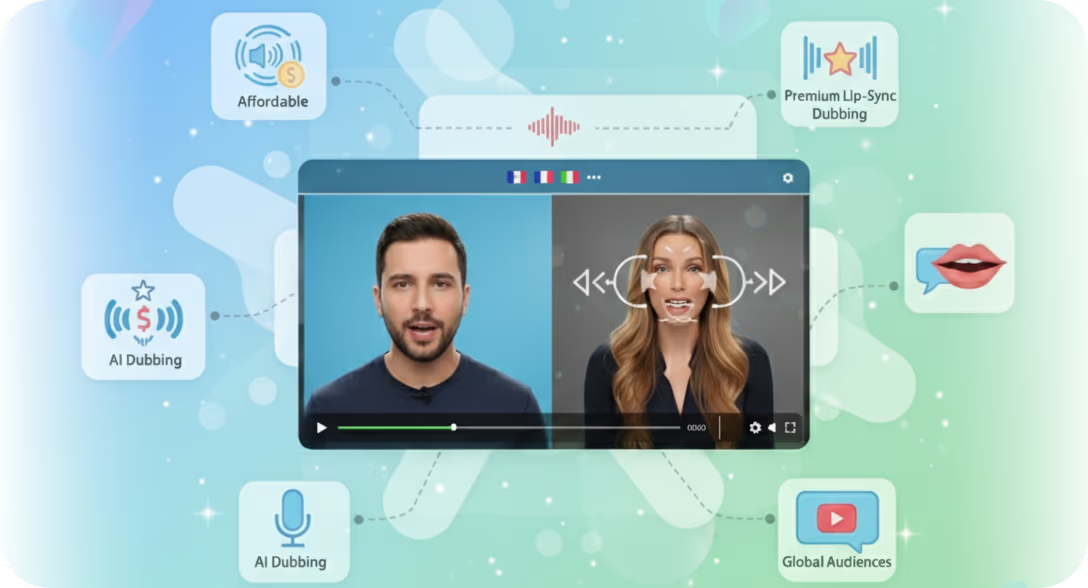
When on-camera immersion matters, pair the clone with AI lip sync. When it does not, ship the dubbed audio alone and keep credit spend lean.

Where this sits in Braiv Dubbing

This is the speaker-continuity attribute inside Braiv Dubbing, alongside AI video dubbing and lip sync options. For expressive TTS clones from a short sample outside the video dubbing path, see expressive voice cloning in Braiv Speech. Support content works the same way: Braiv Capture dubs walkthroughs through this engine, cloning either the original recording or the cleaned Braiv Speech voiceover. Credit detail lives on pricing.
The bigger picture

One capability, one step in a longer workflow

Braiv Dubbing covers the Localize stage. Braiv runs the rest of the sequence on the same recording — so what you make here ends up packaged, localized and published without leaving the platform.

See the full workflow
  1. 01 Capture Recorded once, ready to localize
  2. 02 Repurpose One video, dozens of assets
  3. 03 Package Packaged to perform
  4. 04 Localize Fluent in 80+ languages
  5. 05 Publish & Track Distributed and measured
Questions

Frequently asked questions

How is dubbing voice cloning different from Braiv Speech?
Dubbing voice cloning keeps a speaker continuous inside localized *video* — translation, timing, and optional lip sync included. Braiv Speech is for expressive TTS and voiceovers from a script, including expressive voice cloning when you are generating narration rather than localizing existing footage.
How much source audio do I need to clone a voice for dubbing?
Braiv builds the clone from the speech already in your video. Clean, continuous talking-head audio produces the strongest match; noisy or heavily mixed tracks reduce fidelity. You do not need a separate studio sample for the standard dubbing path.
Will the cloned voice sound natural in other languages?
Yes. Cross-lingual cloning keeps the speaker’s character while producing native pronunciation in the target language. The goal is continuity of identity — not a word-for-word accent transplant that fights the new phonetics.
Can I use a different voice than the on-screen speaker?
Yes. You can stick with the cloned original speaker for authenticity, or choose another voice when the project calls for a brand narrator. The dubbing editor keeps that choice inside the same localization workflow.
Is my voice data used to train Braiv models?
No. Voice samples and clones are used to deliver your dubbing jobs, not to train Braiv’s AI models. Cloned voices stay in your workspace unless you choose to share them.
Does voice cloning consume AI Credits?
Cloning is part of the dubbing workflow and draws on the same AI Credit balance as translation and render. New accounts include credits to test quality on your own videos — see pricing for plan allowances.

Ready to Package and Publish Your Next Video?

Join over 100,000 creators scaling their reach with Braiv.
Get 150 AI Credits when you sign up today.