








Auto-Upload Video on YouTube with Braiv Connect

Auto-Upload Video on YouTube with Braiv Connect

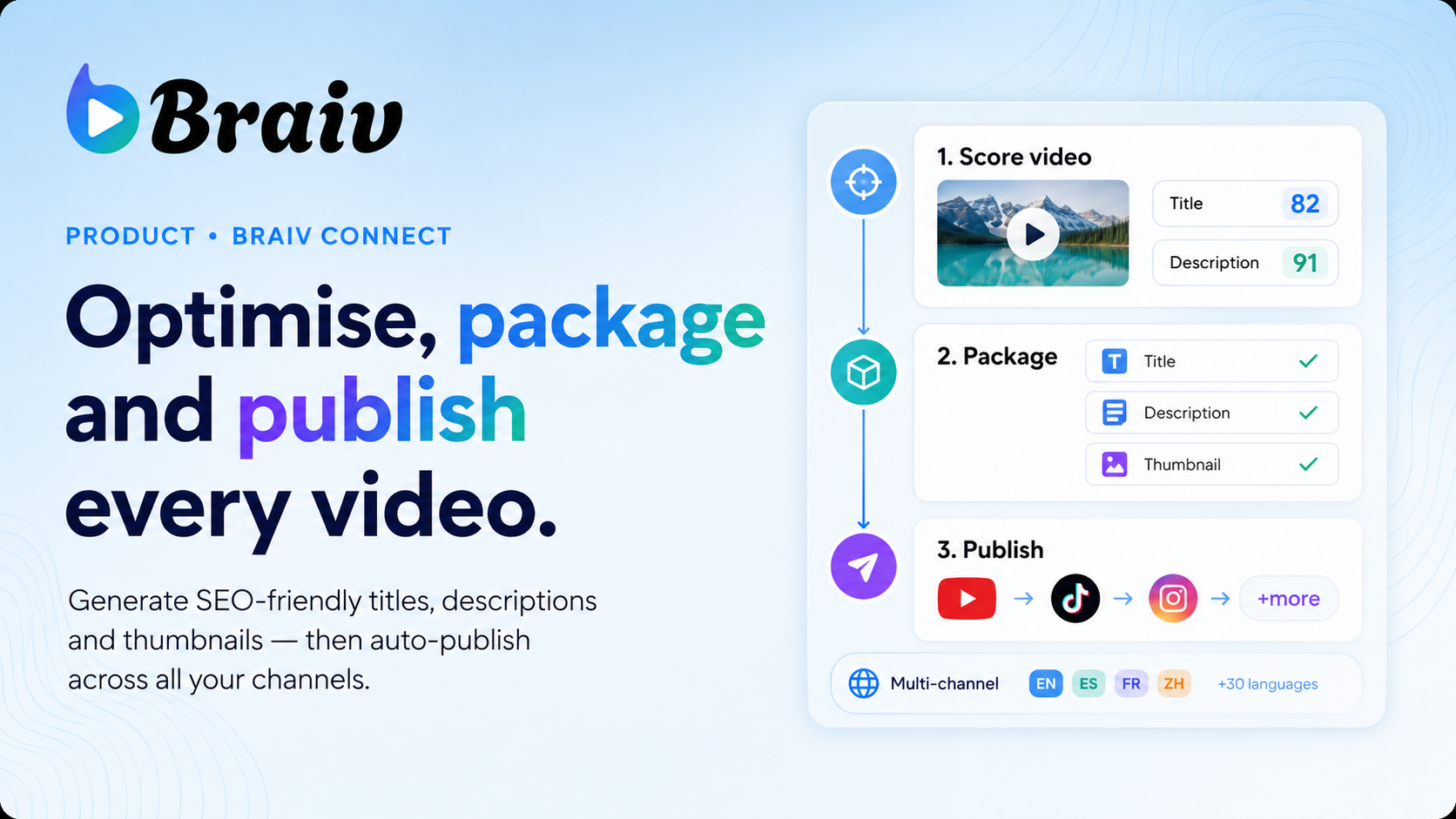
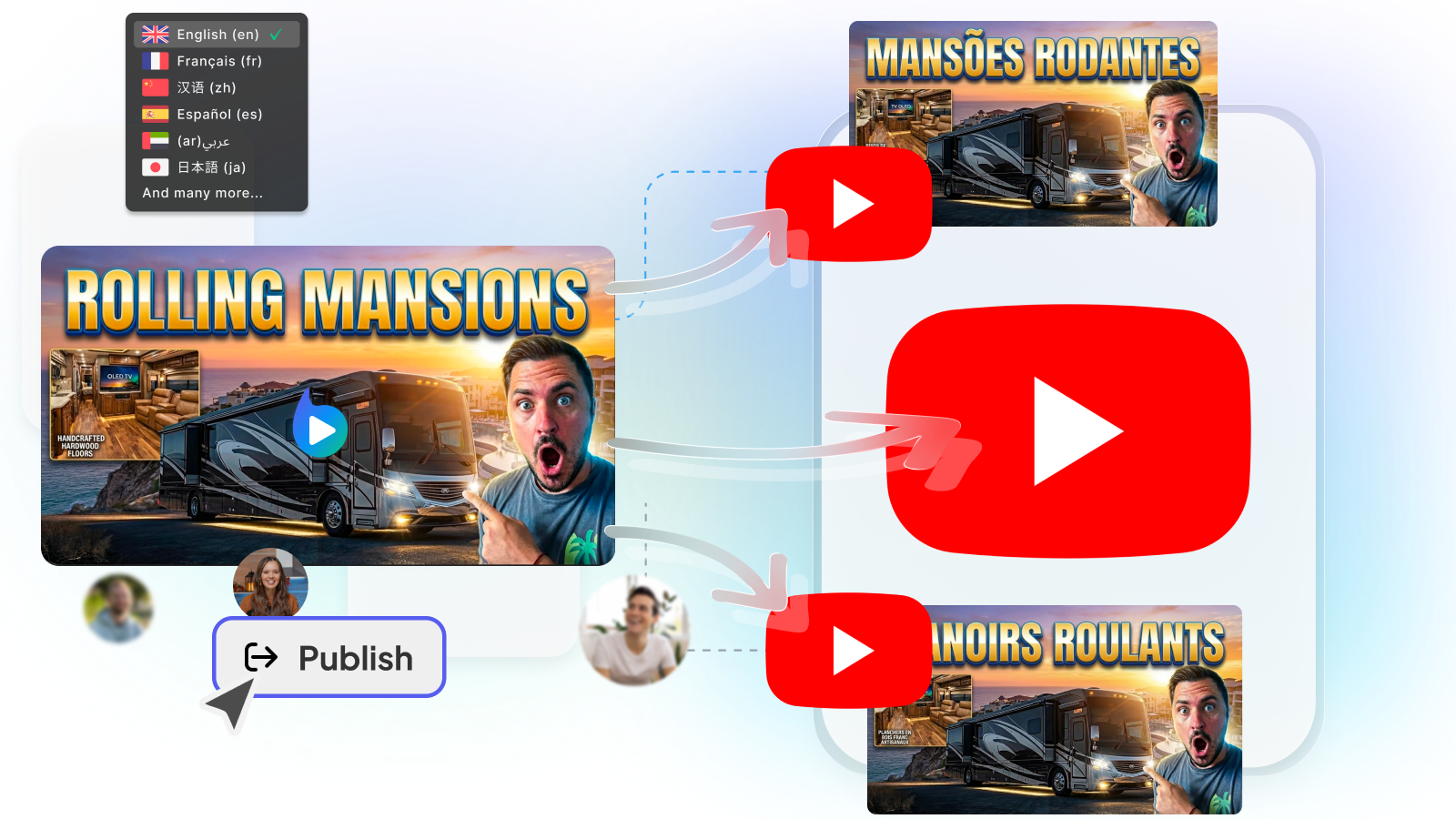
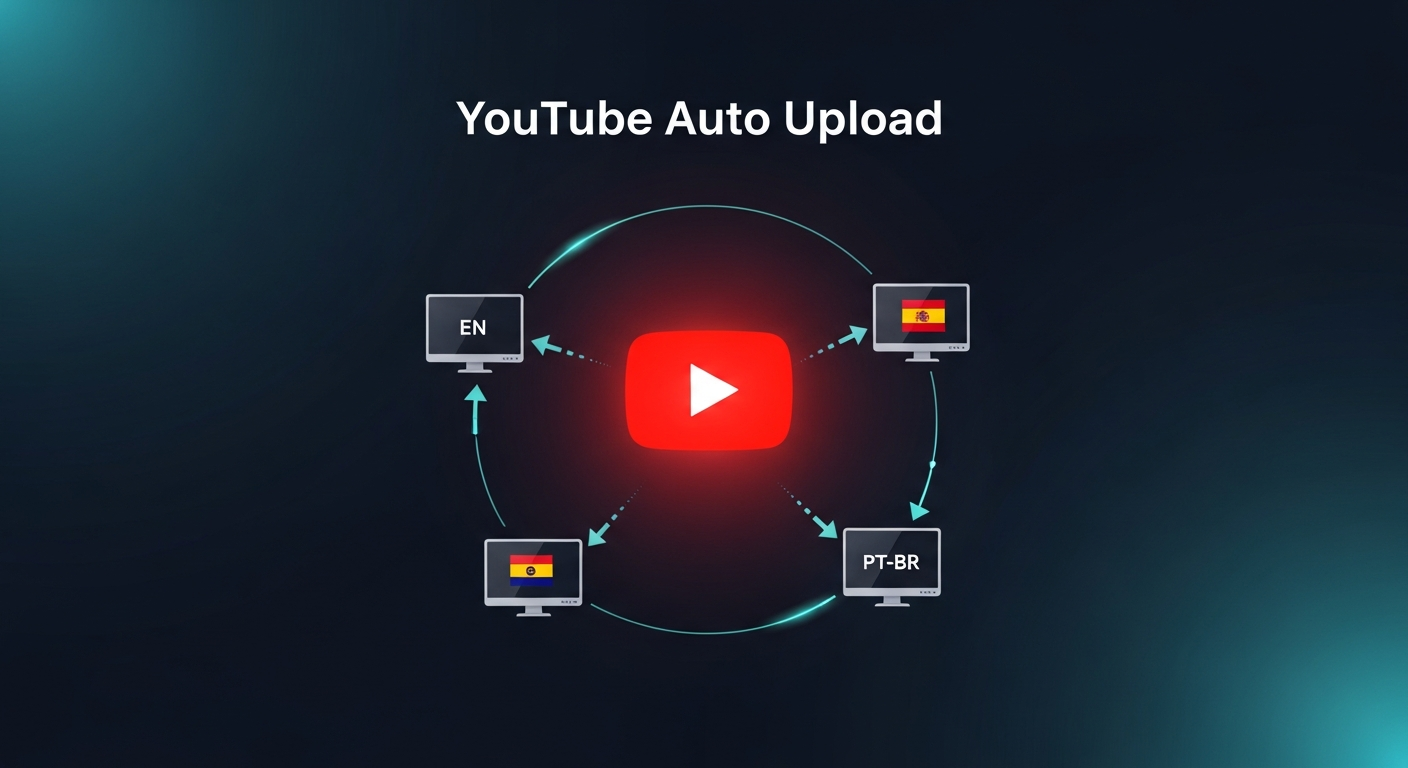
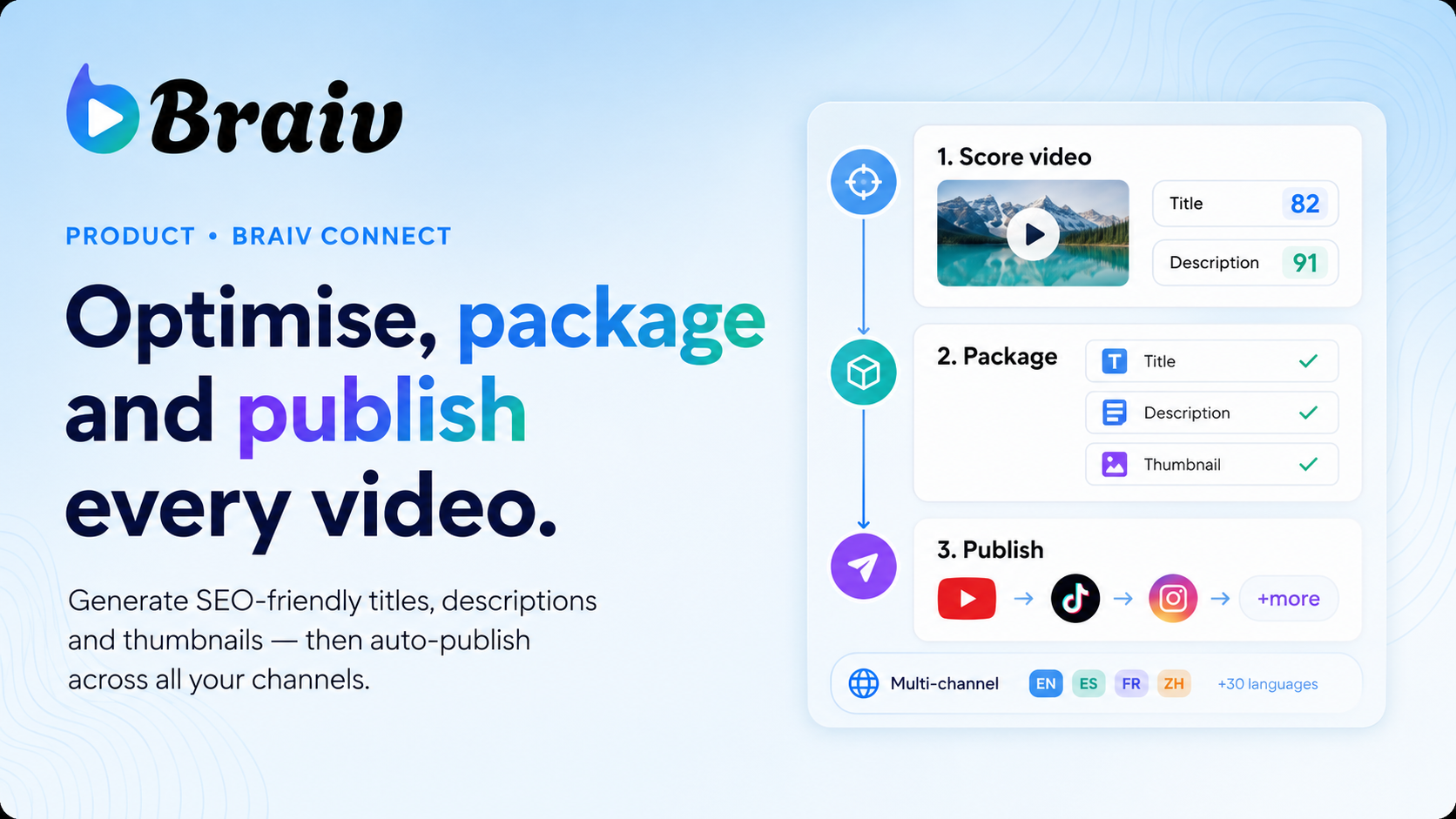
Streamline your content pipeline. Connect multiple channels and automatically upload videos, localized audio tracks, and translated metadata straight to YouTube with a single click.

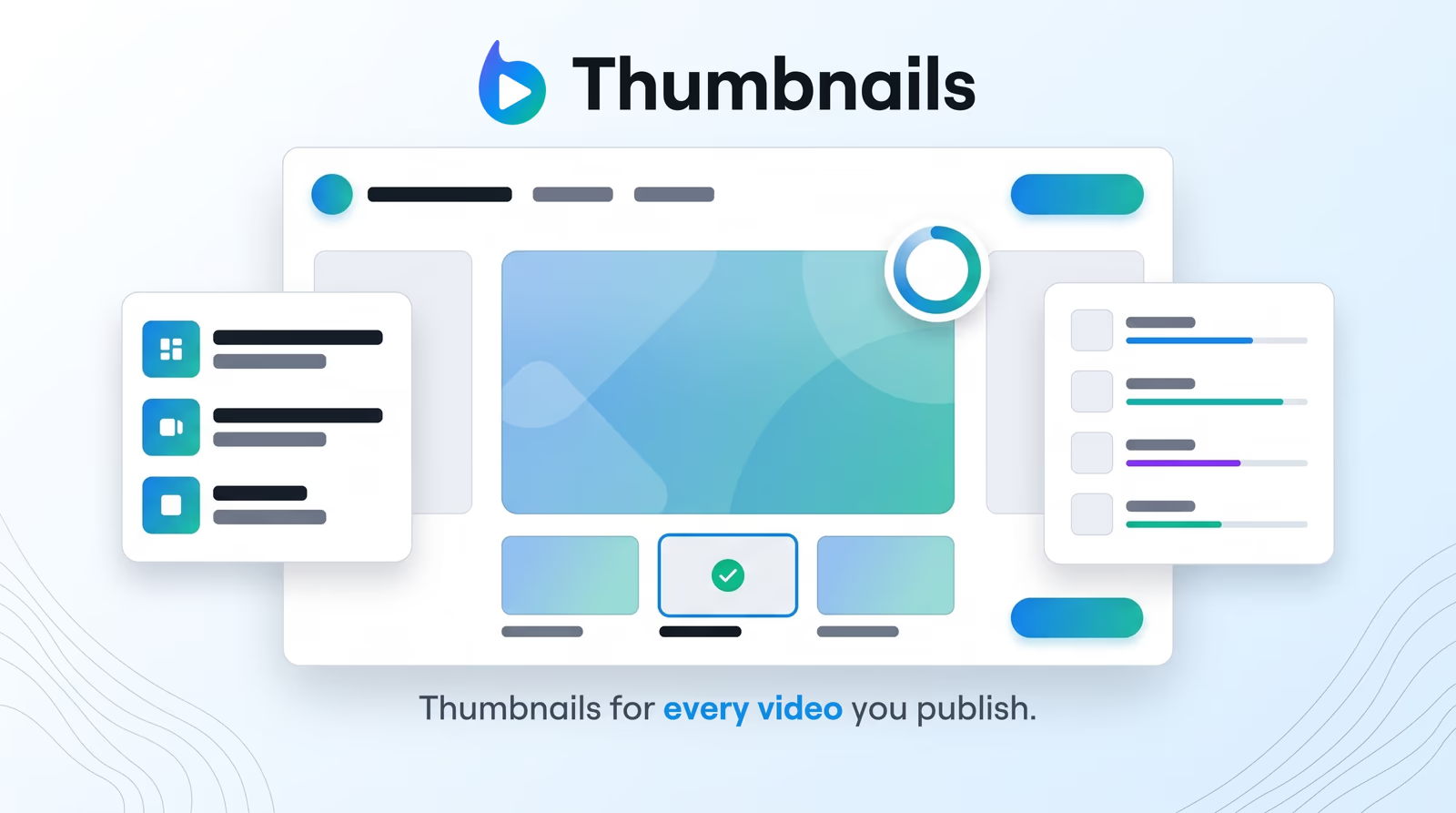
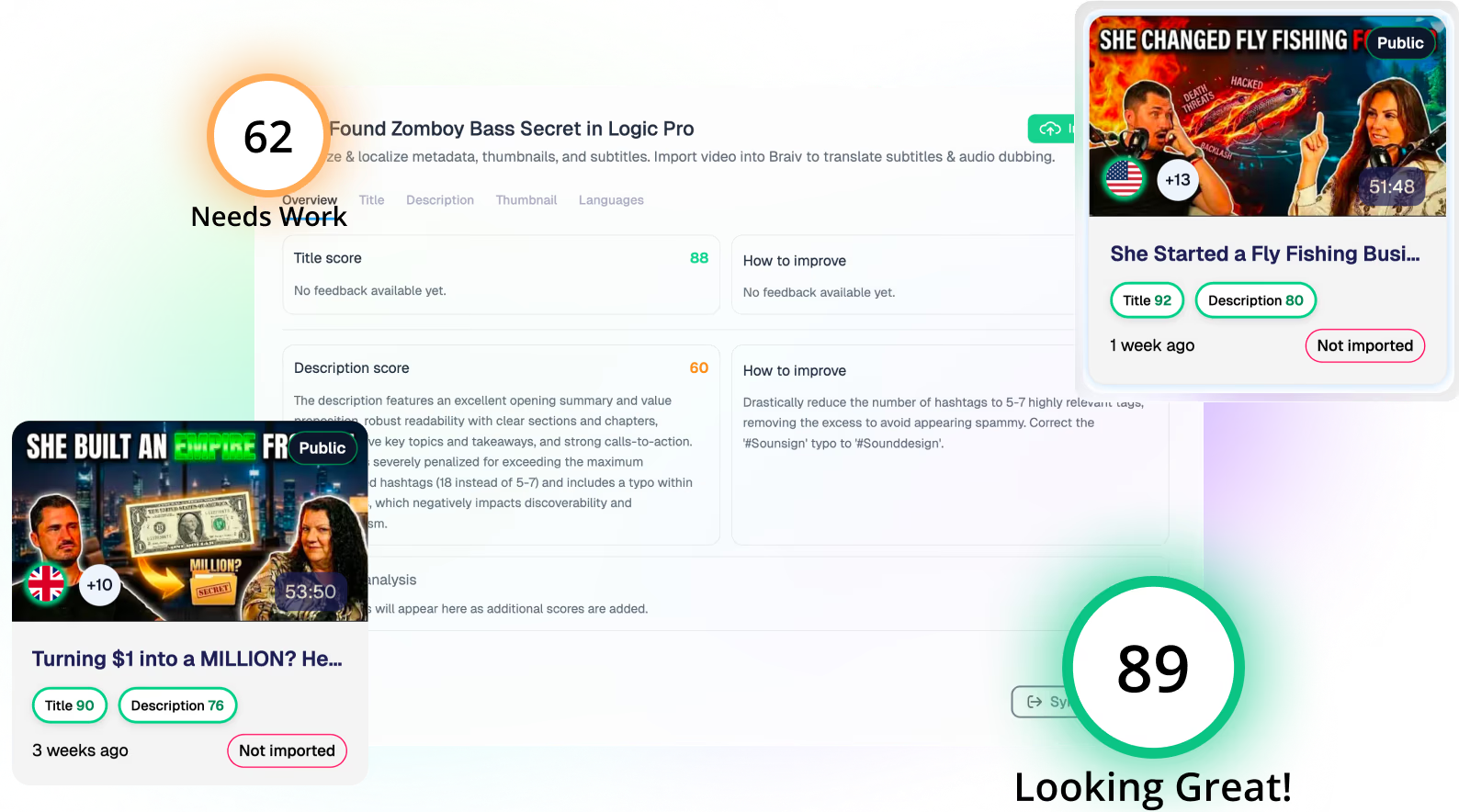
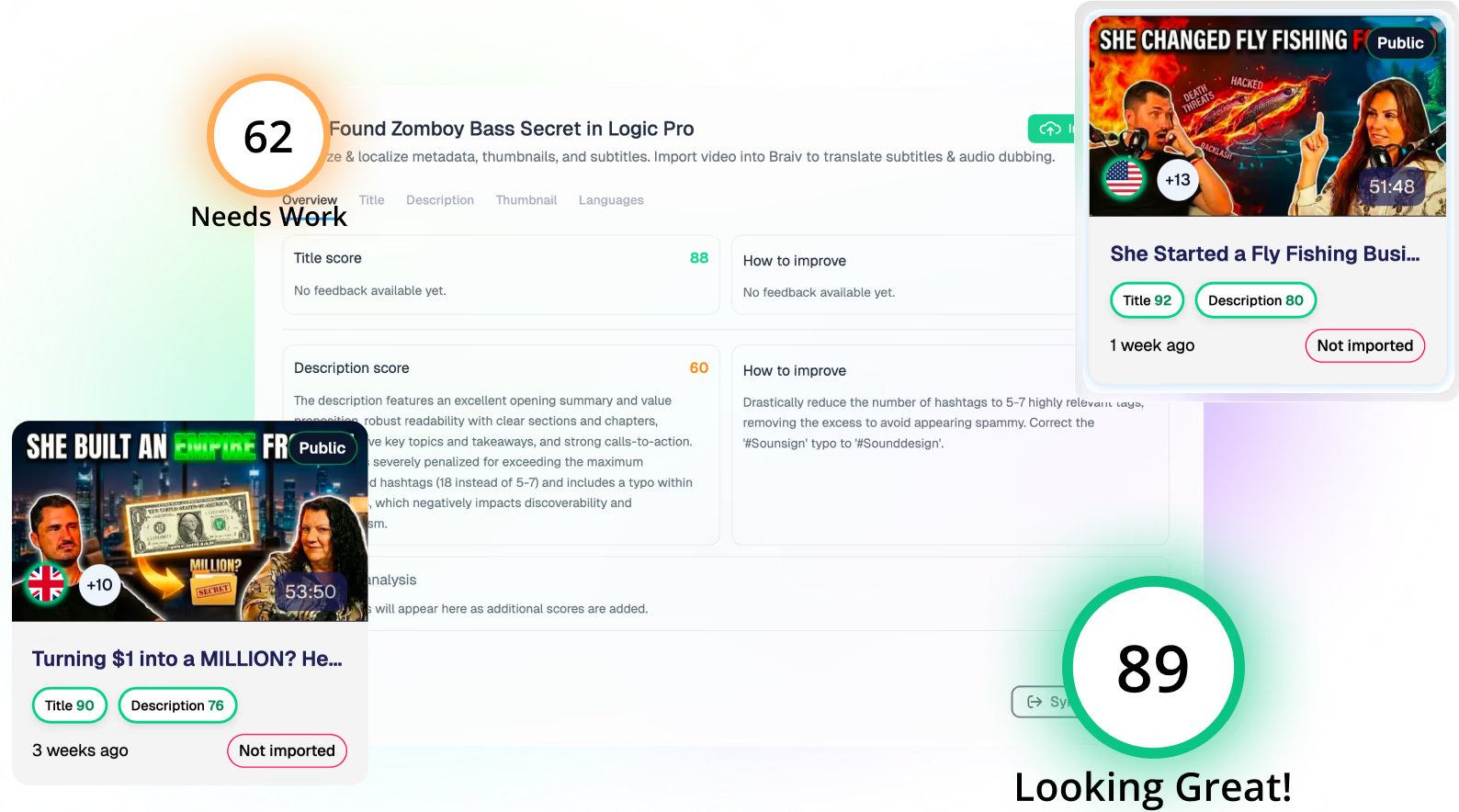
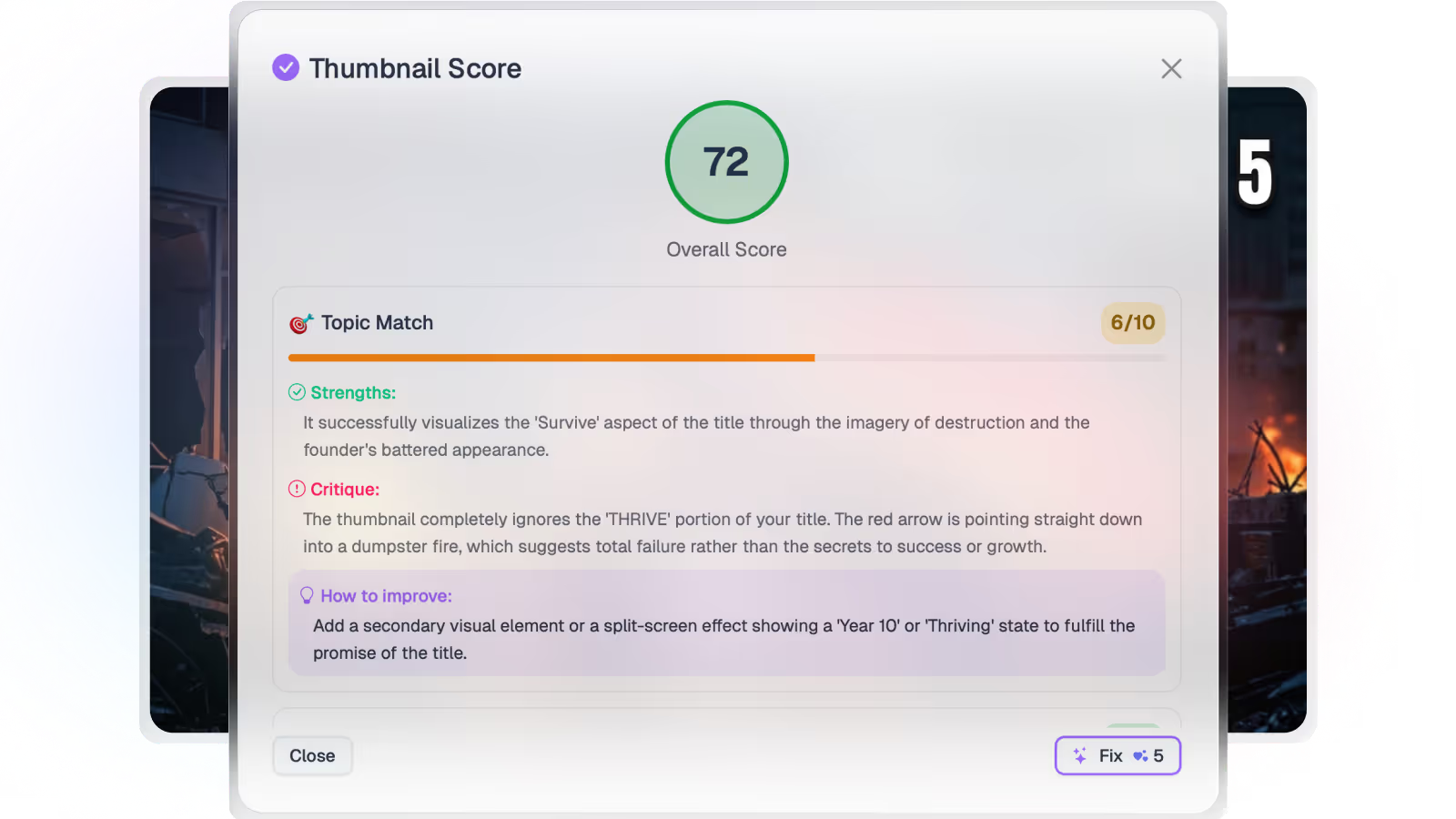
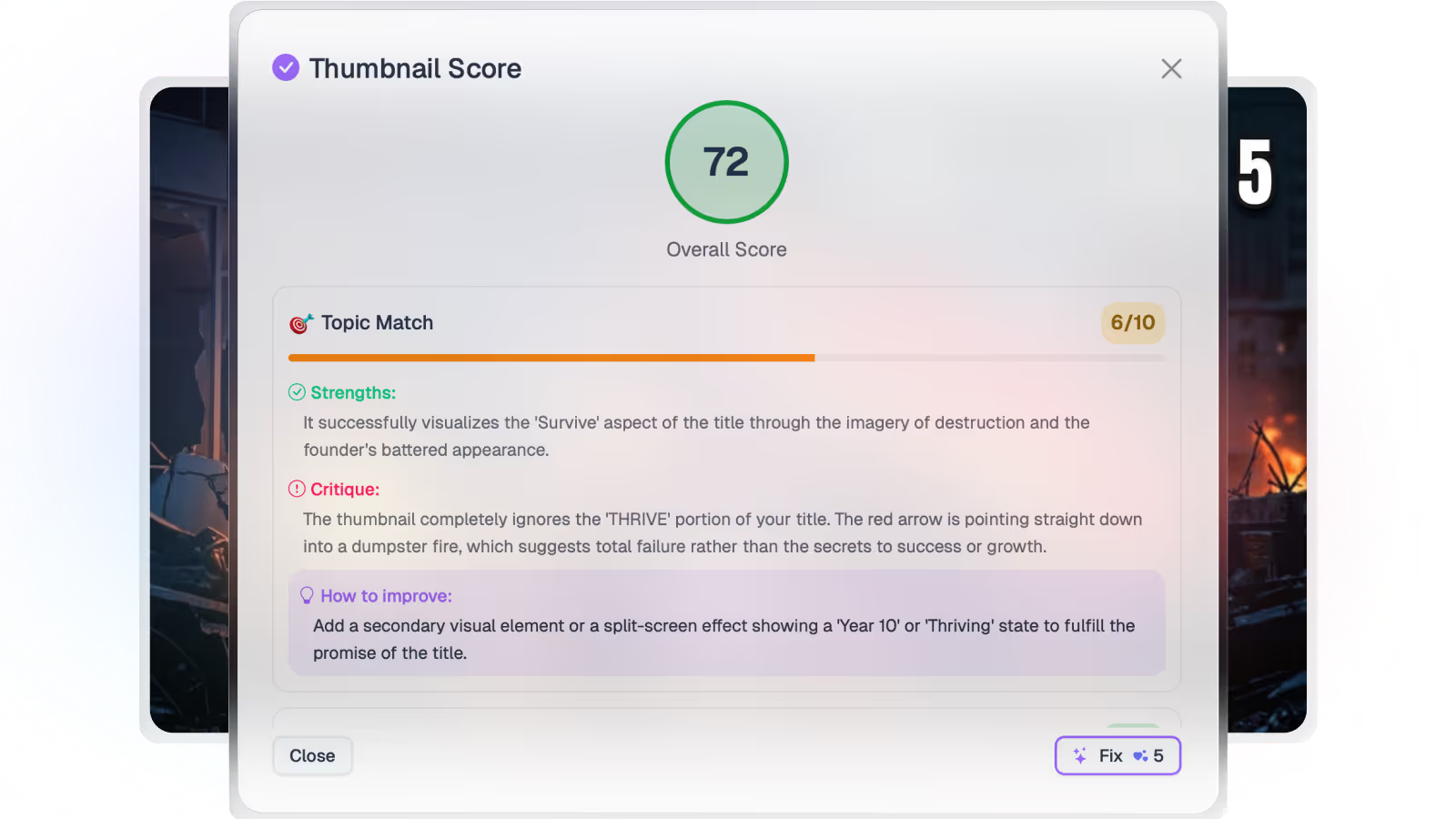
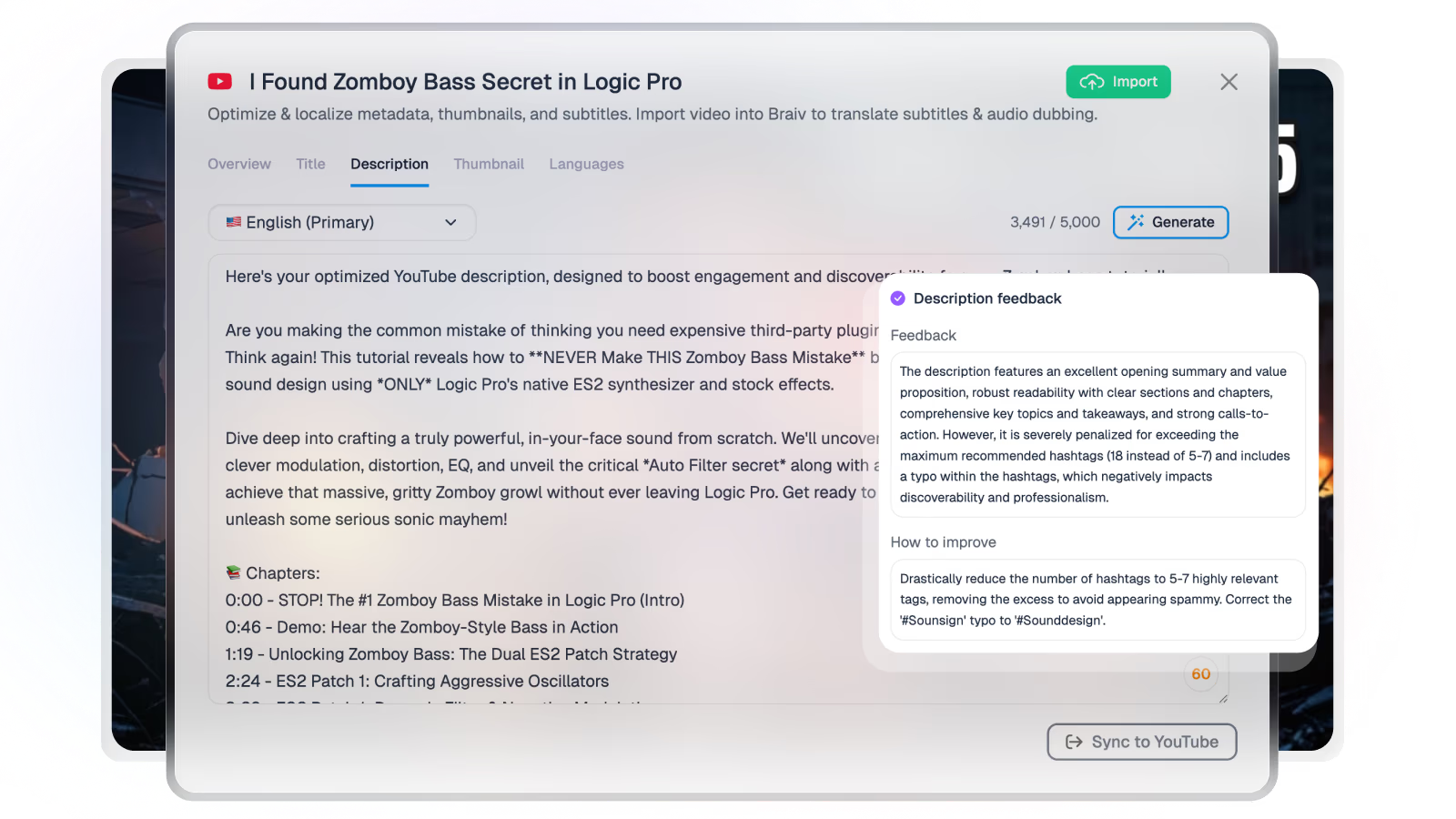
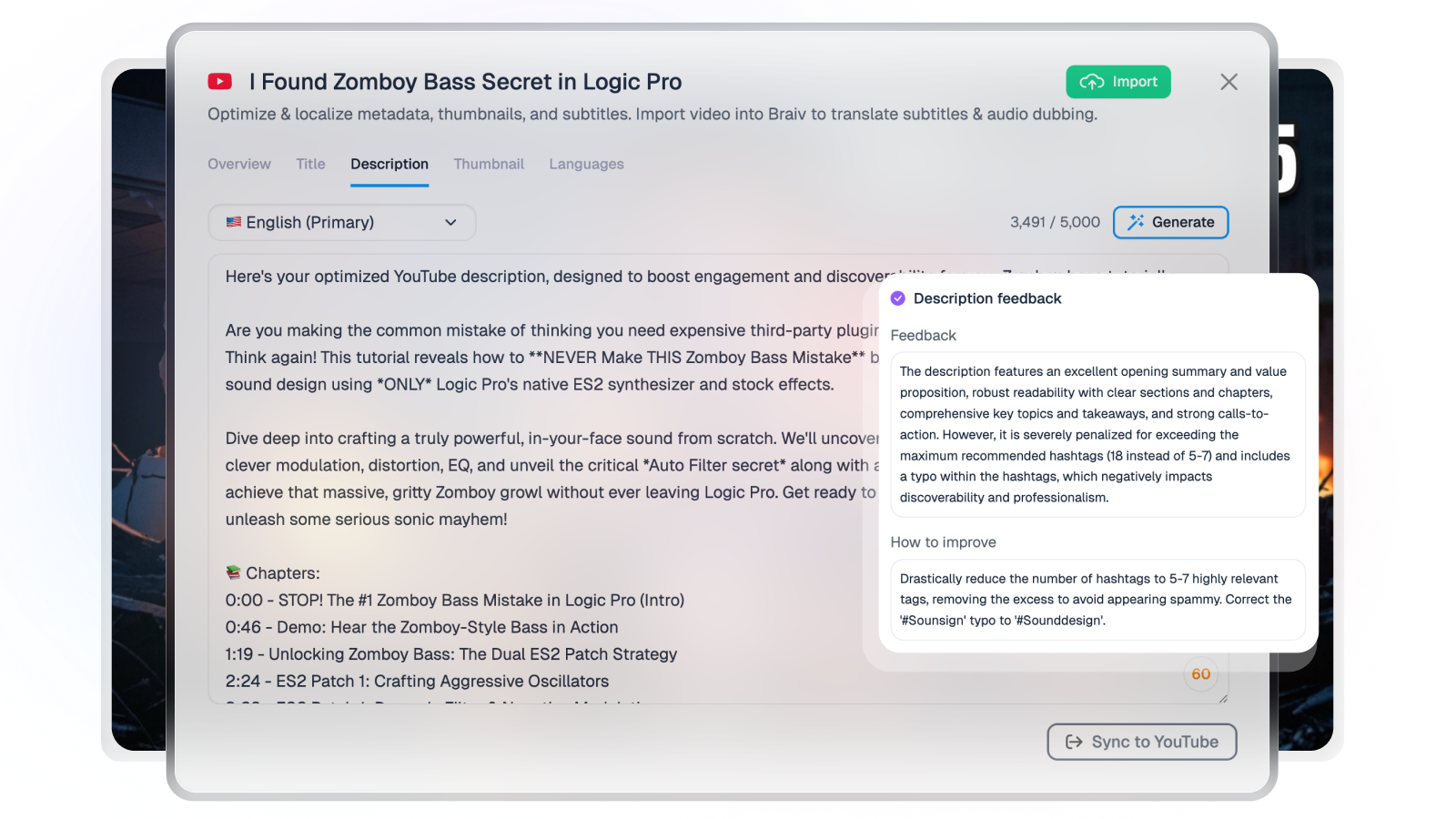
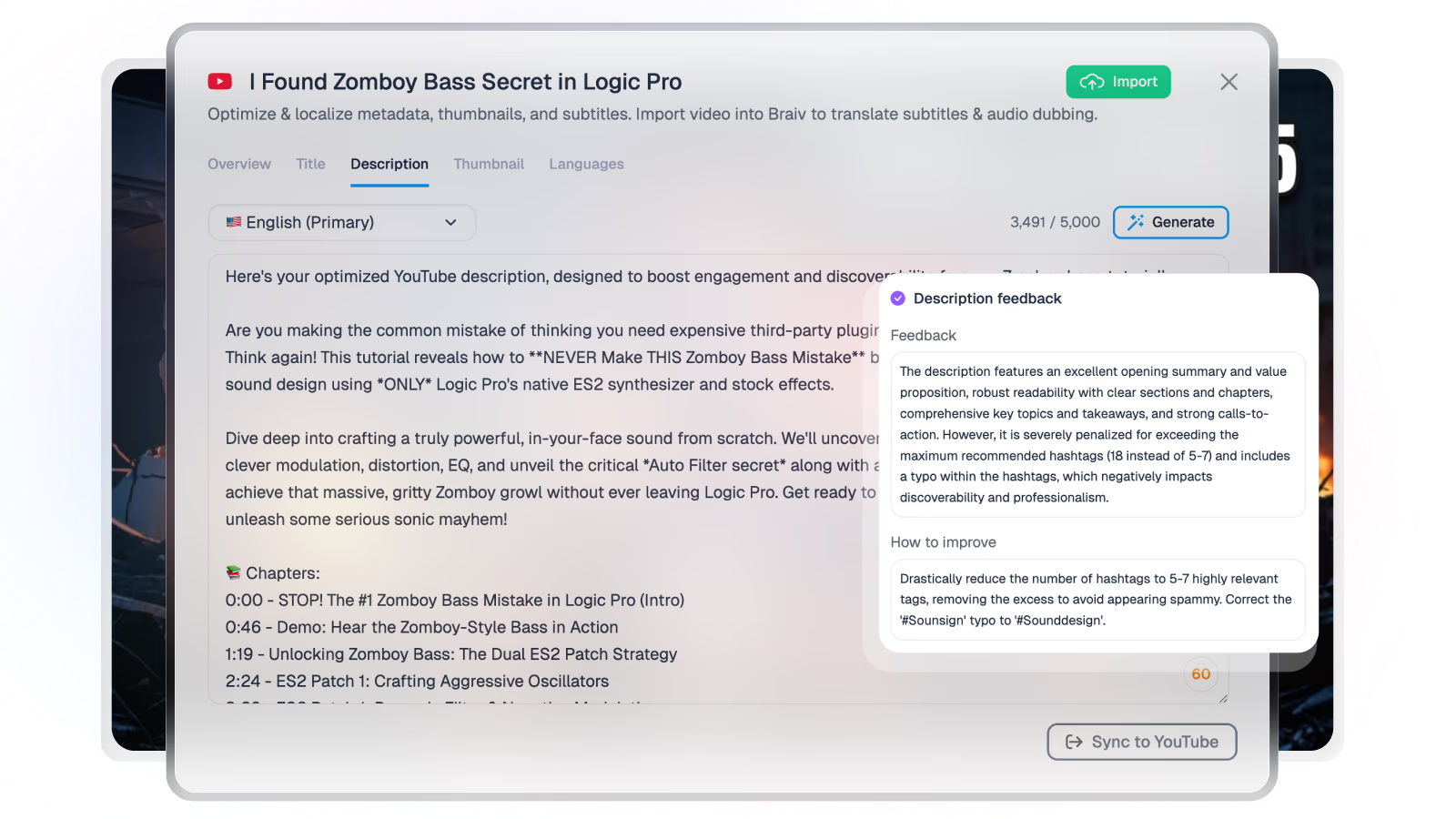
Score YouTube title and description

Paste a public YouTube video URL to preview the thumbnail, title, and description scores, then connect your channel in Braiv for the full workflow.

Paste a YouTube URL before scoring your video.
Get started for free
Trusted by 100,000+ creators, podcasters & businesses globally

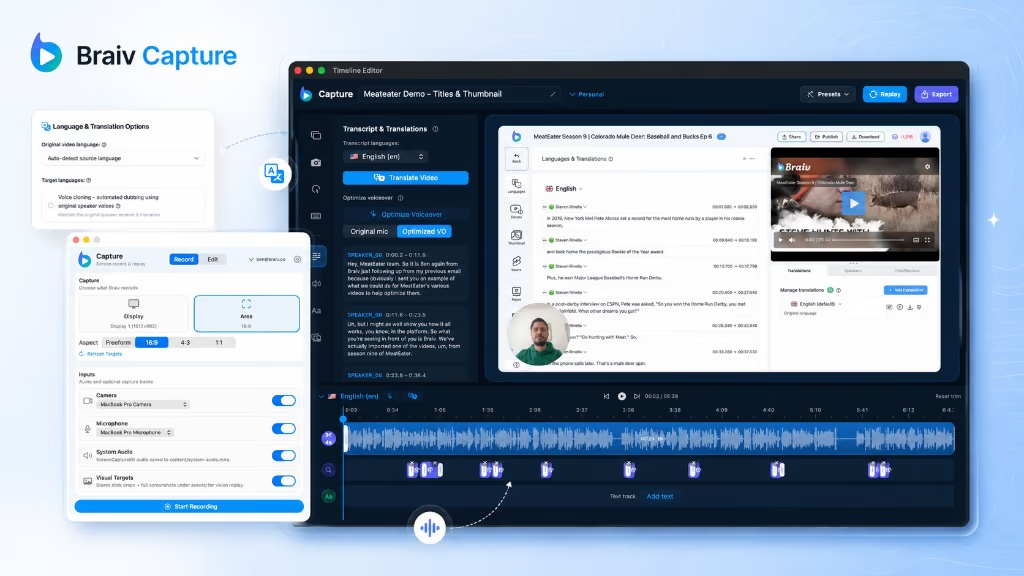
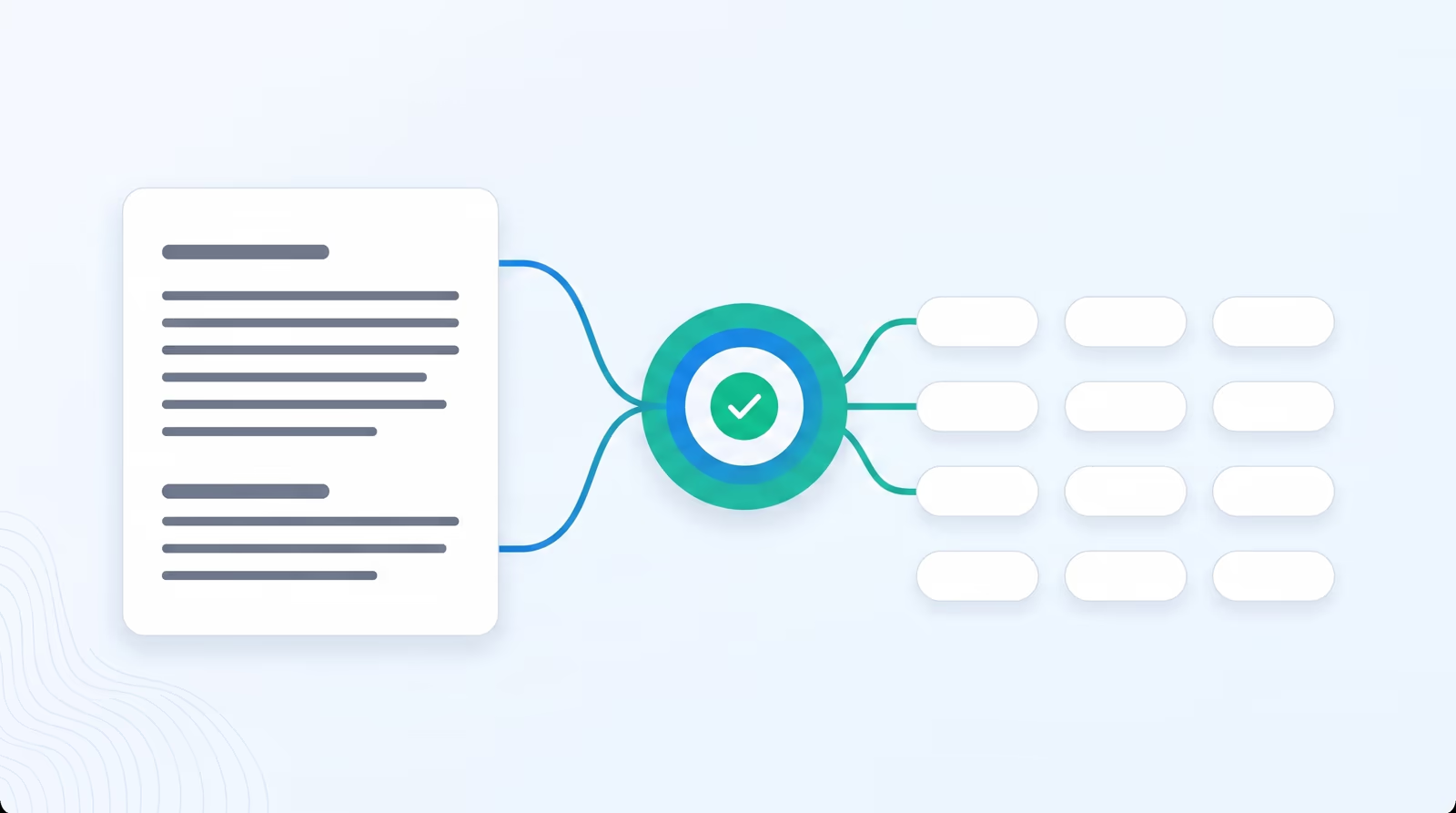
For modern video creators, businesses, and digital agencies, managing a multi-channel video distribution strategy is a significant operational bottleneck. Copying titles, uploading massive files, compiling metadata, manually adding custom subtitles, and coordinating localized foreign-language channels takes hours of tedious, manual work. This mechanical friction limits your creative output and slows down your international growth.

Key features include:
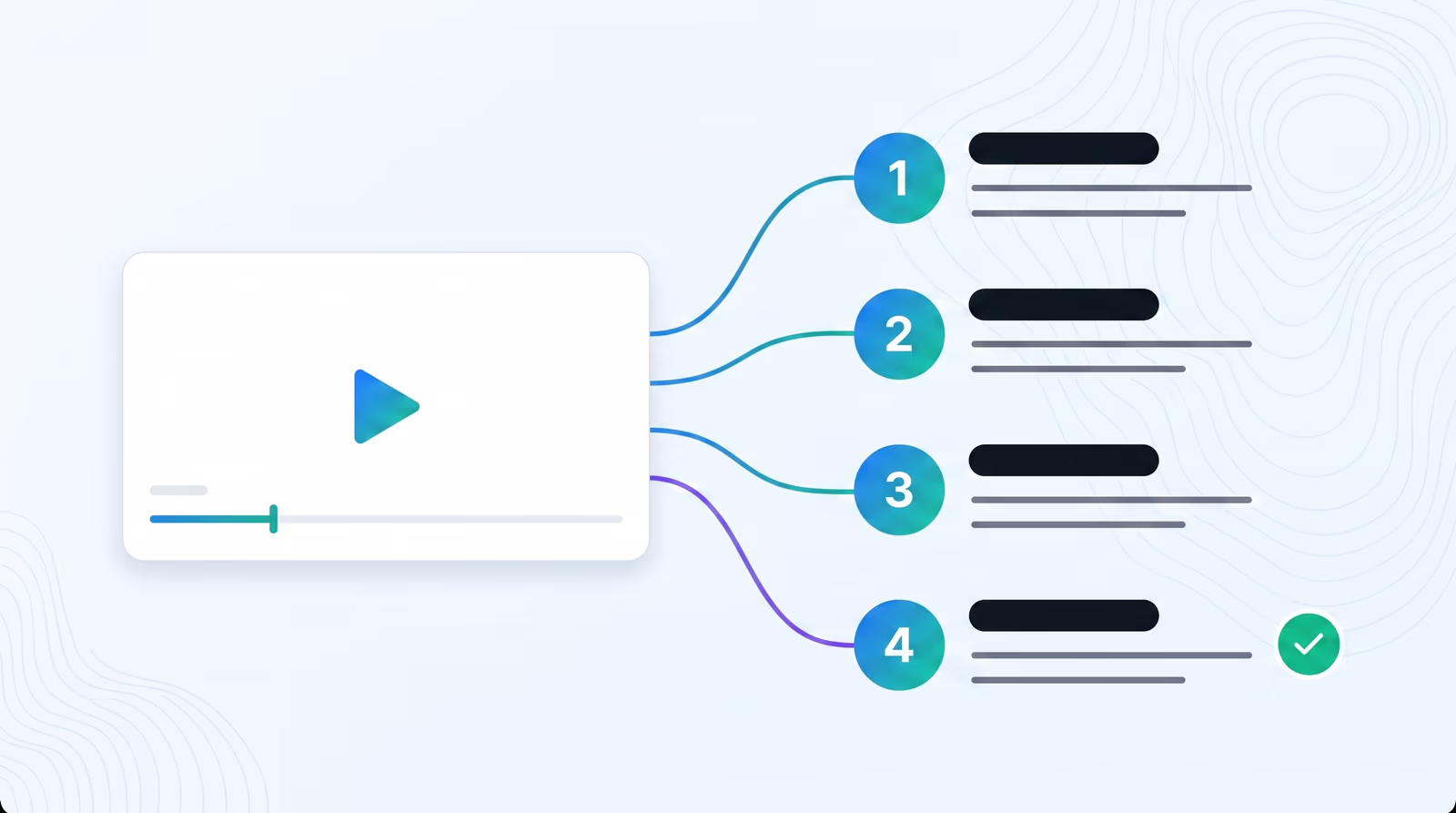
  • Navigate to Channels: Log in to your Braiv dashboard and select Channels from the left-hand navigation menu (accessible at the `/channels` endpoint).
  • Link Your Accounts: Select the video platform you want to integrate (such as YouTube). Follow our secure OAuth authorization flow to grant Braiv publishing permissions.
  • Manage integrations: View, rename, or group your connected channels from a single workspace, letting you manage secondary and localized accounts together.
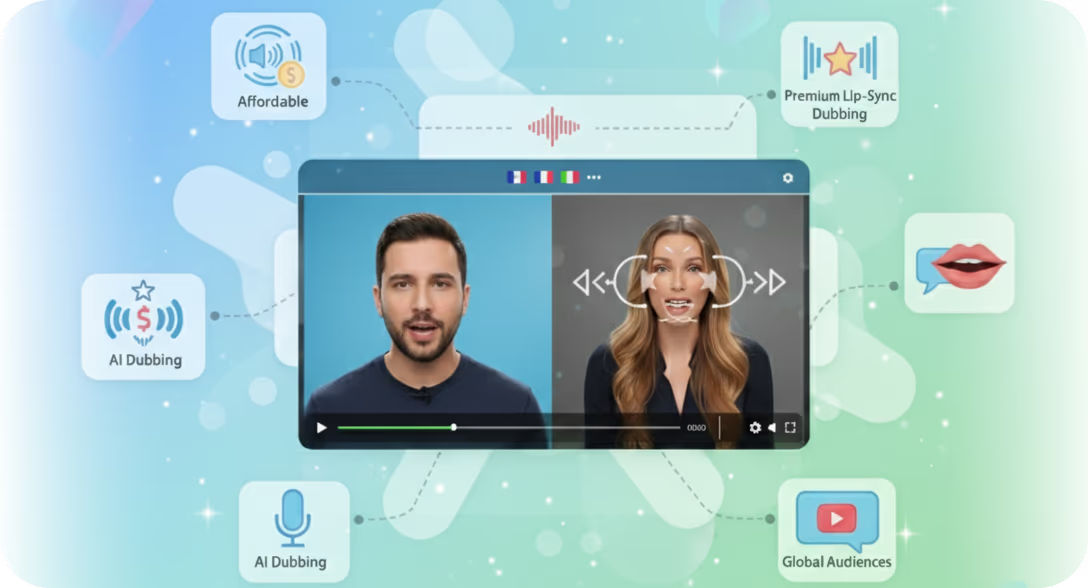
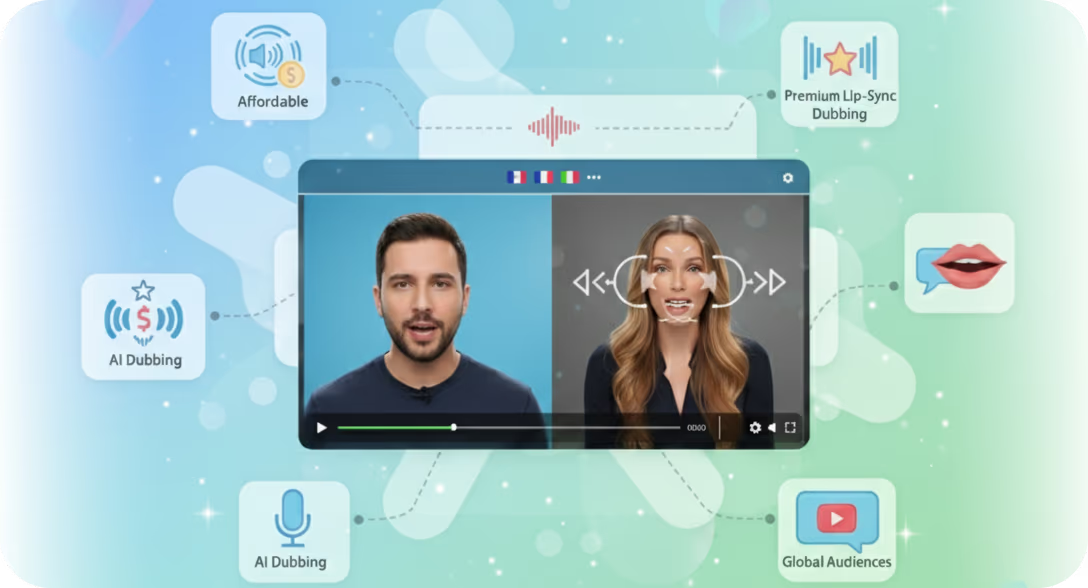
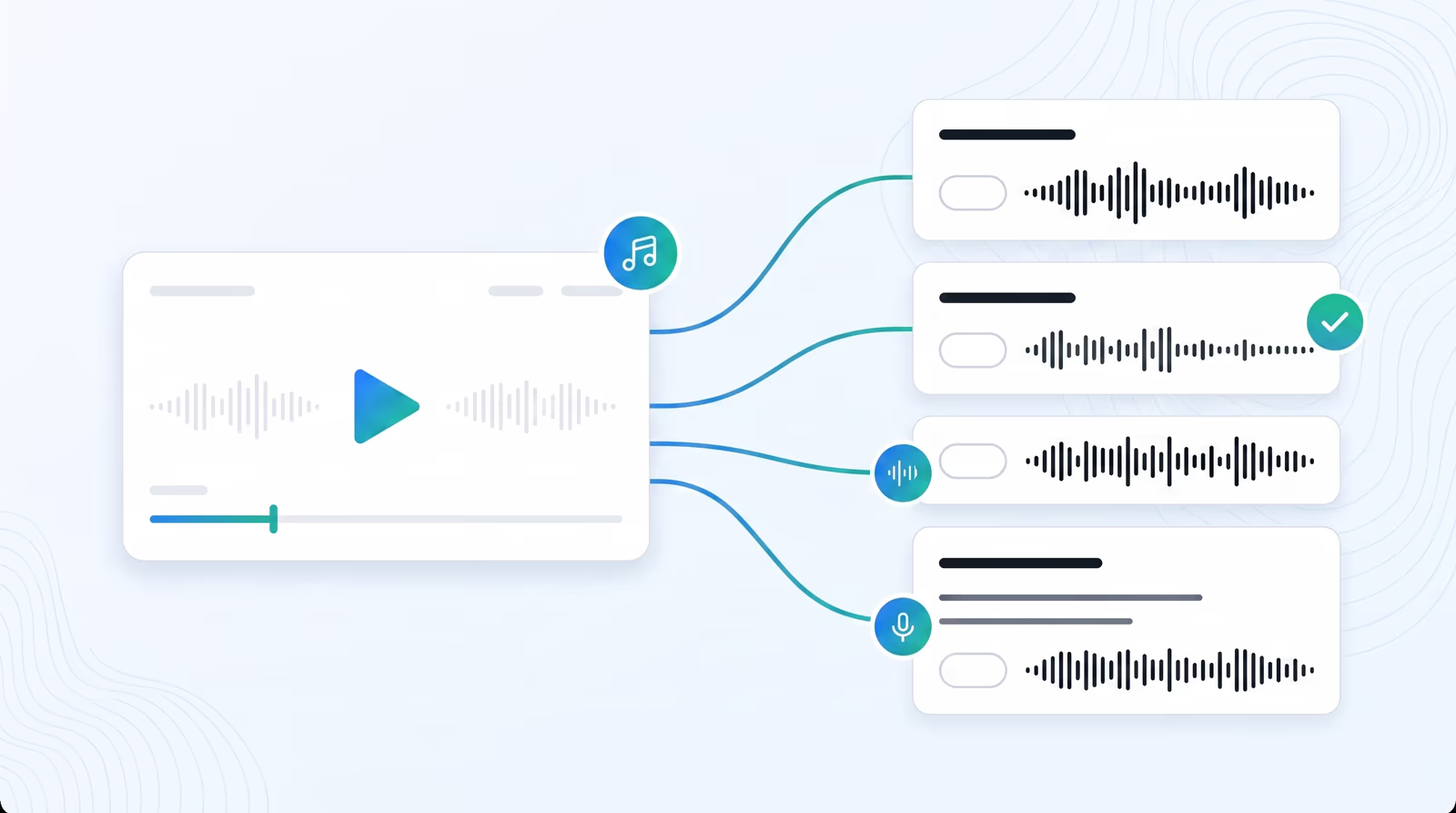
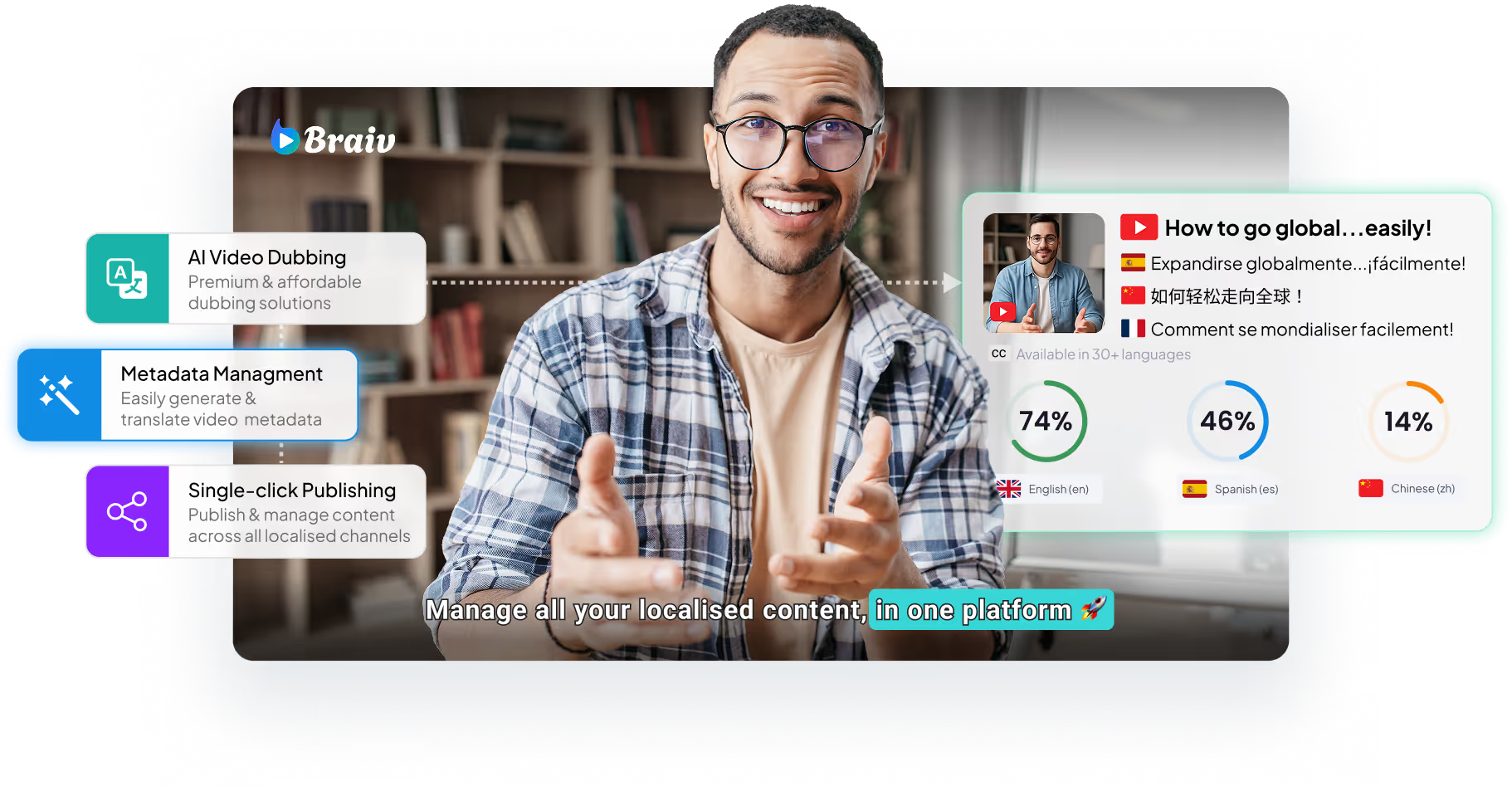
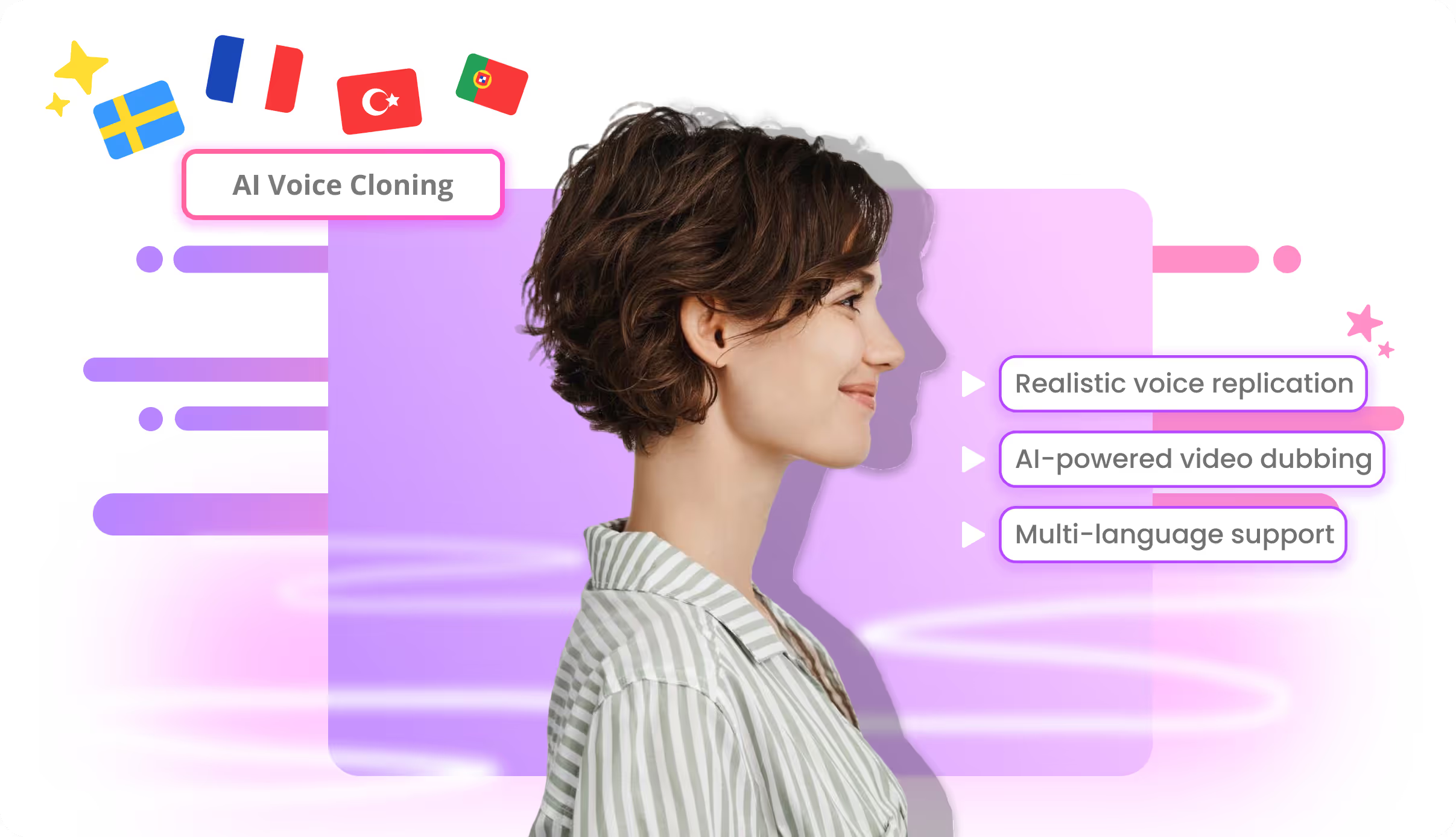
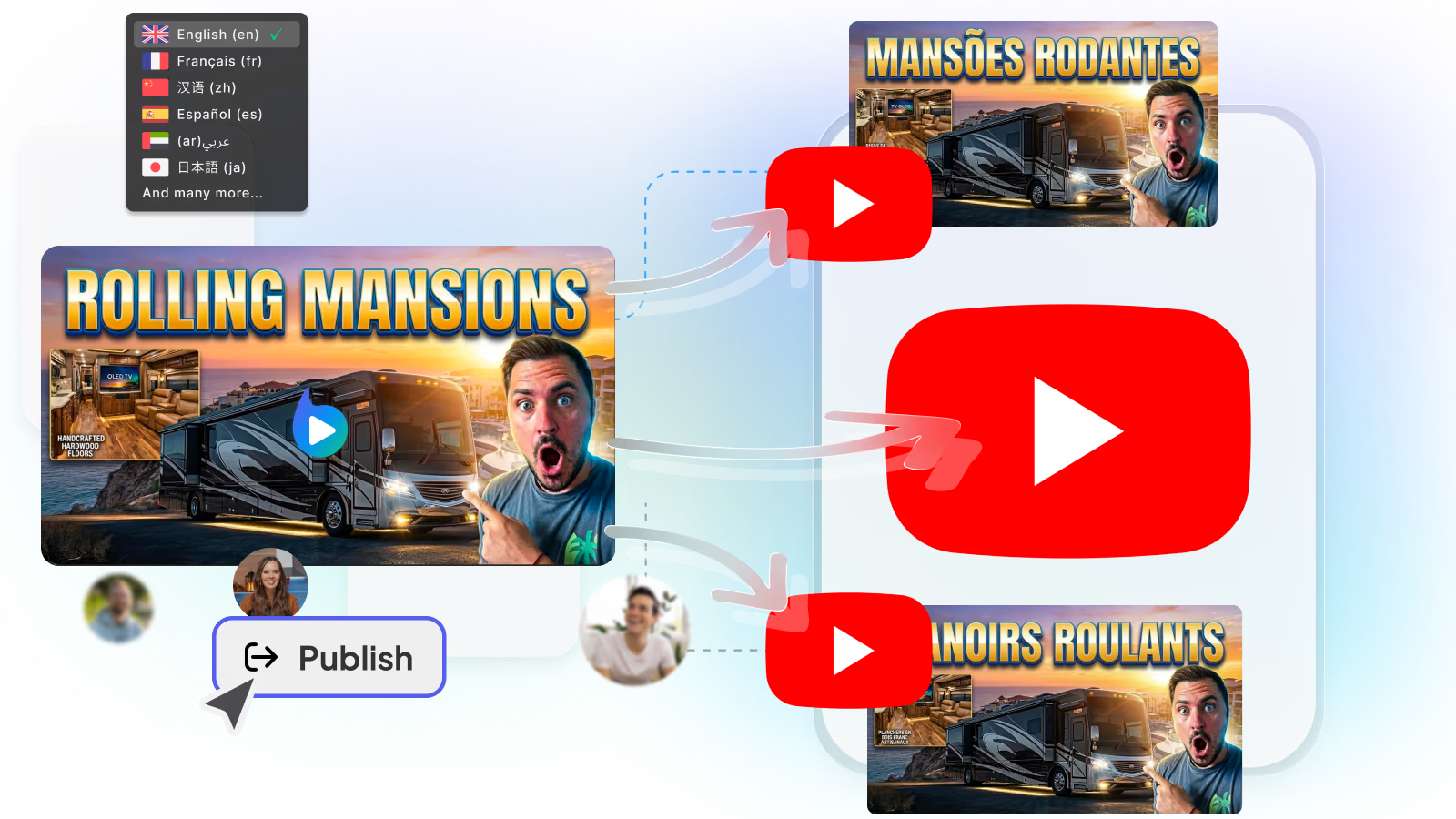
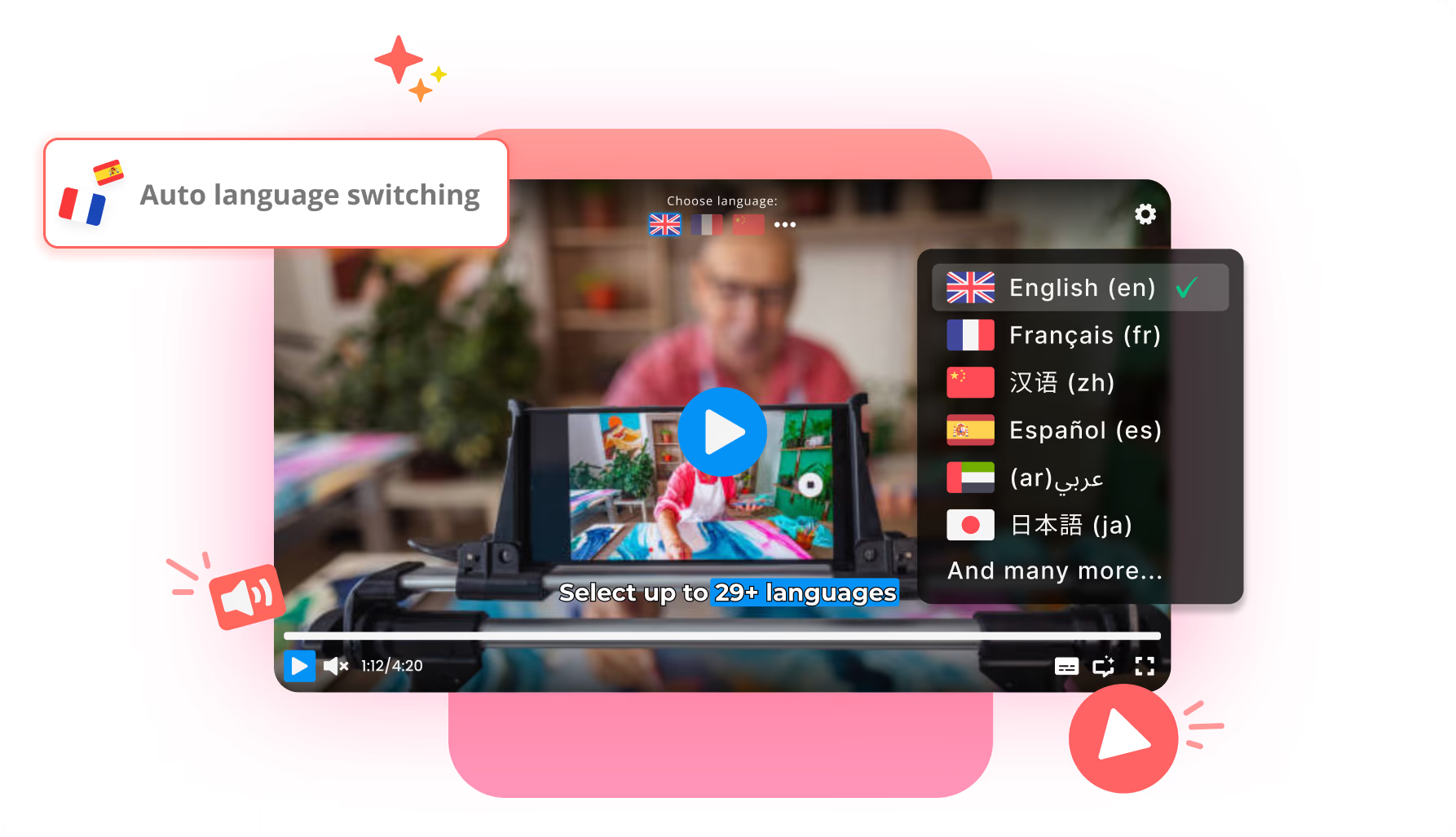
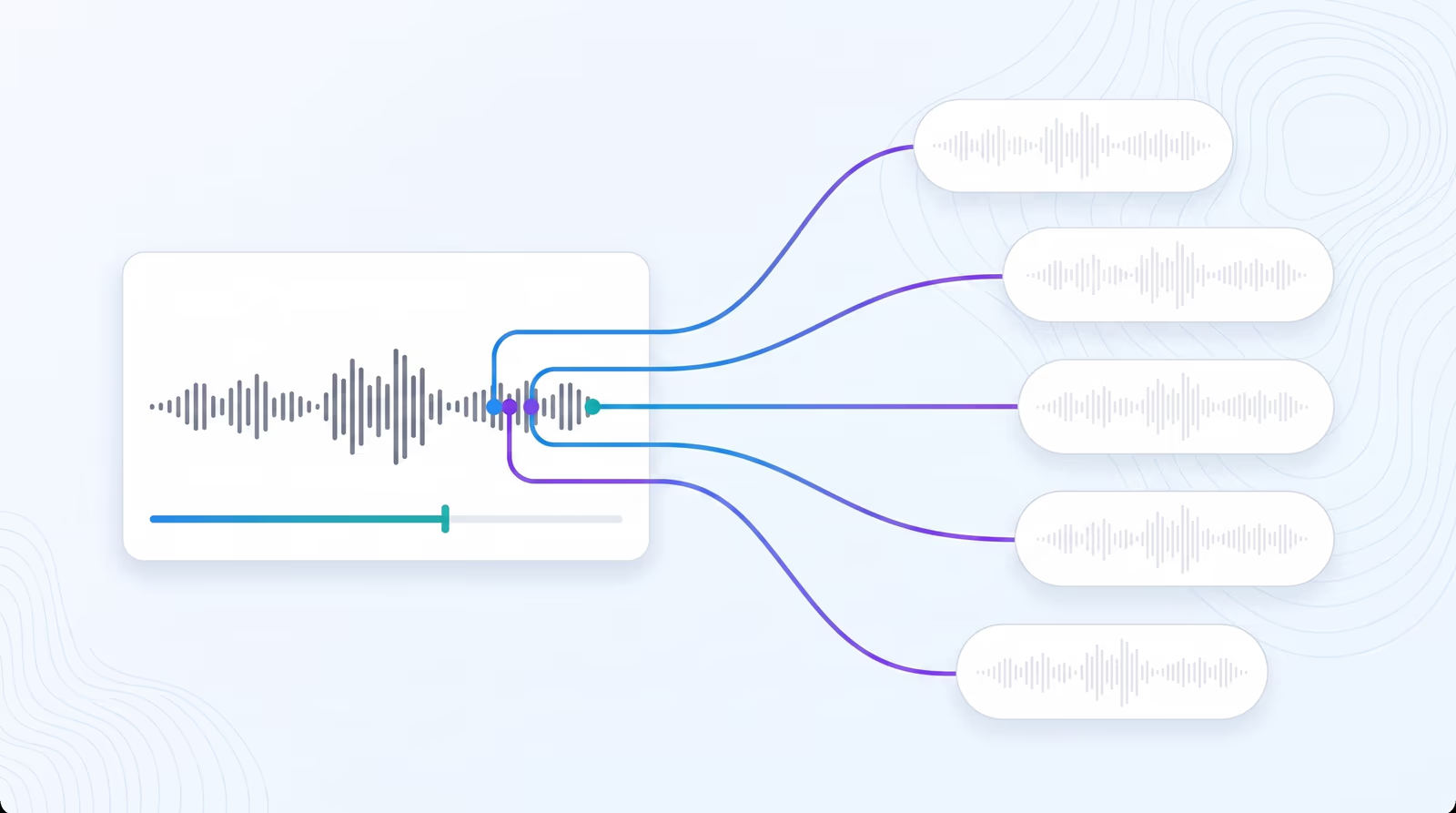
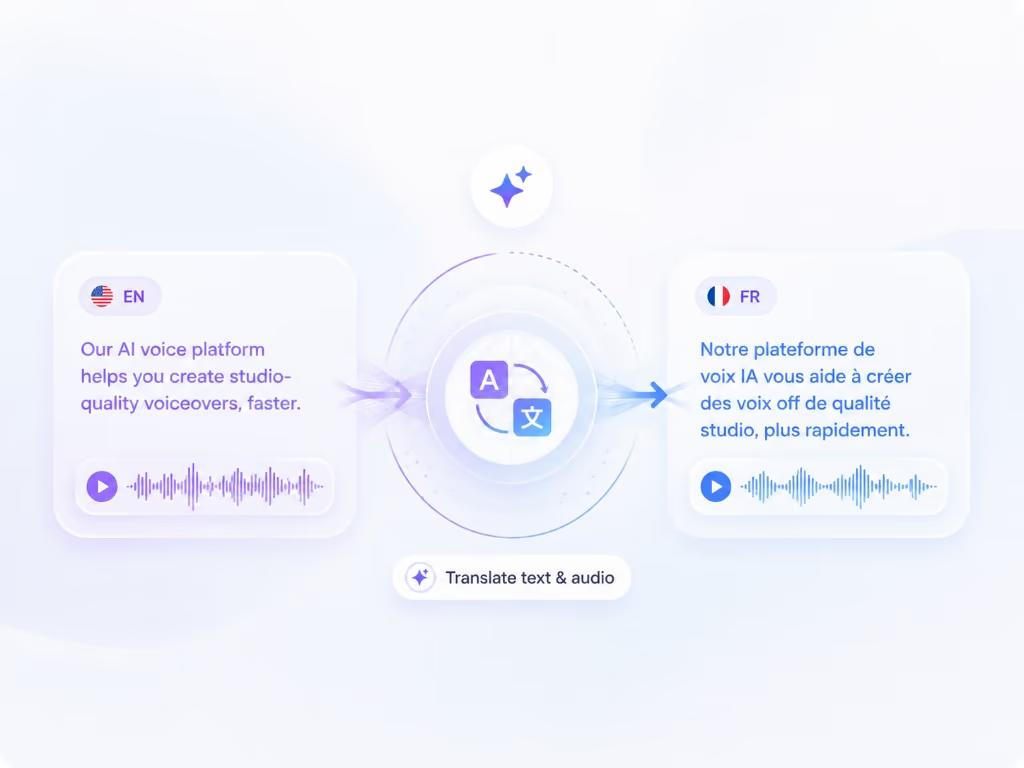
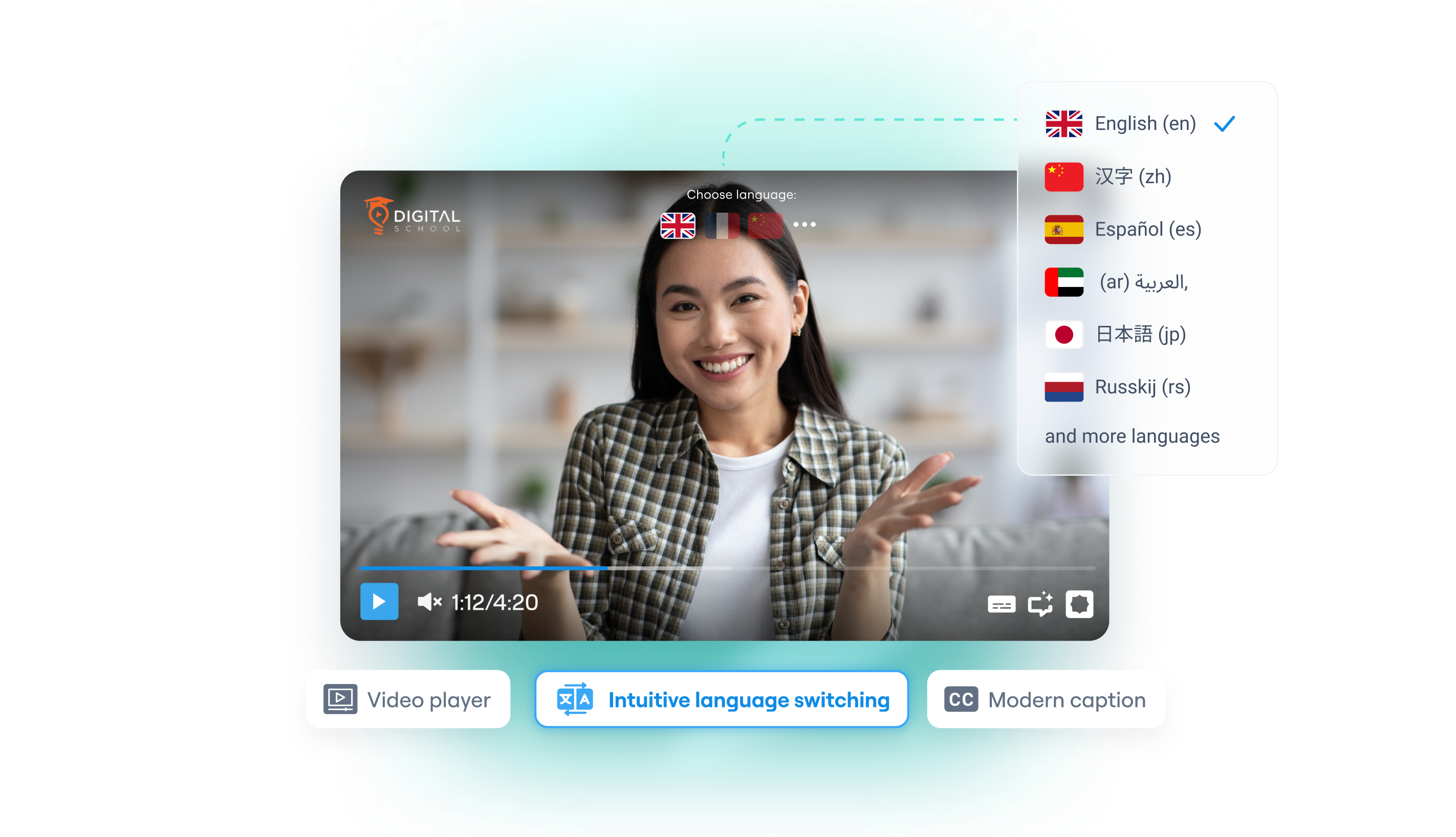
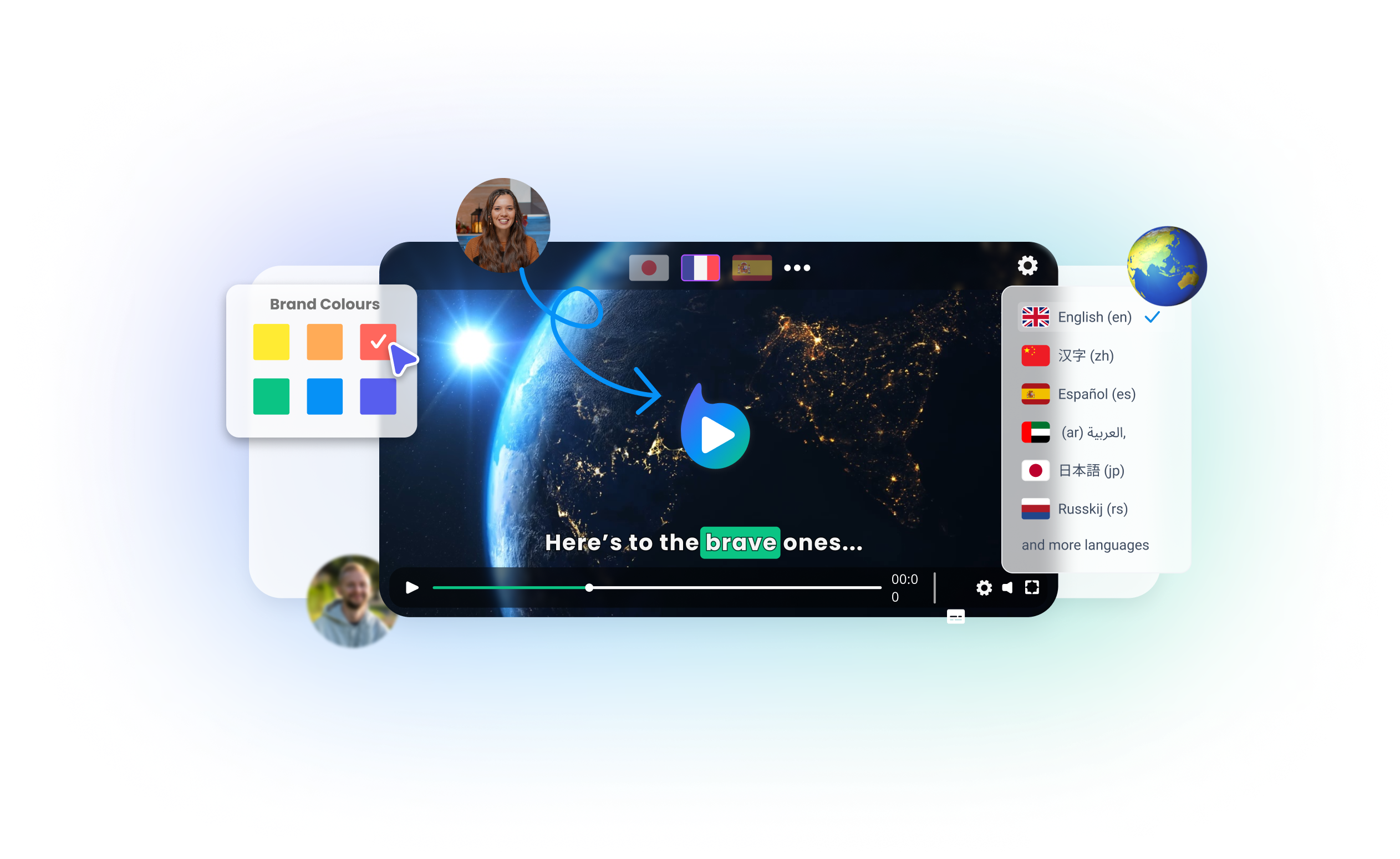
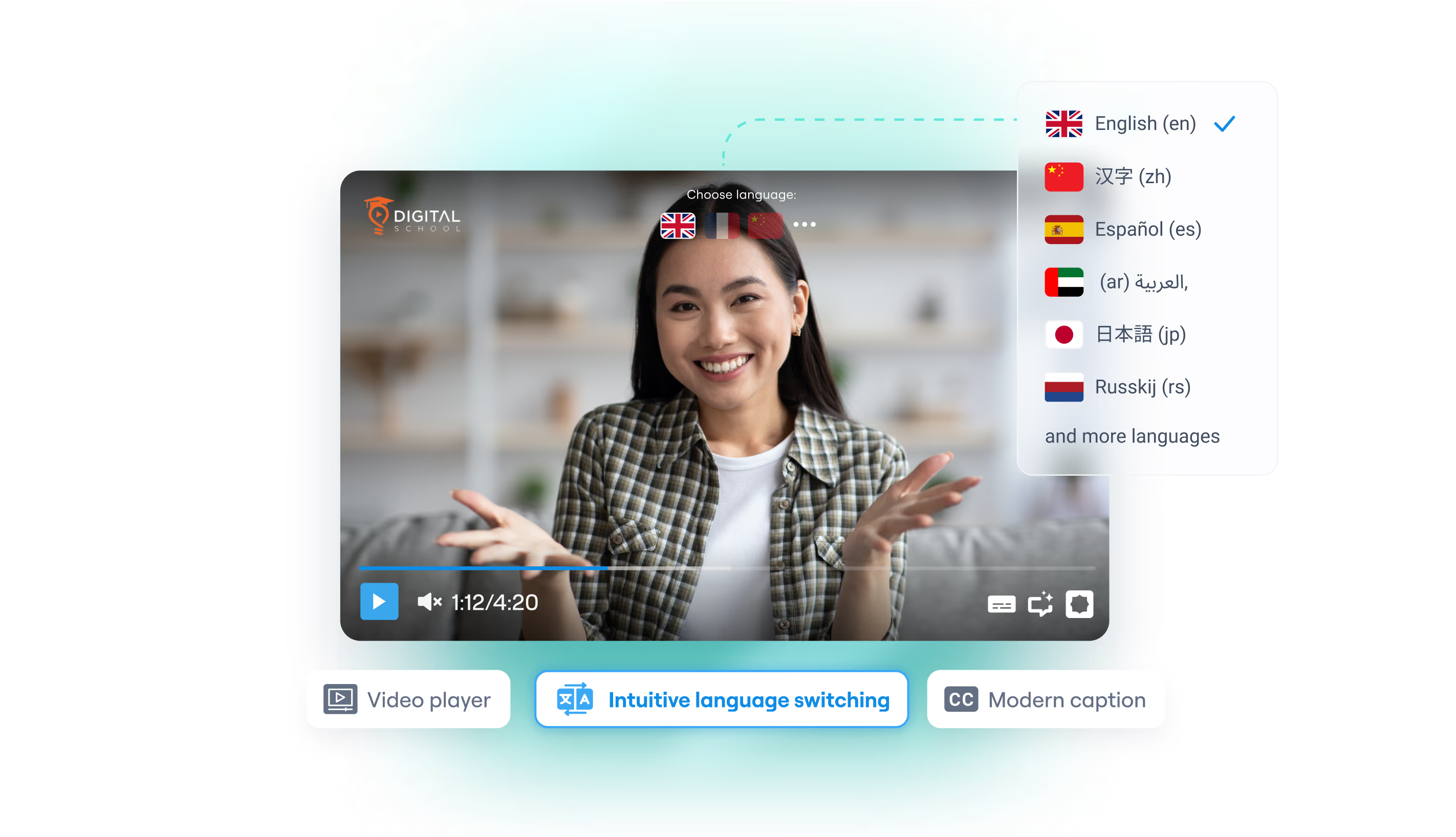
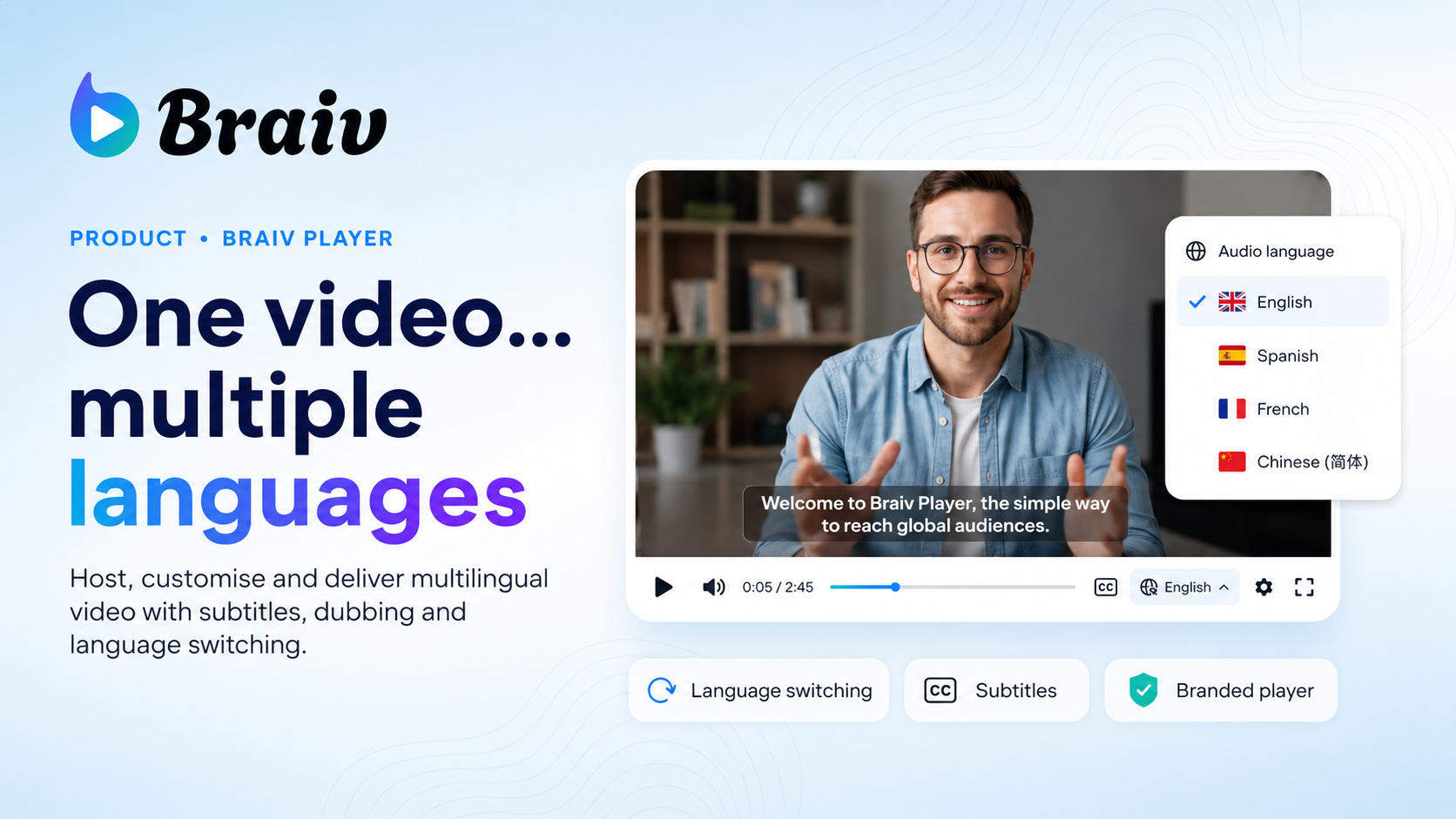
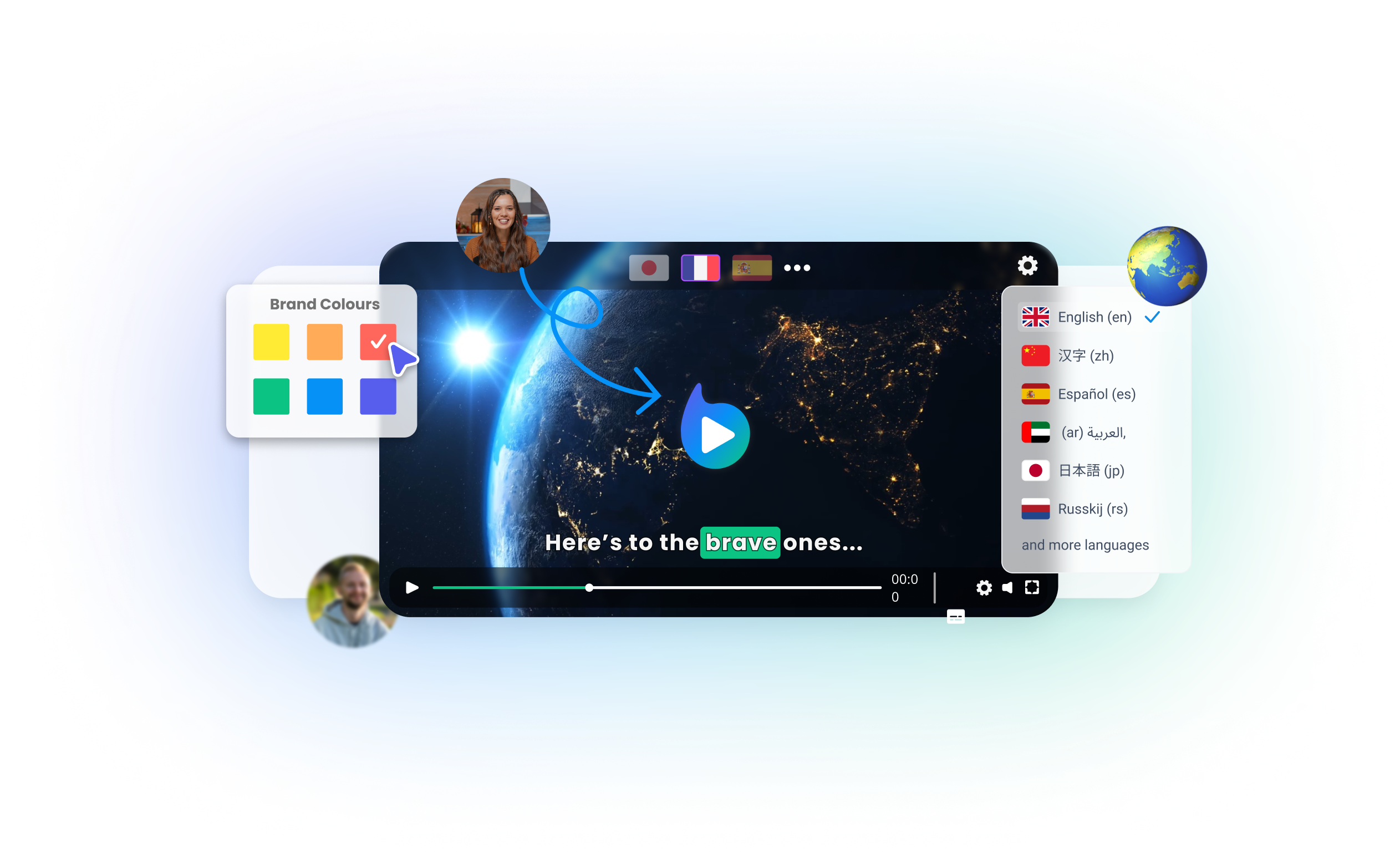
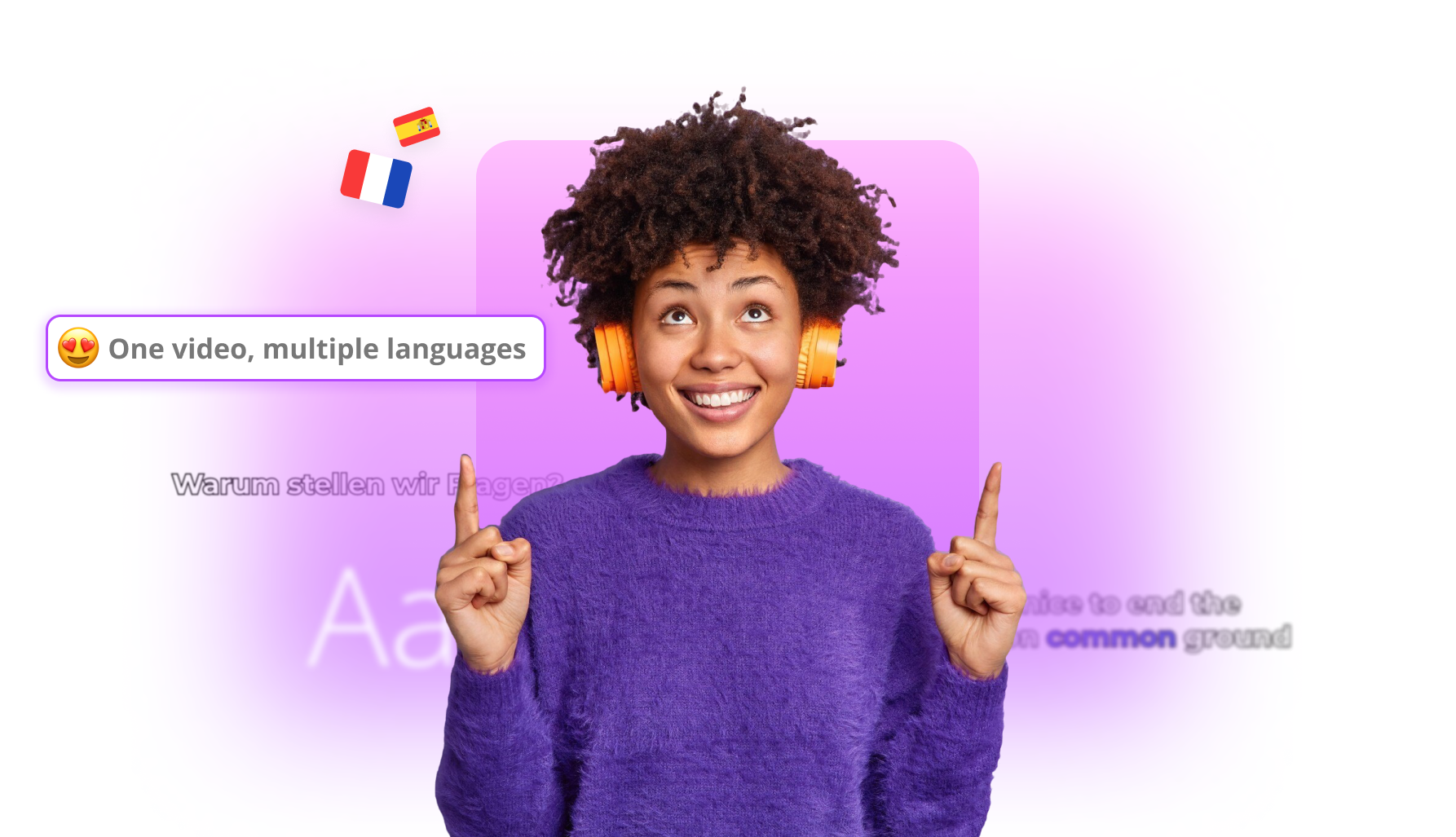
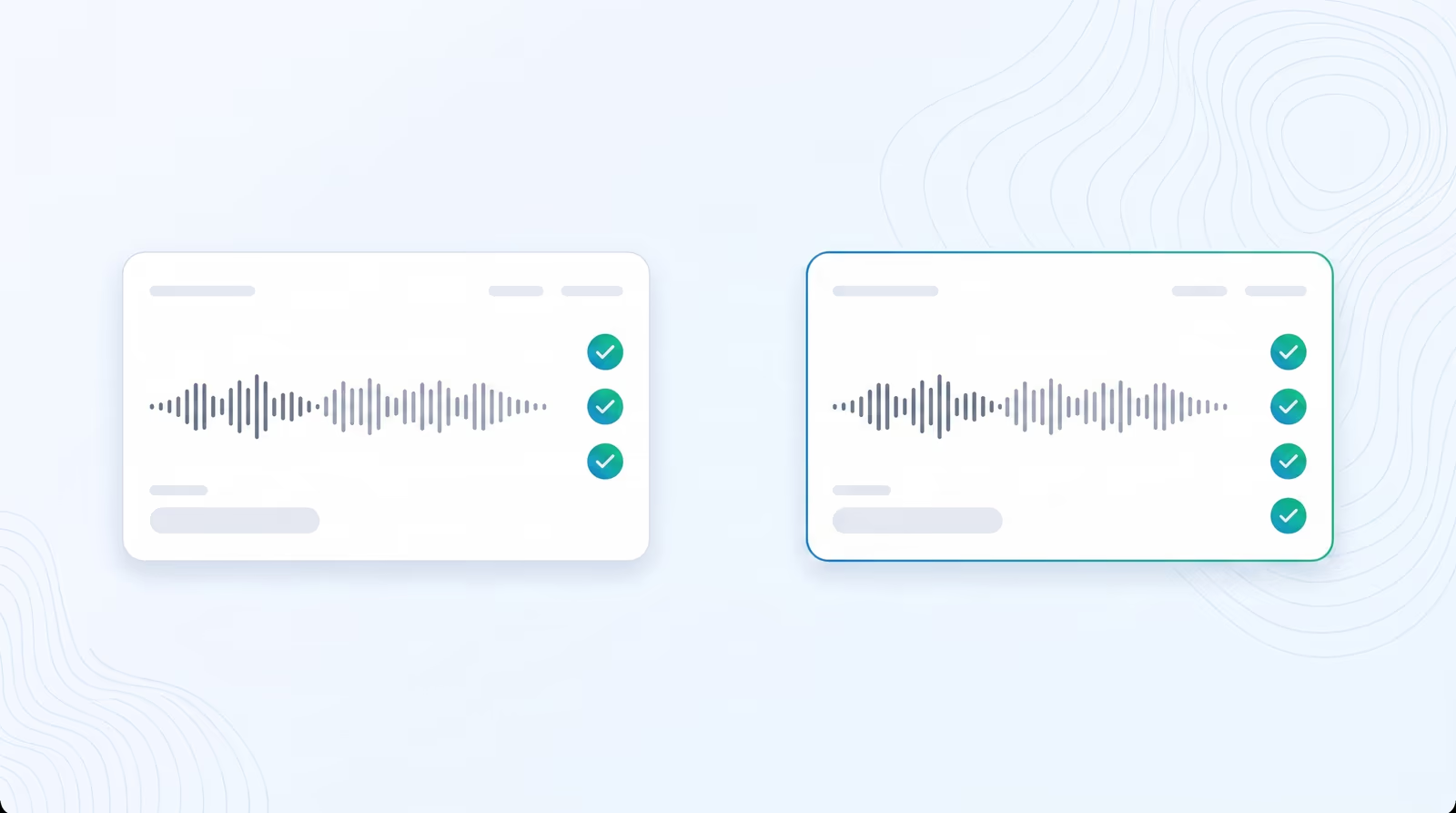
  • Multi-Language Audio Tracks: Auto-upload translated vocal tracks directly to your primary video on YouTube, giving your audience native-quality multi-language audio selection in their player.
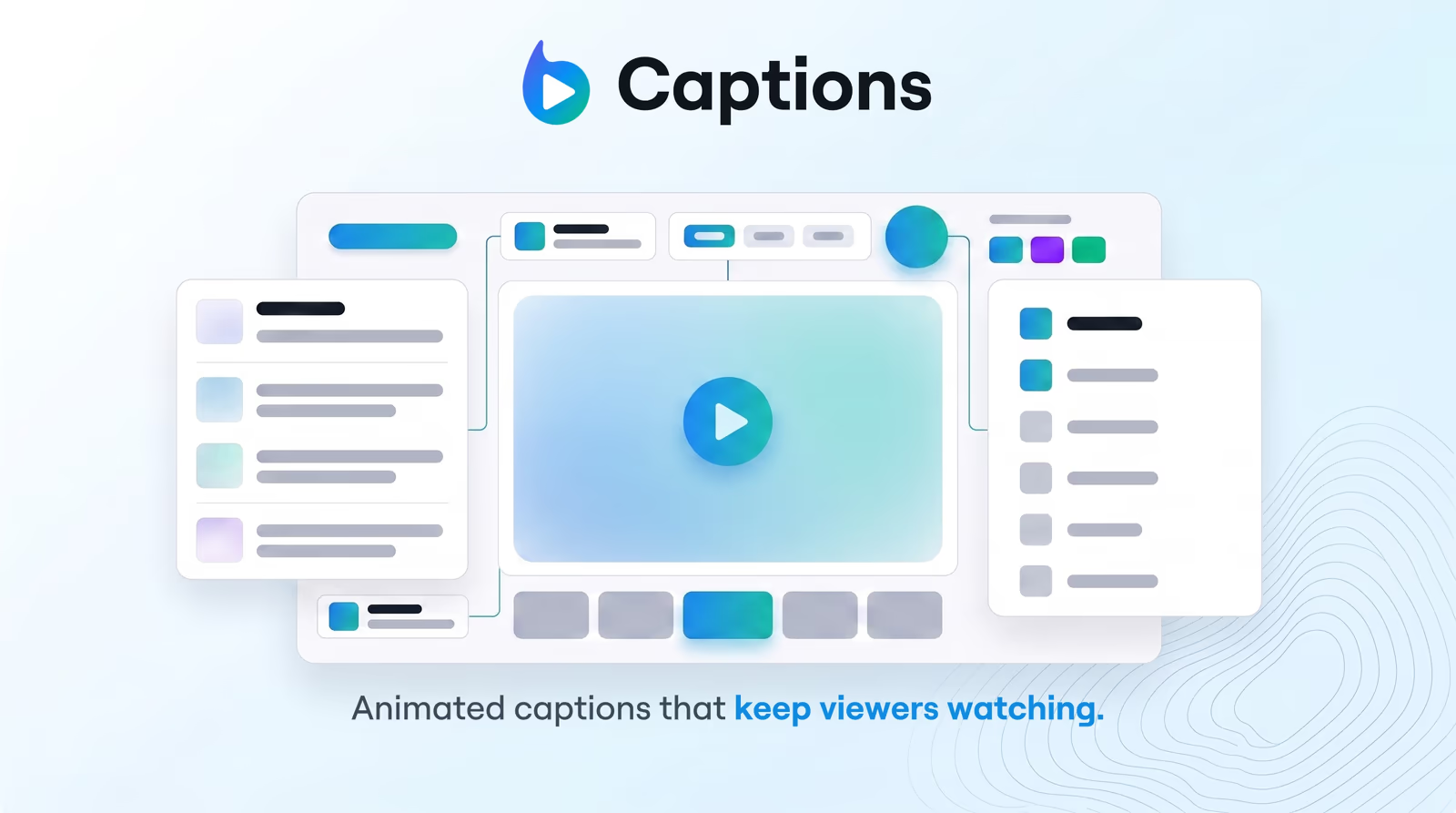
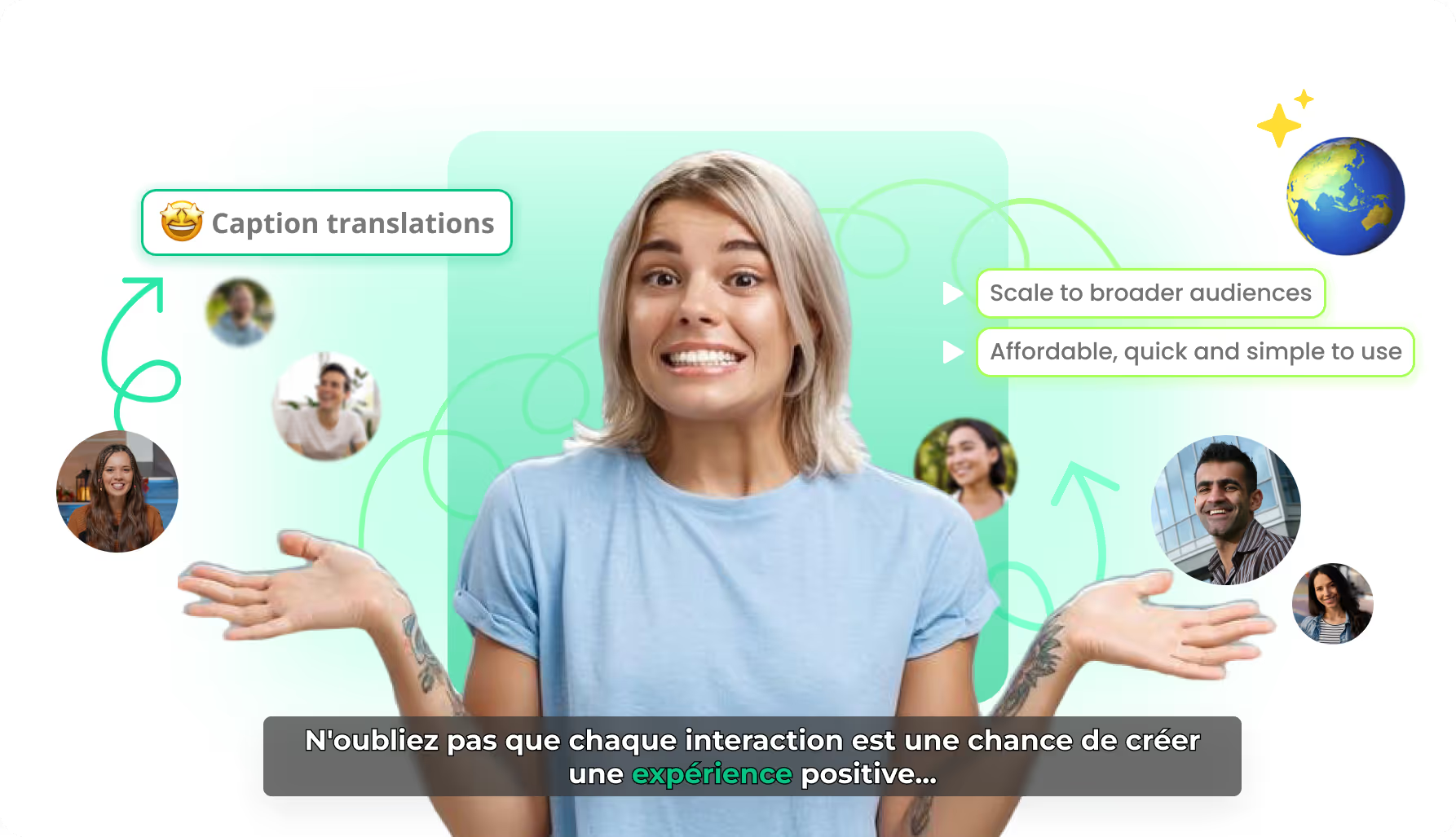
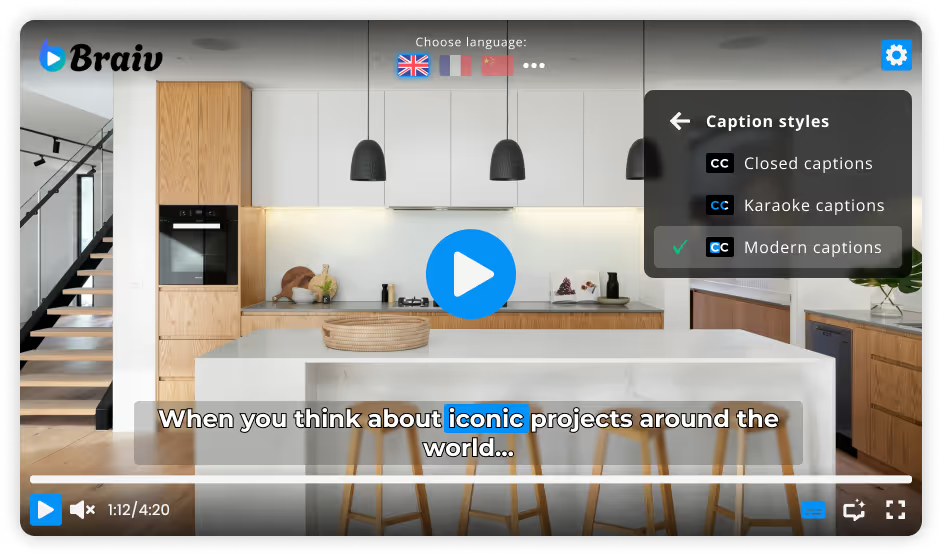
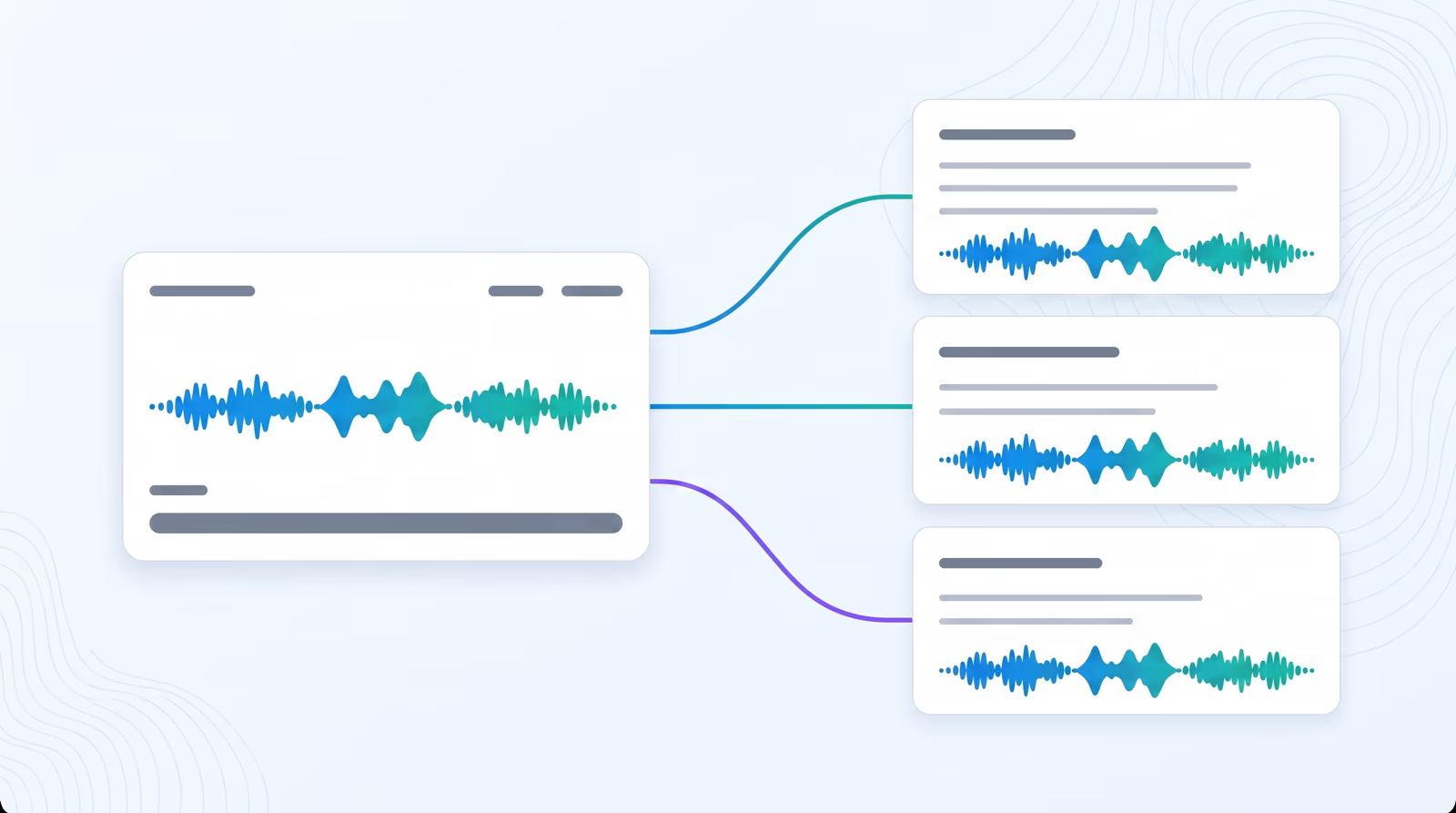
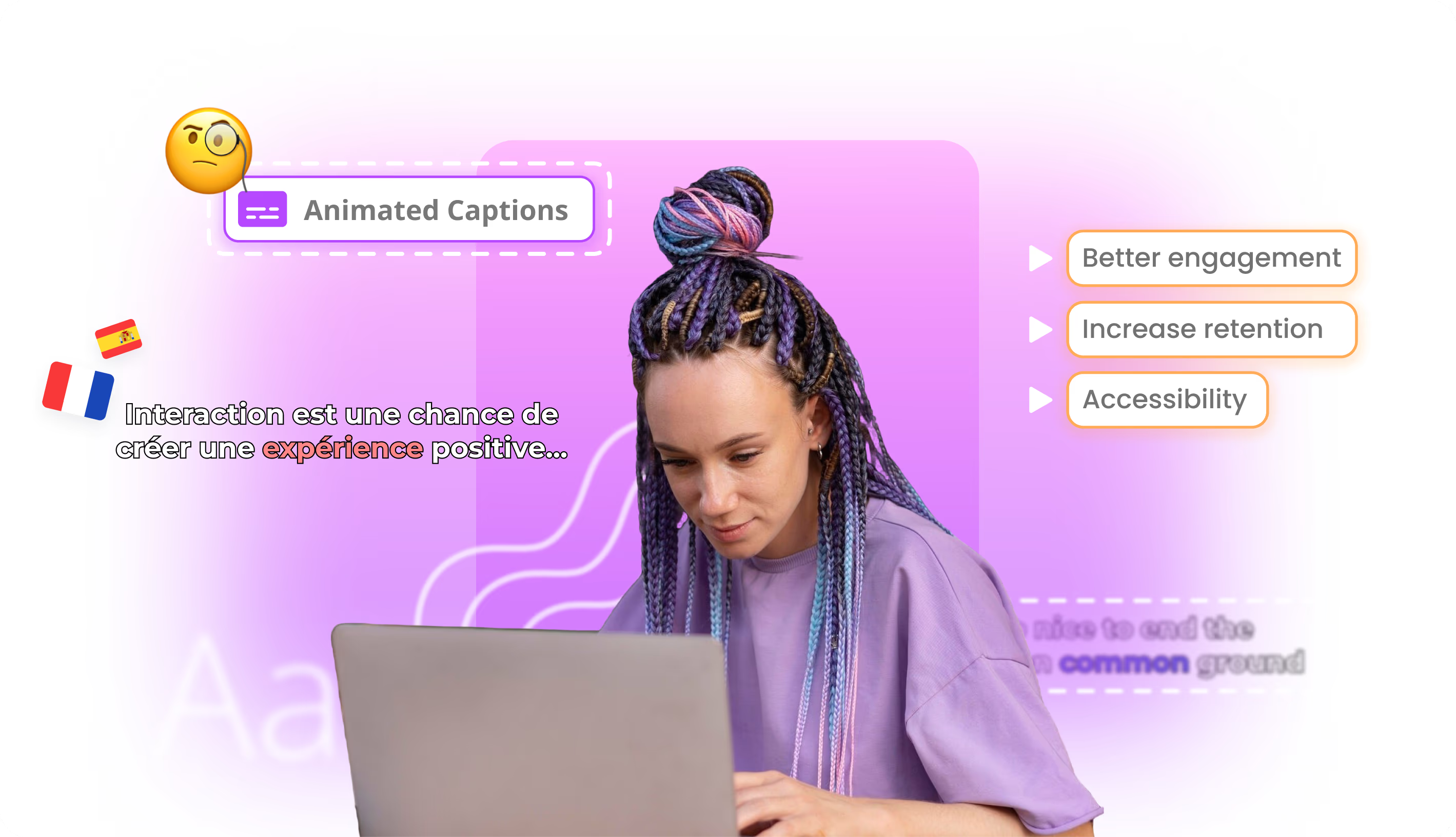
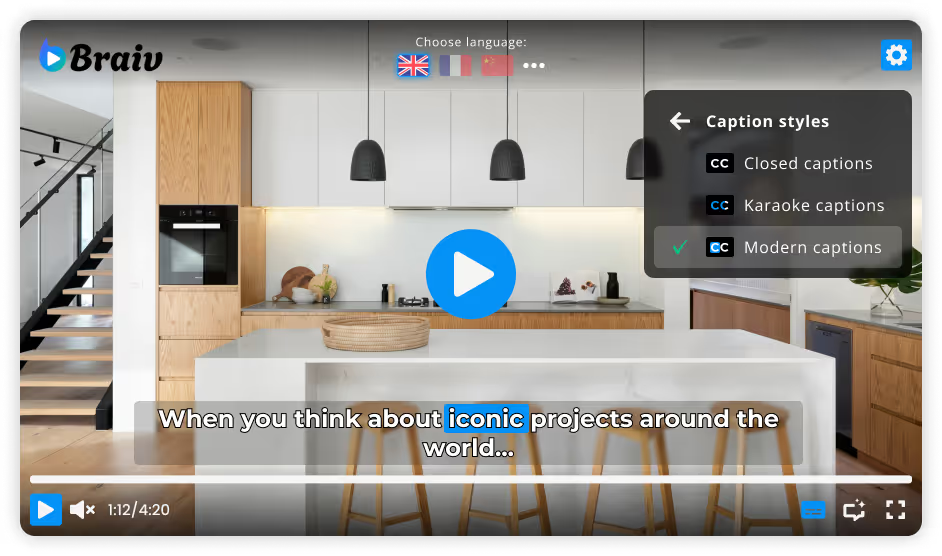
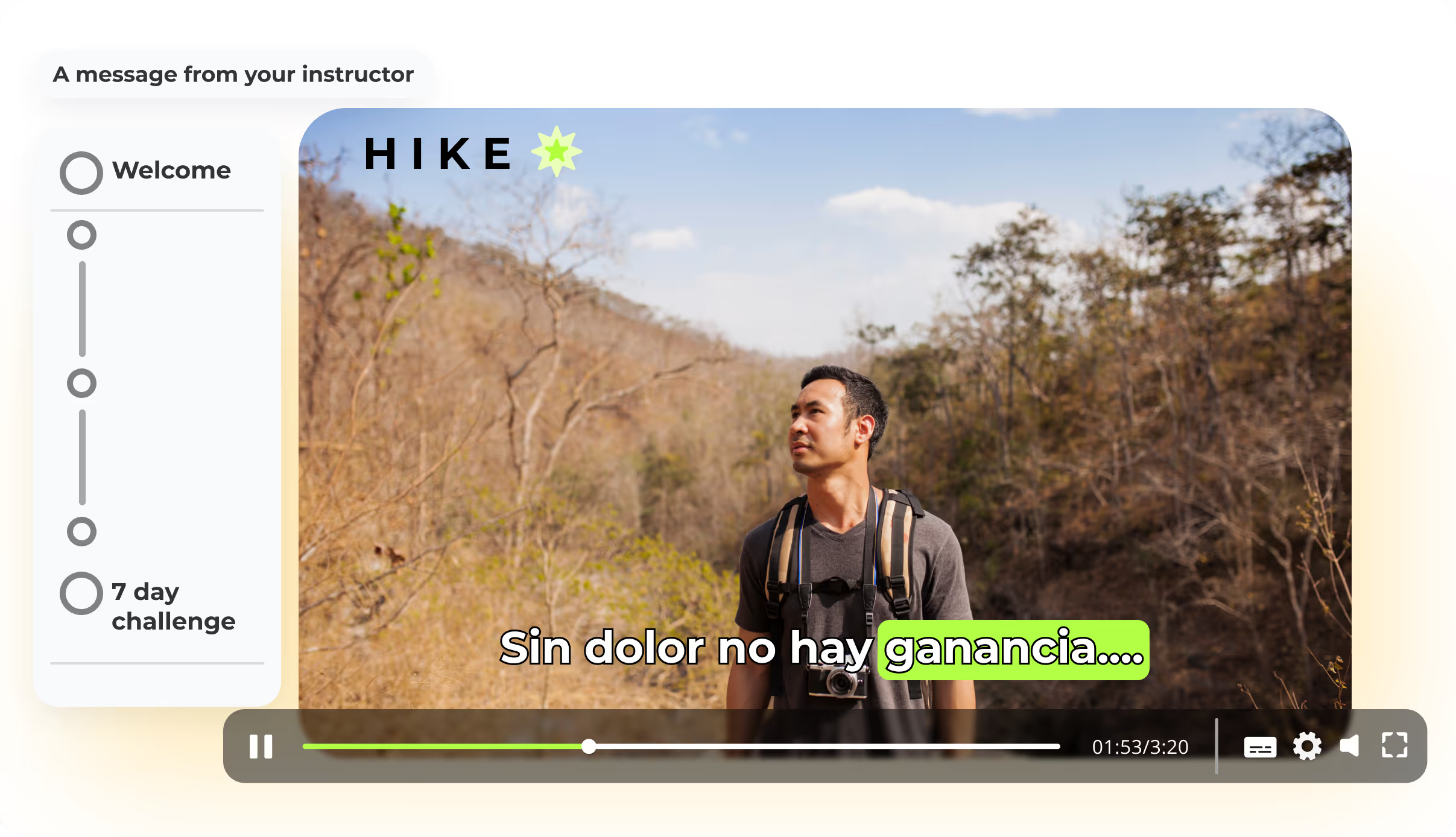
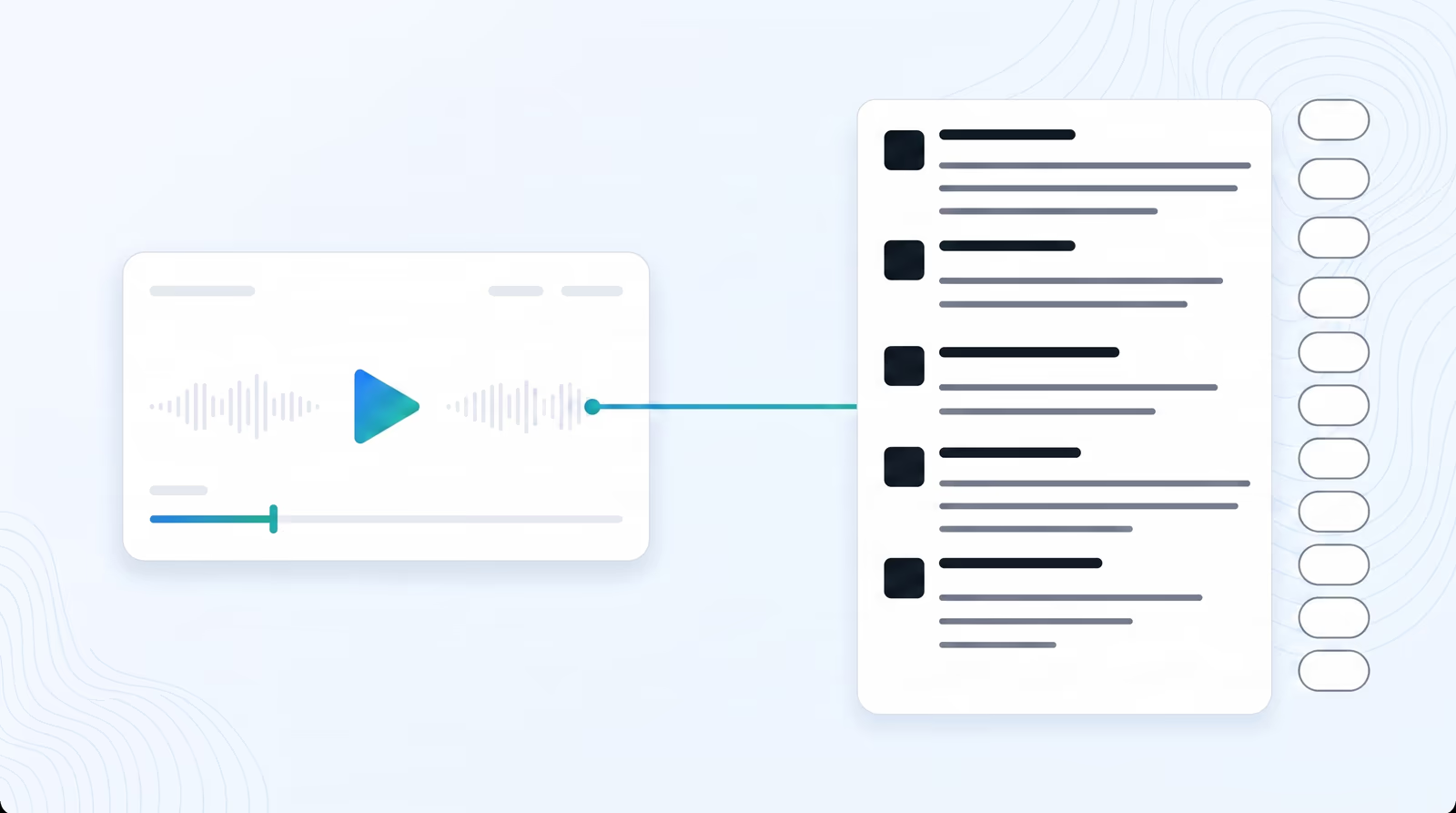
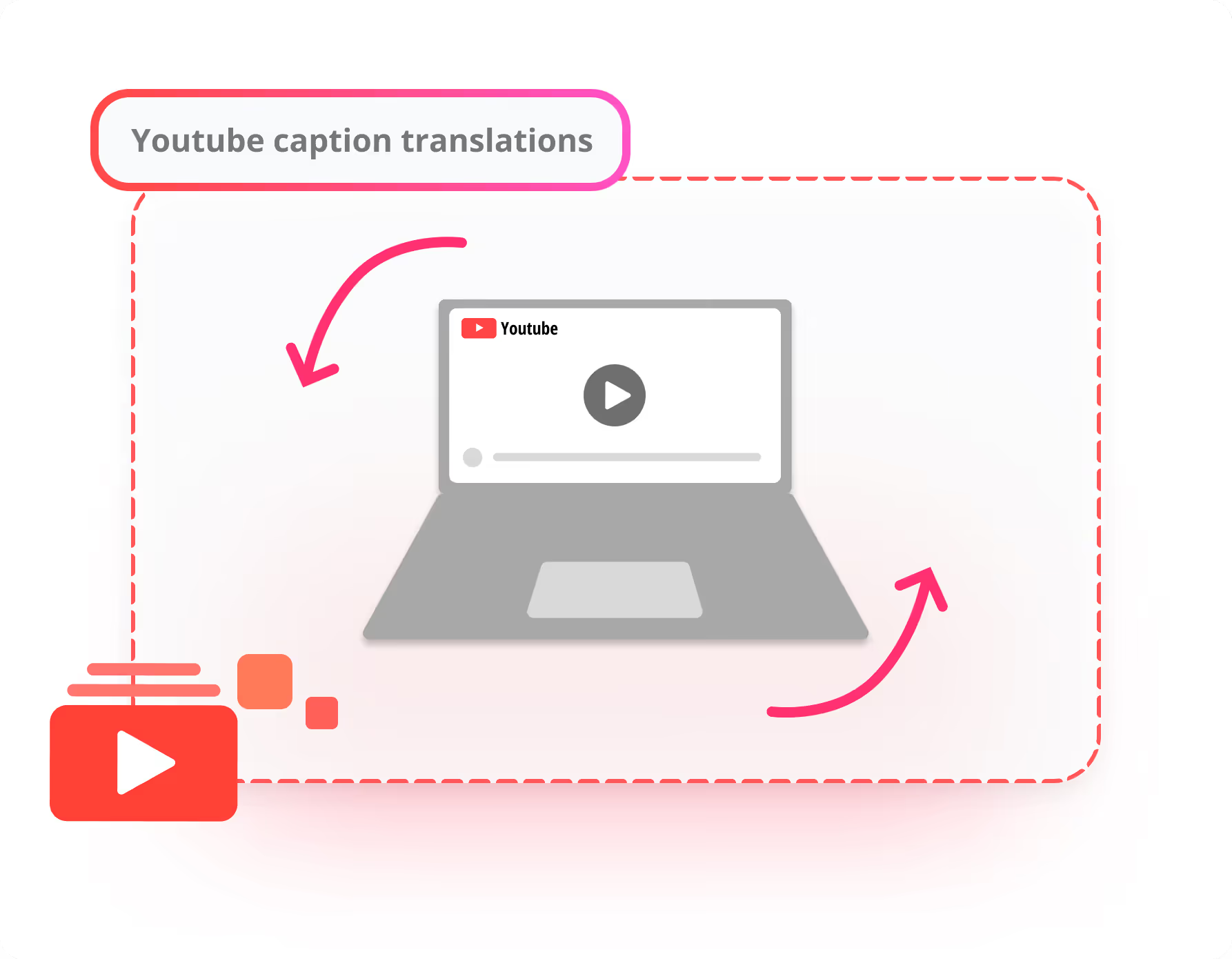
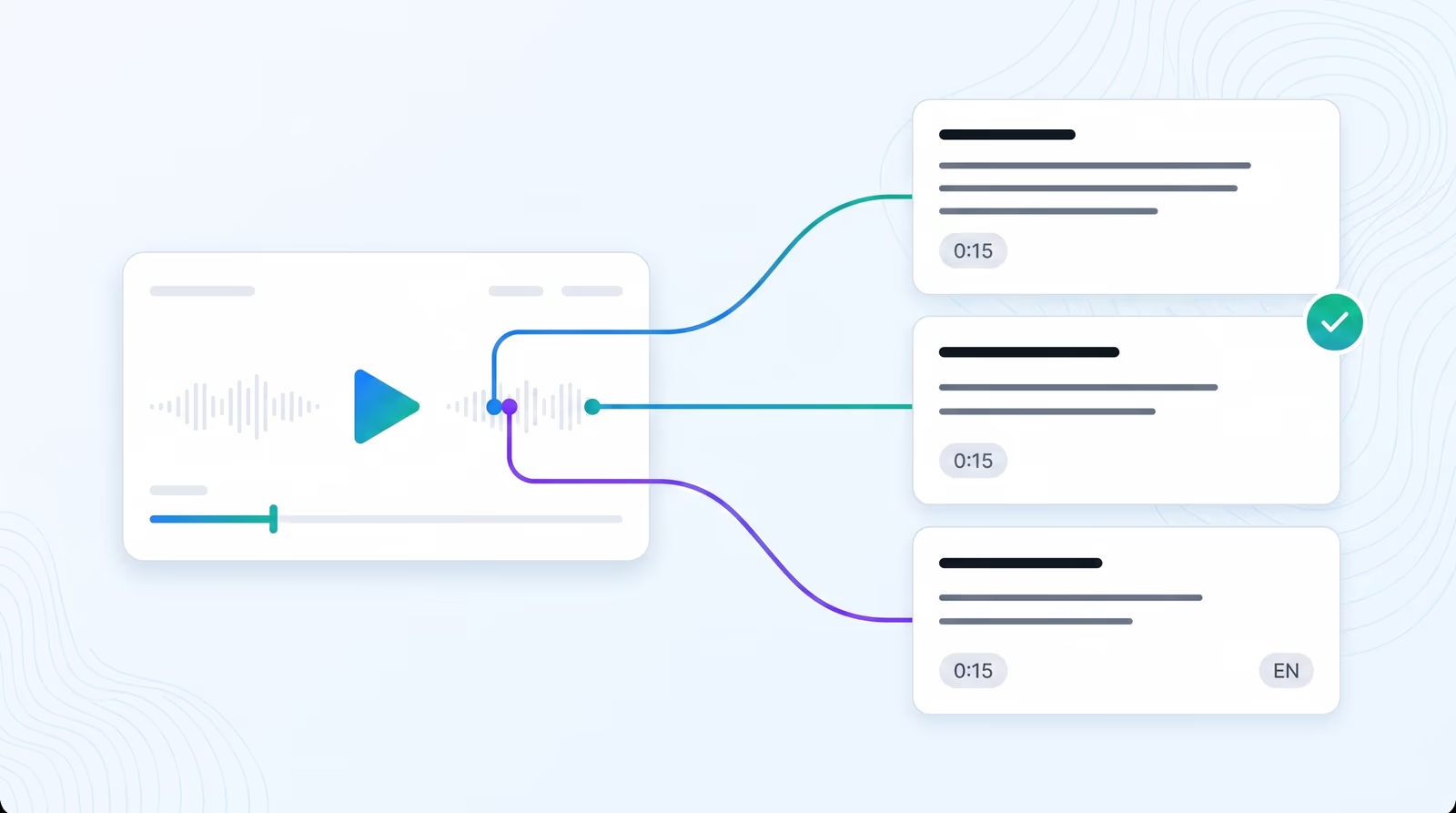
  • Synchronized Caption Tracks: Push localized closed captions and subtitles directly to your videos, ensuring complete accessibility and perfect alignment.
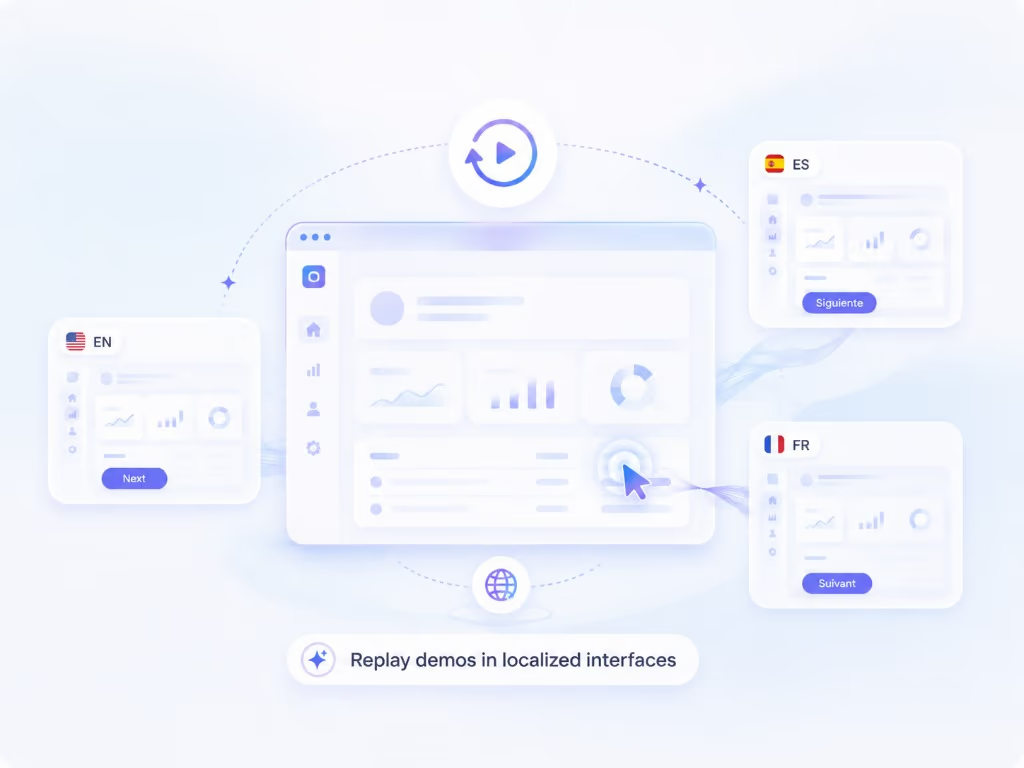
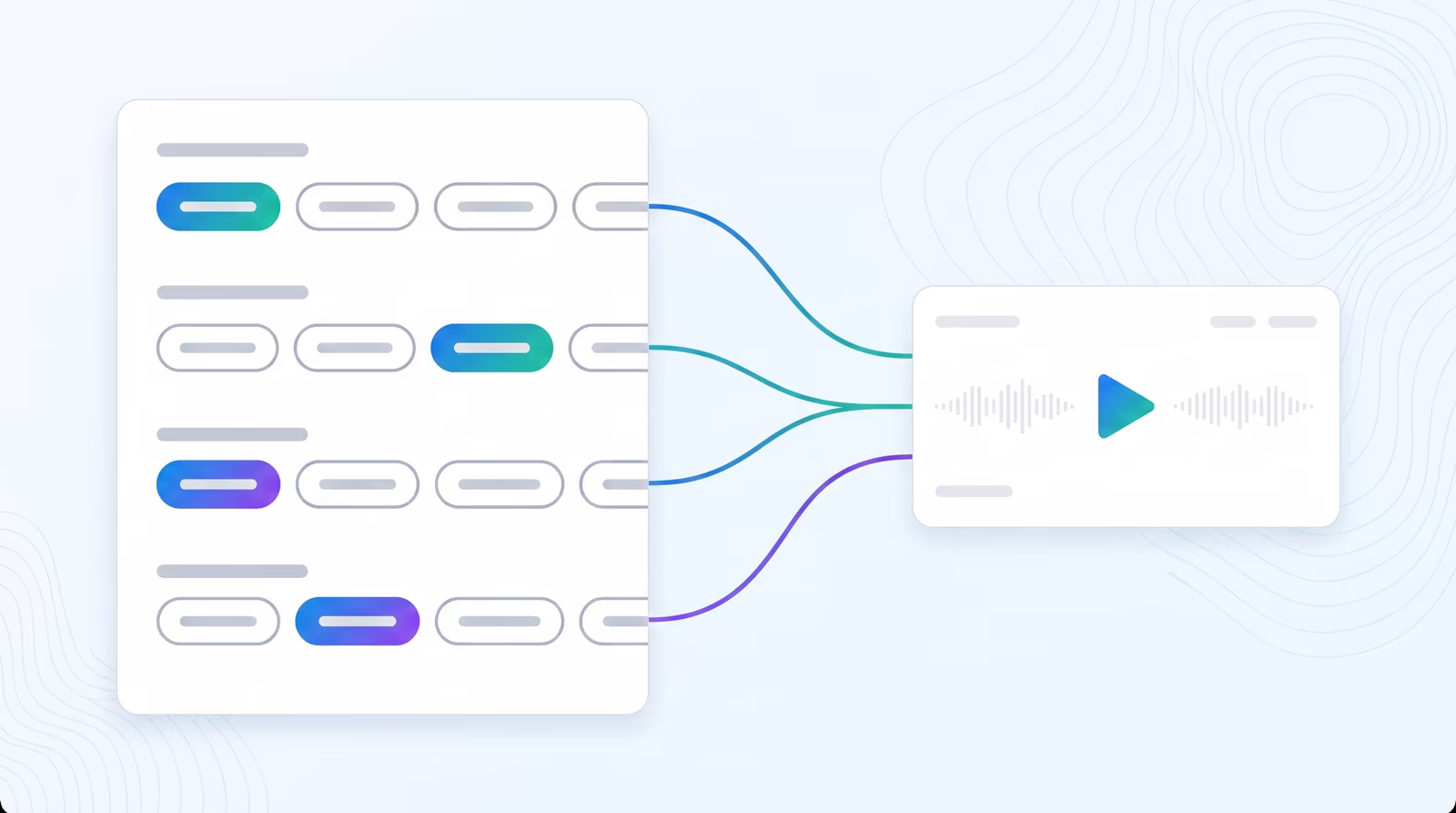
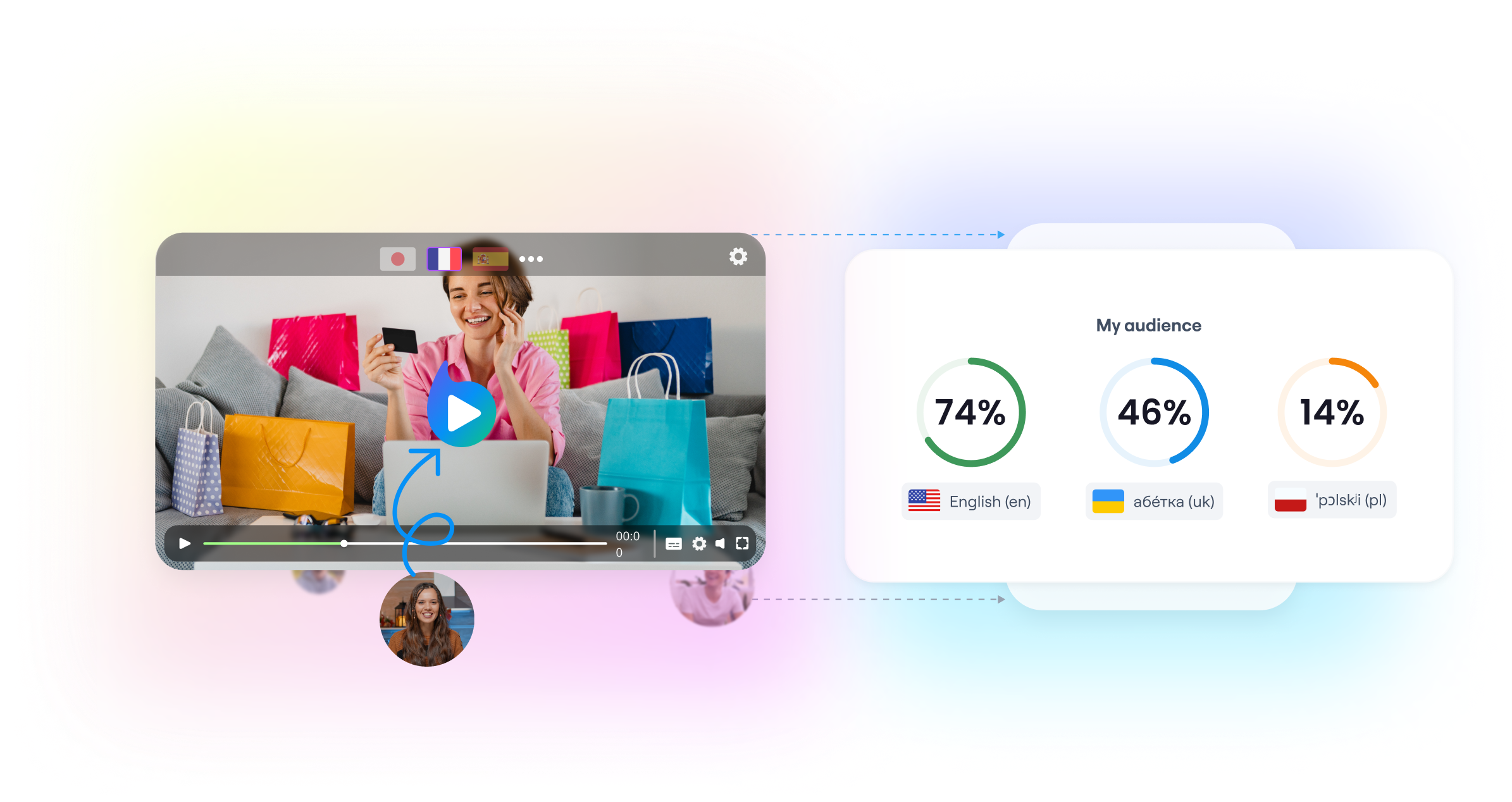
  • Optimized Localized Metadata: Automatically generate and publish localized titles, descriptions, and tags matching native search queries in every target market, maximizing your global search visibility.
domaine homes logo
puma logo
tesla logo
micd-up logo
antler logo
canva logo
thirdi logo
screenapp logo
anchored outdoors logo
domaine homes logo
puma logo
tesla logo
micd-up logo
antler logo
canva logo
thirdi logo
screenapp logo
anchored outdoors logo
Key Features
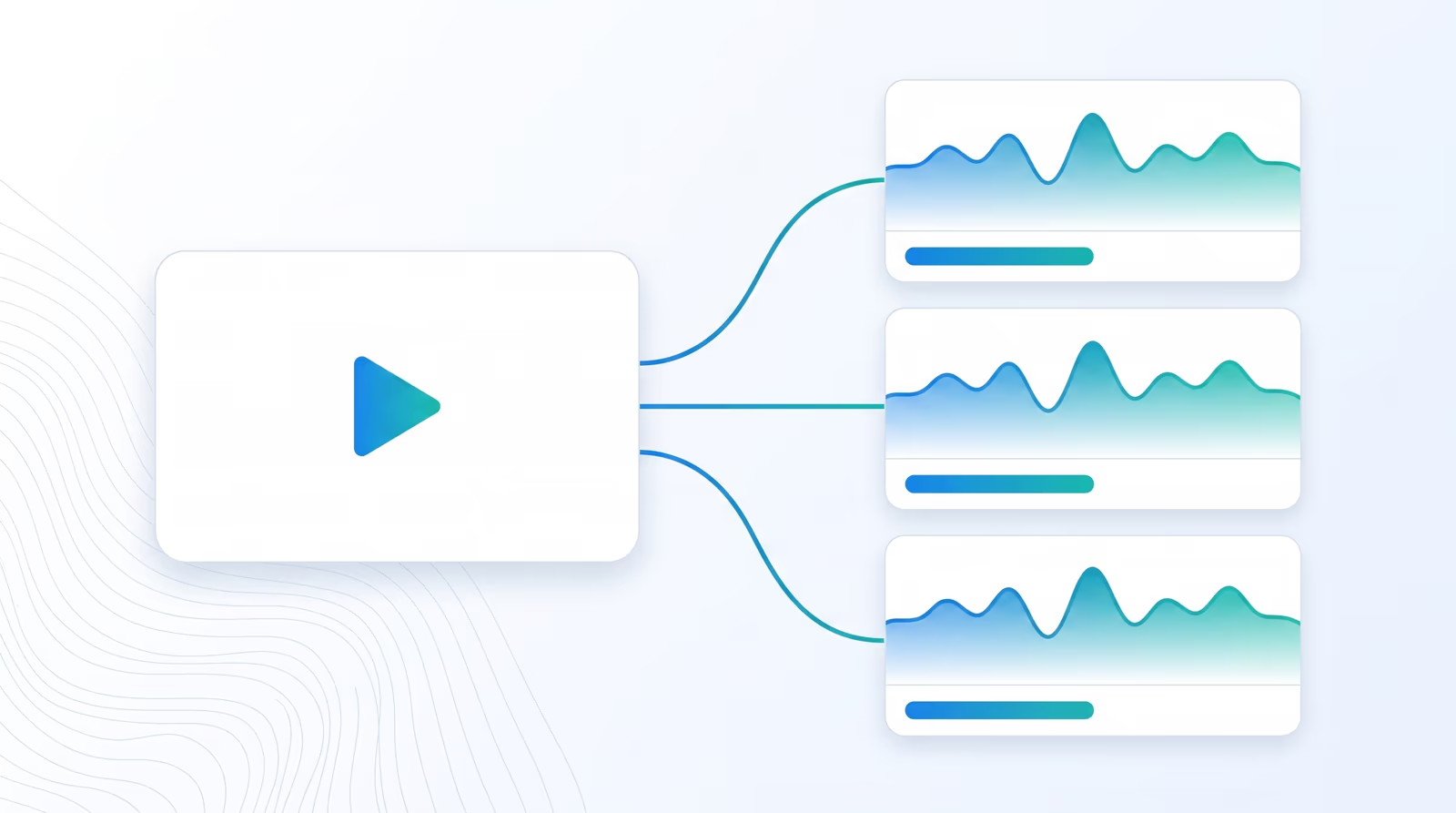
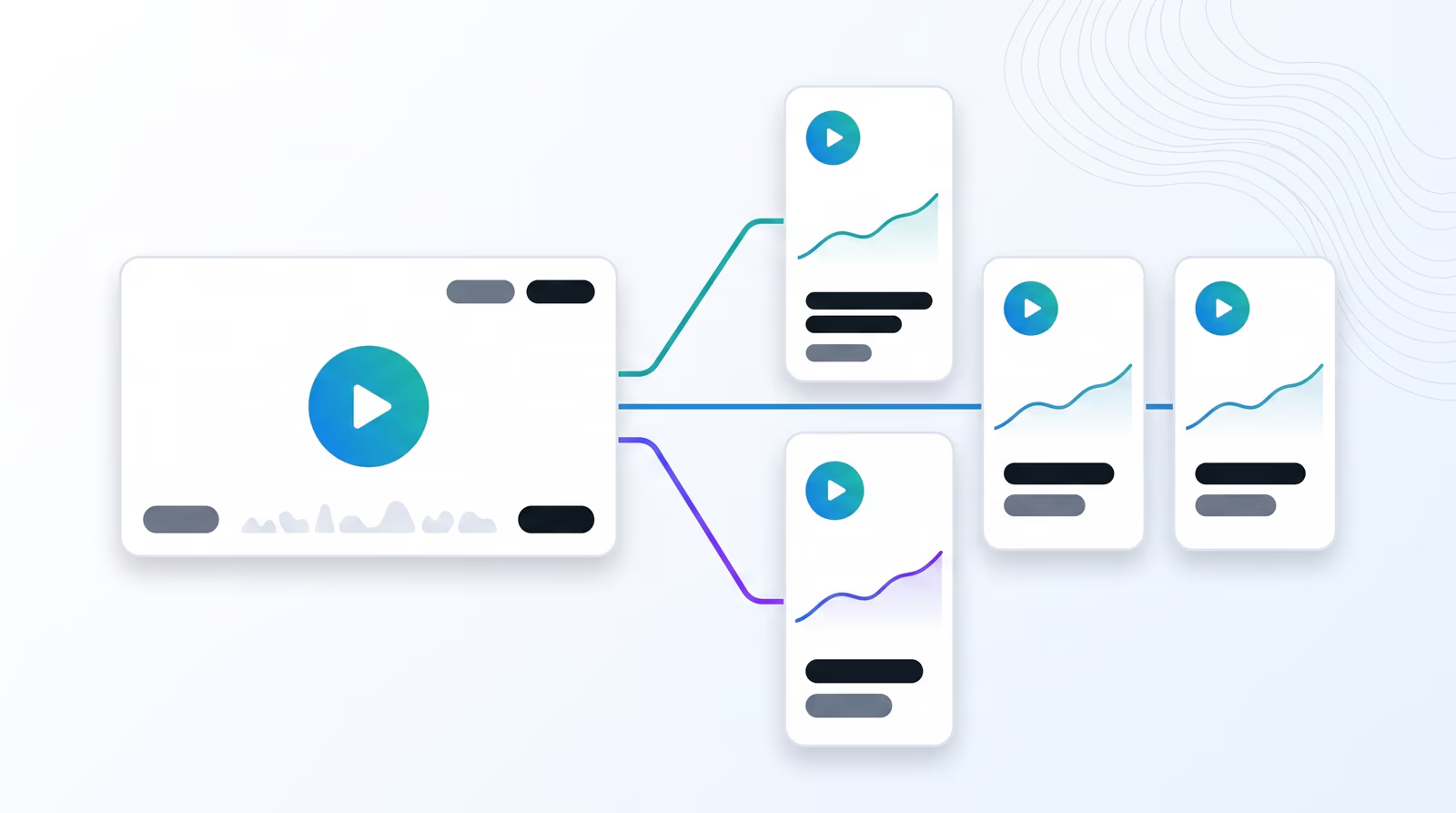
Connect & manage multiple YouTube channels
Connect as many channels as you need to Braiv to manage them all from a single platorm.
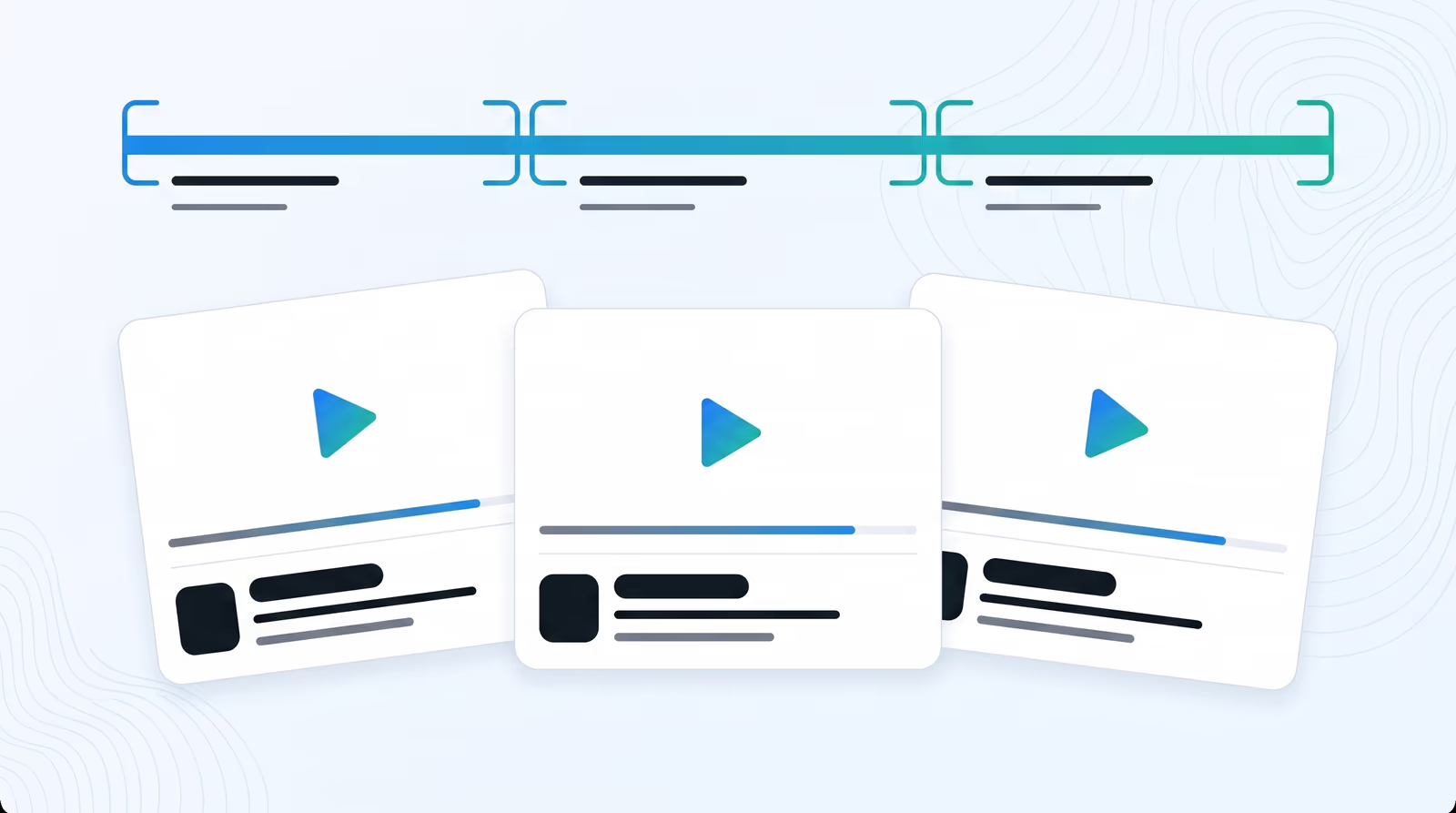
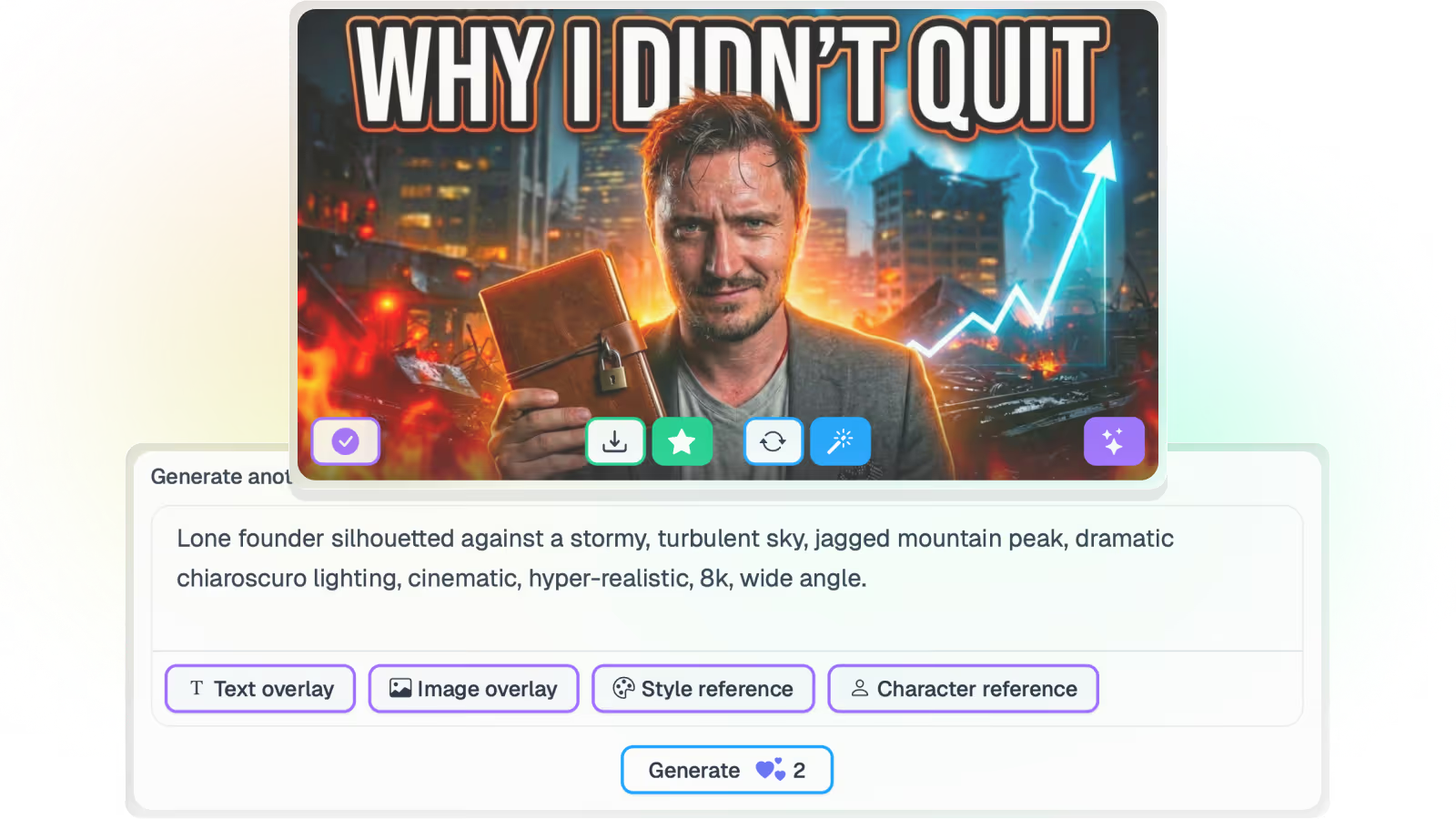
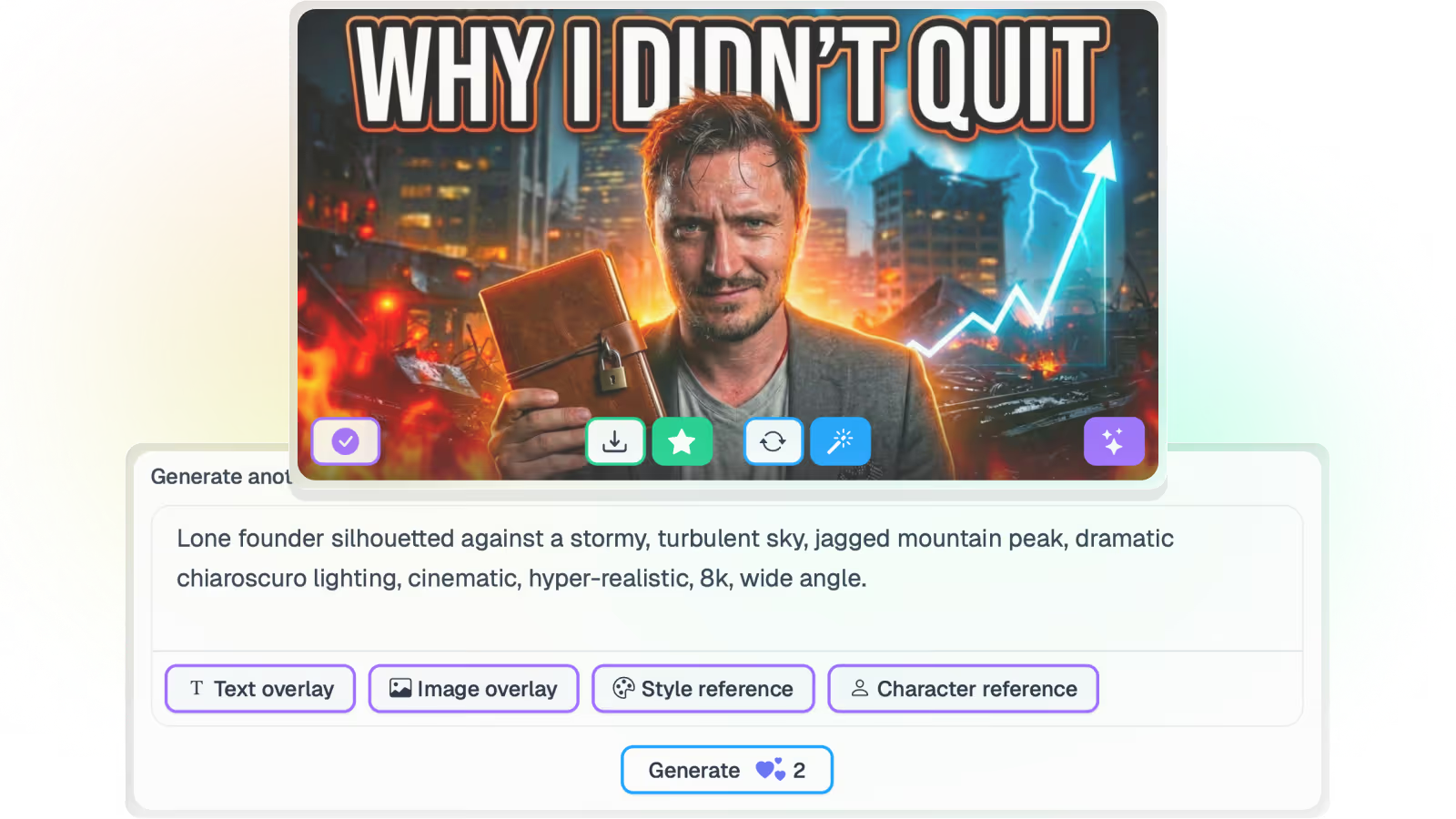
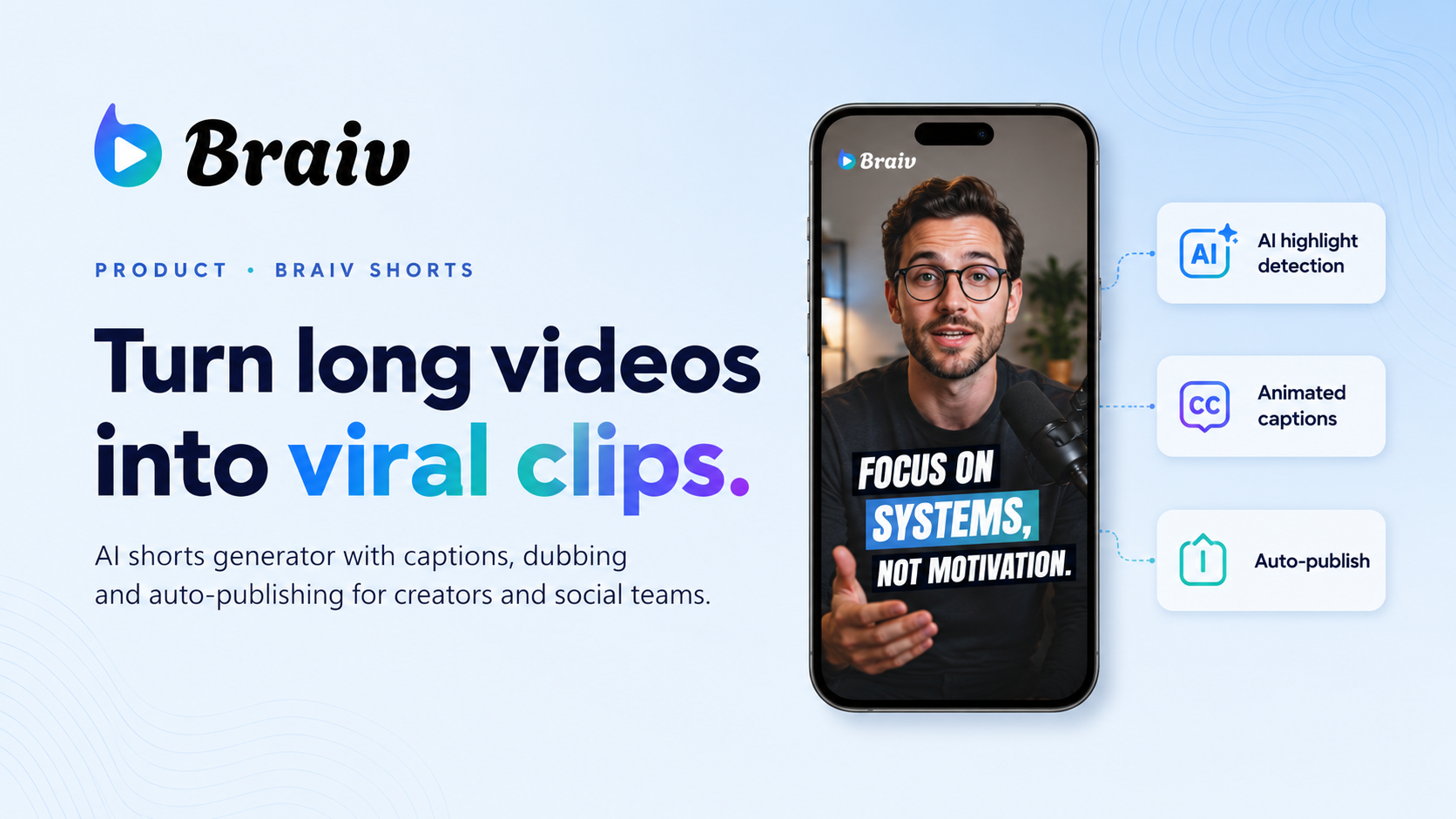
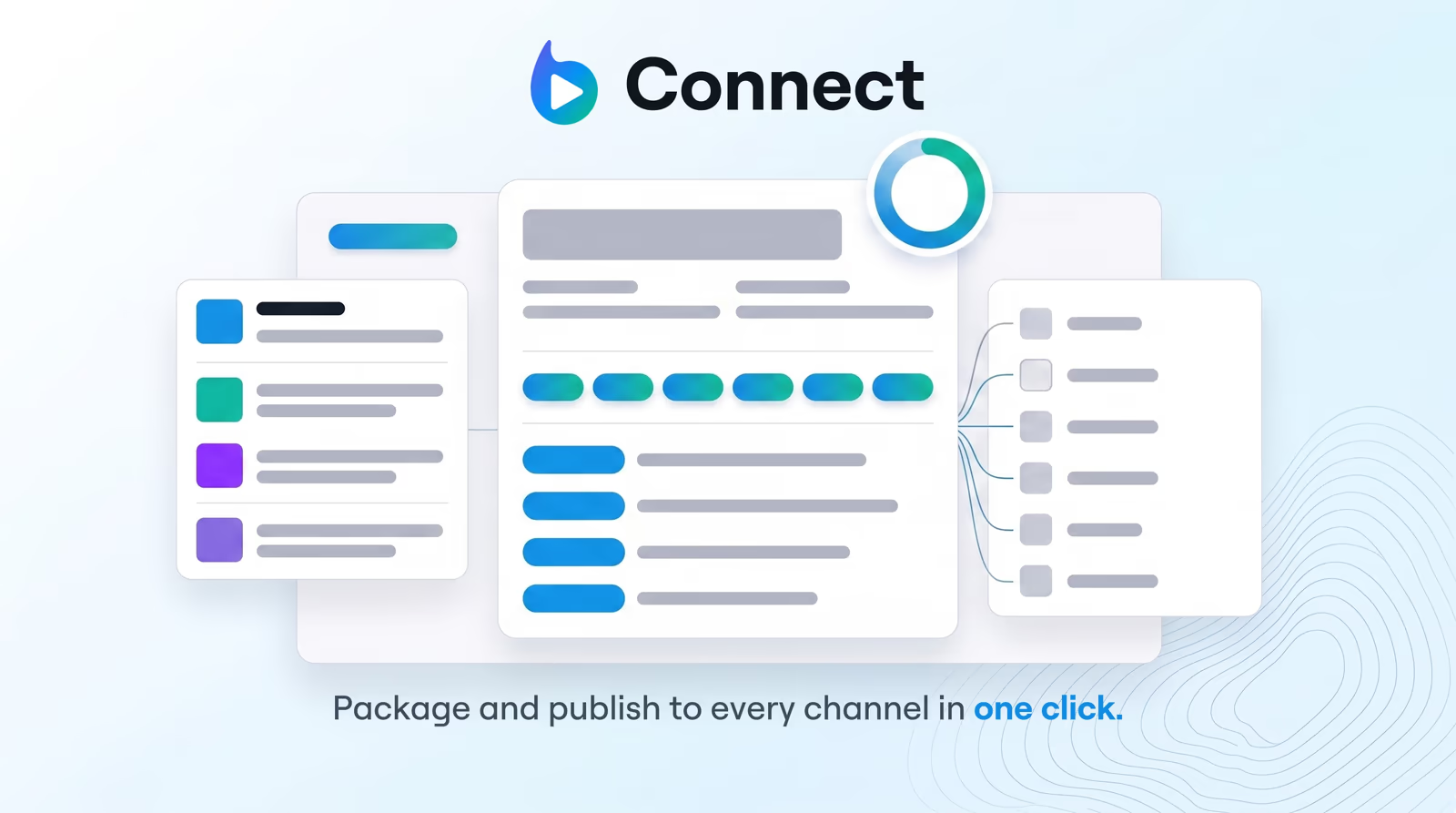
Package & publish viral YouTube content
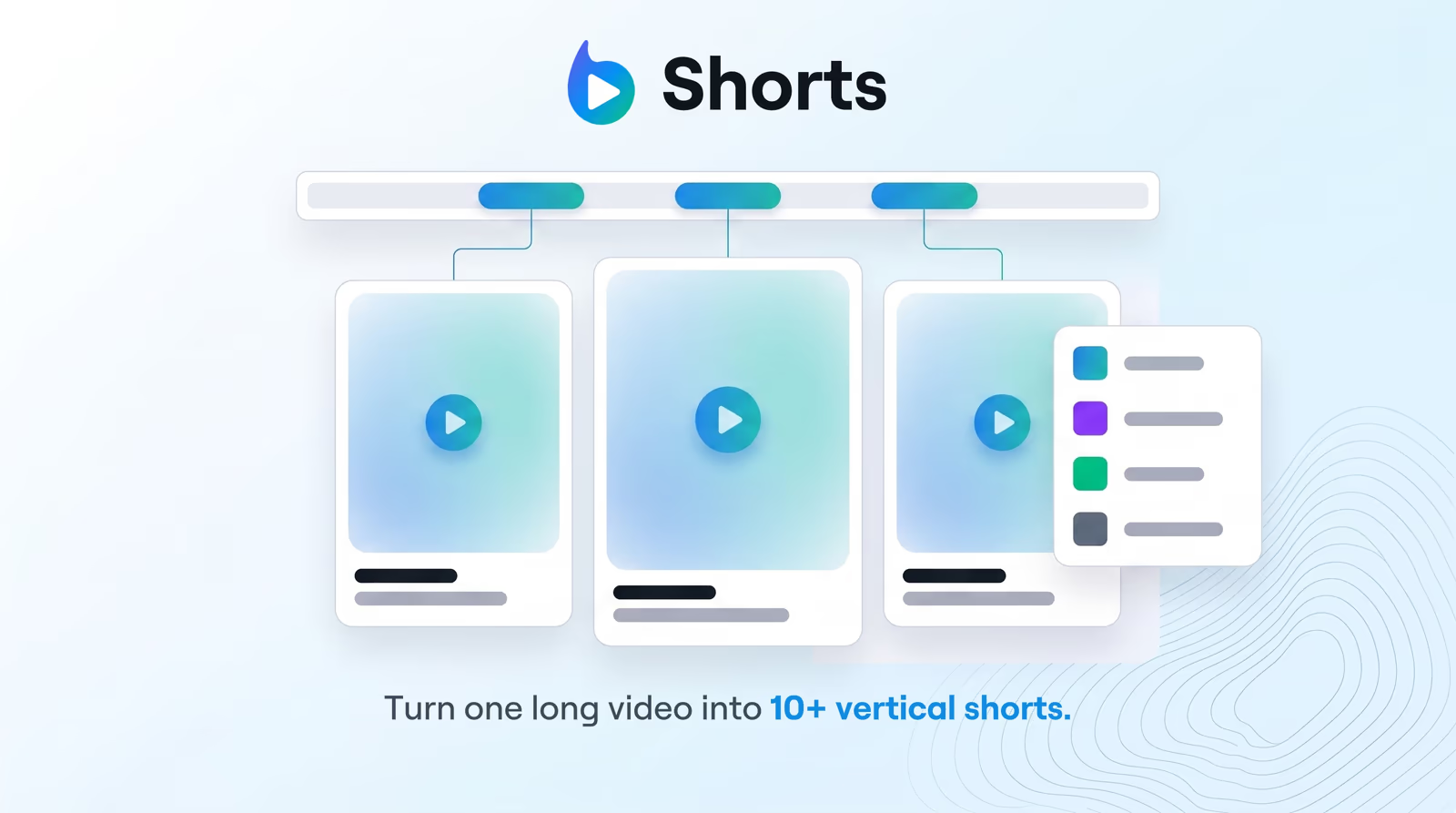
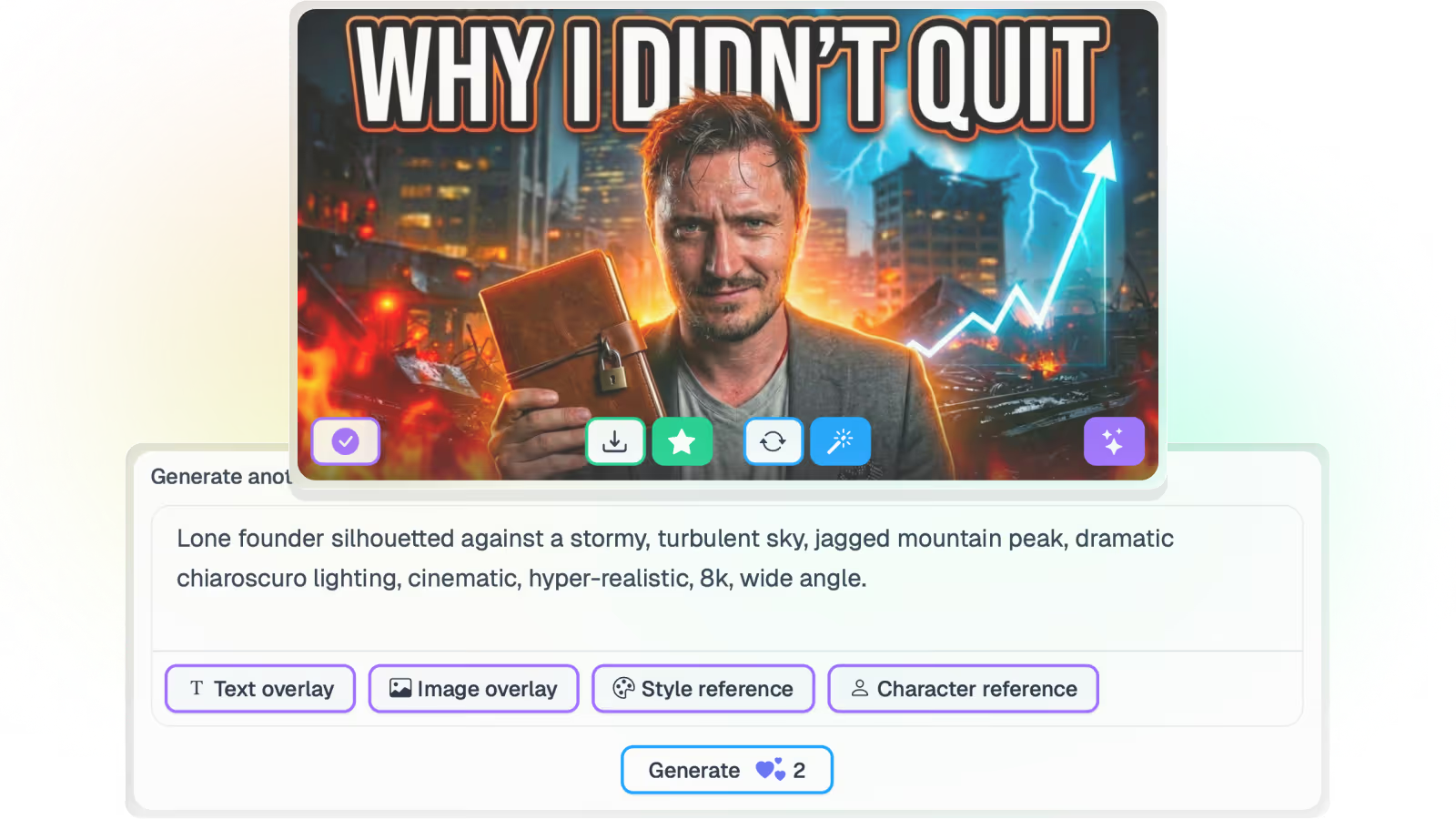
Publish AI generated, viral content to all your YouTube channels in a single click!
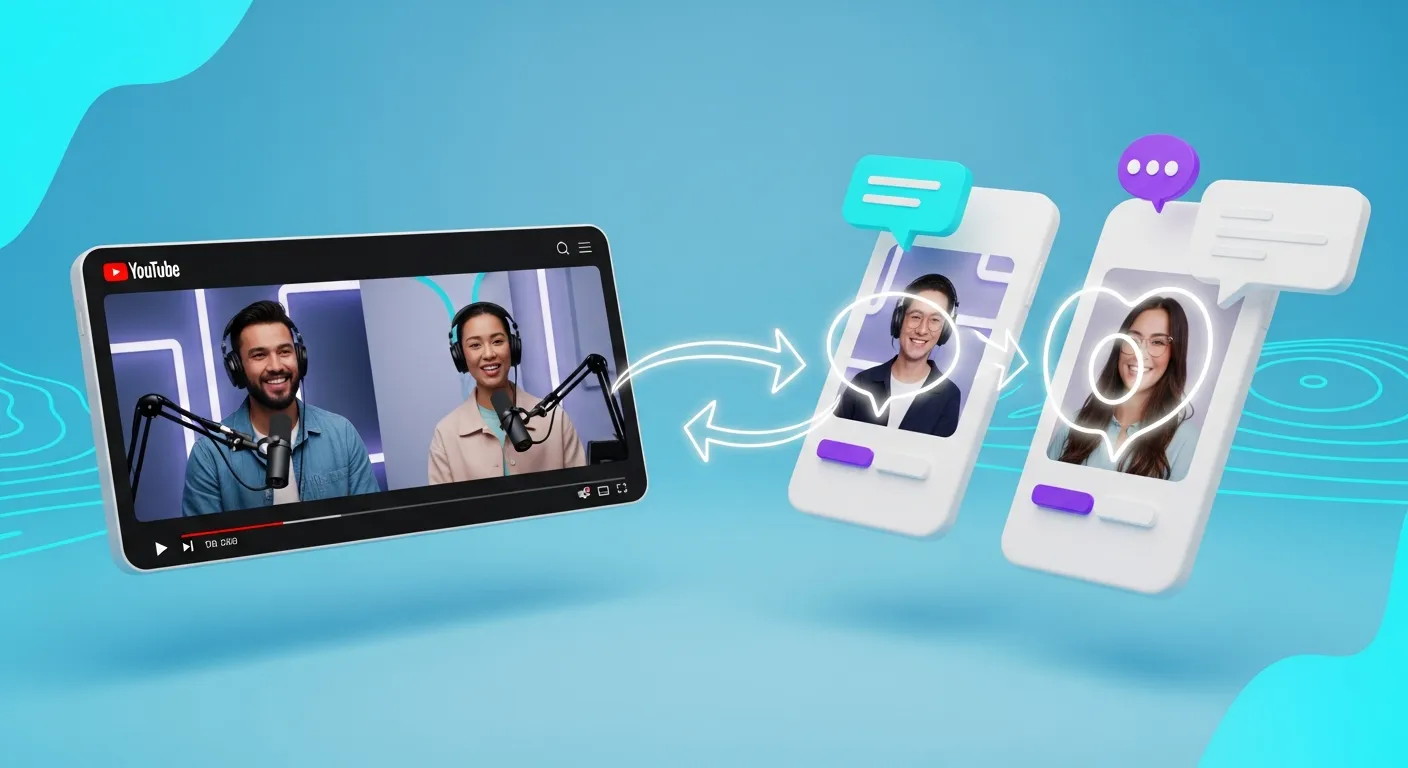
Social media integration
Automatically share & post translated videos to your socials.
Parent Product

Available in Braiv Connect

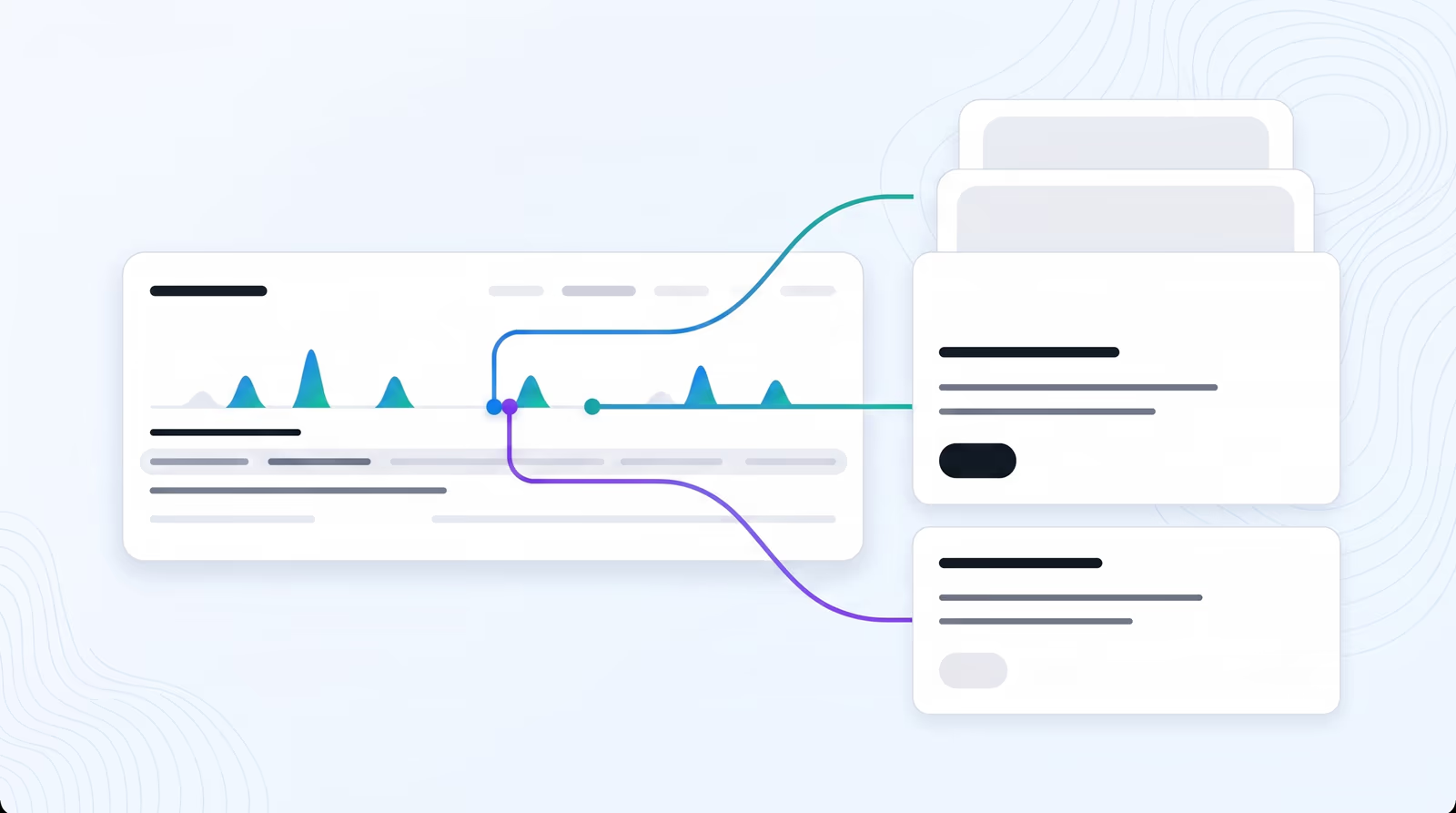
Distribute videos automatically while generating SEO-friendly titles and descriptions. Easily optimize your existing backlog.

Braiv Connect
All Features

Features Built for Global Impact

Discover how Braiv simplifies video localization and unlocks global accessibility to save you time, reduce costs, and expand your reach.

Ready to Take Your Content Global?

Join over 100,000 creators scaling their reach with Braiv.
Get 300 AI Credits when you sign up today.

Frequently asked questions
How quickly can I publish translated videos?
Most teams can import, localize, and publish their first translated video in under an hour once channels are connected.
Which platforms can I publish to?
You can publish directly to connected destinations such as YouTube today, with additional channel integrations being expanded over time.
Do I need my own translation team?
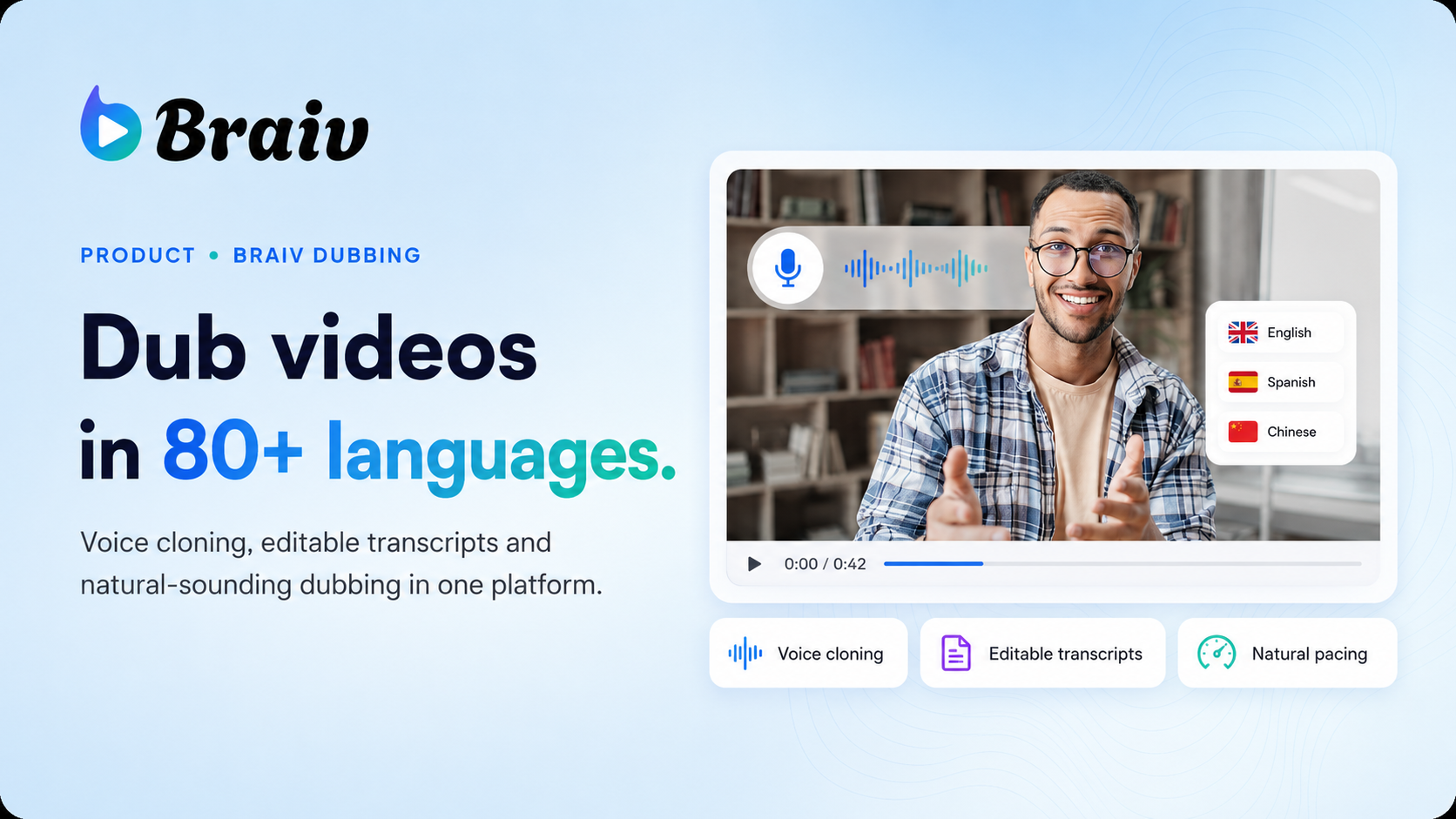
No. Braiv handles captions, translation, dubbing, and localization workflows in one platform so internal teams can move faster.
Can I keep my brand voice and style?
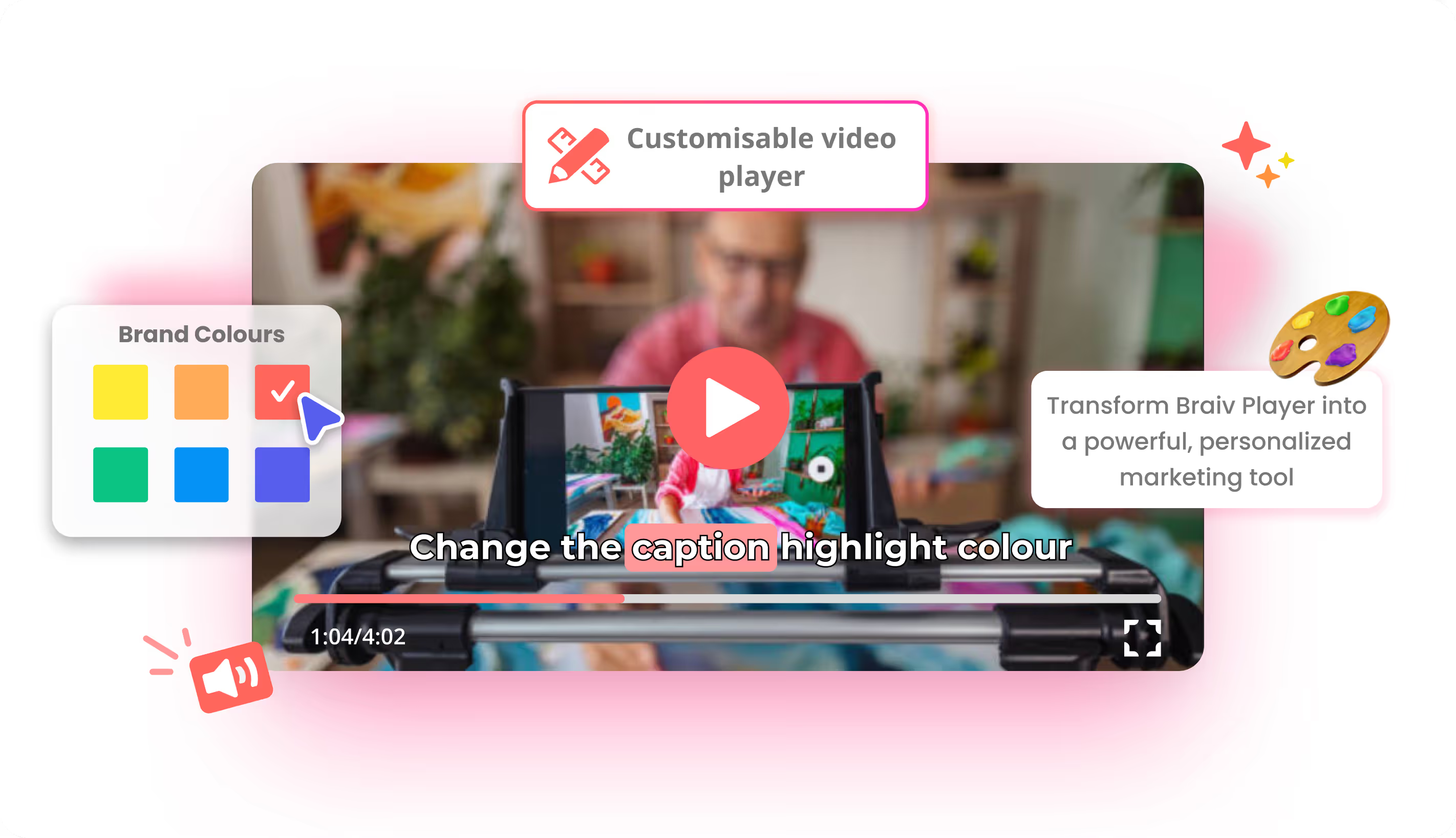
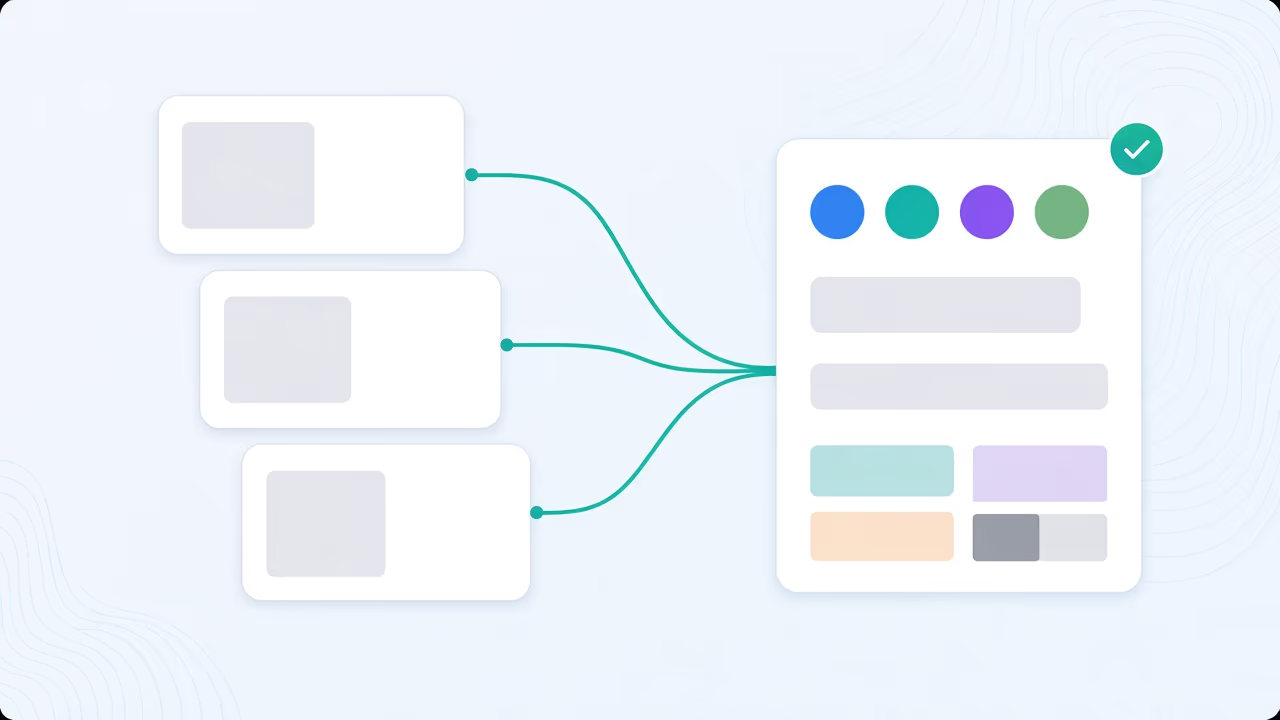
Yes. You can define templates and reusable settings for titles, descriptions, thumbnails, and workflows to stay consistent across markets.
Is there a free plan to try?
Yes. You can start on the free tier and upgrade as your localization volume, channels, and collaboration needs increase.
Do you support enterprise requirements?
Yes. Enterprise and VIP options include advanced support, custom workflows, and broader operational controls.