






Using AI Voices for Custom Dubbing

Using AI Voices for Custom Dubbing

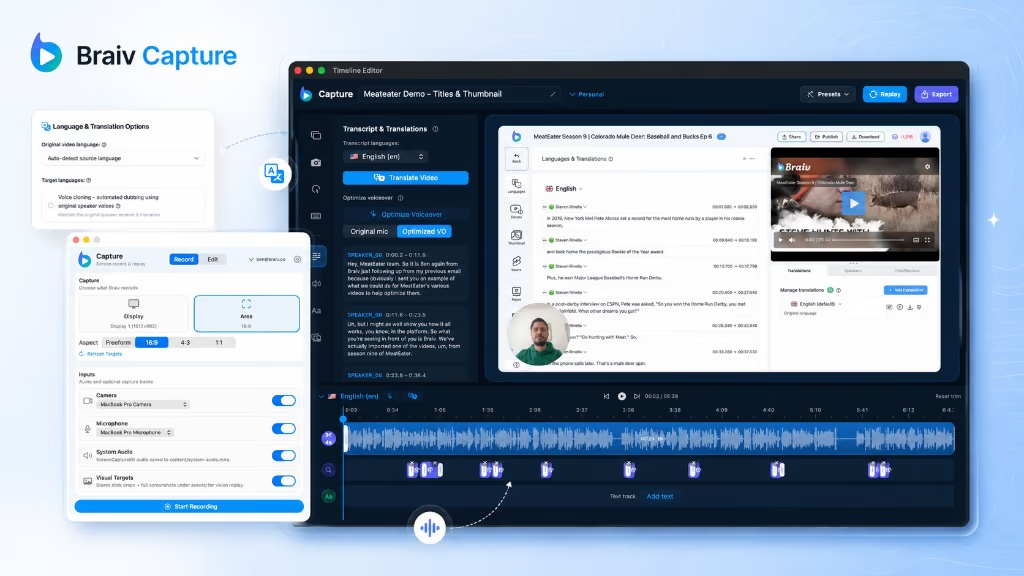
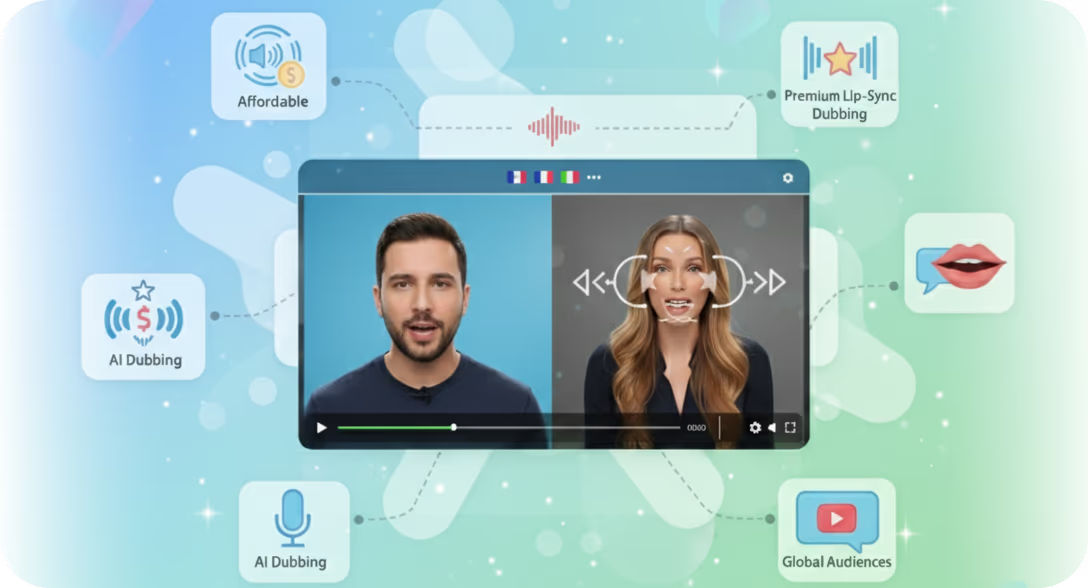
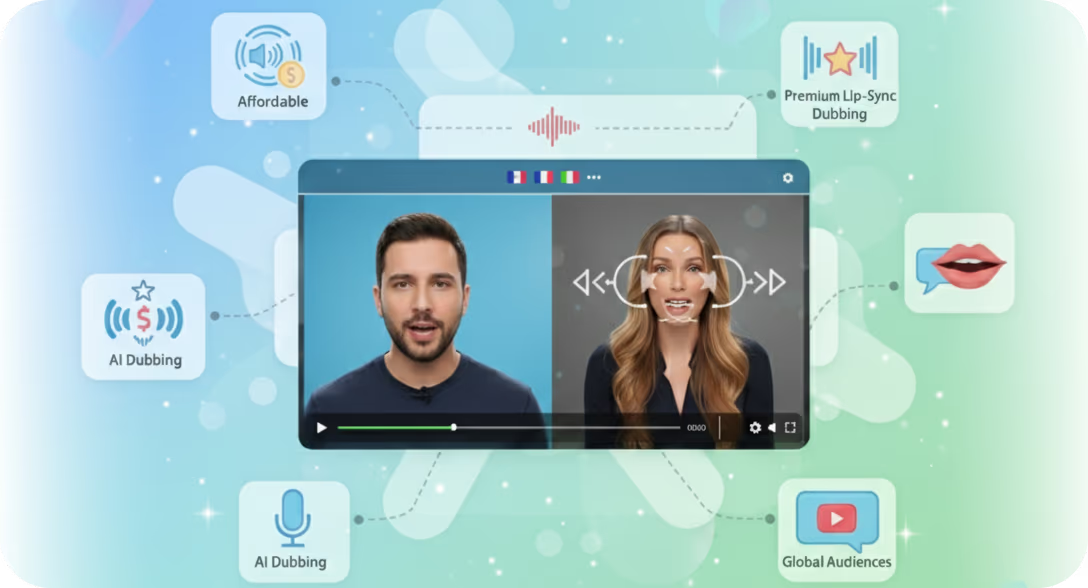
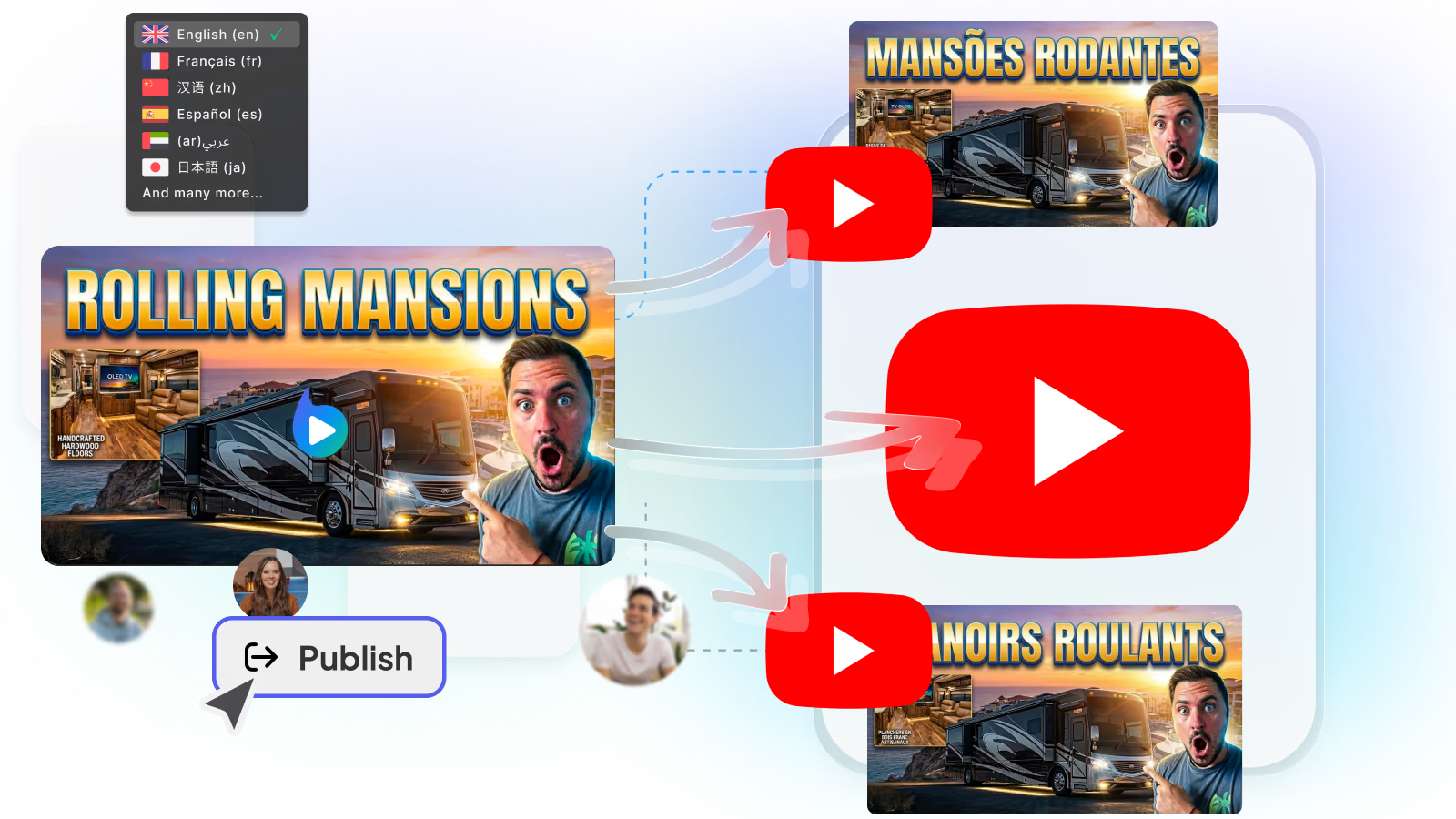
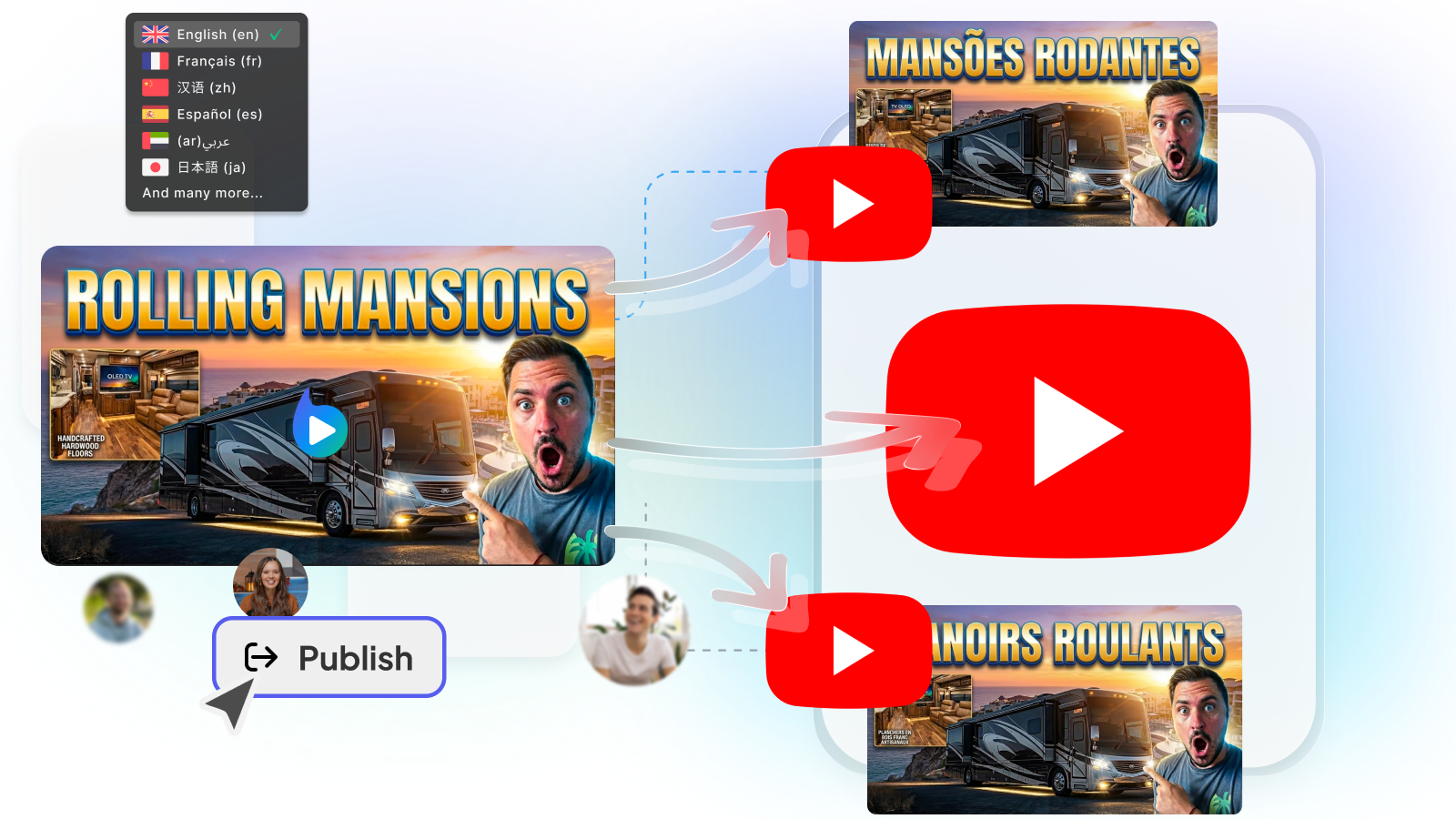
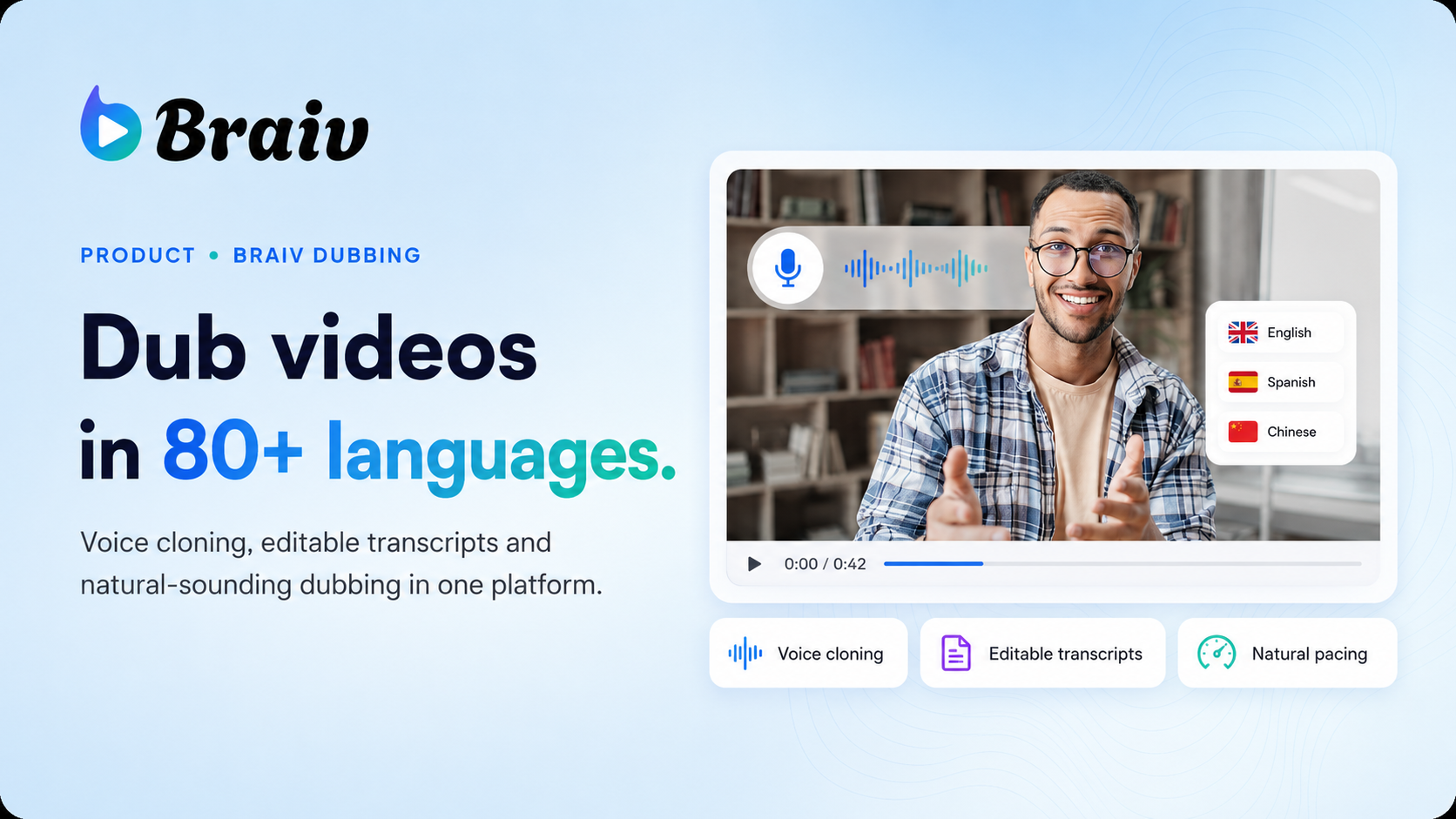
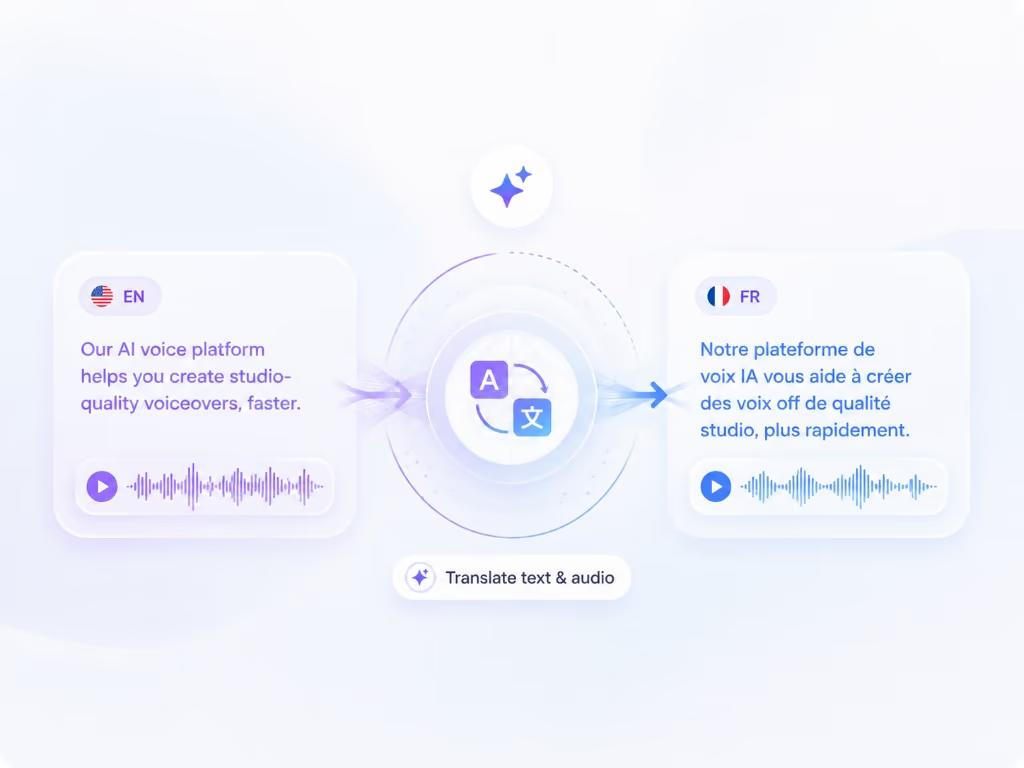
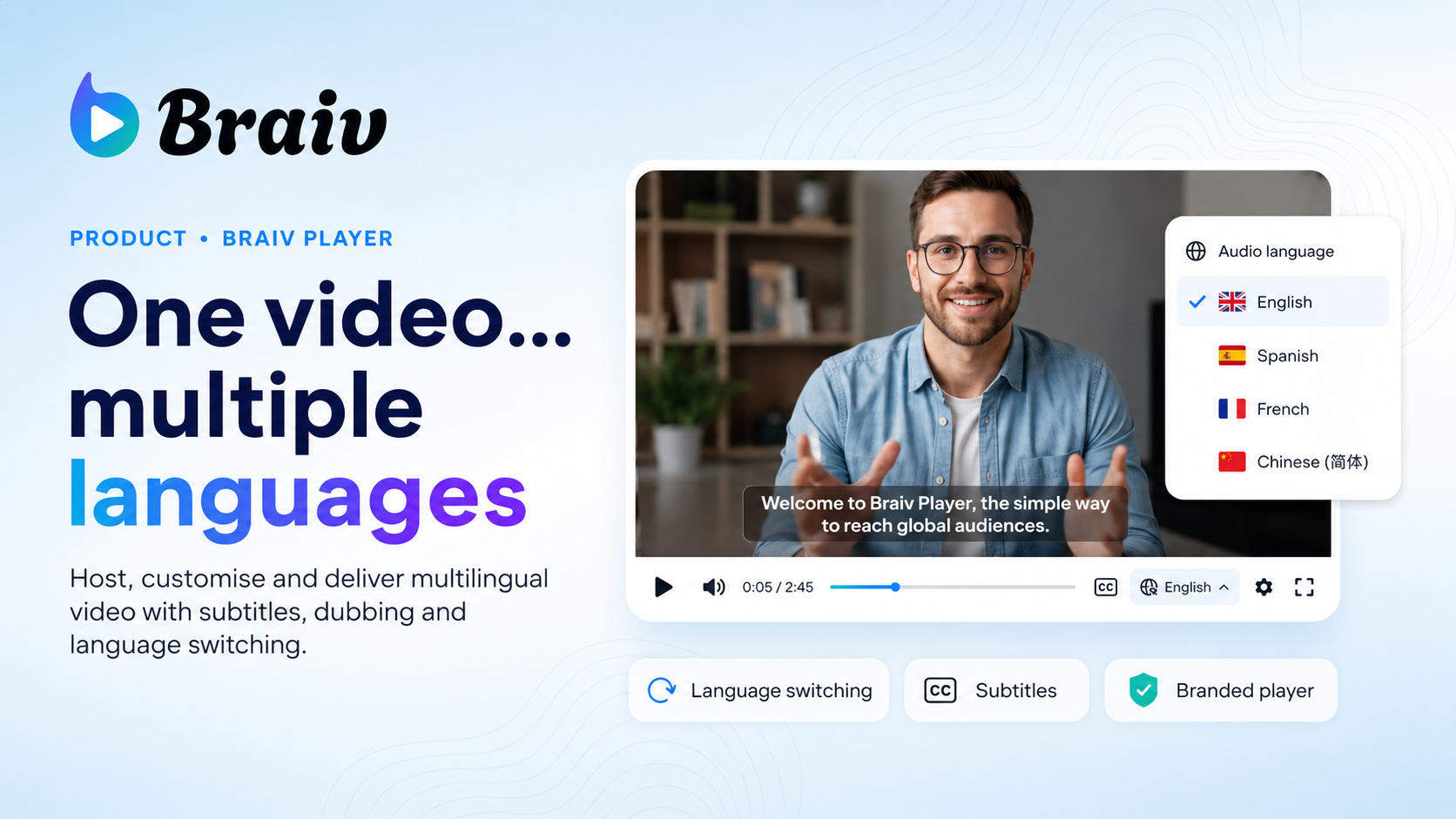
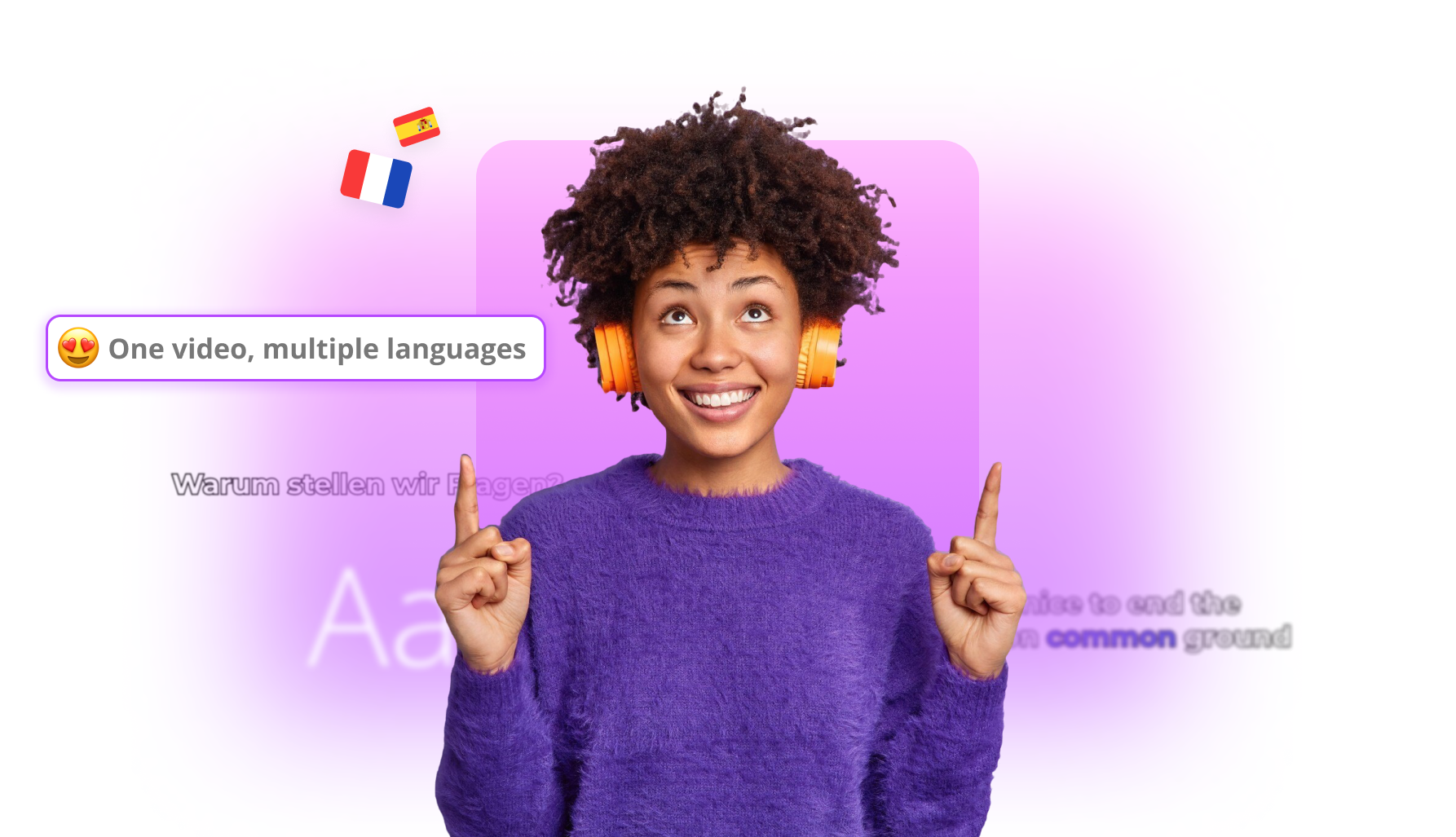
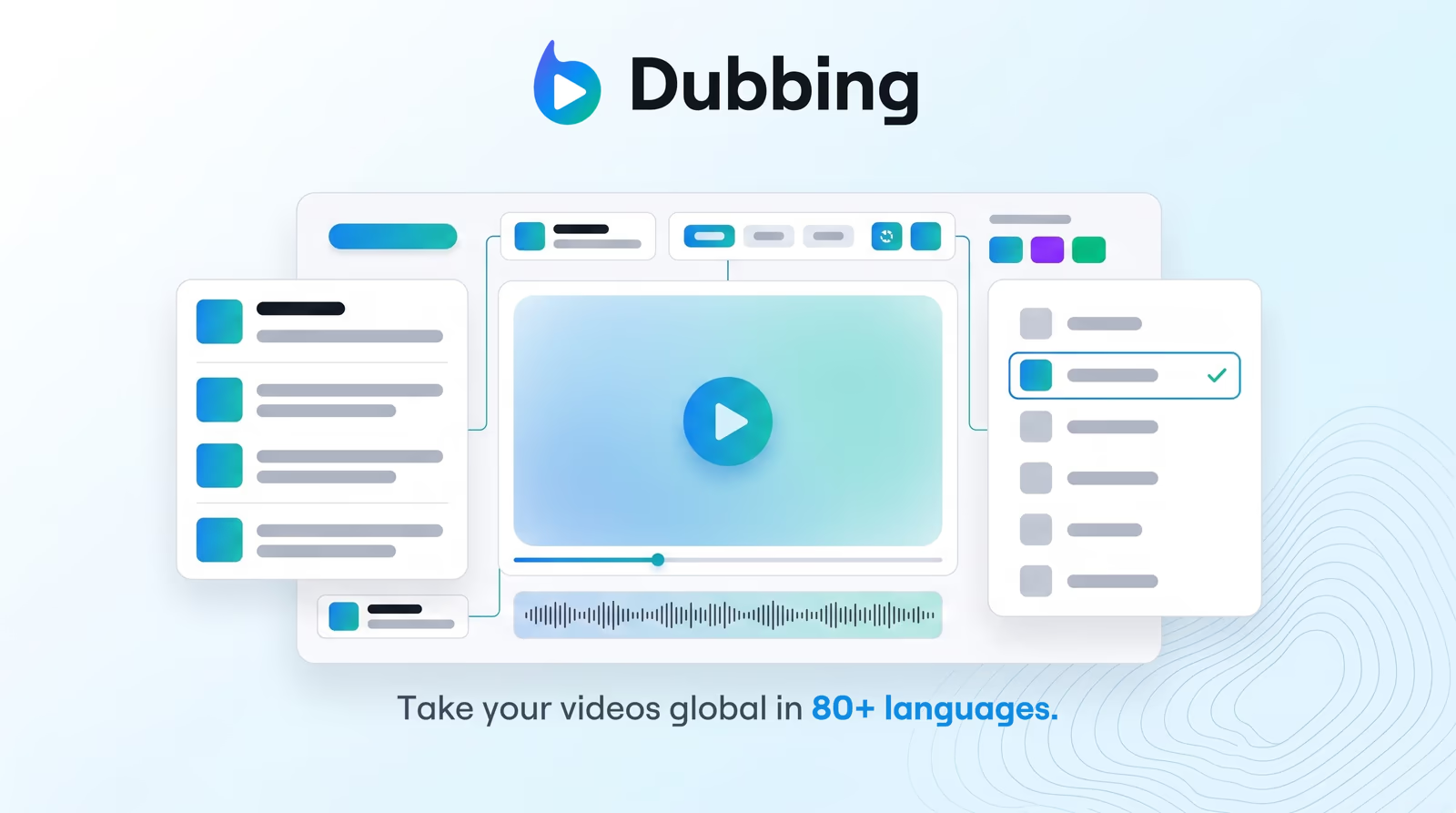
Translate your video into multiple languages using AI voices. Choose from a curated selection of realistic voices to dub your content with perfect pacing and emotional tone.

Translate and dub your video

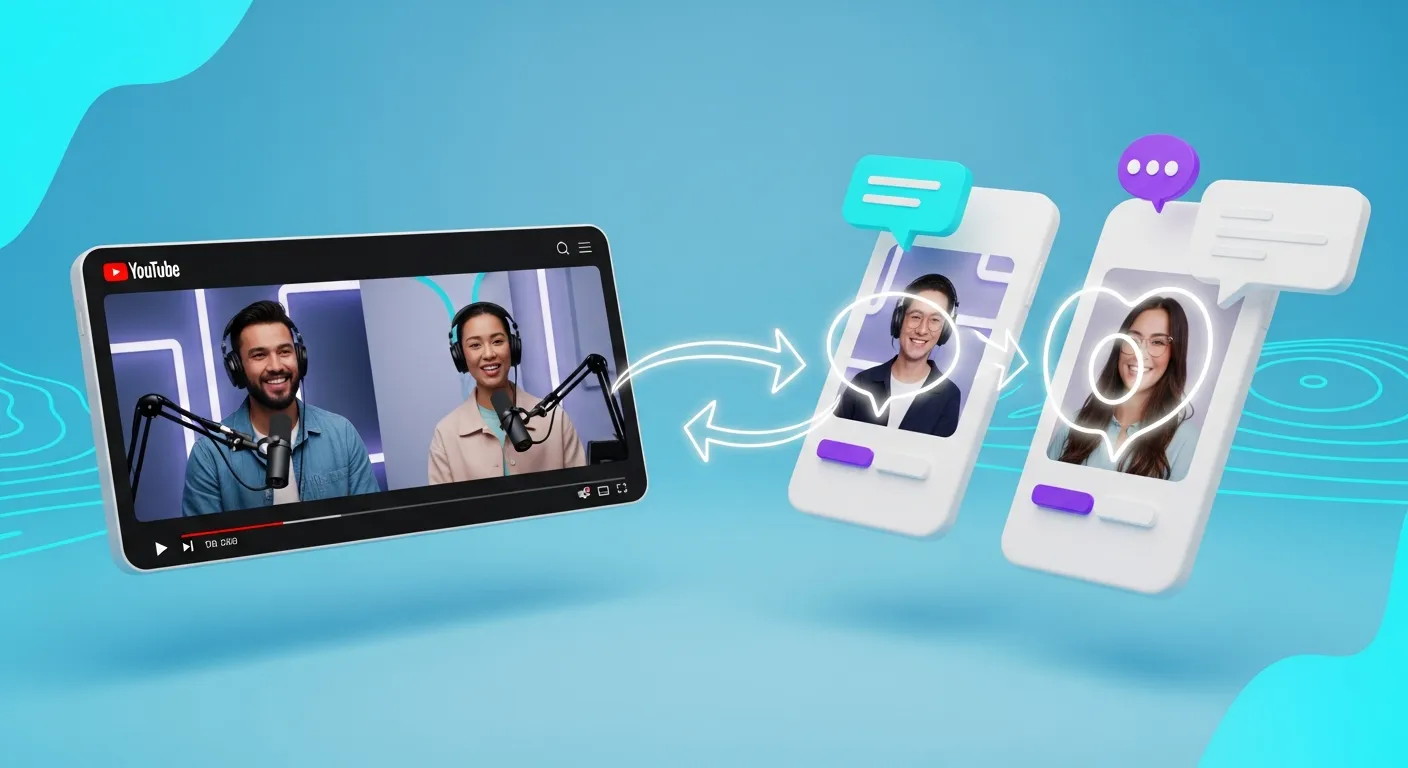
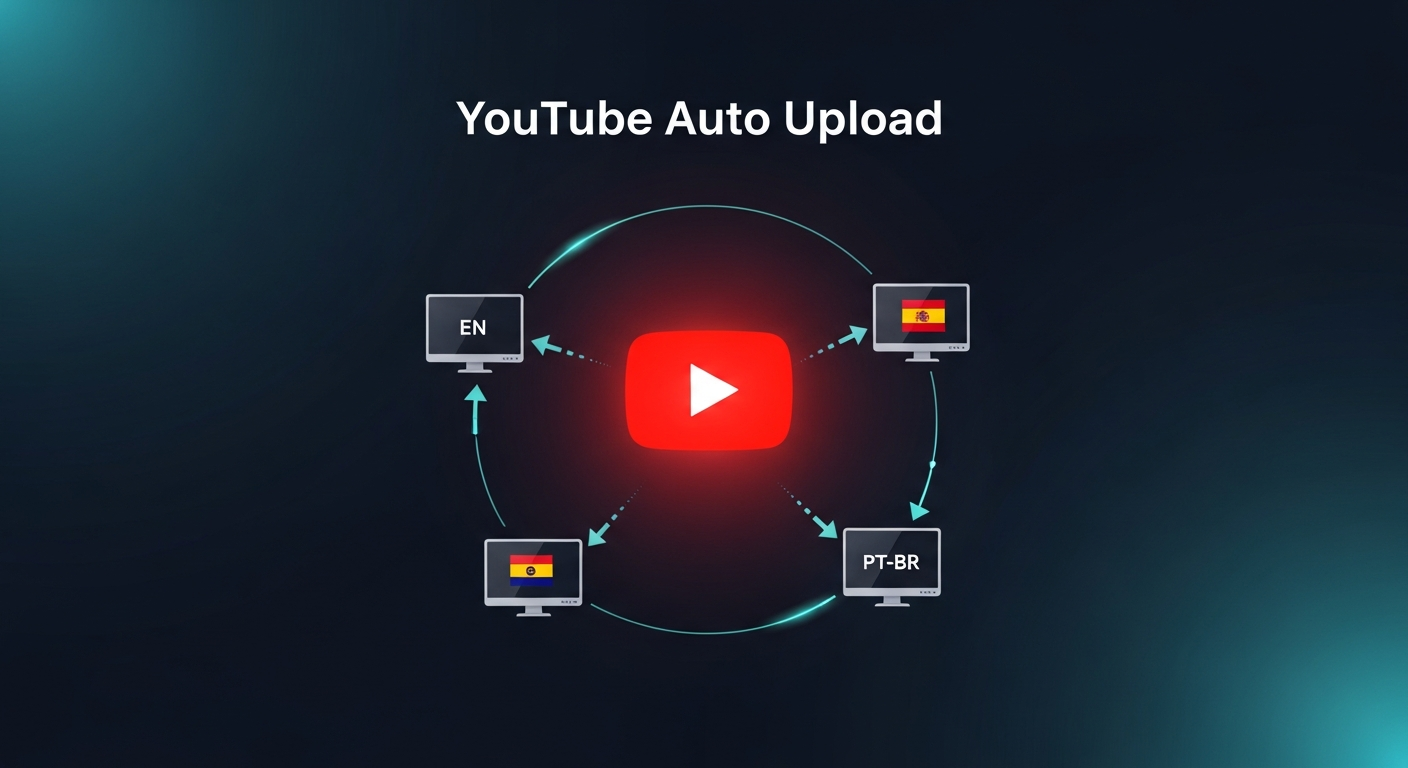
Choose how you bring in your video (YouTube link or upload), pick a target language, then we validate length and send you into Braiv dubbing.

Add a video URL or upload a video before translating.
Get started for free
Trusted by 100,000+ creators, podcasters & businesses globally

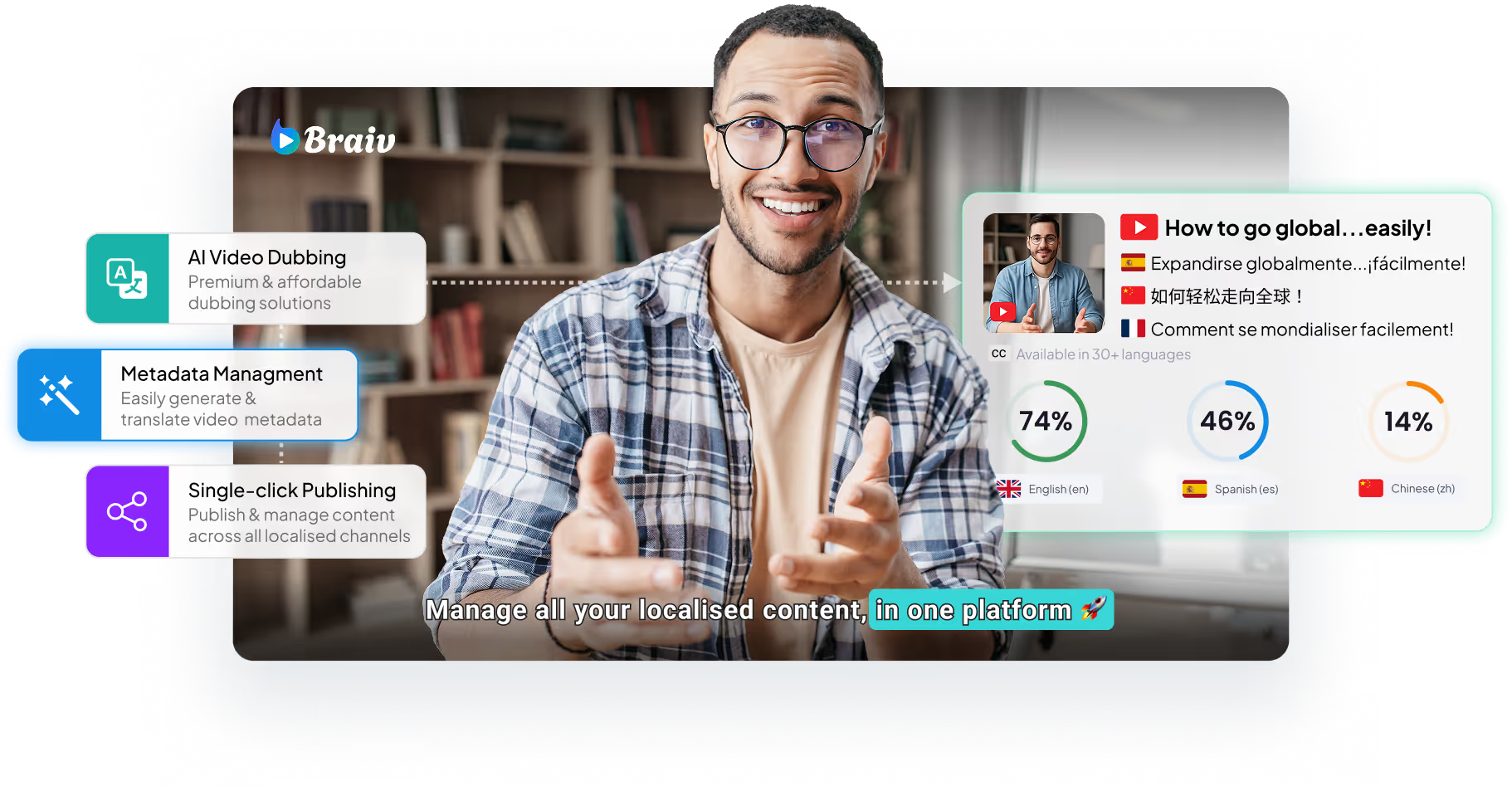
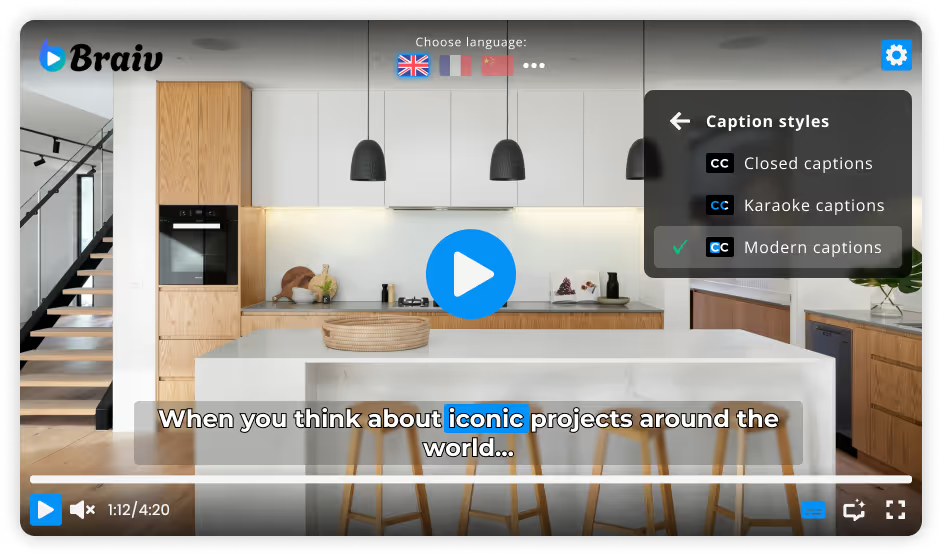
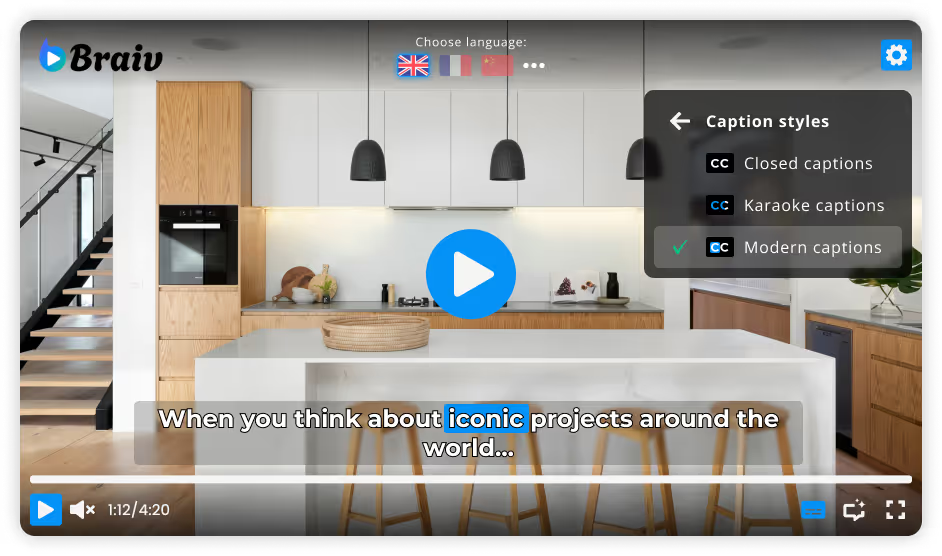
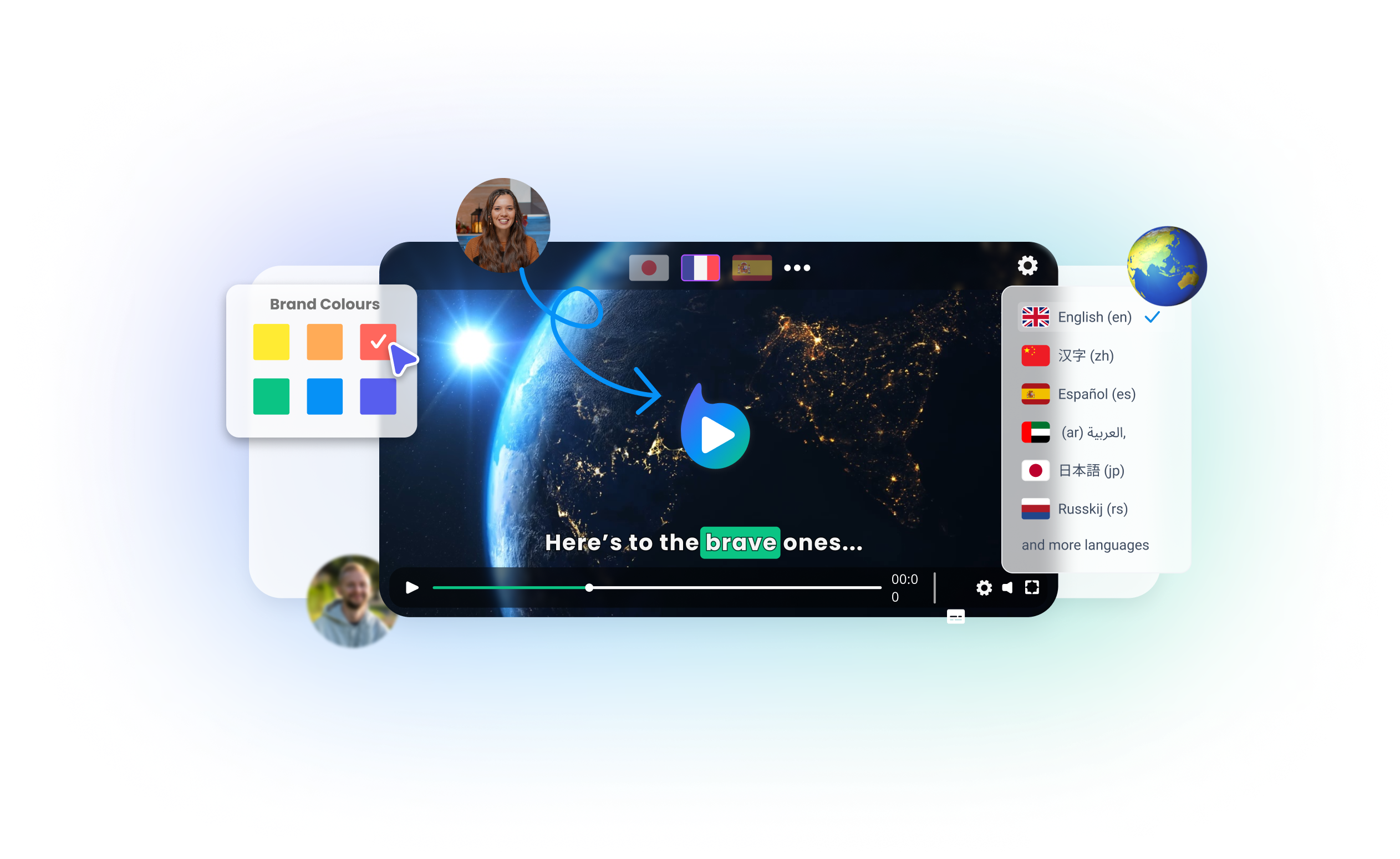
Braiv Dubbing gives you full creative and linguistic control over your global video assets. While our system automatically matches the optimal vocal profile based on your original speaker, you can manually customize any voice to better align with local demographics, regional dialects, and unique brand identities.

Key features include:
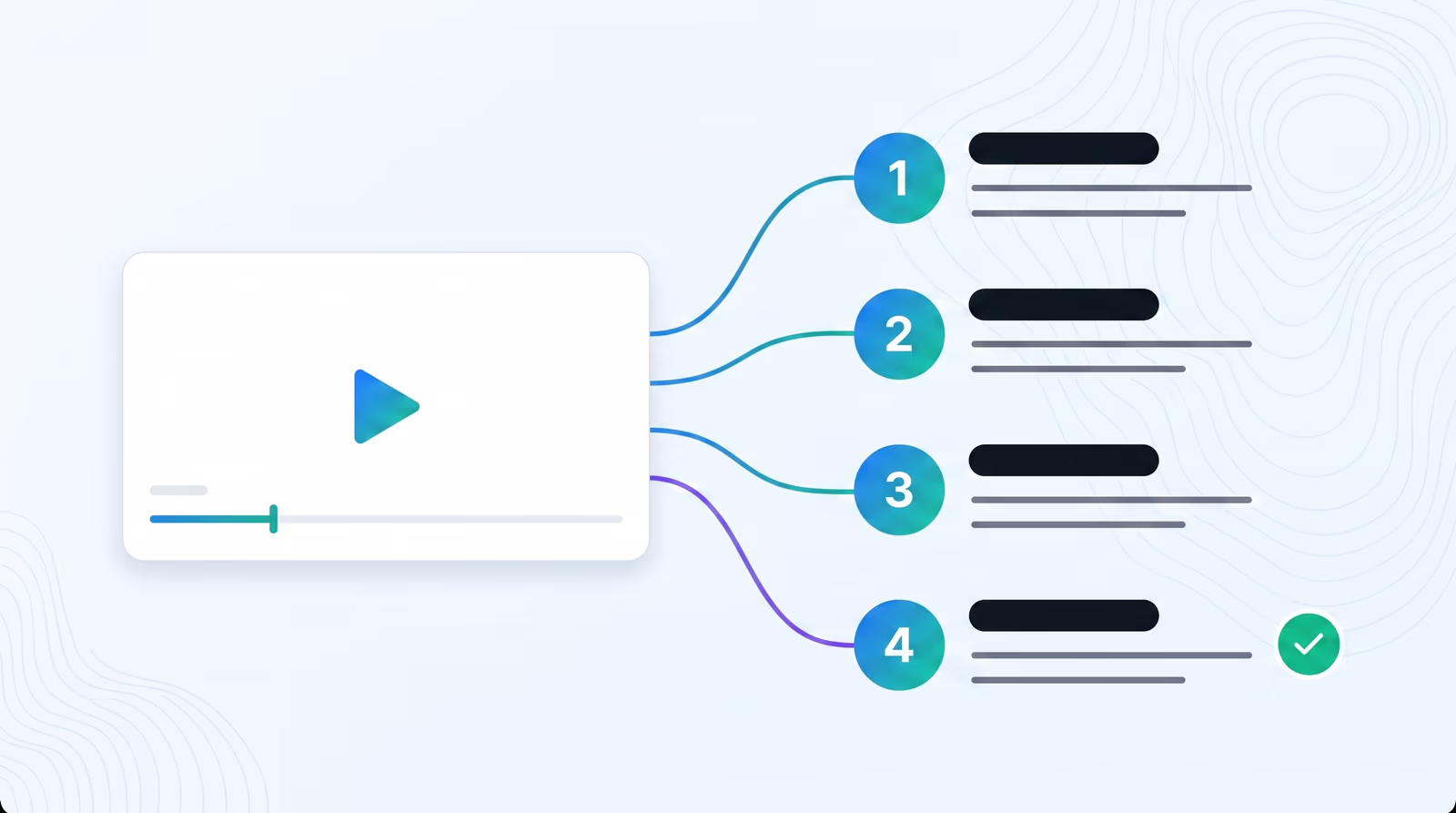
  • Initiate Translation: Click the 'NEW' button on the upper right of your dashboard, and select 'Video Translation'.
  • Import Your Media: Upload your video file from your computer, import directly from YouTube, or connect via a Dropbox link.
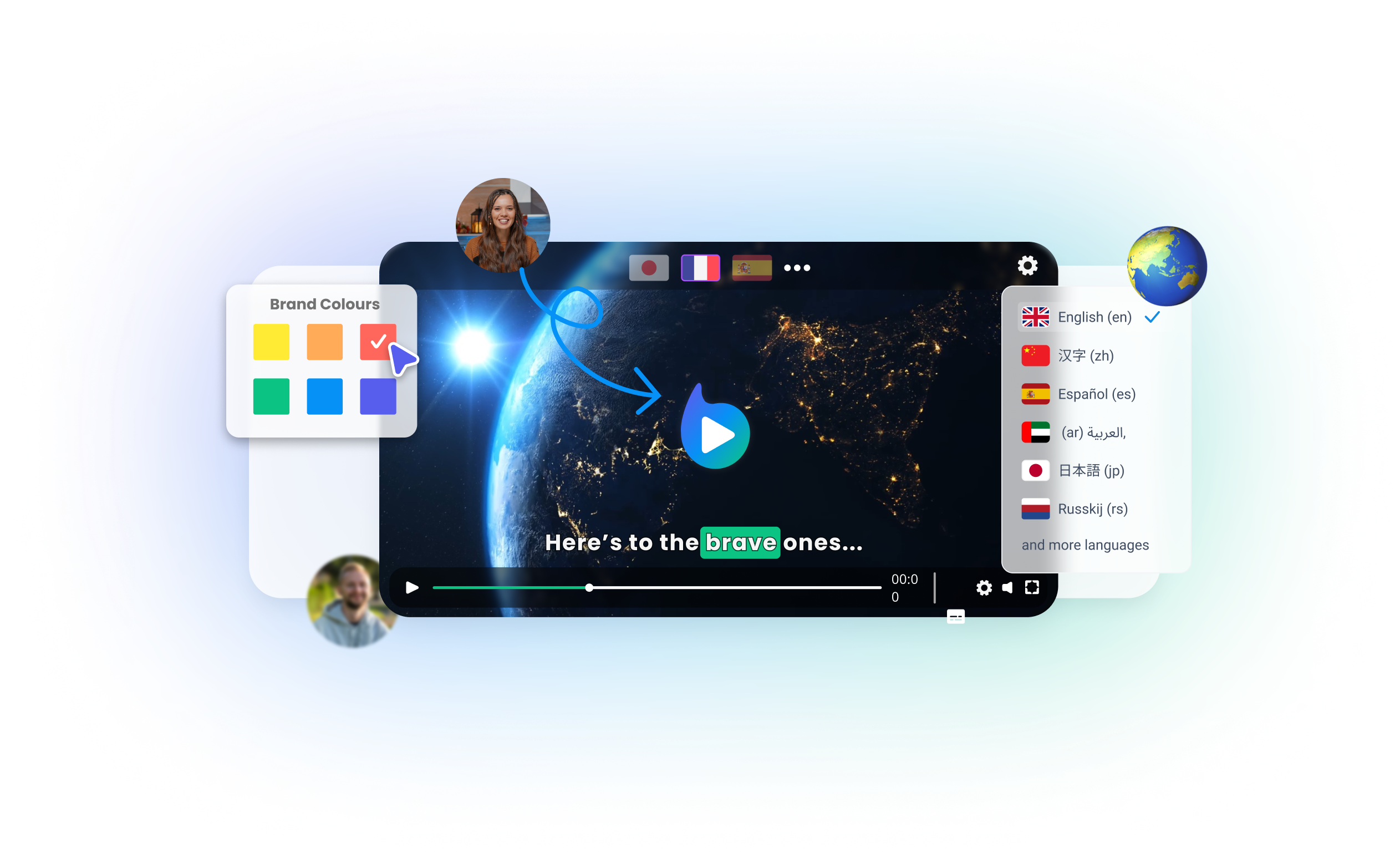
  • Choose Target Languages & AI Voices: In the translation options screen, set your Target Languages to 'AI Voices'. Choose and check the target languages you want to translate your video into.
  • Review Credit Cost: The interface dynamically displays the translation credit cost and your post-translation balance. Click continue once satisfied.
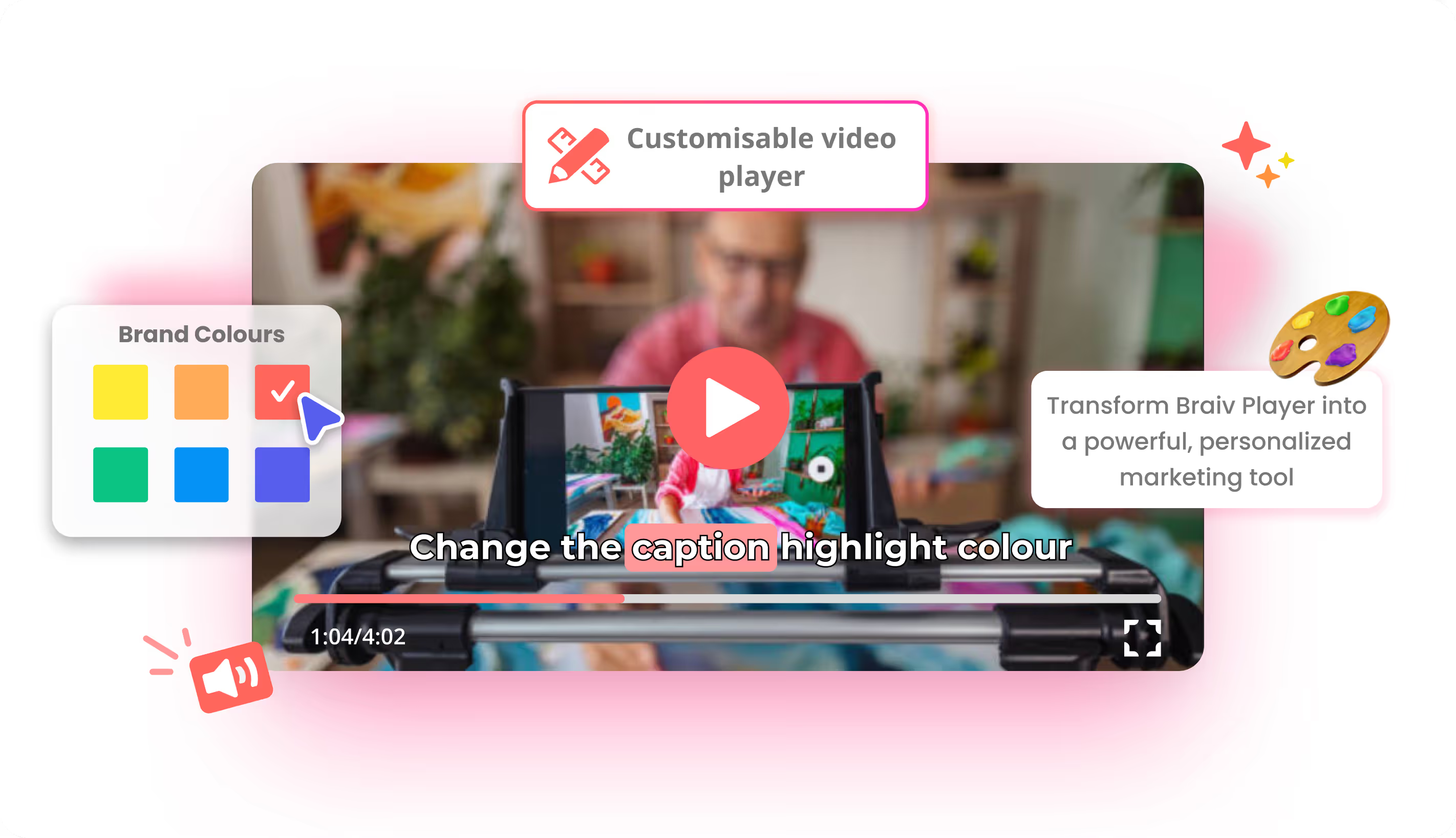
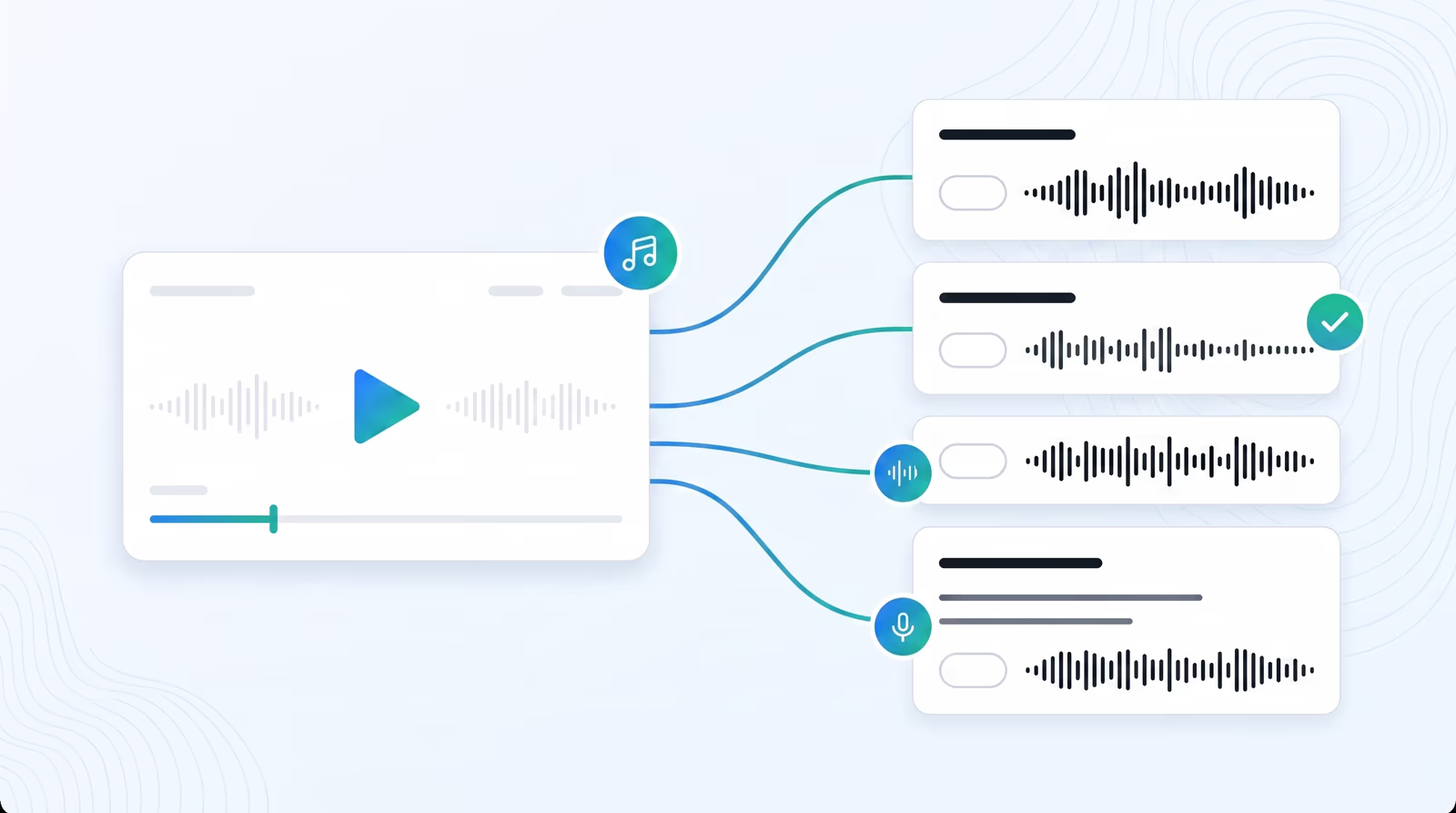
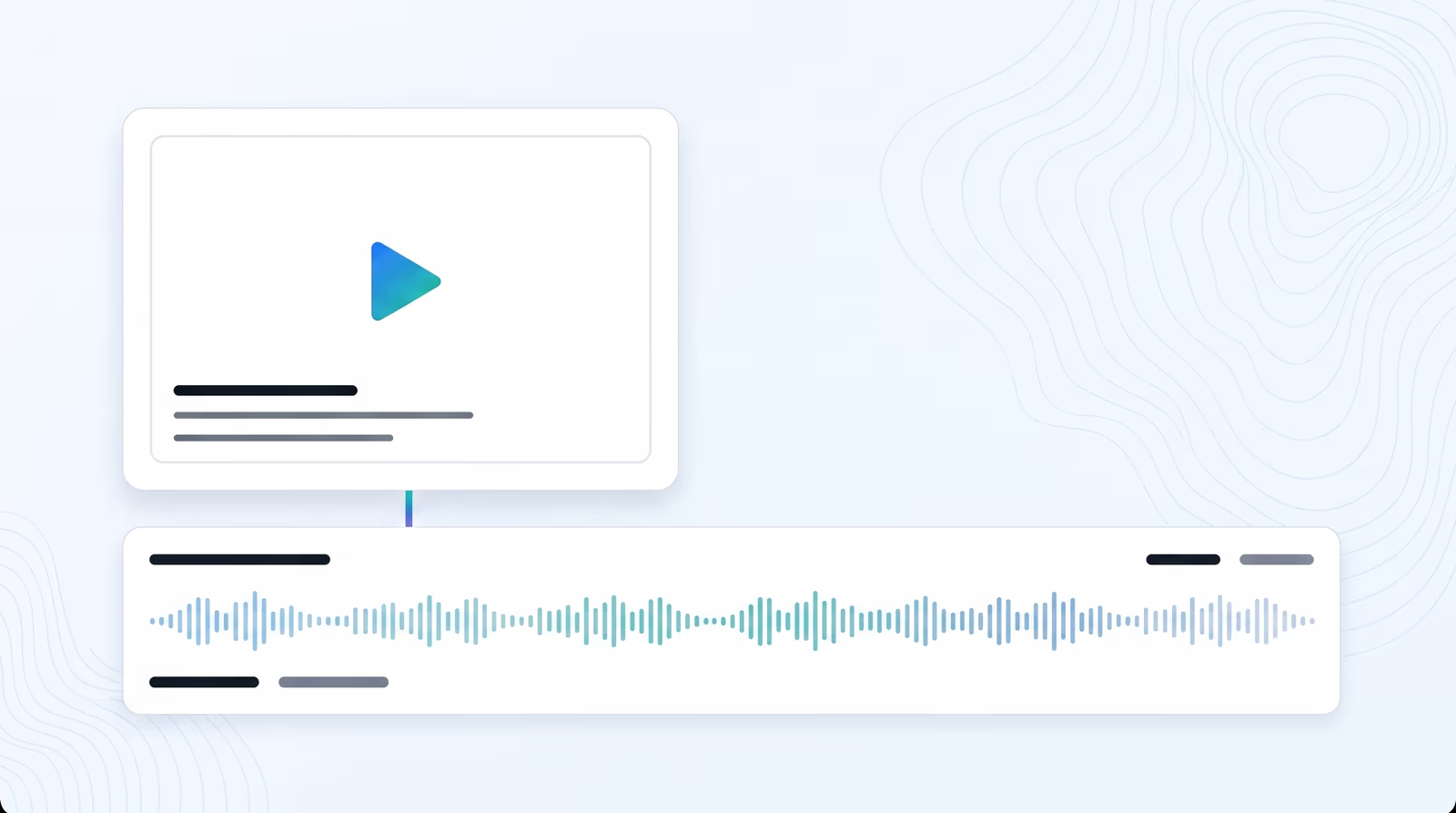
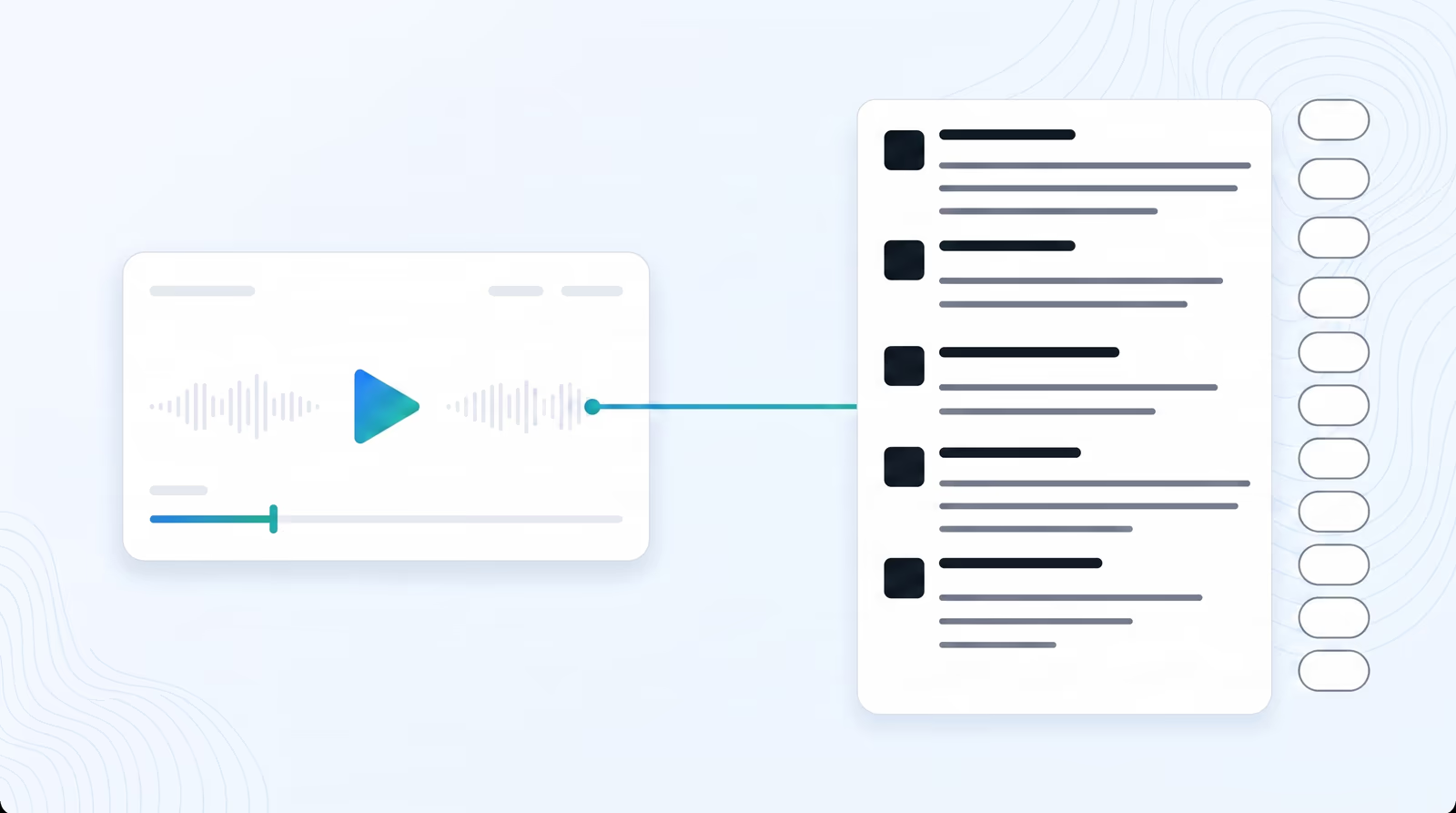
  • Preview and Assign Custom Voices: Once the upload is processed, browse our curated voice directory. Preview voices instantly using the play button to find the perfect accent, gender, and pitch.
  • Regenerate & Download: Click save to start the processing queue. When completed, you can download localized subtitle files, translated audio files, or the full dubbed video track.
domaine homes logo
puma logo
tesla logo
micd-up logo
antler logo
canva logo
thirdi logo
screenapp logo
anchored outdoors logo
domaine homes logo
puma logo
tesla logo
micd-up logo
antler logo
canva logo
thirdi logo
screenapp logo
anchored outdoors logo
Key Features
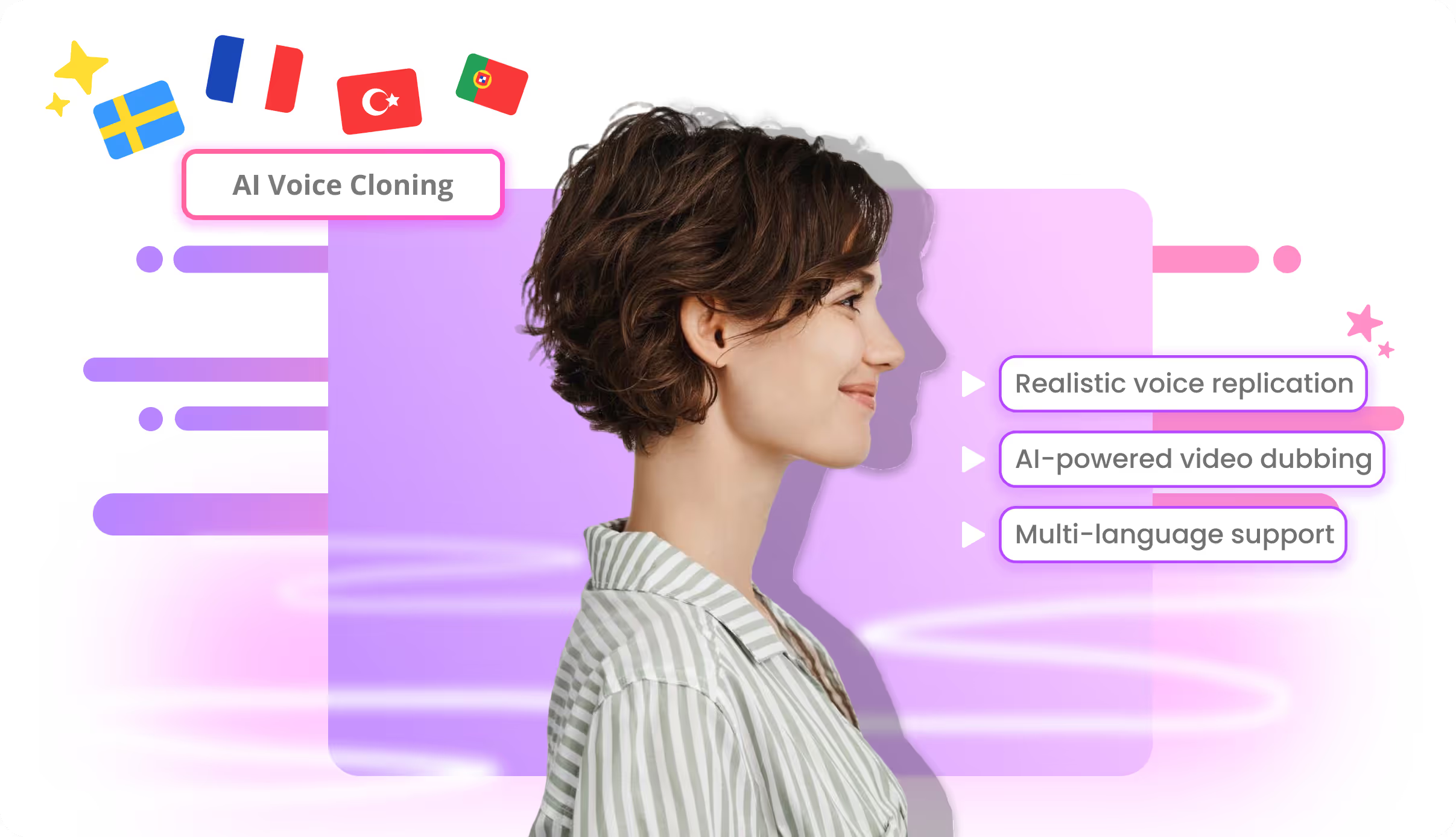
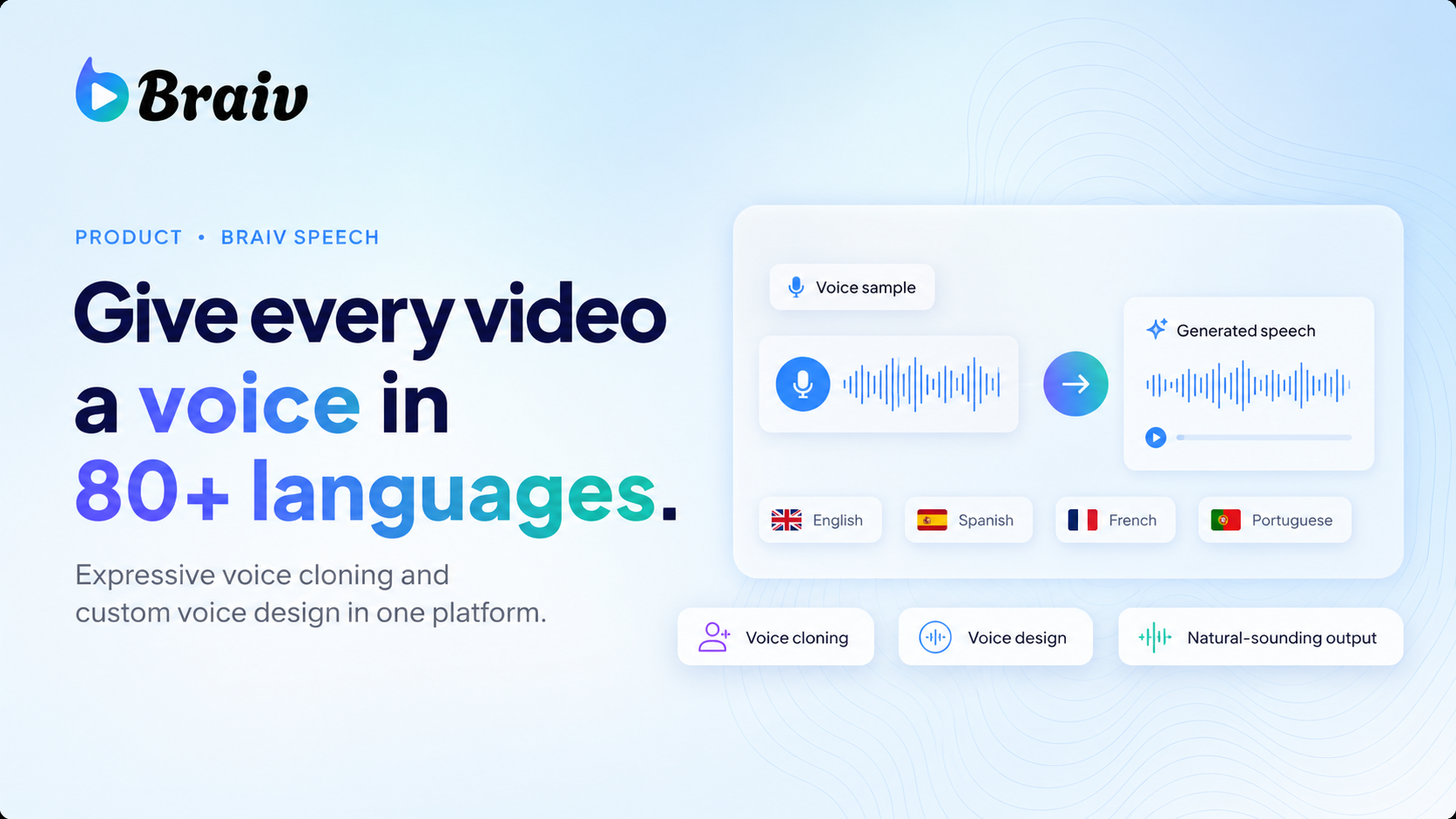
Natural voice replication
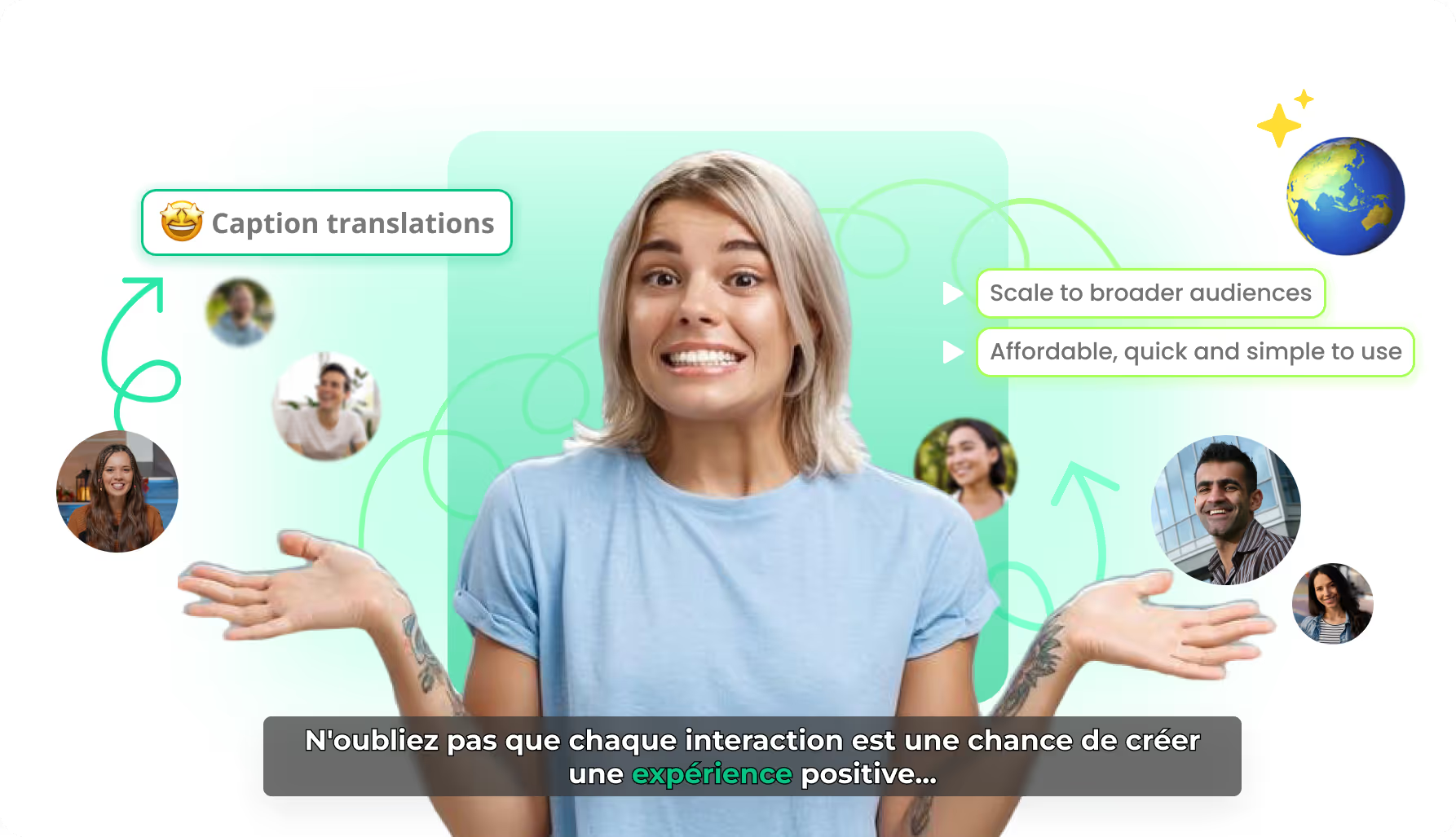
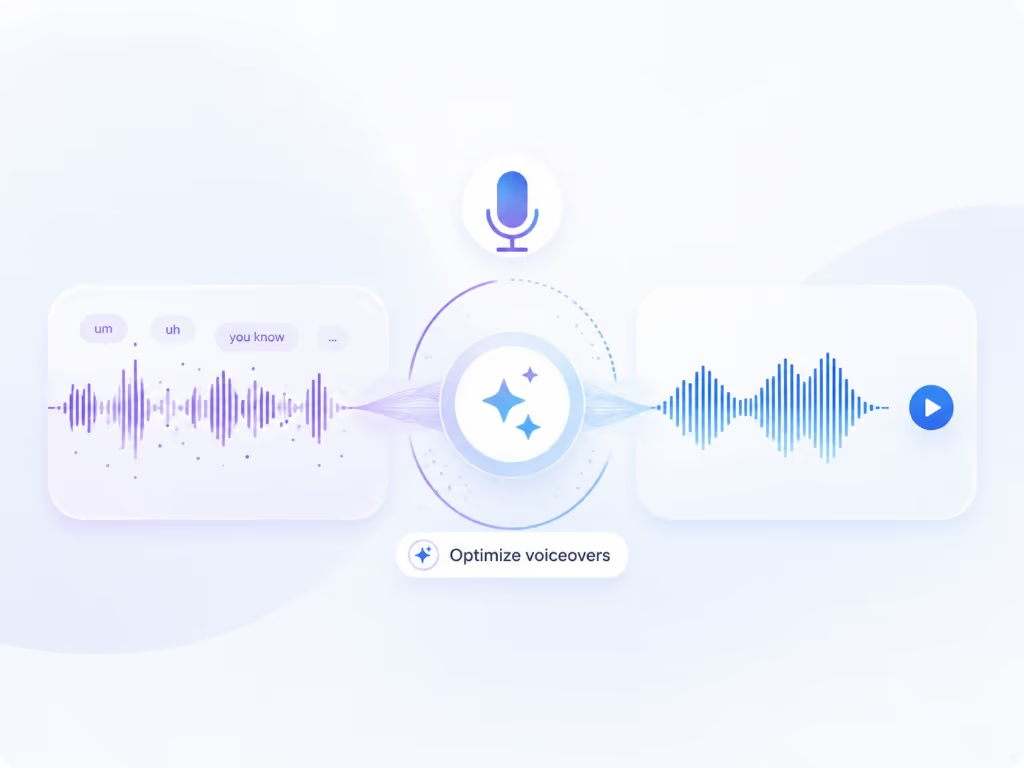
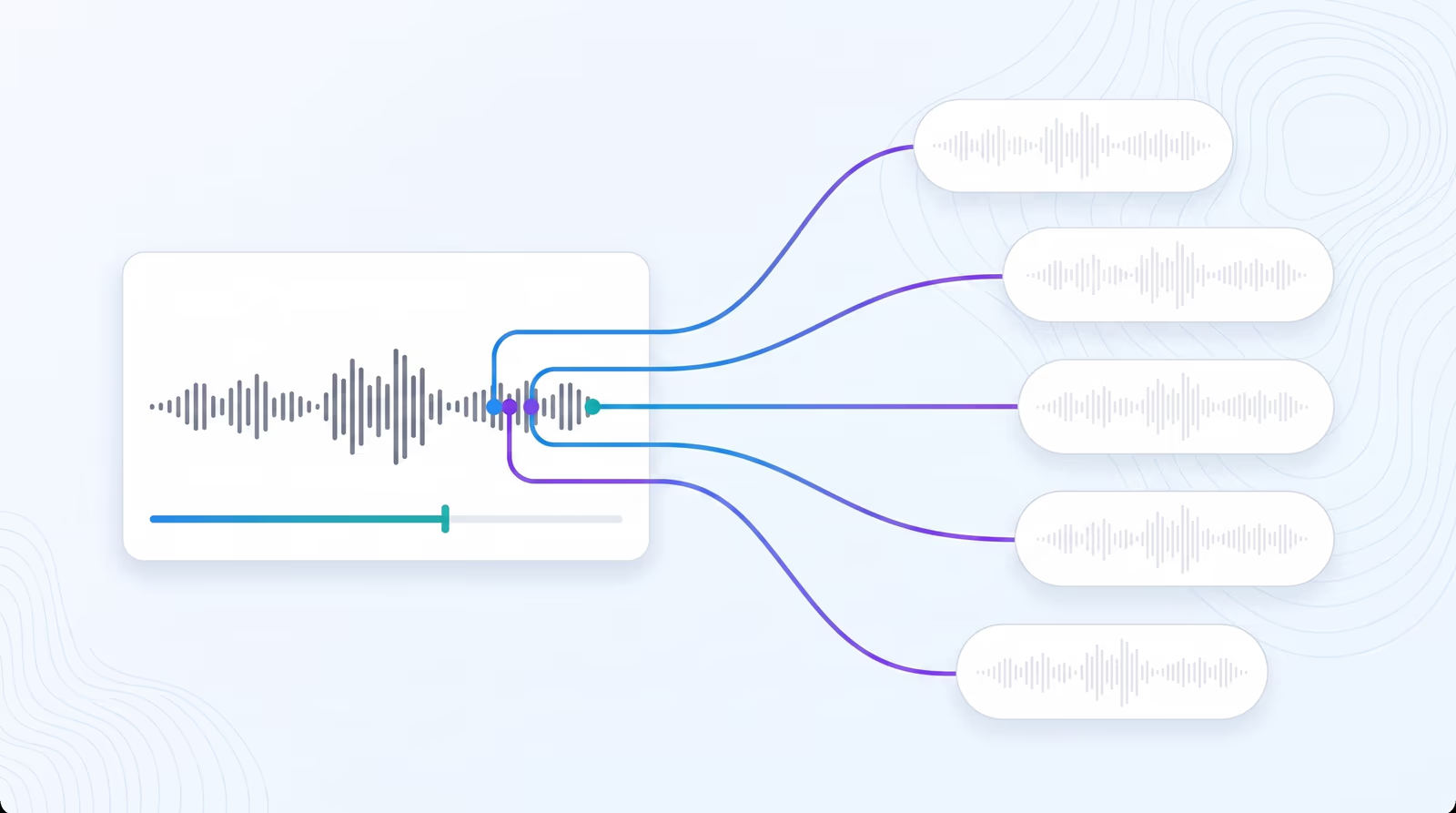
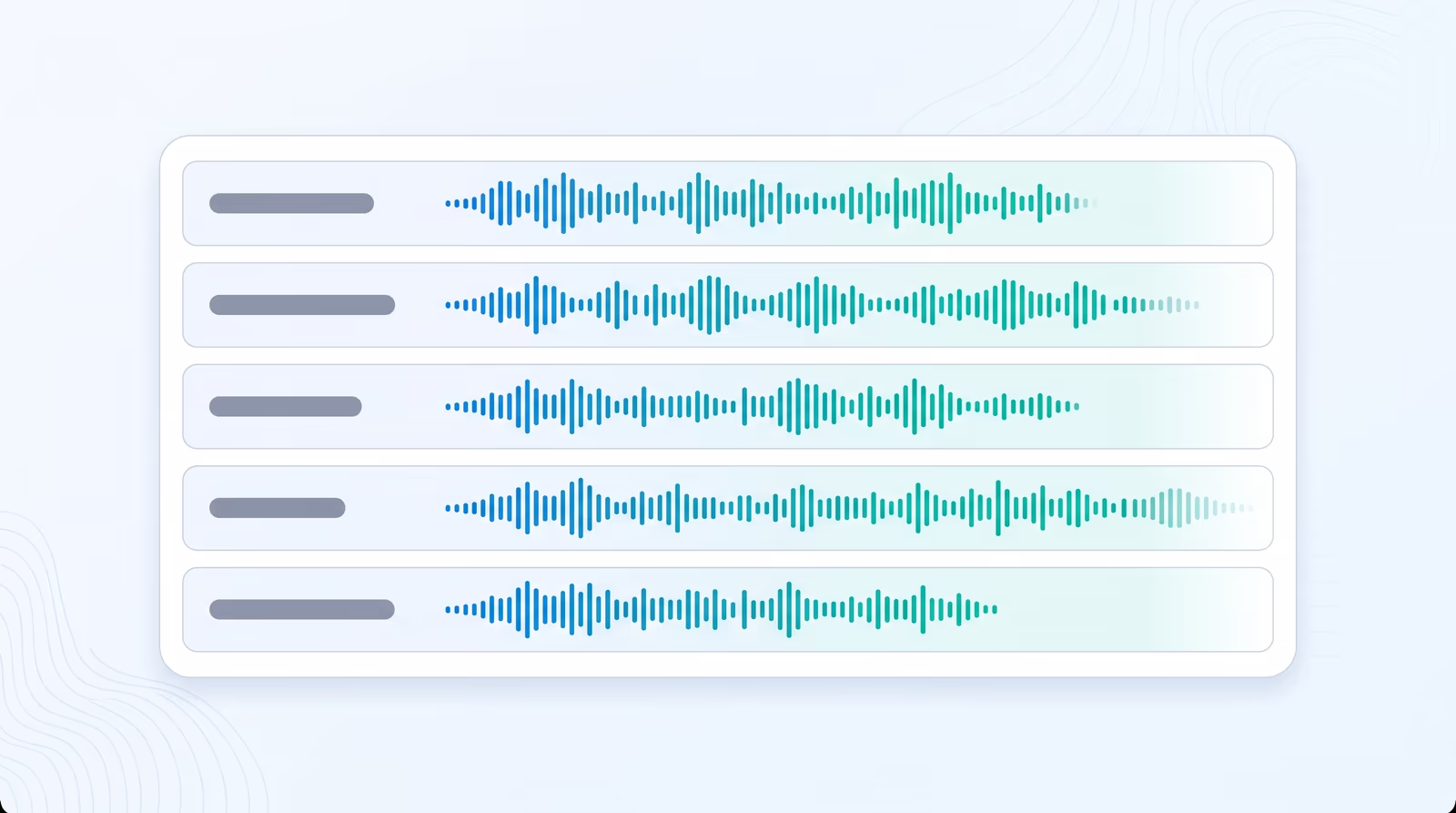
State-of-the-art AI generates cloned voices, ensuring dubbed content retains the original emotion & engagement.
Gender, age & accent controls
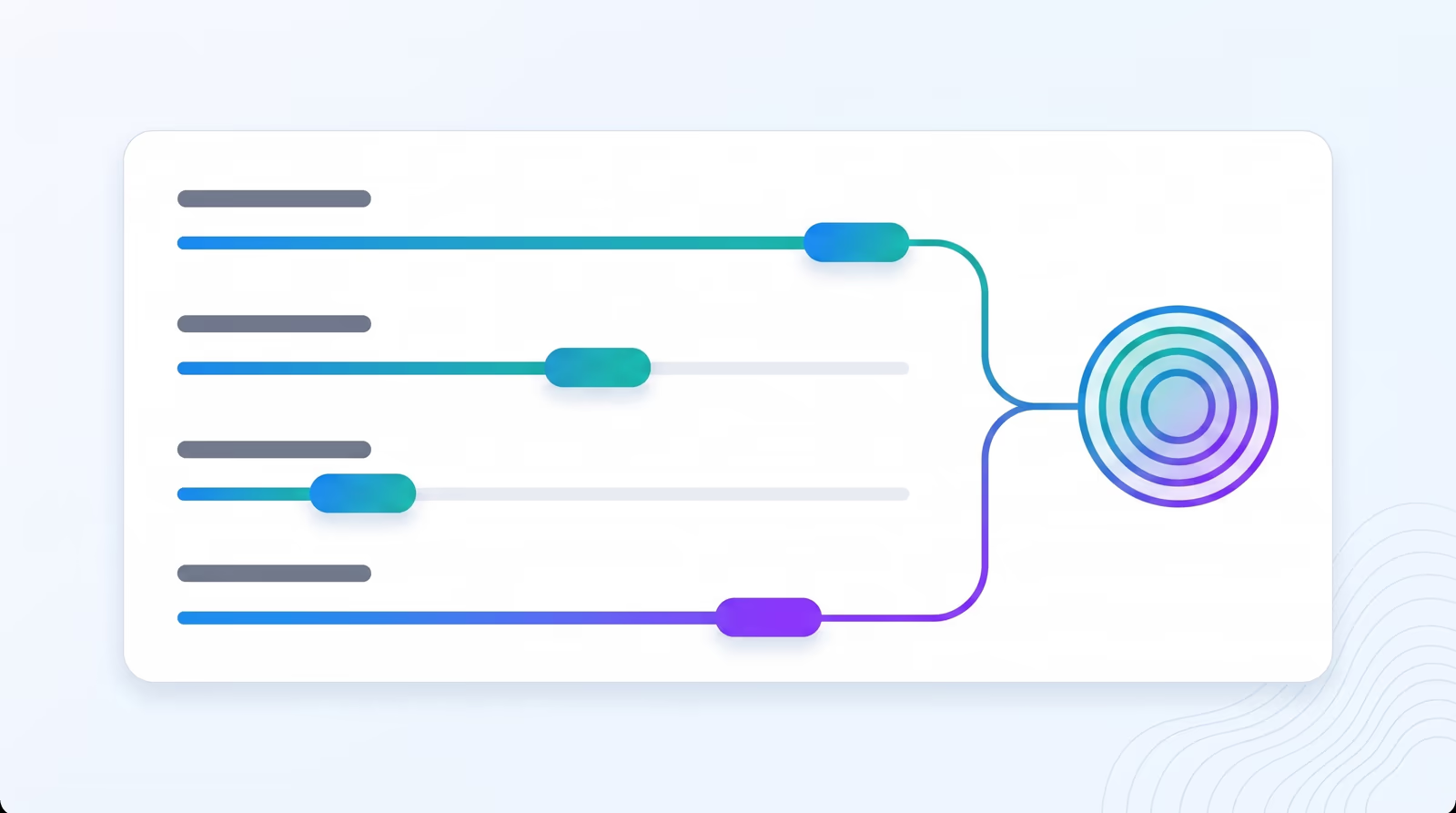
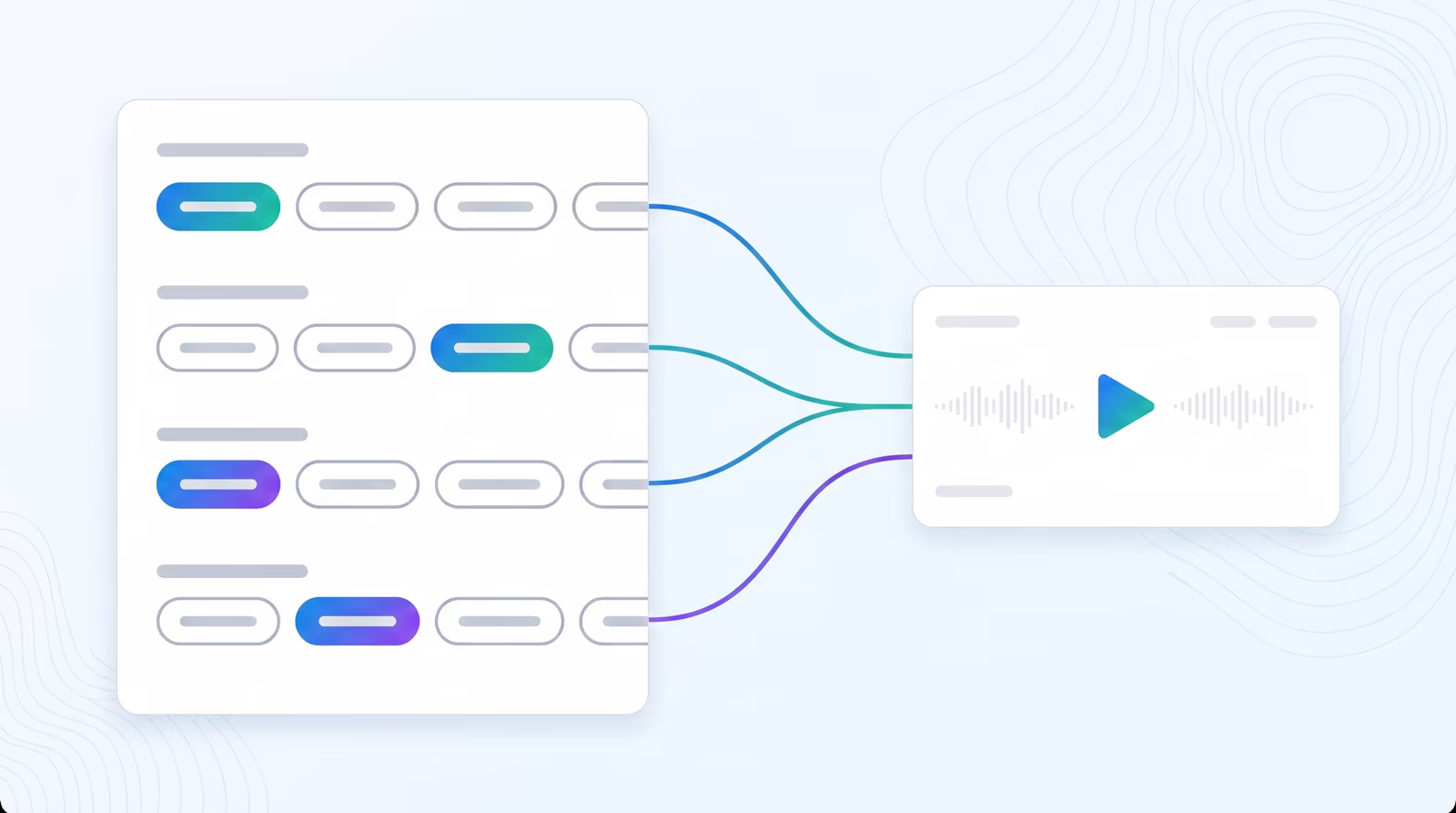
Design a voice from parameters. Choose gender, age range, accent colour, and pace to match any character or brand.
Save to personal voice library
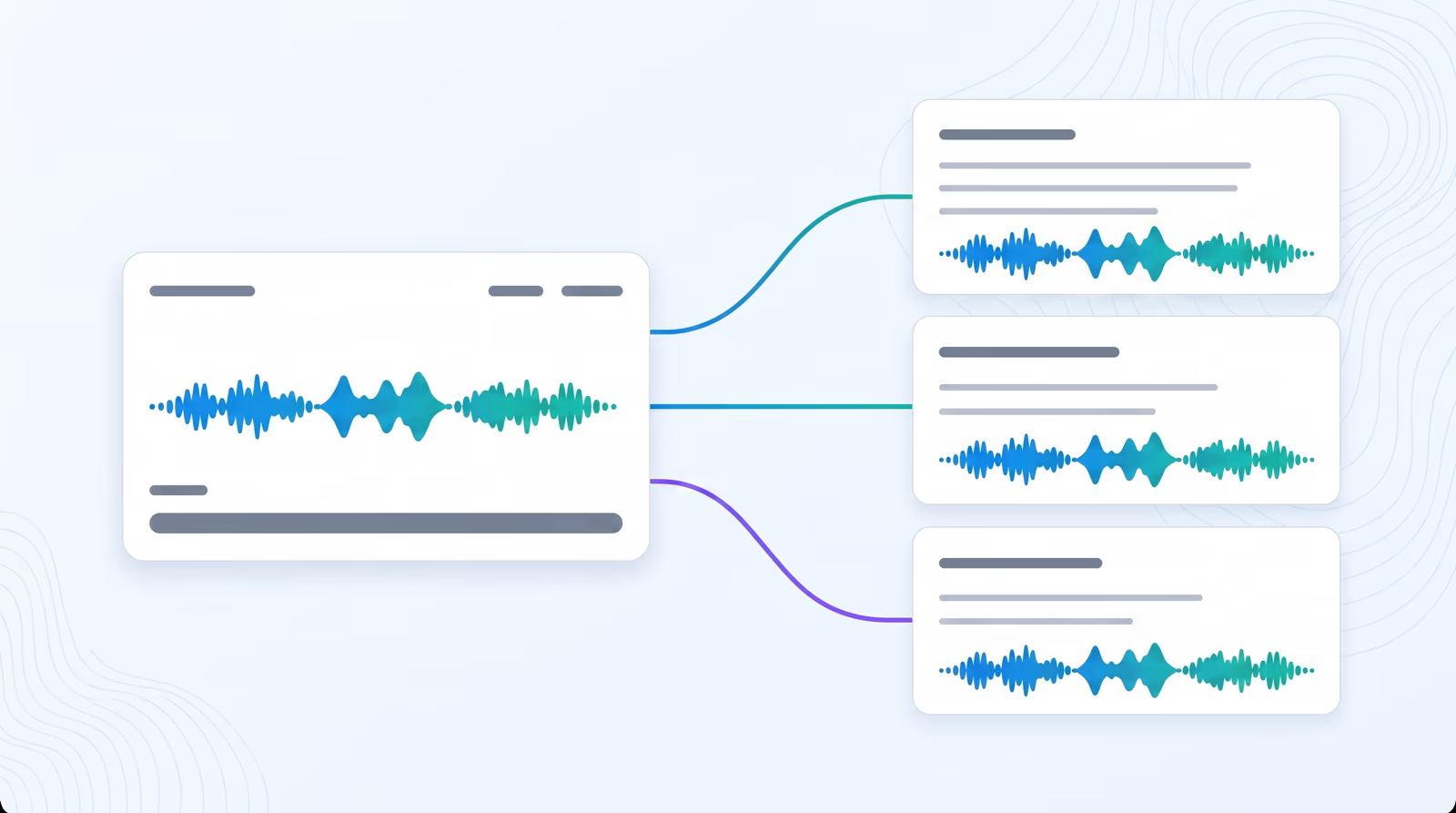
Store every cloned and designed voice in a personal library and reuse it across dubbing, narration, and voice over projects.
Parent Product

Available in Braiv Dubbing

AI video dubbing software with voice cloning and editable transcripts for teams creating multilingual training, marketing, and creator videos.

Braiv Dubbing
All Features

Features Built for Global Impact

Discover how Braiv simplifies video localization and unlocks global accessibility to save you time, reduce costs, and expand your reach.

Ready to Take Your Content Global?

Join over 100,000 creators scaling their reach with Braiv.
Get 300 AI Credits when you sign up today.

Frequently asked questions
How do I choose an AI voice for dubbing in Braiv?
When you configure your video translation settings, choose 'AI Voices' under Target Languages. Under the translation editor, you can browse, preview, and apply your preferred voice for each language track.
Can I preview a voice before generating the dubbed audio?
Absolutely! Every AI voice in our curated library has an instant preview play button, allowing you to check its tone, style, and accent before running the generator.
How many languages are supported for custom AI voice dubbing?
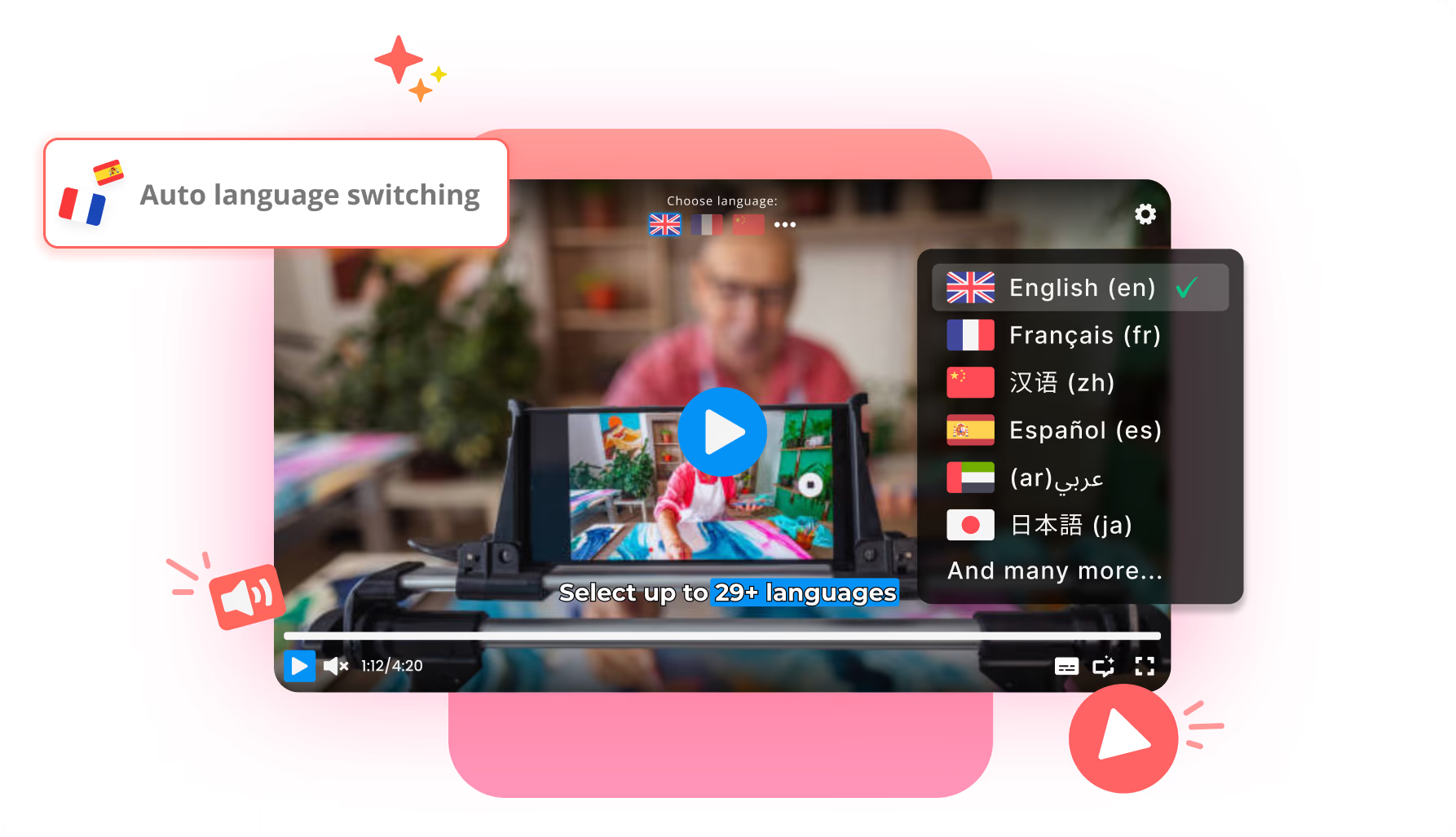
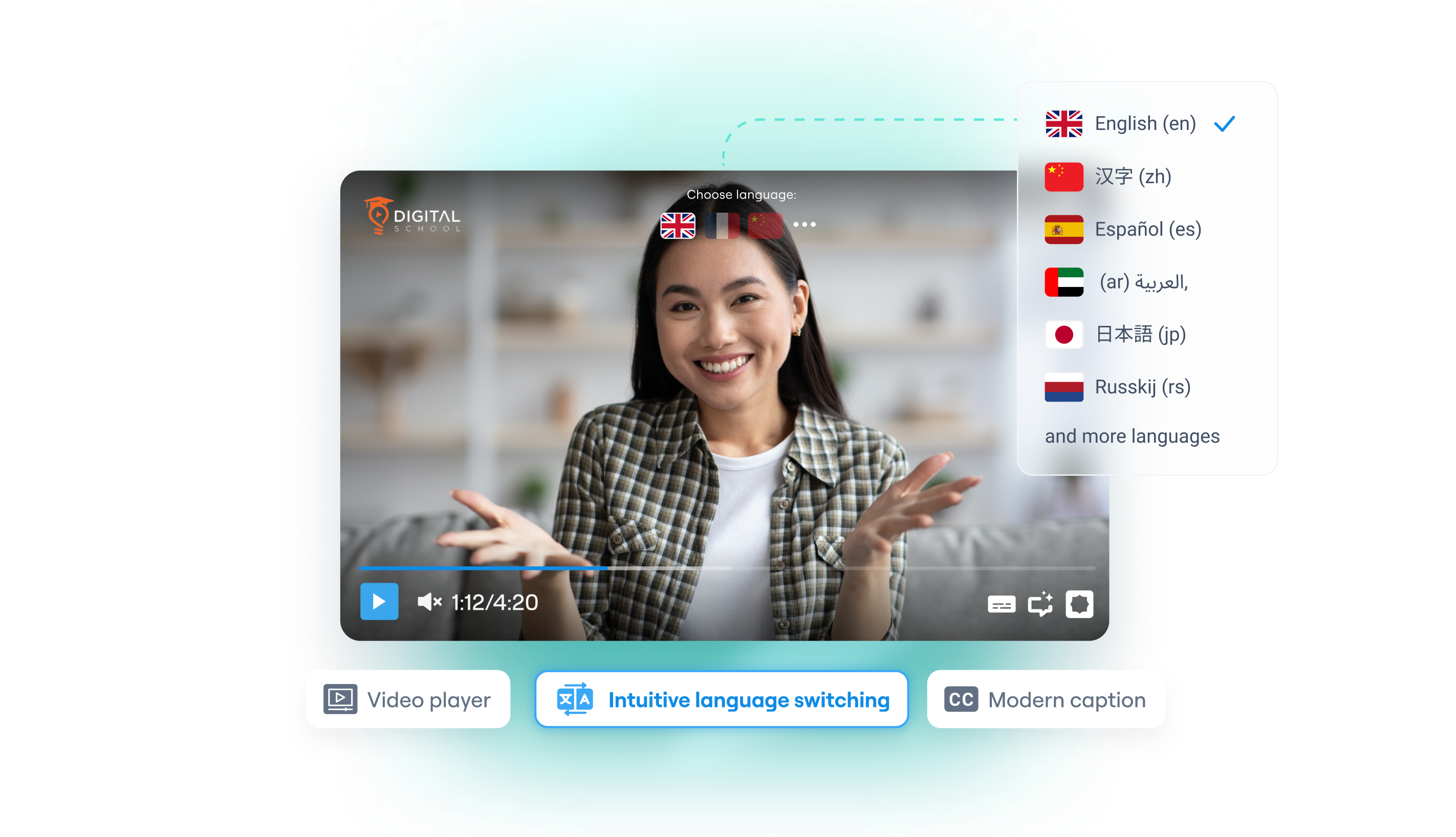
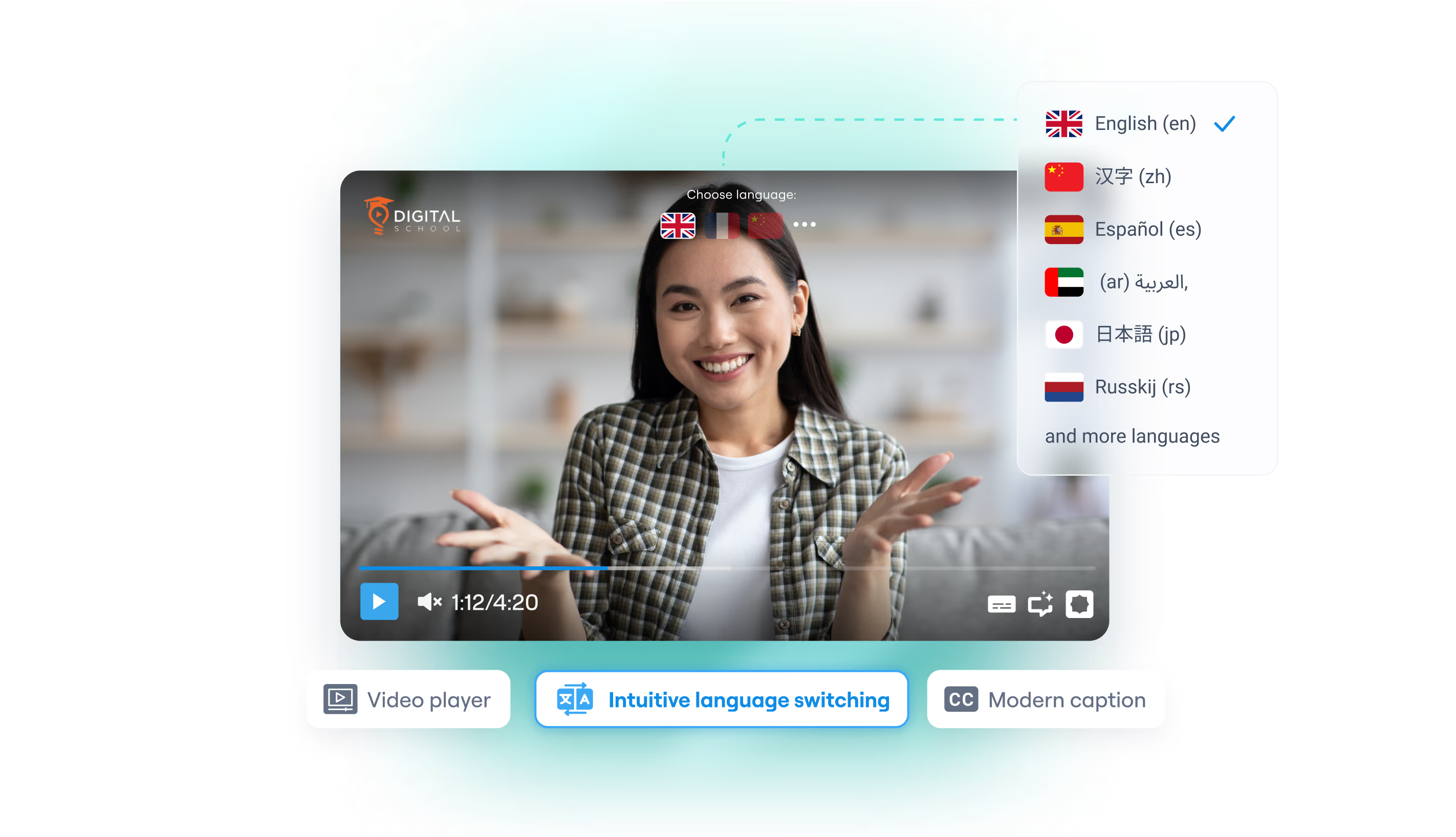
Braiv supports custom AI voice dubbing in over 50 major languages, including Spanish, Portuguese, Chinese, Russian, Vietnamese, Arabic, Hindi, French, and German.
Does AI voice dubbing cost credits?
Yes, generating AI-dubbed audio tracks costs processing credits. You will see the exact credit cost and your remaining balance in the translation modal before you hit continue.
Can I dub a video without selecting a specific voice?
Yes! If you download the audio or video file without assigning a specific custom AI voice, Braiv automatically applies a high-quality, gender-matched generic voiceover fallback.