


Setting YouTube Privacy for Publishing
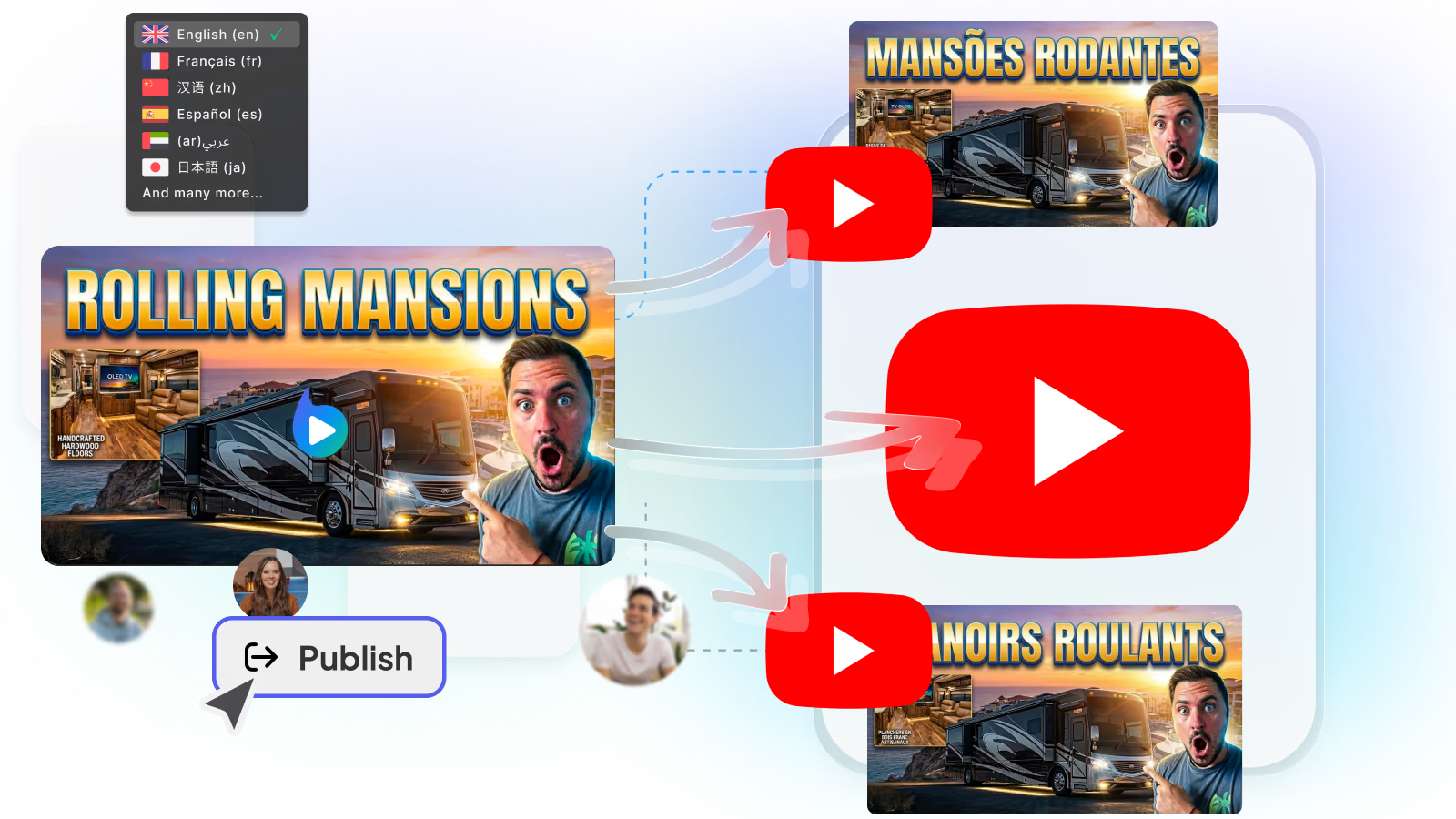
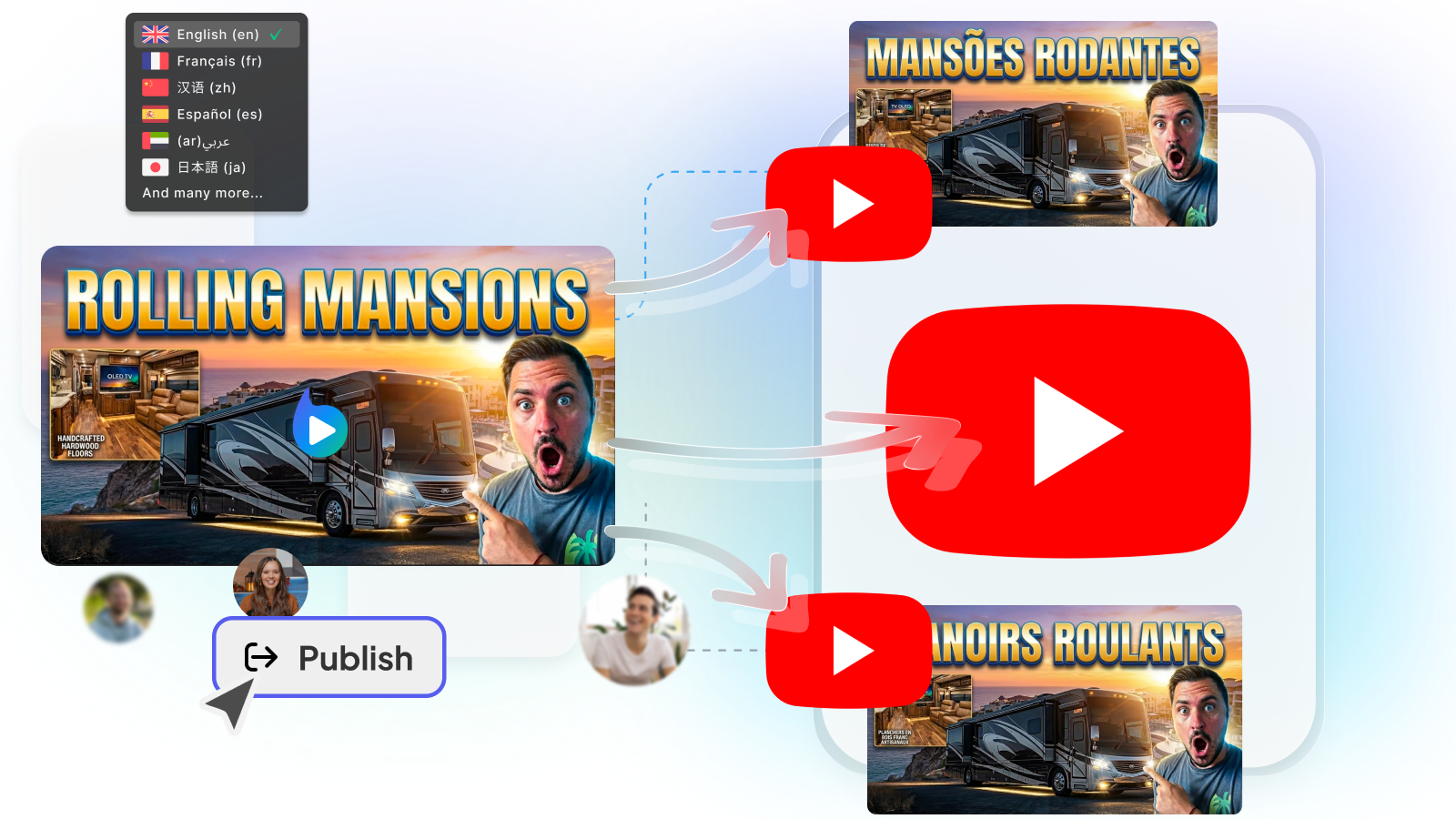
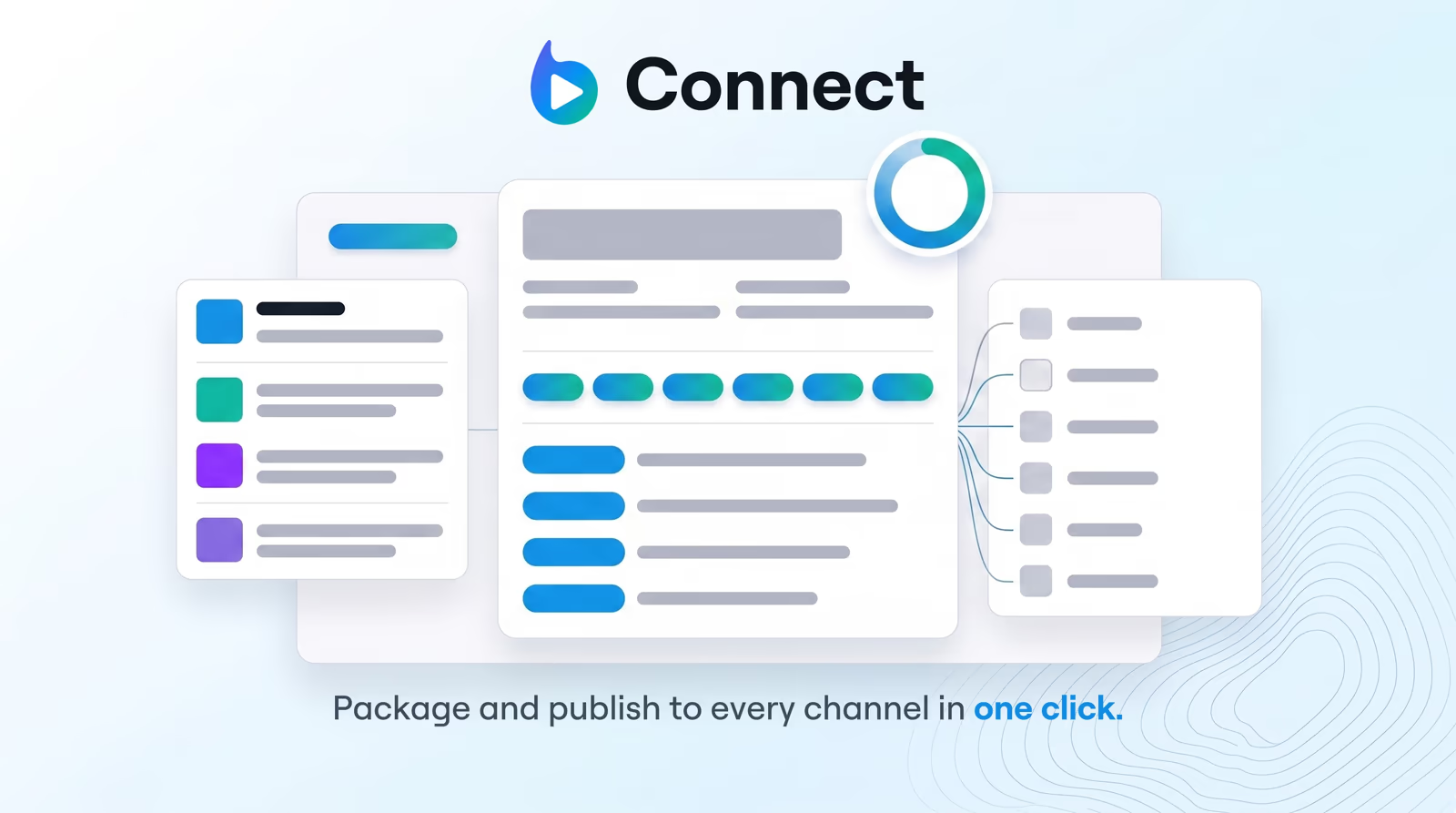
Take complete control of your upload visibility. Systematically manage YouTube video privacy options—Public, Private, or Unlisted—across all your channels directly from Braiv Connect.
When preparing video campaigns for a global audience, choosing the correct visibility state during the initial upload phase is crucial for keeping your promotional strategies aligned. Whether you want to share a work-in-progress draft with your internal marketing team, distribute an exclusive course video to paid subscribers, or execute a major public release, managing your youtube upload private vs unlisted settings determines exactly who can watch your content.
- → Public: The default choice for viral and standard publishing. Public videos are searchable on YouTube, appear on your channel page, trigger immediate subscription feed notifications to your followers, and can be recommended to new viewers by the algorithm.
- → Unlisted: Ideal for collaborative previews, exclusive embeds, and course materials. Unlisted videos do not show up in searches, on your public channel tab, or in subscription feeds. Only users with the direct video URL can view the content, though they can share that link with others.
- → Private: The most secure setting for internal validation. A private video is completely invisible to the public and cannot be shared using a simple URL. Only the channel owner and specific, invited Google accounts can view the video, making it perfect for safe, pre-publication testing.
- → Safety-First Scheduling: Queue up your localized content as unlisted or private to ensure everything compiles correctly, translations are perfectly synced, and tags are correctly populated before pushing to a global public audience.
- → Streamlined Preview Processes: Share unlisted drafts with clients or team members directly from Braiv Connect for instant feedback and approval before scheduling the final, public launch.
- → Coordinated Multi-Channel Campaigns: Coordinate synchronized releases across primary and localized secondary channels, keeping all matching assets private until the exact moment of your official campaign launch.
- → Public: Ready for immediate consumption and subscription alerts.
- → Unlisted: Visible only via direct link, perfect for reviews.
- → Private: Strictly locked down to authorized channel admins.
- → Allow High-Definition Processing: When you publish a video as public immediately, the algorithm may distribute low-resolution 360p or 480p versions to early viewers while the 4K or 1080p versions are still processing in the background. Uploading as unlisted or private first allows YouTube to fully process high-definition resolutions and HDR color profiles.
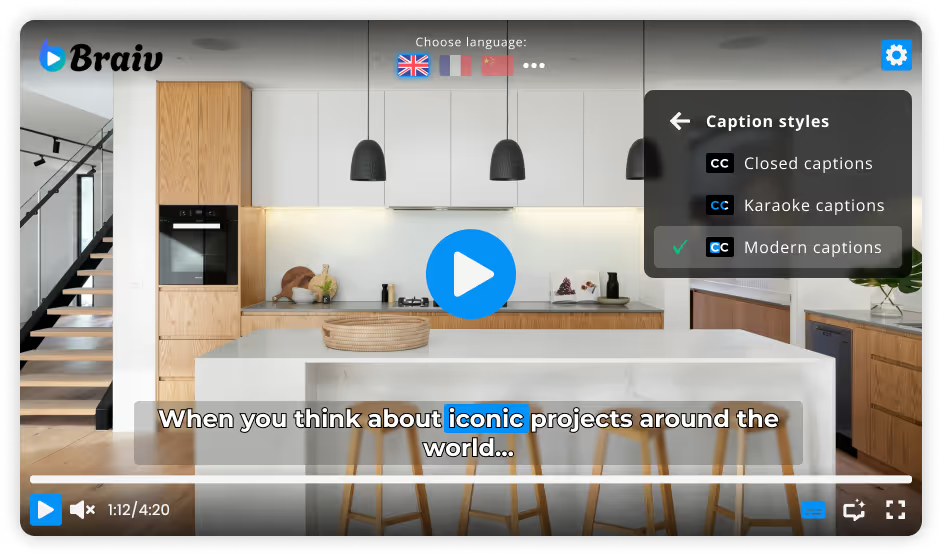
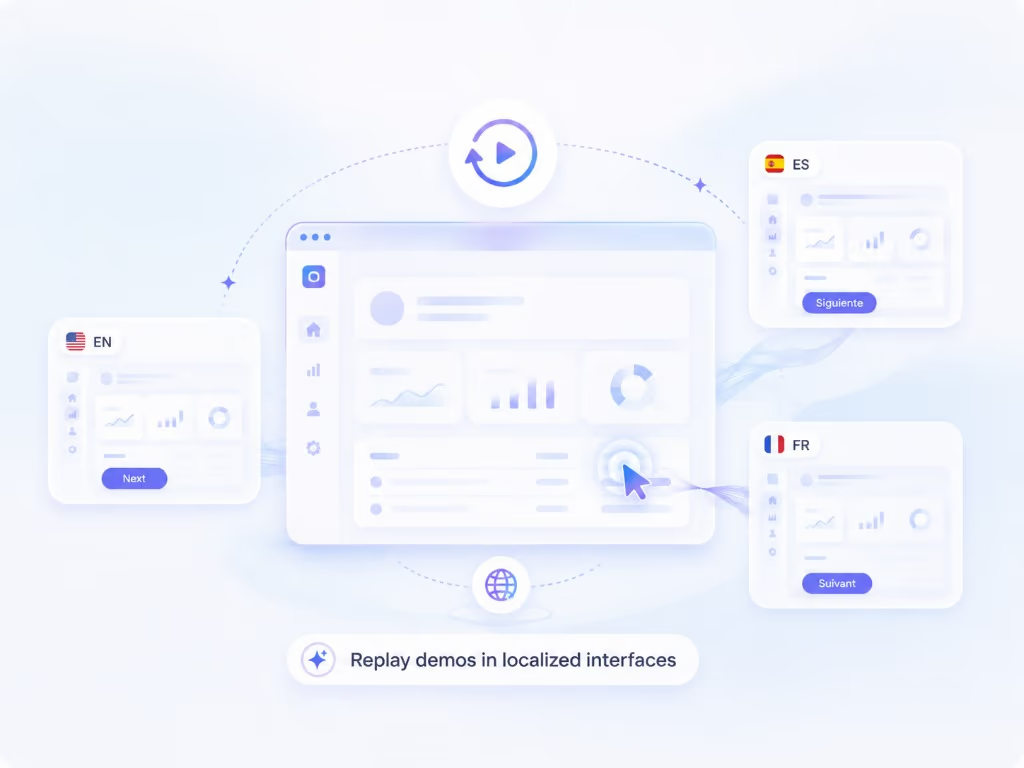
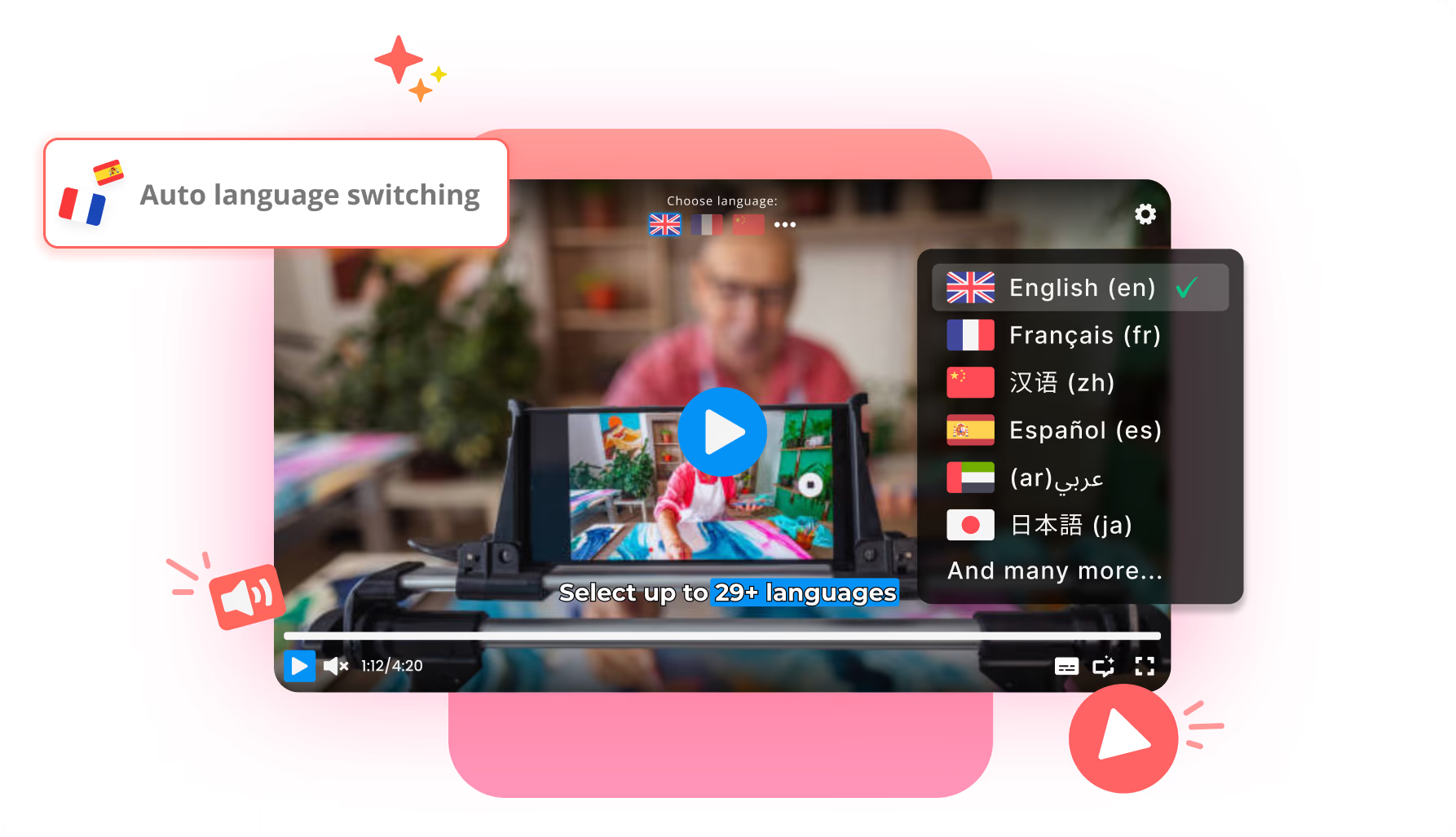
- → Review AI Subtitles & Dubbing: Uploading as unlisted or private allows you to view the live video on the YouTube interface to verify that multi-lingual captions, closed captions, and localized audio tracks are mapping correctly on various physical mobile devices and desktop layouts.
- → Secure Monetization Approvals: If you are a member of the YouTube Partner Program, uploading as private or unlisted triggers the automated copyright (Content ID) and advertiser-suitability scans before your audience sees the video. This allows you to resolve any yellow-icon monetization disputes or licensing claims in advance, ensuring maximum ad revenue from the very first minute your video goes public.
Explore more Braiv products
Features Built for Global Impact
Ready to Take Your Content Global?
Join over 100,000 creators scaling their reach with Braiv.
Get 300 AI Credits when you sign up today.