





Choose AI Voice for Dubbing

Choose AI Voice for Dubbing

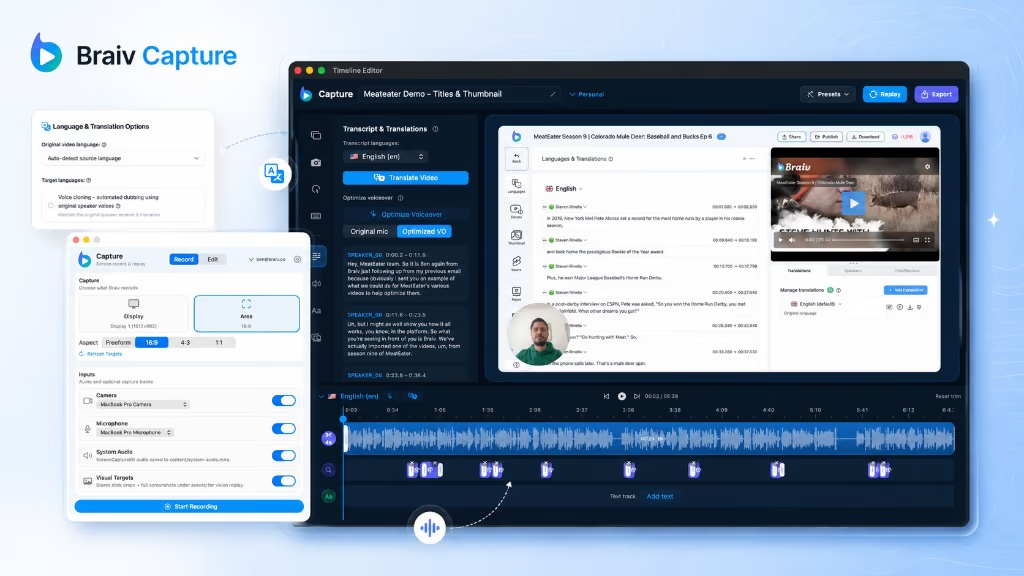
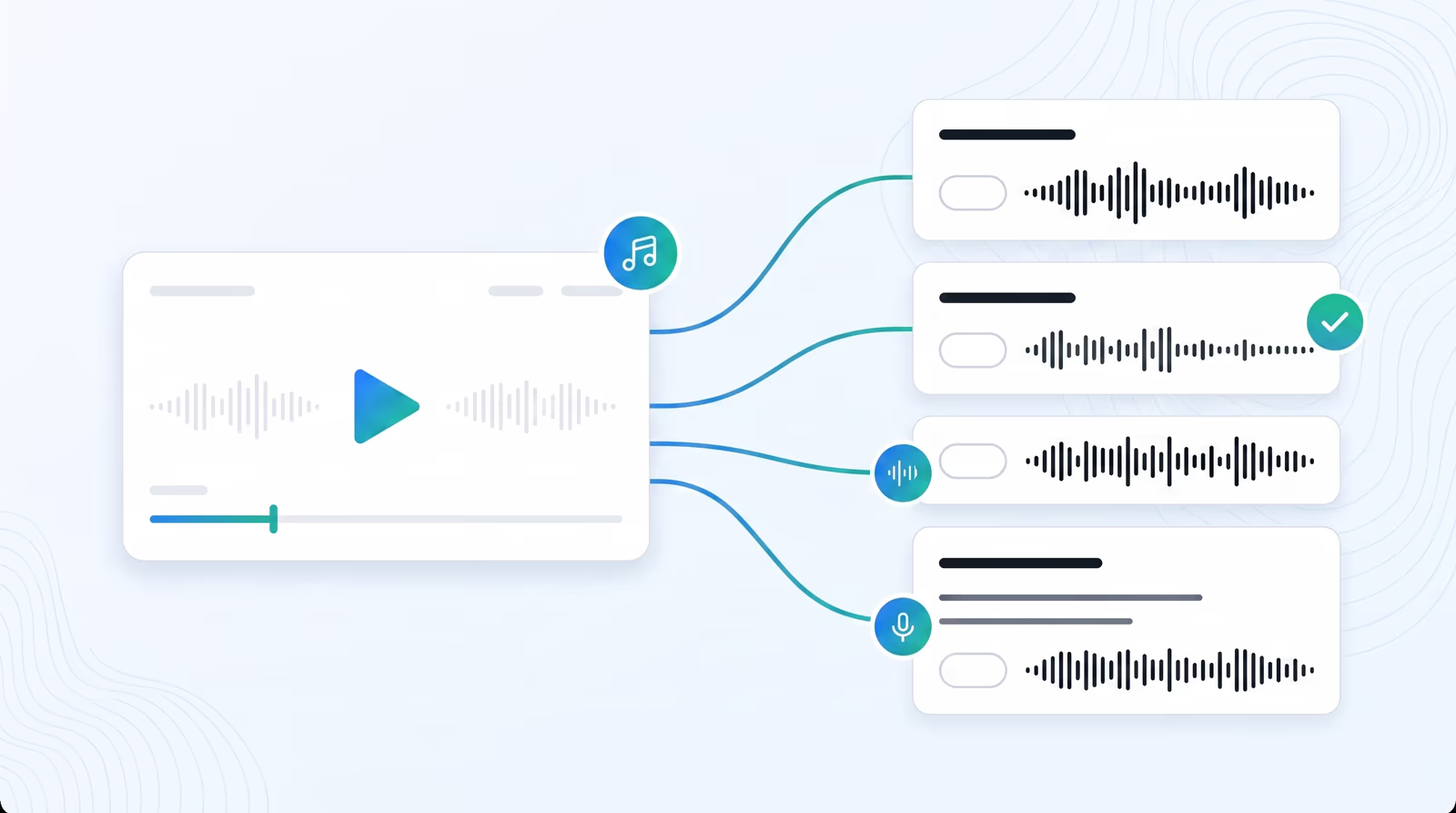
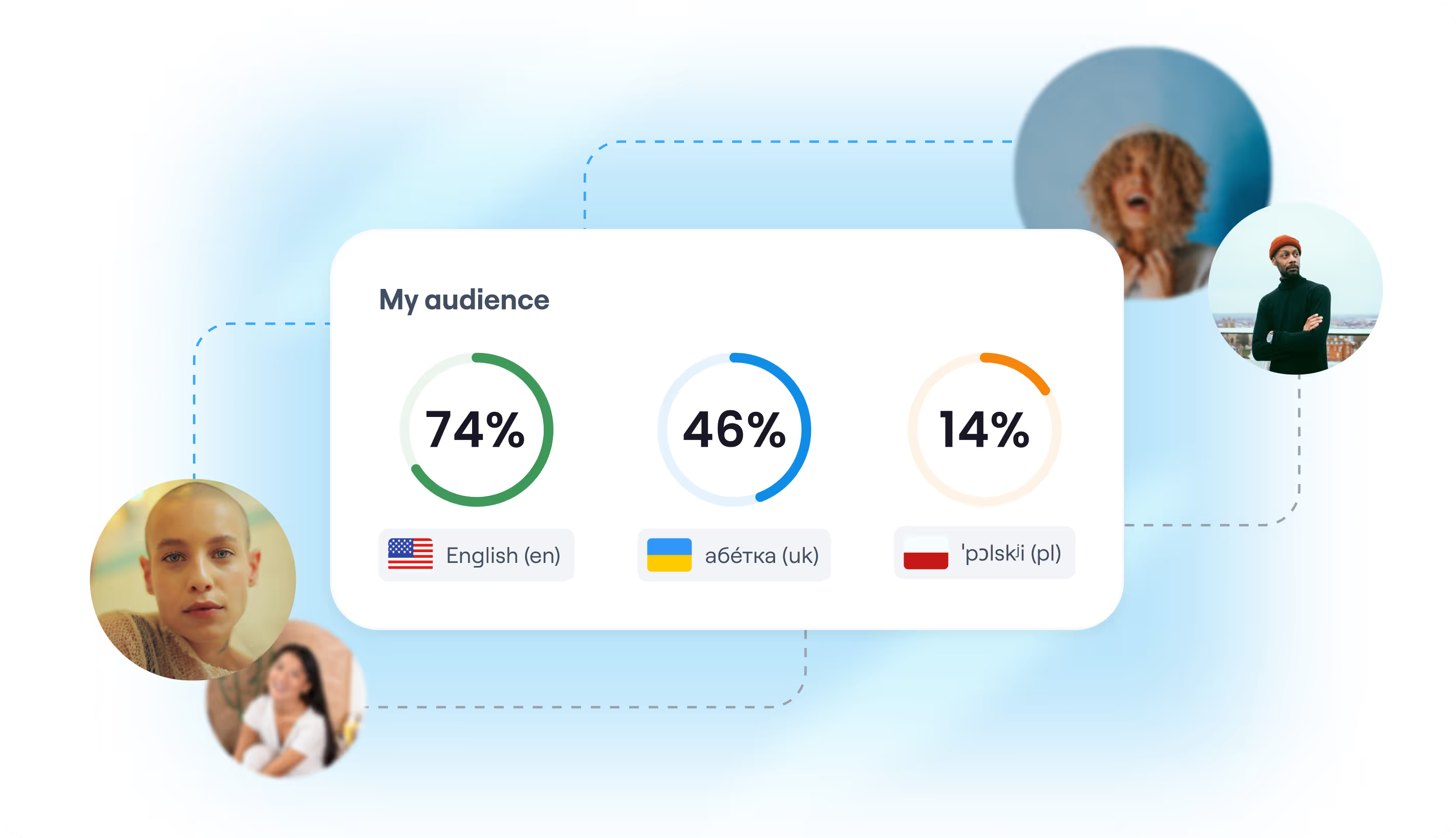
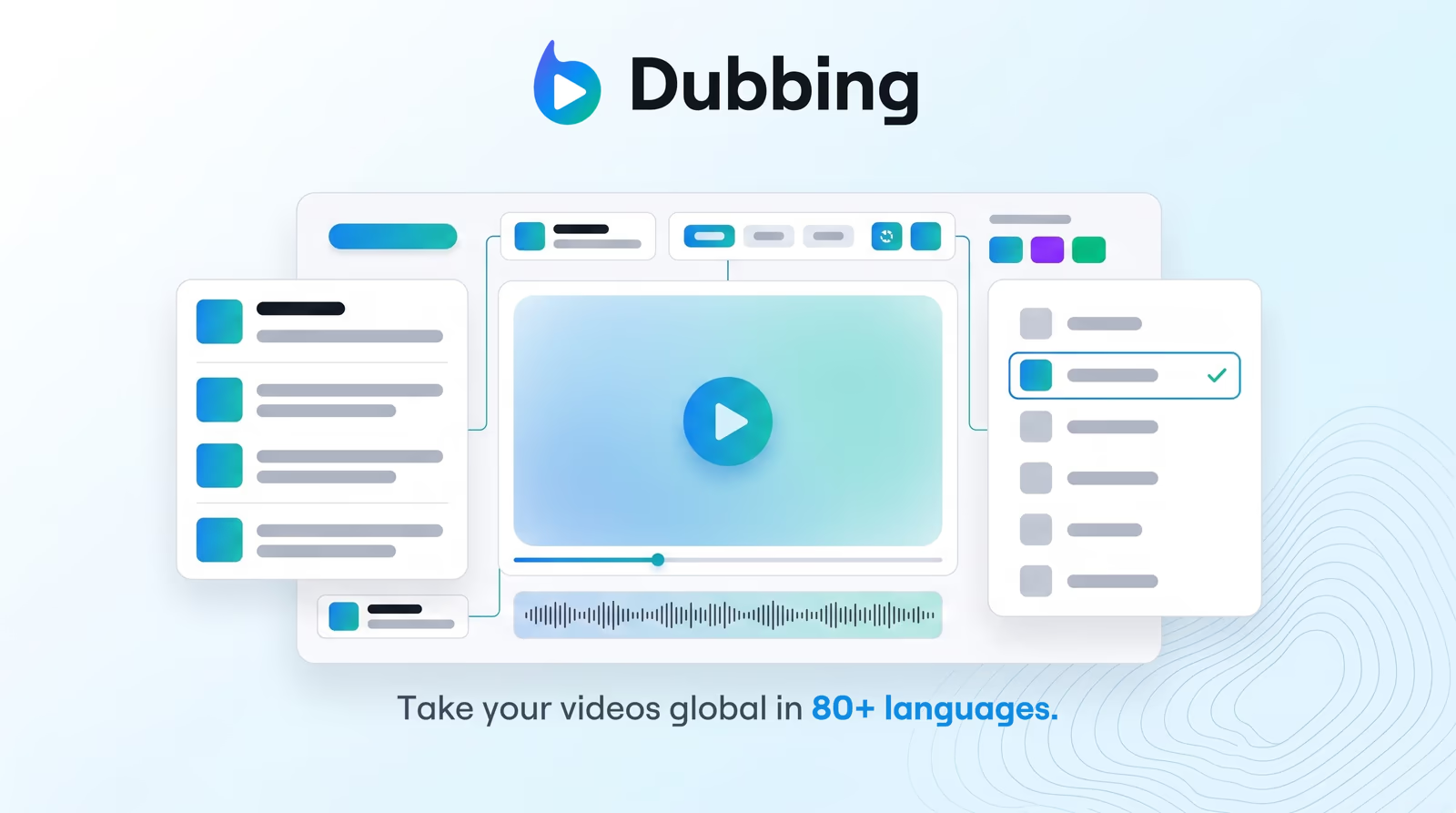
Select, filter, and preview from our extensive library of hyper-realistic AI voices to perfectly match your target audience.
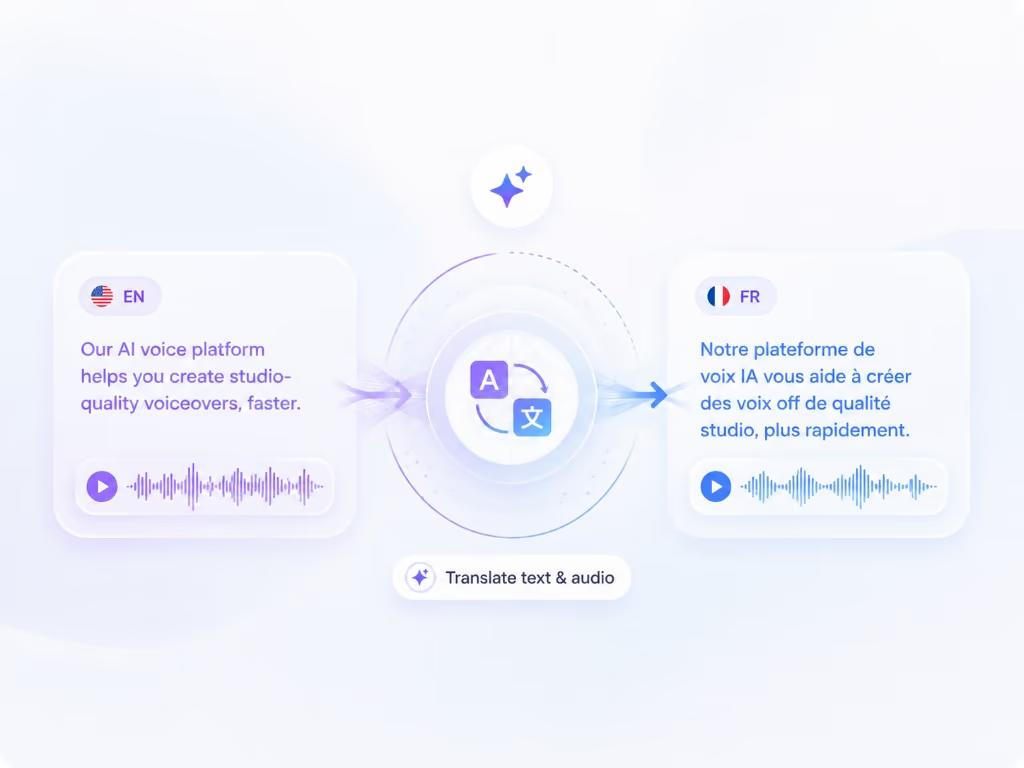
Translate and dub your video

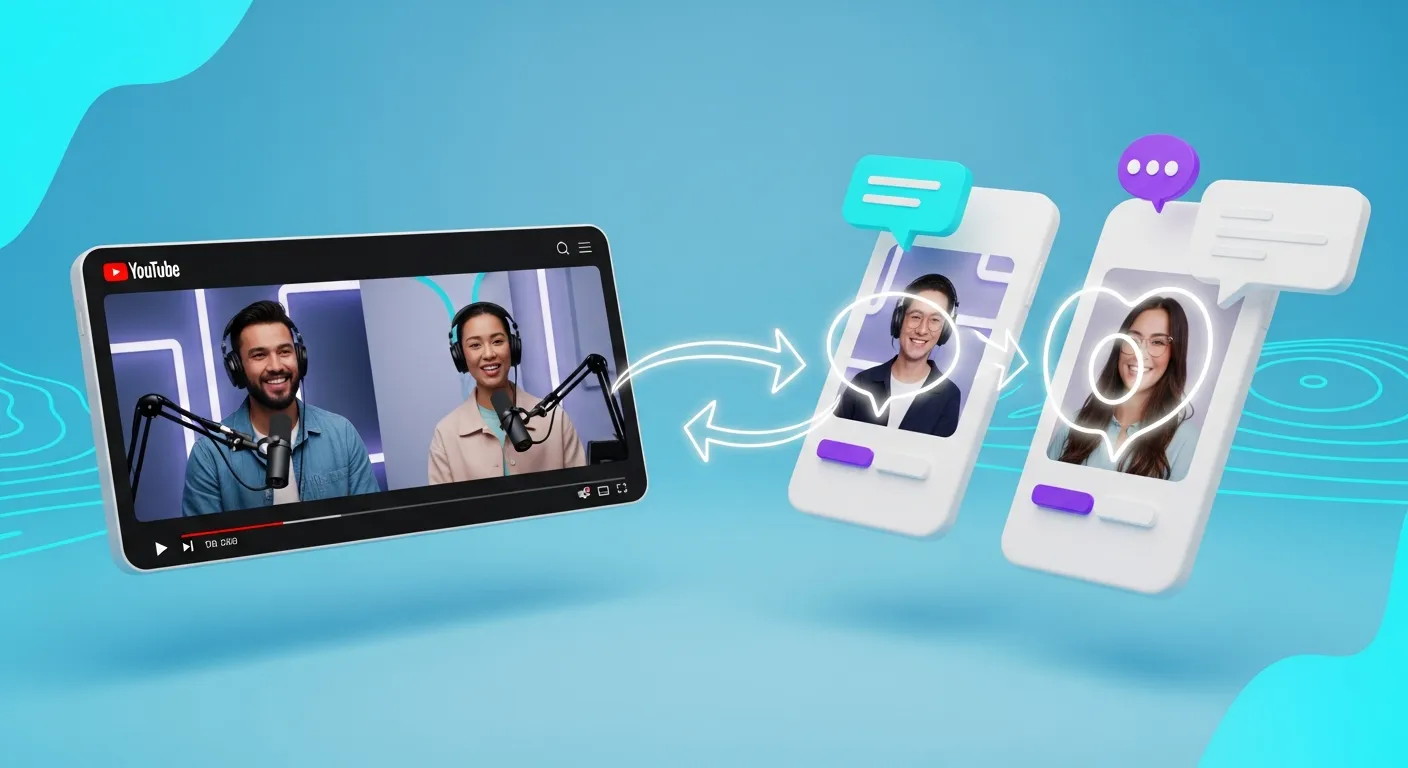
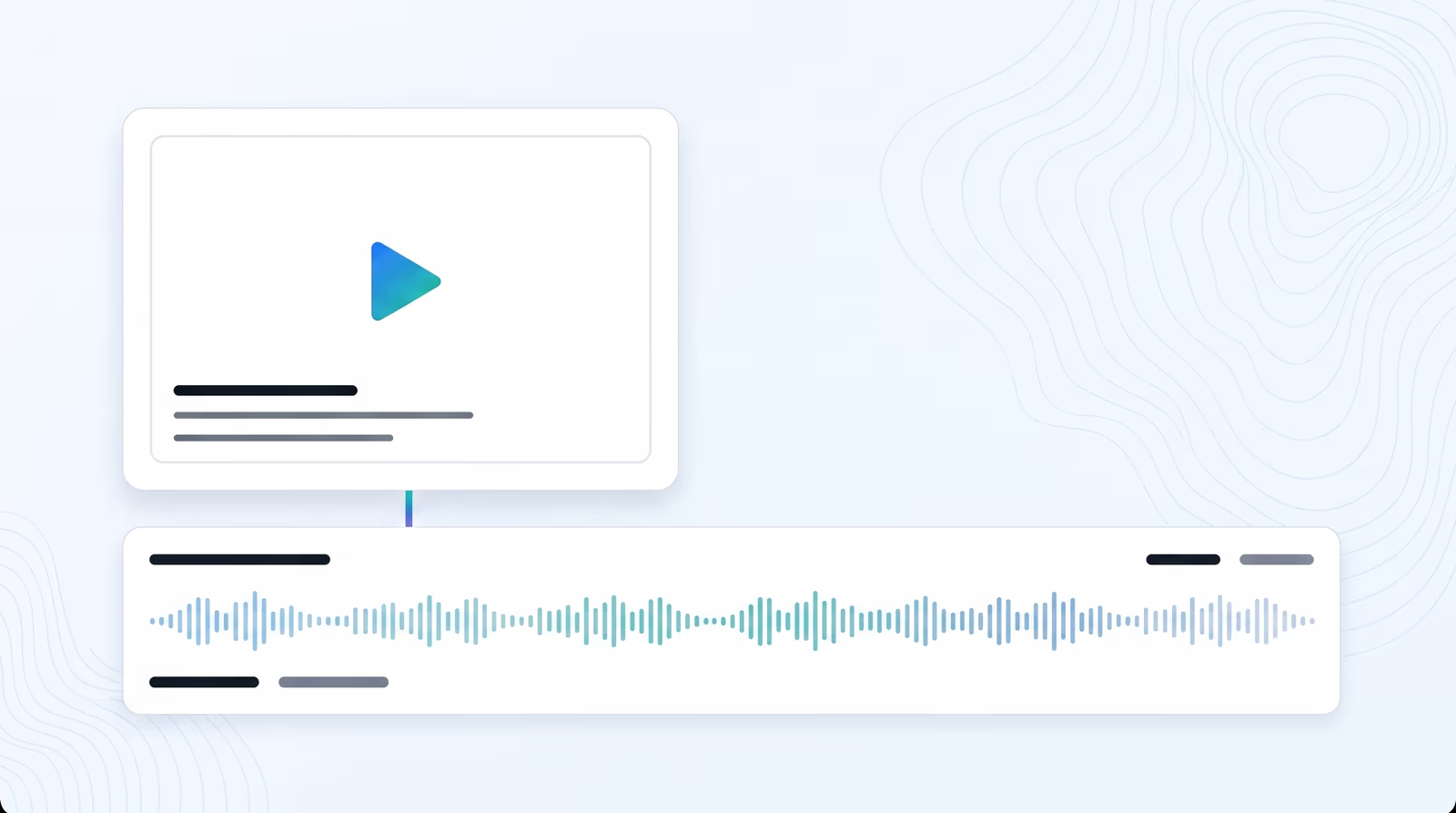
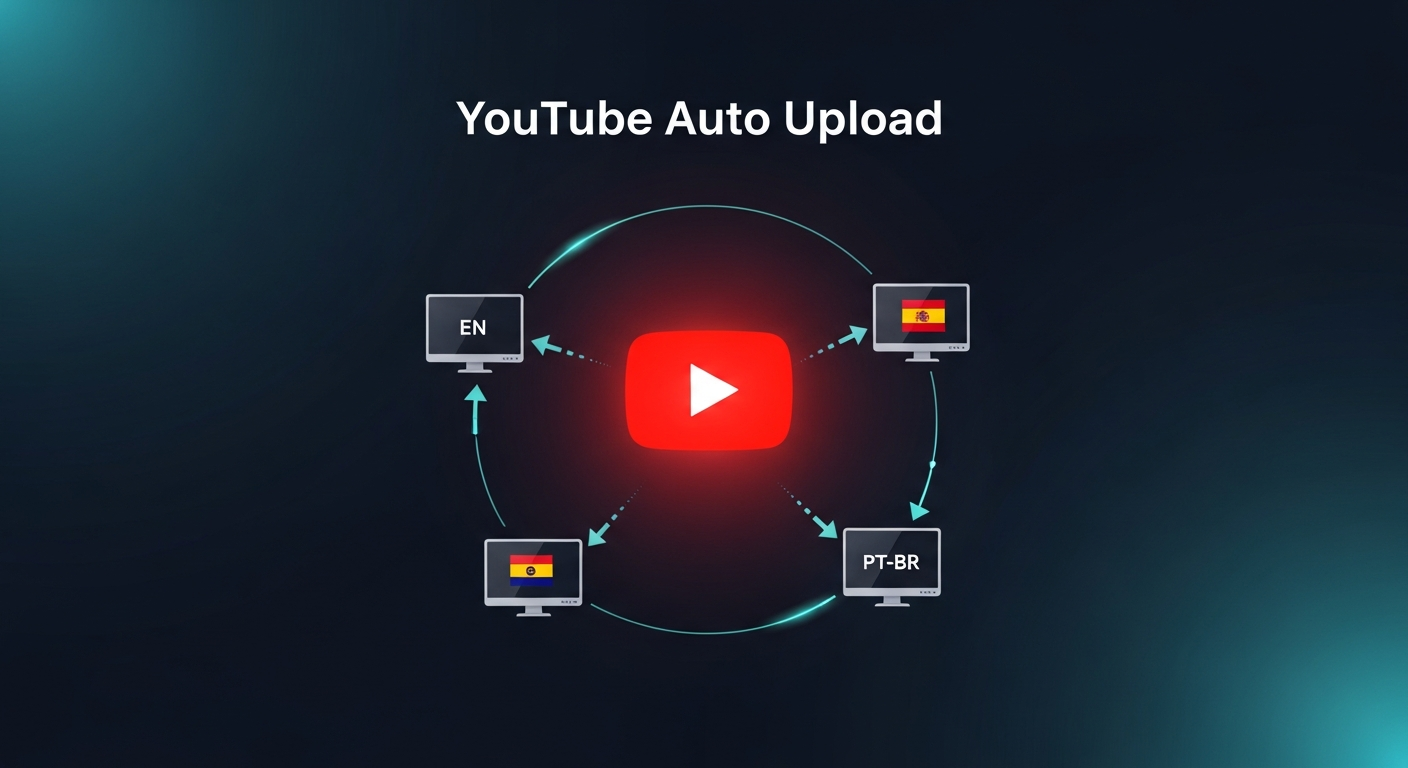
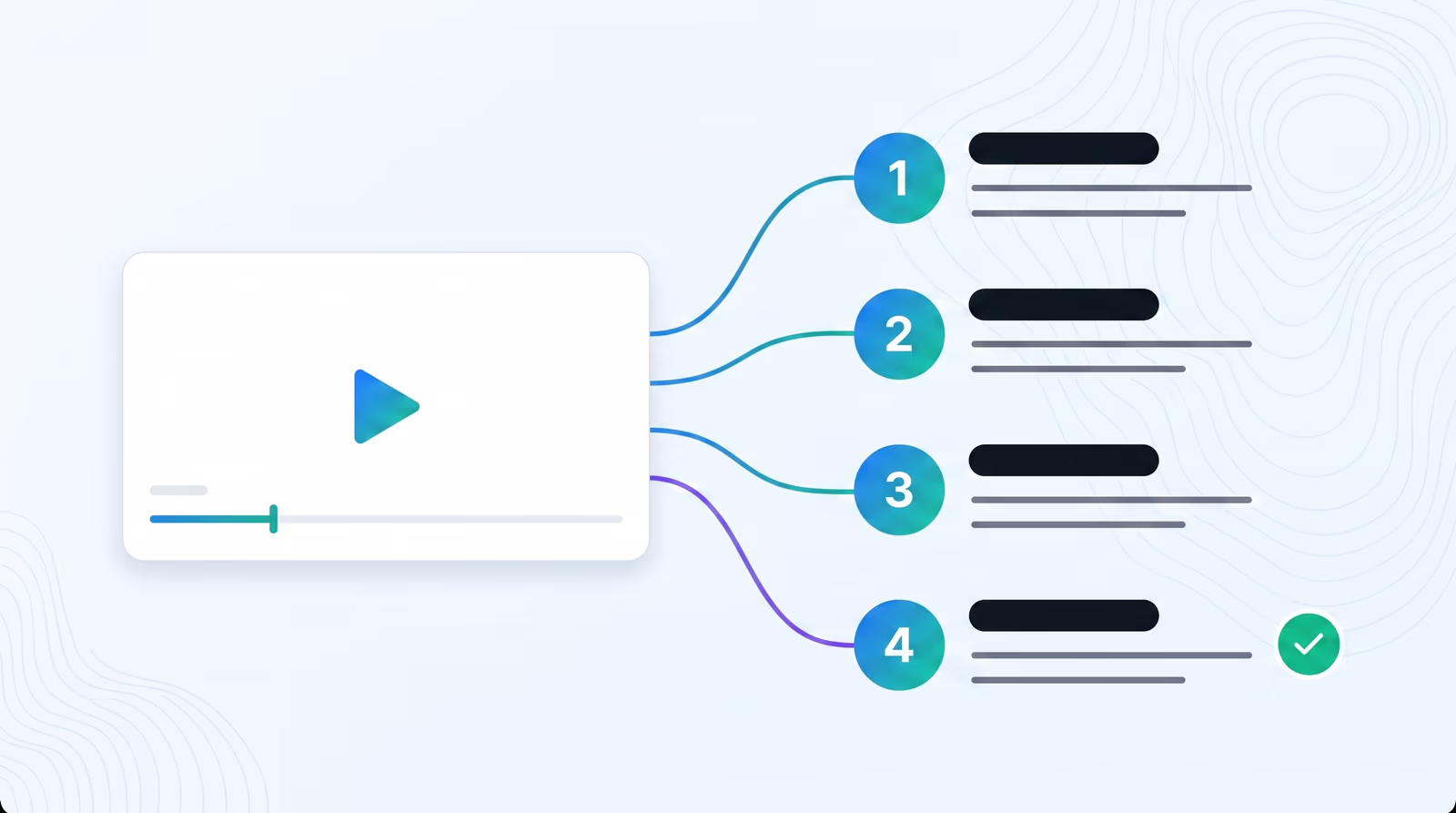
Choose how you bring in your video (YouTube link or upload), pick a target language, then we validate length and send you into Braiv dubbing.

Add a video URL or upload a video before translating.
Get started for free
Trusted by 100,000+ creators, podcasters & businesses globally

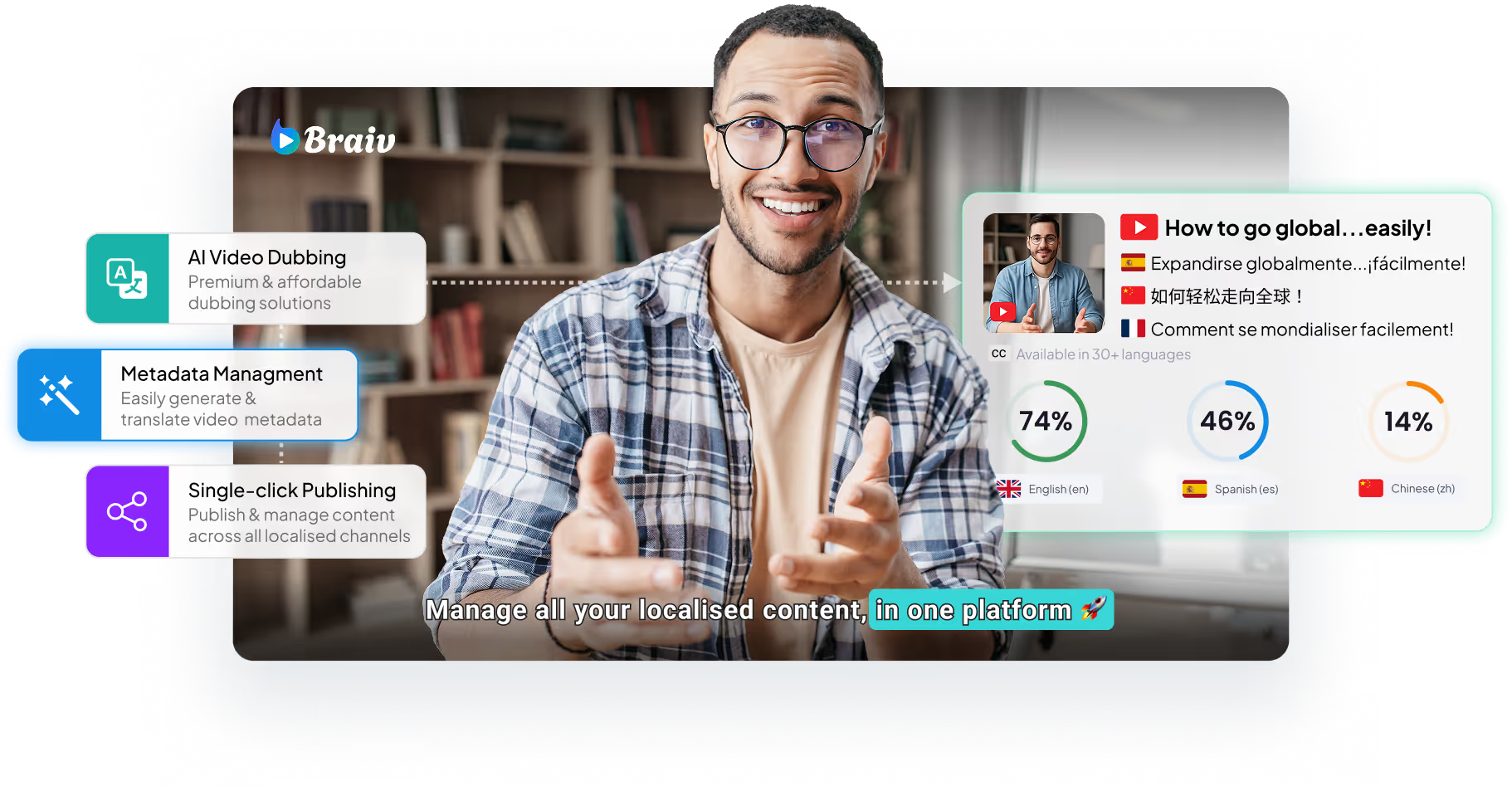
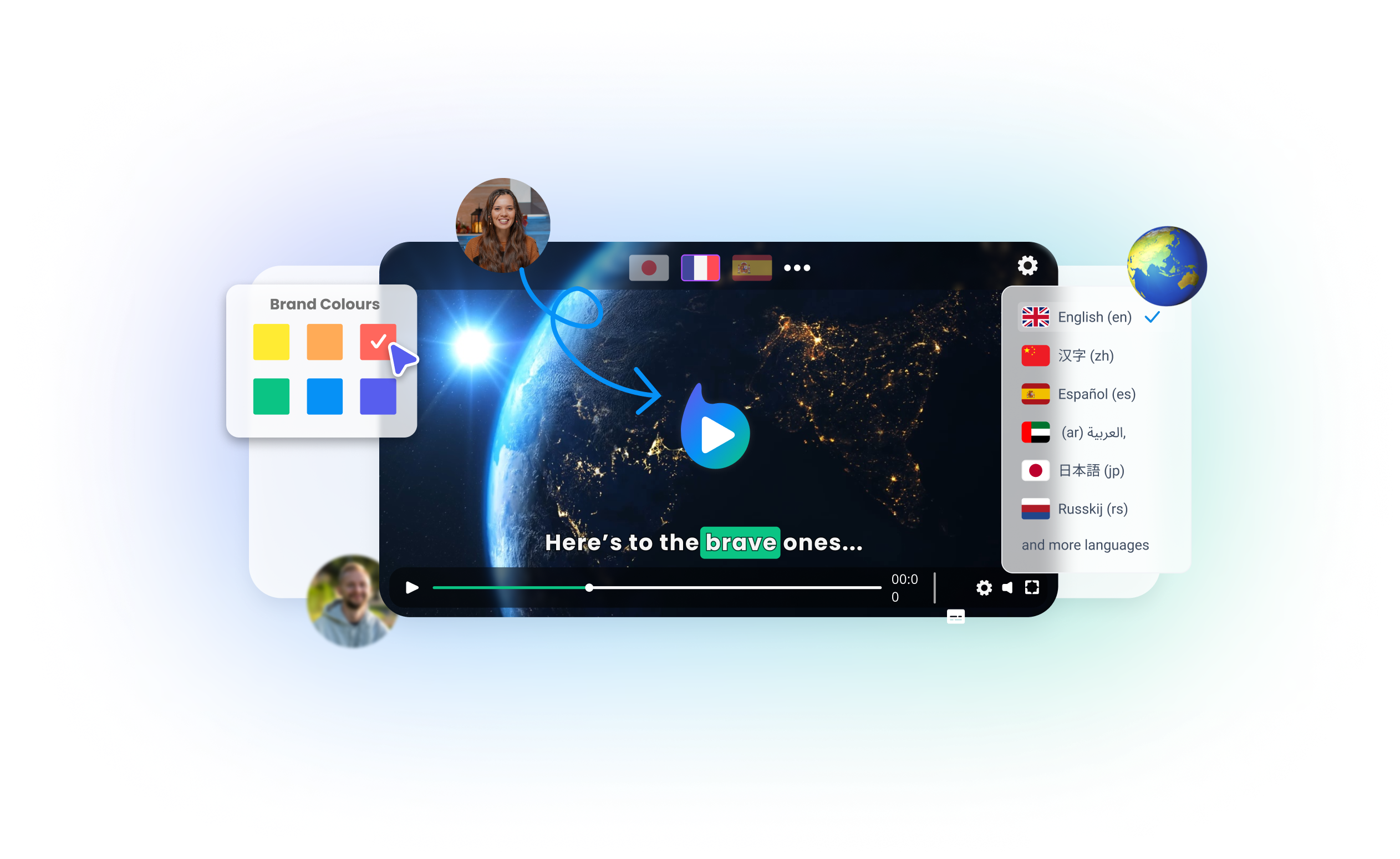
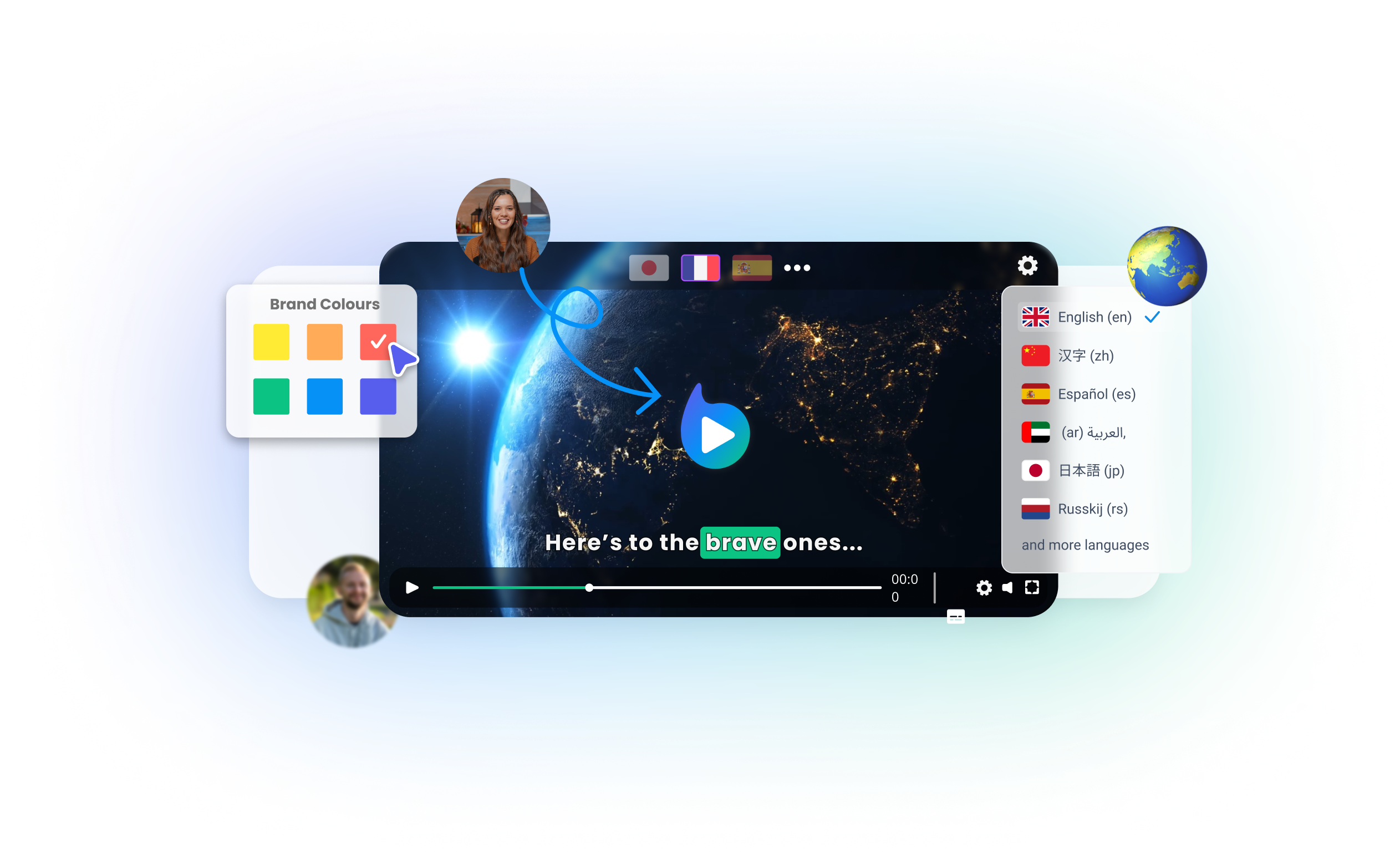
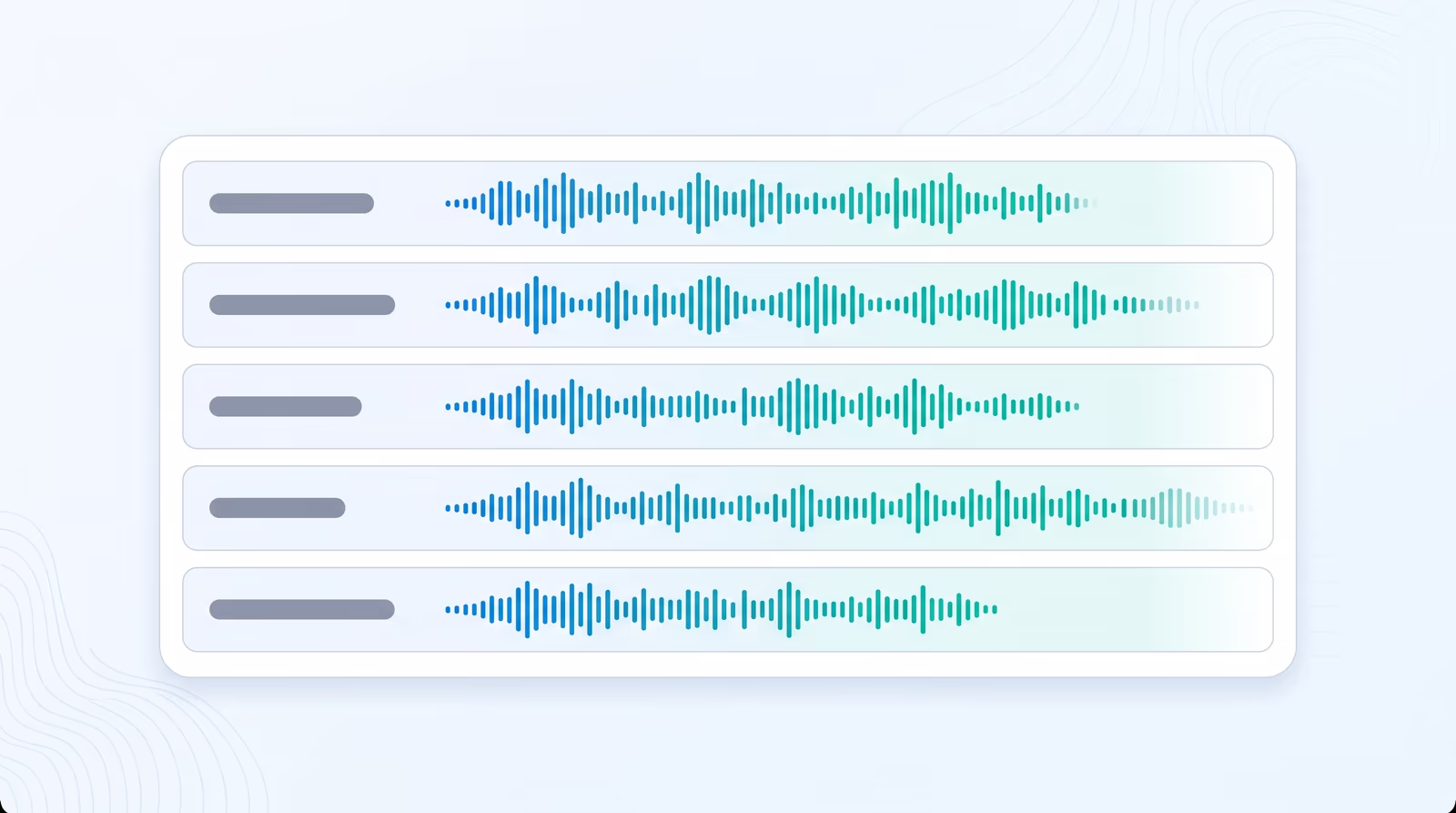
Braiv Dubbing gives you full editorial control over your video's multilingual audio tracks. While our system automatically matches the best vocal profile to your original speakers, you can customize any voice manually to better align with regional dialects and target audiences.

Key features include:
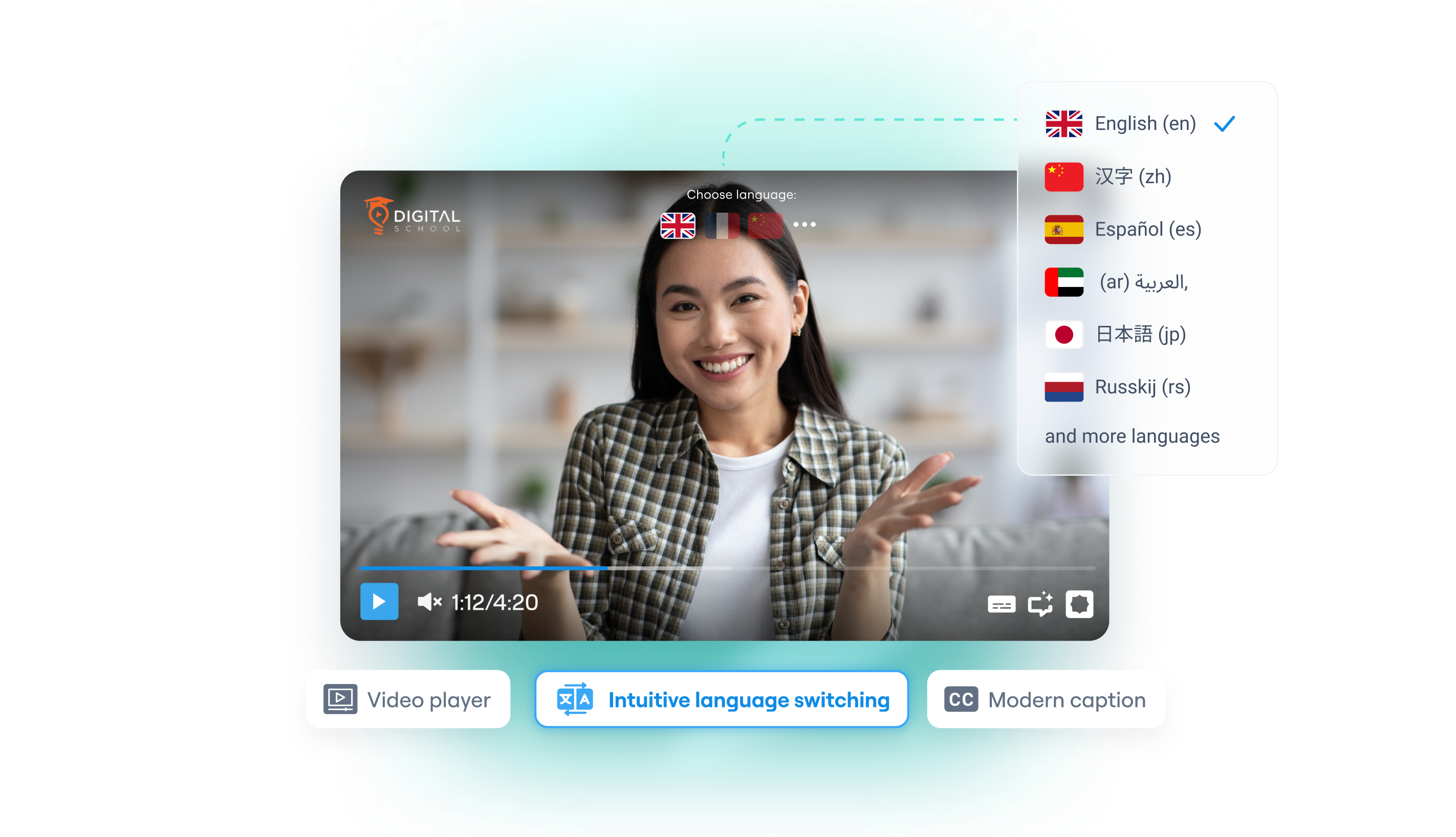
  • Select Your Target Language: Choose the translated track where you want to assign a new voice from your dashboard panel.
  • Browse and Filter Voices: Open the voice dropdown menu. Filter options by gender (Male or Female) and listen to previews with the instant play button.
  • Regenerate on Demand: Click Save, then click the 'Regenerate' button in the pop-up modal. The progress bar will transition from 'PROCESSING' to a blue checkmark when complete.
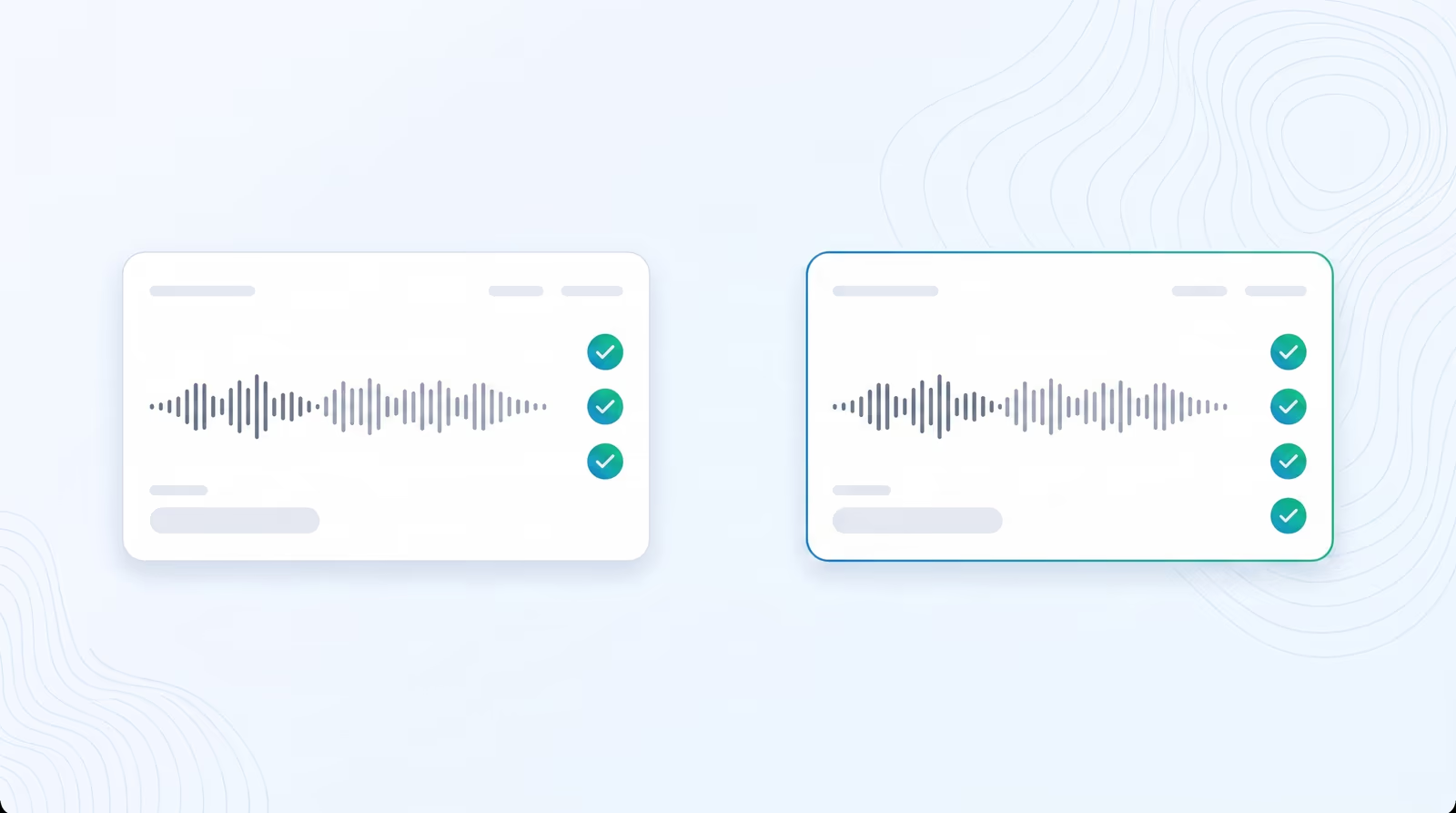
  • Save Settings: Ensure you hit the save button whenever modifications are made to finalize preferences.
domaine homes logo
puma logo
tesla logo
micd-up logo
antler logo
canva logo
thirdi logo
screenapp logo
anchored outdoors logo
domaine homes logo
puma logo
tesla logo
micd-up logo
antler logo
canva logo
thirdi logo
screenapp logo
anchored outdoors logo
Key Features
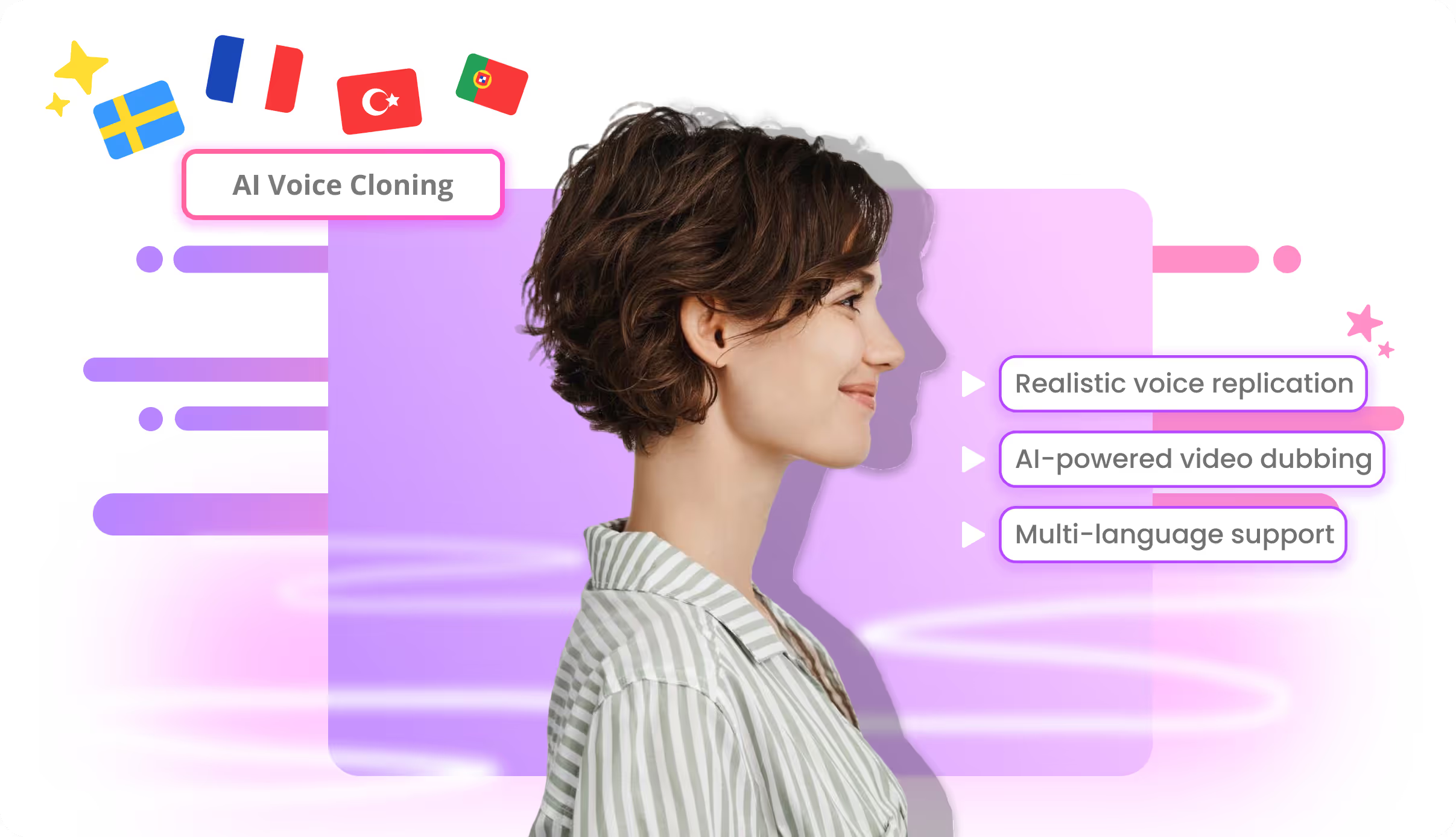
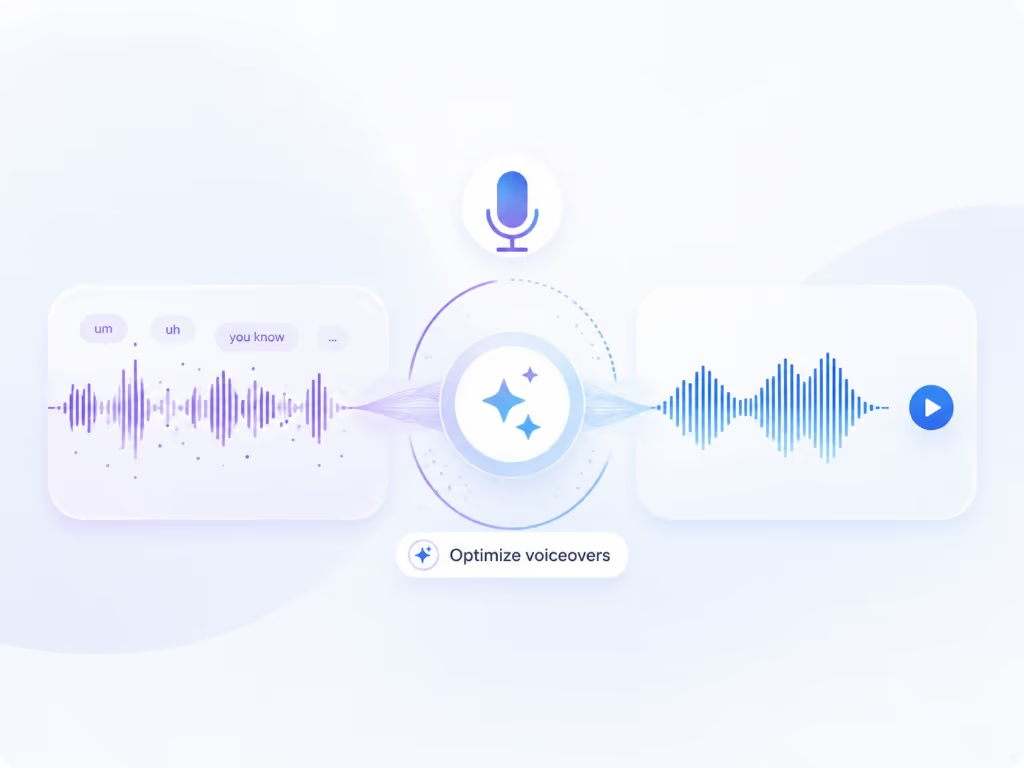
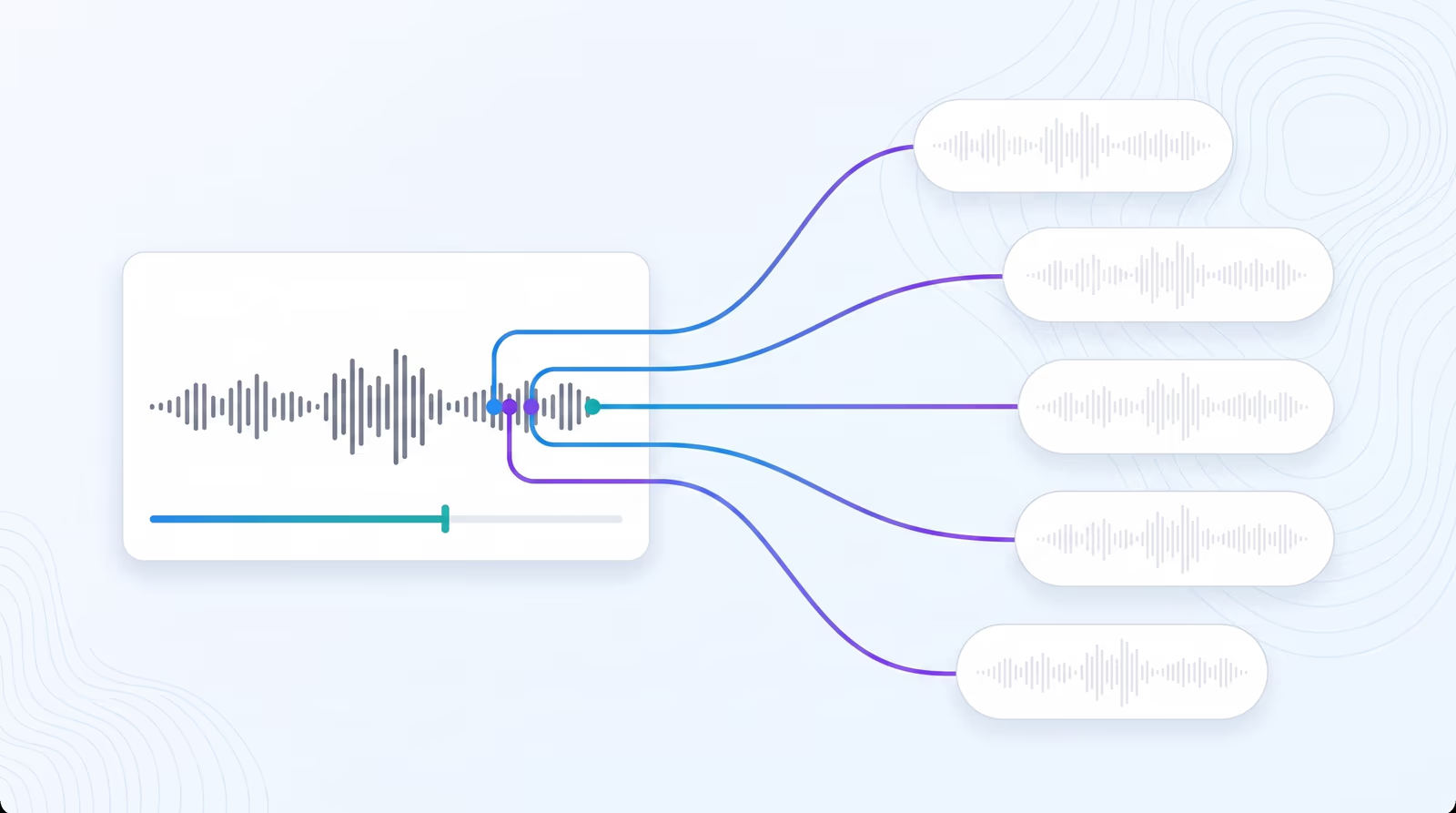
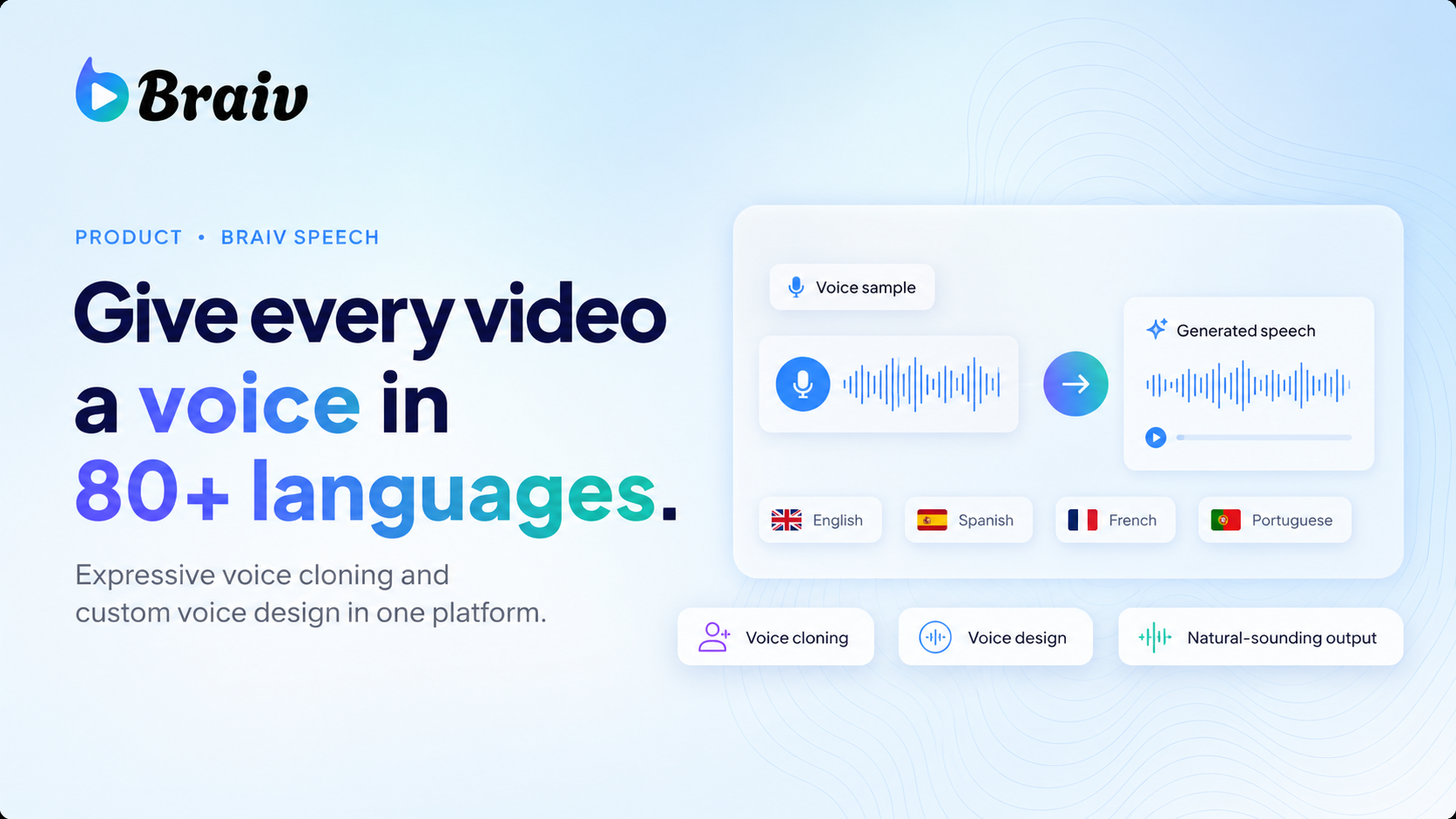
Natural voice replication
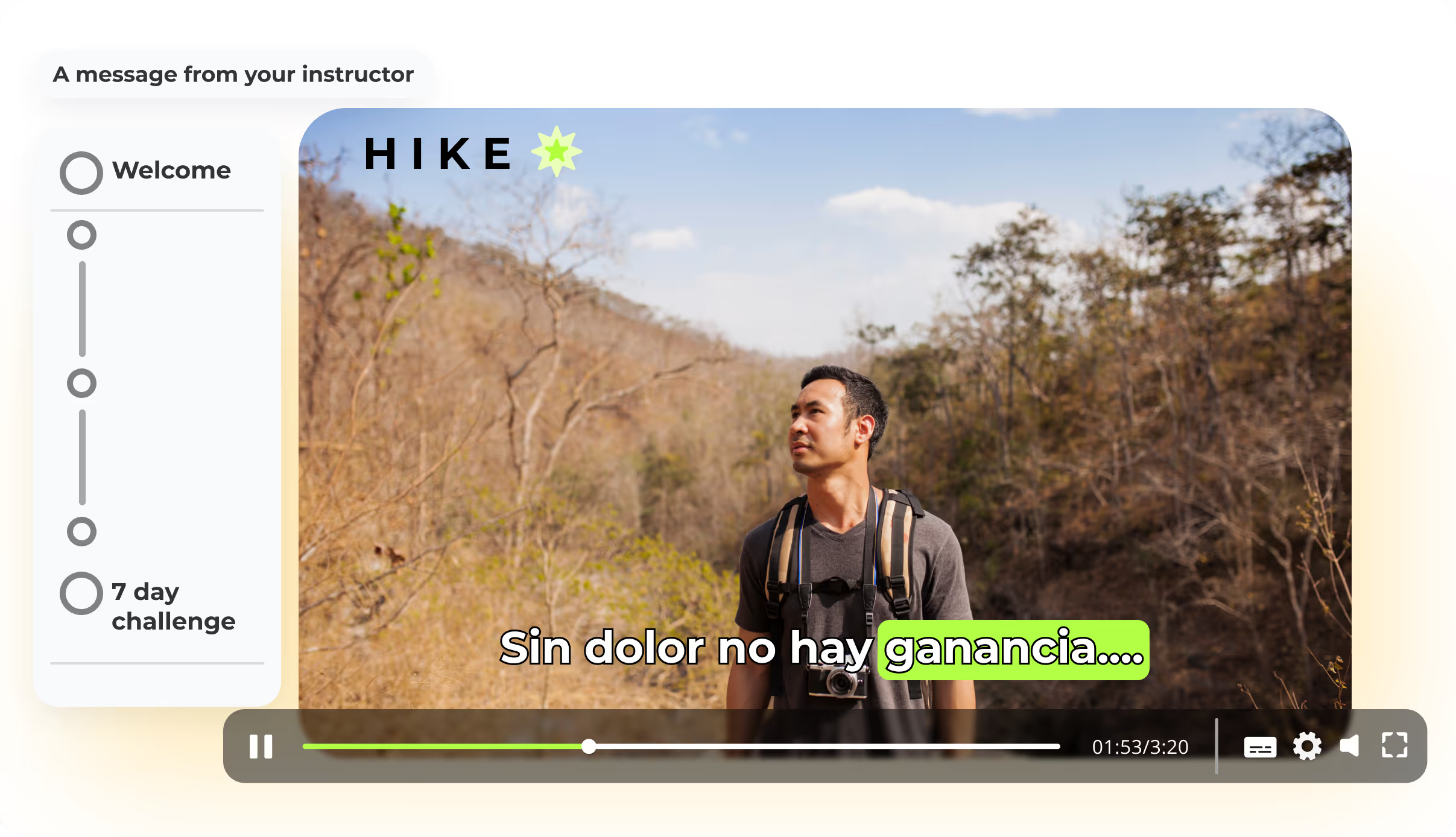
State-of-the-art AI generates cloned voices, ensuring dubbed content retains the original emotion & engagement.
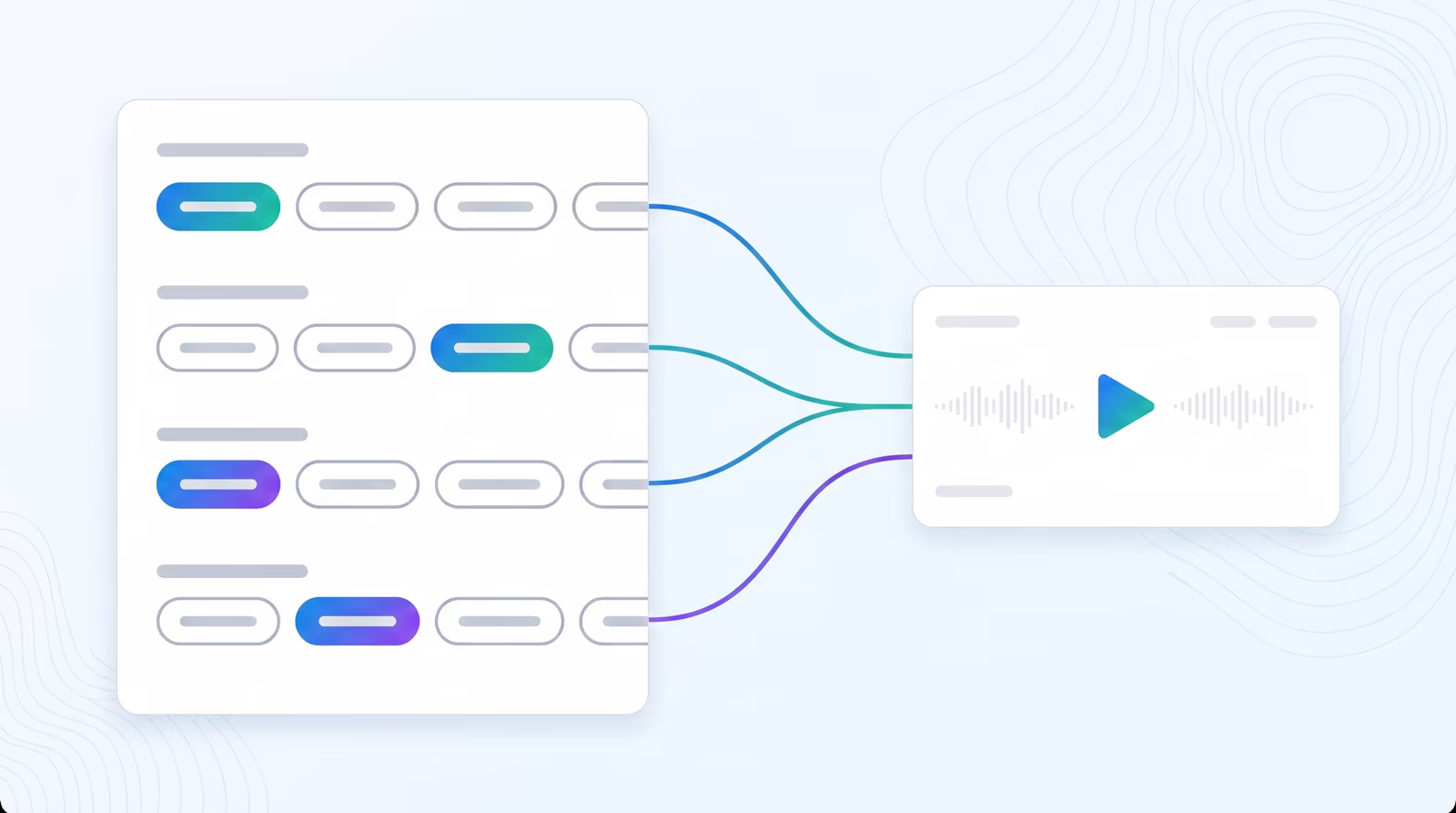
Gender, age & accent controls
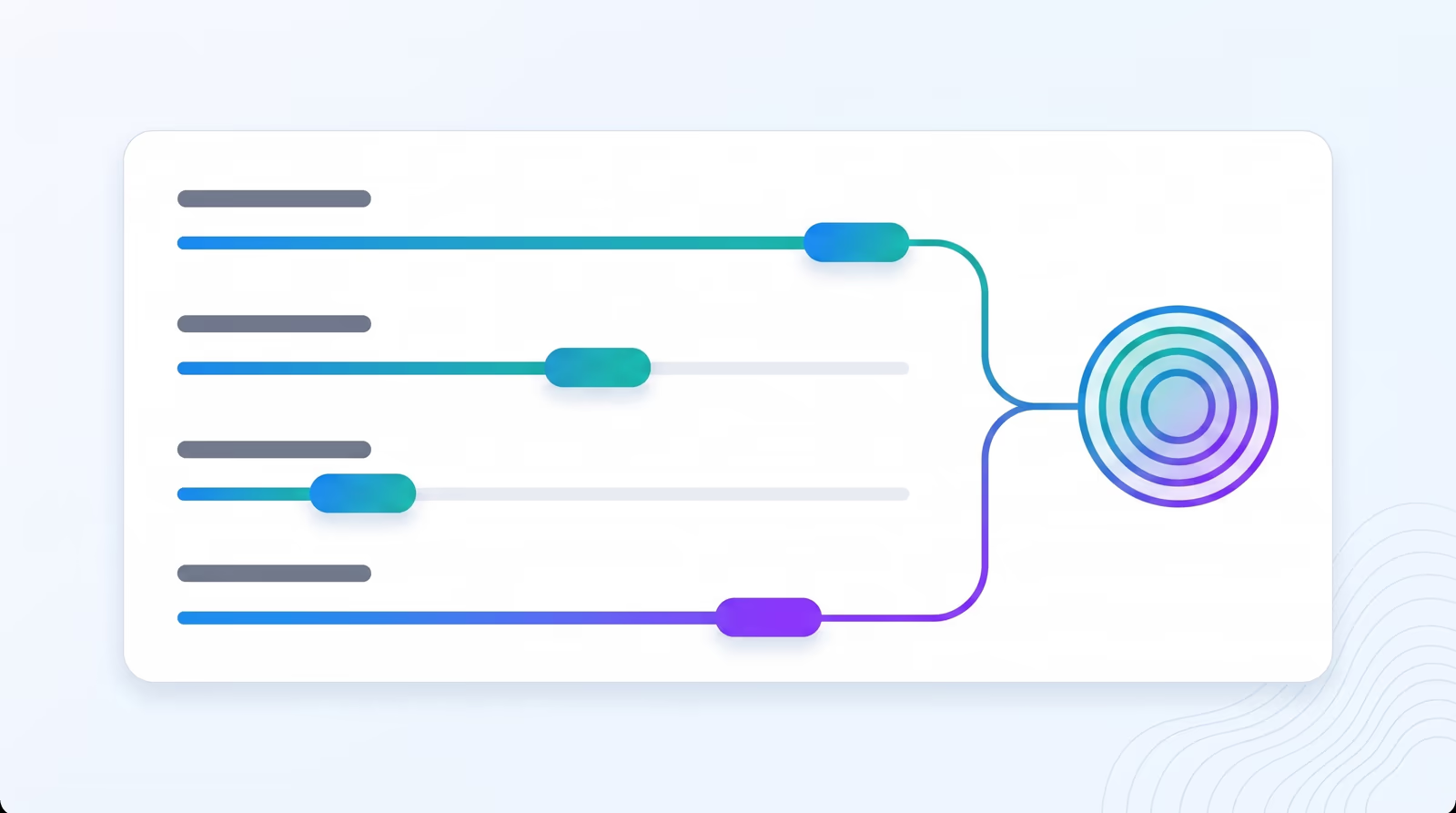
Design a voice from parameters. Choose gender, age range, accent colour, and pace to match any character or brand.
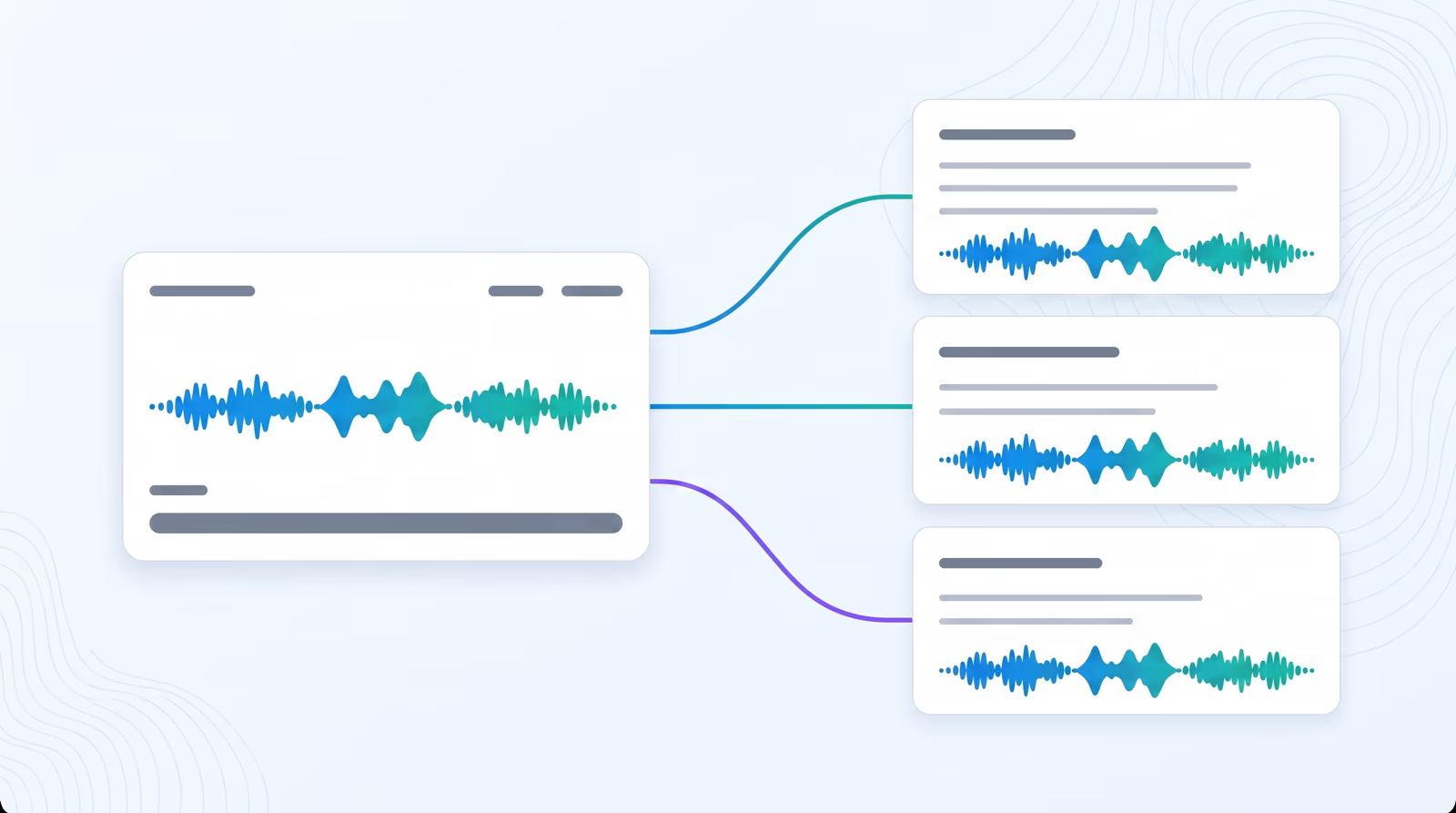
Save to personal voice library
Store every cloned and designed voice in a personal library and reuse it across dubbing, narration, and voice over projects.
Parent Product

Available in Braiv Dubbing

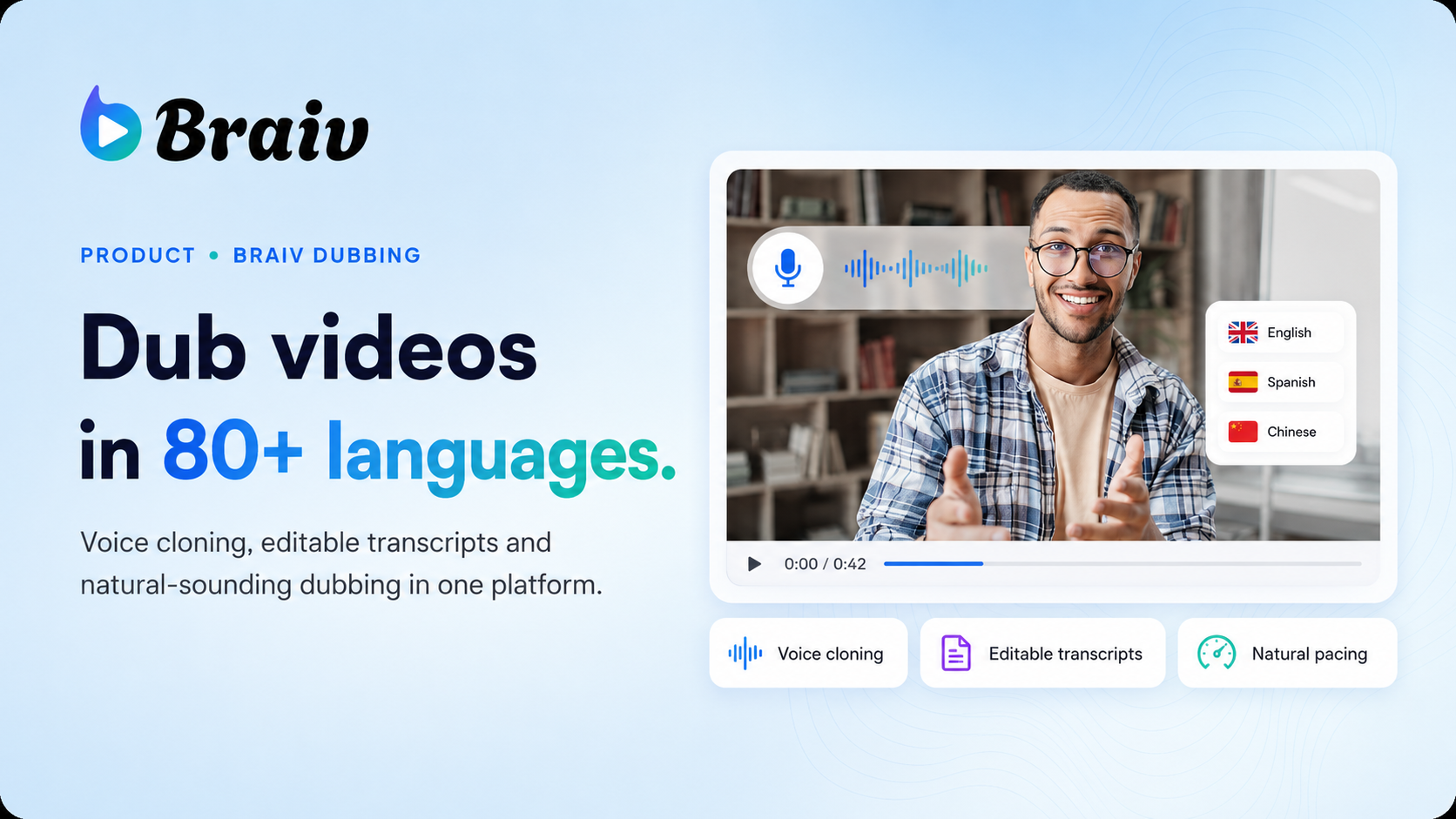
AI video dubbing software with voice cloning and editable transcripts for teams creating multilingual training, marketing, and creator videos.

Braiv Dubbing
All Features

Features Built for Global Impact

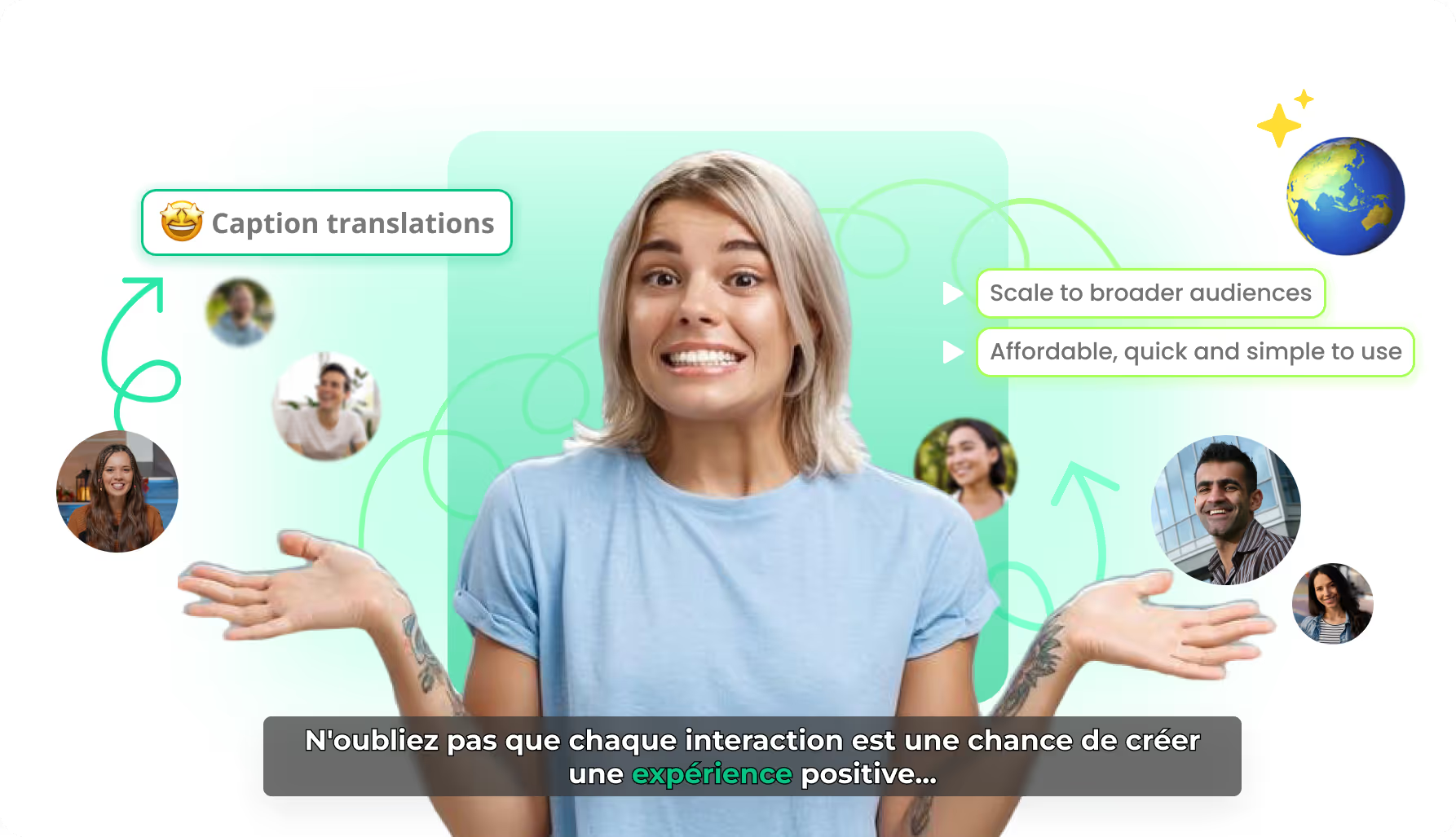
Discover how Braiv simplifies video localization and unlocks global accessibility to save you time, reduce costs, and expand your reach.

Ready to Take Your Content Global?

Join over 100,000 creators scaling their reach with Braiv.
Get 300 AI Credits when you sign up today.

Frequently asked questions
How do I choose a new AI voice for a localized language in Braiv?
First, select the Language tab of the translation you want to modify. Then, open the Voice dropdown list. You can browse, filter by Male or Female, and listen to previews. Once satisfied, click on your chosen voice.
Can I preview the AI voices before applying them?
Yes! Every voice in the Braiv directory features a play button. Click on the button next to the voice name to hear a sample and ensure the tone and style match your original speaker perfectly.
What happens after I change an AI voice?
When you select a new voice, the SAVE button turns blue. Click SAVE, and a pop-up prompt will appear. Click REGENERATE to start re-processing your video's audio using the newly selected voice track.
How do I know when the voice change is complete?
The status indicator in the top panel will show 'PROCESSING'. Once finished, a blue checkmark indicator will appear, signaling that your newly dubbed audio is ready to preview and download.
Does Braiv match voices automatically?
Yes! Braiv utilizes advanced multi-speaker voice cloning to automatically map the best matching AI voice to your original speaker's gender, tone, and pacing. The choice menu lets you manually override this fallback whenever desired.