








Early access Braiv Capture waitlist is open — record once, publish support videos in every language.

Trusted by 100,000+ creators, podcasters & businesses globally
Creators and teams who trust Braiv for AI video packaging and distribution
YouTube Money Calculator

YouTube Money Calculator

Estimate your potential earnings, RPM, and CPM ad revenue with our free interactive YouTube money calculator.

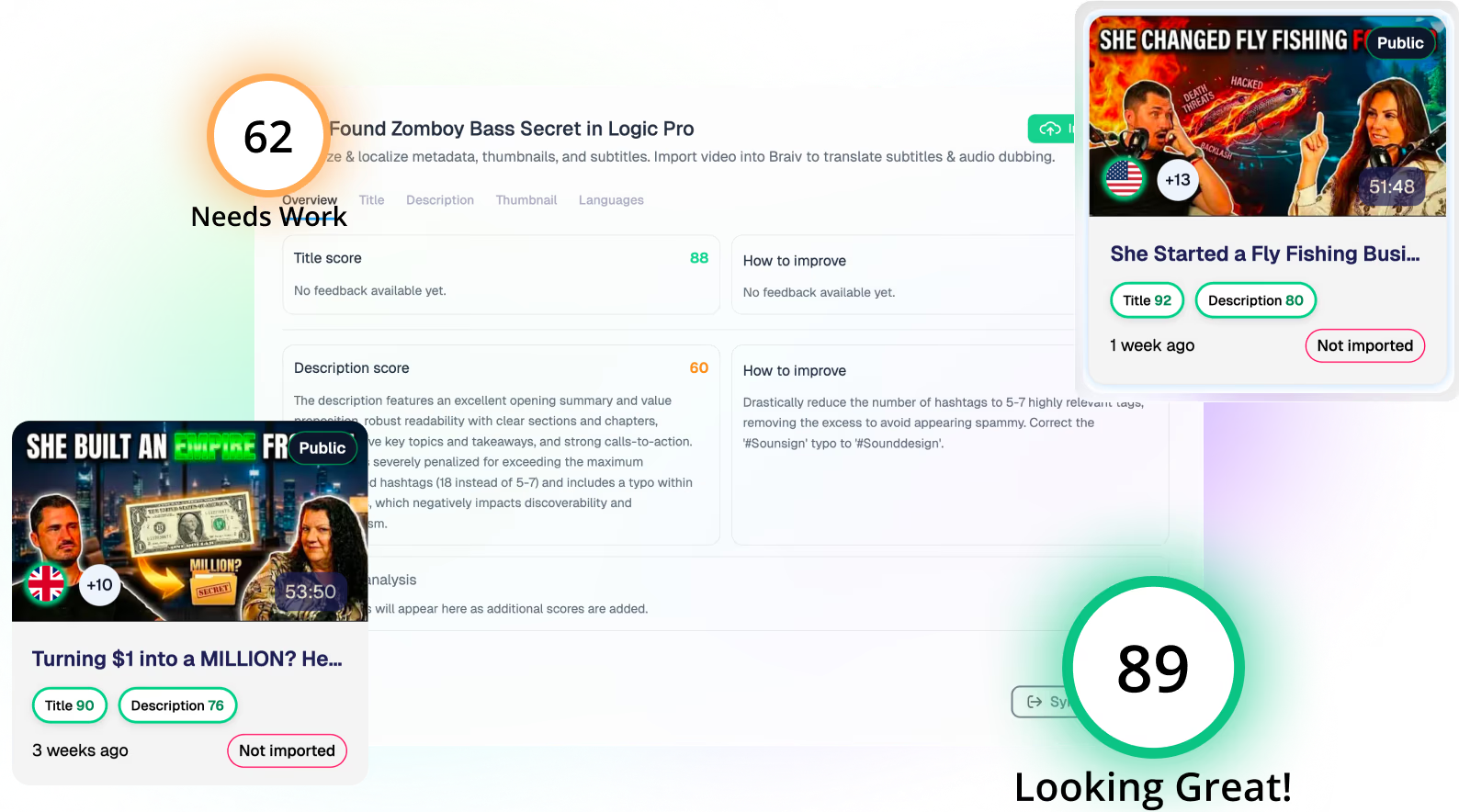
Score YouTube title and description

Paste a public YouTube video URL to preview the thumbnail, title, and description scores, then connect your channel in Braiv for the full workflow.

Paste a YouTube URL before scoring your video.
Try For Free

Analyze and estimate your channel's monetization potential instantly with Braiv's Free YouTube Money Calculator. Whether you're planning your next content cluster or studying competitor revenue, our estimator analyzes CPM and RPM benchmarks across multiple creator niches.

Key features include:
  • Interactive Revenue Estimations: Easily adjust views, click-through rates, and average niche CPMs to project monthly and yearly ad revenue.
  • Multilingual Revenue Scaling: Discover how dubbing and translating your videos into high-CPM locales (like German, English, or Dutch) can expand your RPM by up to 5x.
  • Frictionless Publishing Integration: Once you analyze your earnings, use Braiv's automated publishing dashboard to distribute your content globally on autopilot.
domaine homes logo
puma logo
tesla logo
micd-up logo
antler logo
canva logo
thirdi logo
screenapp logo
anchored outdoors logo
domaine homes logo
puma logo
tesla logo
micd-up logo
antler logo
canva logo
thirdi logo
screenapp logo
anchored outdoors logo
Key Features
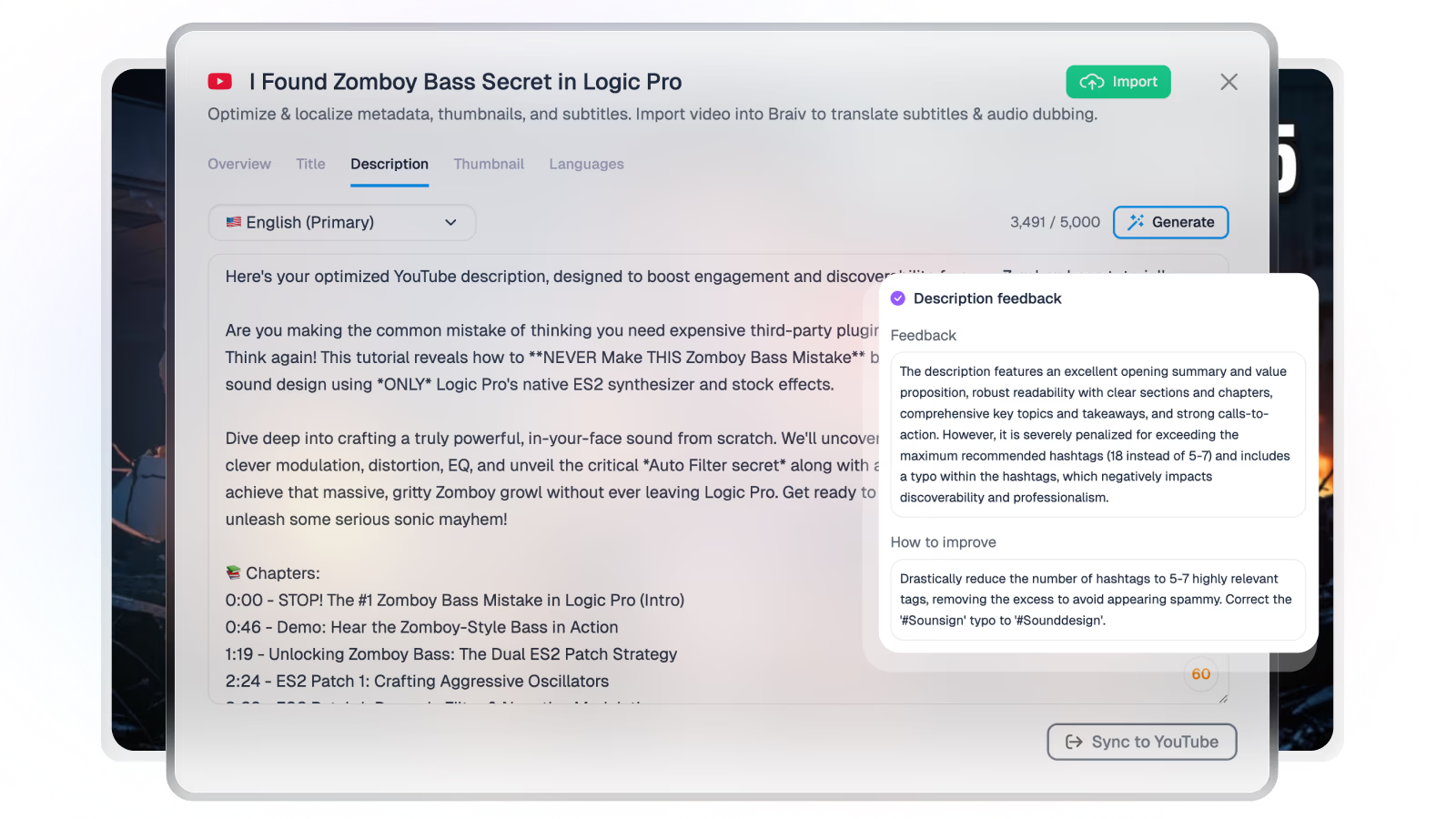
AI video description generator
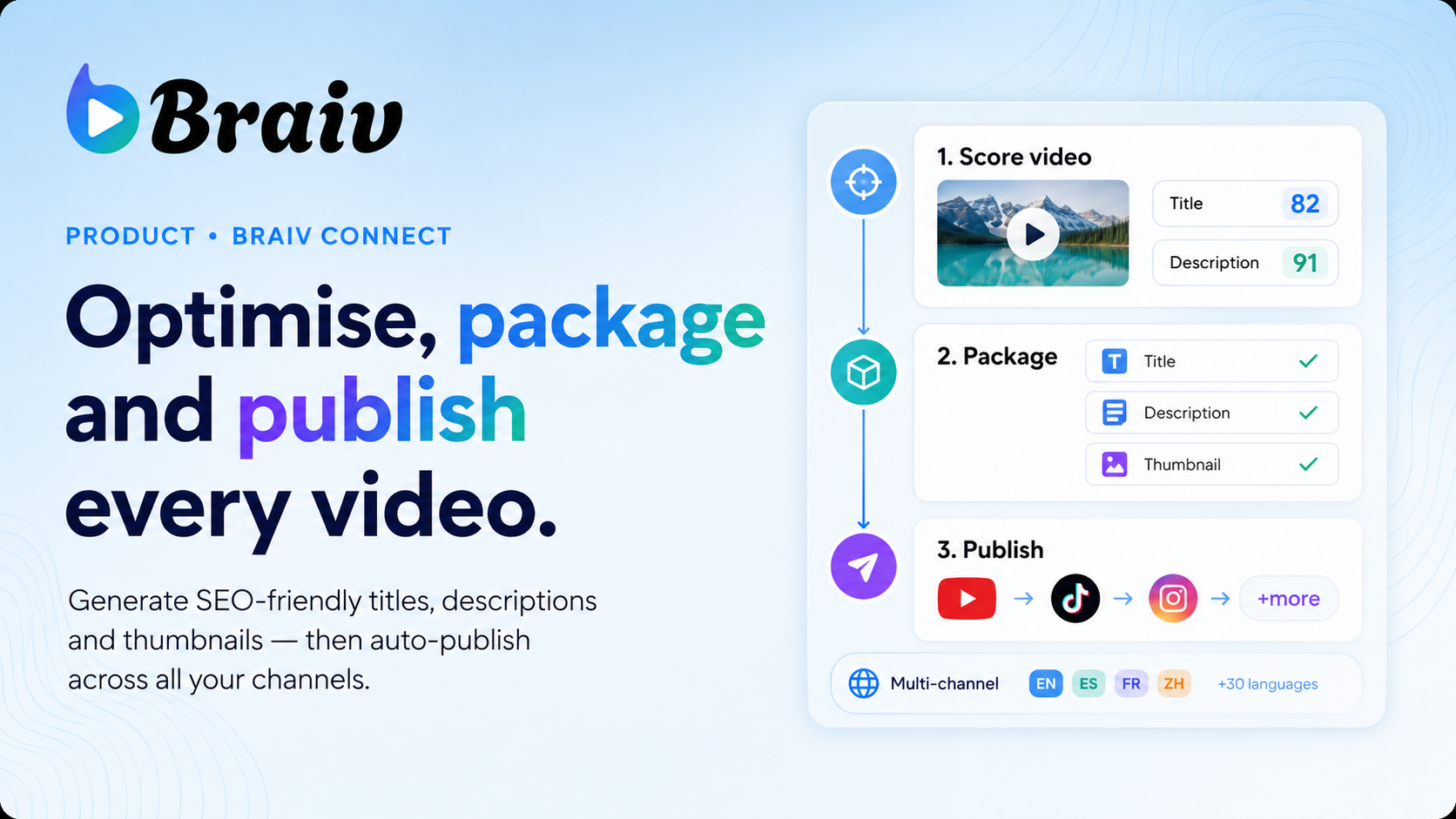
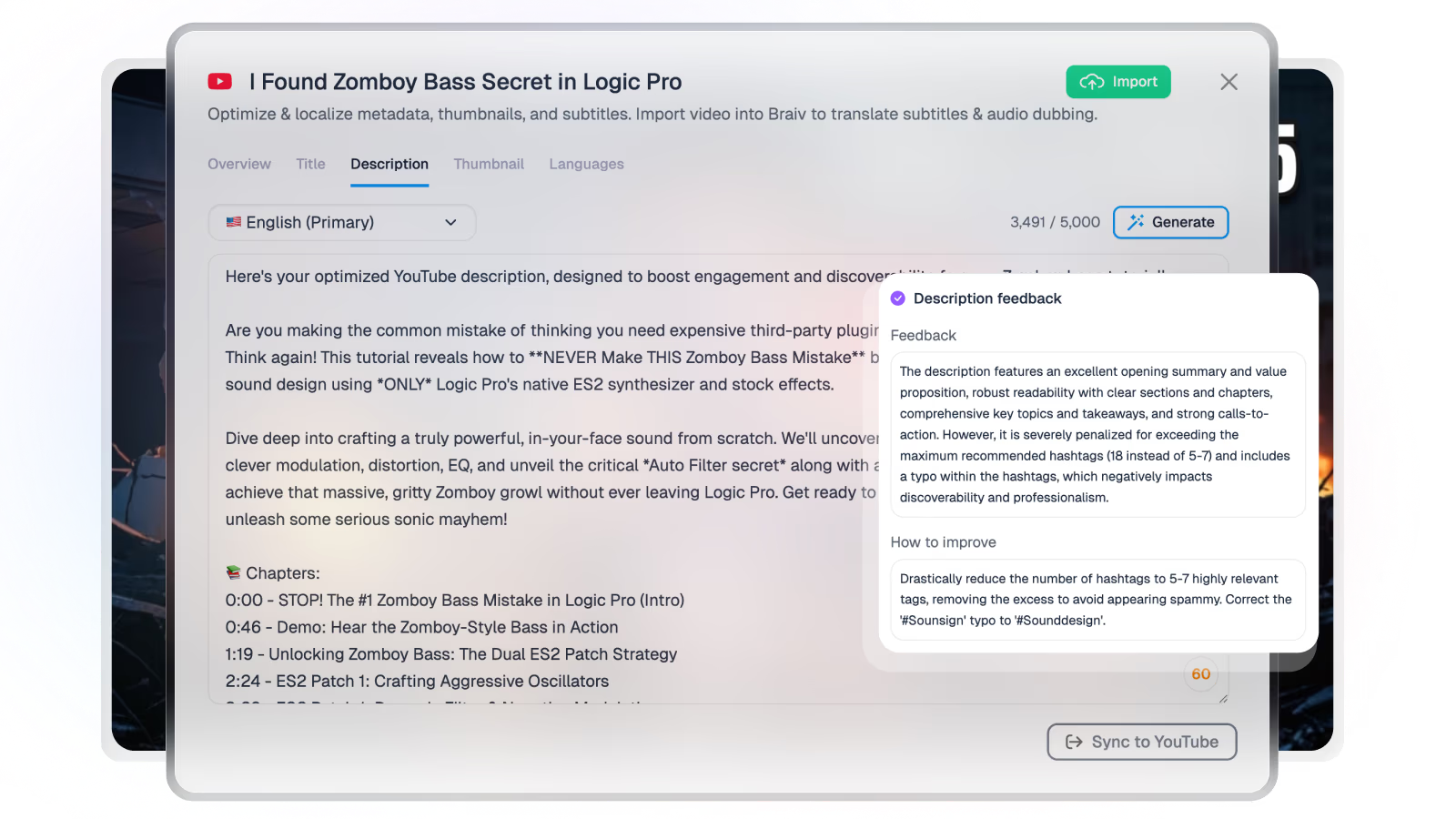
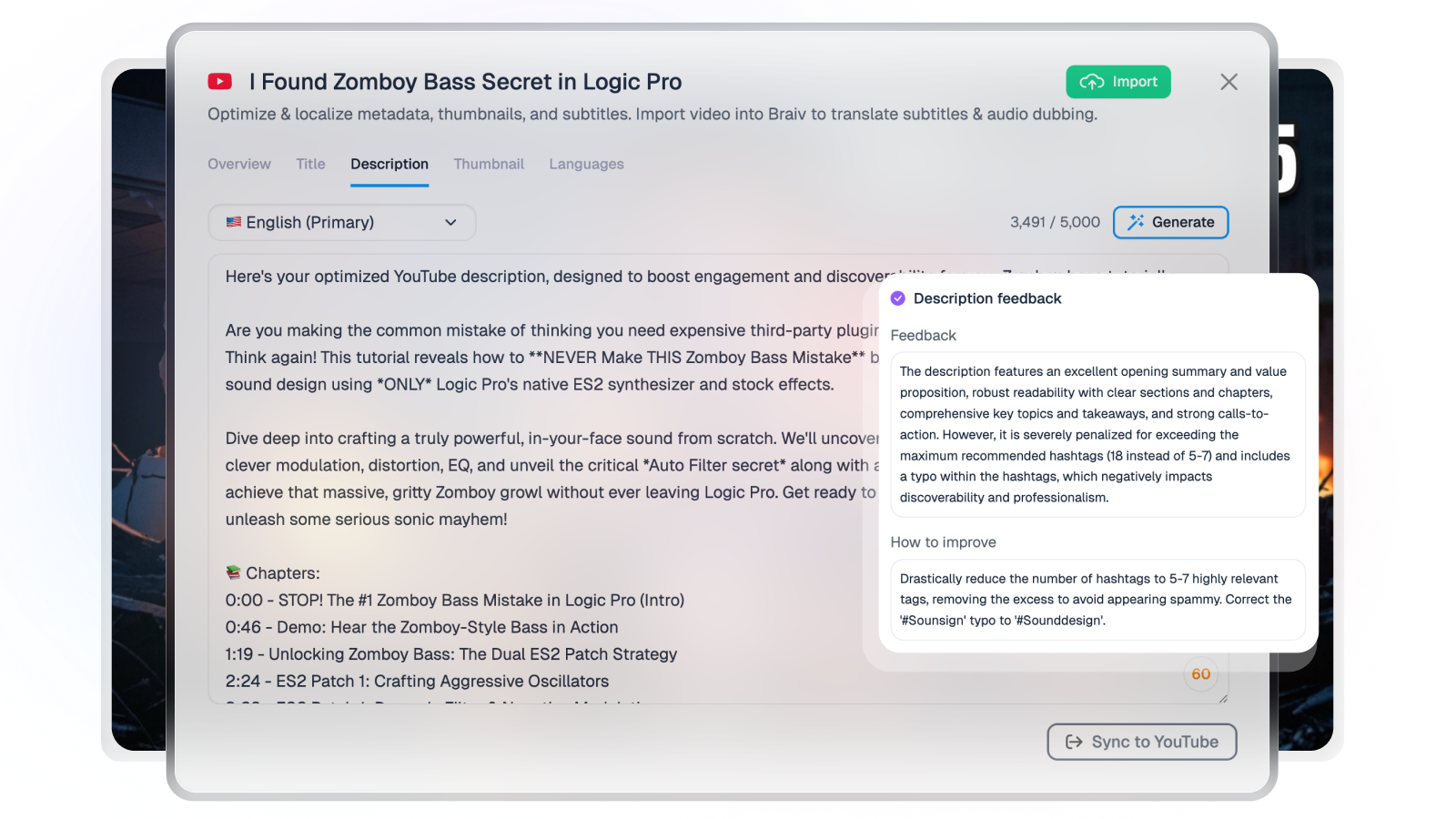
Let AI help you to create SEO optimized video descriptions including chapter timestamps.
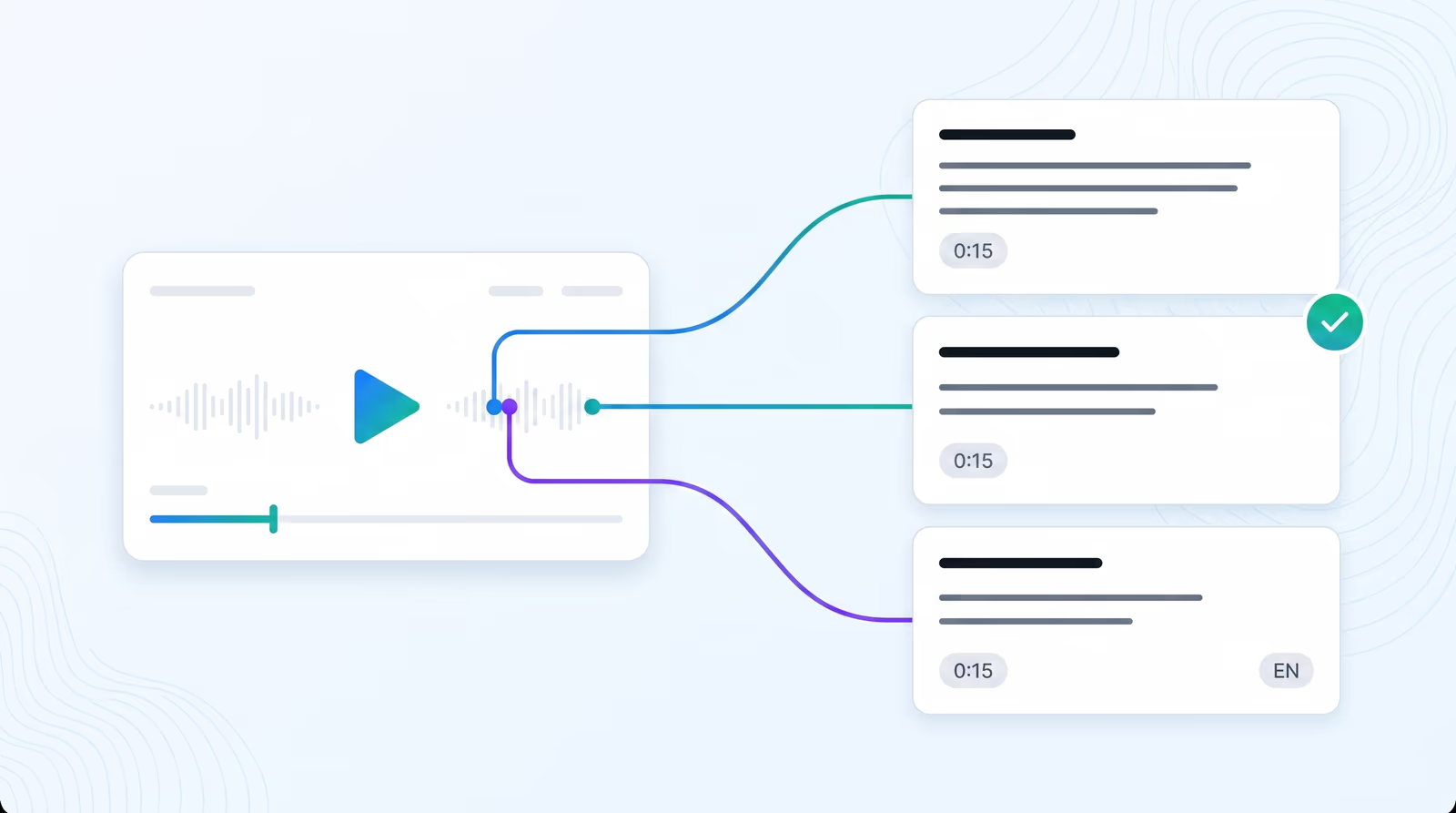
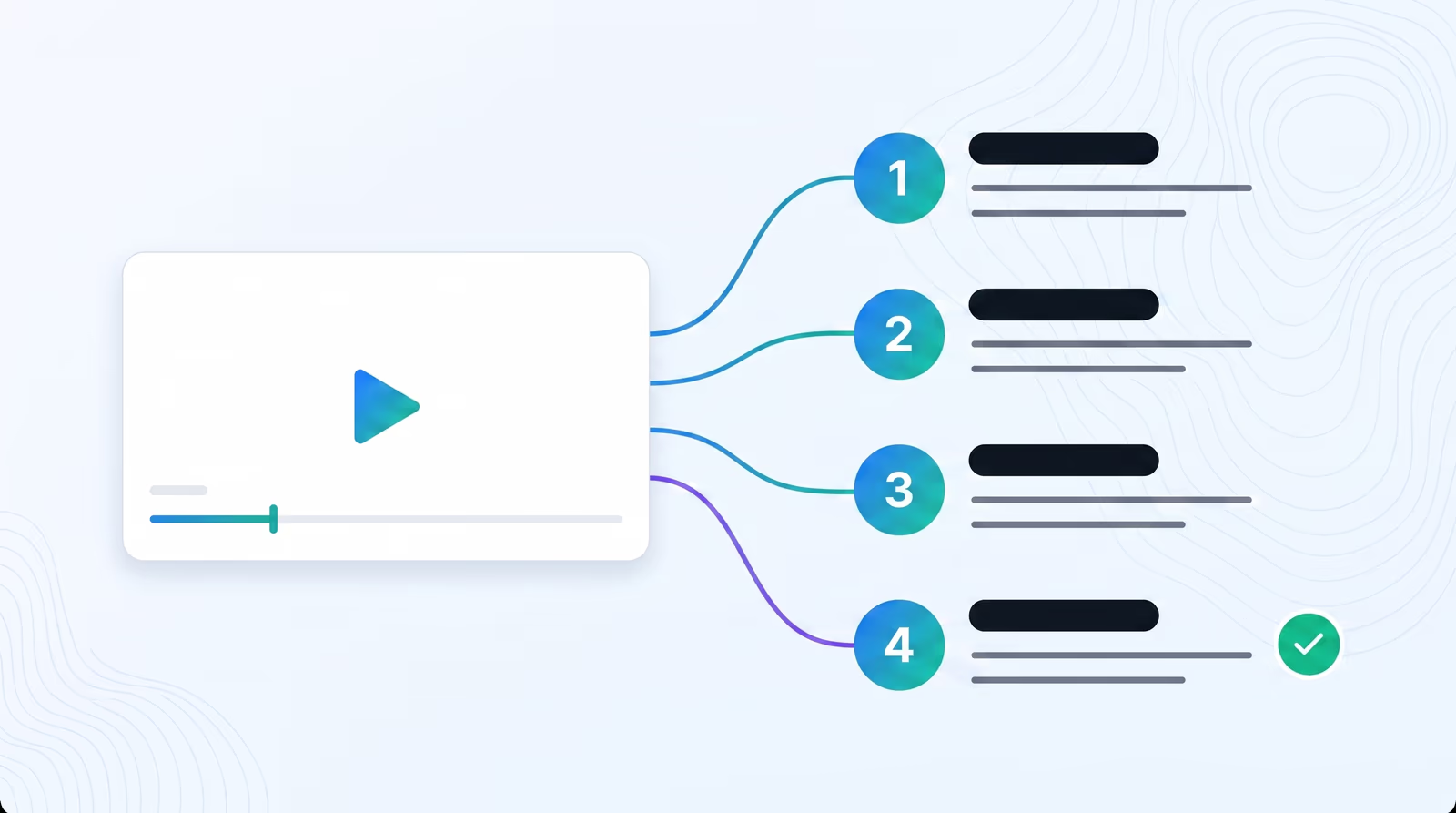
Package & publish viral YouTube content
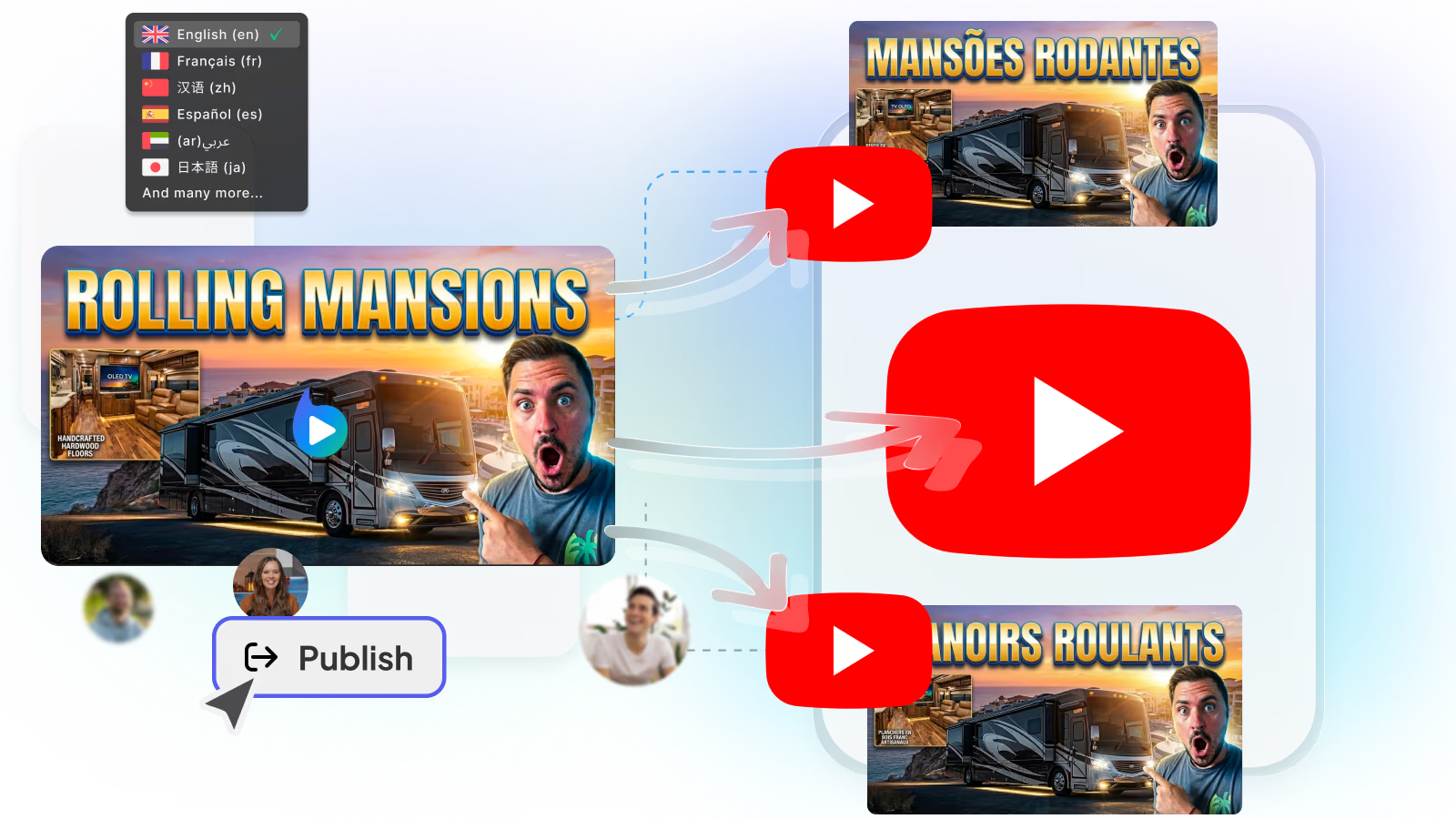
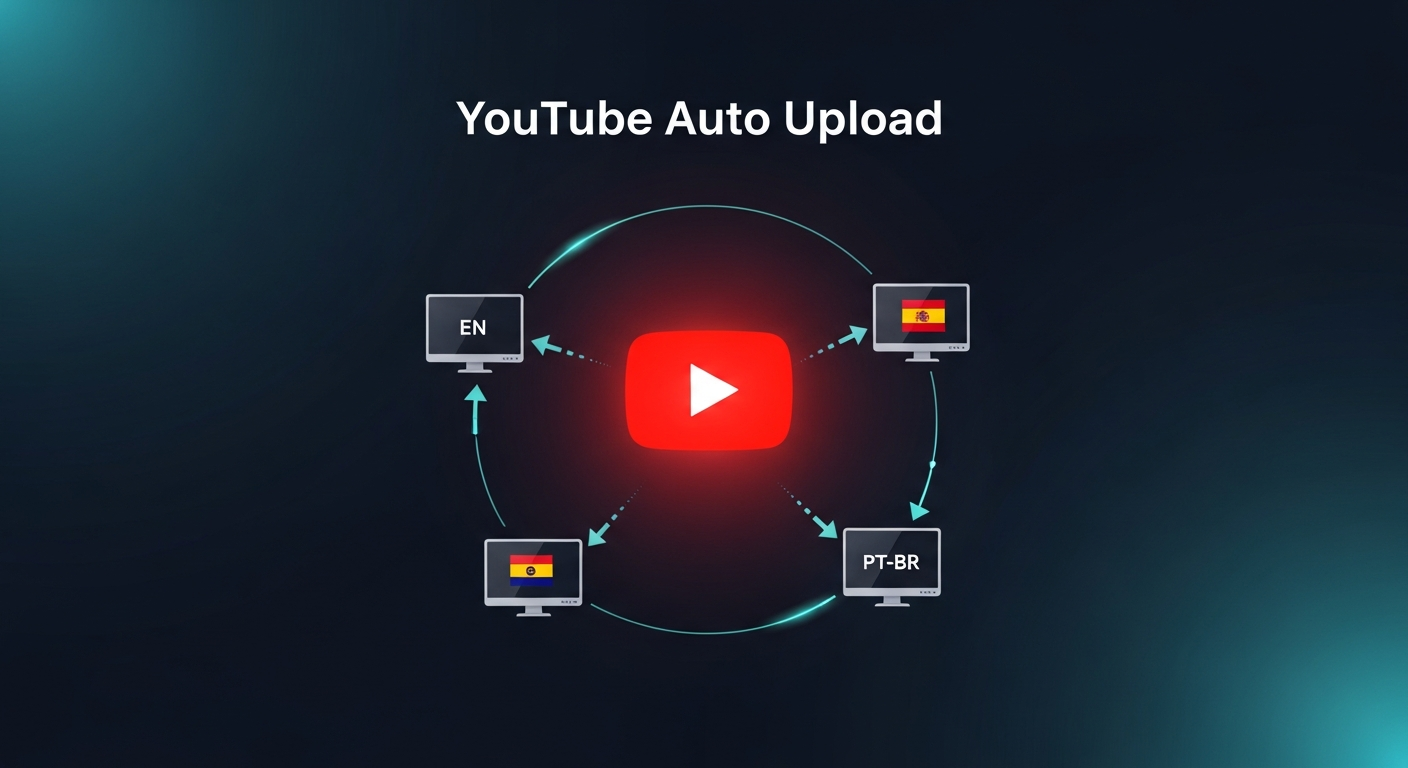
Publish AI generated, viral content to all your YouTube channels in a single click!
Social media integration
Automatically share & post translated videos to your socials.
Parent Product

Available in Braiv Connect

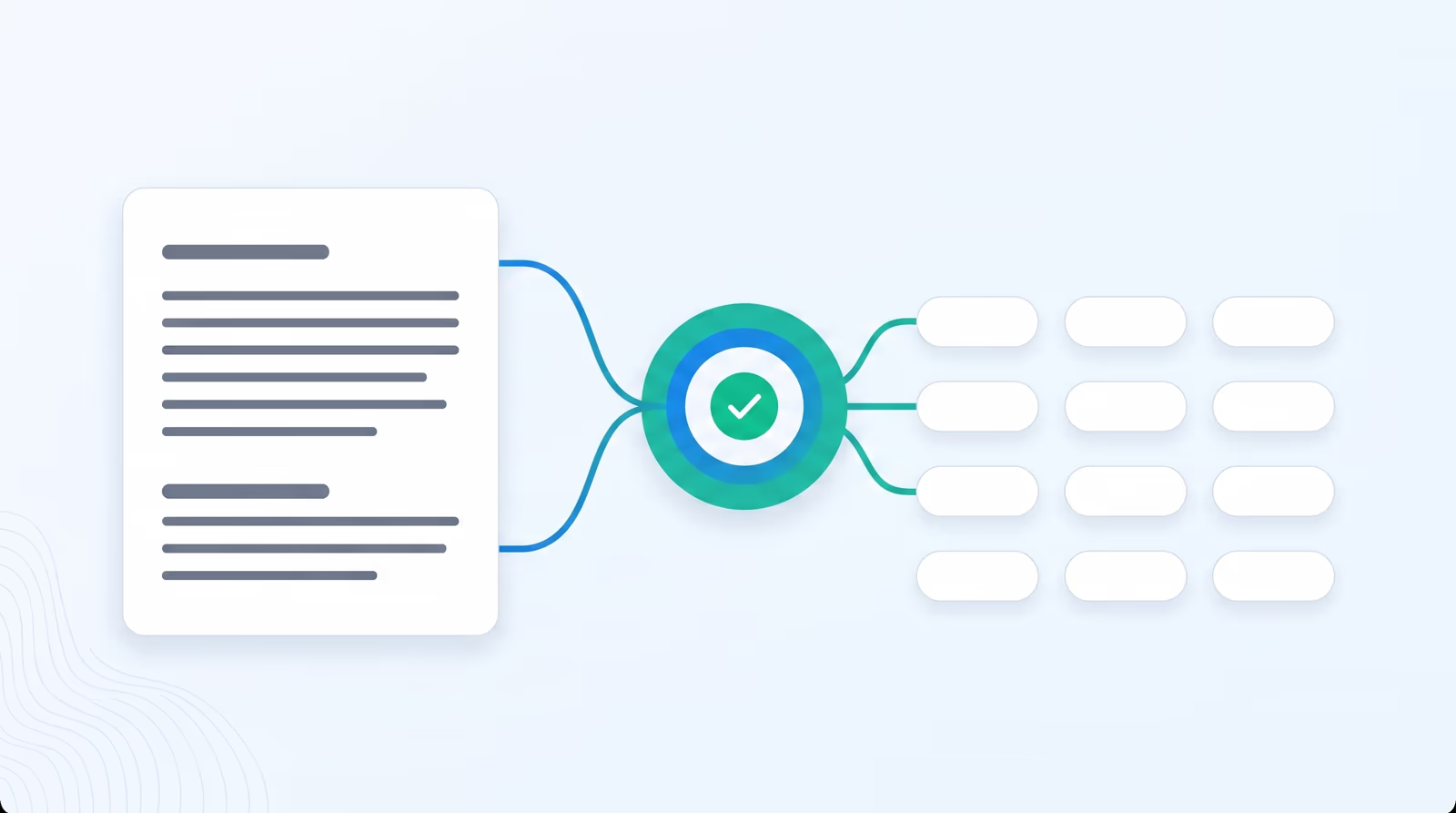
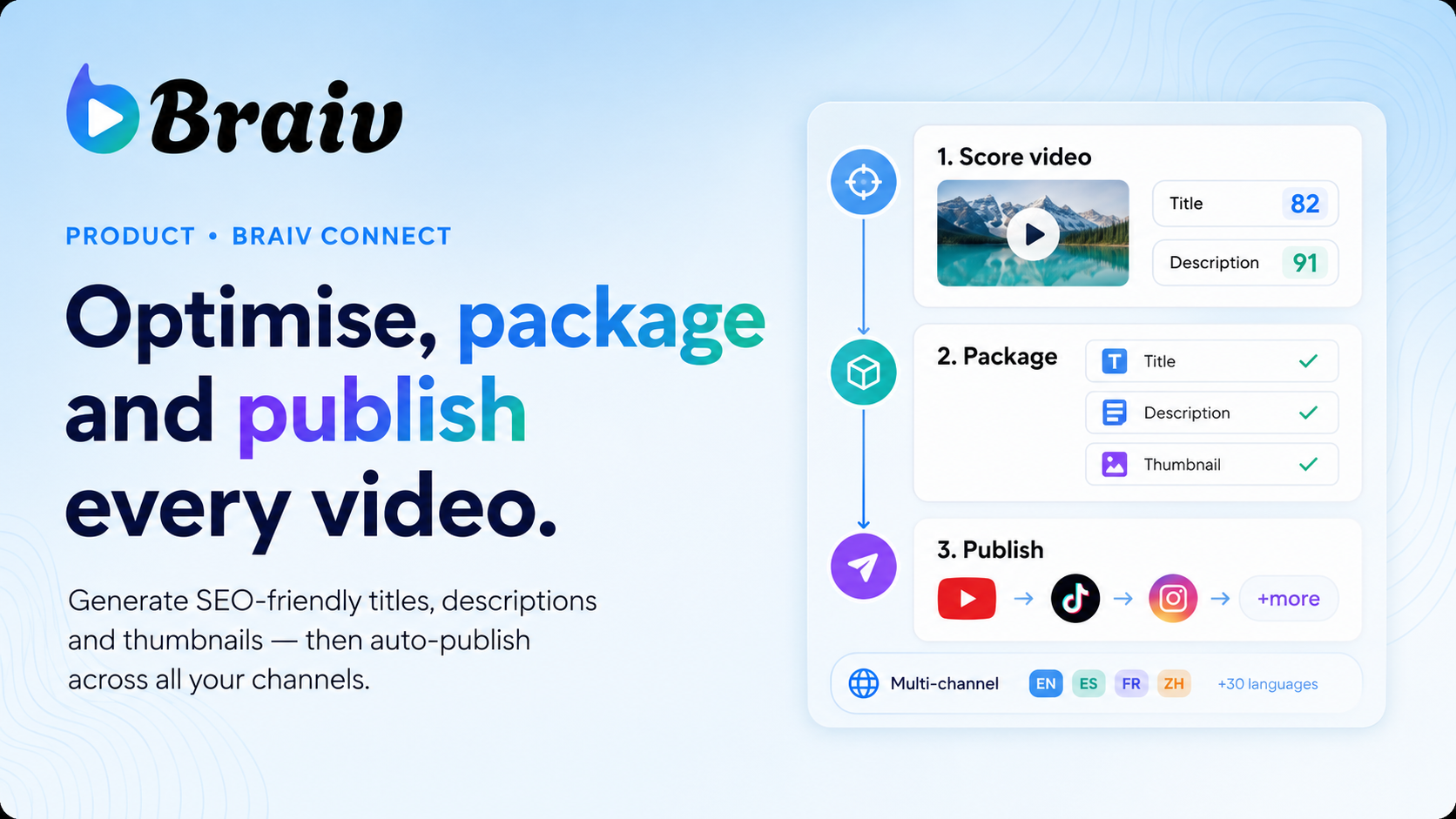
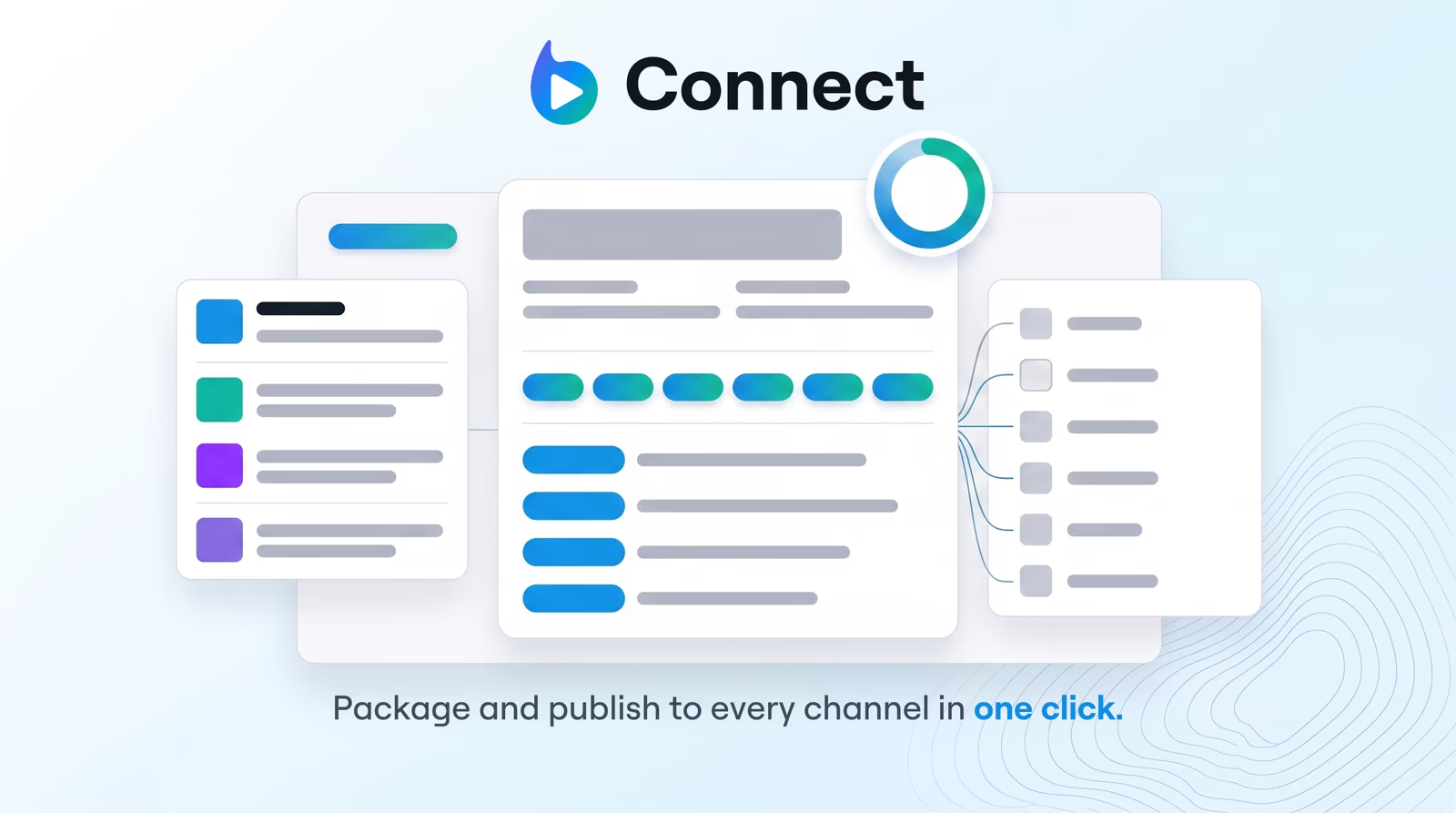
Generate SEO-ready titles, descriptions, tags, and chapters from your transcript — then auto-publish everything to every channel in one click.

Braiv Connect
All Products

Explore more Braiv products

Braiv Capture
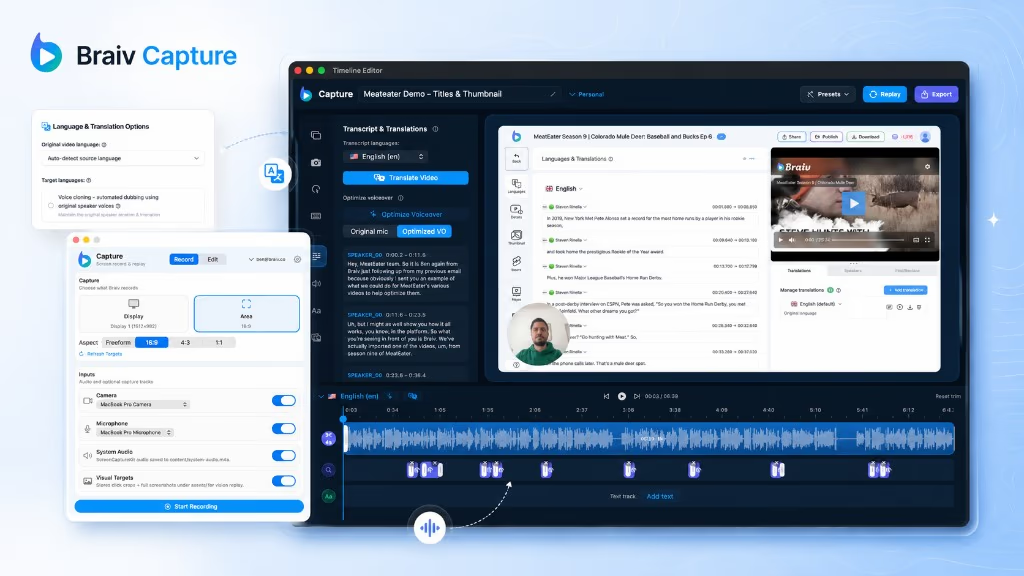
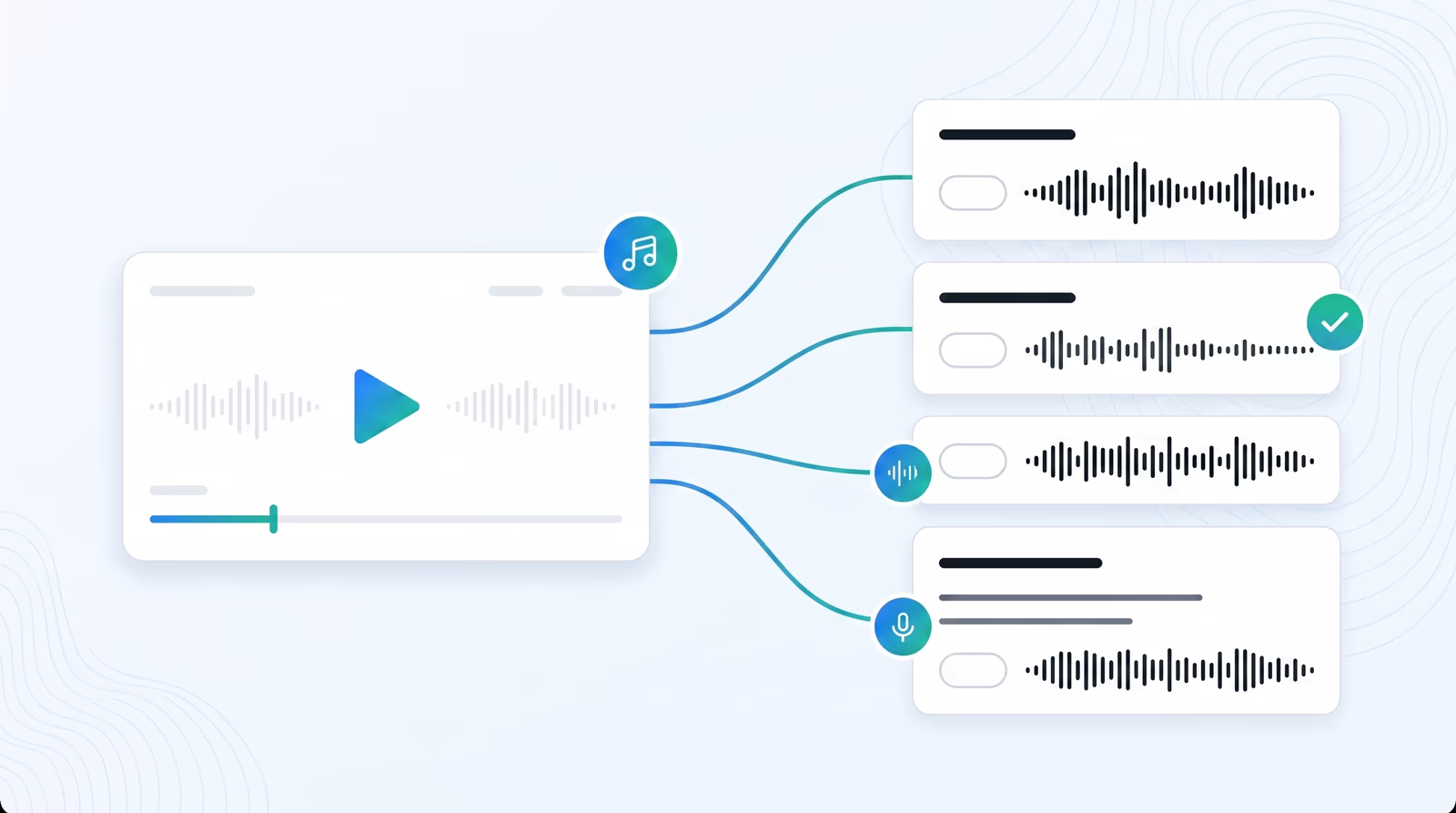
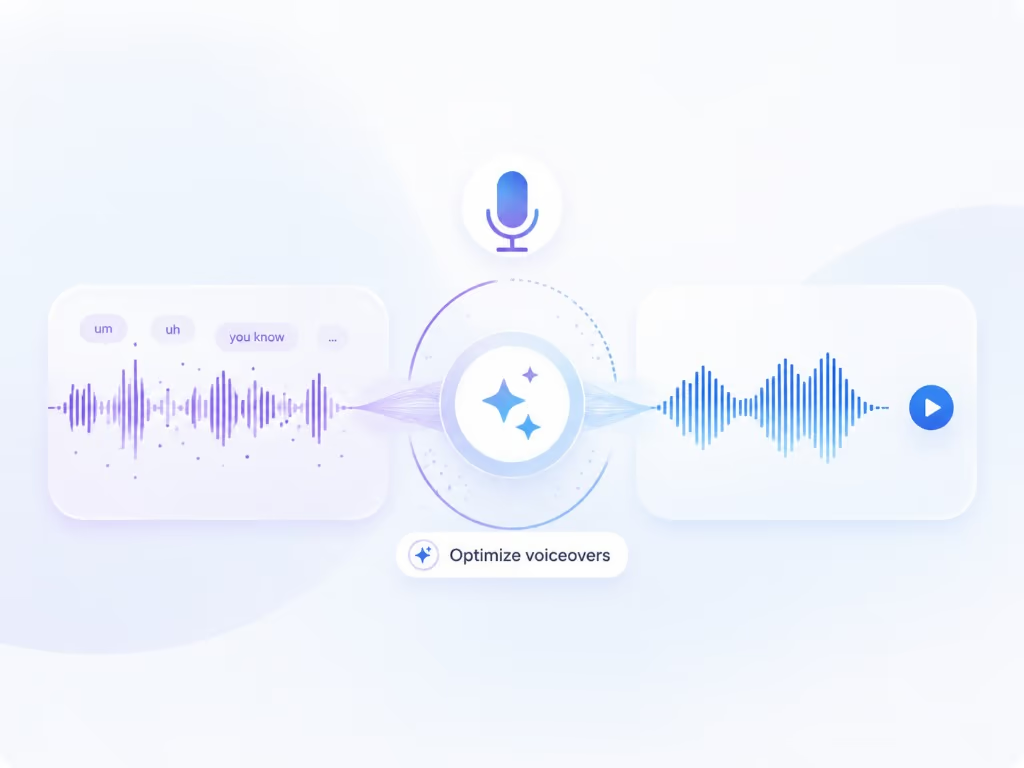
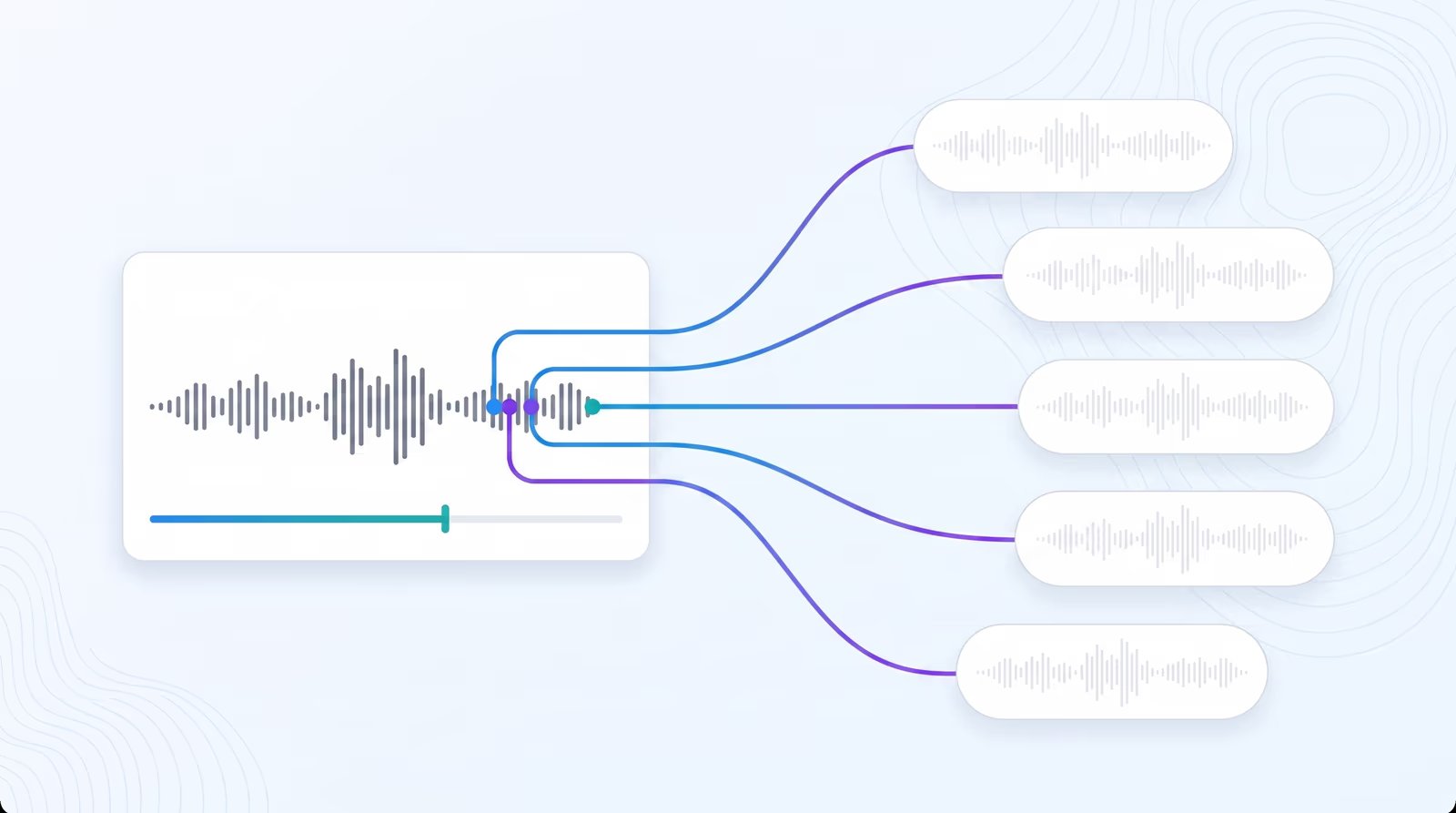
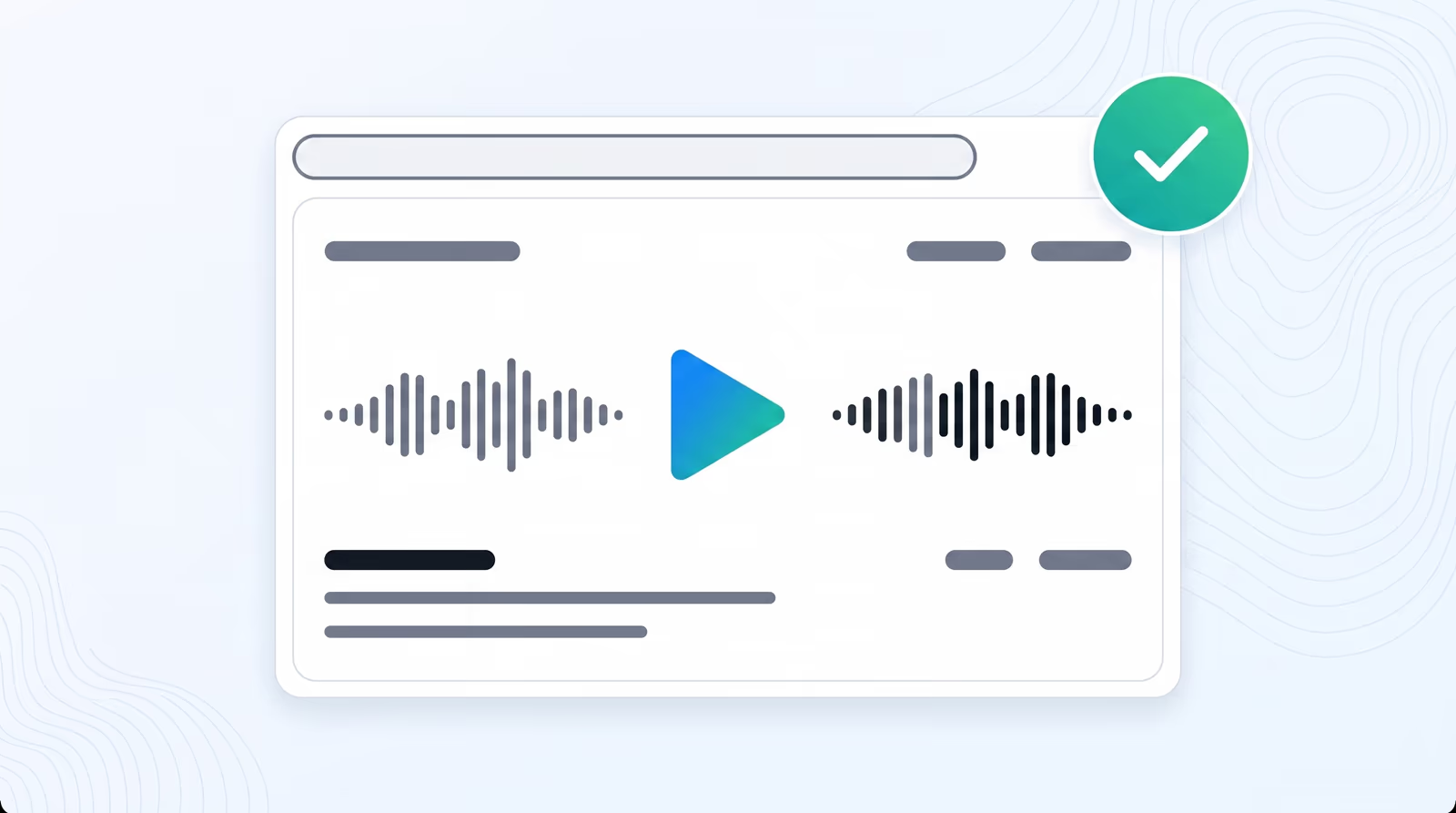
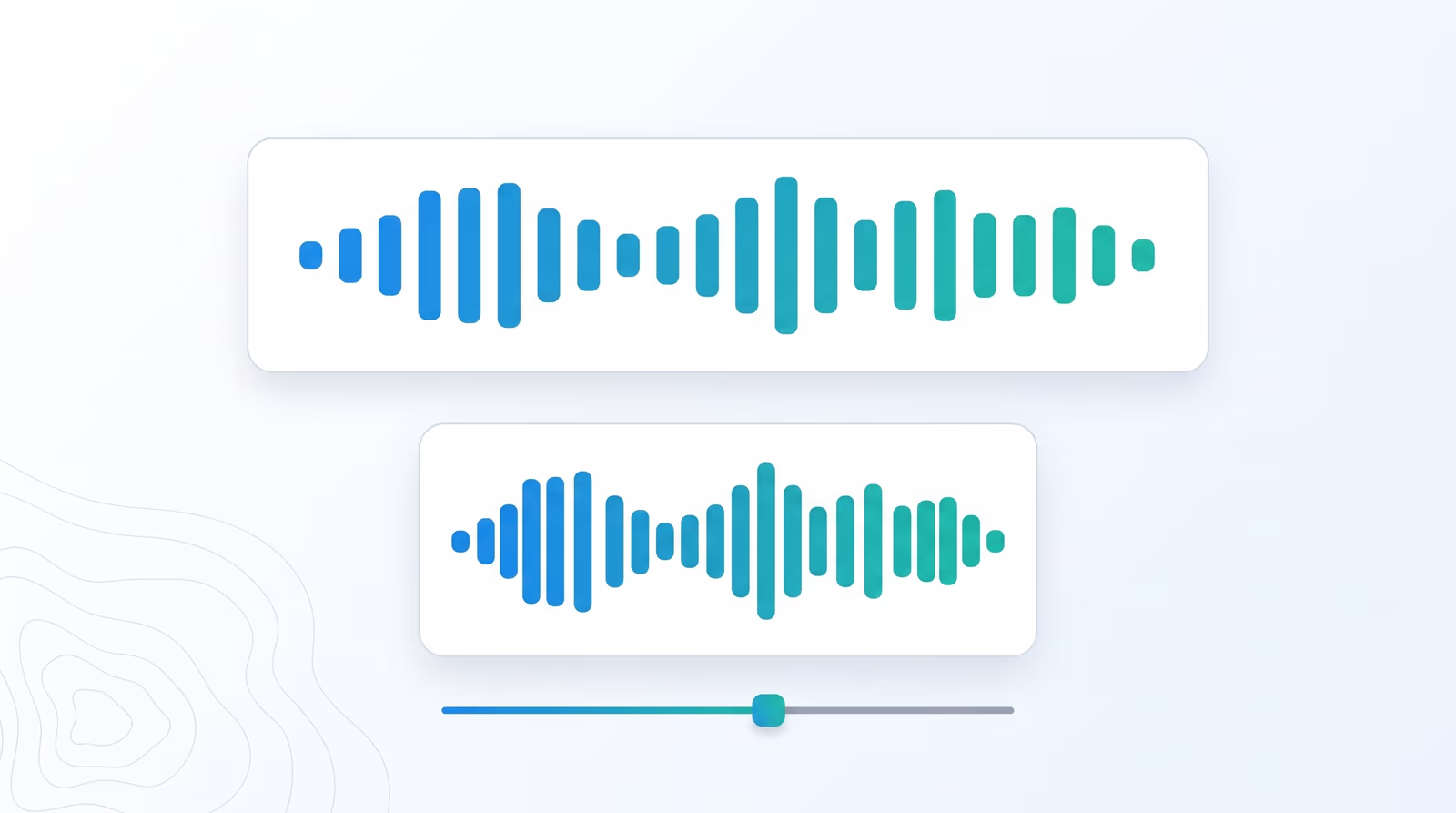
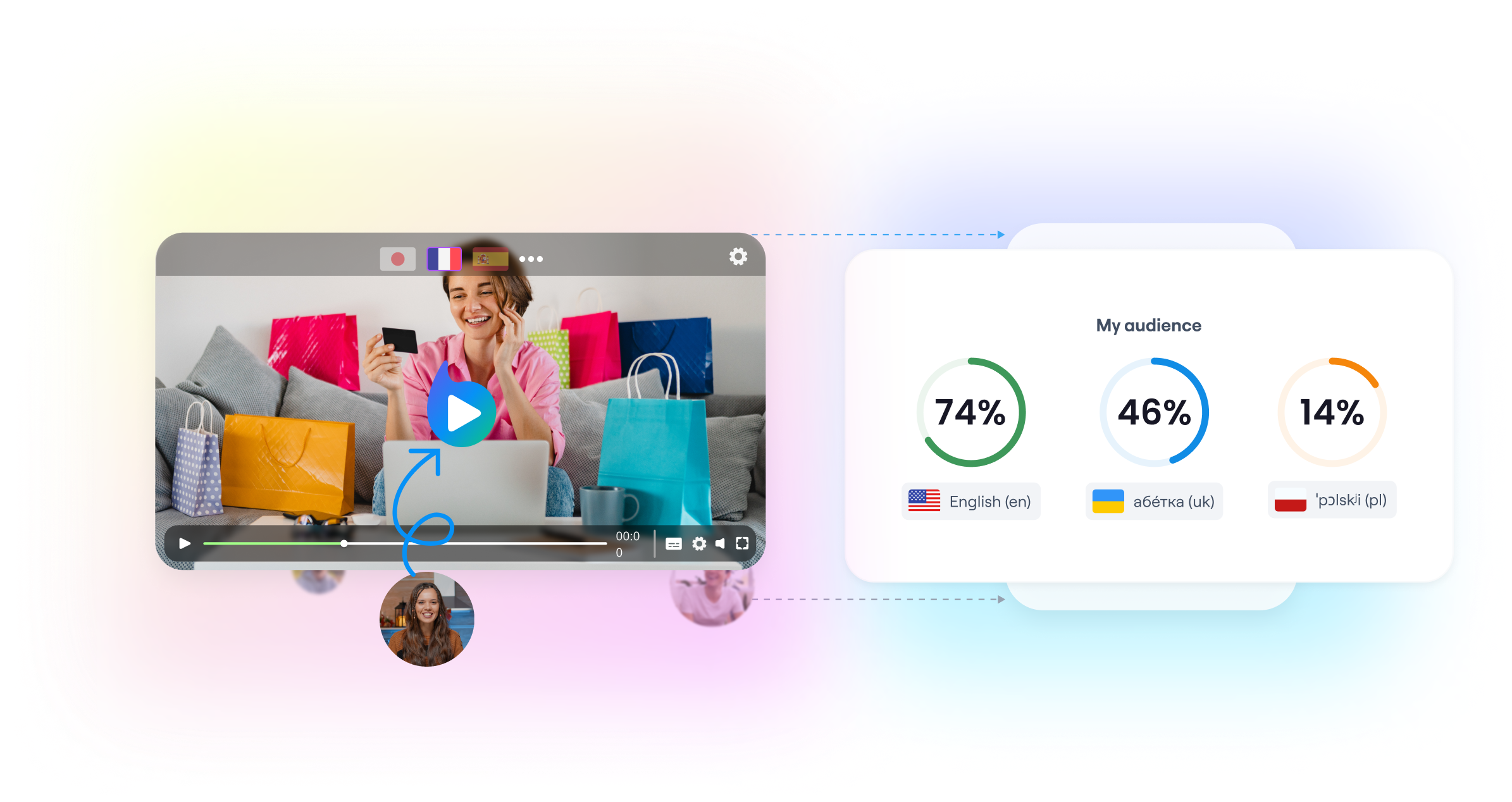
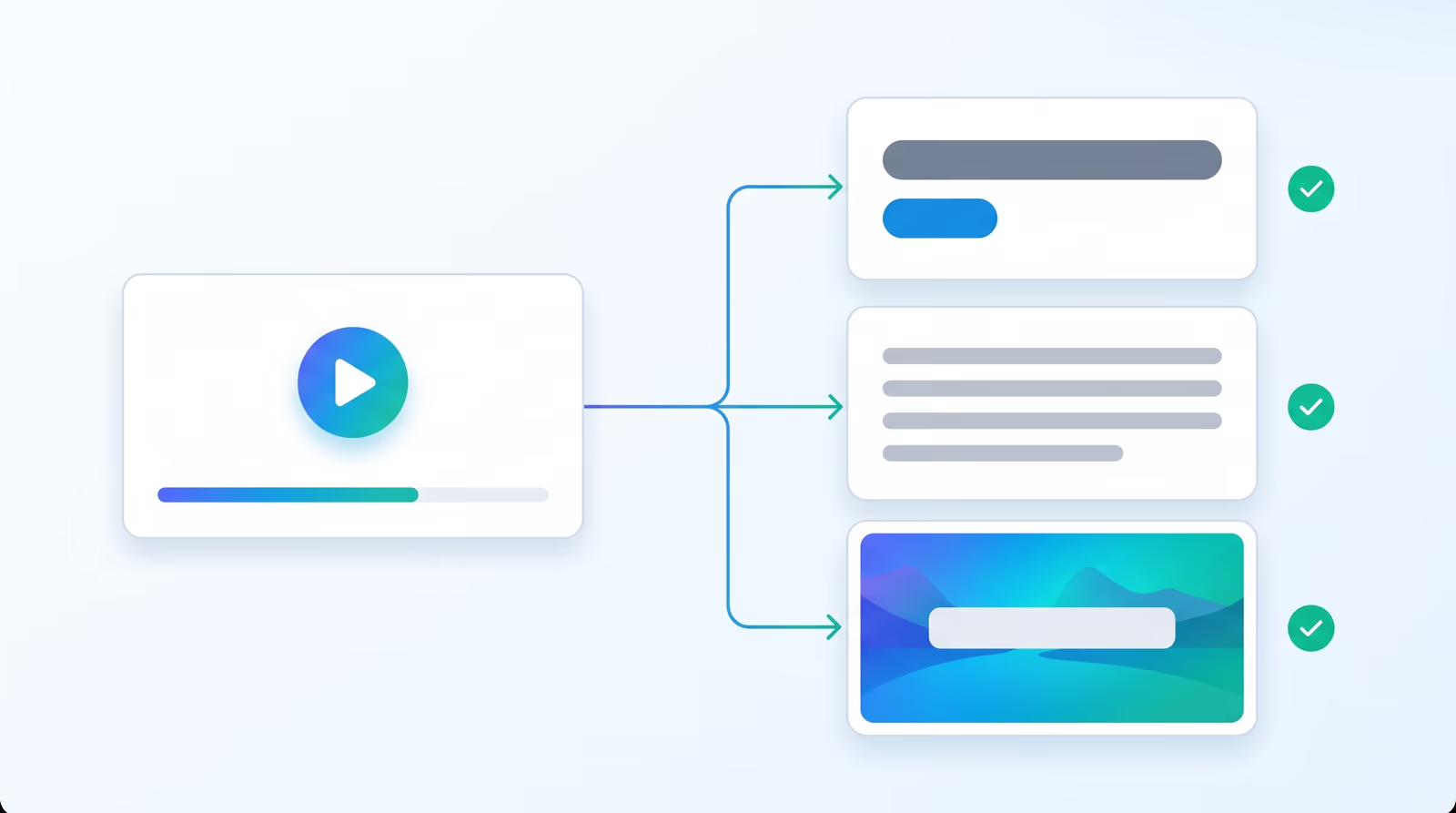
Braiv Capture turns one screen recording with voiceover into clean support videos, software tutorials, and help articles in any language. Filler words are stripped, the narration is revoiced with a Braiv Speech clone, audio and on-screen text are localized together, and the demo is re-recorded inside your localized interface.
Braiv Capture
Braiv Shorts
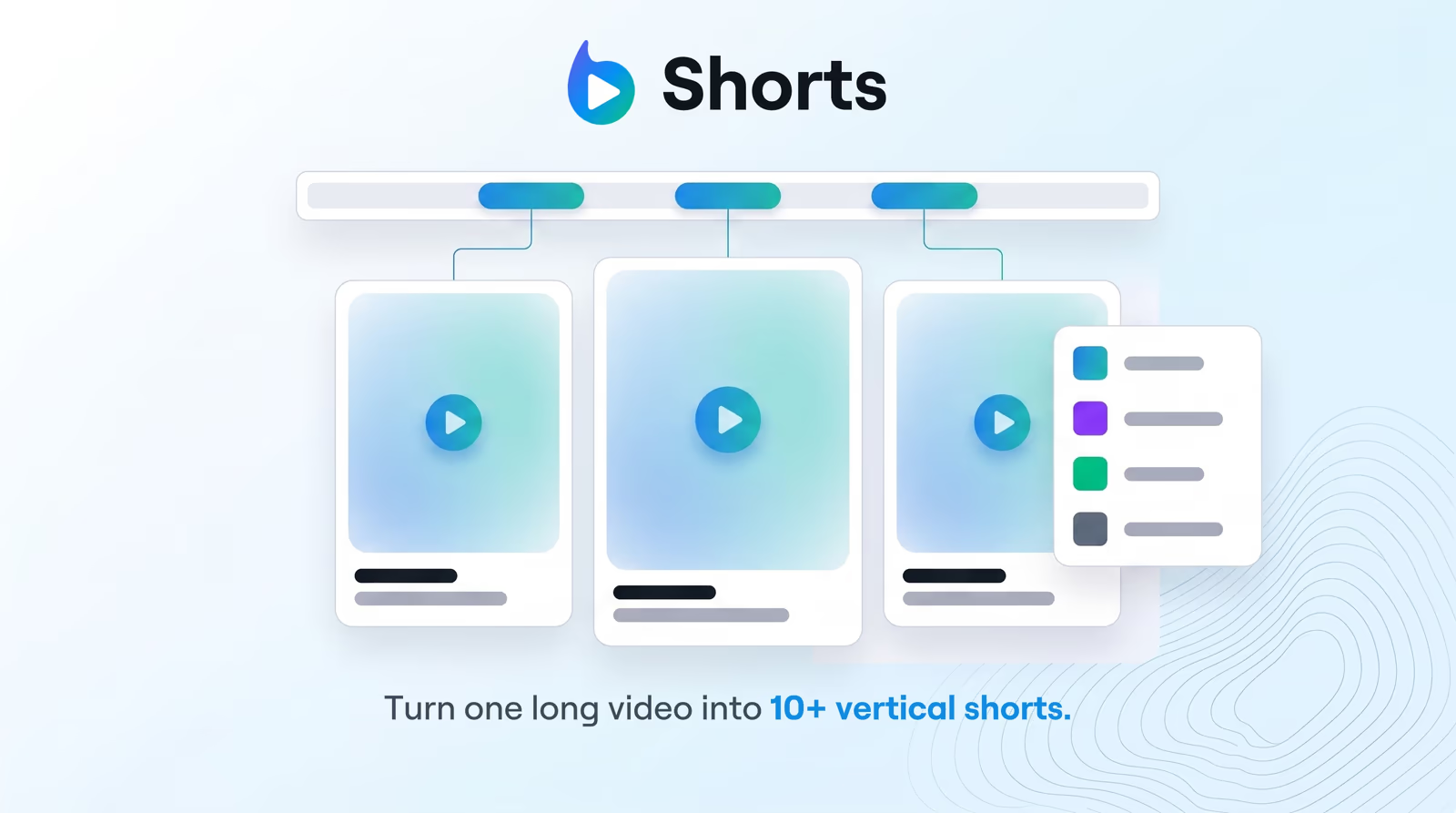
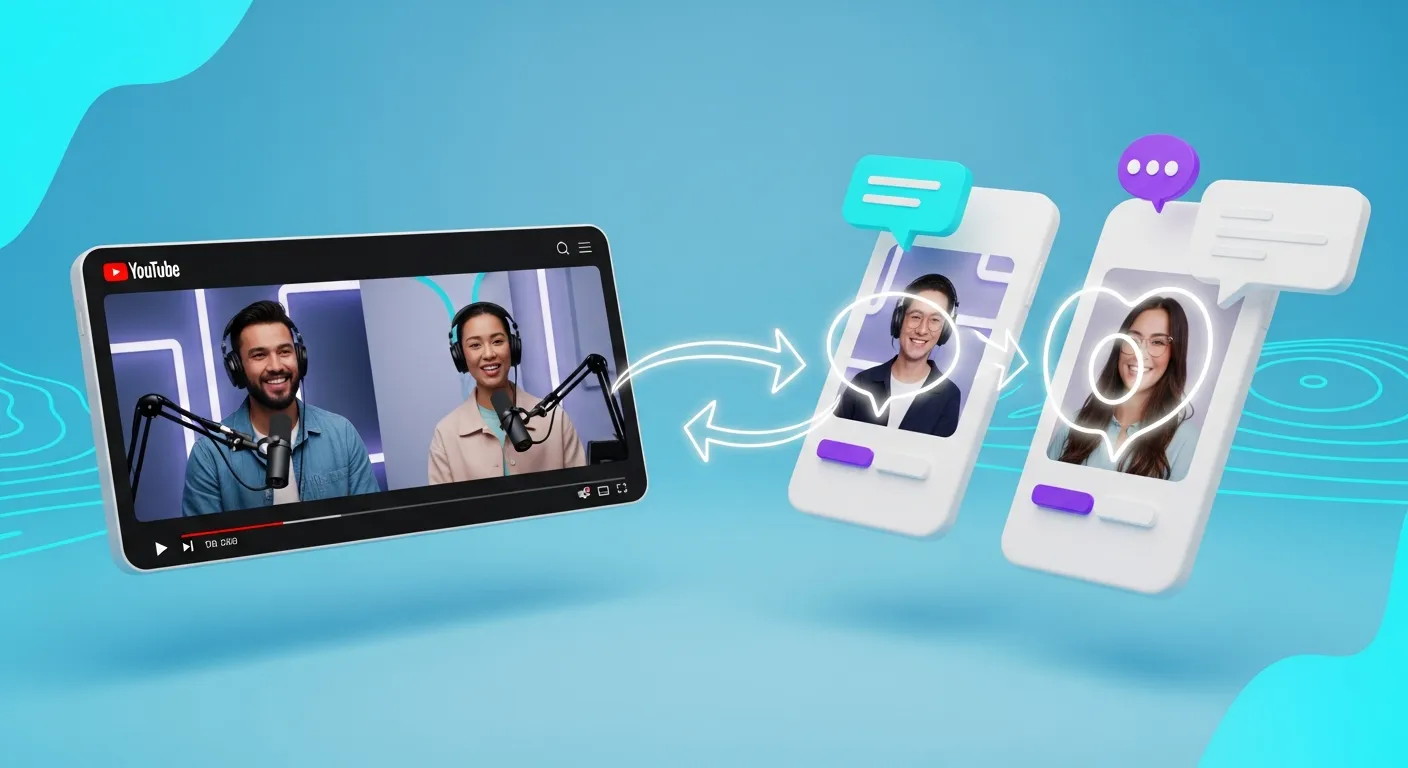
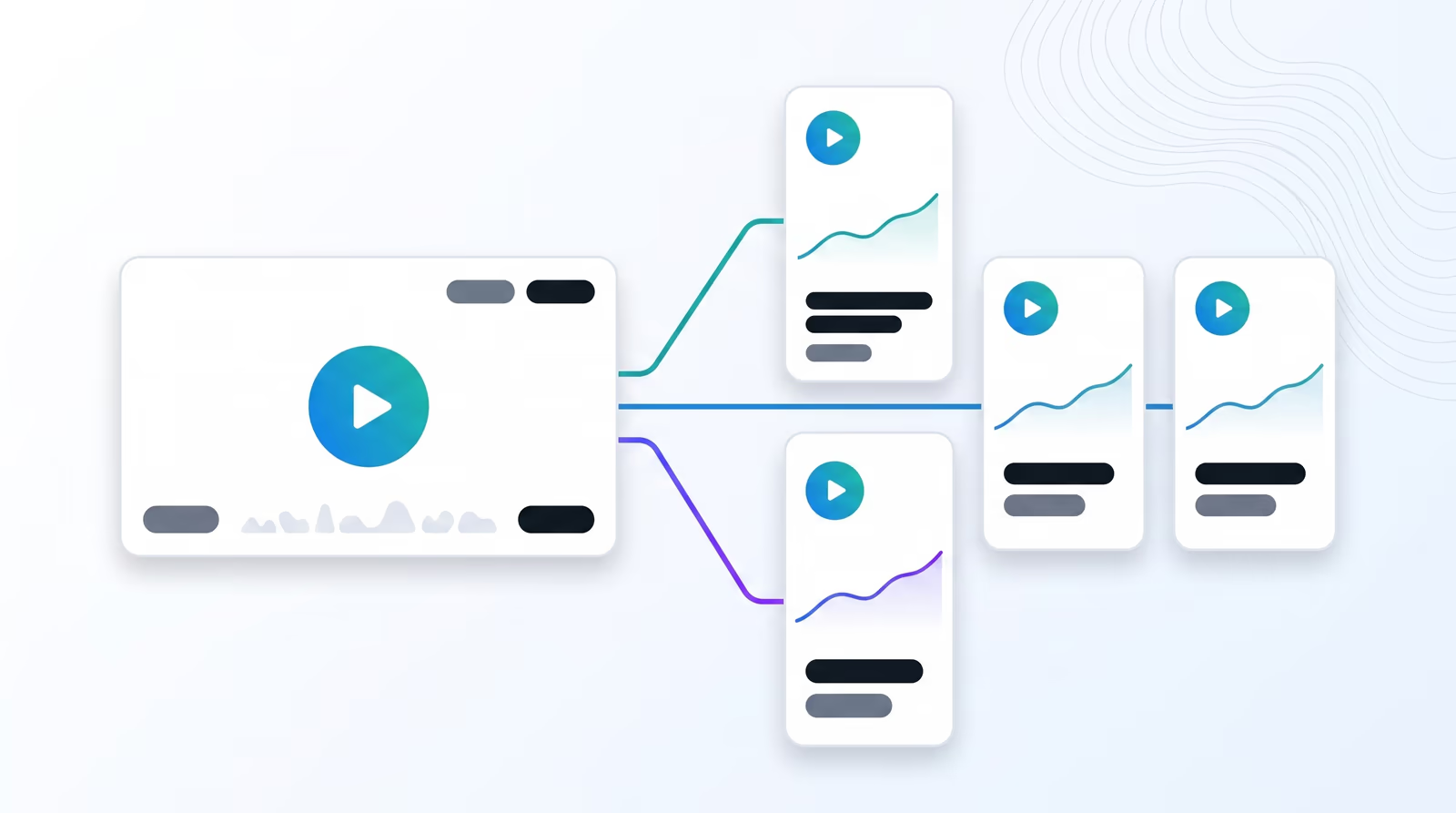
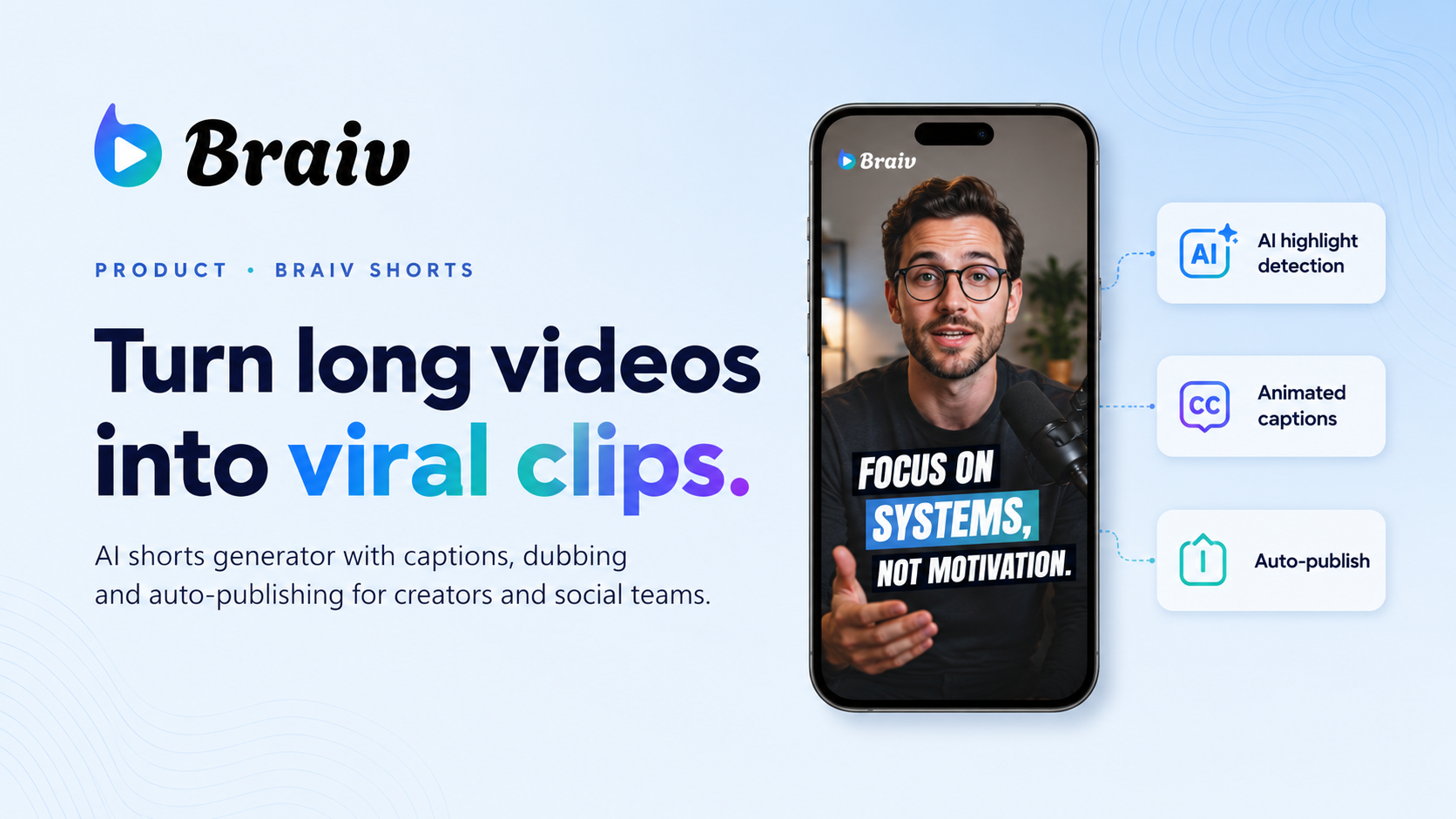
Paste a YouTube link or upload a recording. Braiv finds the hooks and returns vertical shorts, 5–25 minute standalone clips, and trailer-style promos — captioned and queued for every channel you publish to.
Braiv Shorts
Braiv Thumbnails
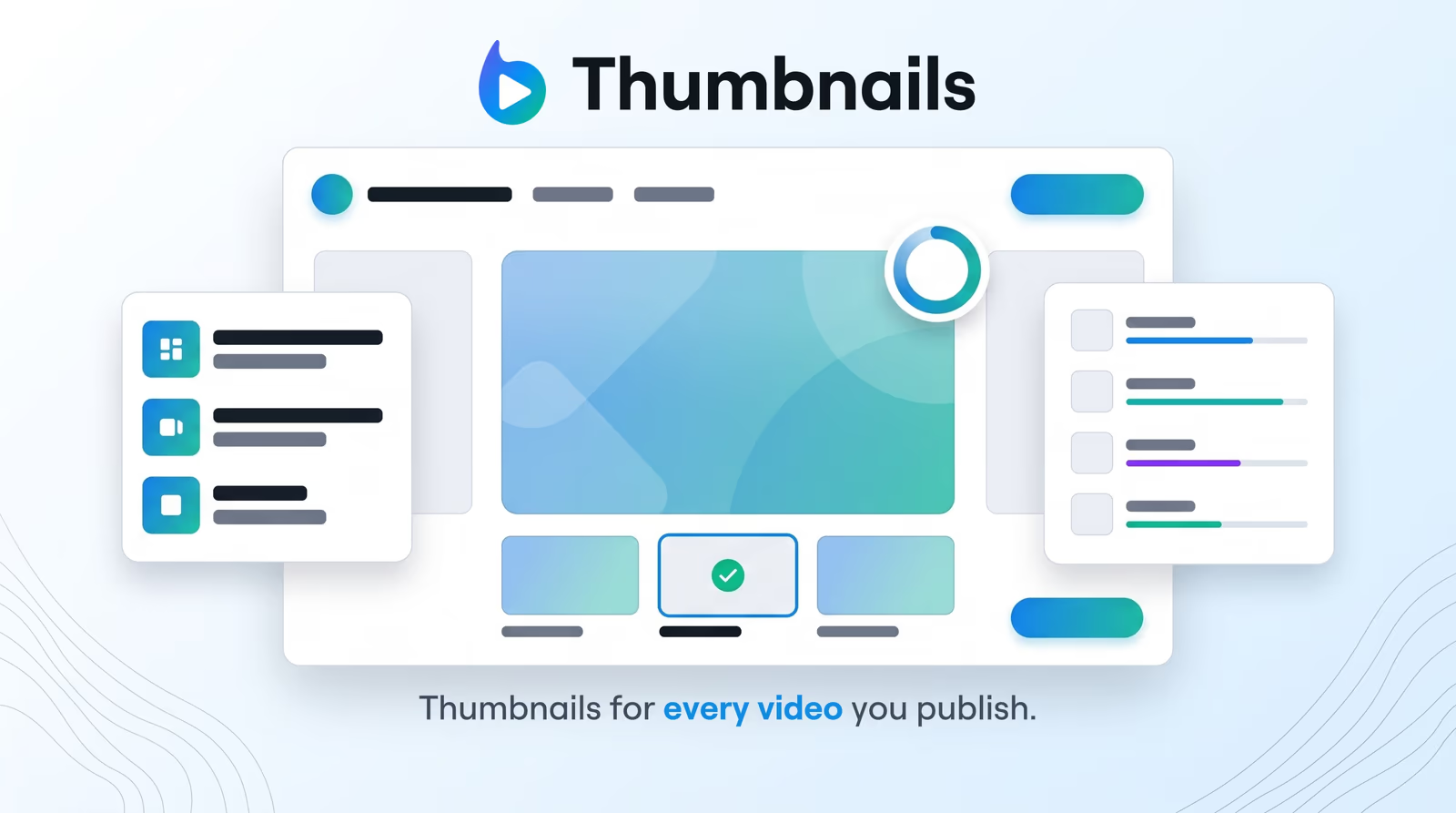
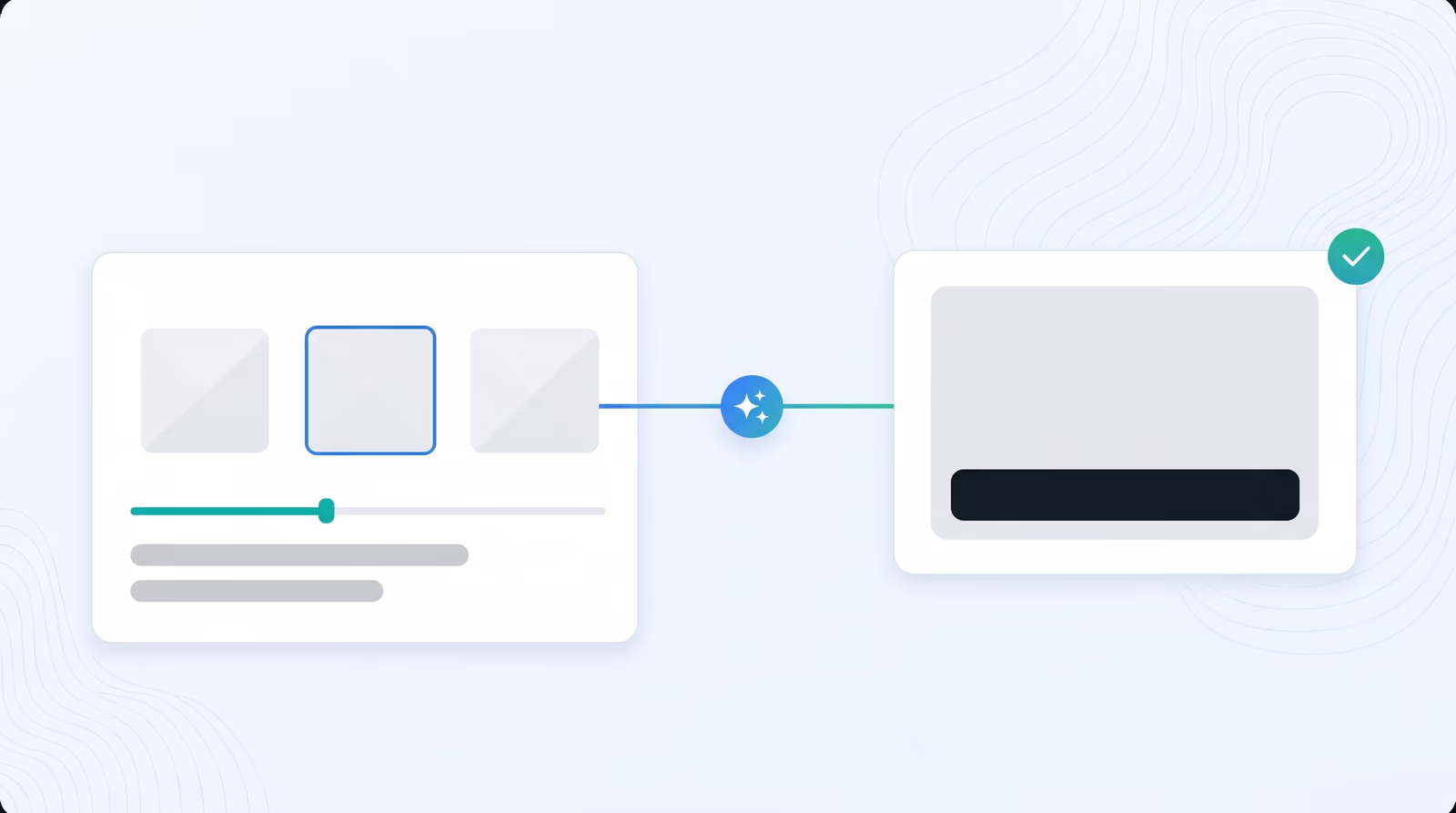
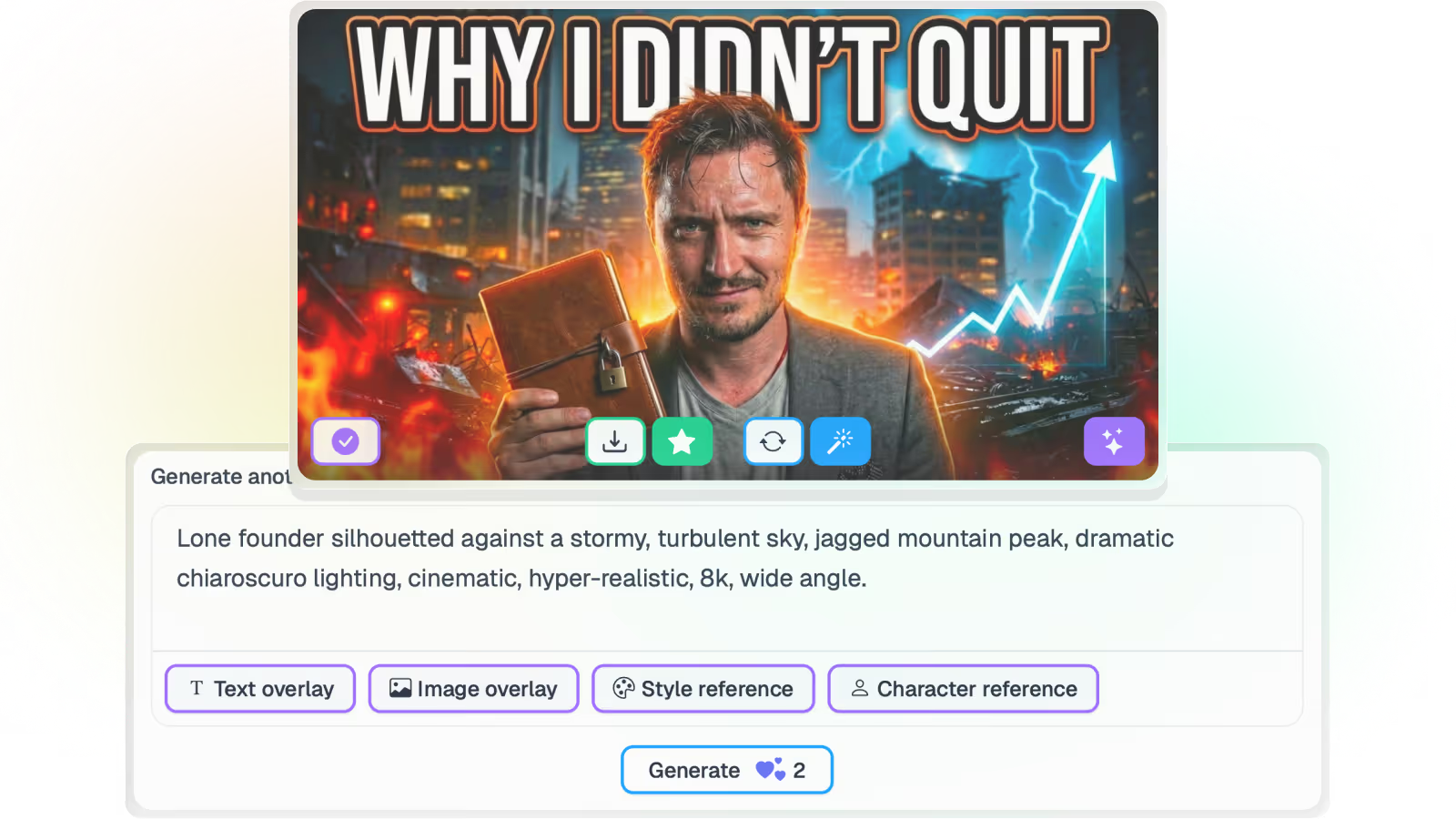
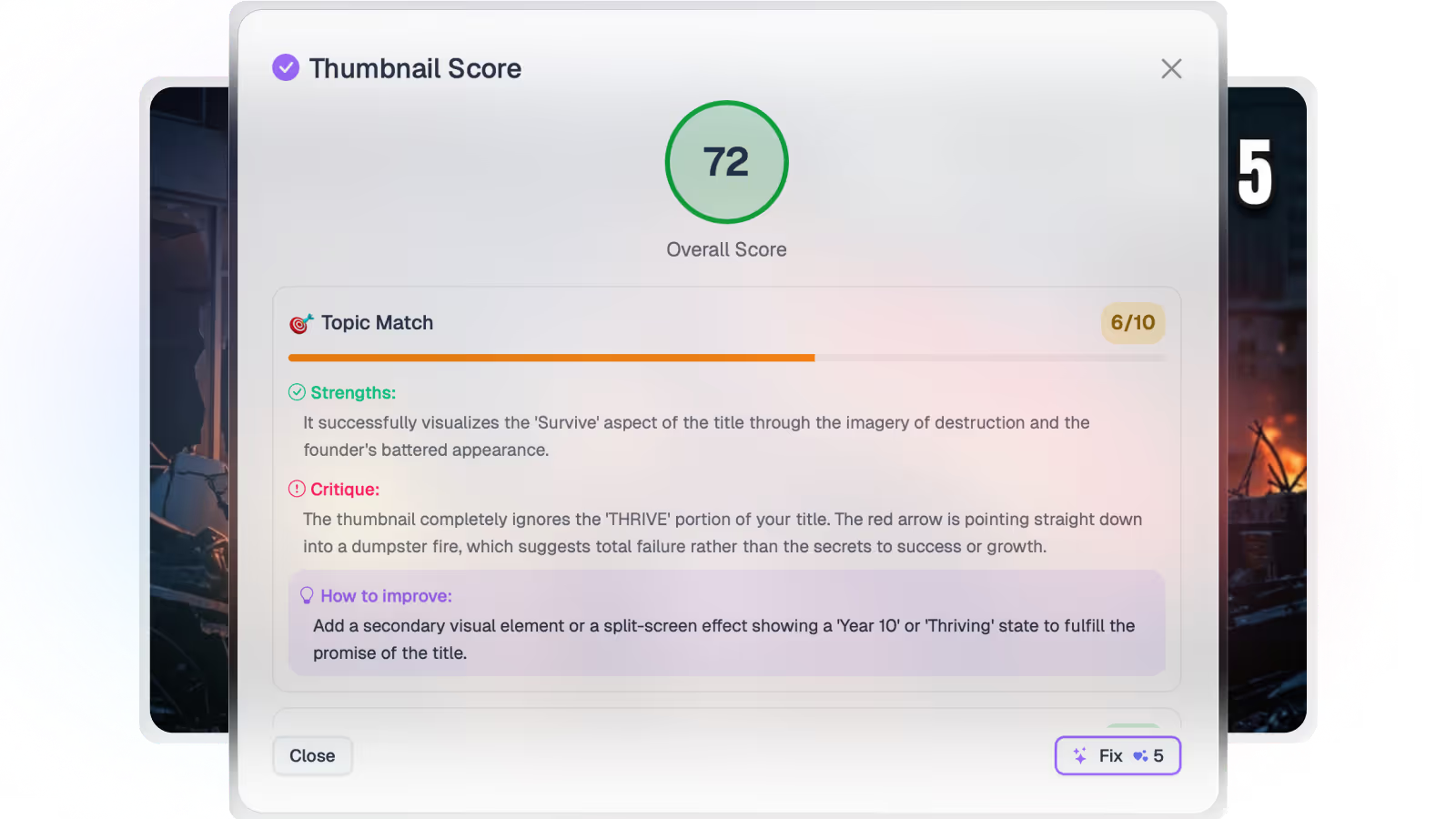
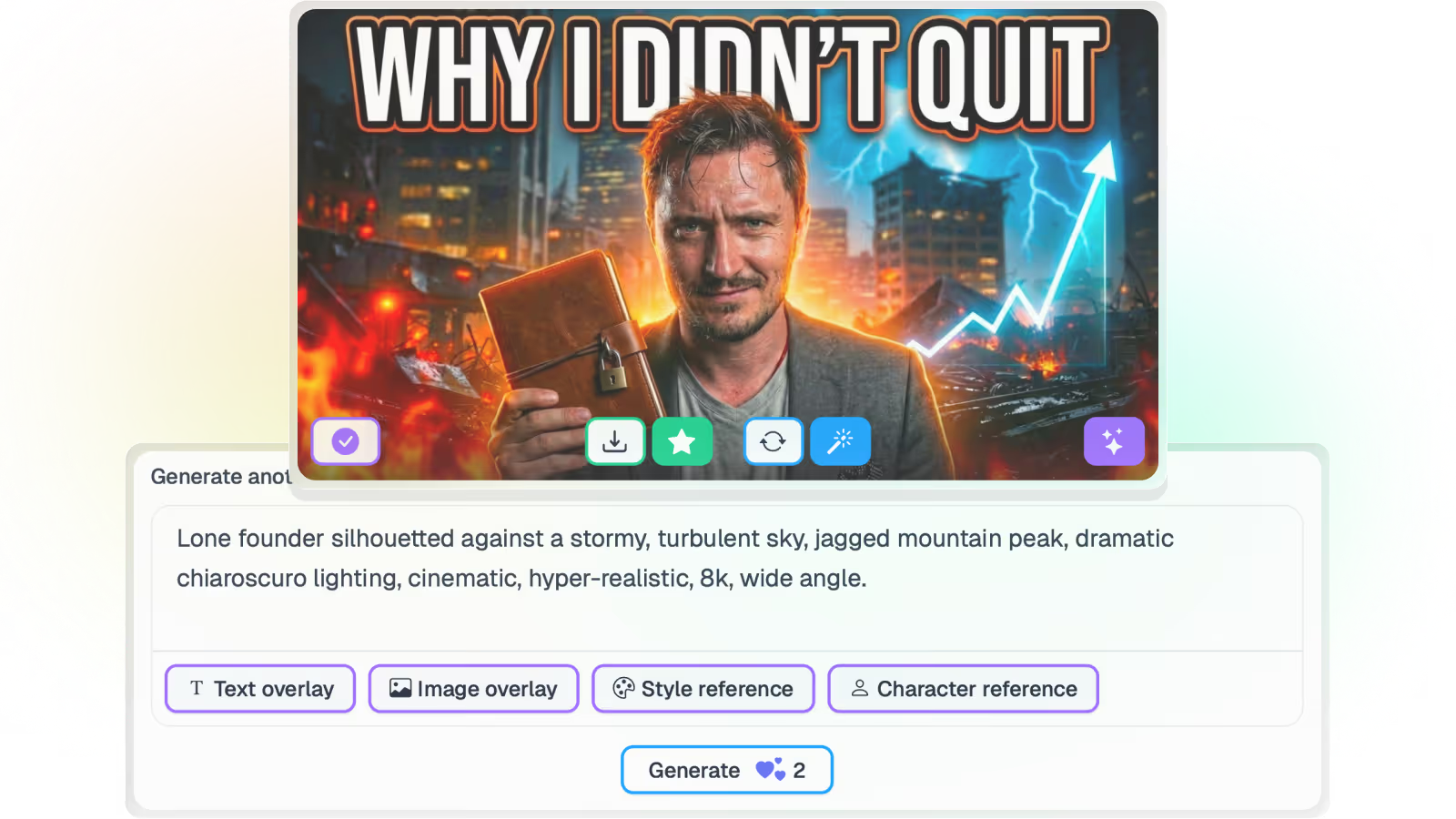
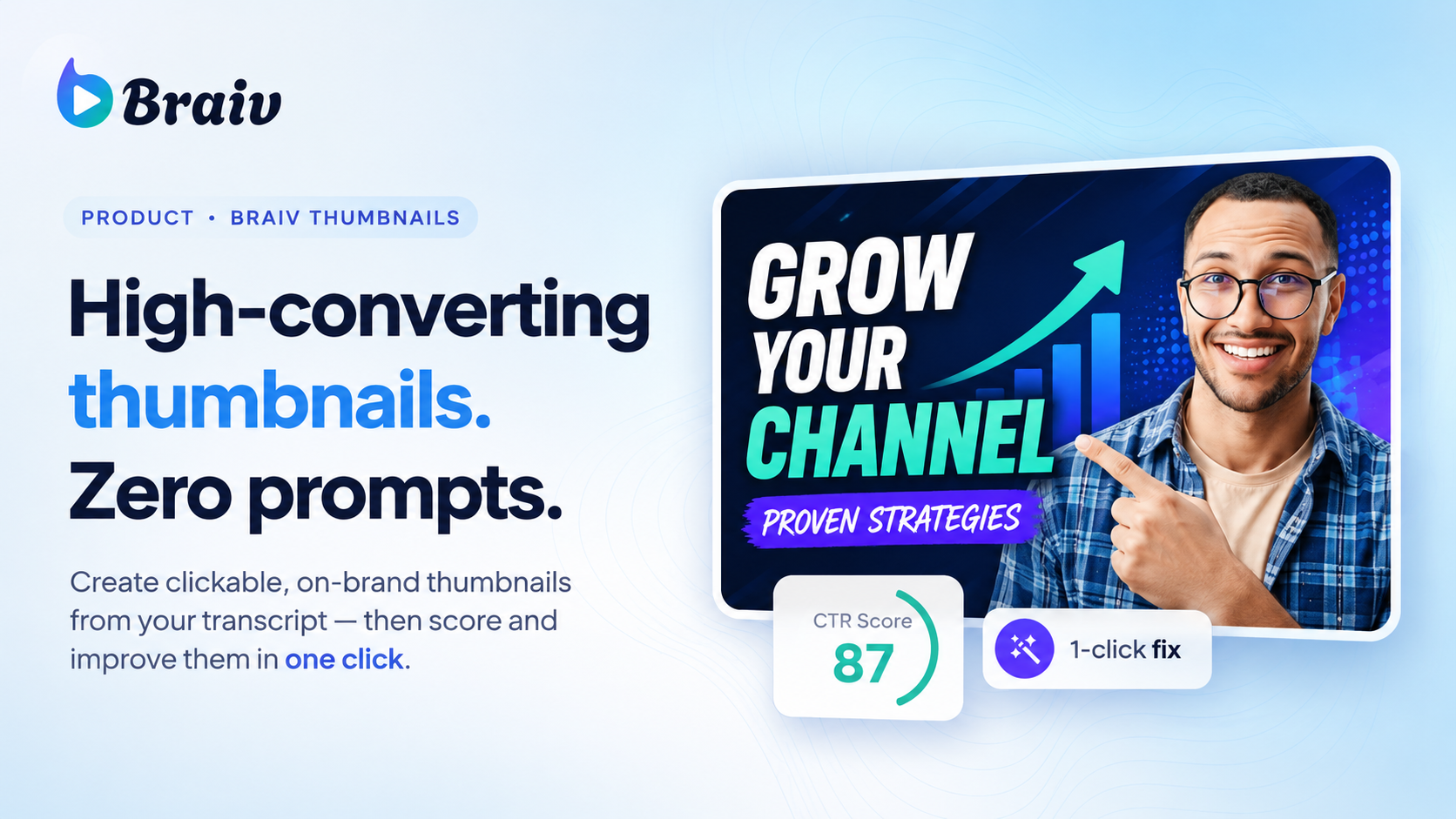
Turn any YouTube thumbnail into a style reference, lock your own look into a brand kit, generate from real footage or free invention, score every option before it ships, and publish across every channel you run.
Braiv Thumbnails
Braiv Captions
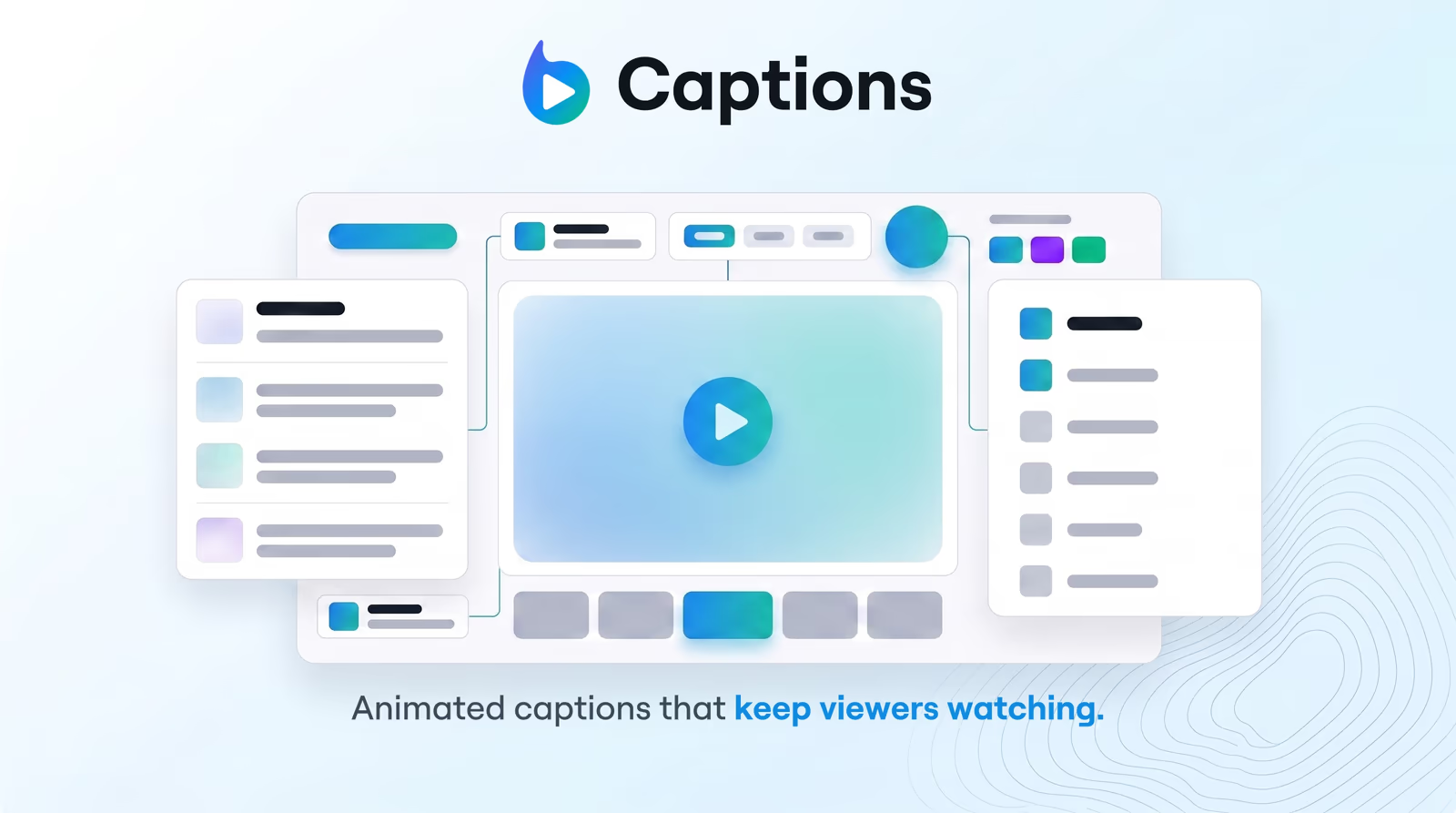
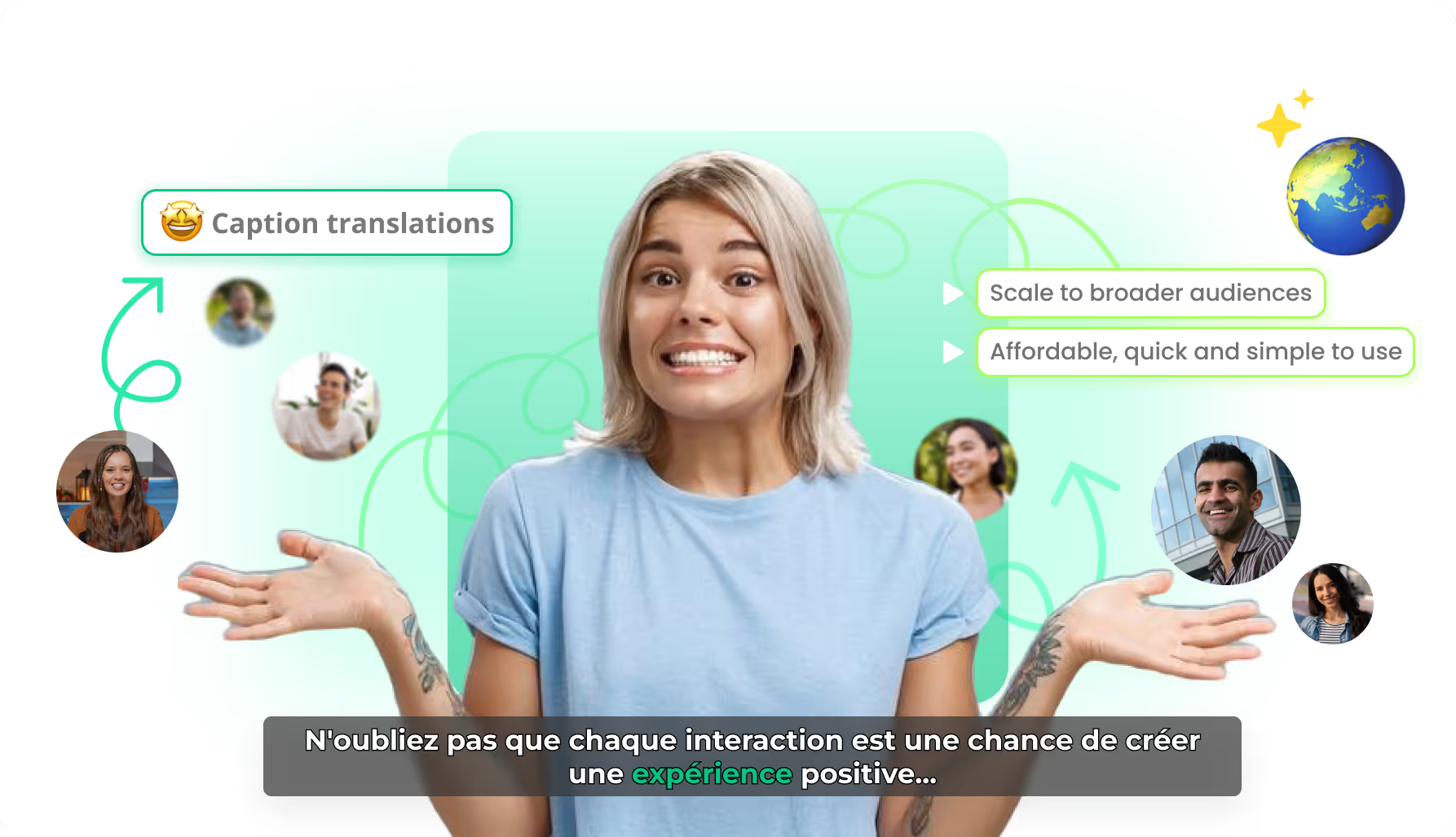
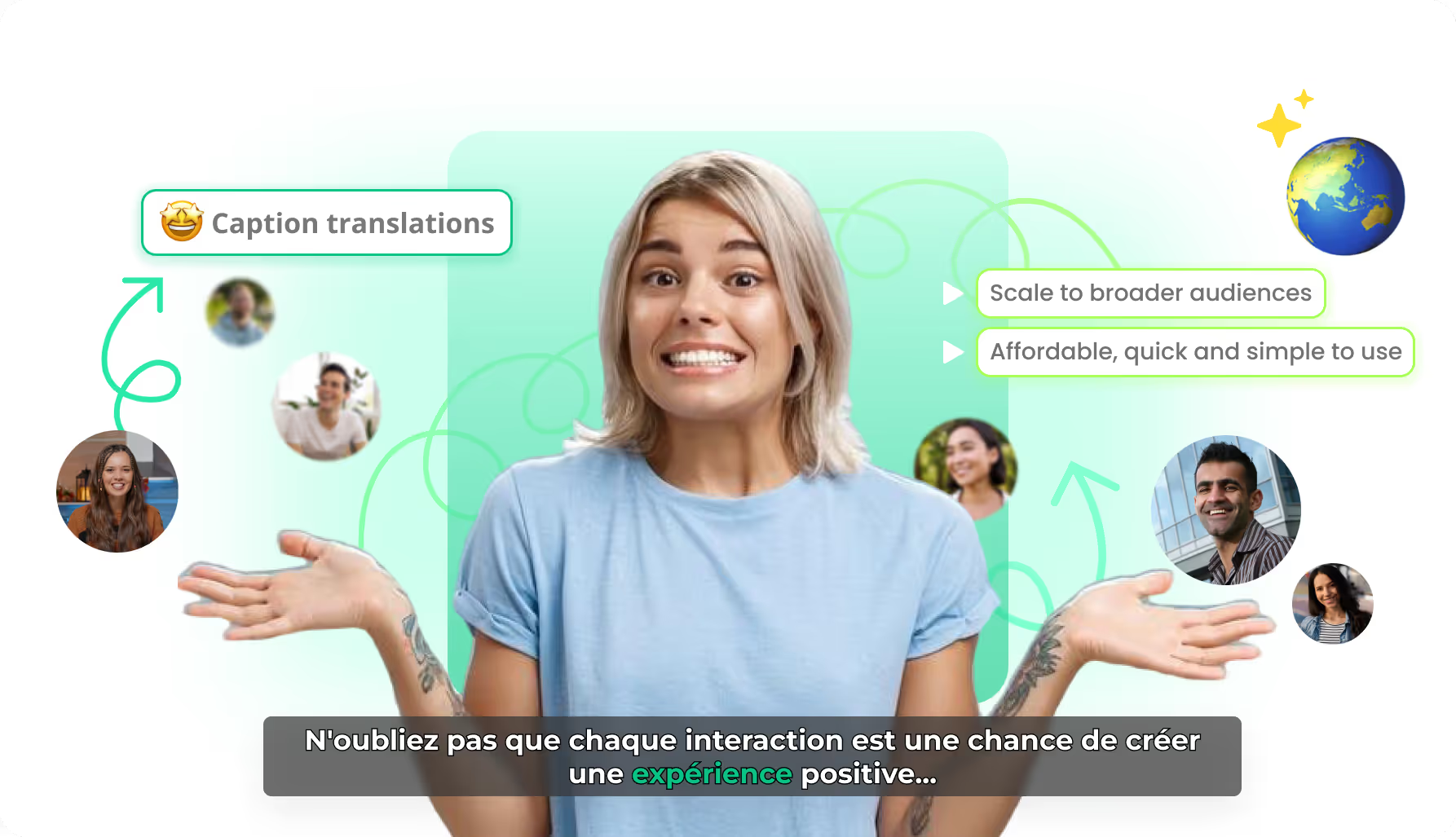
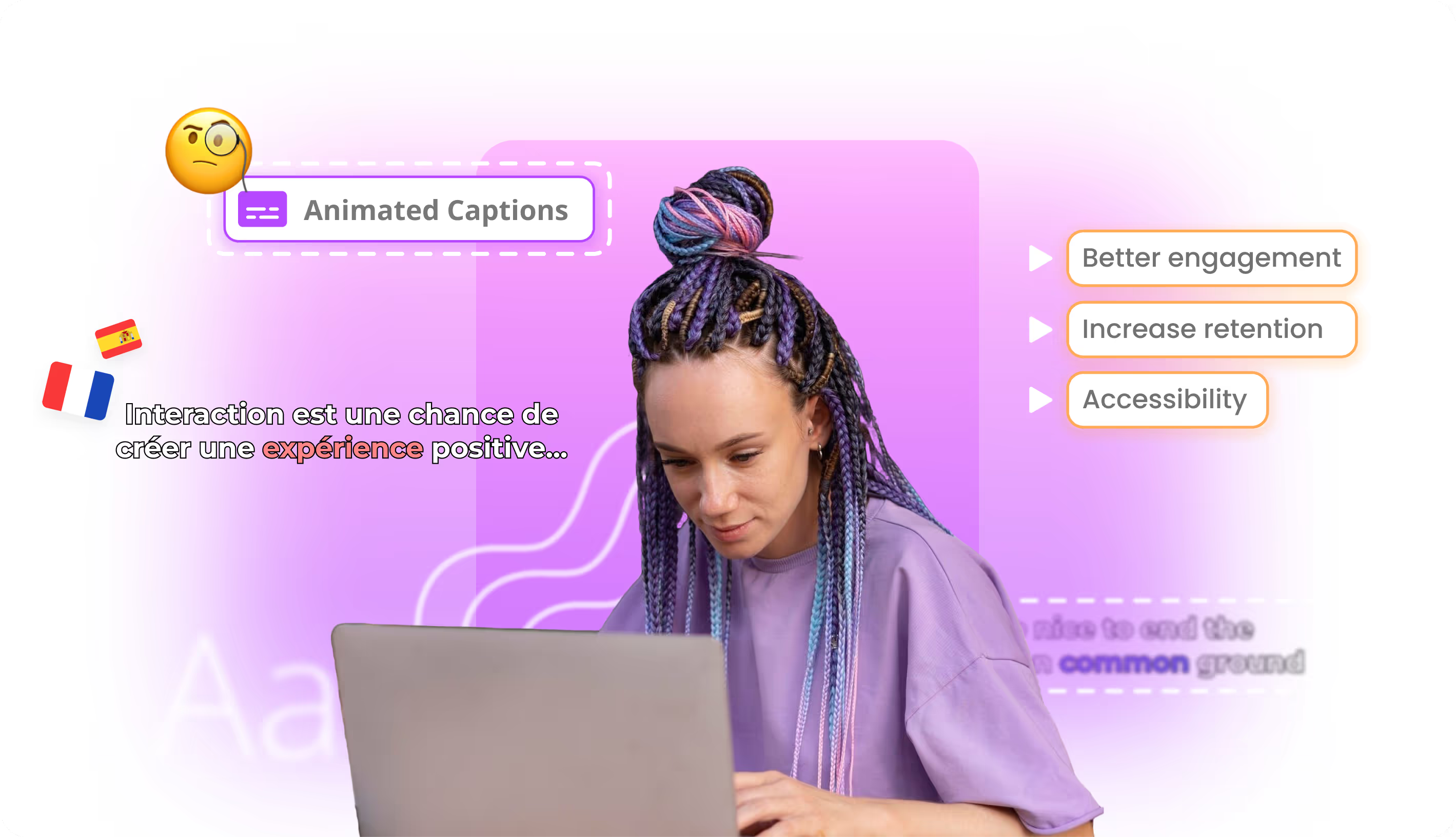
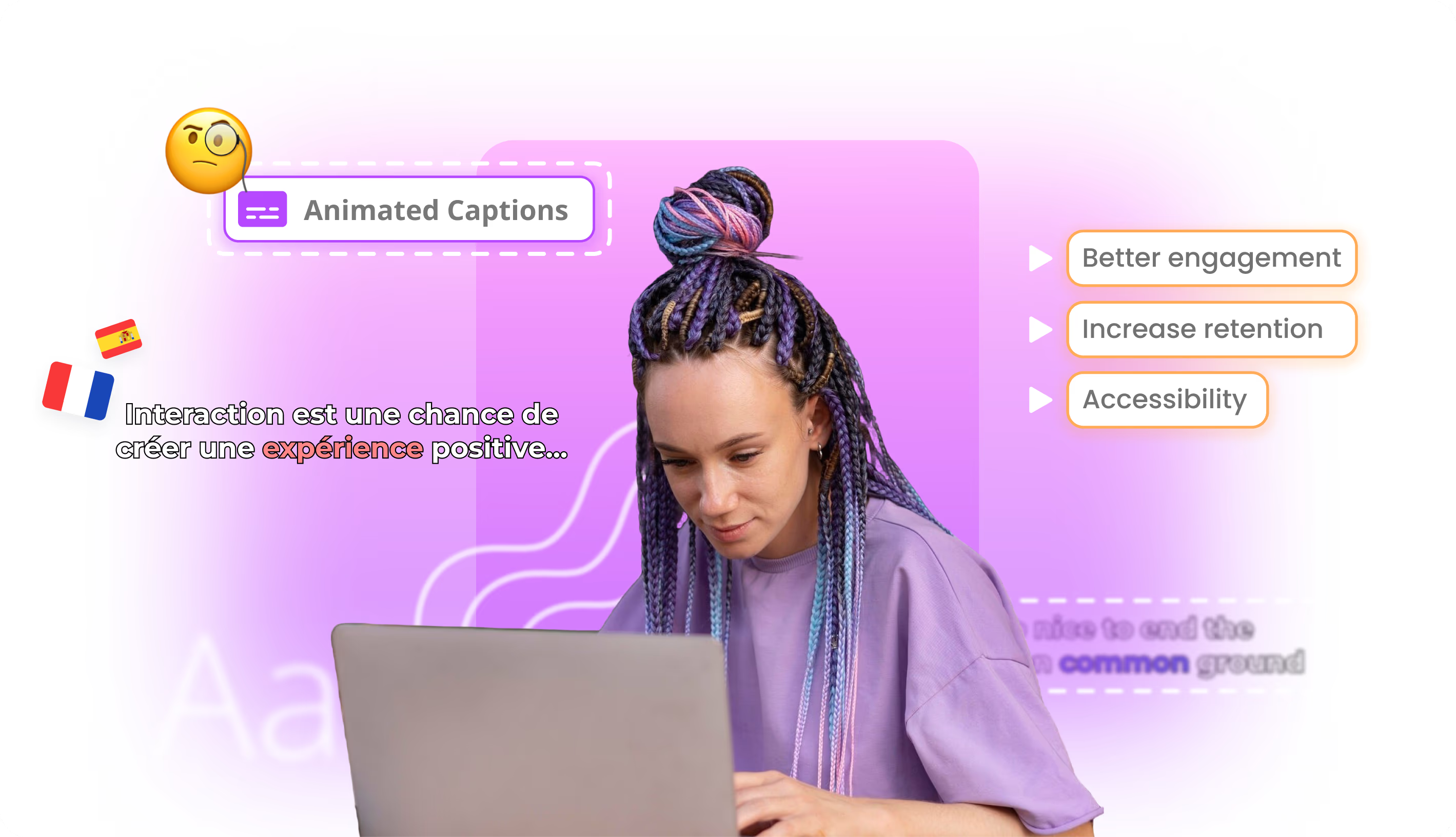
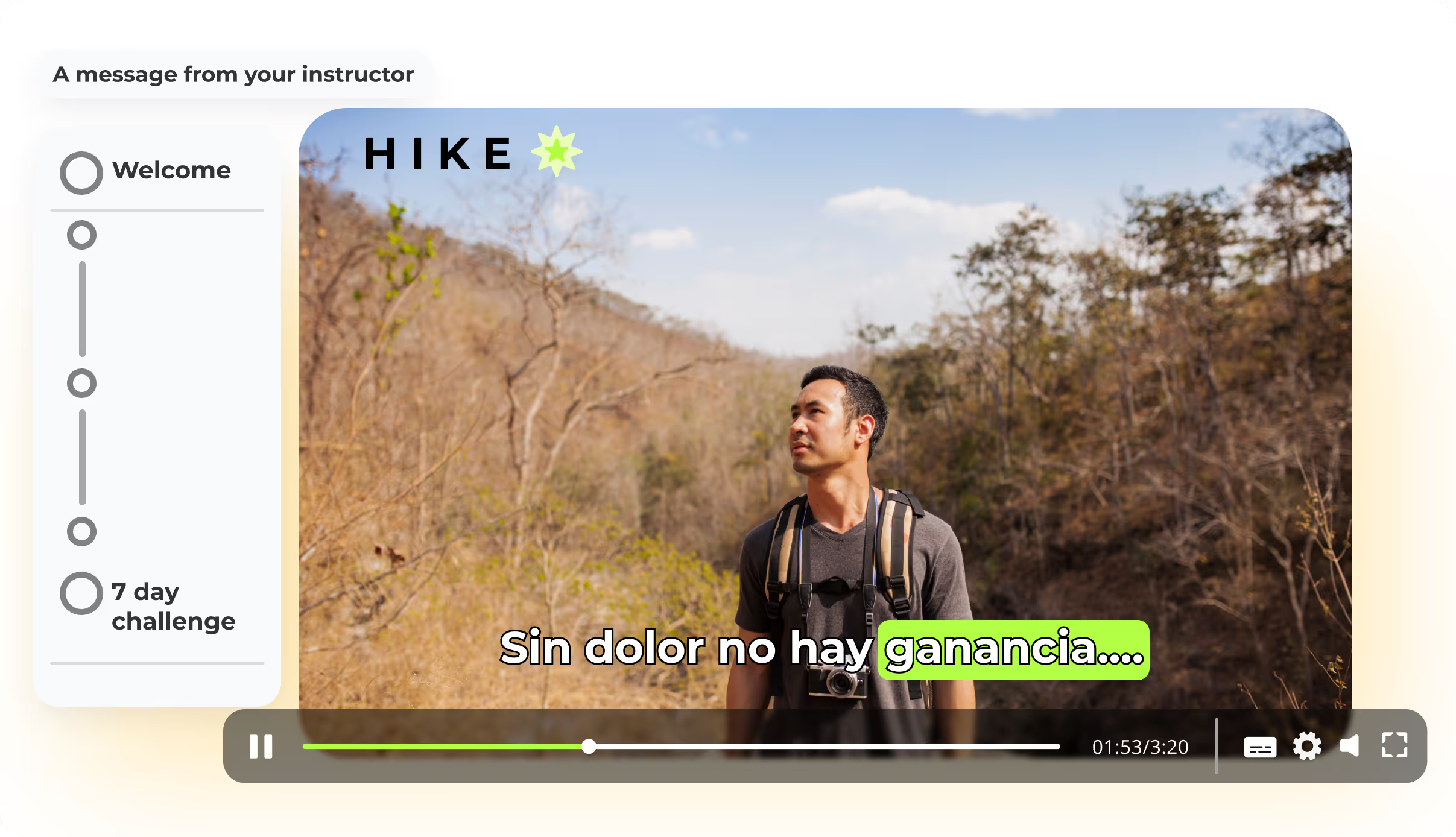
Word-by-word animated captions generated from your transcript — on-brand, accessibility-ready, and translated into 80+ languages without rebuilding the edit.
Braiv Captions
Braiv Dubbing
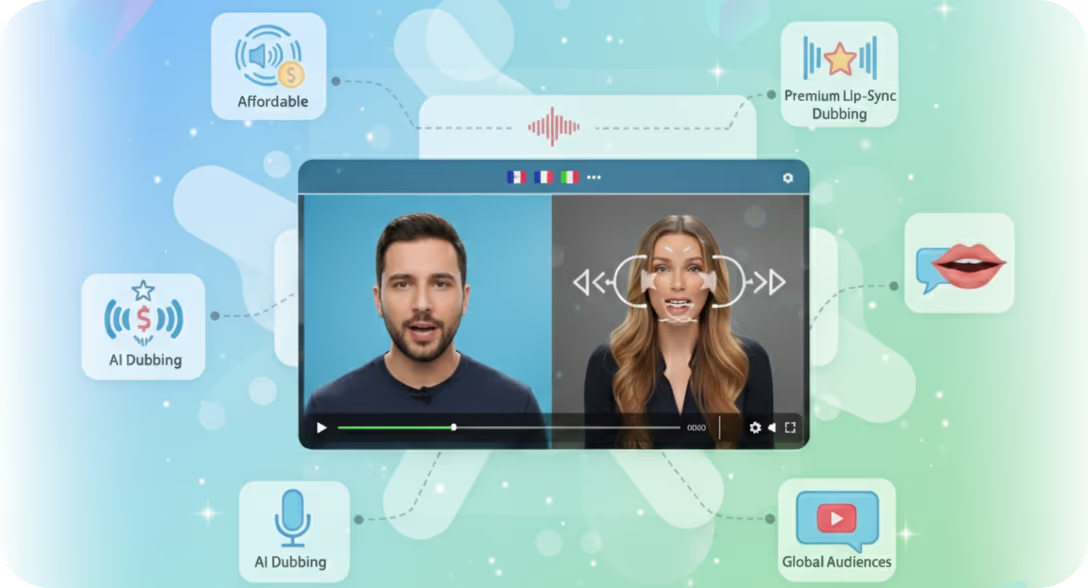
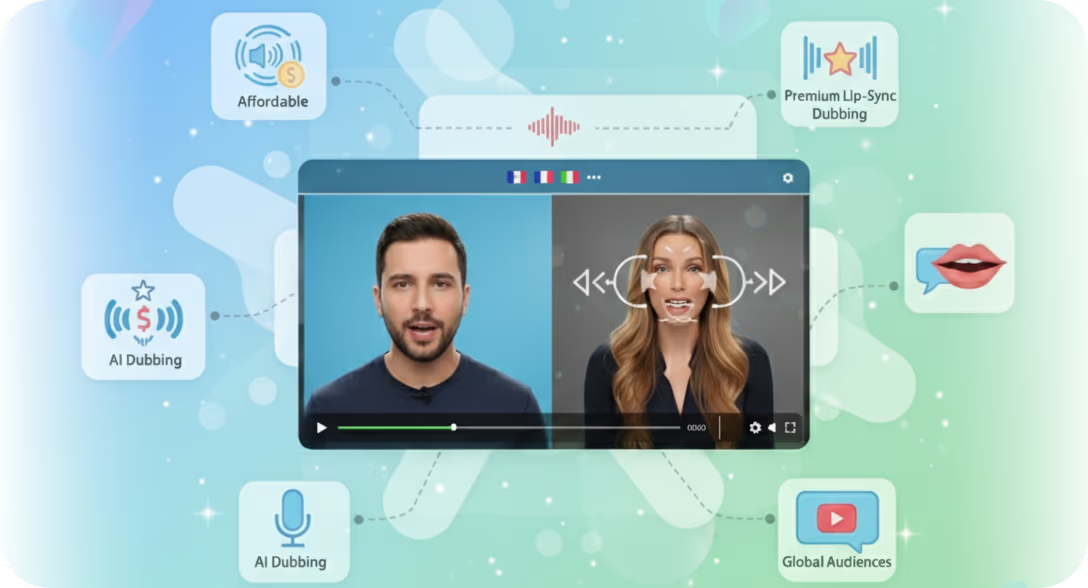
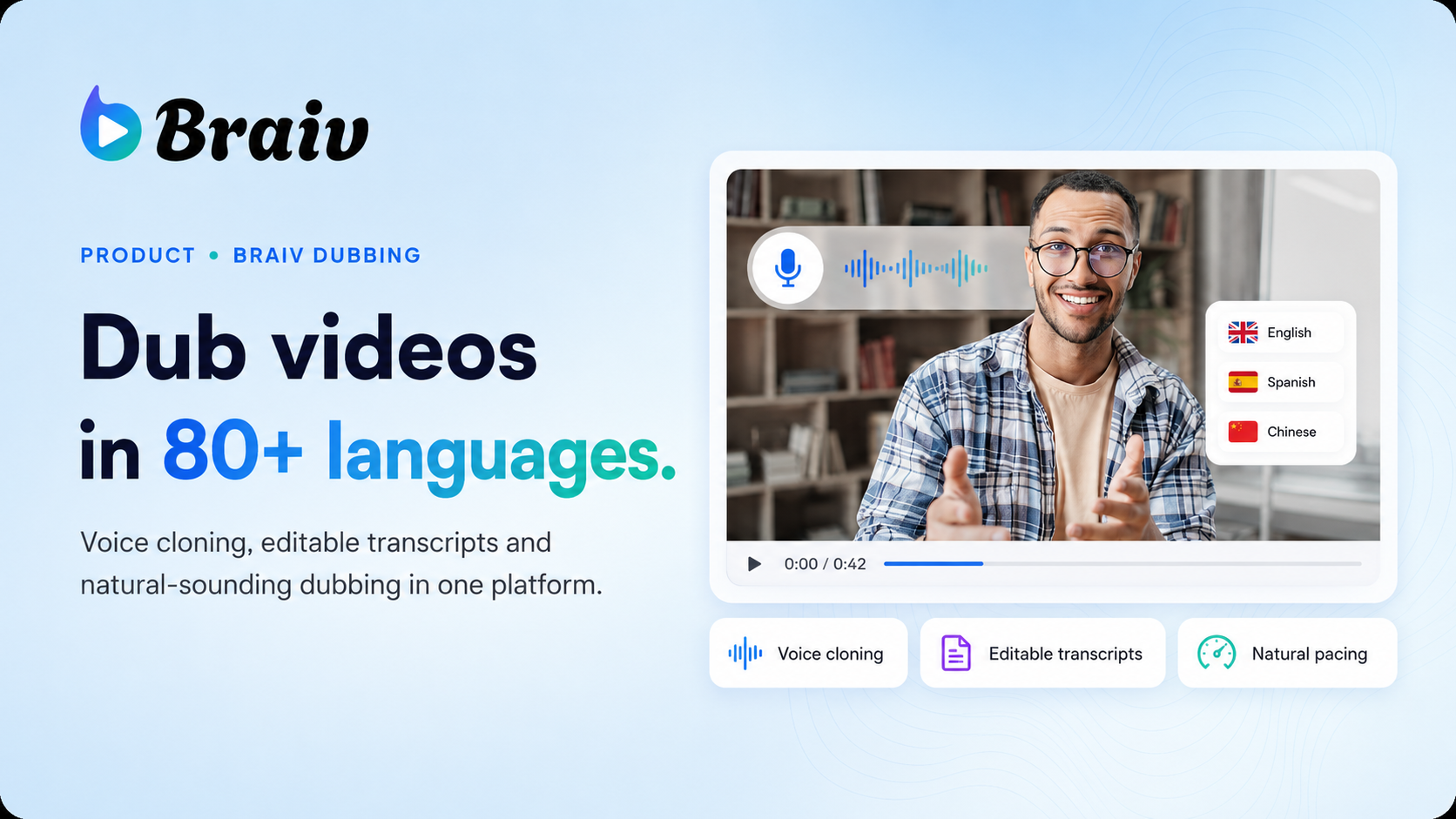
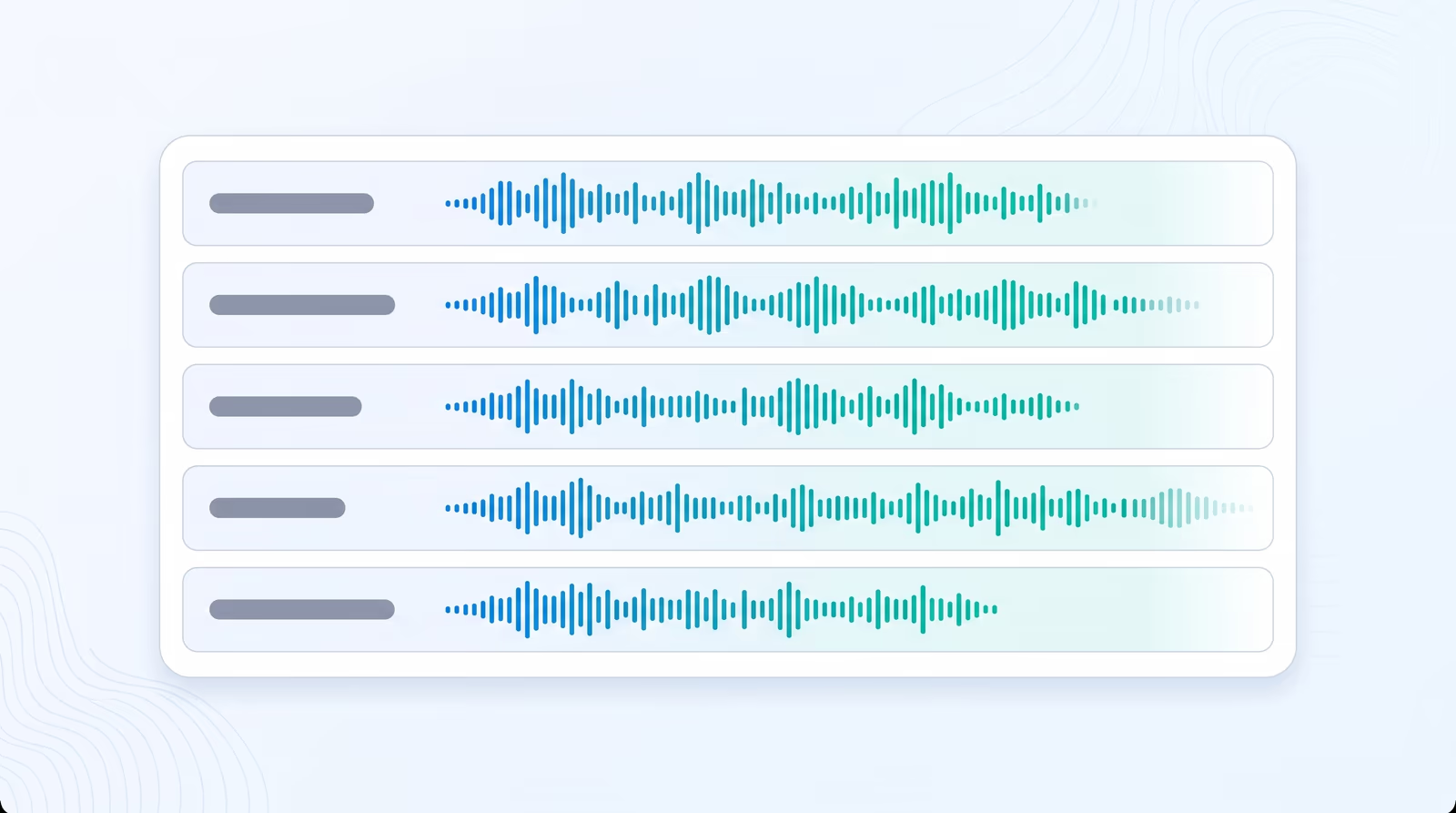
AI video dubbing with voice cloning and editable transcripts — so training, marketing, and creator content reaches every market without agencies or re-records.
Braiv Dubbing
Braiv Speech
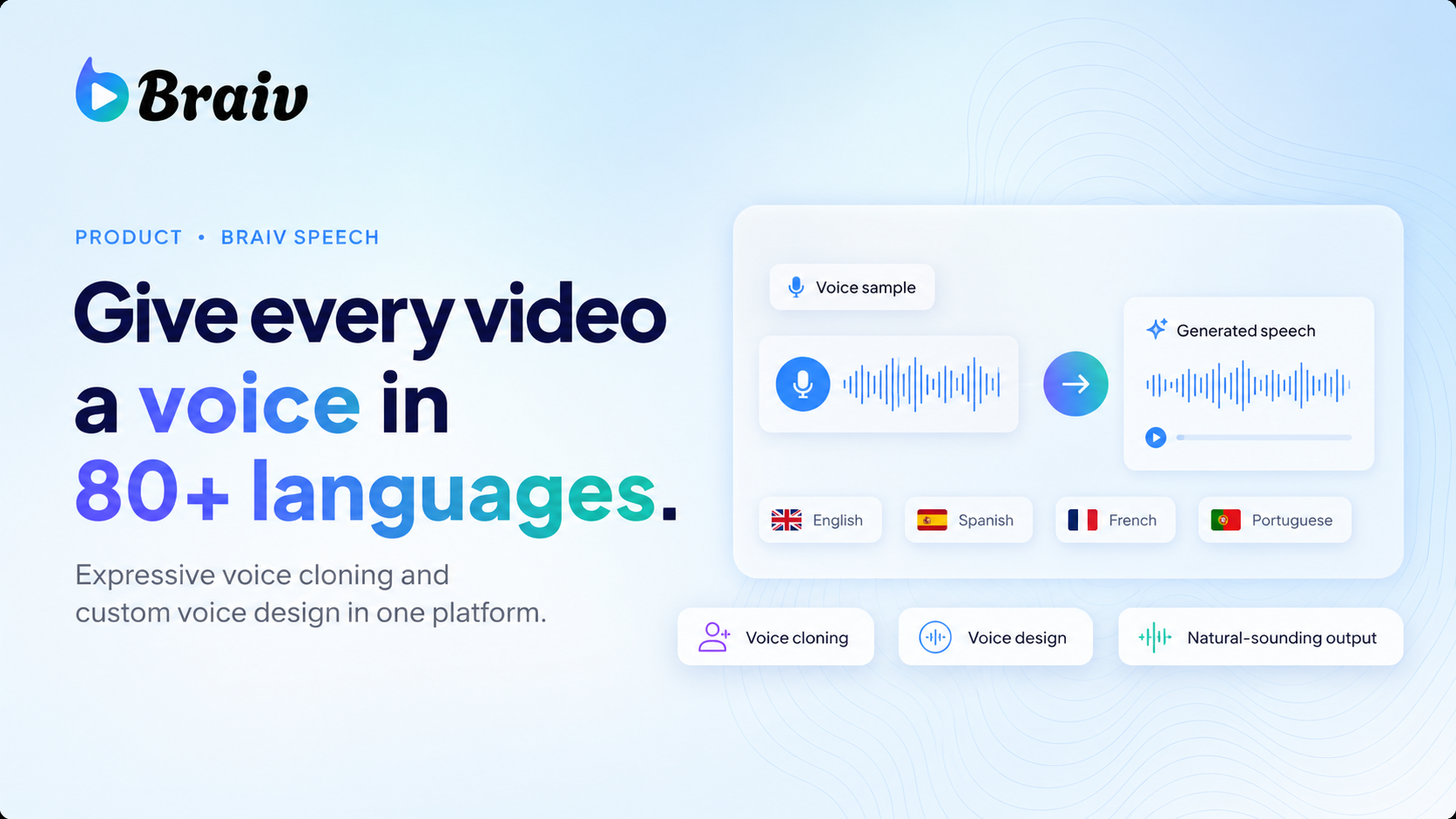
Expressive AI text-to-speech with voice cloning and custom voice design — so teams scale voiceovers without studio sessions or multilingual talent costs.
Braiv Speech
Braiv Transcription
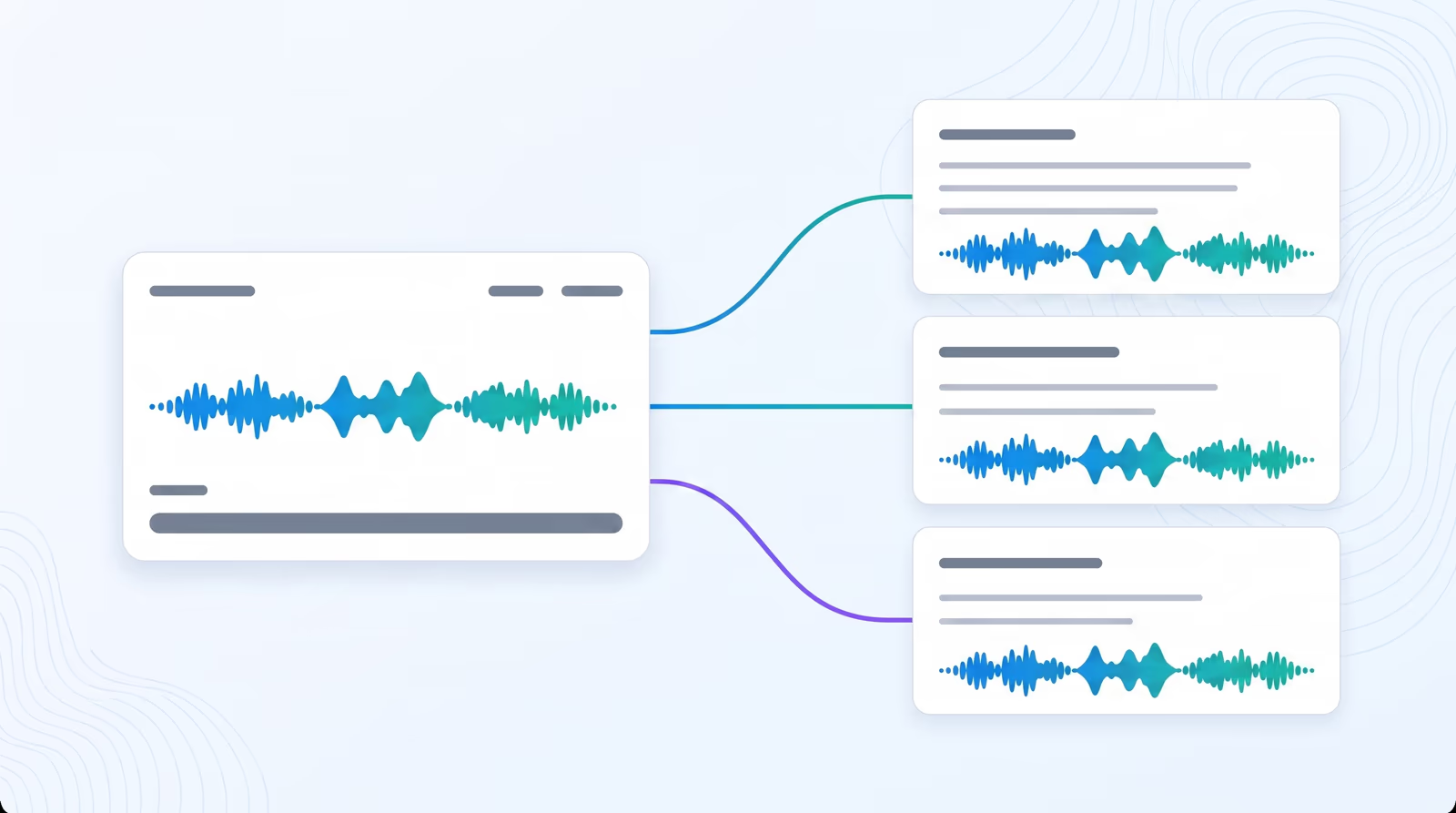
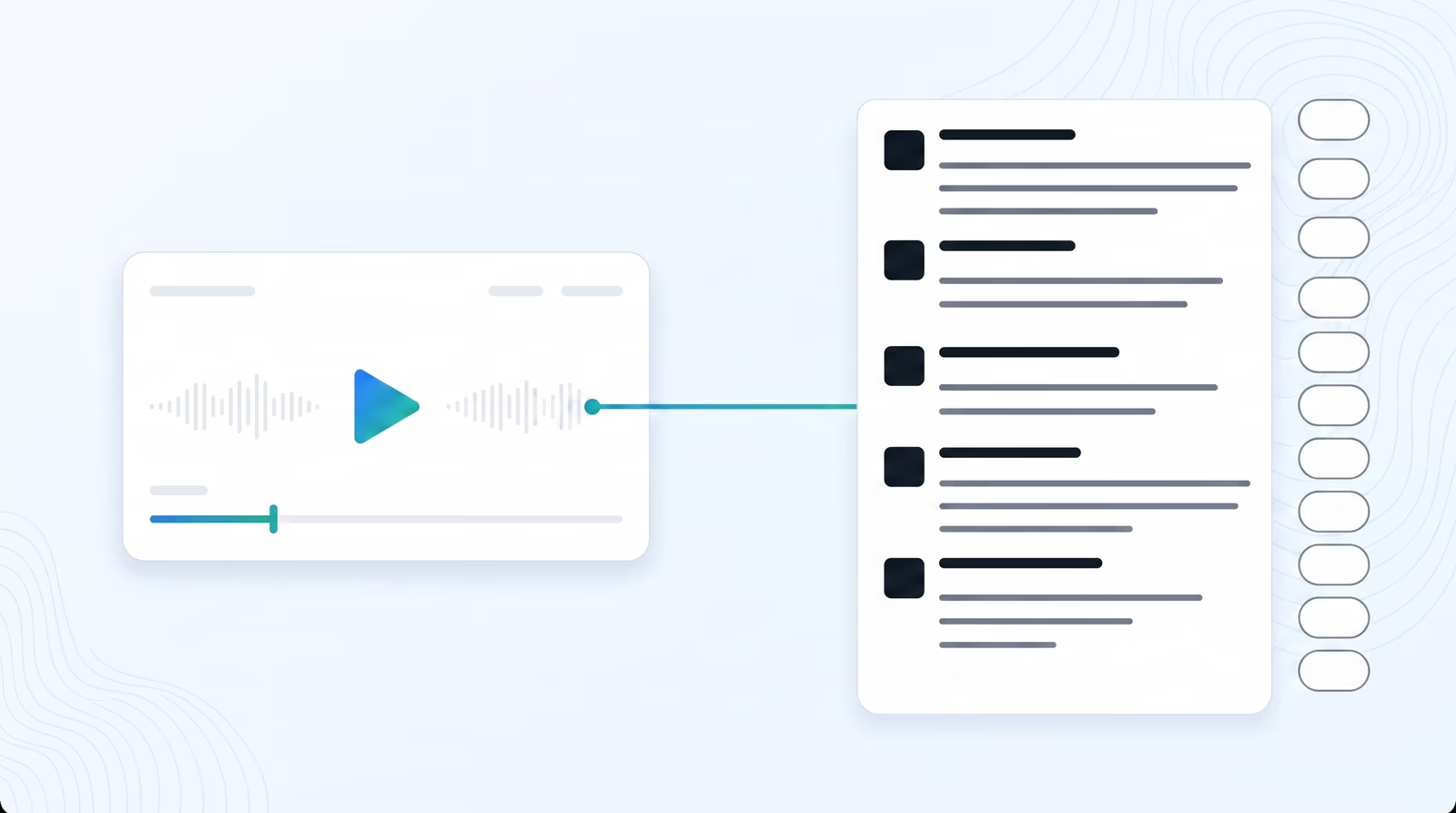
Enterprise-grade speech-to-text with speaker detection, timestamps, and instant translation into 80+ languages — so teams search, quote, and localize faster.
Braiv Transcription
Braiv Player
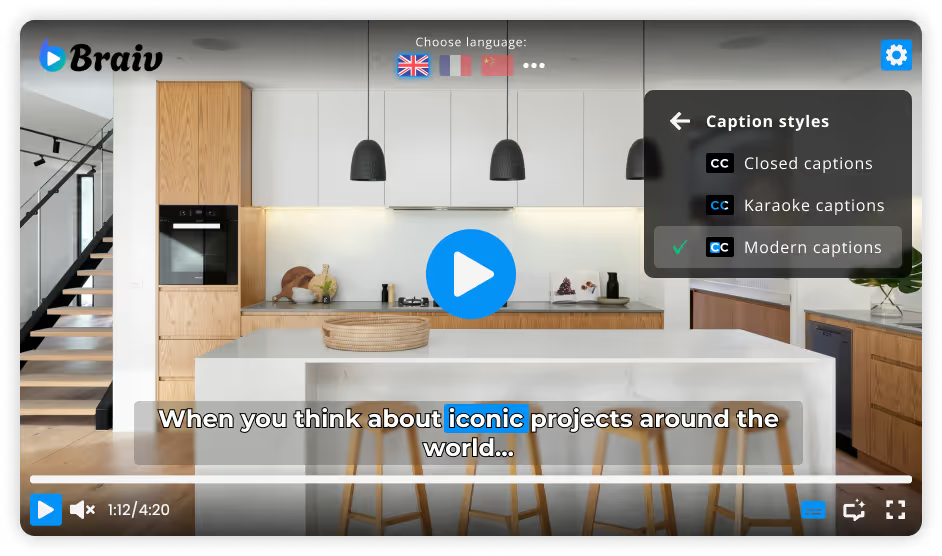
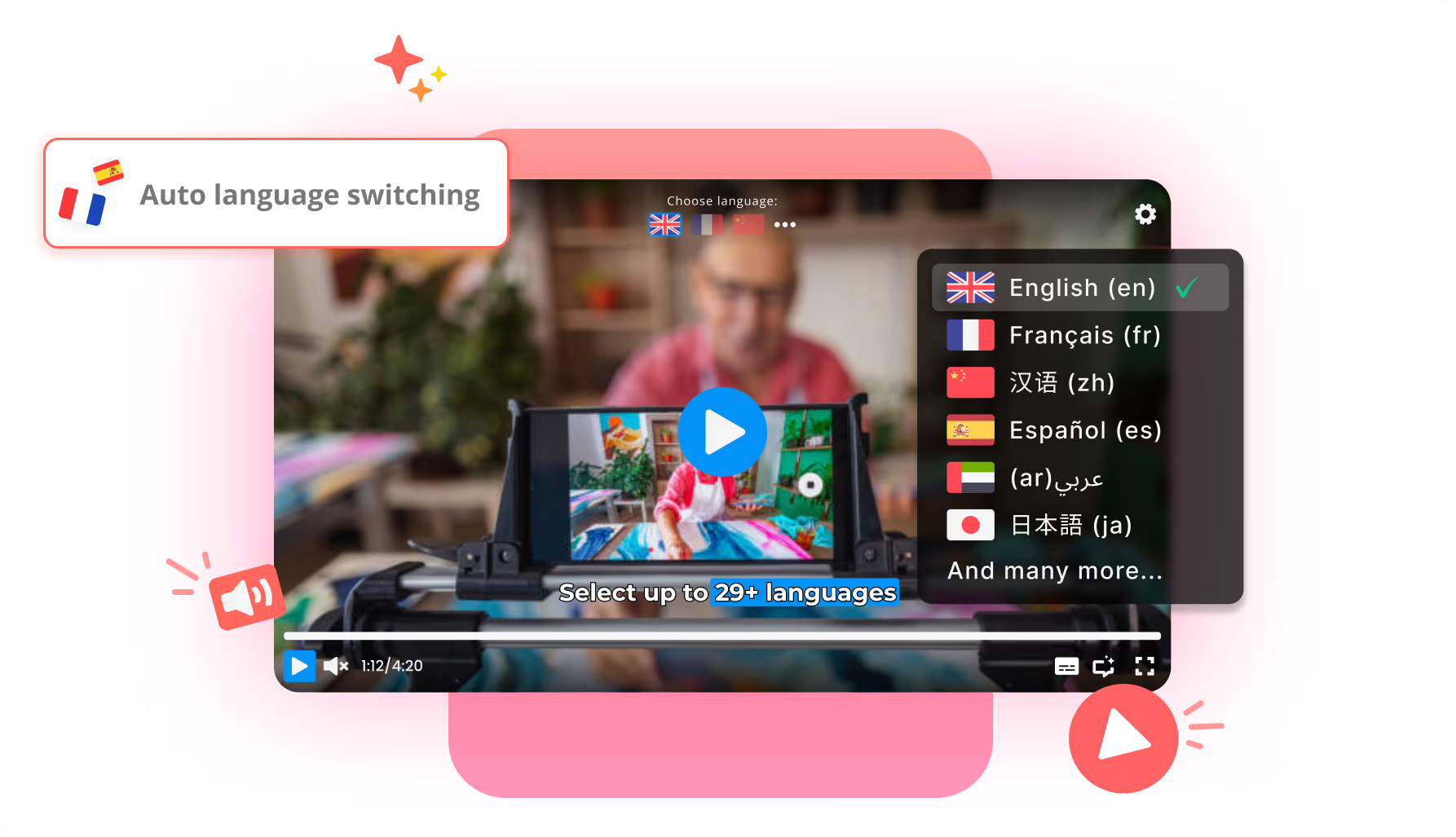
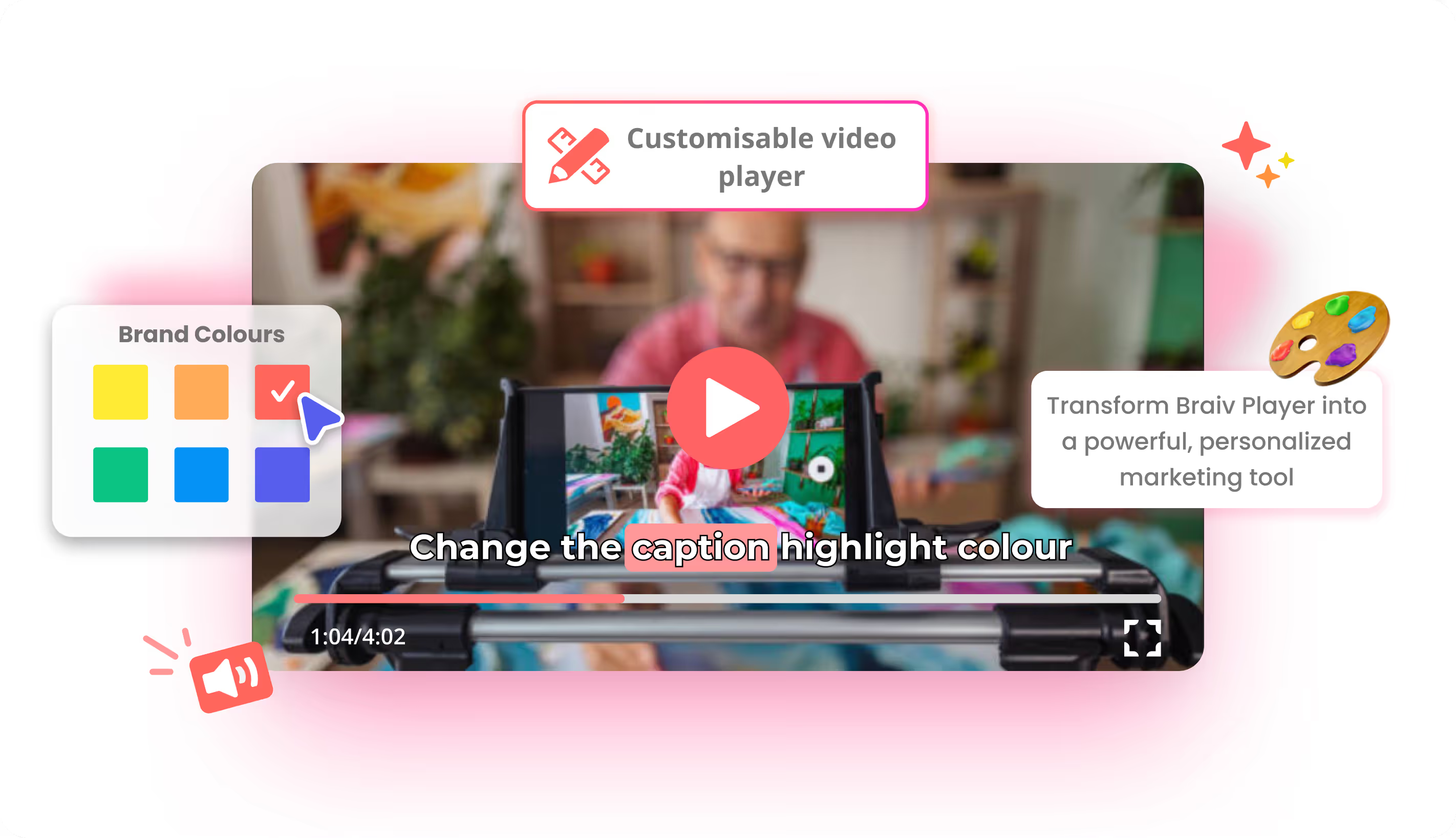
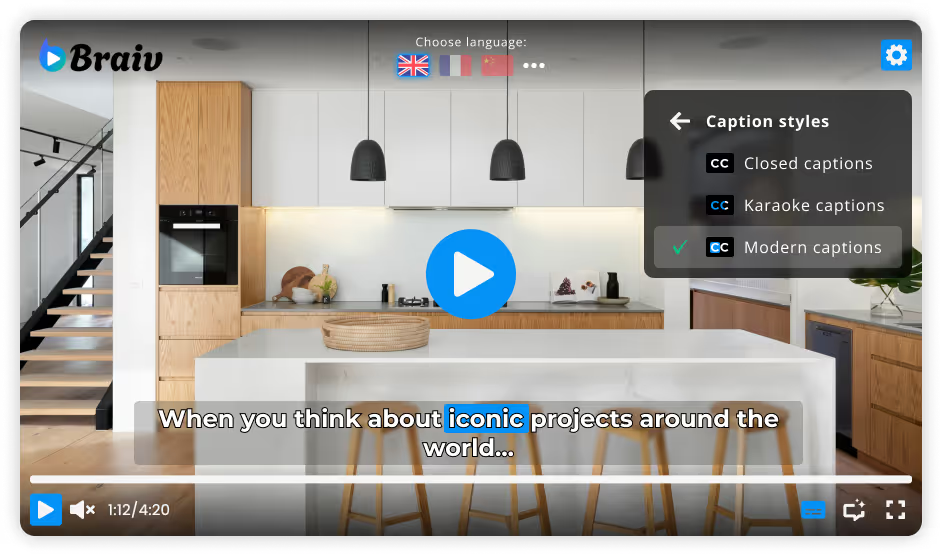
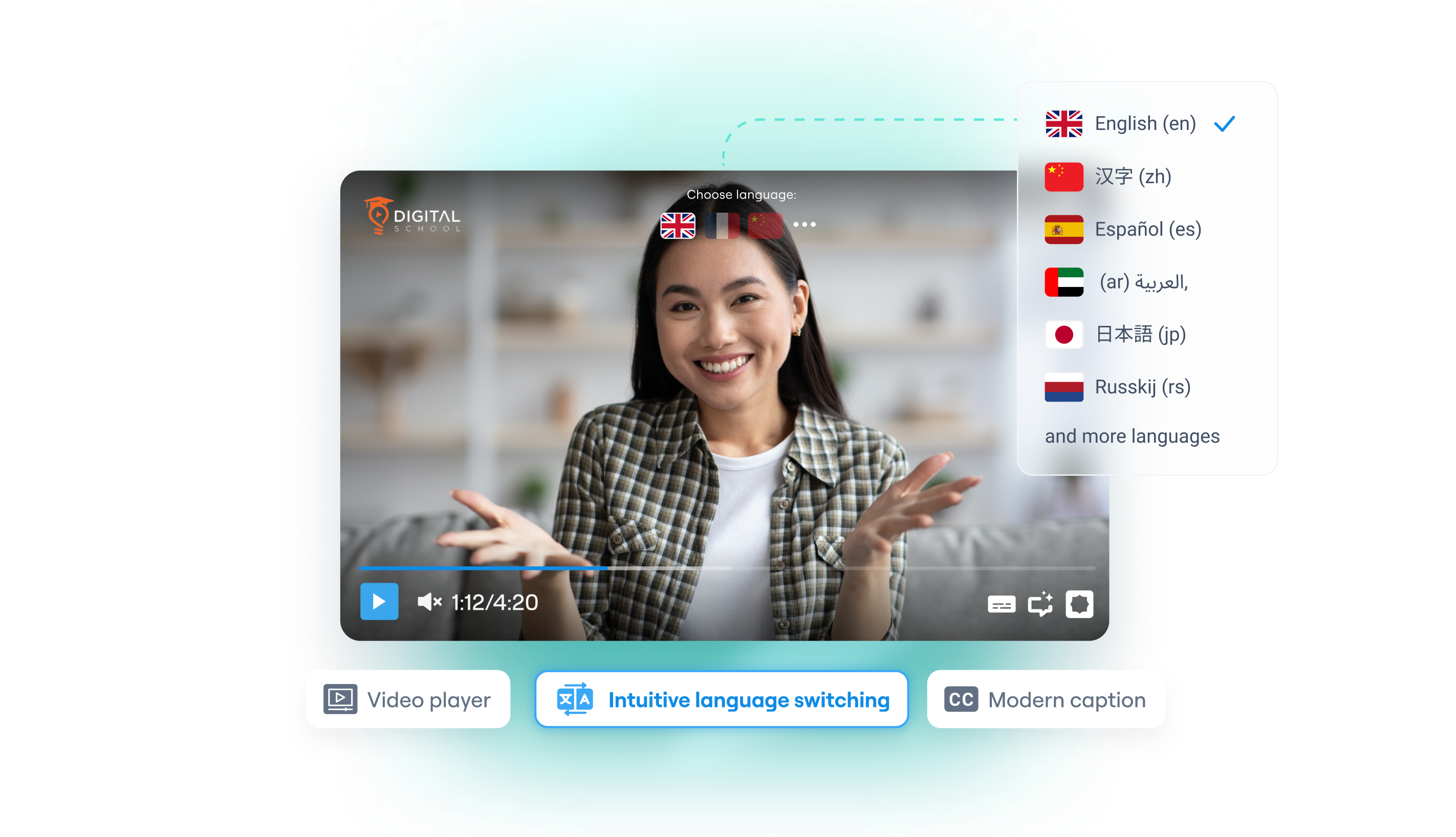
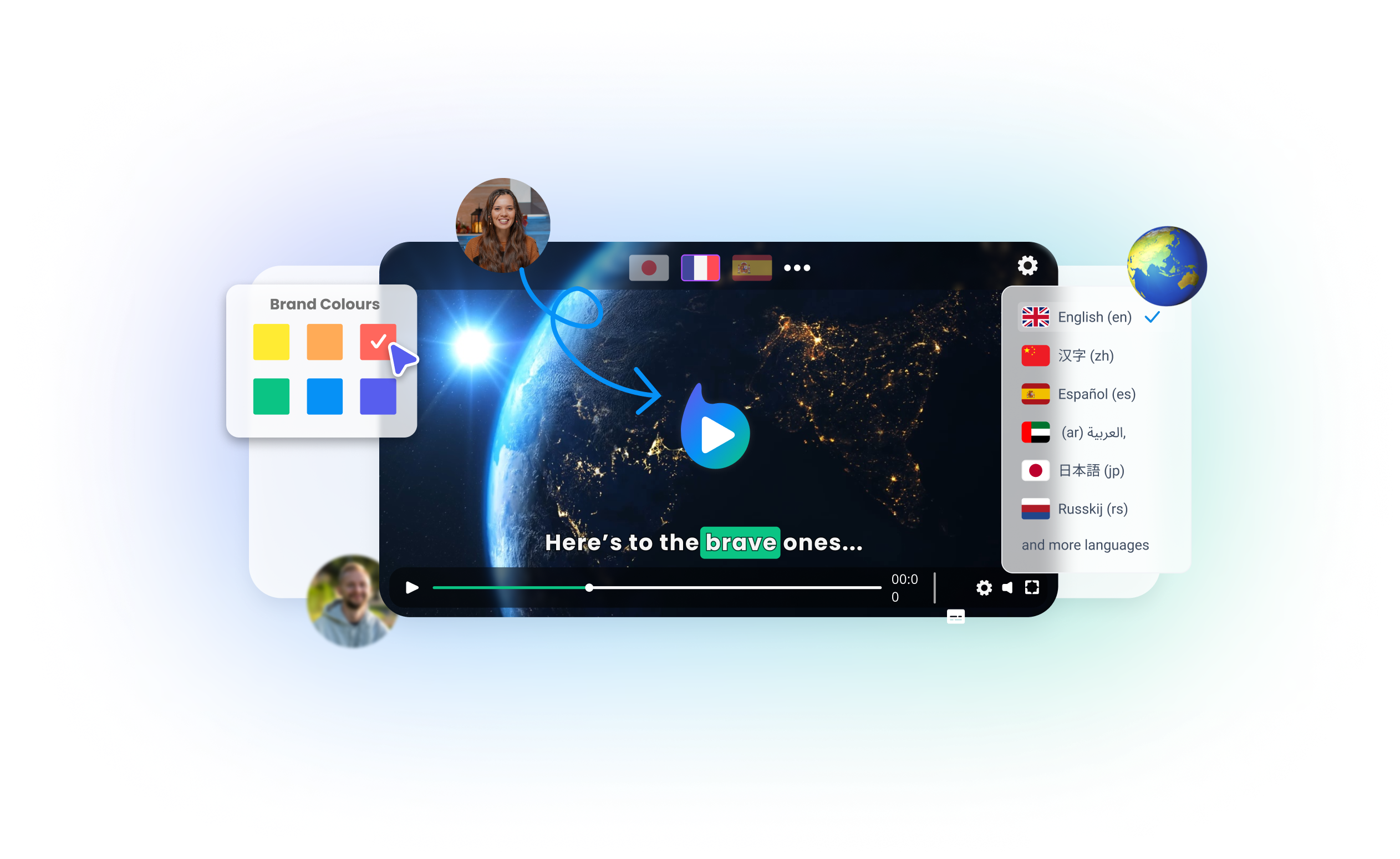
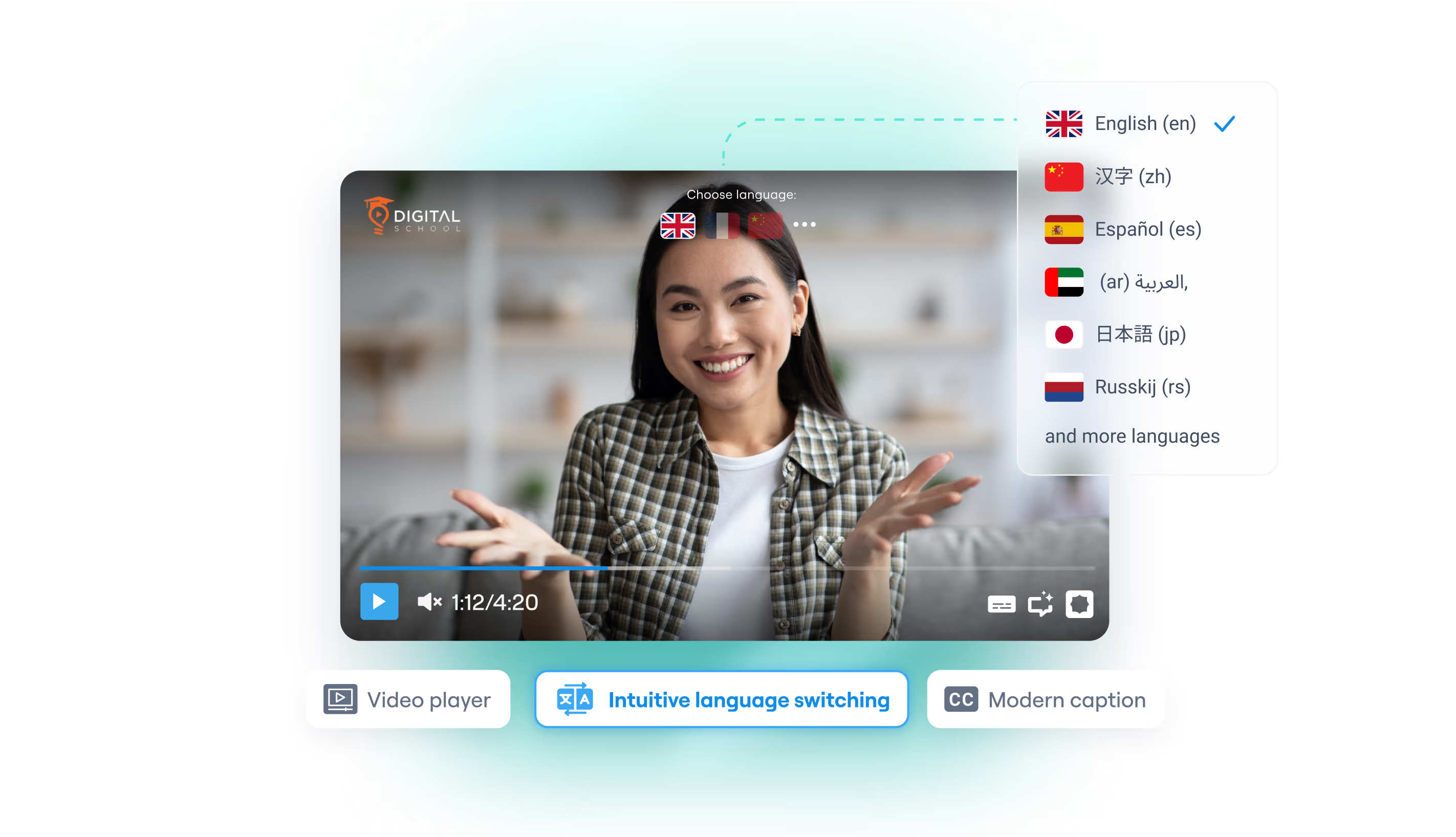
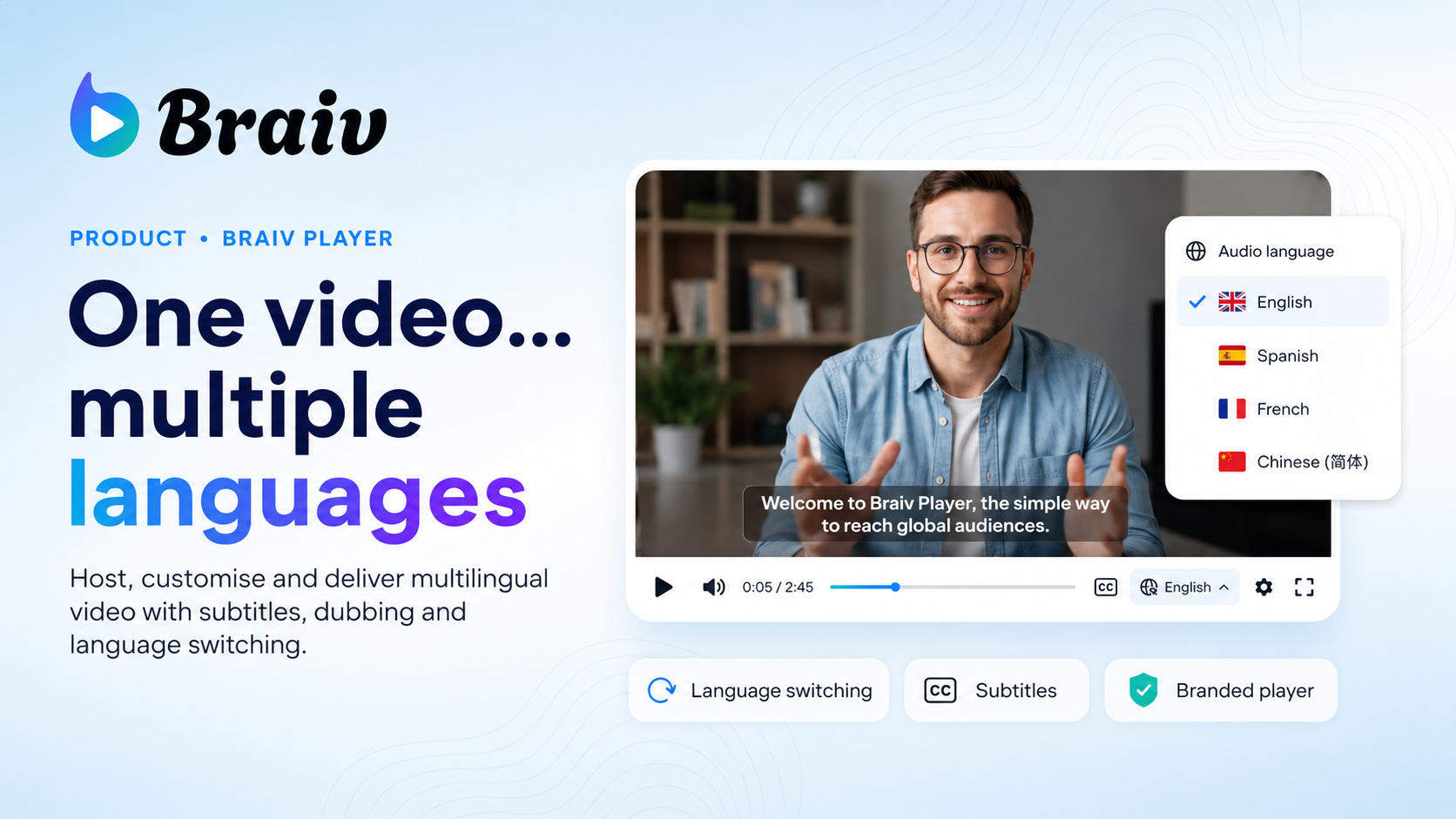
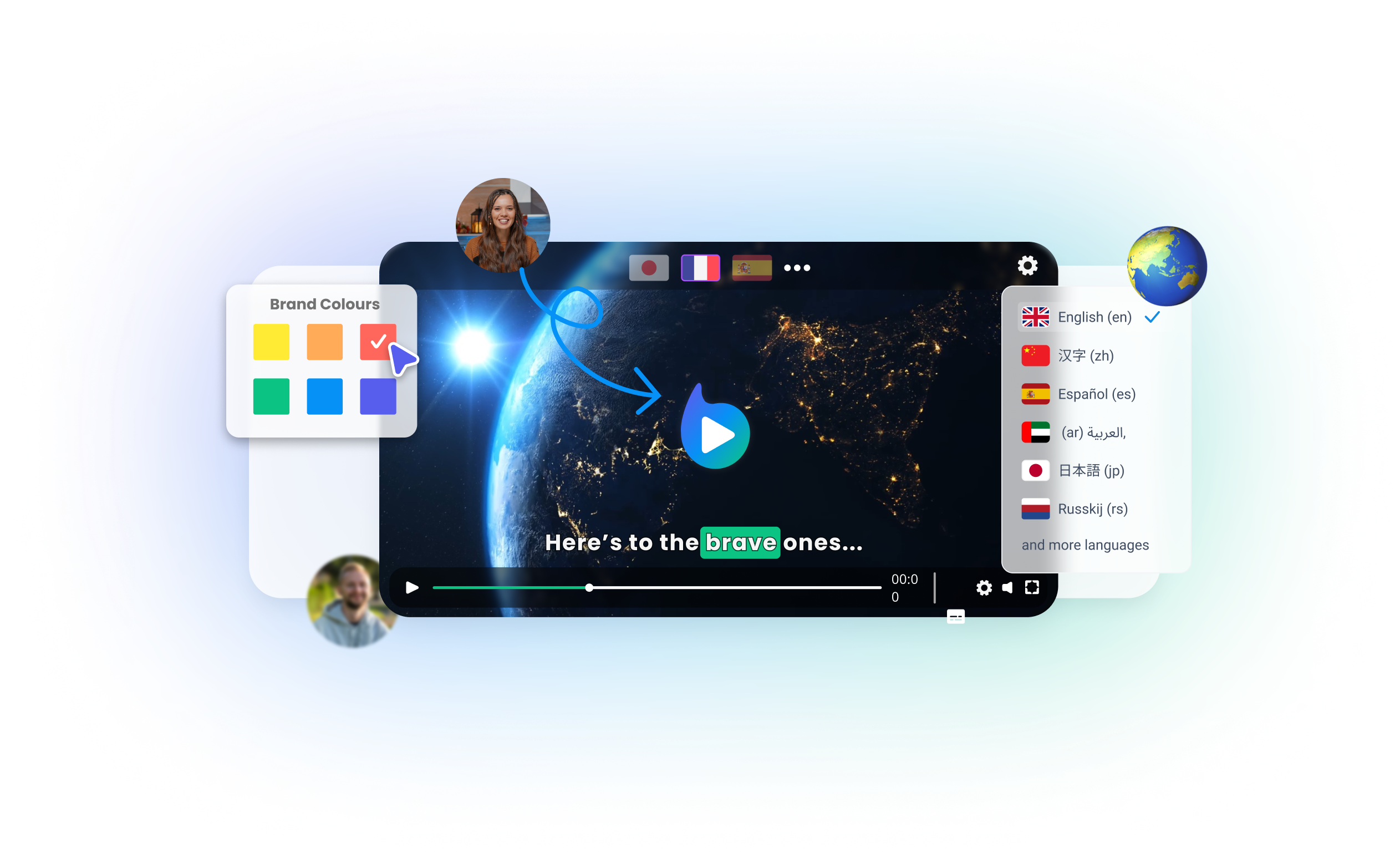
A multilingual video player for teams that deliver one video in many languages — branded, ad-free, with live audio and subtitle switching.
Braiv Player
All Features

Features Built for Global Impact

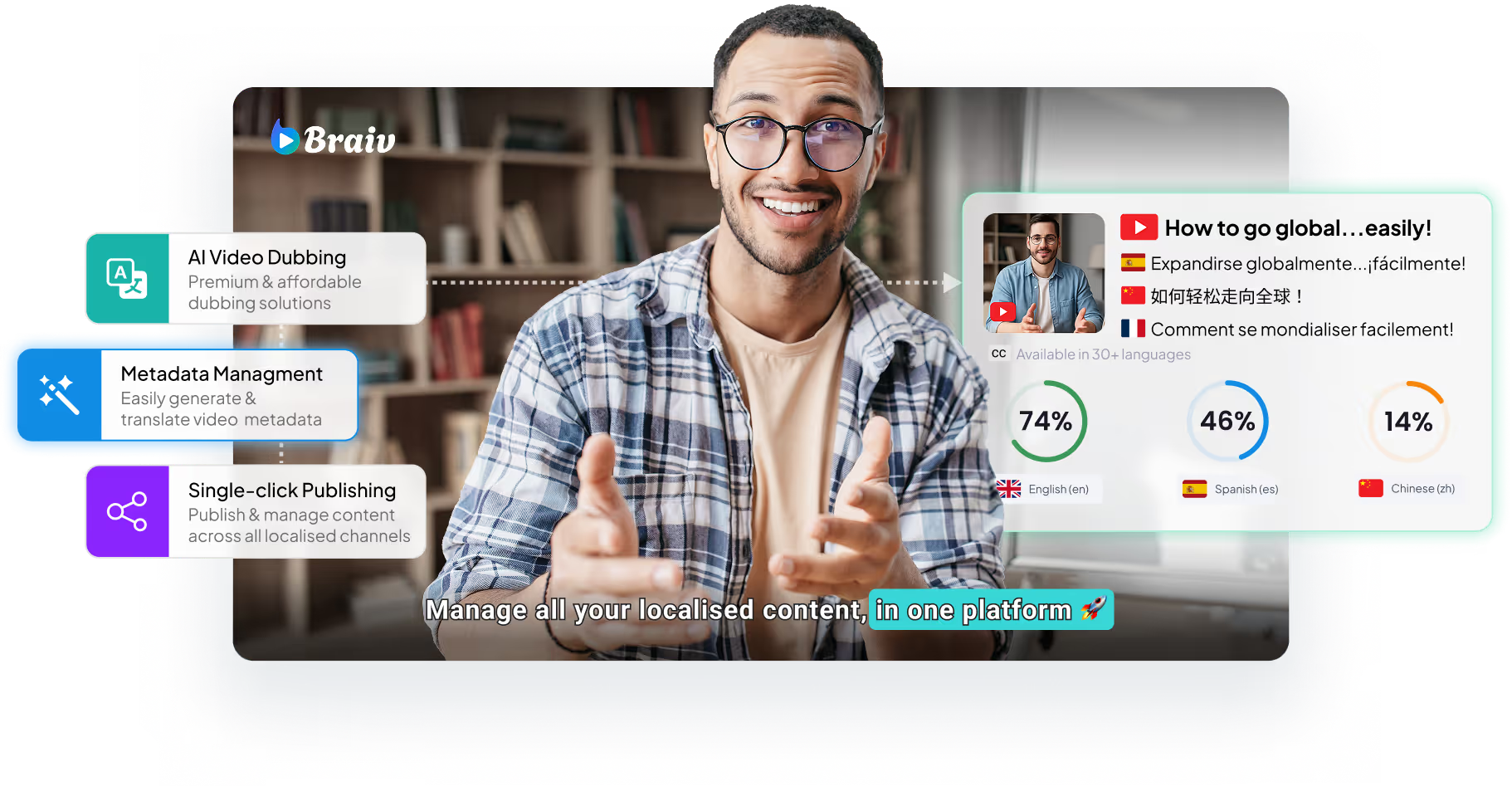
Discover how Braiv simplifies video localization and unlocks global accessibility to save you time, reduce costs, and expand your reach.
Ready to Package and Publish Your Next Video?

Join over 100,000 creators scaling their reach with Braiv.

Get 150 AI Credits when you sign up today.

Frequently asked questions
How does the YouTube Money Calculator work?
The calculator estimates your earnings by multiplying your video views by your estimated RPM (Revenue Per Mille) and dividing by 1,000.
What is the difference between CPM and RPM?
CPM is the cost an advertiser pays for 1,000 ad impressions. RPM is your actual take-home earnings per 1,000 video views after YouTube's revenue share.
Is this YouTube revenue estimator free to use?
Yes, our interactive money calculator is 100% free with no registration or credit card required during our open beta launch.
How can I increase my YouTube RPM and CPM?
You can increase your RPM by targeting high-paying CPM niches (finance, business, tech), increasing viewer retention, and dubbing your videos into multiple high-CPM languages with Braiv.
Does the calculator estimate earnings for YouTube Shorts?
Yes, you can toggle the settings to estimate Shorts bonus and Shorts feed ad revenue share which typically has a lower RPM than long-form videos.