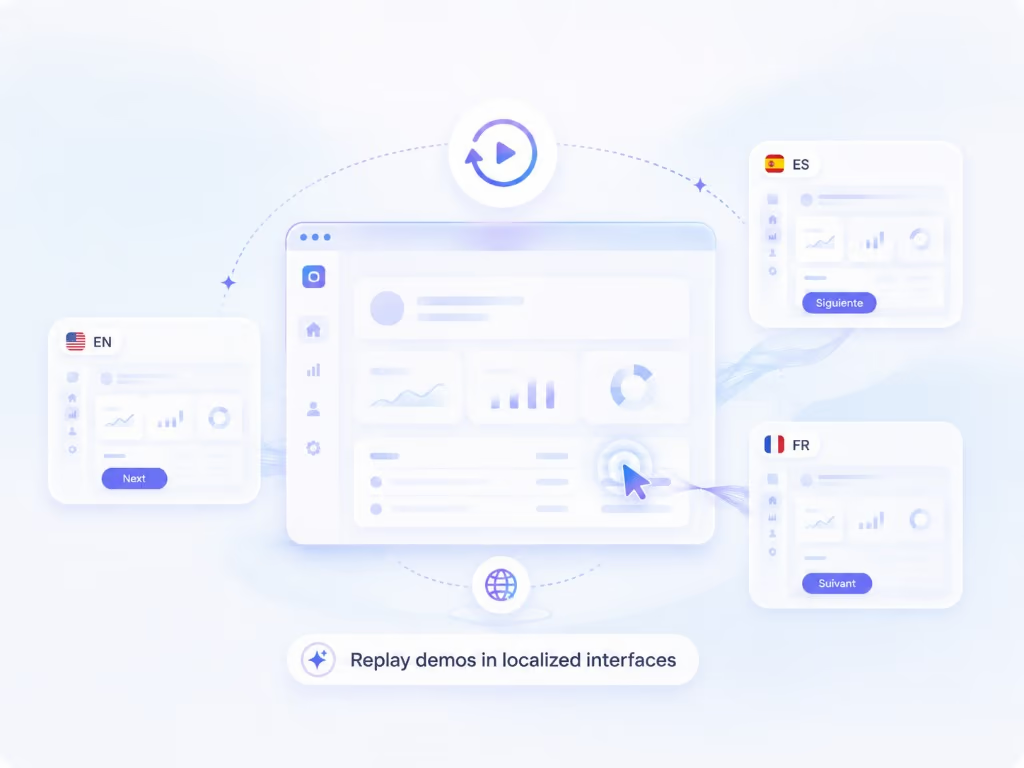











Braiv Capture is available for Mac — record a tutorial once, publish it in every language.

Trusted by 100,000+ creators, podcasters & businesses globally
Creators and teams who trust Braiv for AI video packaging and distribution
Video Subtitle Translator Free

Video Subtitle Translator Free

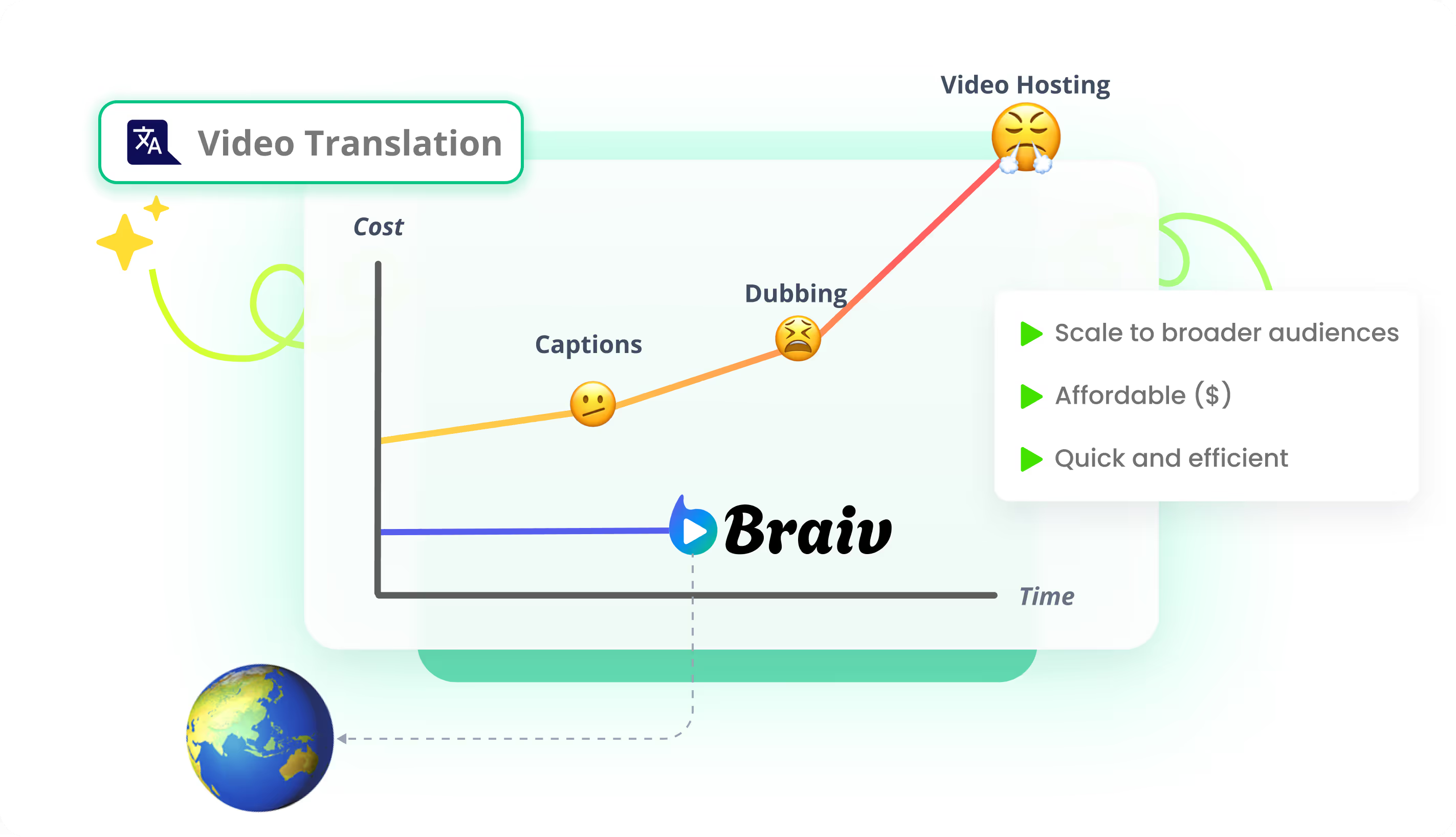
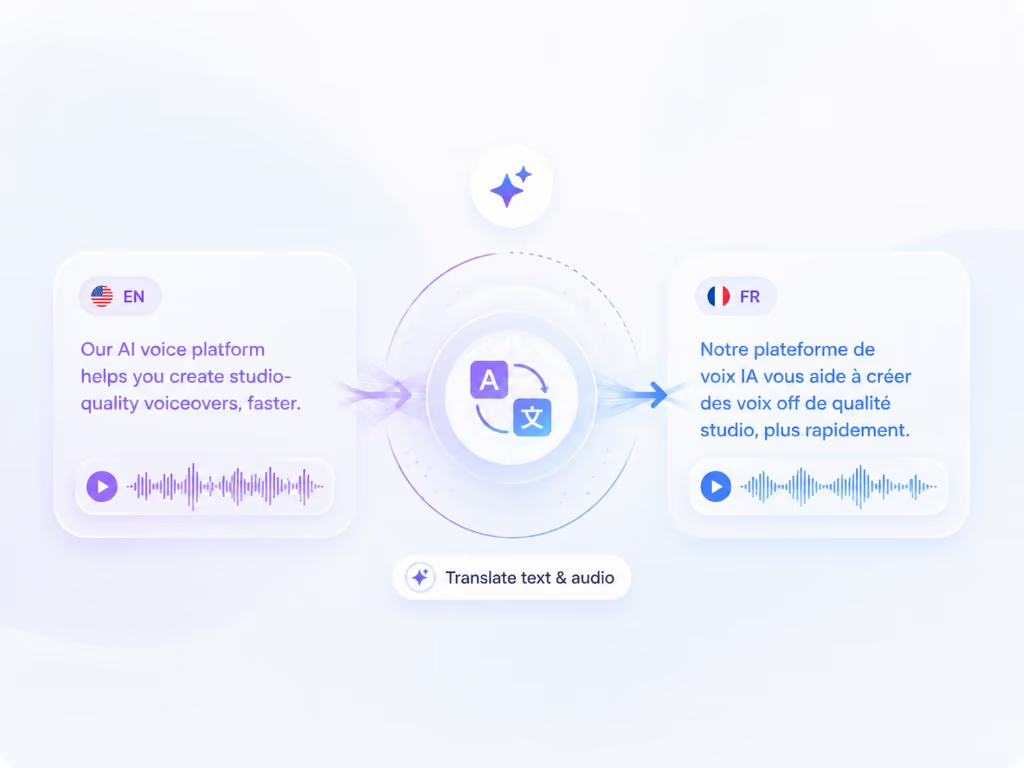
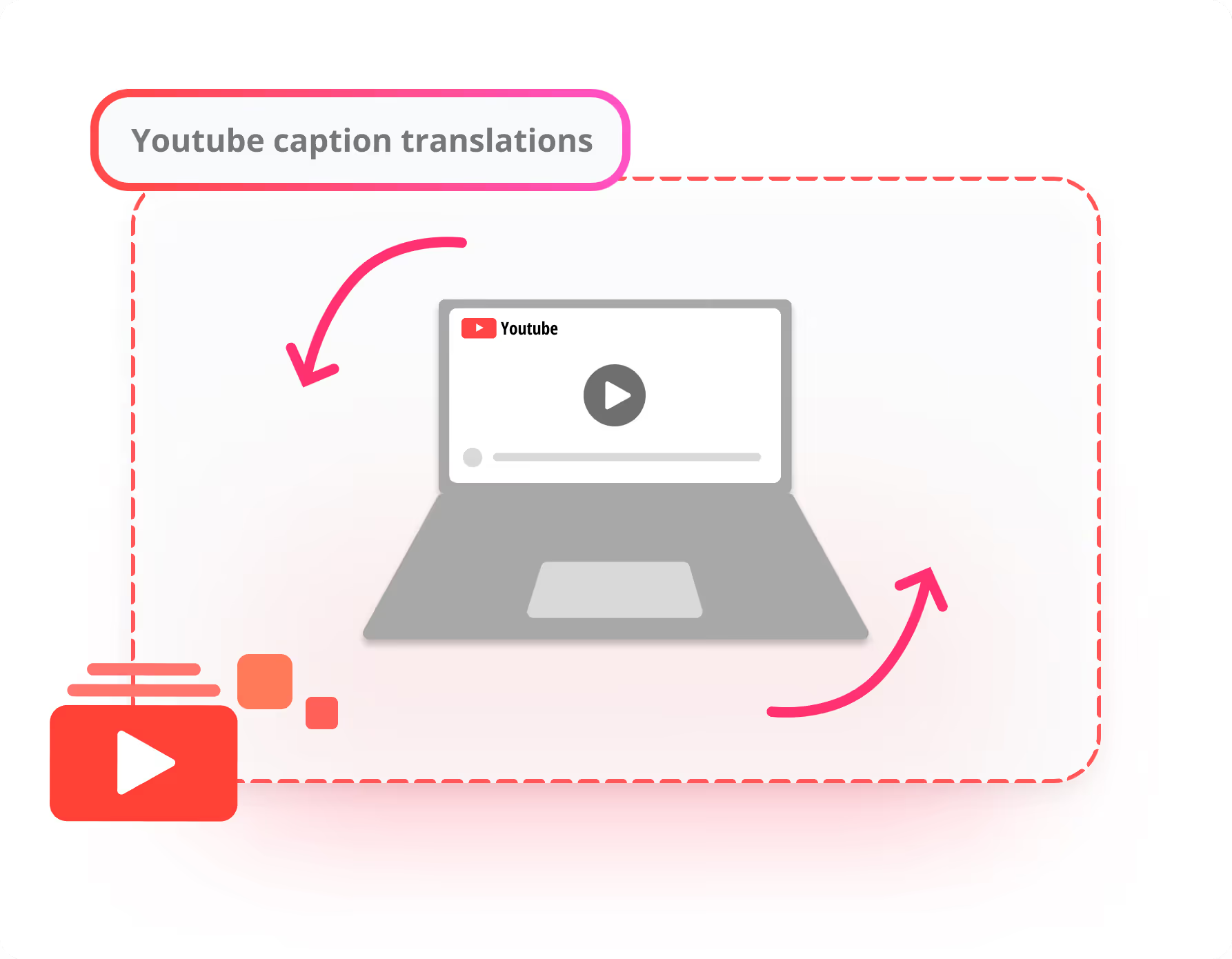
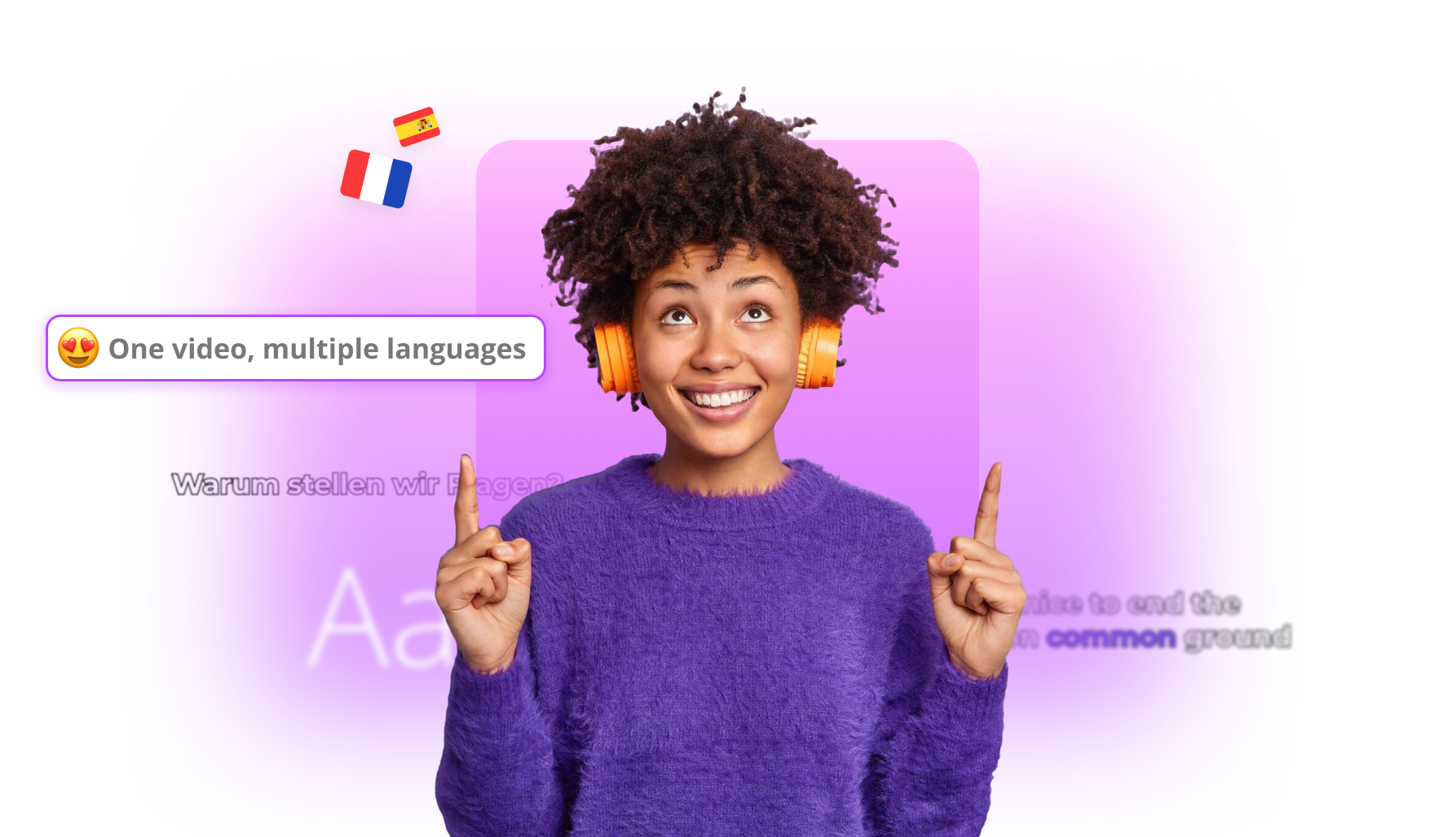
Translate video subtitles, closed captions, and metadata into over 80 languages instantly and free.

Translate and dub your video

Choose how you bring in your video (YouTube link or upload), pick a target language, then we validate length and send you into Braiv dubbing.

Add a video URL or upload a video before translating.

In 2026, content is global by default. Over 80% of video views on social networks happen on mute, making accurate subtitles and translations essential for viewer retention. With Braiv's Free Video Subtitle Translator, you can localize your content, boost your SEO indexing, and engage audiences in their native languages with a single click.

Key features include:
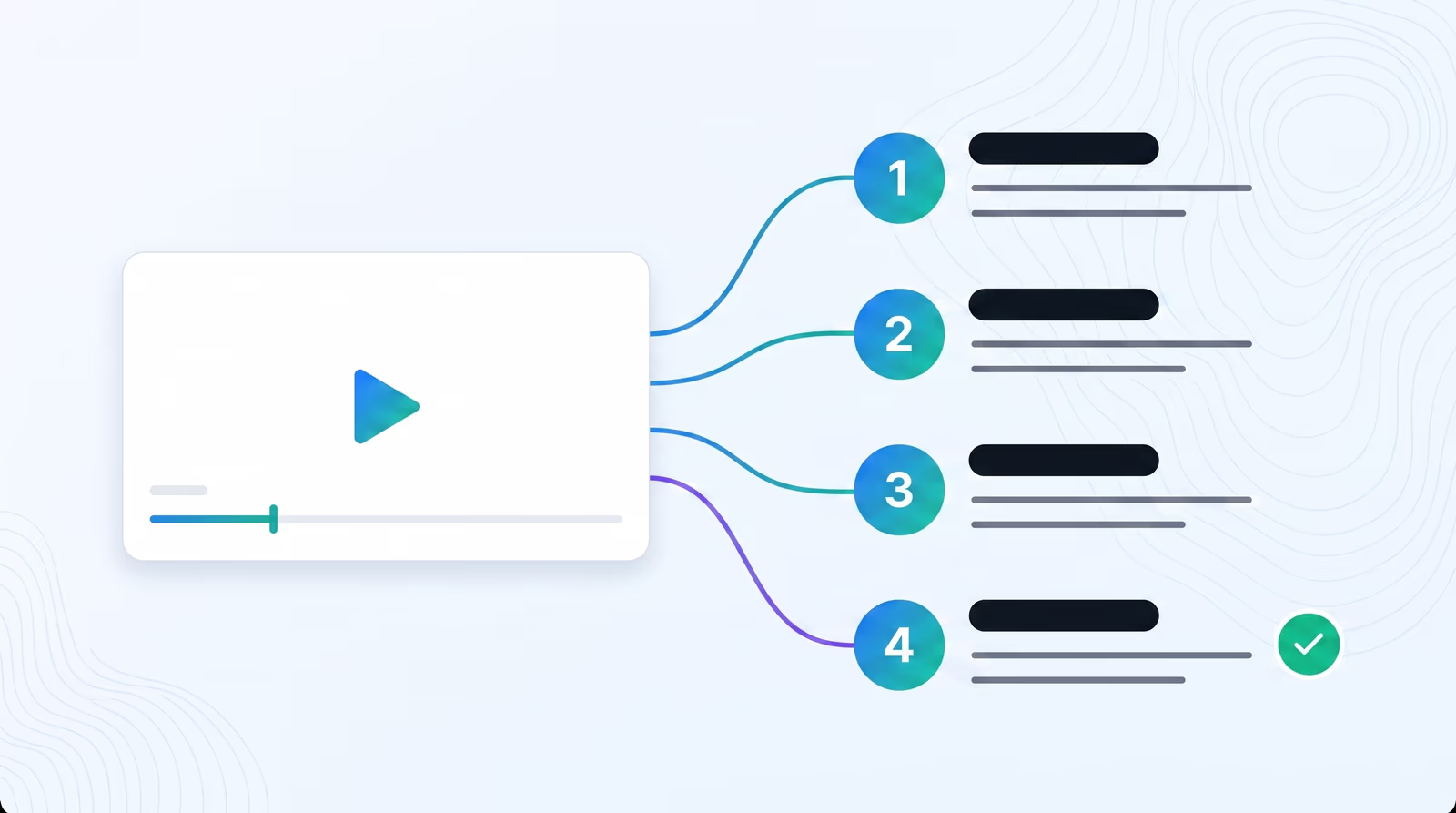
  • → Upload Your Video: Select your file from your computer or import via link directly into your Braiv dashboard.
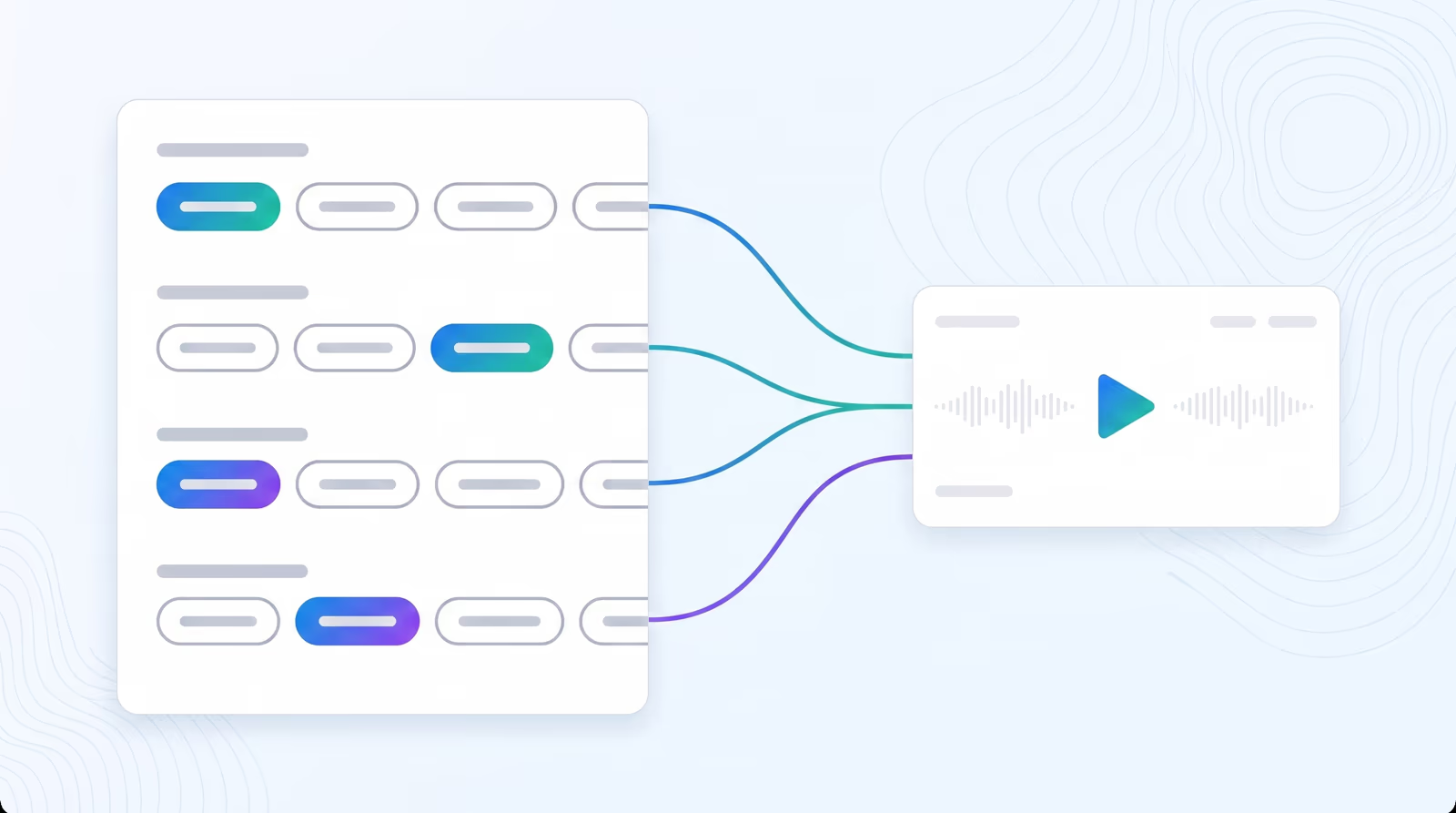
  • → Select Languages: Under the translation options panel, choose 'Captions and Metadata' and specify your target languages.
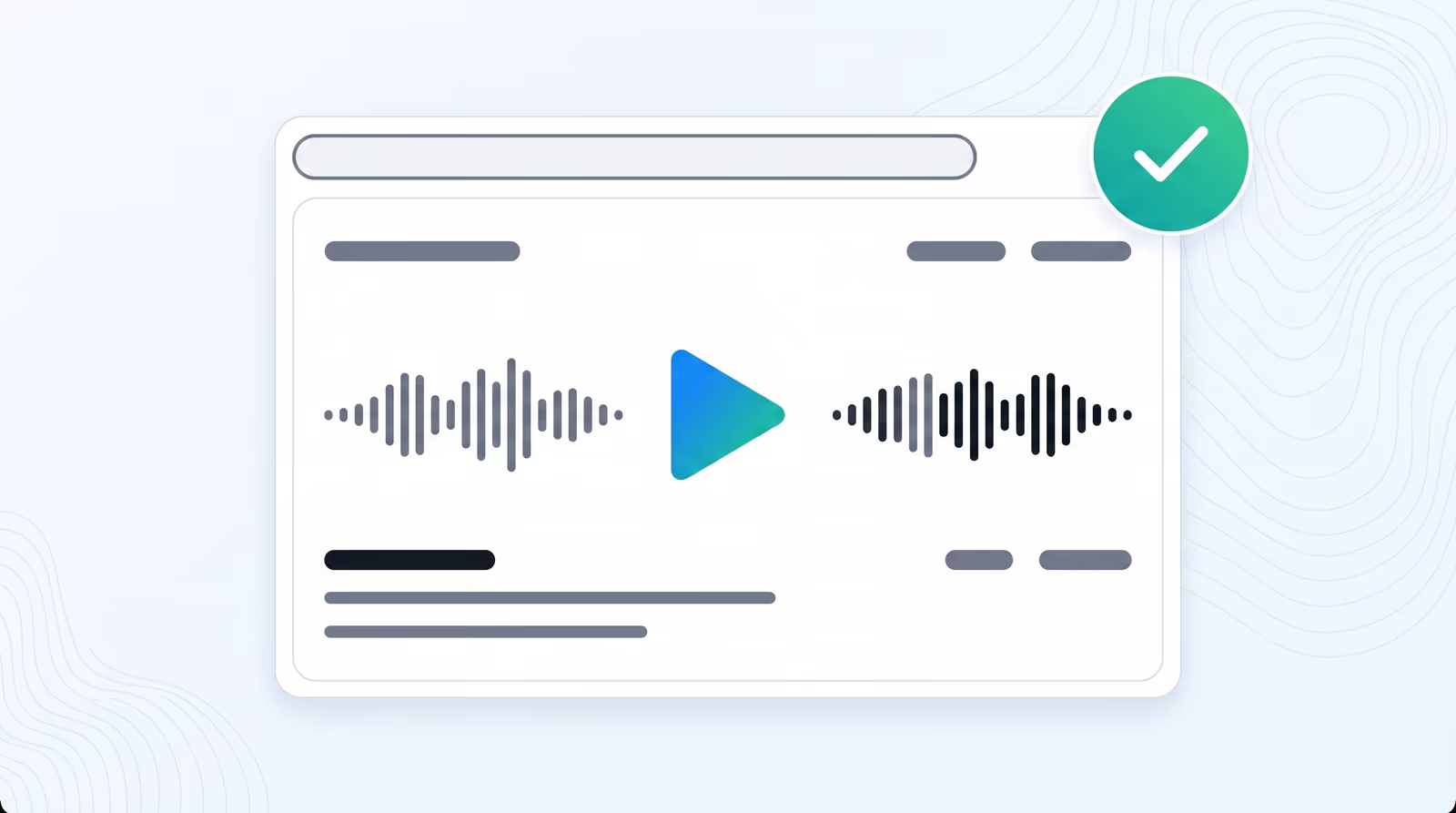
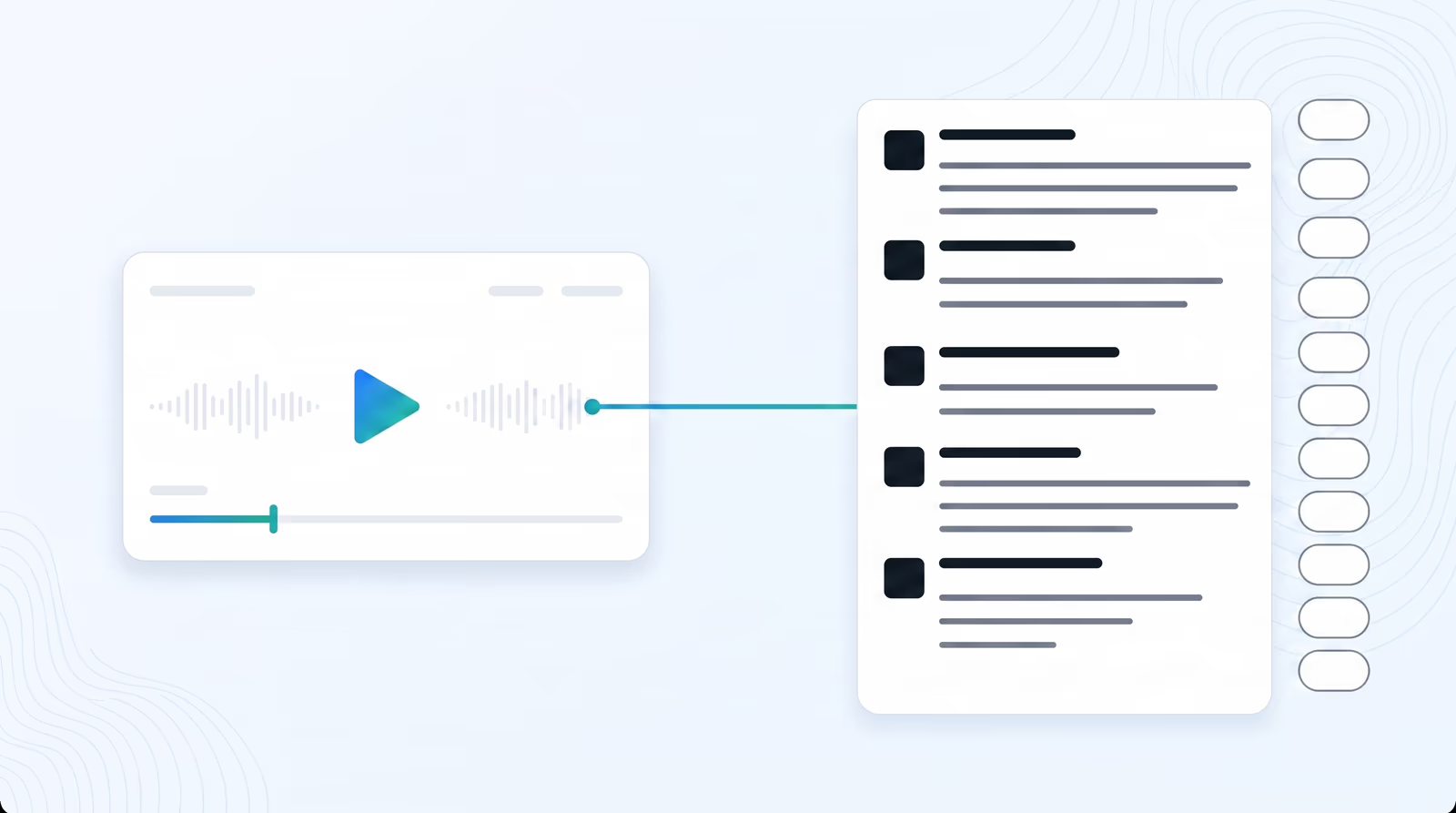
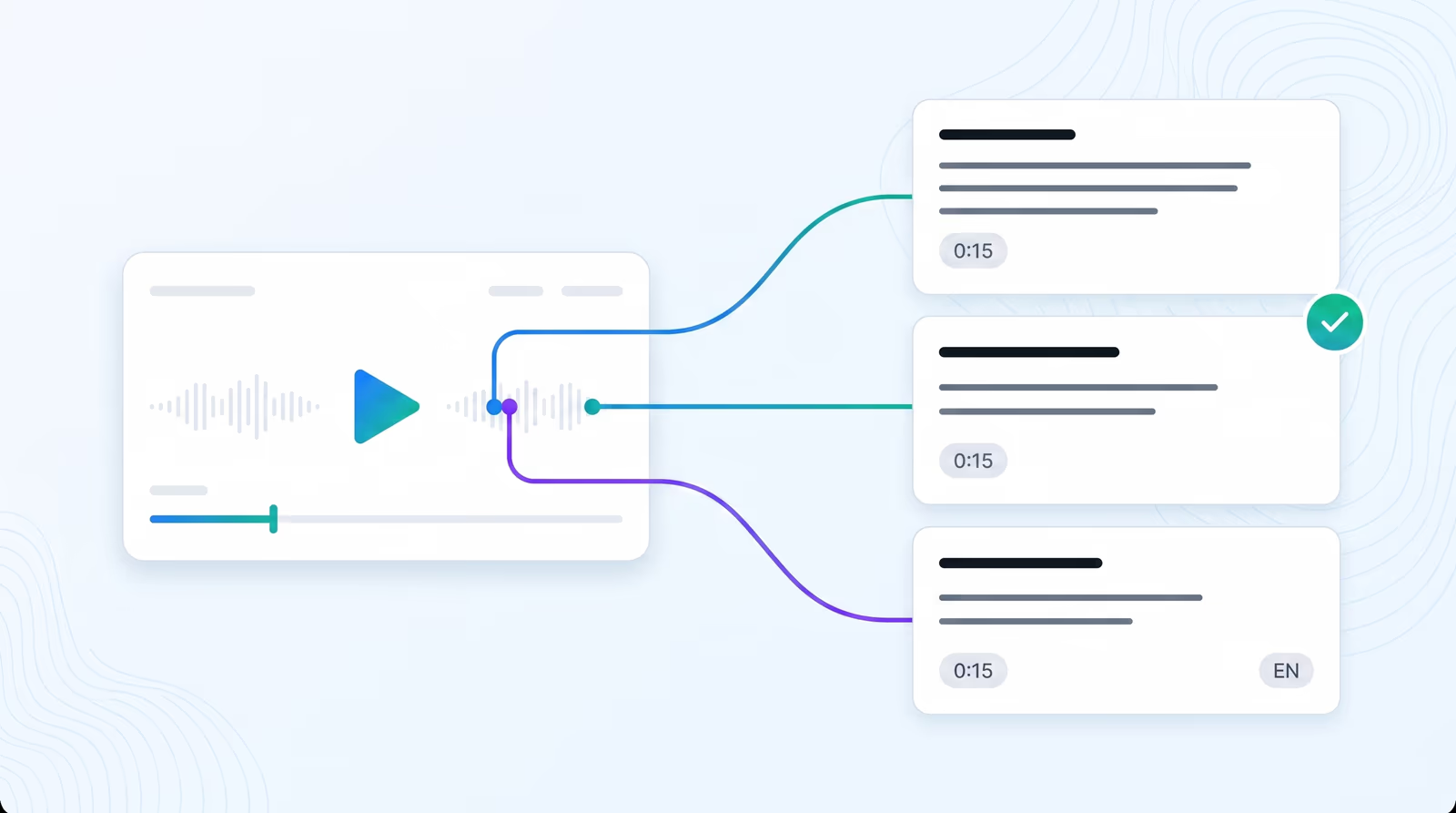
  • → Review and Refine: Enter our side-by-side interactive subtitle editor to easily adjust translation text, sync timings, and proofread.
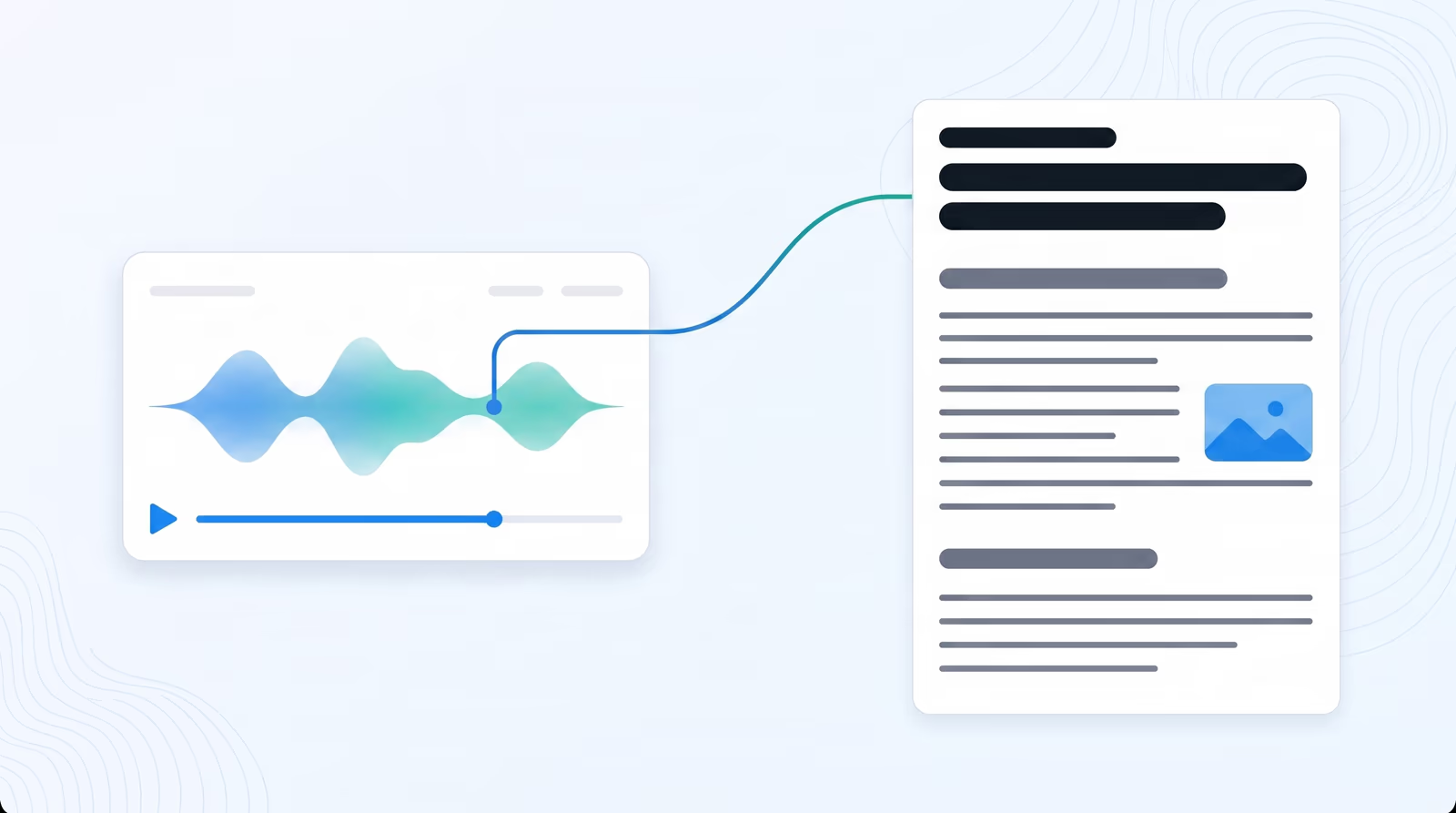
  • → Export Clean Files: Download your localized SRT or VTT files, or directly burn the translated open captions onto your video asset.
domaine homes logo
puma logo
tesla logo
micd-up logo
antler logo
canva logo
thirdi logo
screenapp logo
anchored outdoors logo
domaine homes logo
puma logo
tesla logo
micd-up logo
antler logo
canva logo
thirdi logo
screenapp logo
anchored outdoors logo
Key Features
Automated video captions
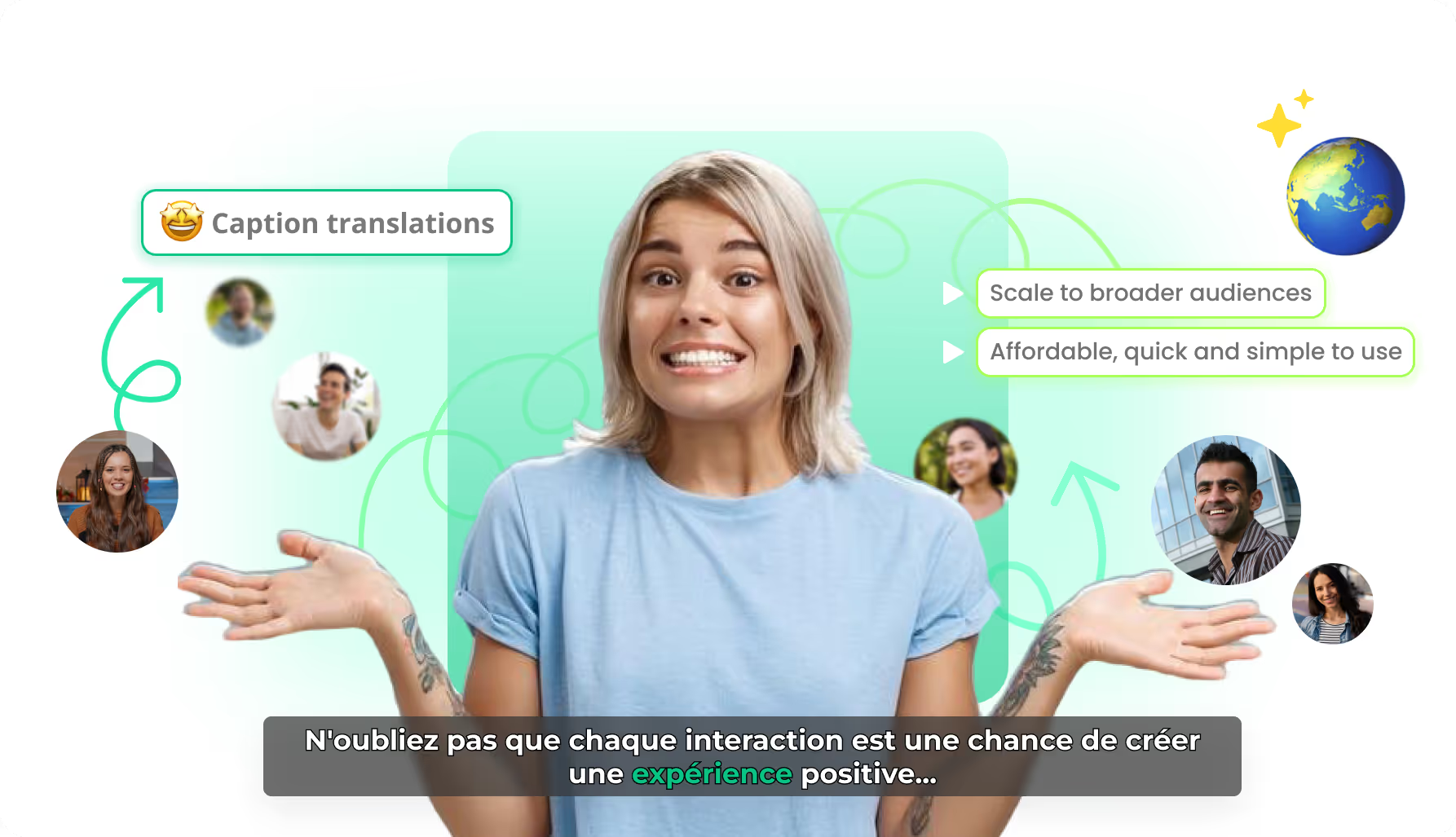
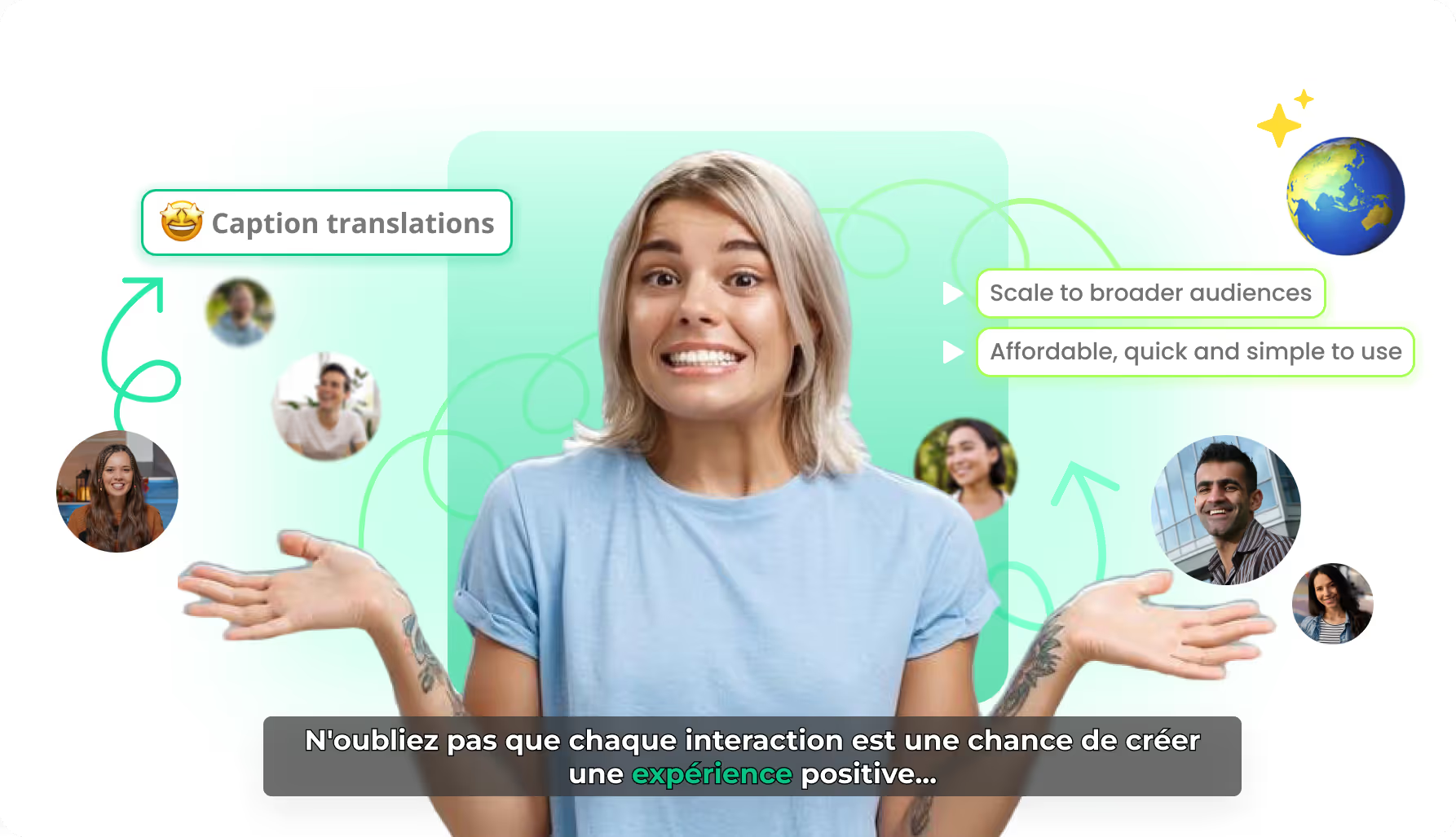
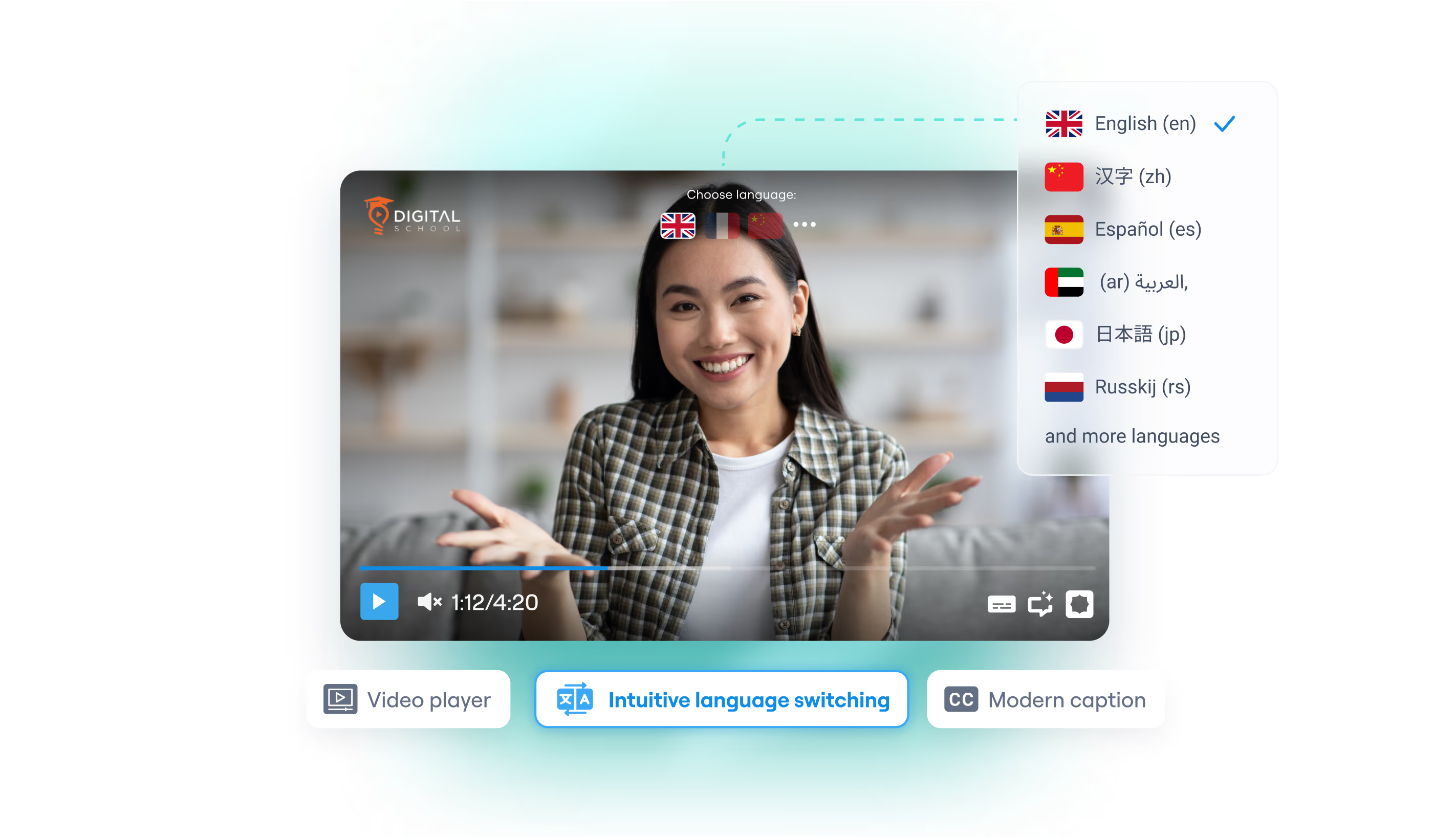
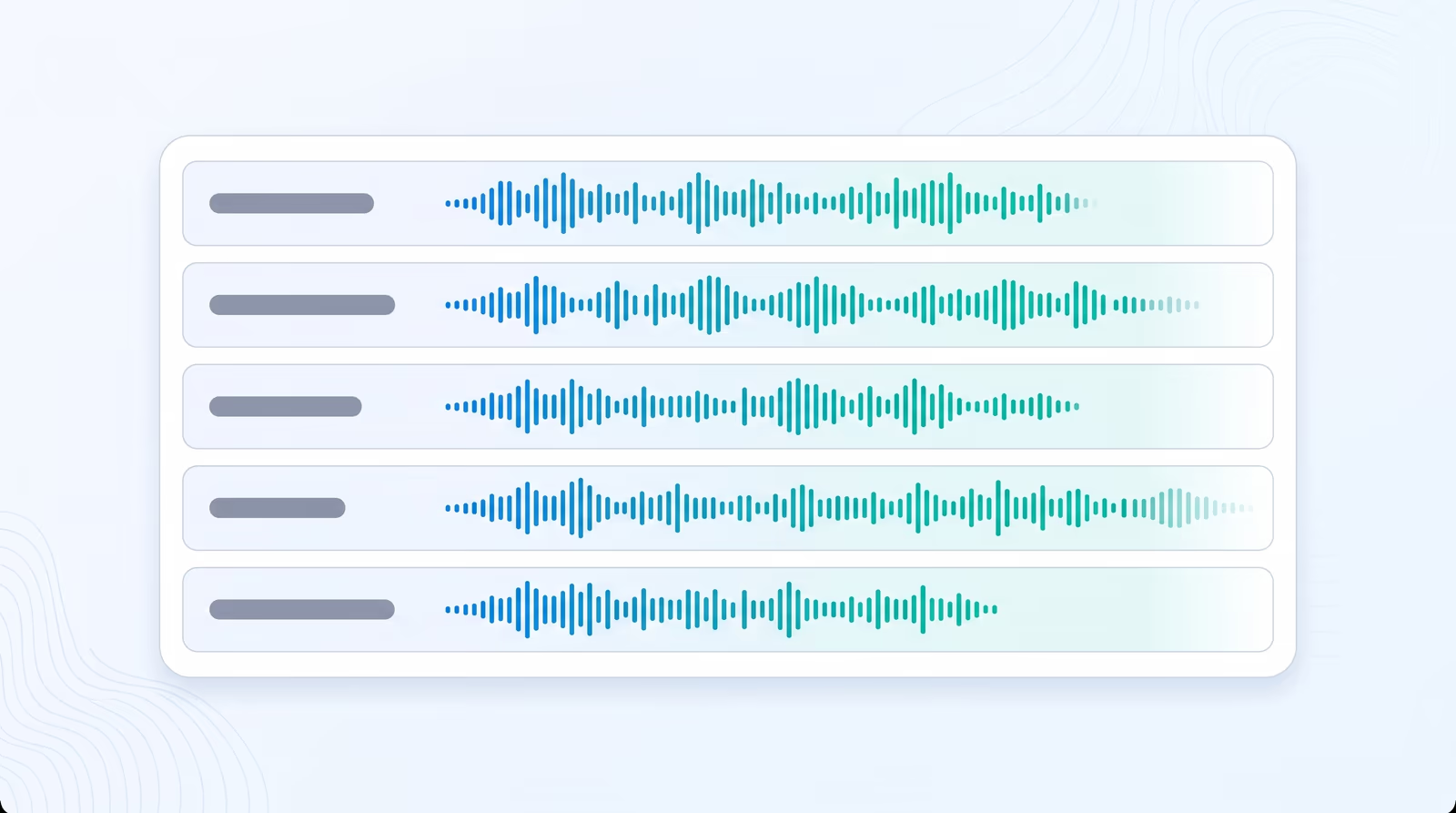
Video captions are automatically generated for all videos, for all languages, with the highest accuracy.
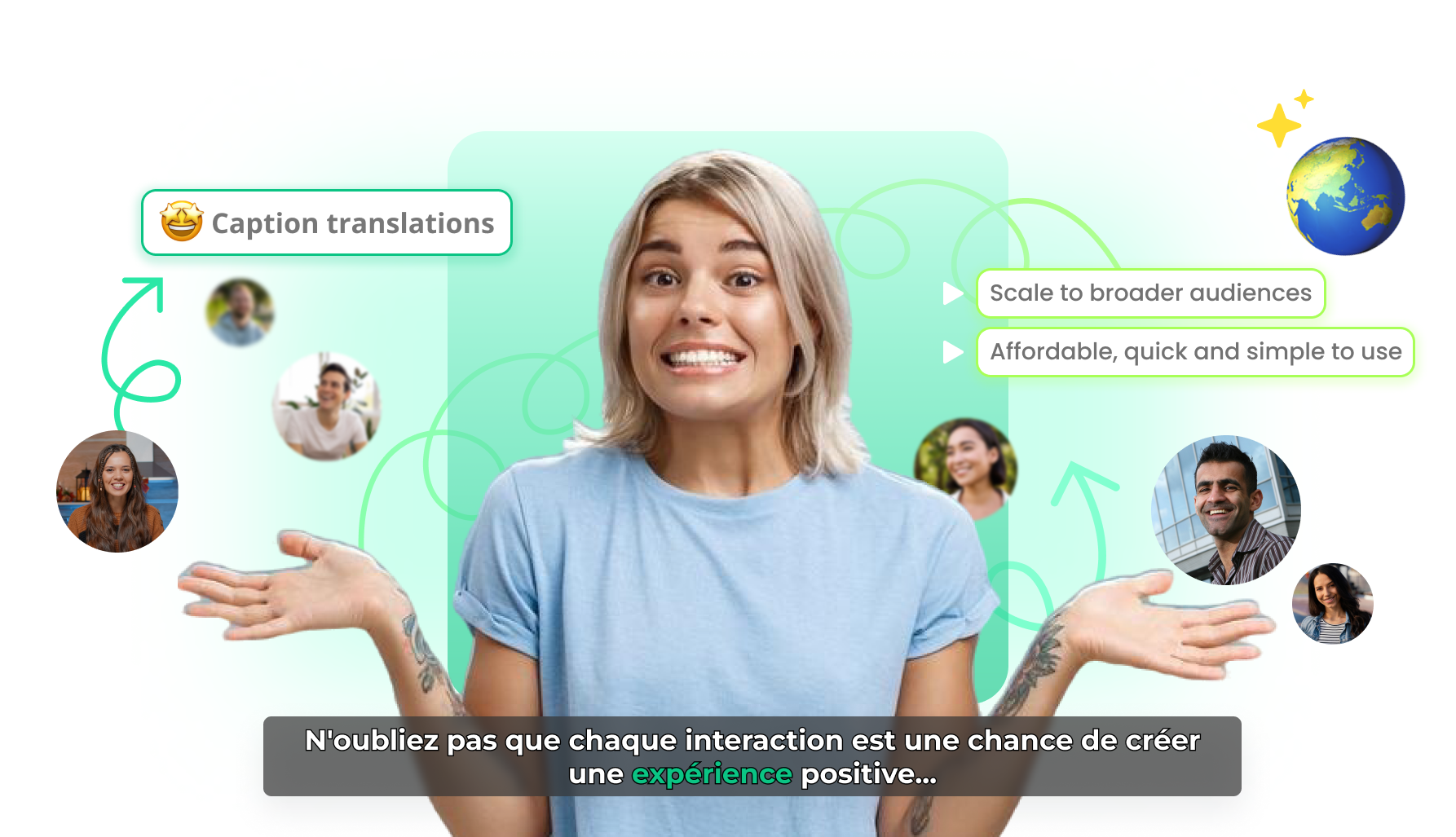
Integrated caption translations
Experience the worlds most engaging video captions, in any language your viewers require.
Transcript translation editing
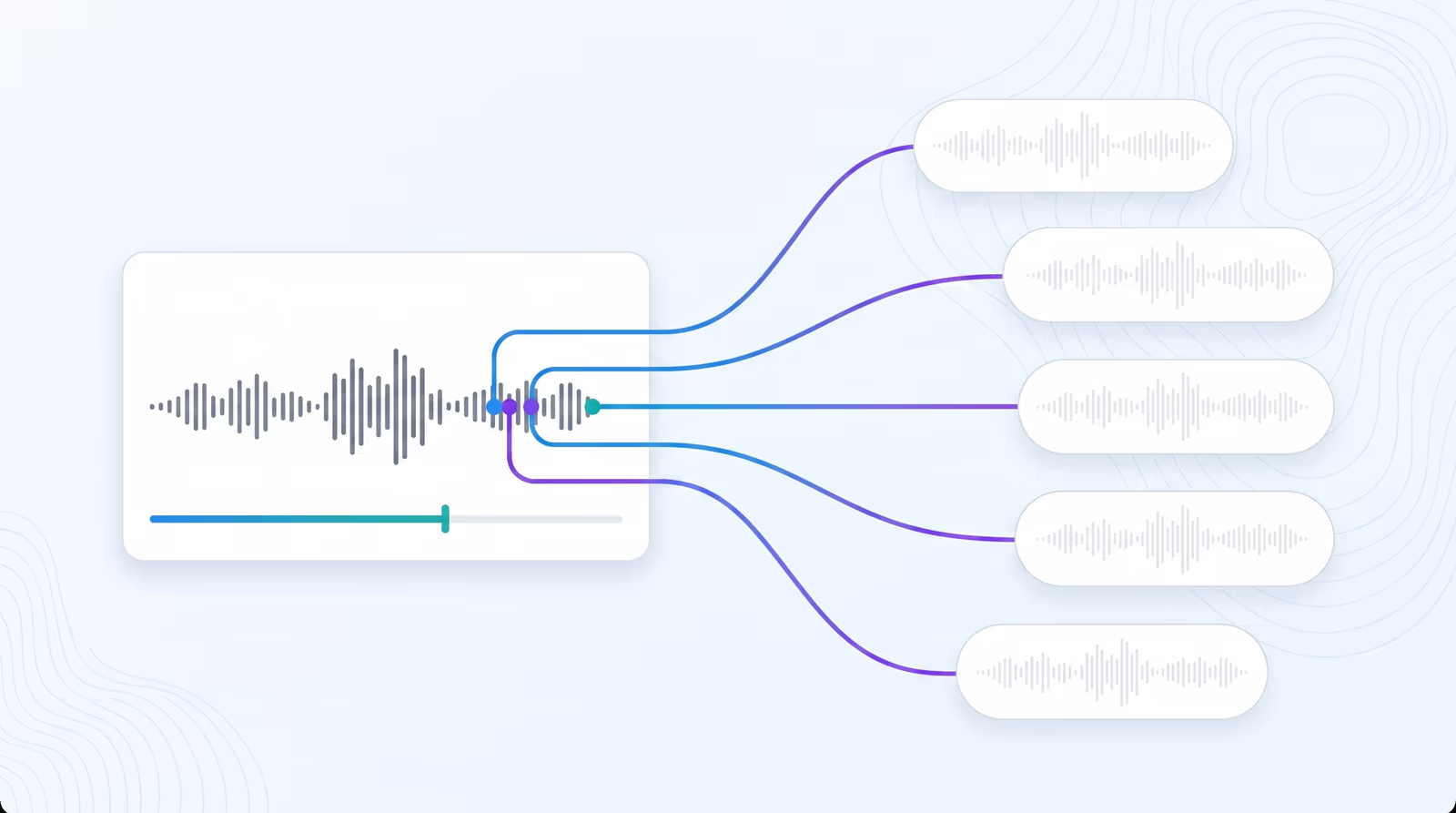
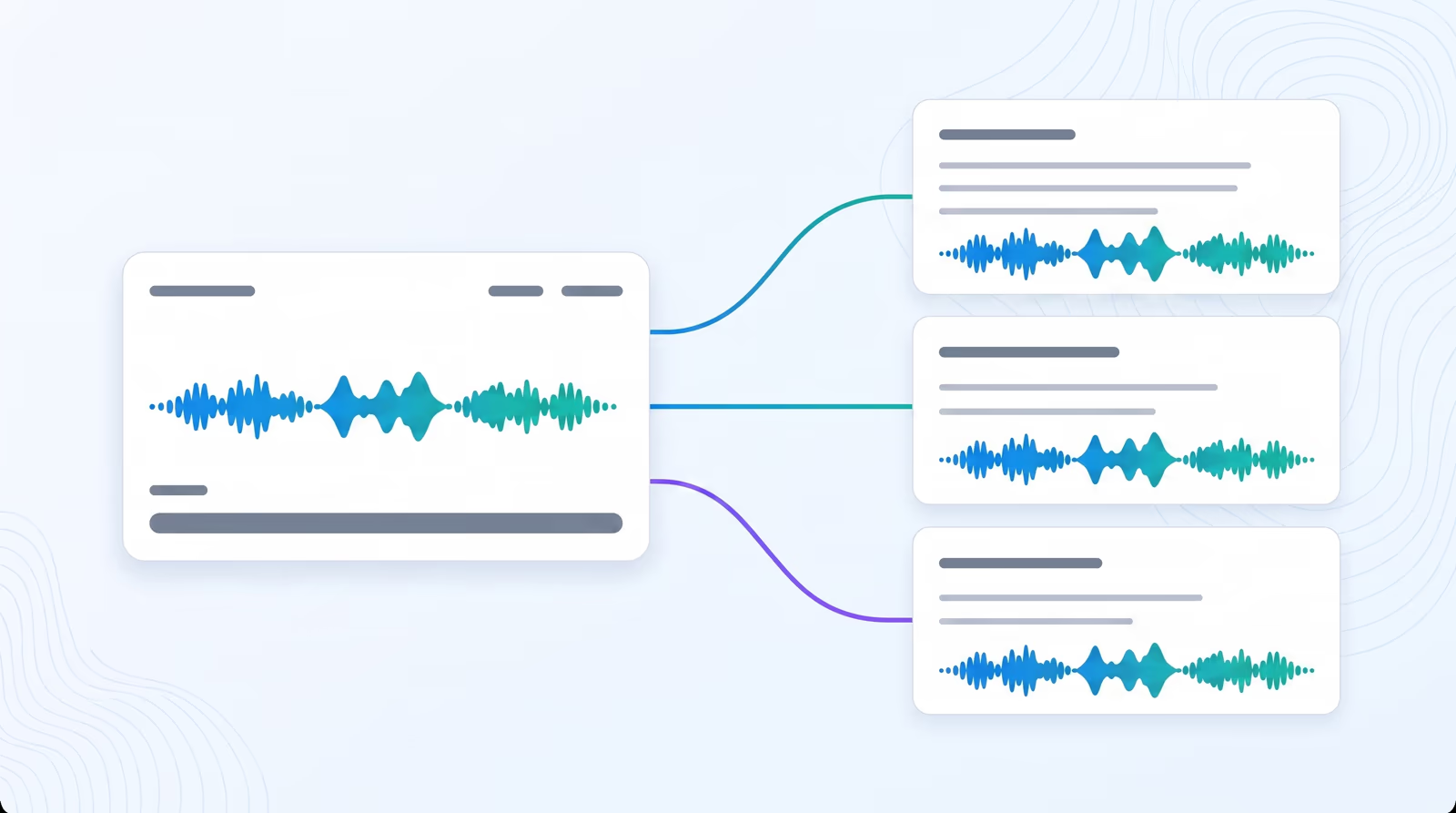
All transcripts & translations can be edited to generate the perfect video dubbing output.
Parent Product

Available in Braiv Dubbing

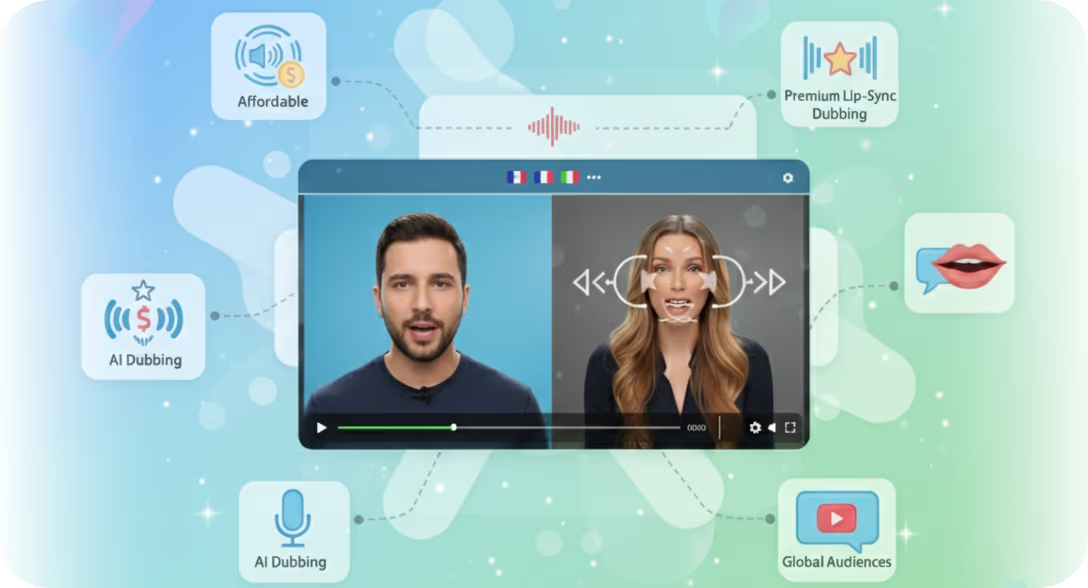
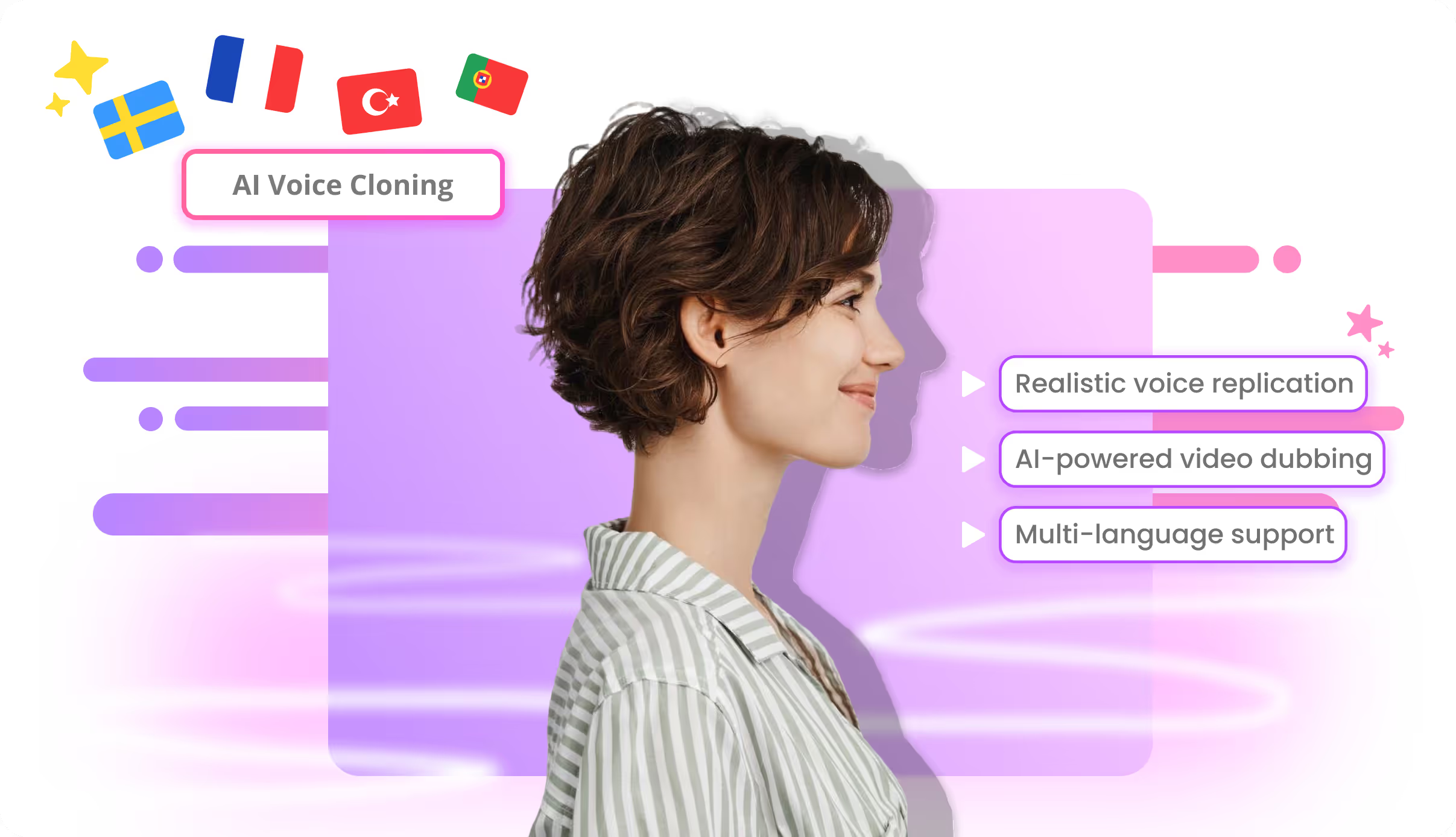
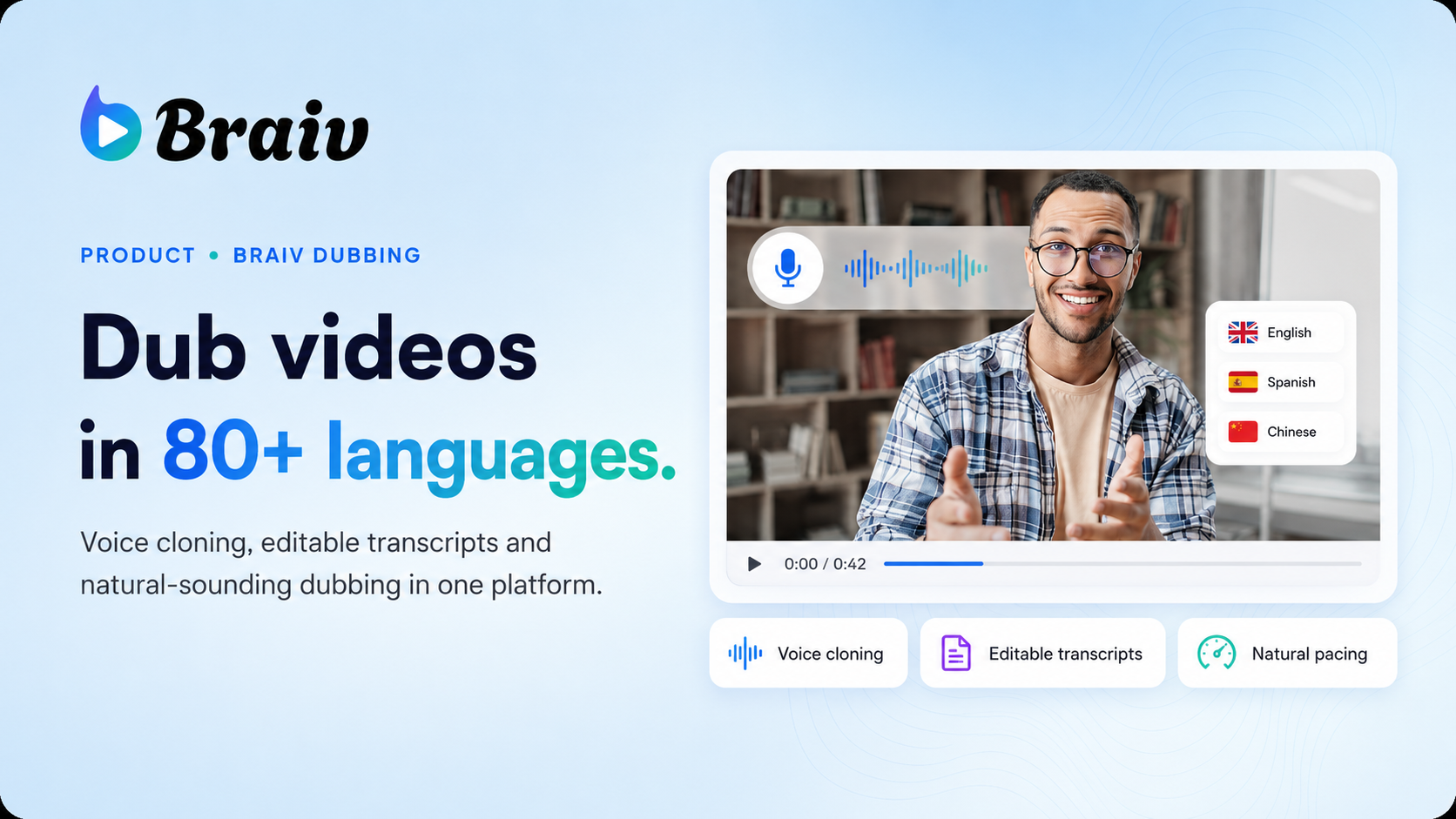
AI video dubbing with voice cloning and editable transcripts — so training, marketing, and creator content reaches every market without agencies or re-records.

Braiv Dubbing
All Products

Explore more Braiv products

Braiv Capture
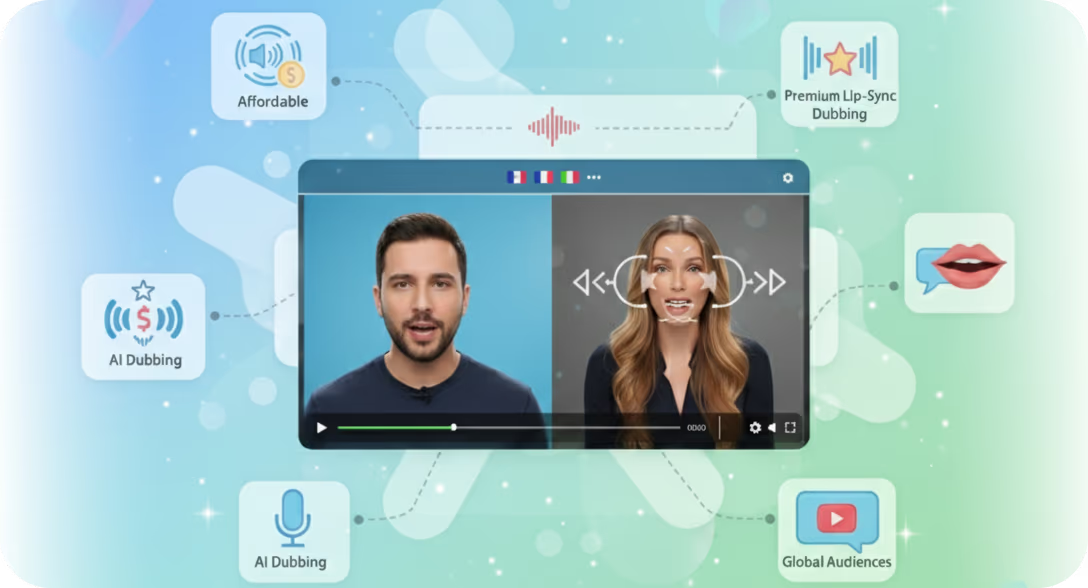
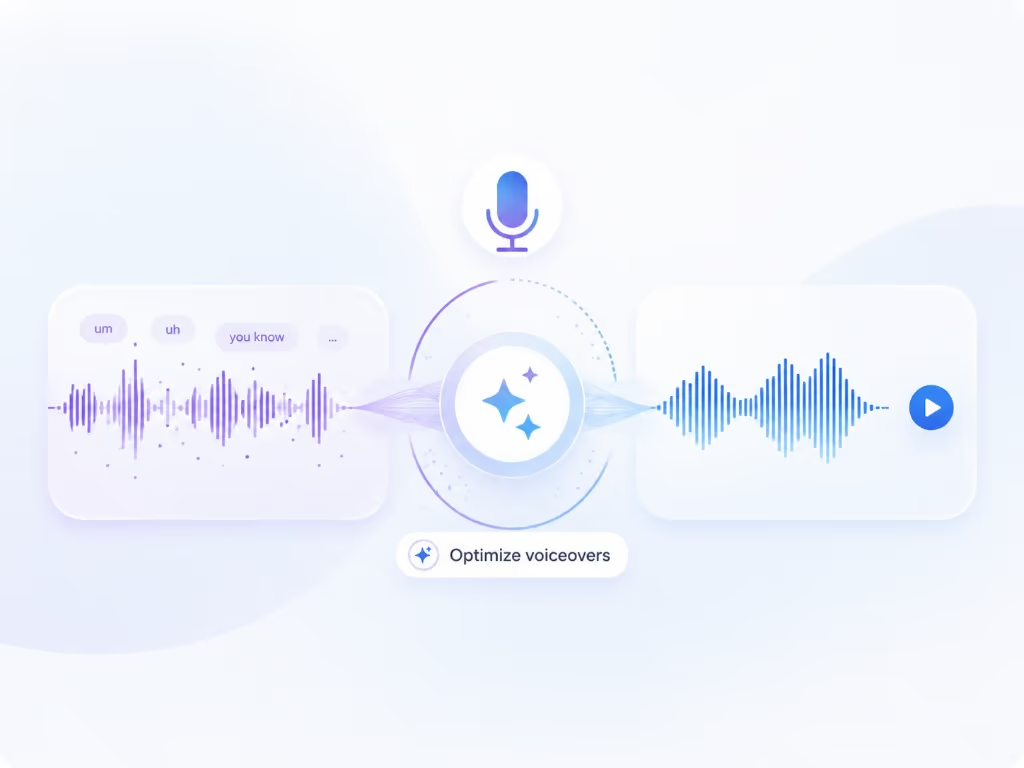
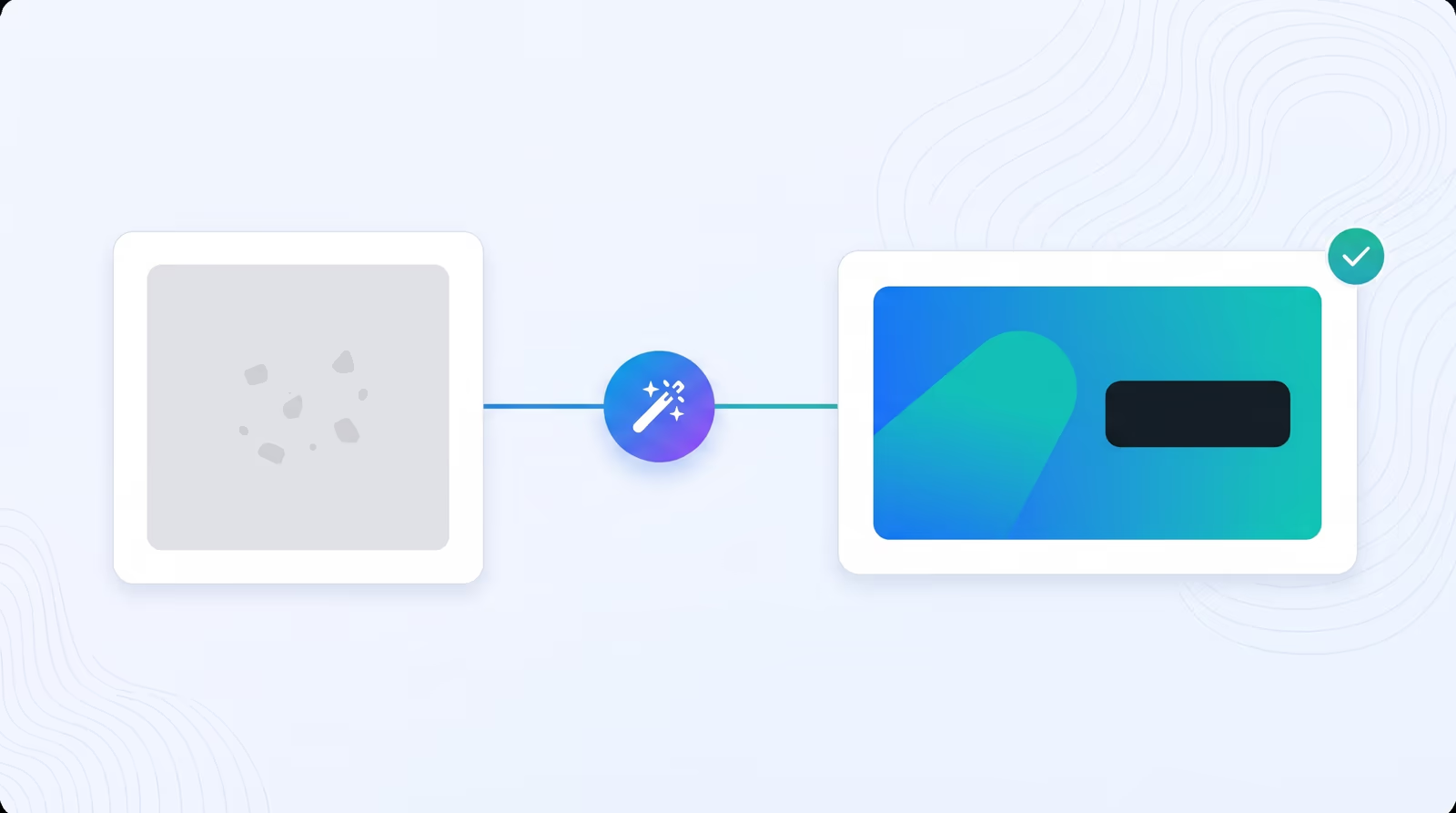
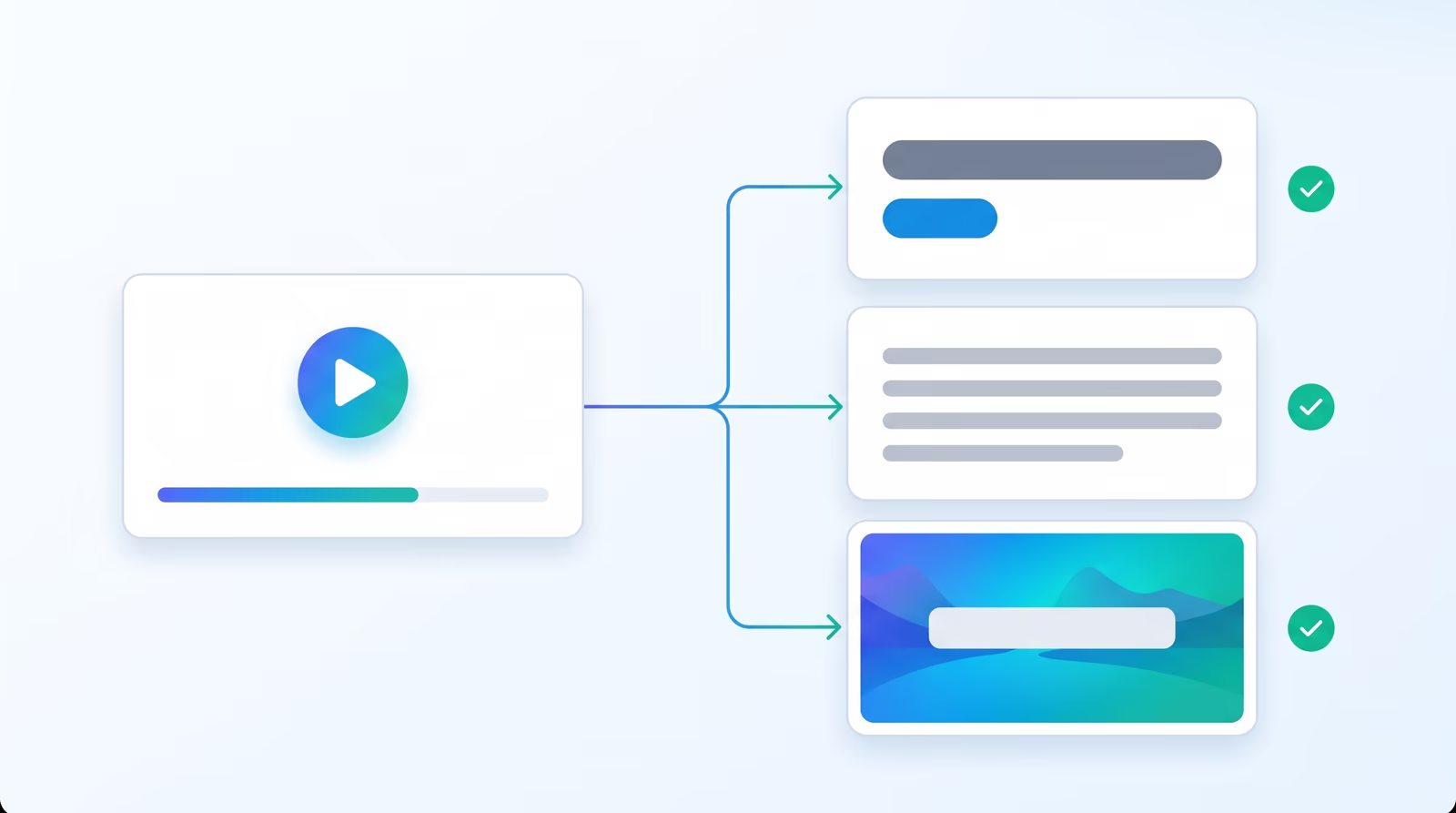
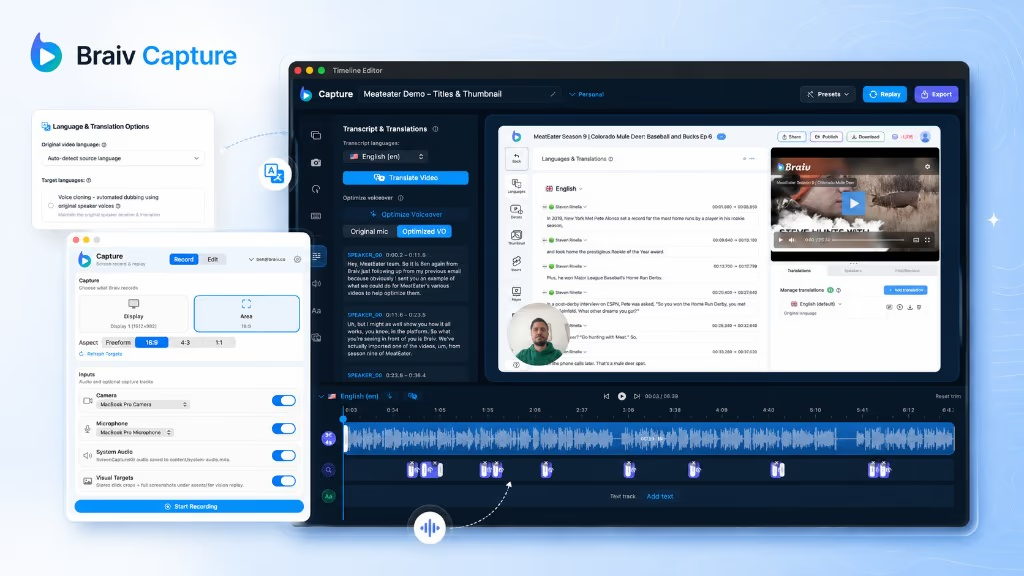
Braiv Capture is a native Mac app for tutorial videos. Talk through the task the way you normally would, and Capture rewrites the voiceover into clean sentences, re-voices it in your own voice with studio-mic sound, translates the audio and on-screen text, and lipsyncs your webcam. Then export to Braiv to package and publish.
Braiv Capture
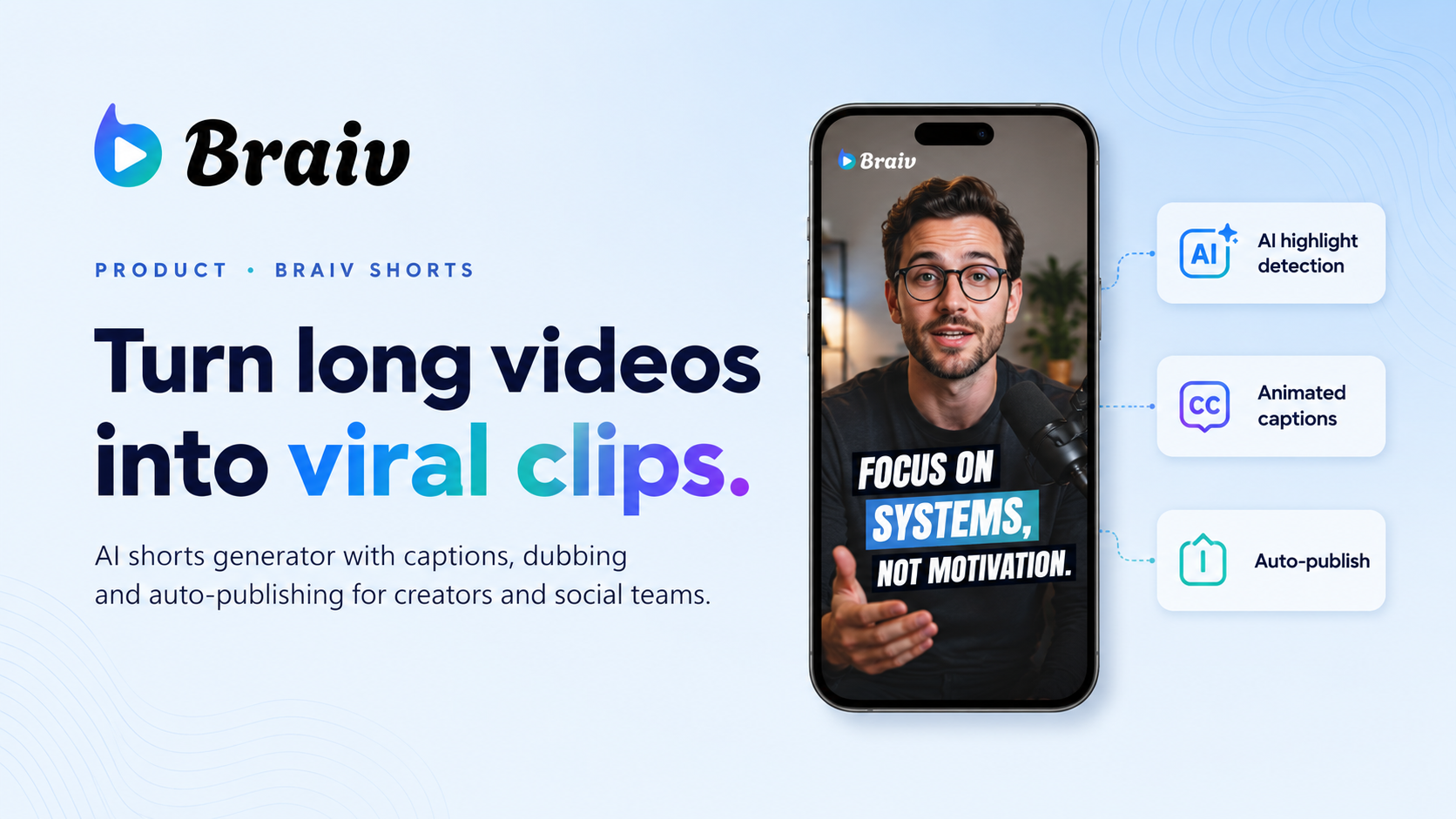
Braiv Shorts
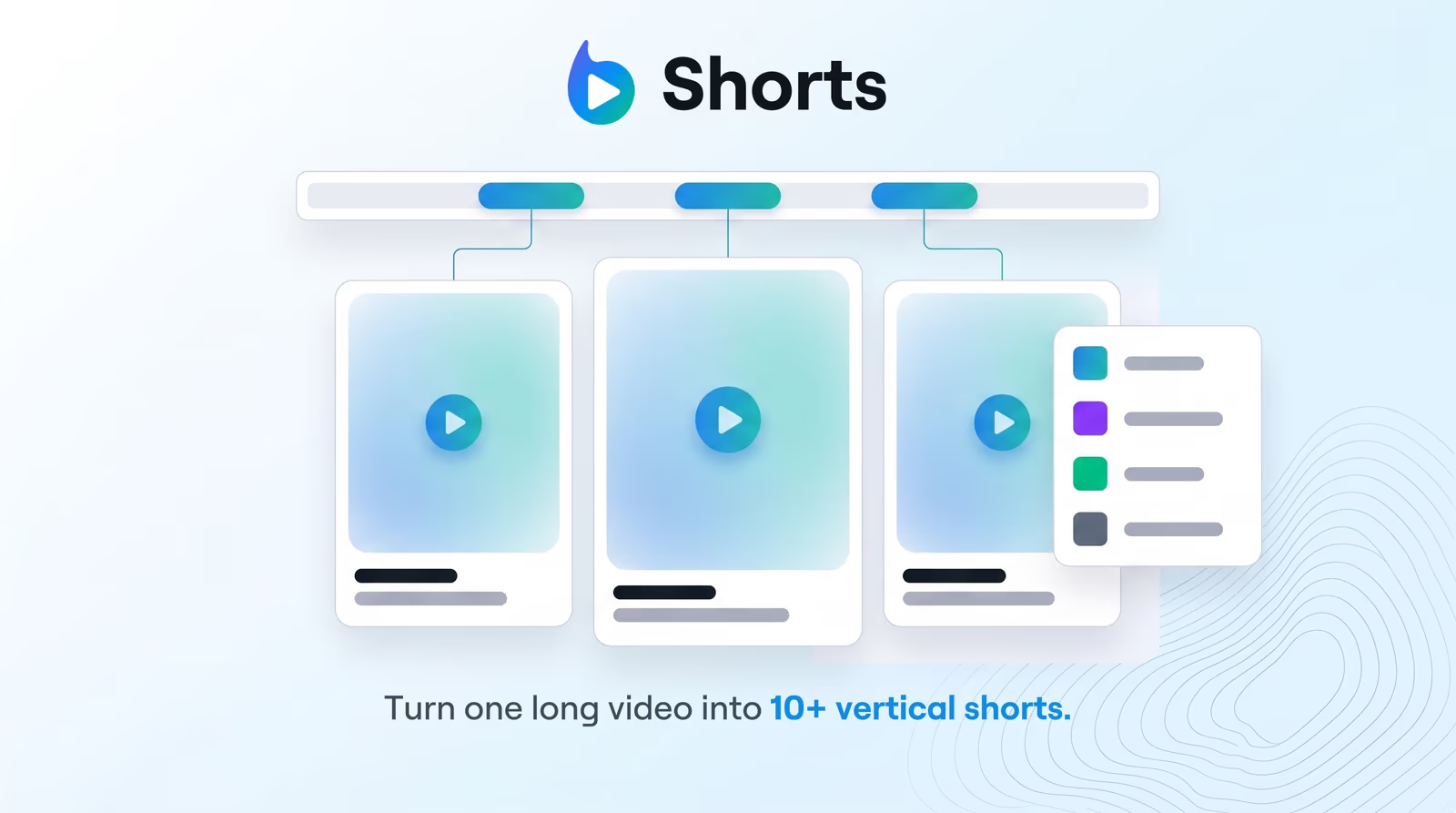
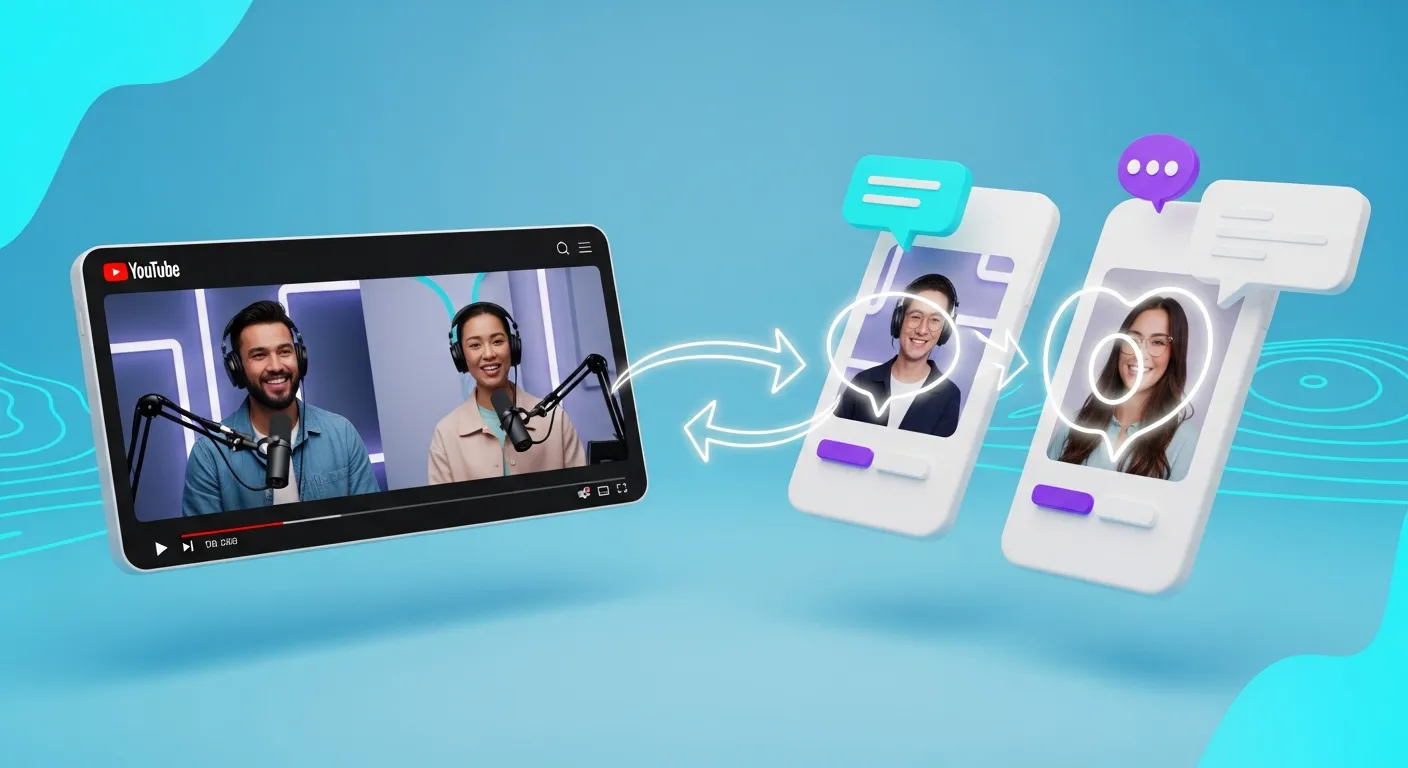
Paste a YouTube link or upload a recording. Braiv finds the hooks and returns vertical shorts, 5–25 minute standalone clips, and trailer-style promos — captioned and queued for every channel you publish to.
Braiv Shorts
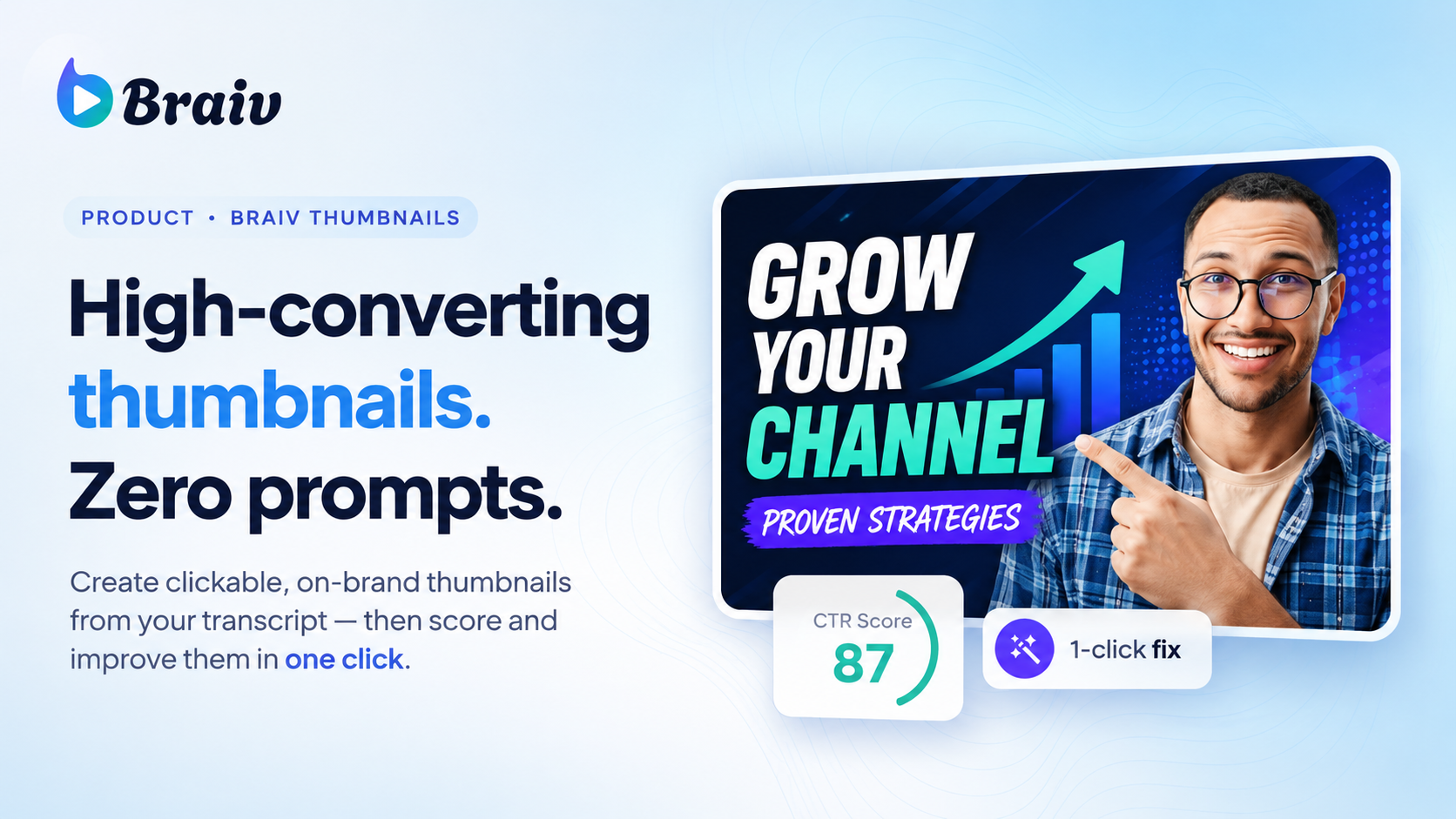
Braiv Thumbnails
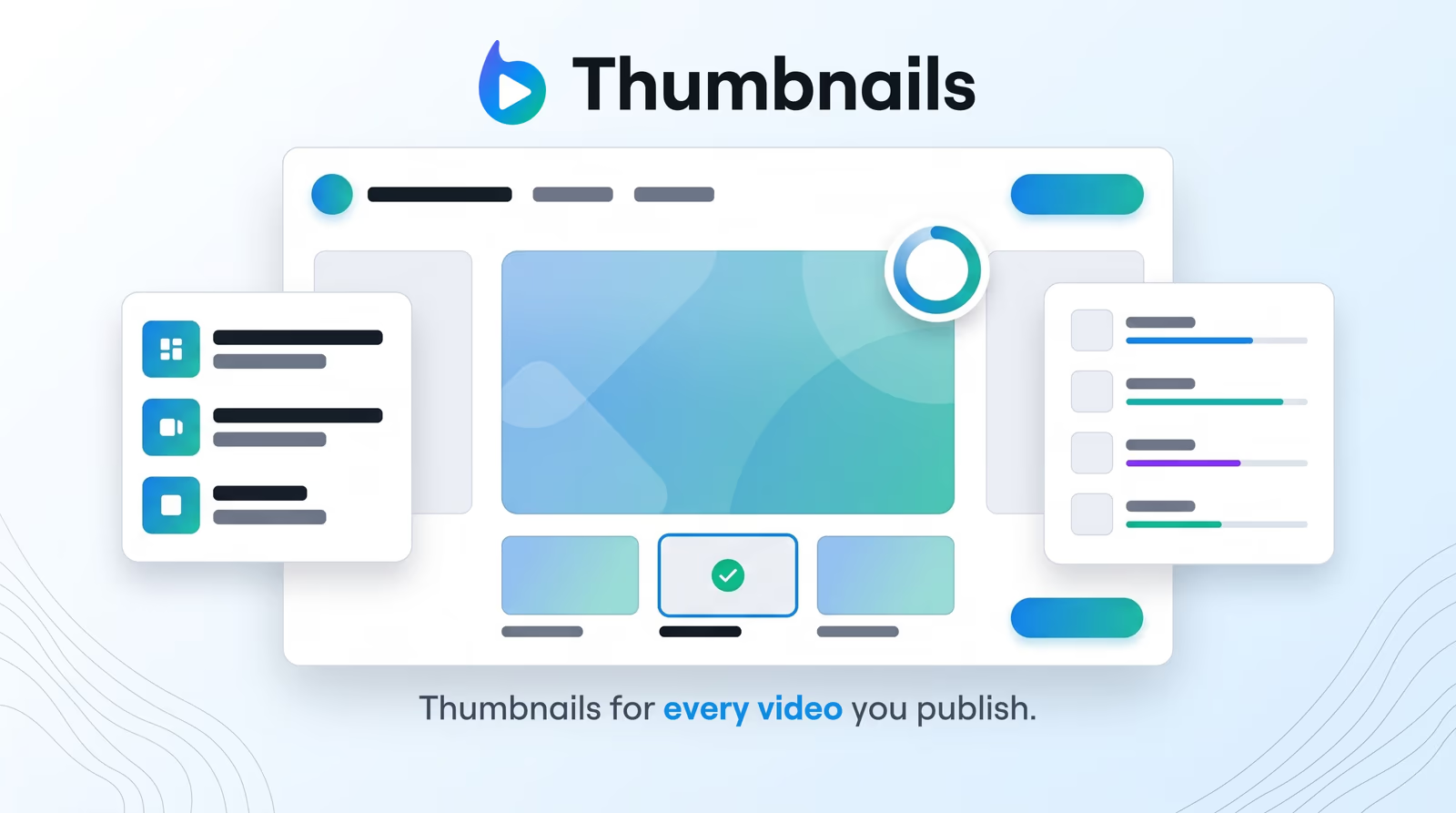
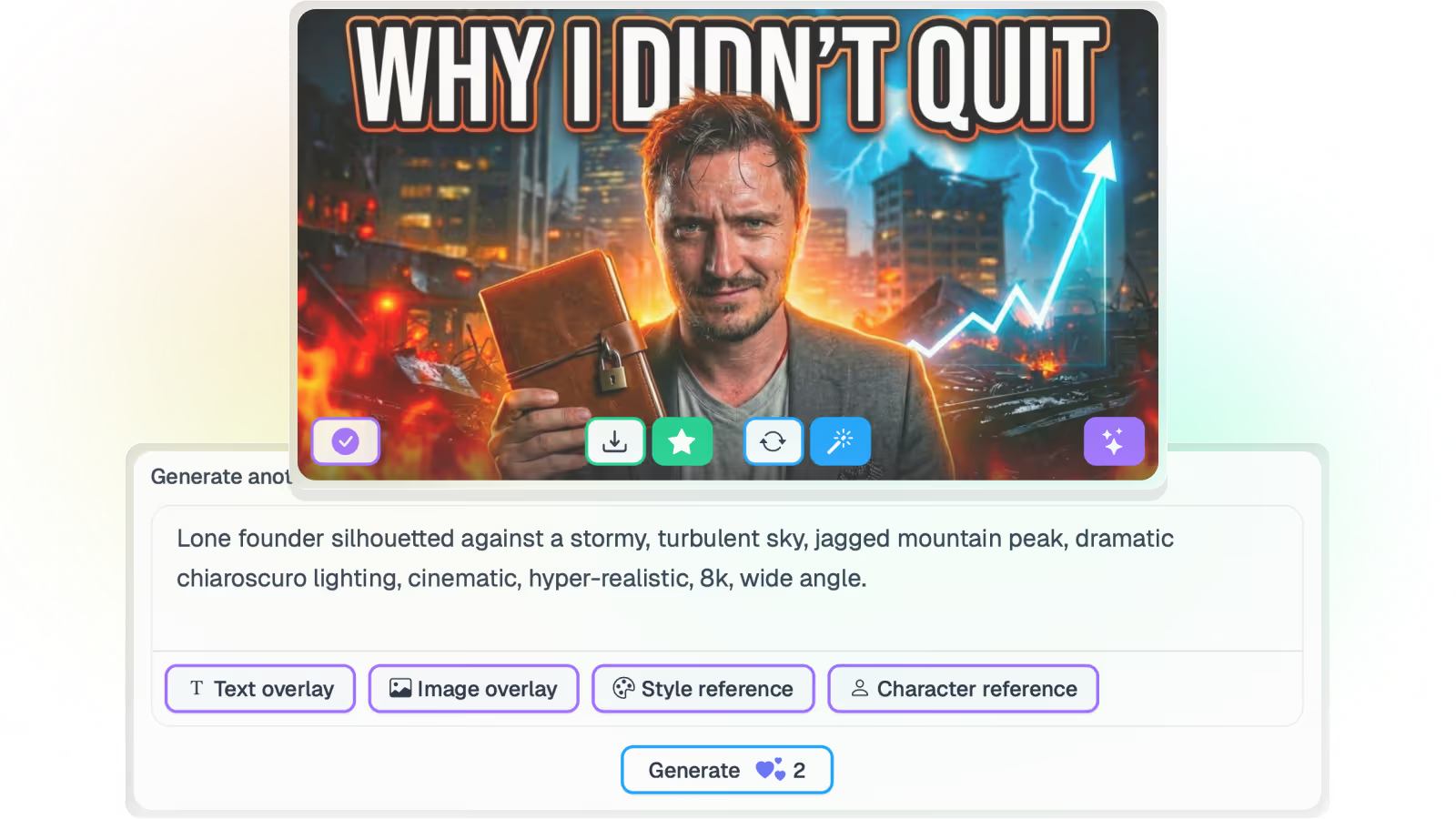
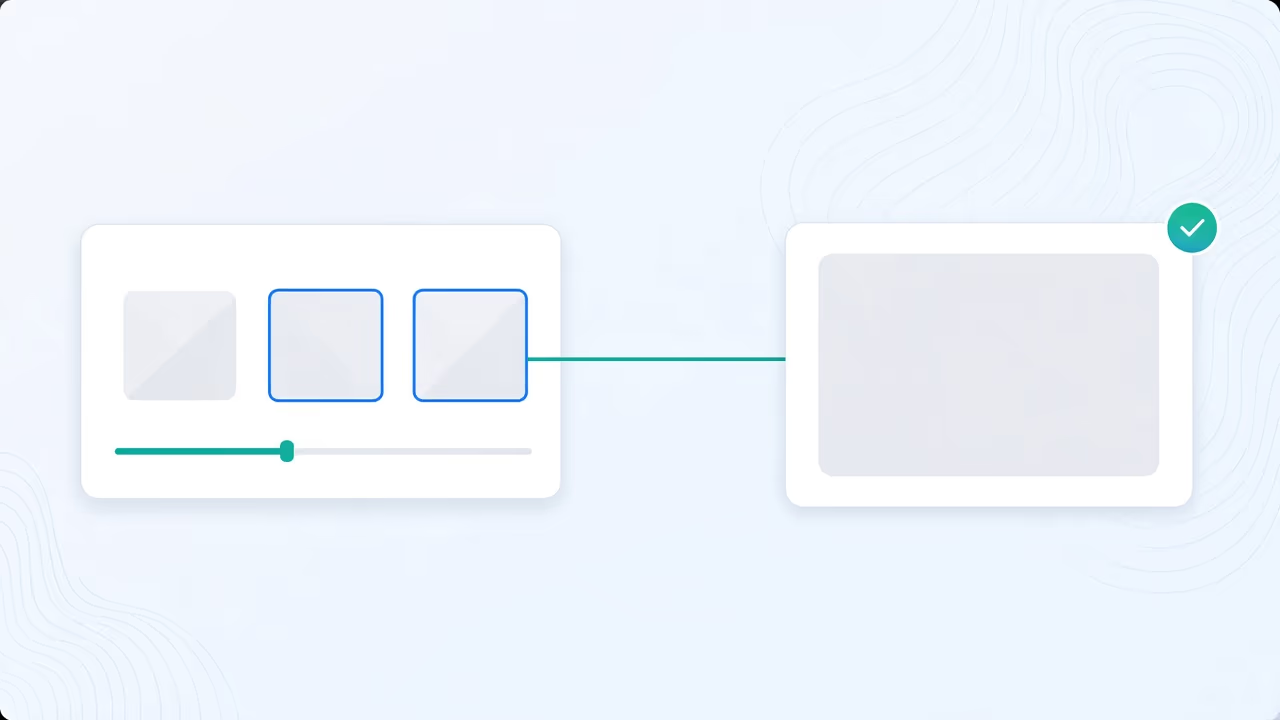
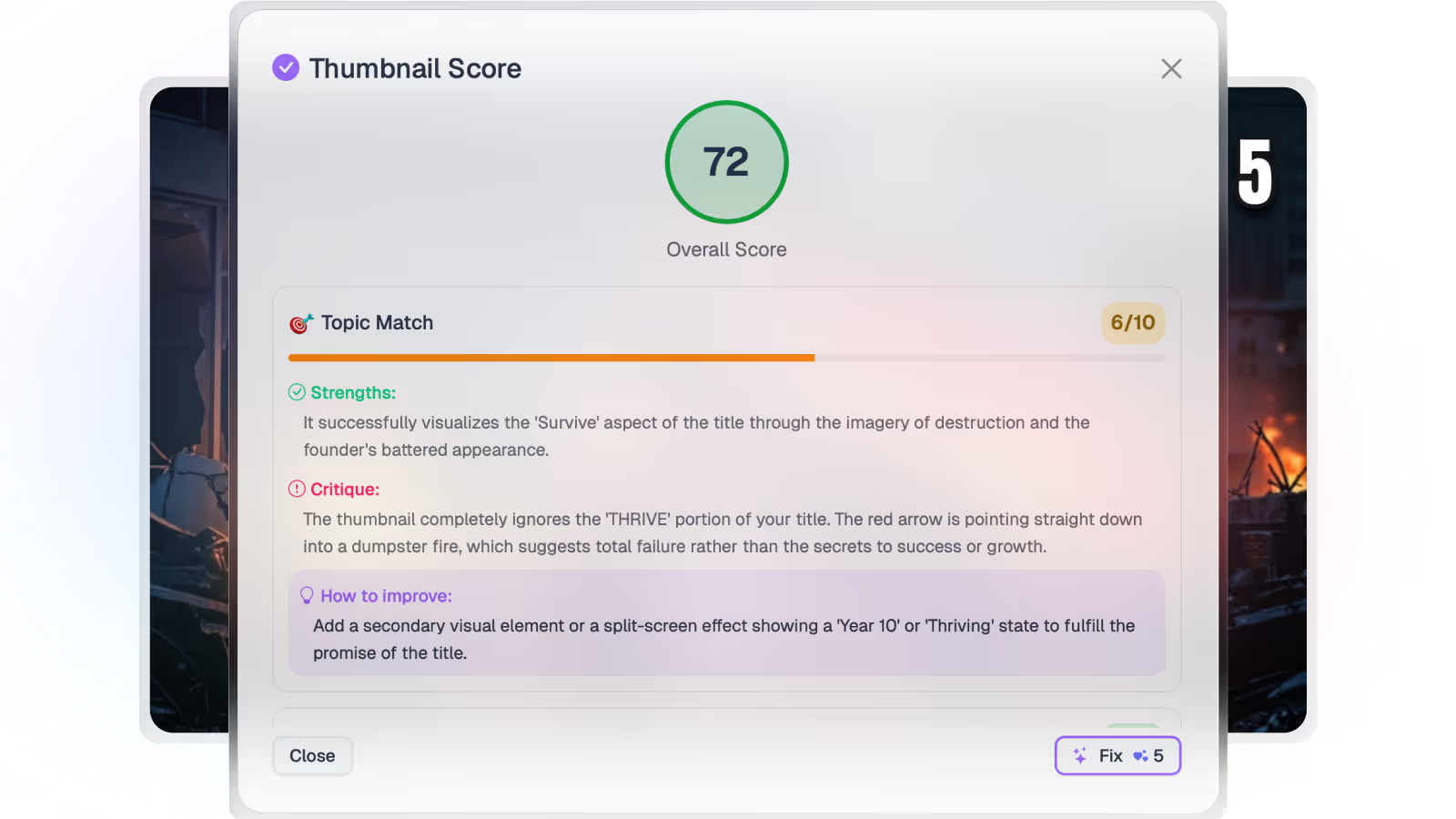
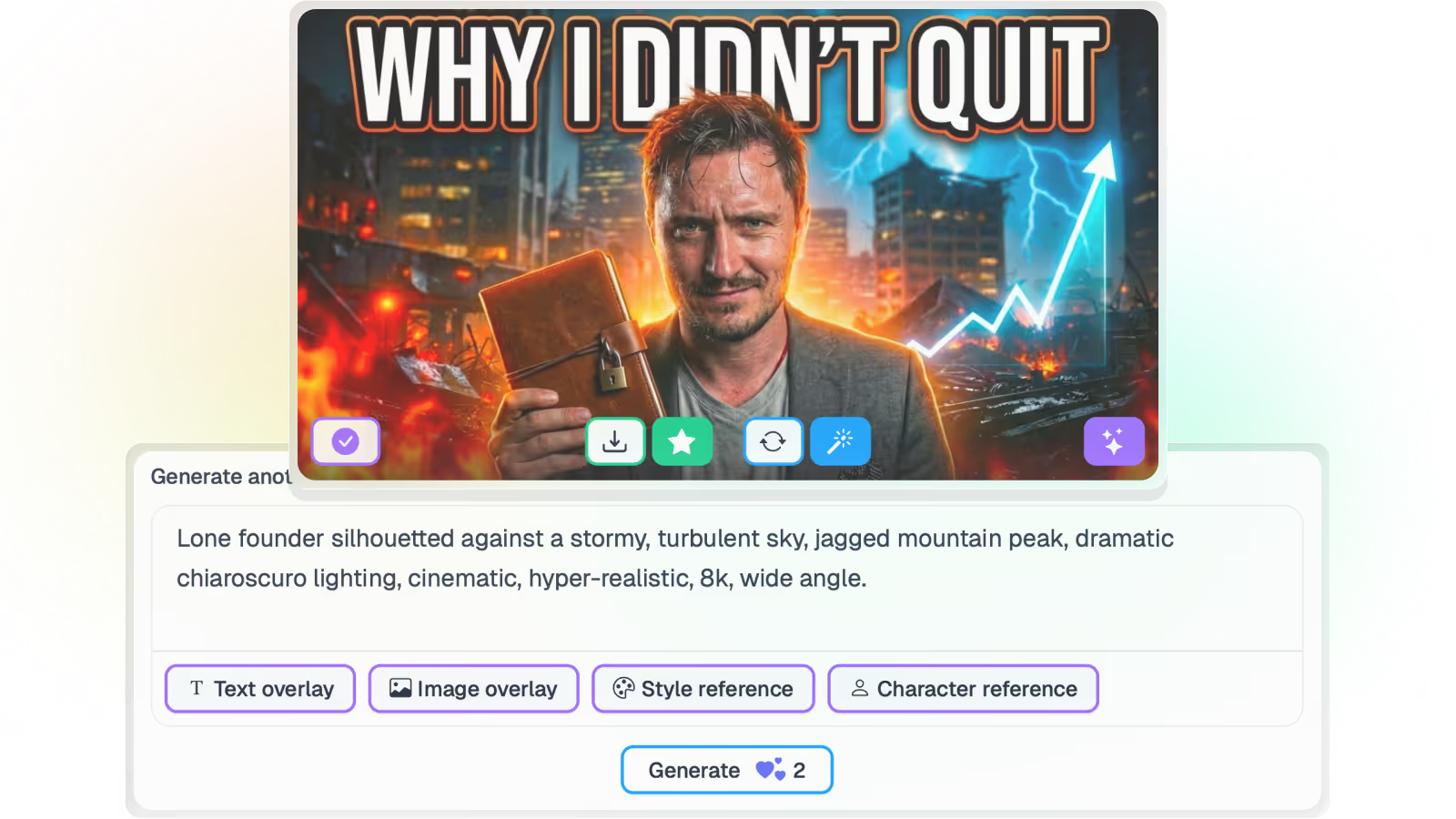
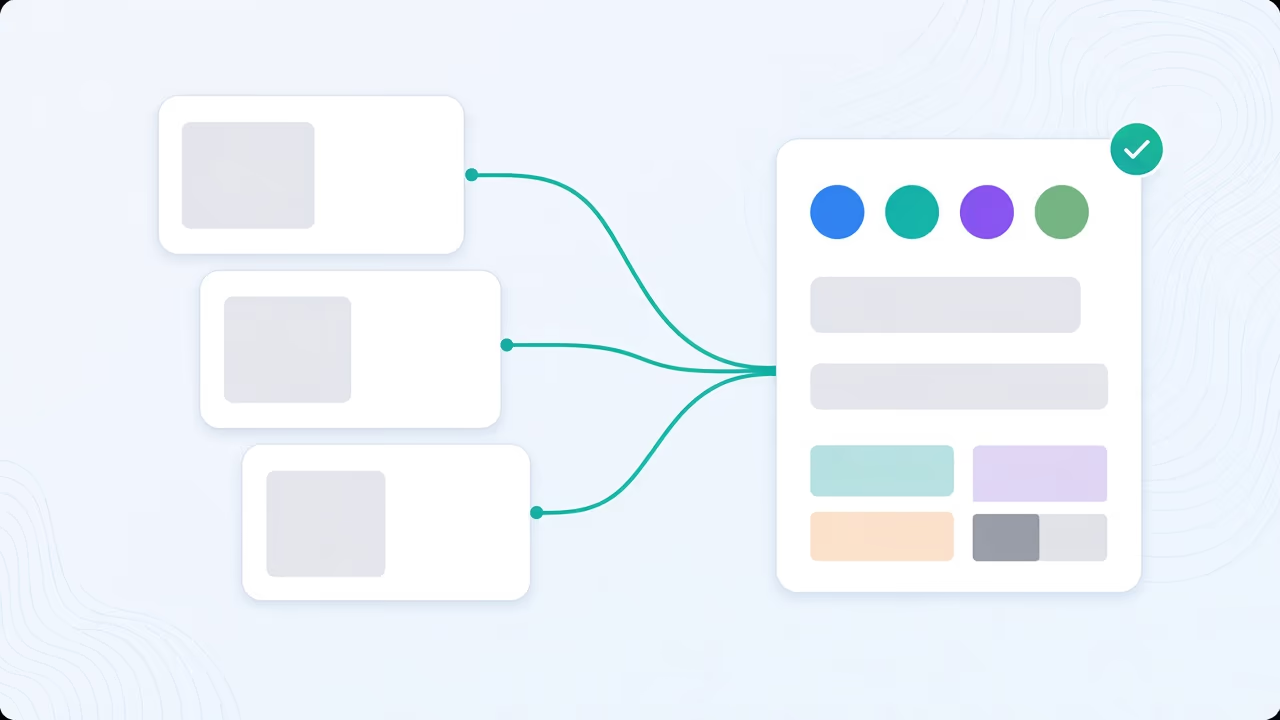
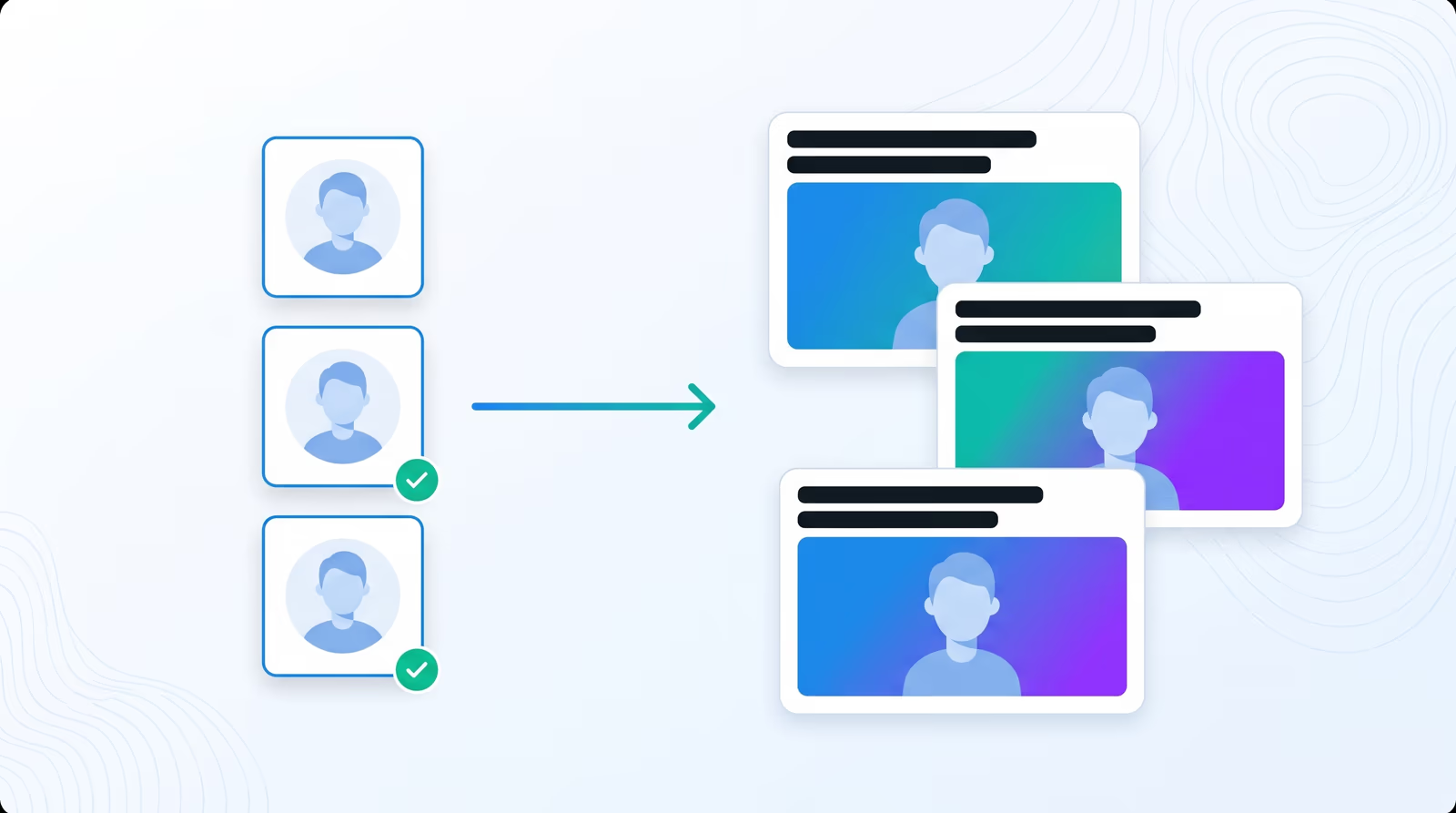
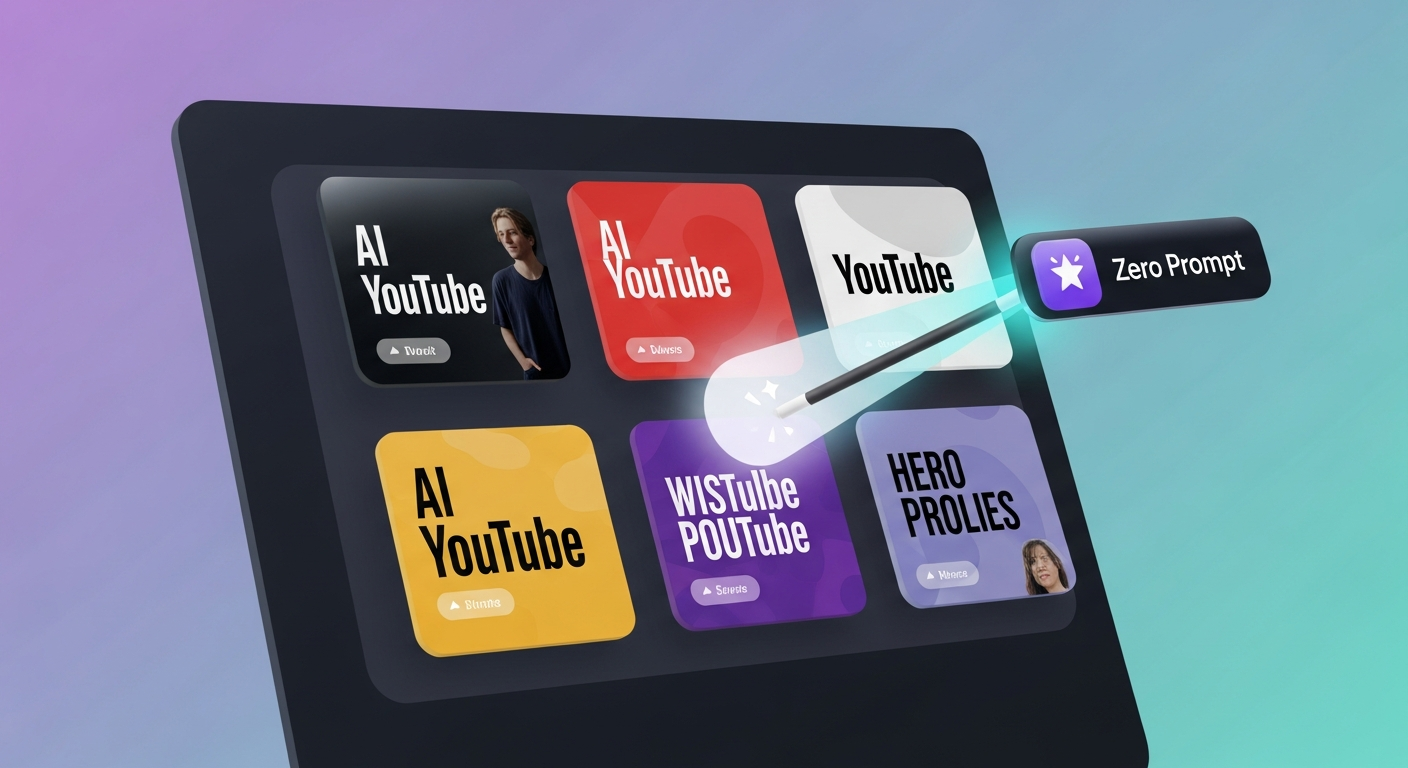
Upload once and Auto Packaging writes the title and description and designs the thumbnail from what actually happens in the video. Go Creative with your own characters, a style you love and your brand colours, or go Precision with real moments kept exactly as they are. Then score every option before it ships.
Braiv Thumbnails
Braiv Captions
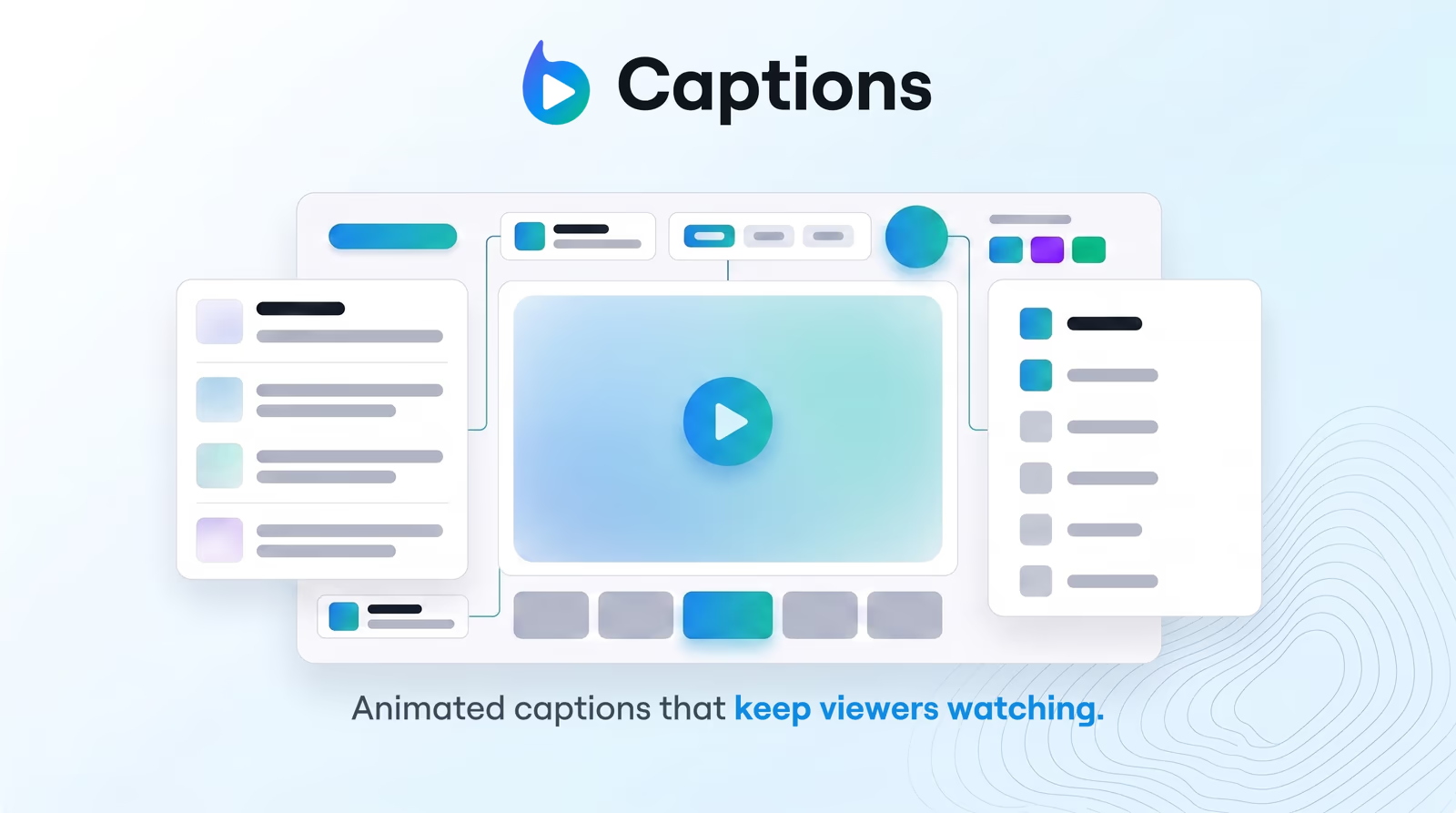
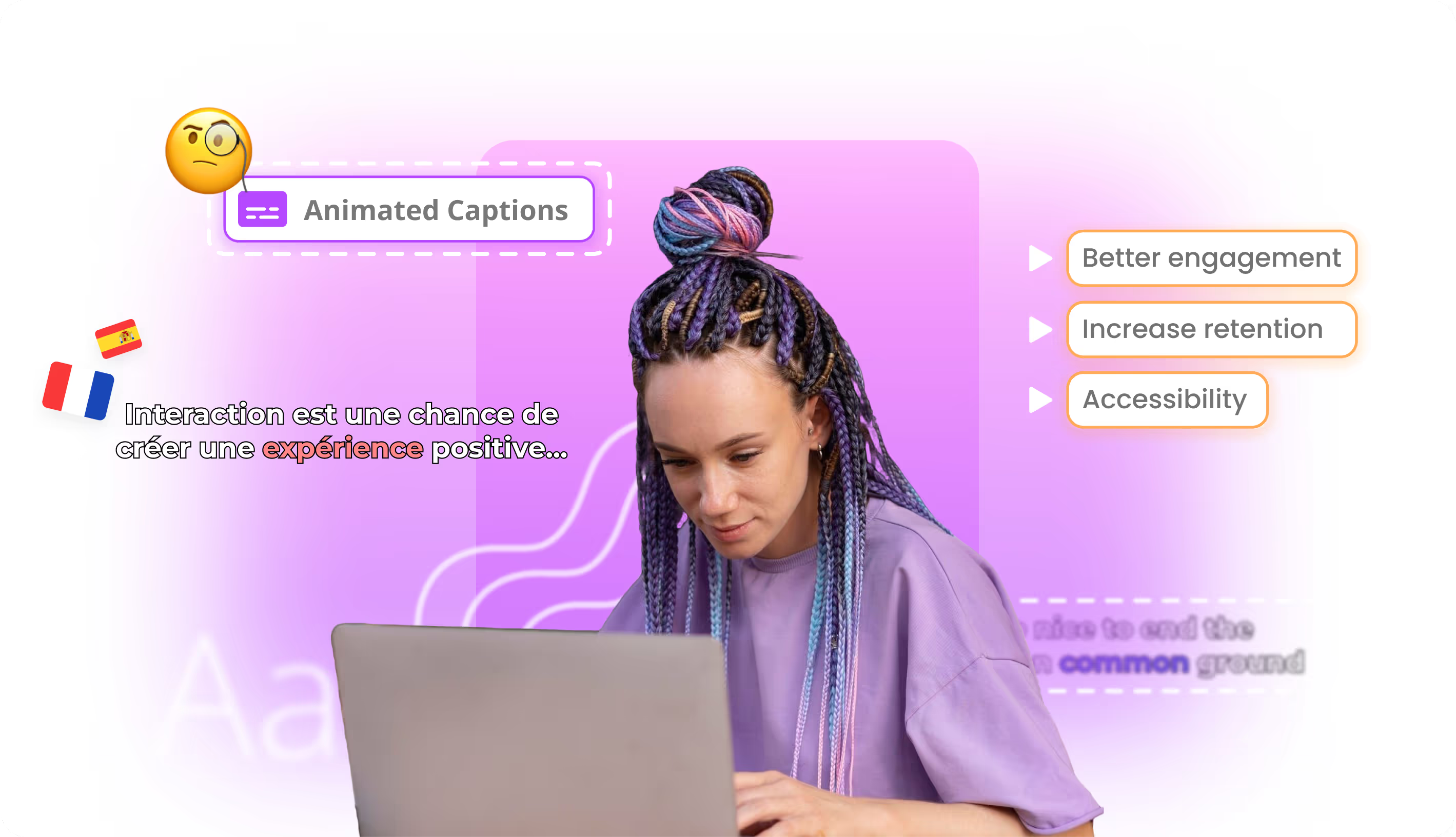
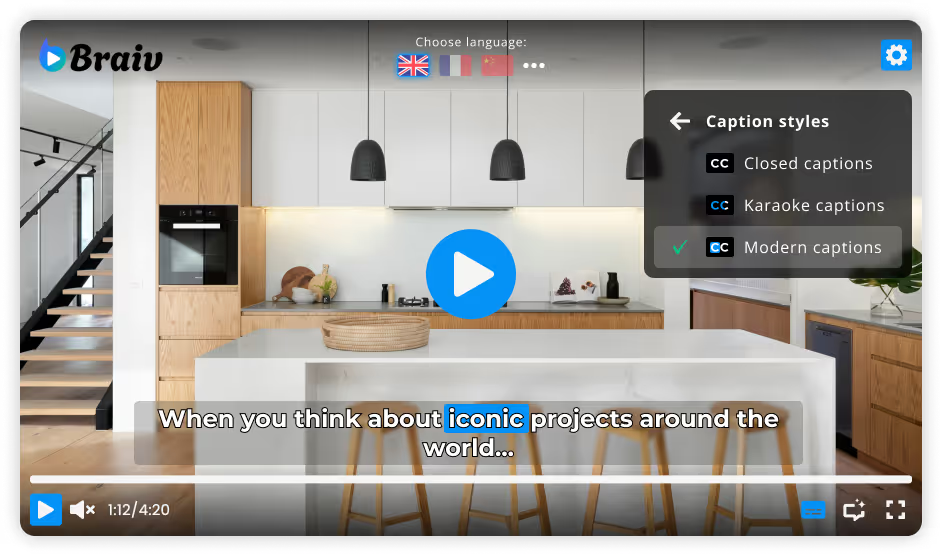
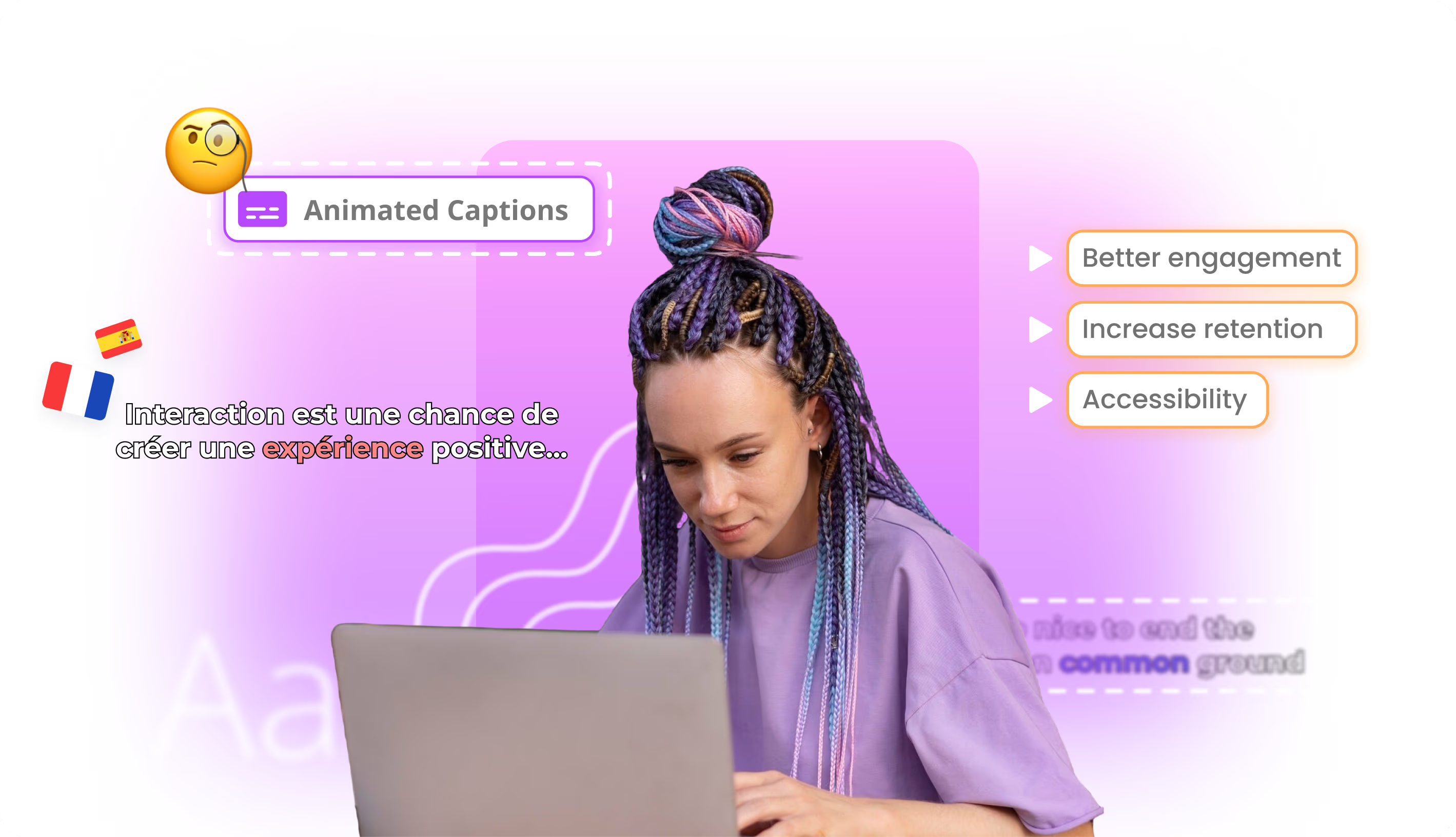
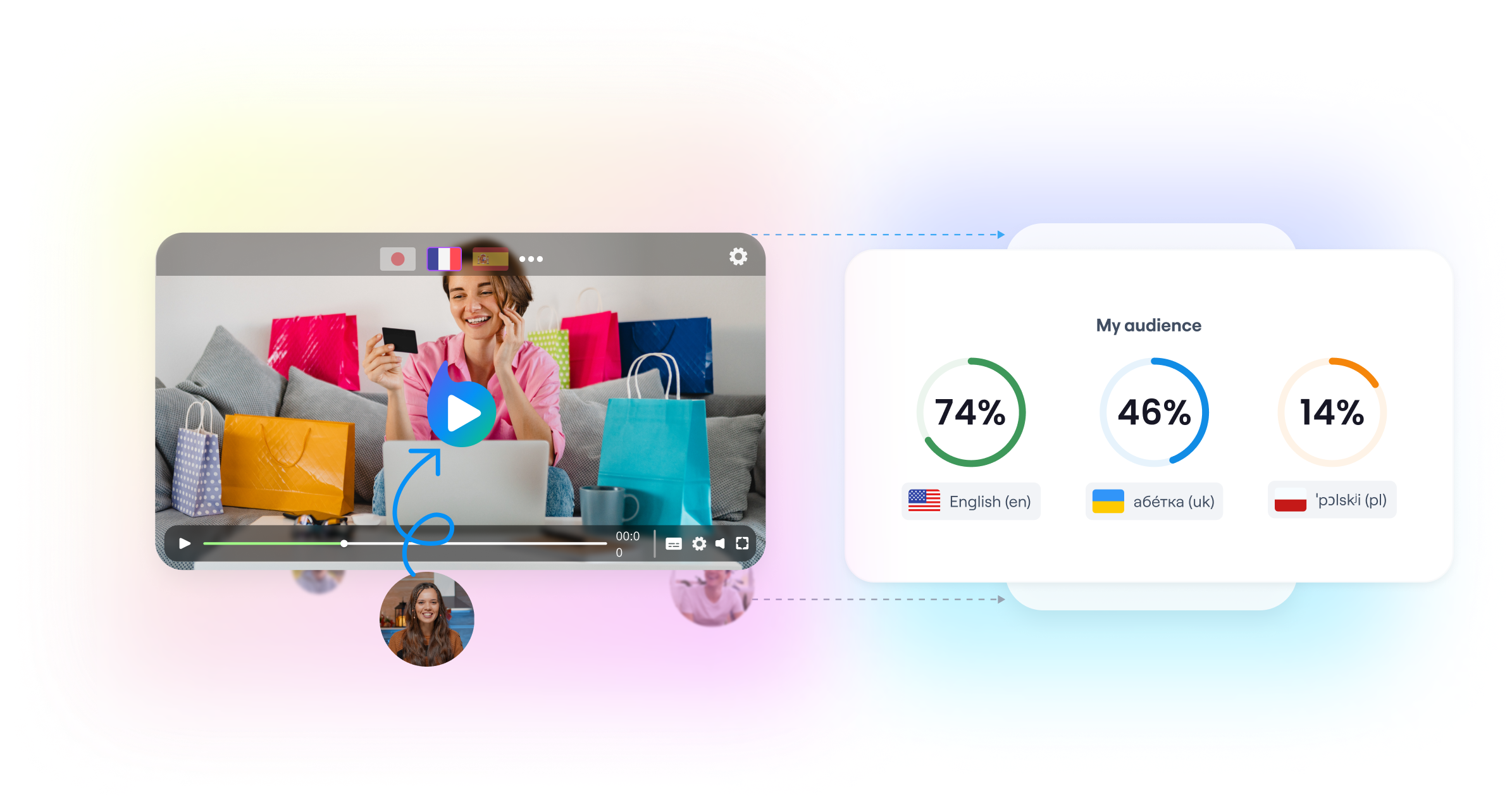
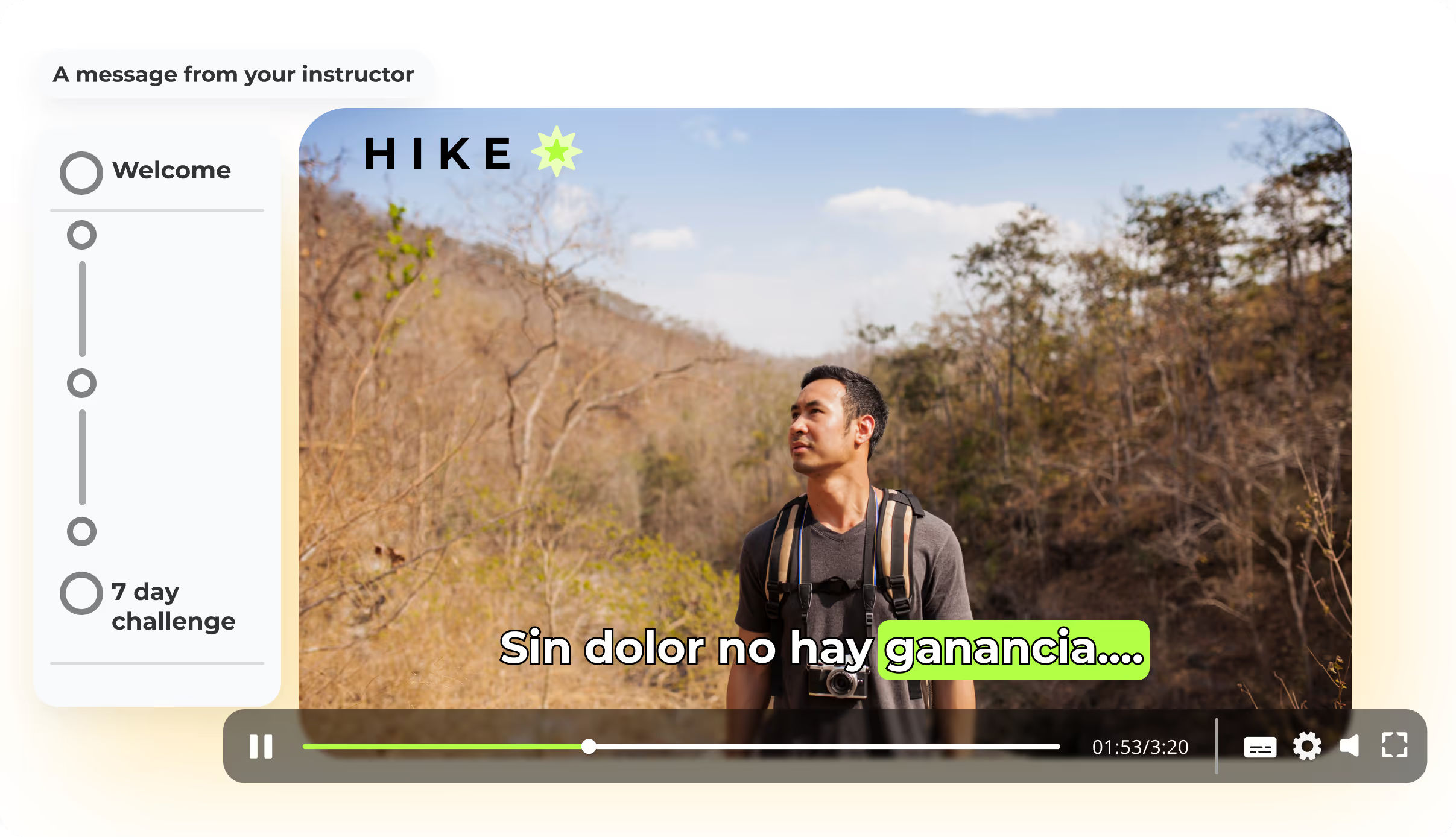
Word-by-word animated captions generated from your transcript — on-brand, accessibility-ready, and translated into 80+ languages without rebuilding the edit.
Braiv Captions
Braiv Speech
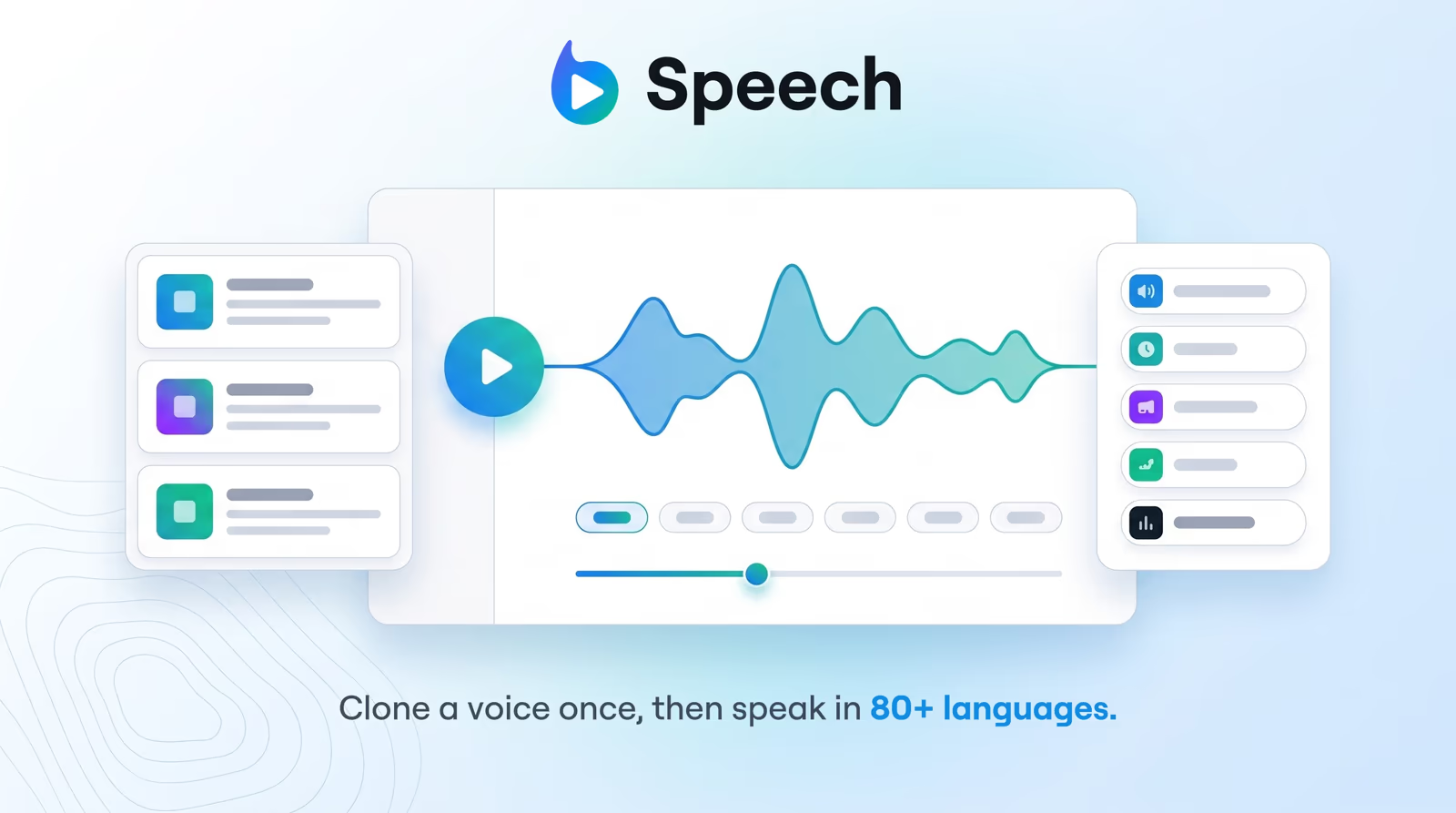
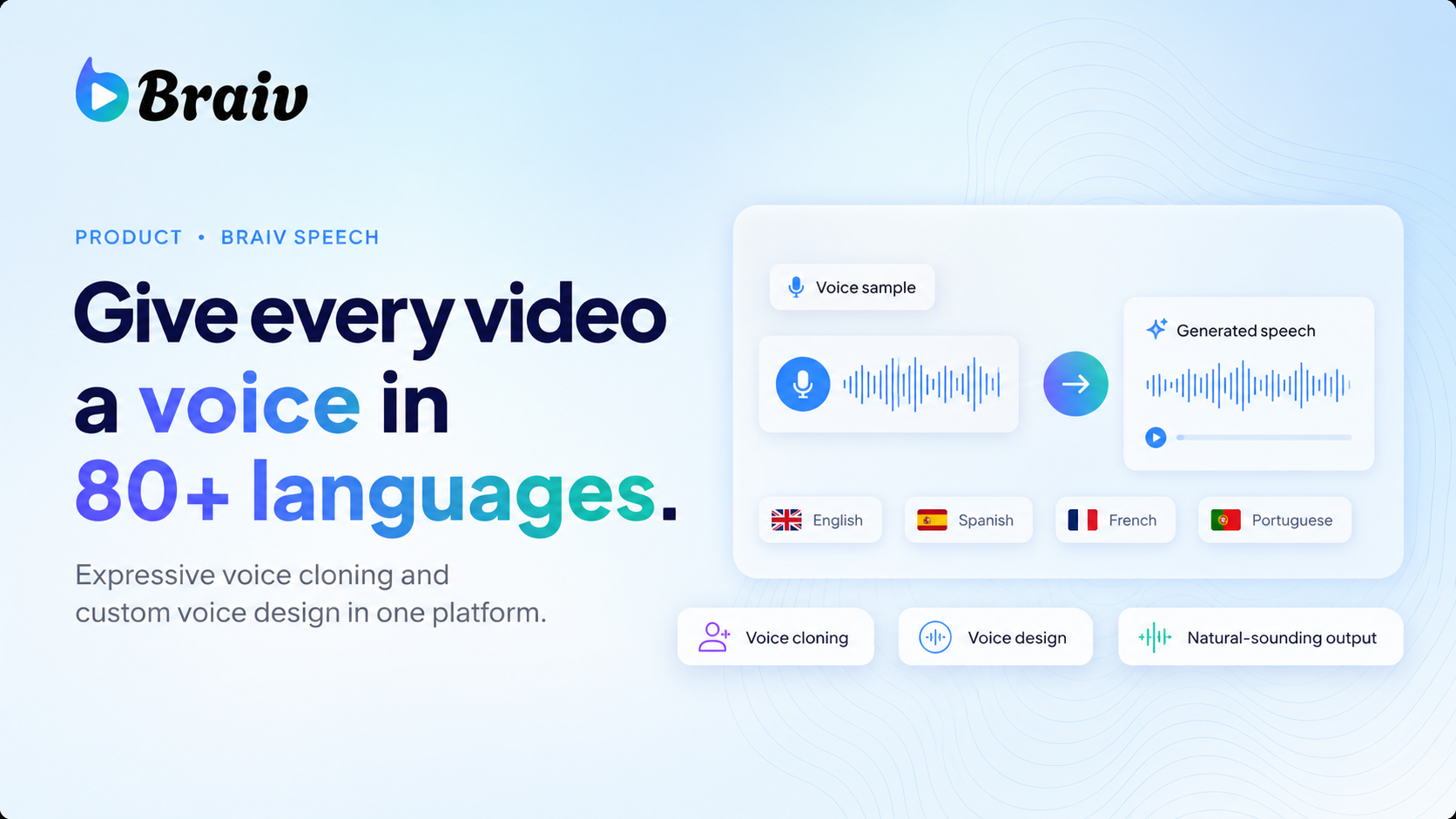
Expressive AI text-to-speech with voice cloning and custom voice design — so teams scale voiceovers without studio sessions or multilingual talent costs.
Braiv Speech
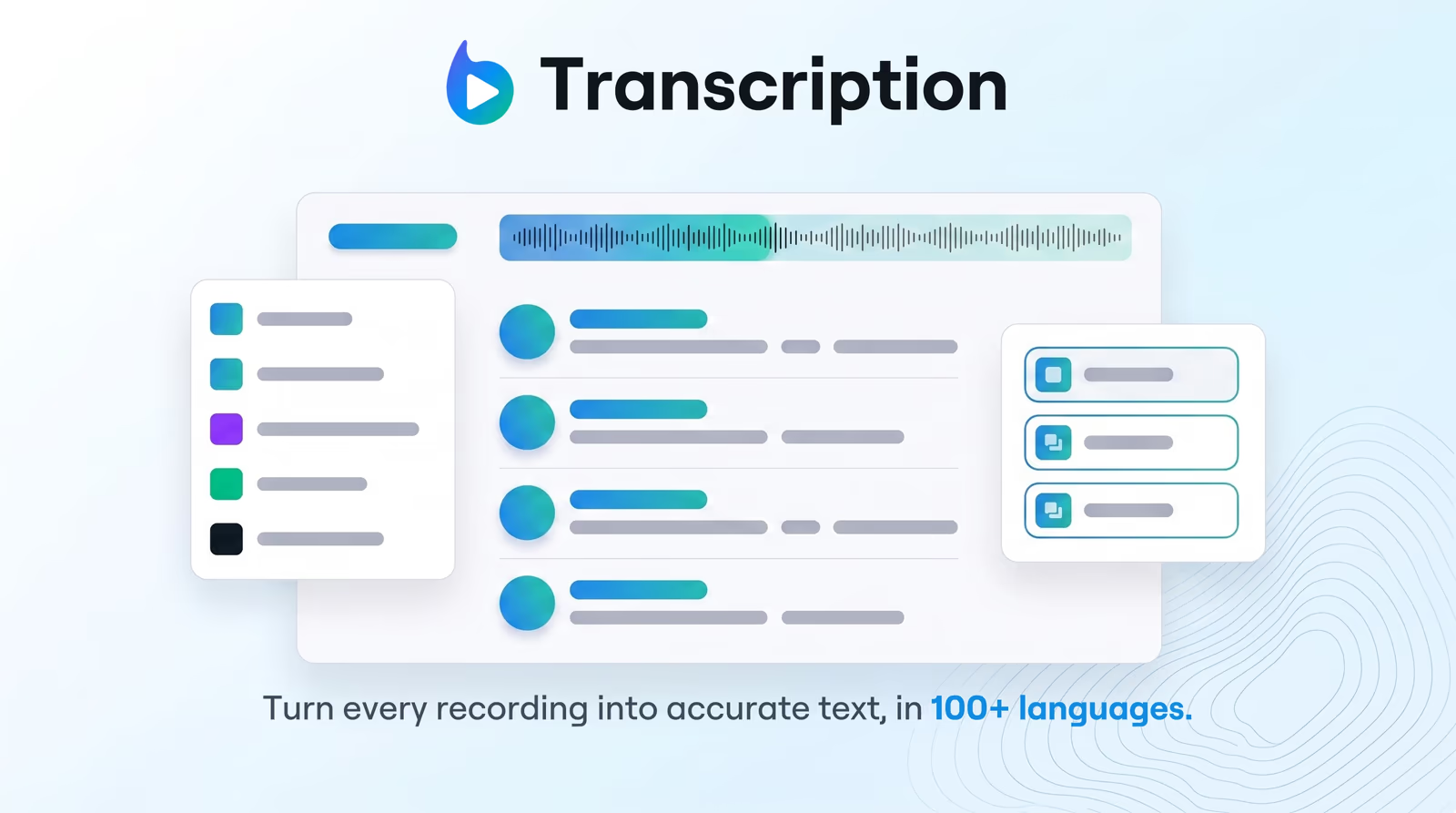
Braiv Transcription
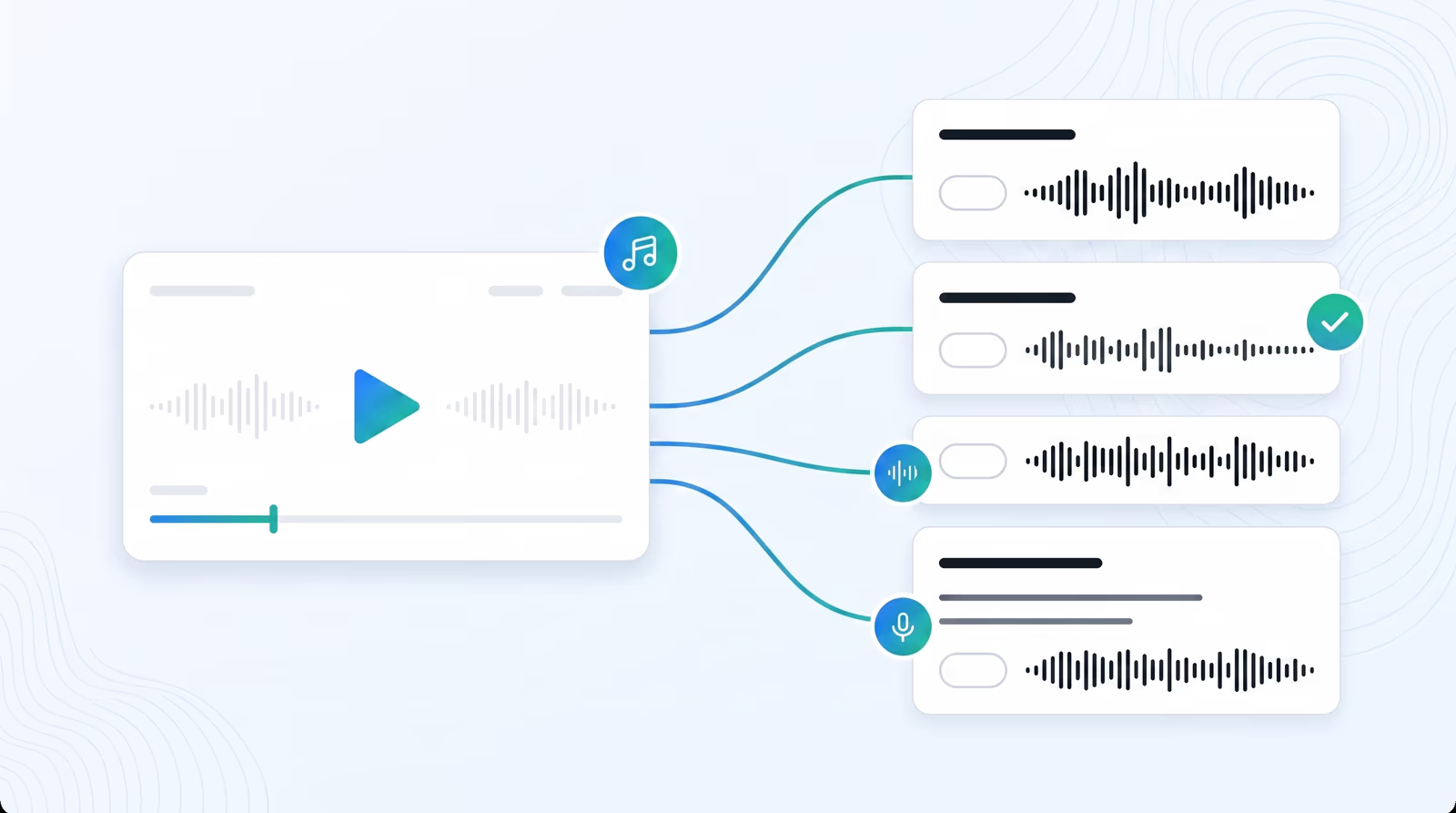
Enterprise-grade speech-to-text with speaker detection, timestamps, and instant translation into 80+ languages — so teams search, quote, and localize faster.
Braiv Transcription
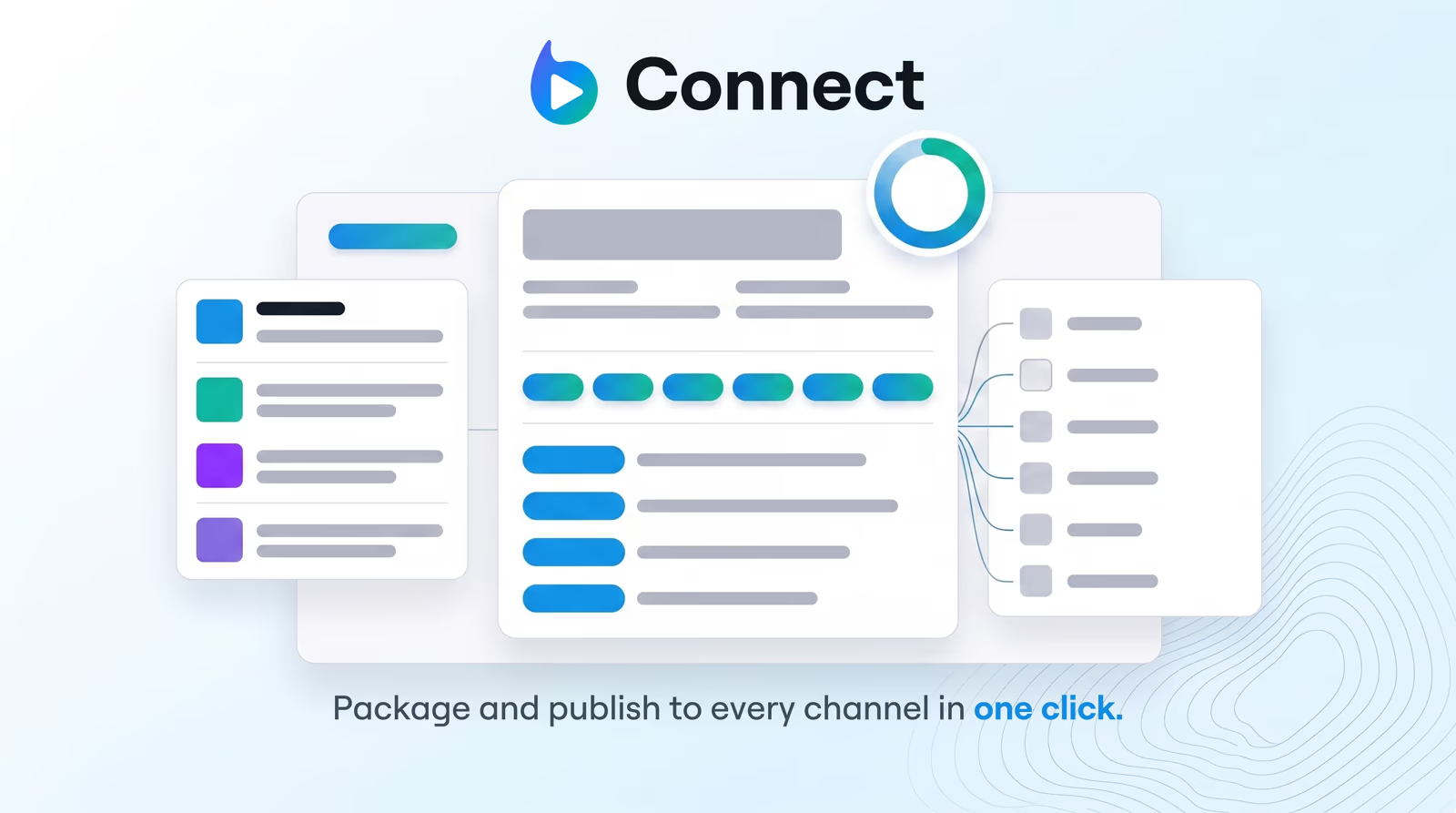
Braiv Connect
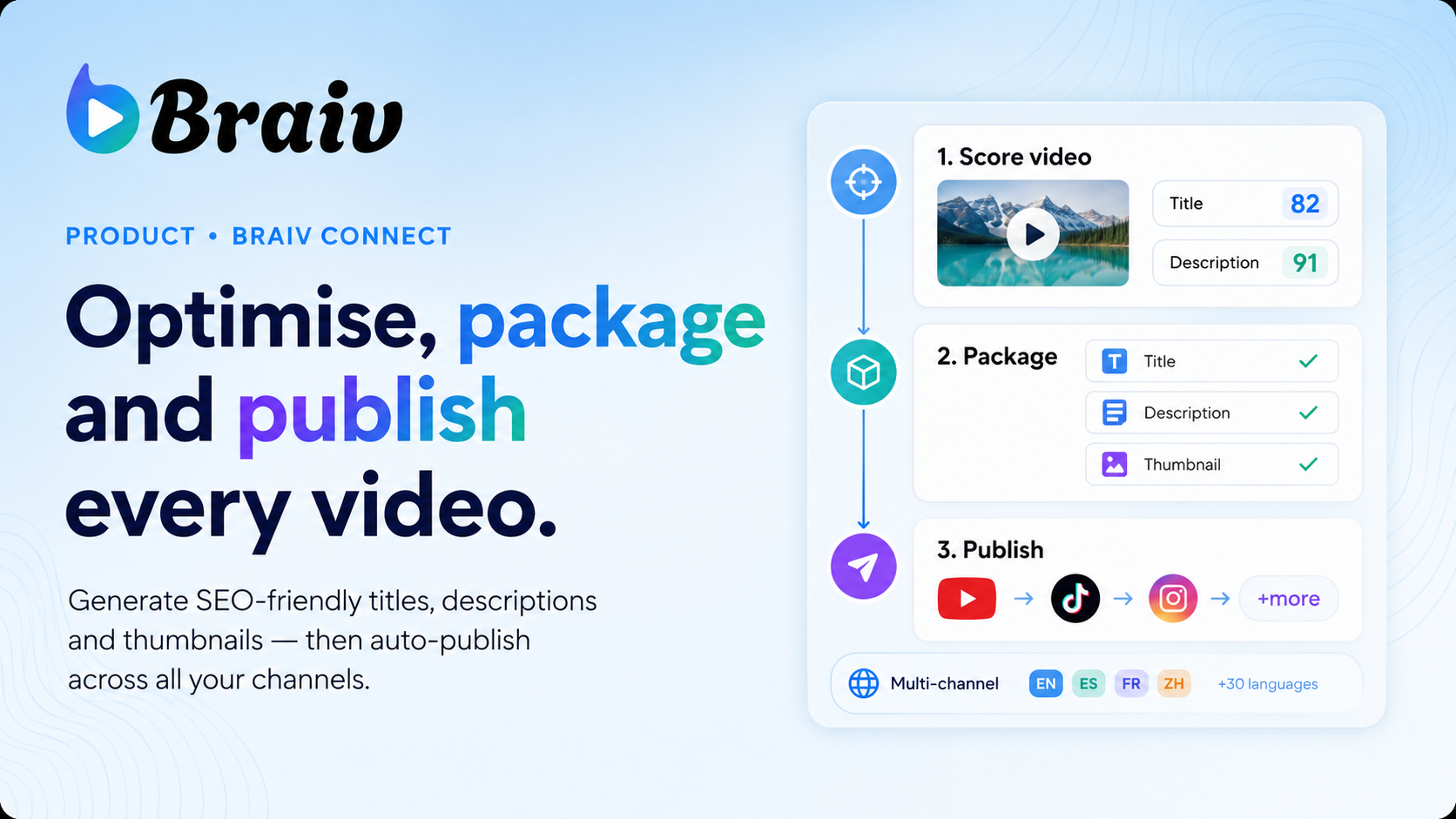
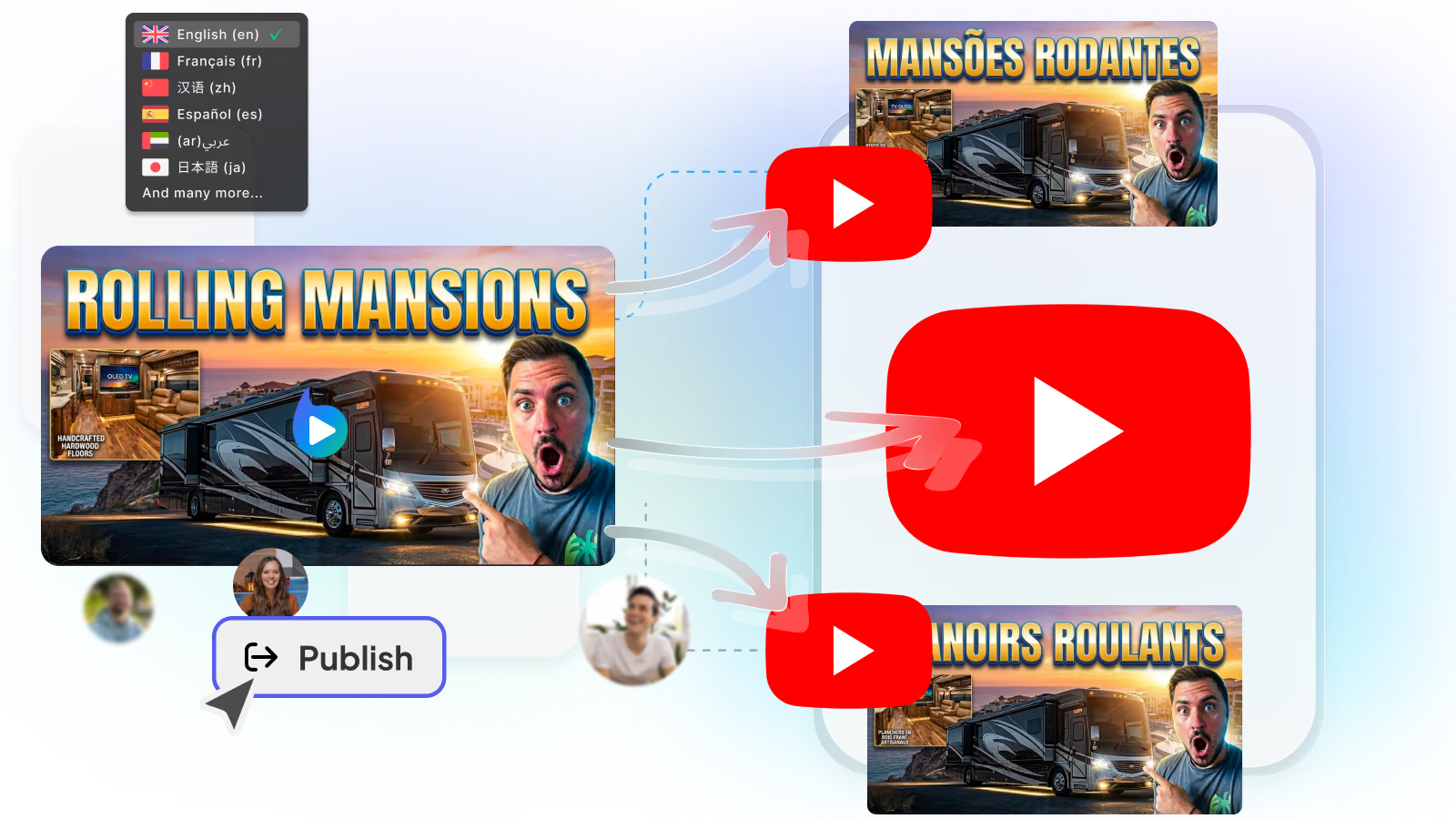
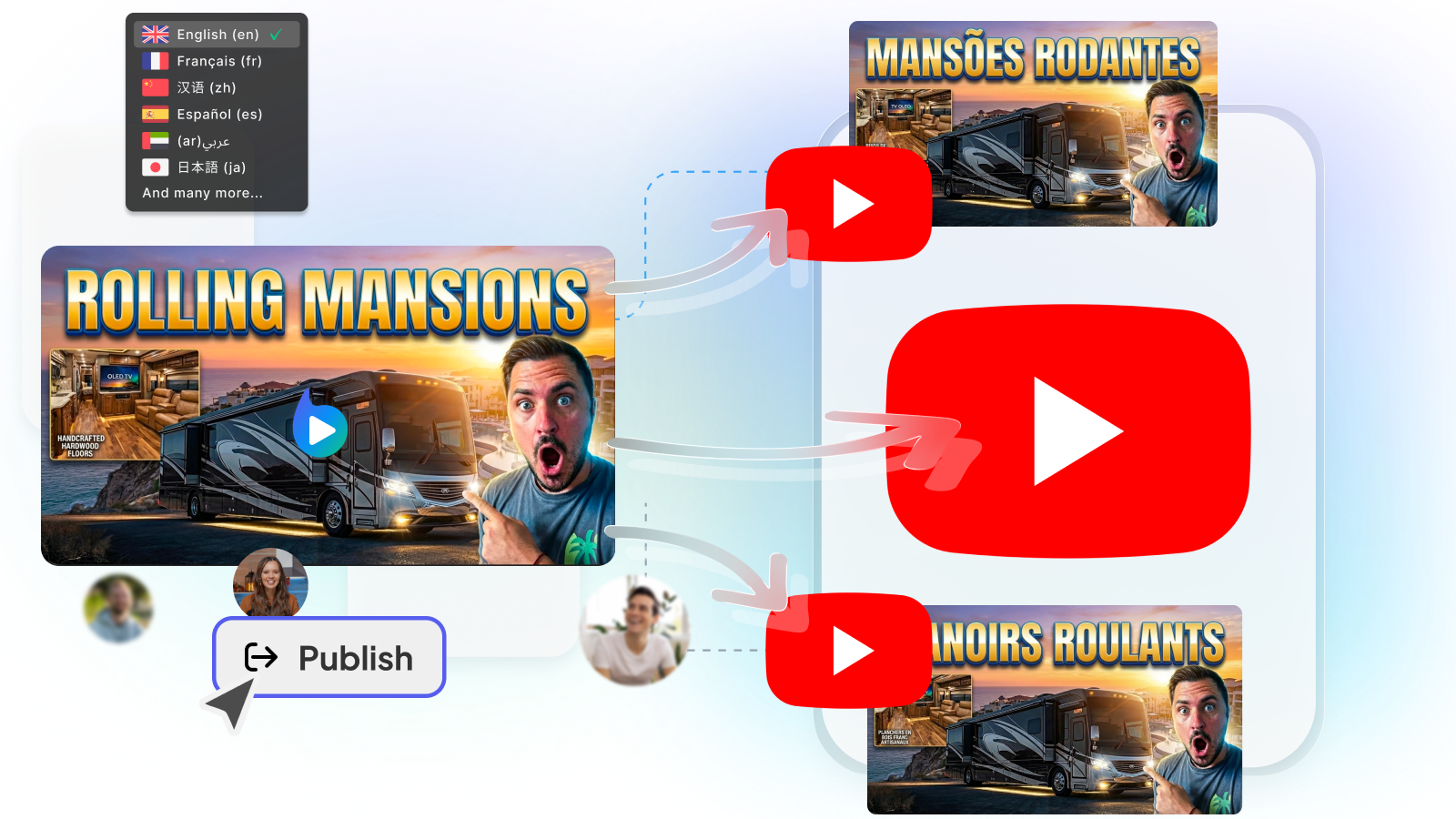
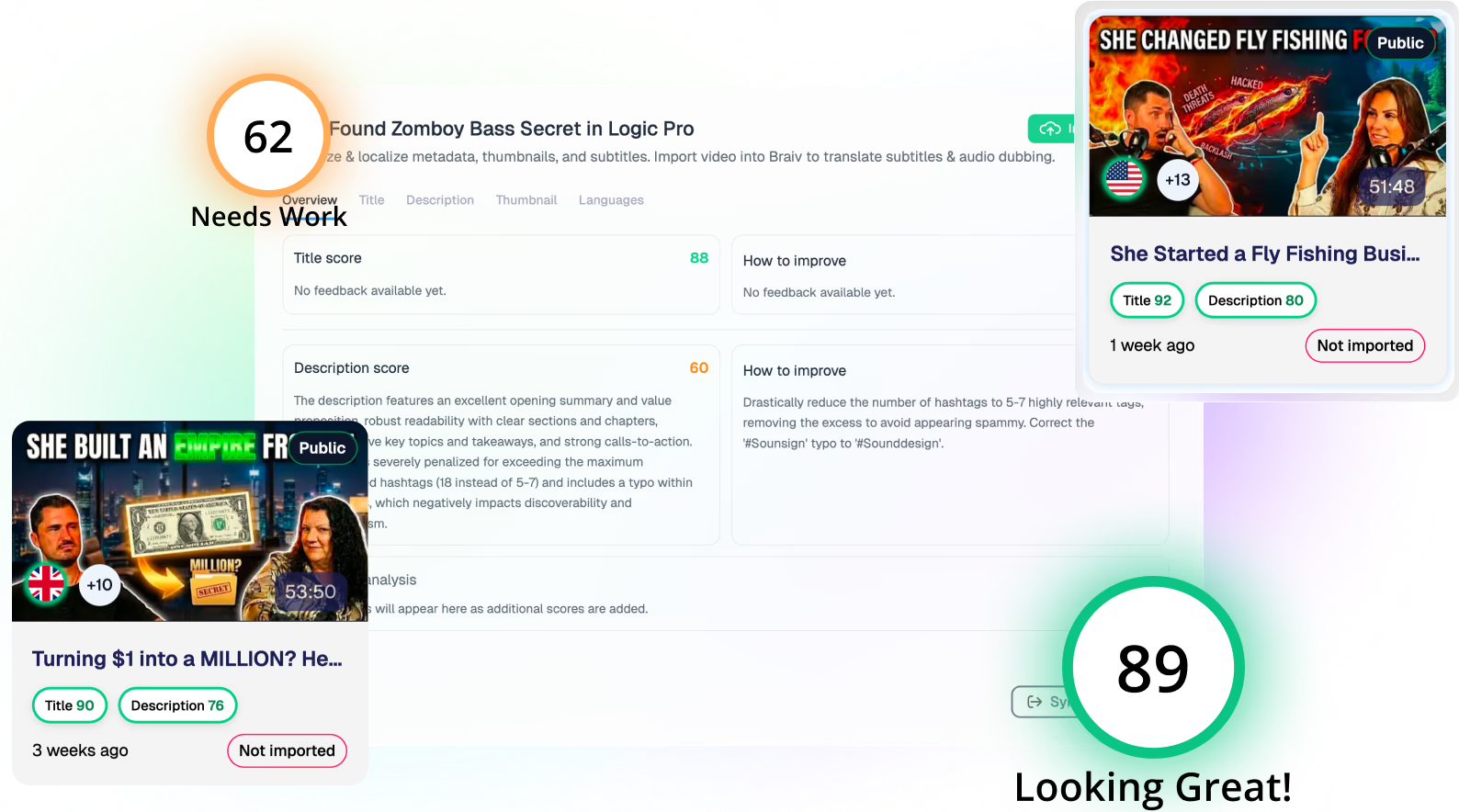
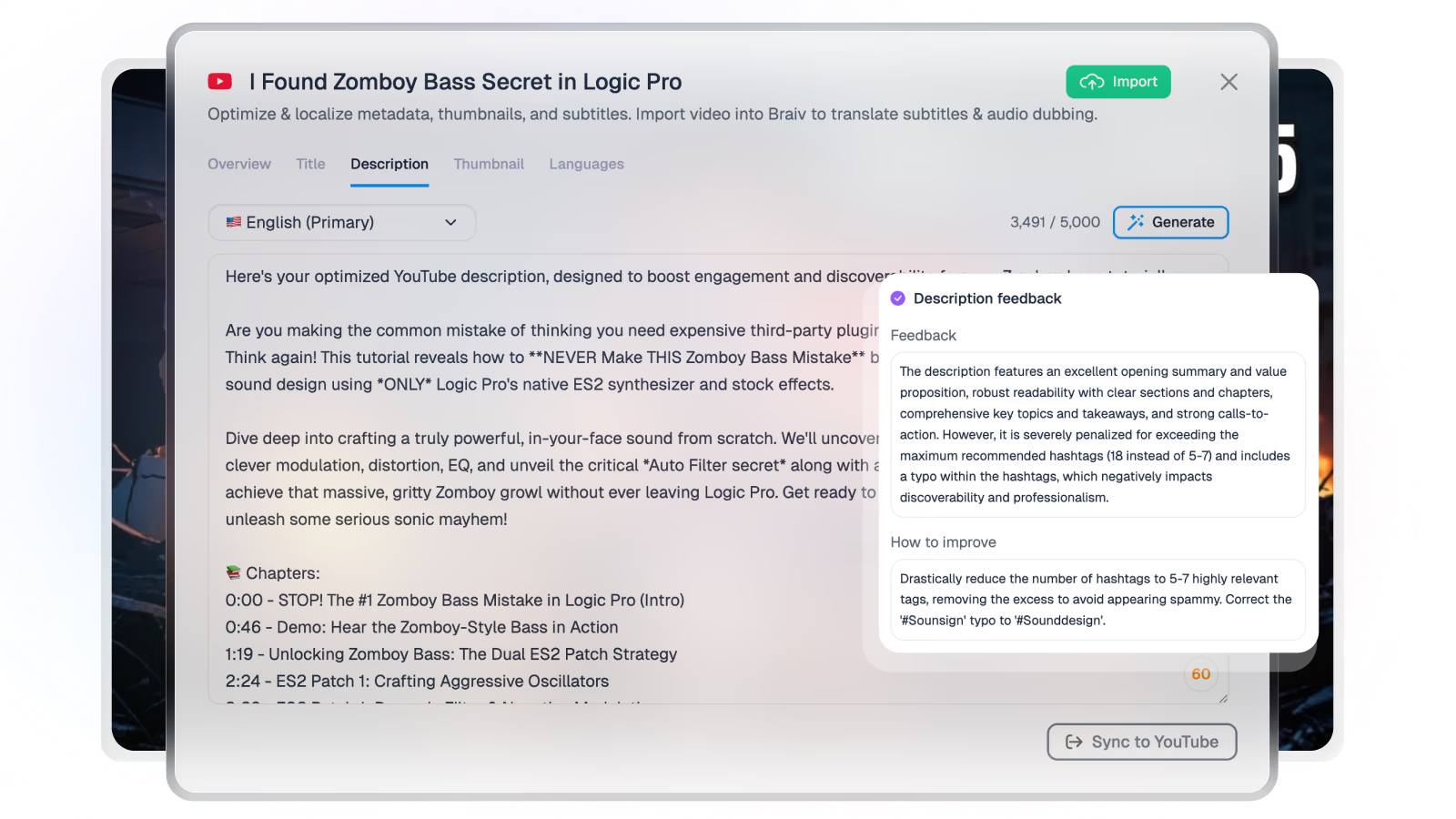
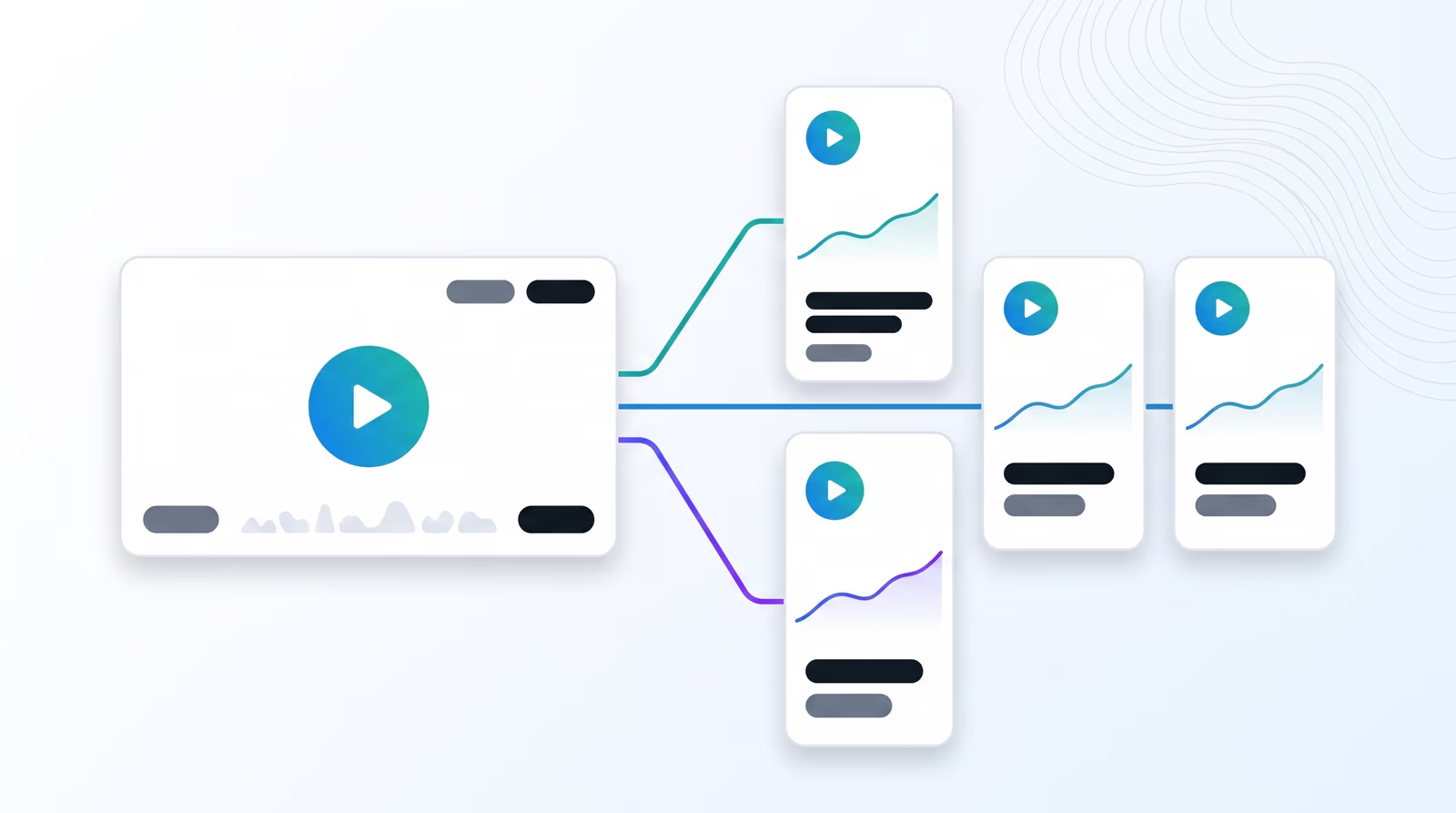
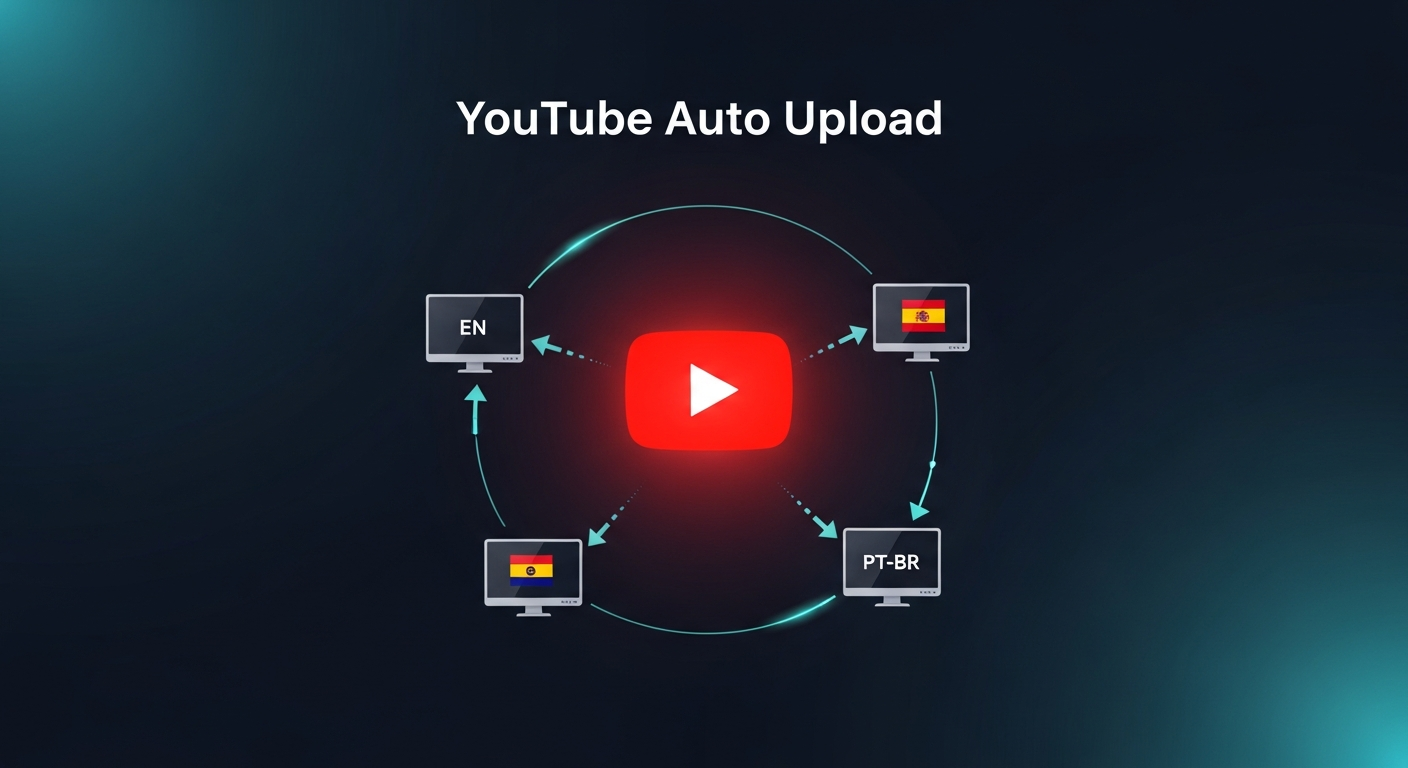
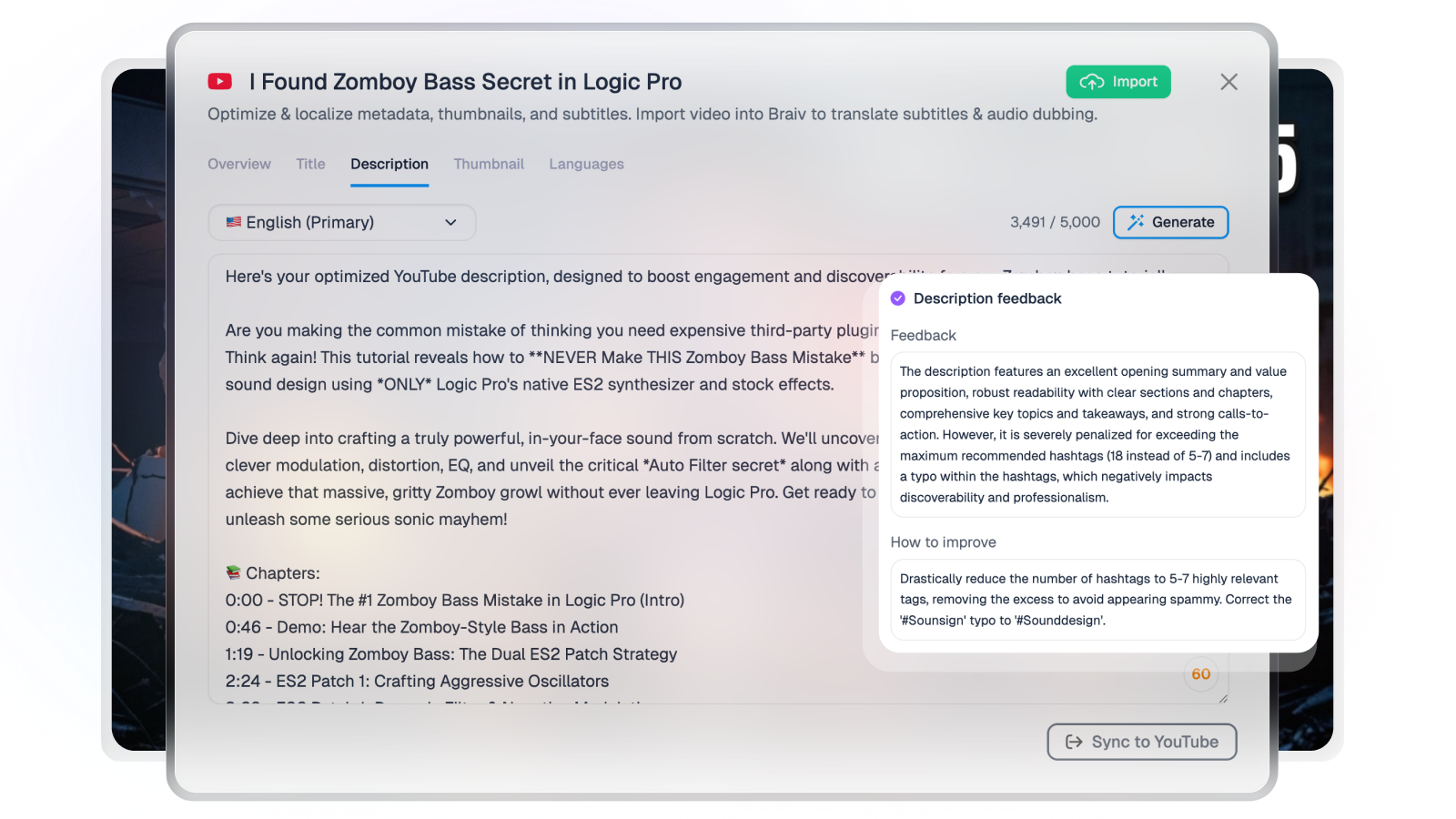
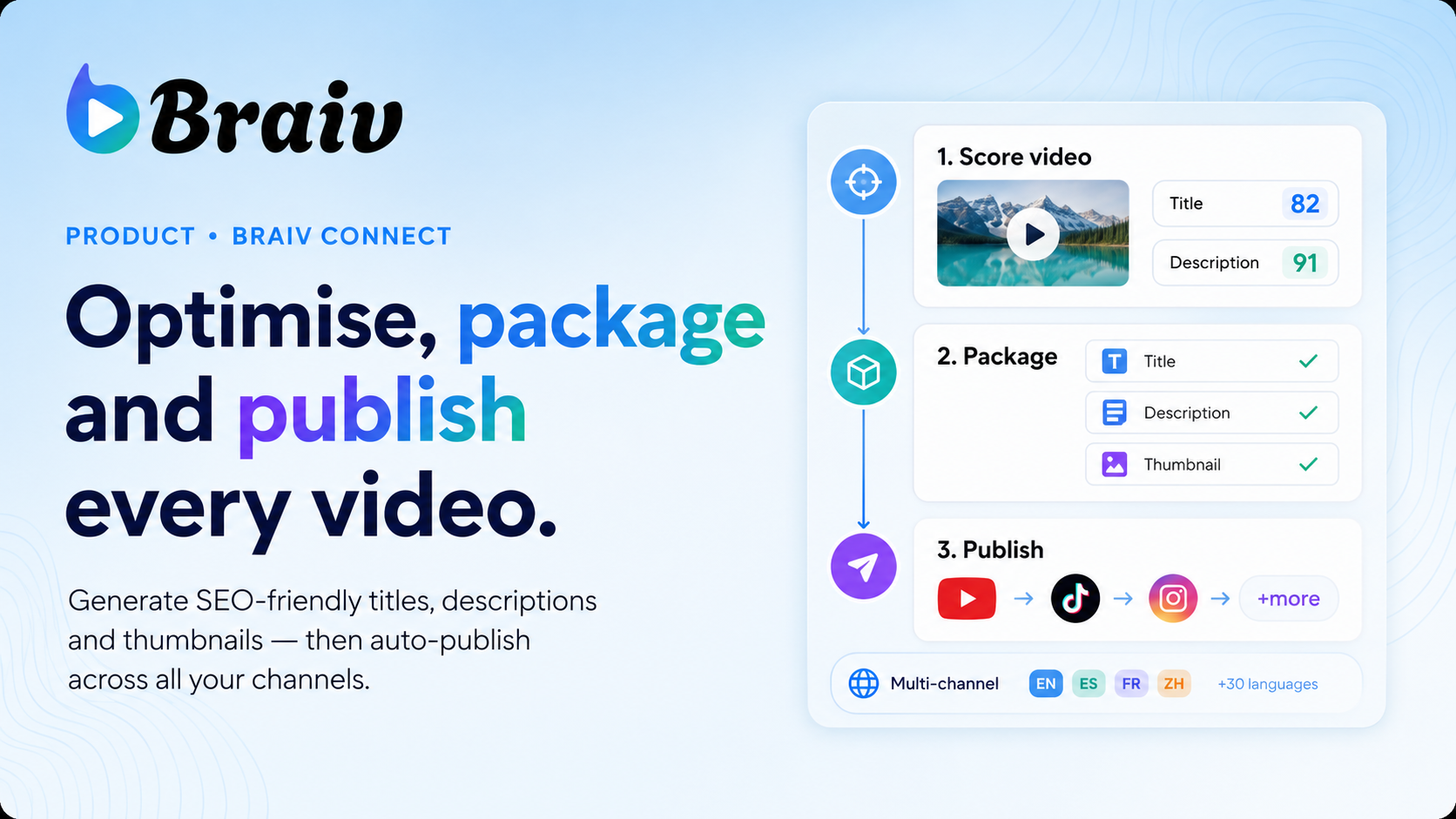
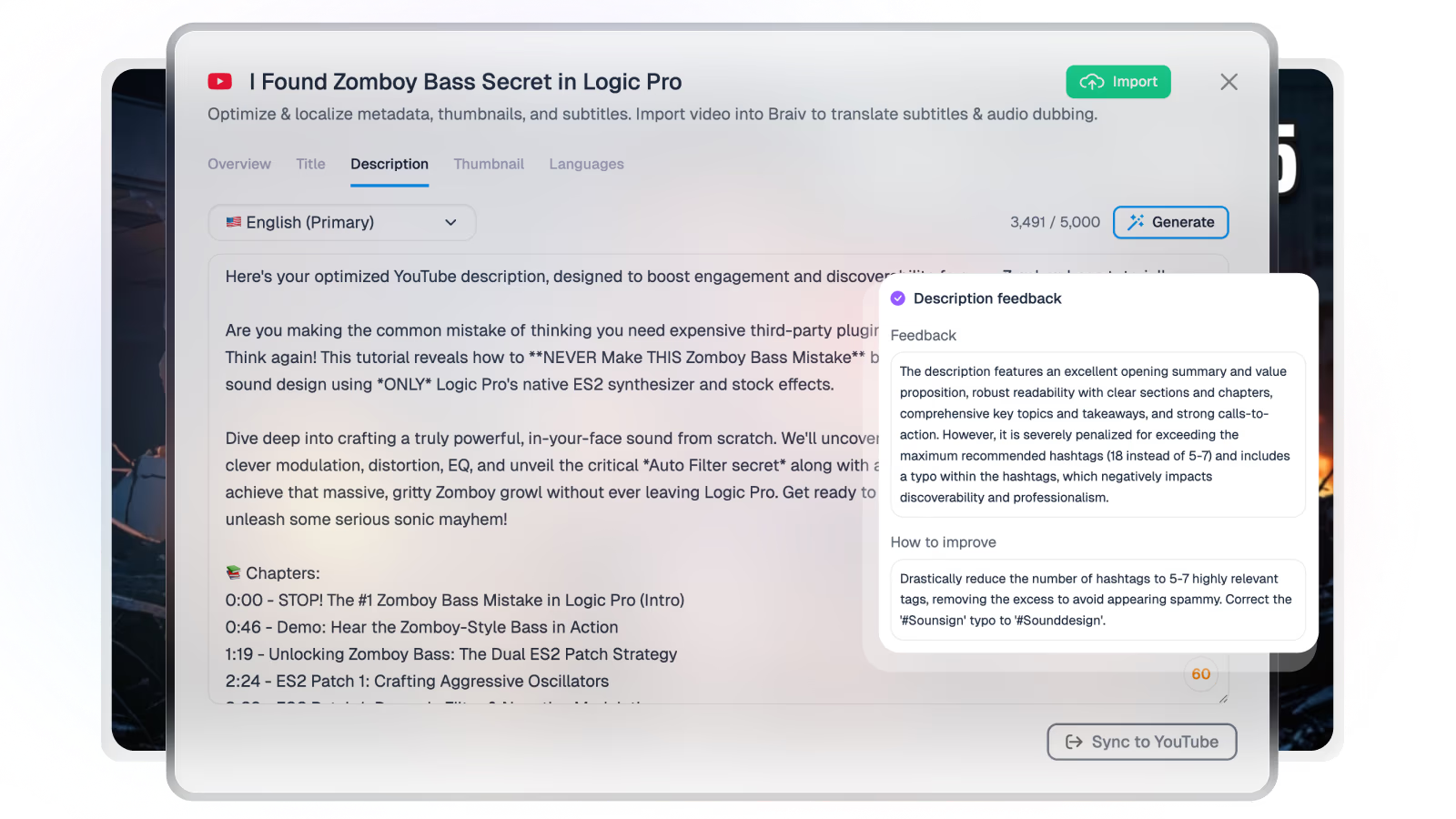
Generate SEO-ready titles, descriptions, tags, and chapters from your transcript — then auto-publish everything to every channel in one click.
Braiv Connect
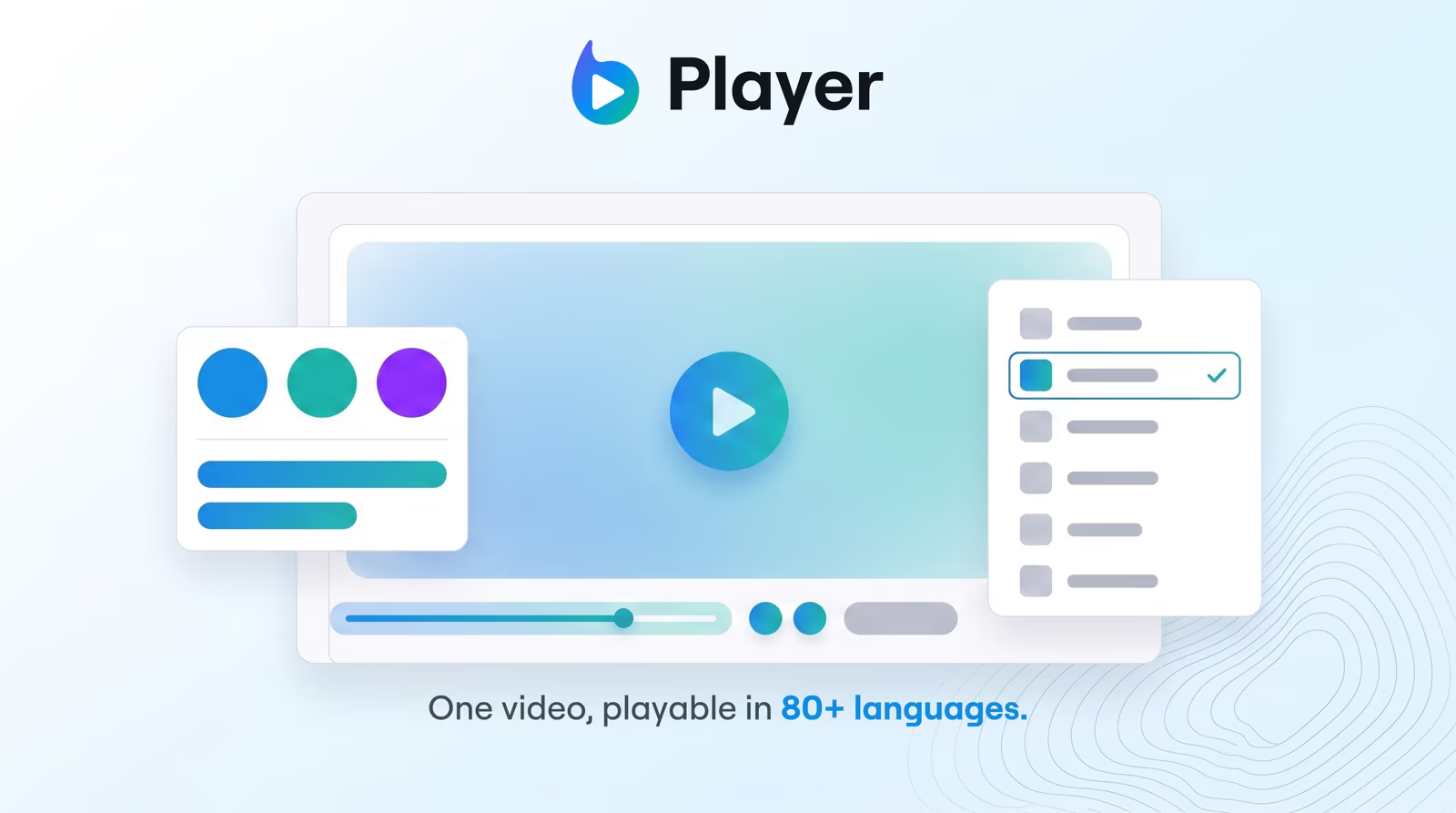
Braiv Player
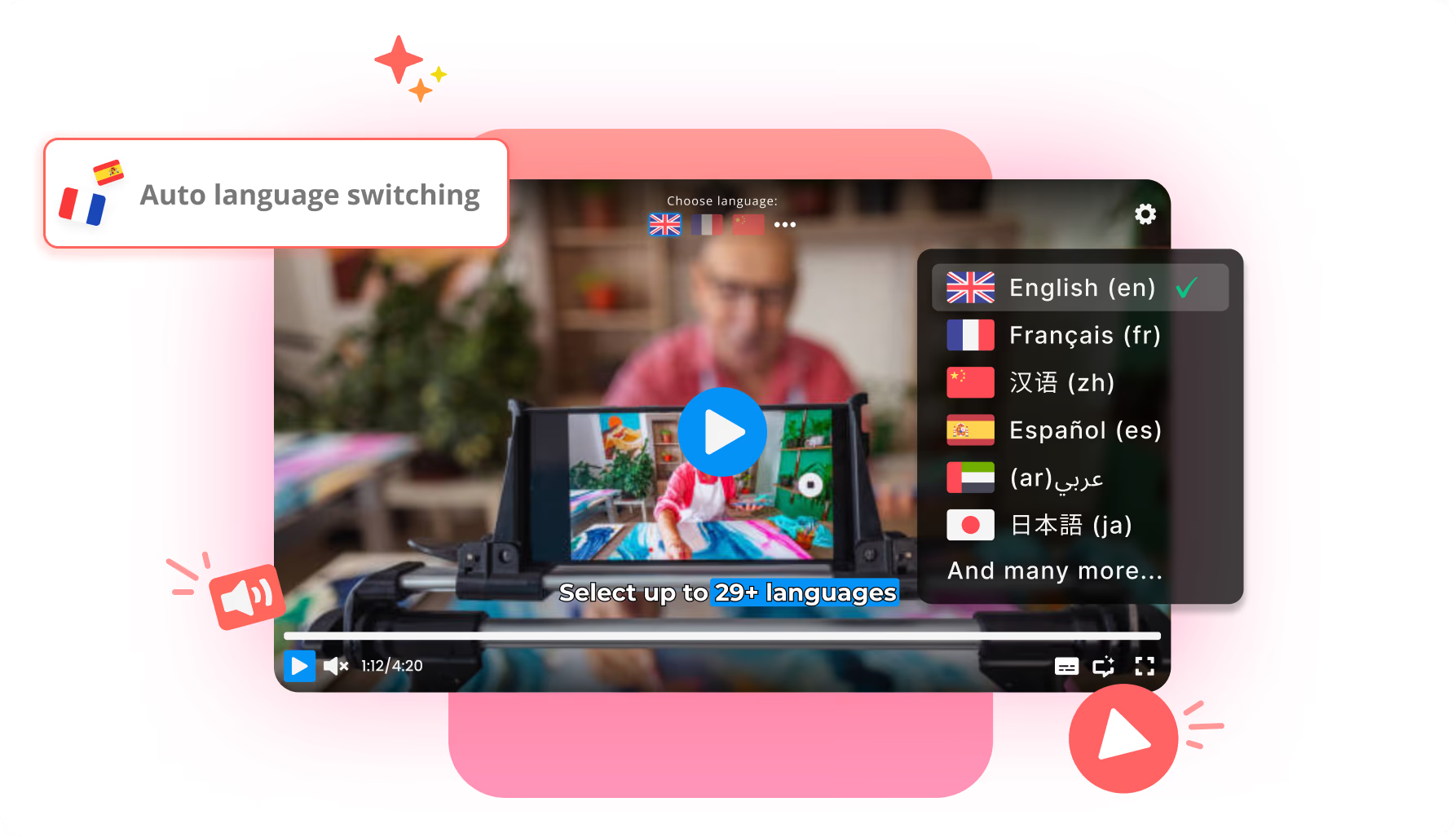
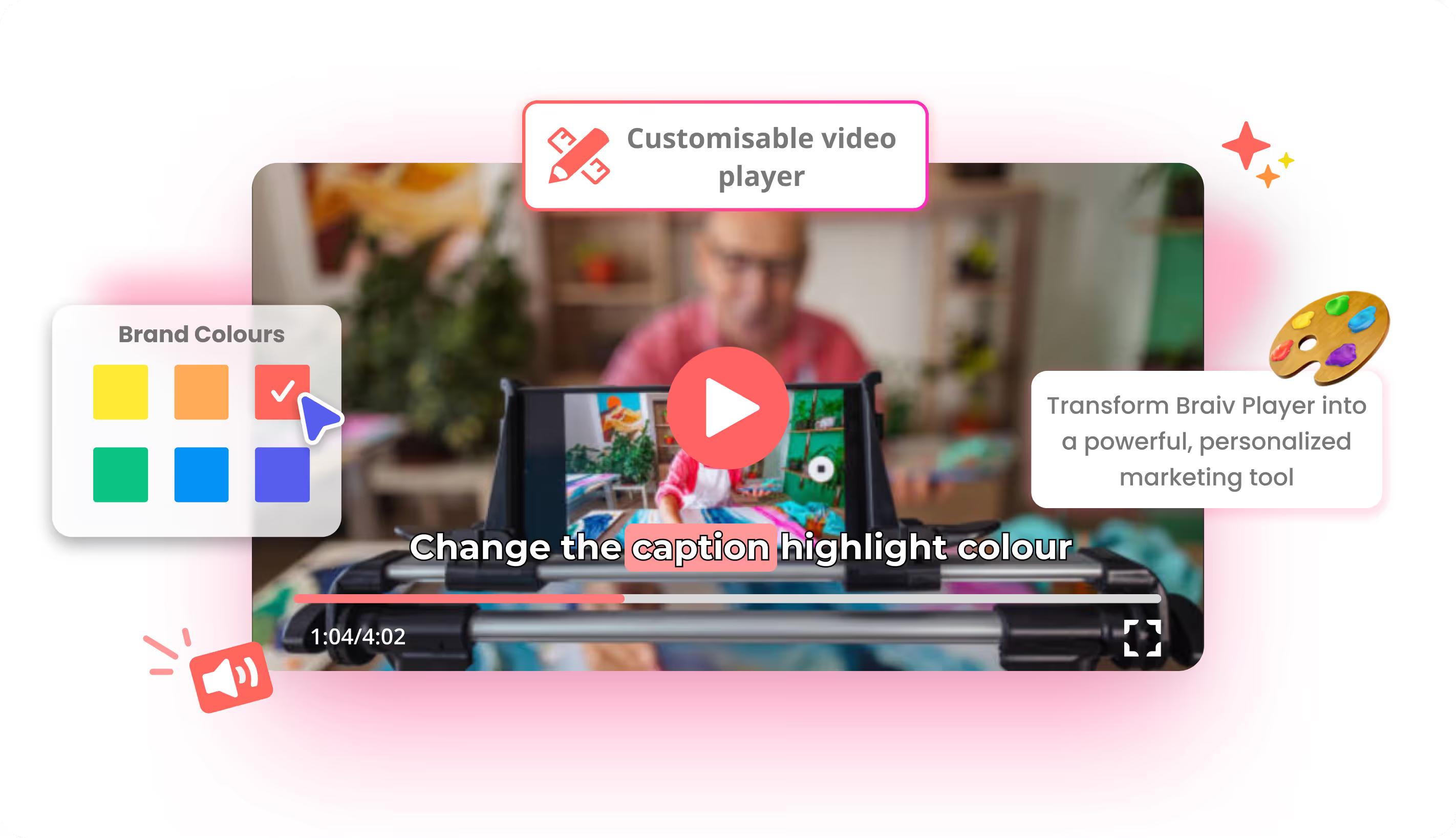
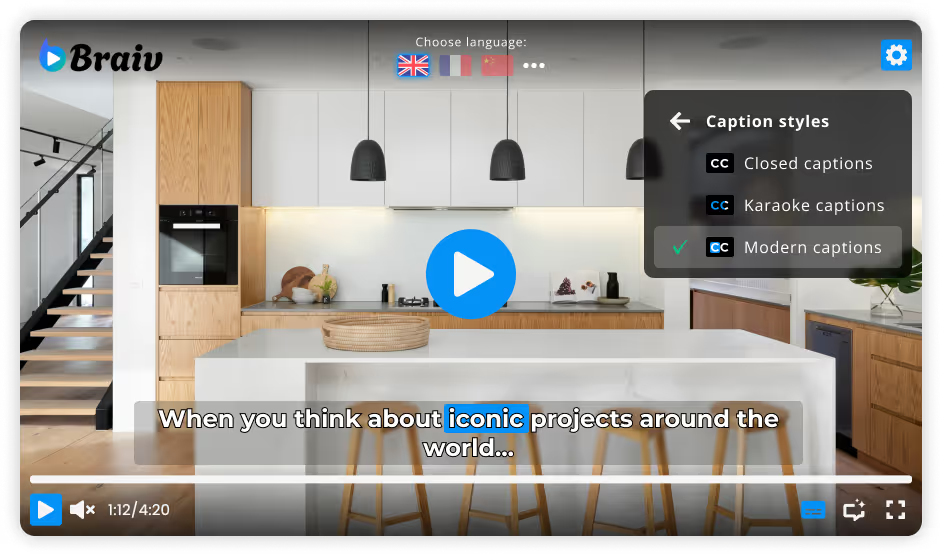
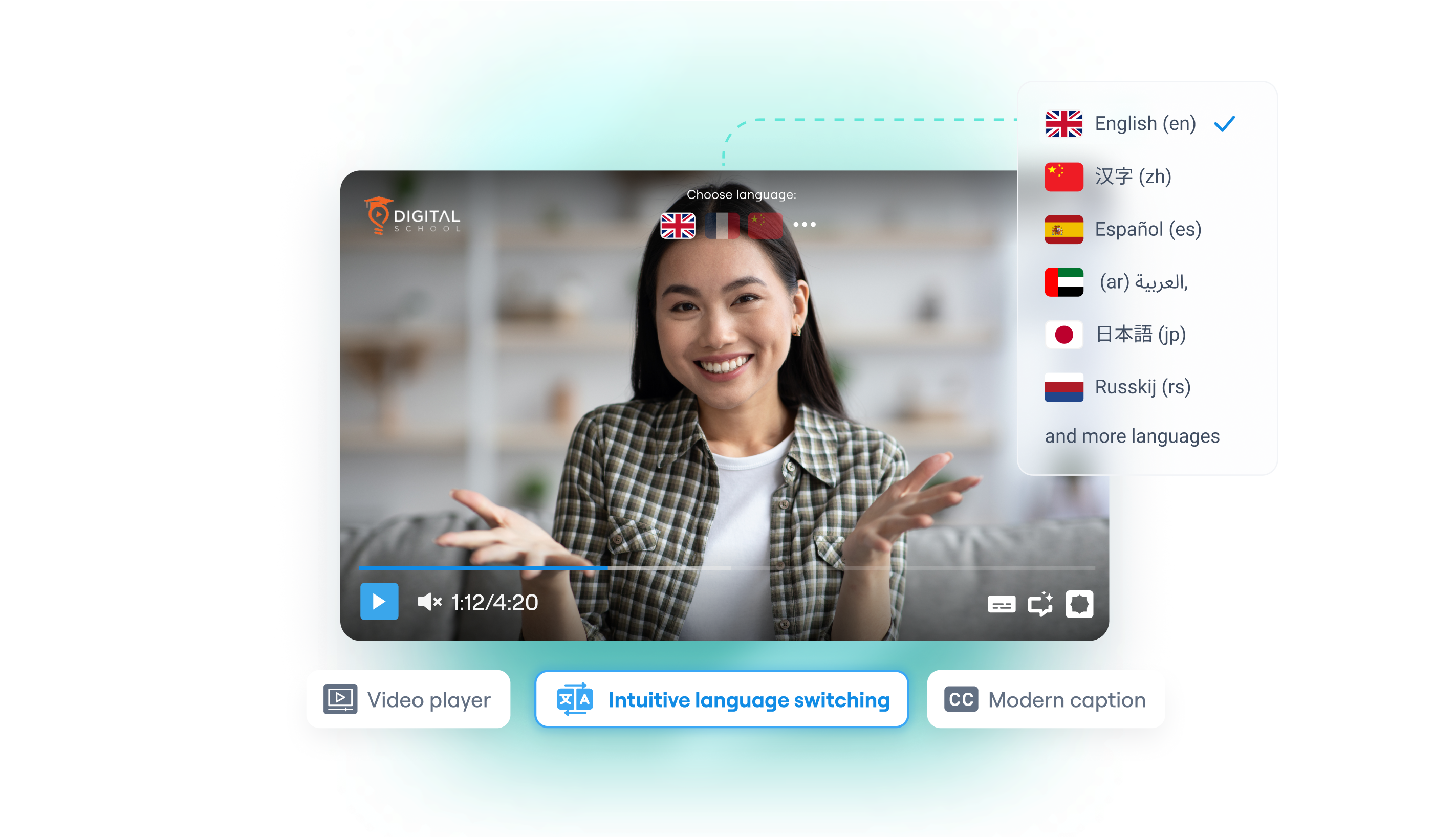
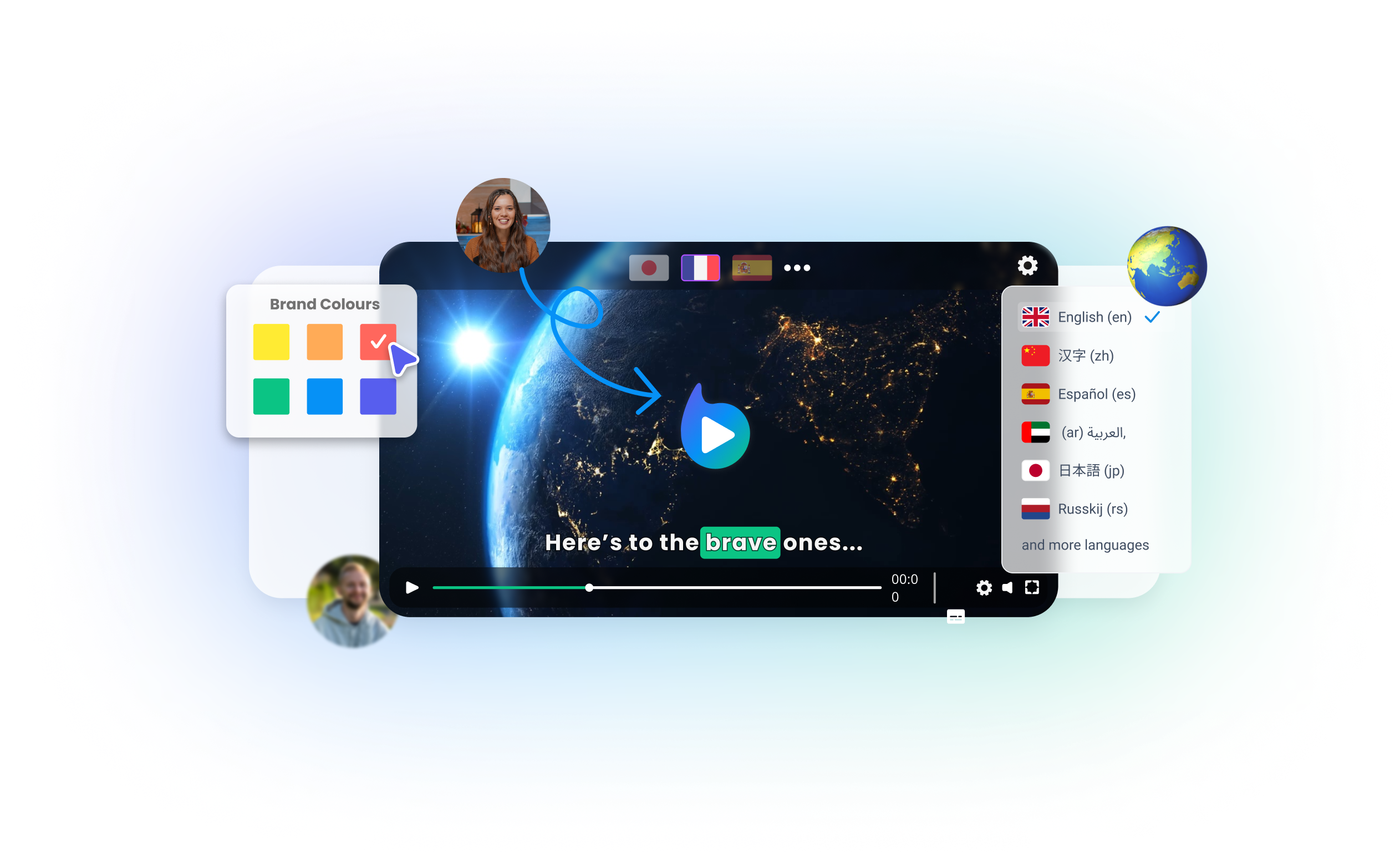
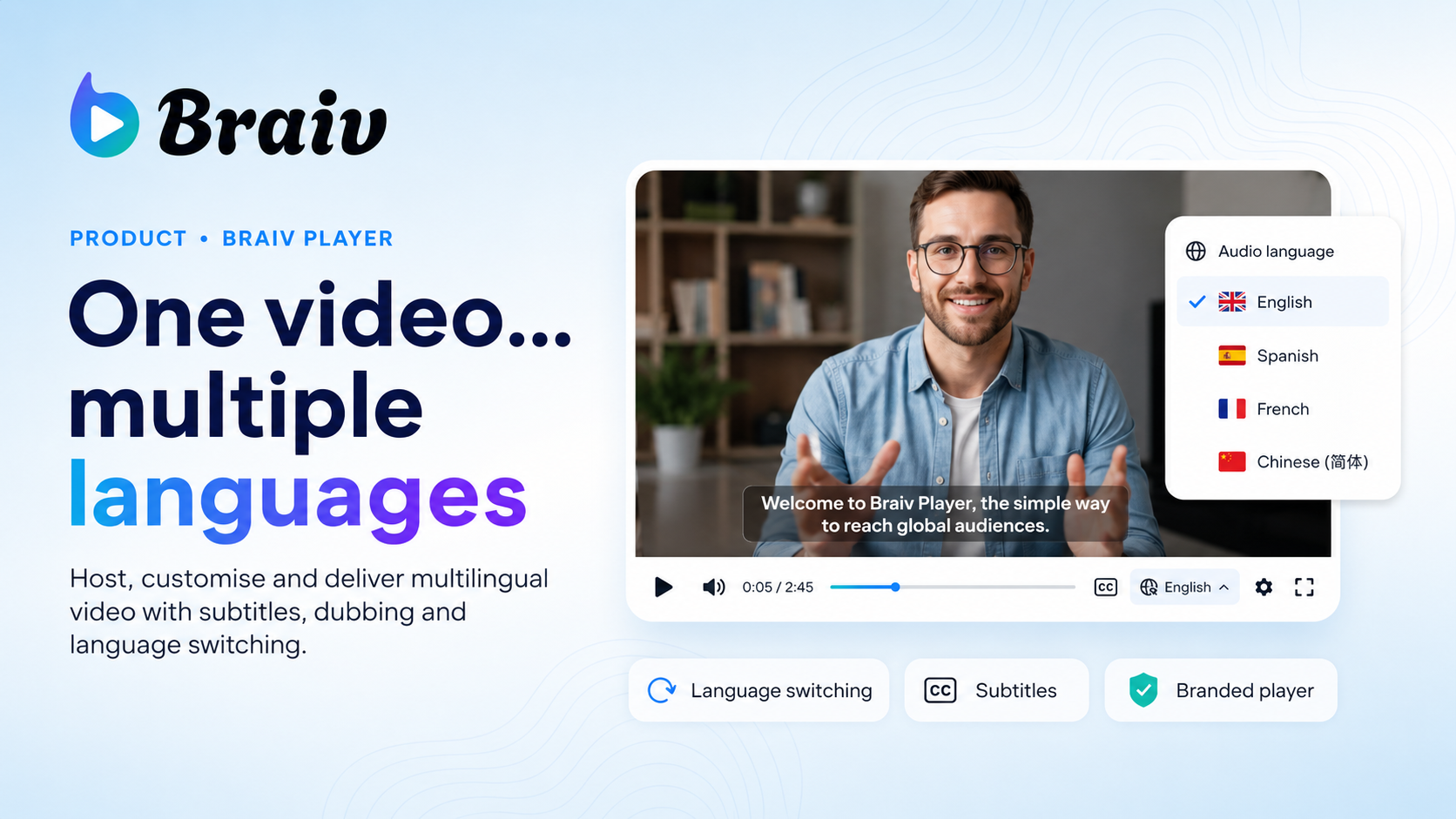
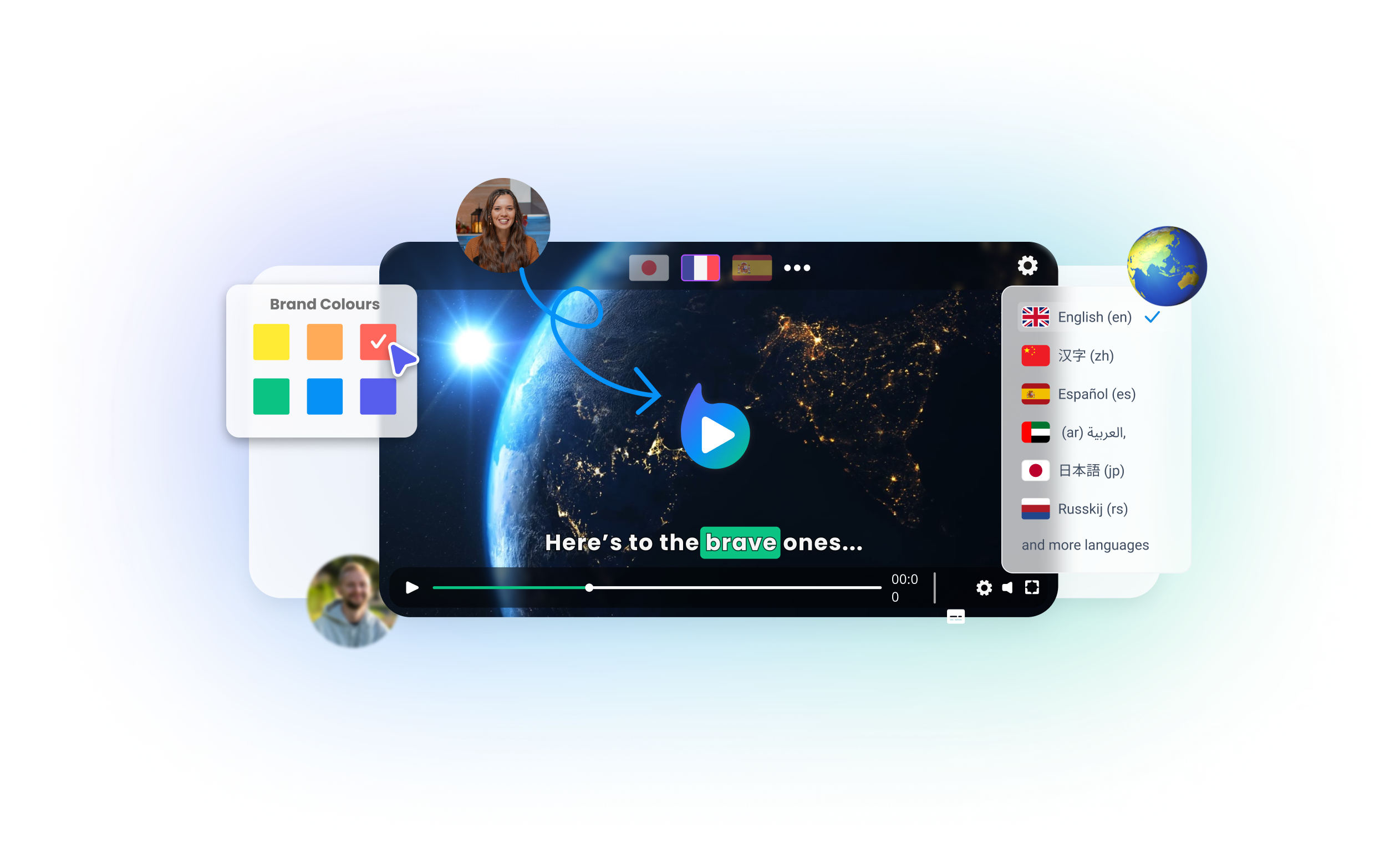
A multilingual video player for teams that deliver one video in many languages — branded, ad-free, with live audio and subtitle switching.
Braiv Player
All Features

Features Built for Global Impact

Discover how Braiv simplifies video localization and unlocks global accessibility to save you time, reduce costs, and expand your reach.
Ready to Package and Publish Your Next Video?

Join over 100,000 creators scaling their reach with Braiv.

Get 150 AI Credits when you sign up today.

Frequently asked questions
How do I translate video subtitles for free using Braiv?
Upload your video to Braiv, select 'Captions and Metadata' under translation options, choose your target language, and click Continue. The AI will translate your subtitles instantly.
Can I download the translated subtitles as SRT or VTT?
Yes! Once translation is complete, you can click the download icon in the editor interface to export your clean translated caption file in SRT or VTT format.
Does this tool translate video metadata like titles and descriptions?
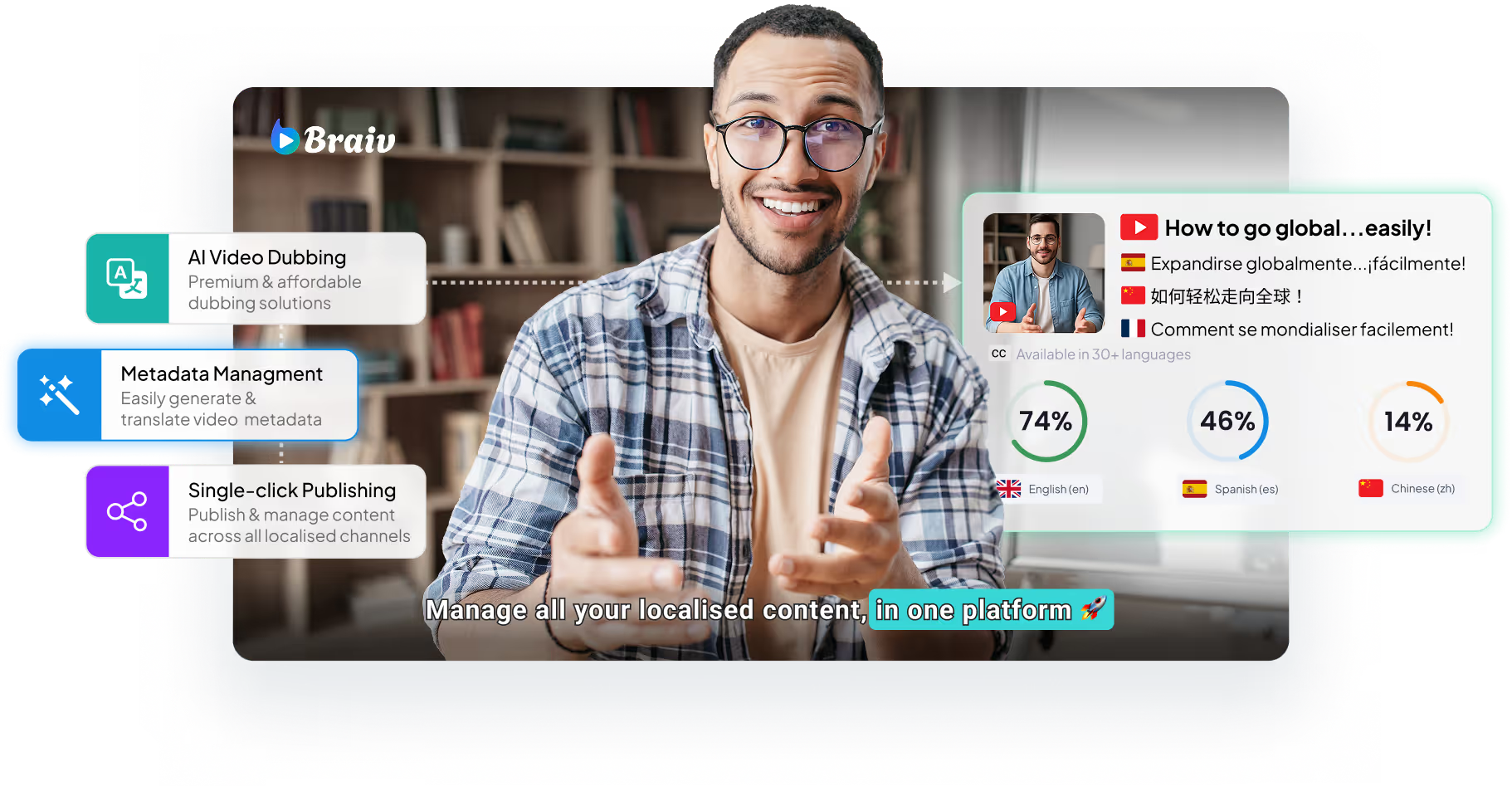
Absolutely. Braiv translates both the subtitles/captions and the video metadata concurrently, giving you a complete package for global search optimization.
Is there a character or duration limit on On Demand?
Yes. On Demand includes 1 hour of managed video with a 15-minute max length and starter AI Credits. Add a card for full preview, downloads, and publishing — or upgrade for higher limits. See pricing.
Can I edit the translated subtitles manually?
Yes, our interactive subtitle editor lets you preview the translation side-by-side with your video and manually adjust any text or timing before exporting.